Customer Ratings & Reviews

- Model:
- CH-914901E-NA
- SKU:
- 12243229
Rating by feature
- Value
Rating 4.5 out of 5 stars
- Quality
Rating 4.7 out of 5 stars
- Ease of Use
Rating 4.5 out of 5 stars
Great quiet mechanic keyboard
||Posted . Owned for 3 weeks when reviewed.This reviewer received promo considerations or sweepstakes entry for writing a review.Got this keyboard cheaper than other places and the configuration and smoothness are great. Definitely worth it
I would recommend this to a friendGood Keyboard
||Posted . Owned for 3 weeks when reviewed.This reviewer received promo considerations or sweepstakes entry for writing a review.This is my forst “Nice” keyboard. Love it! The dial is useful and the clicks feel nice.
I would recommend this to a friendLove it!
||Posted . Owned for 2 months when reviewed.This reviewer received promo considerations or sweepstakes entry for writing a review.I love it. Haven’t had no issues had it for about 2 1/2 months now and no problems and love the app too change colors and make up your own color scheme. Absolutely recommend!
I would recommend this to a friendBeautiful midsized keyboard
||Posted . Owned for 3 weeks when reviewed.This reviewer received promo considerations or sweepstakes entry for writing a review.Great keyboard! The only issue I had with it was the size. But once you get used to it, it’s great!
I would recommend this to a friendBest Keyboard
||Posted . Owned for 3 weeks when reviewed.This reviewer received promo considerations or sweepstakes entry for writing a review.This Keyboard is great value for the cost. 100% would recommend.
I would recommend this to a friendperfect budget keyboard
||Posted . Owned for 3 weeks when reviewed.This reviewer received promo considerations or sweepstakes entry for writing a review.keyboard is awesome worked great had no issues with it.
I would recommend this to a friendI got what I expected, And I like that.
||Posted . Owned for less than 1 week when reviewed.This reviewer received promo considerations or sweepstakes entry for writing a review.I ordered different color keys in line to make it my own.
I would recommend this to a friendIts ok
||Posted . Owned for less than 1 week when reviewed.This reviewer received promo considerations or sweepstakes entry for writing a review.I bought it took it home and got her all set up but icue wouldnt recognize it of course icue is terrible software so what can I expect but I have corsair everything. I had to uninstall and reinstall everything and it finally picked it up and did the firmware update then the keyboard stopped working all of a sudden so i had to uninstall and reinstall icue and the firmware update to fix it. Was a headache that i feel was unnecessary. Wouldnt recommend!
No, I would not recommend this to a friendGreat Keyboard
||Posted . Owned for 1 month when reviewed.This reviewer received promo considerations or sweepstakes entry for writing a review.Best keyboard I have had in a while. Easily customizable, and does exactly what it is supposed to do. Would recommend.
I would recommend this to a friendIt was amazing
||Posted . Owned for 1 month when reviewed.This reviewer received promo considerations or sweepstakes entry for writing a review.It was amazing the keyboard word like a god on steroids i love it
I would recommend this to a friendGood but keys are very loose and slippery
||Posted . Owned for 1 month when reviewed.This reviewer received promo considerations or sweepstakes entry for writing a review.Slippery feeling keys. Lots of accidental keypresses
No, I would not recommend this to a friendWireless Tenkeyless
||Posted . Owned for 3 months when reviewed.This reviewer received promo considerations or sweepstakes entry for writing a review.Looks great and performs well!! Love that finally supports more lighting layers while wireless!
I would recommend this to a friendawesome product
||Posted . Owned for 2 weeks when reviewed.This reviewer received promo considerations or sweepstakes entry for writing a review.I really loved this product. Works exactly for what I needed it for
I would recommend this to a friend- Pros mentioned:Battery life, Connectivity, Wrist rest

Noise Damping! It's about time!
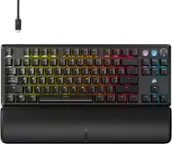
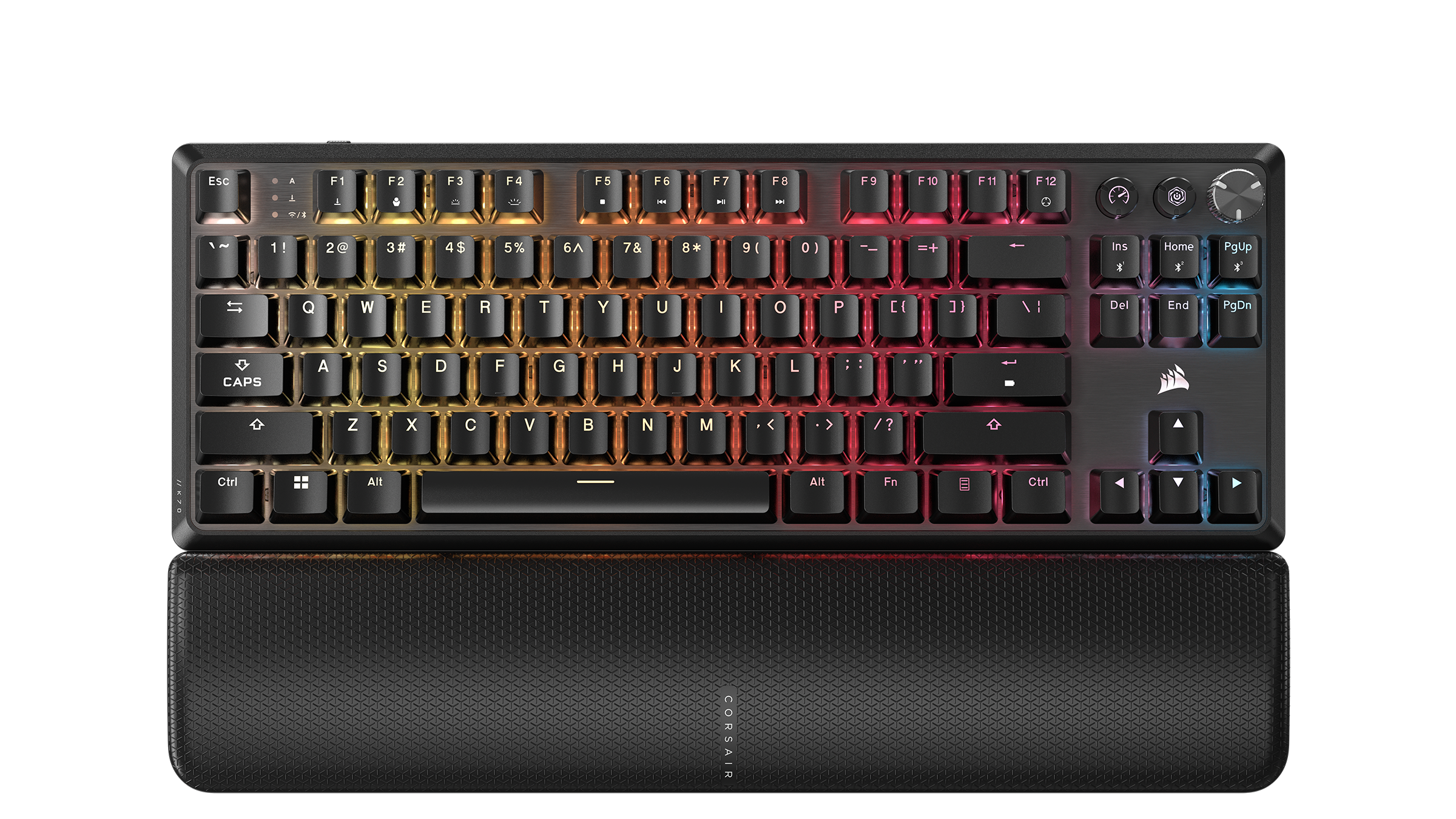
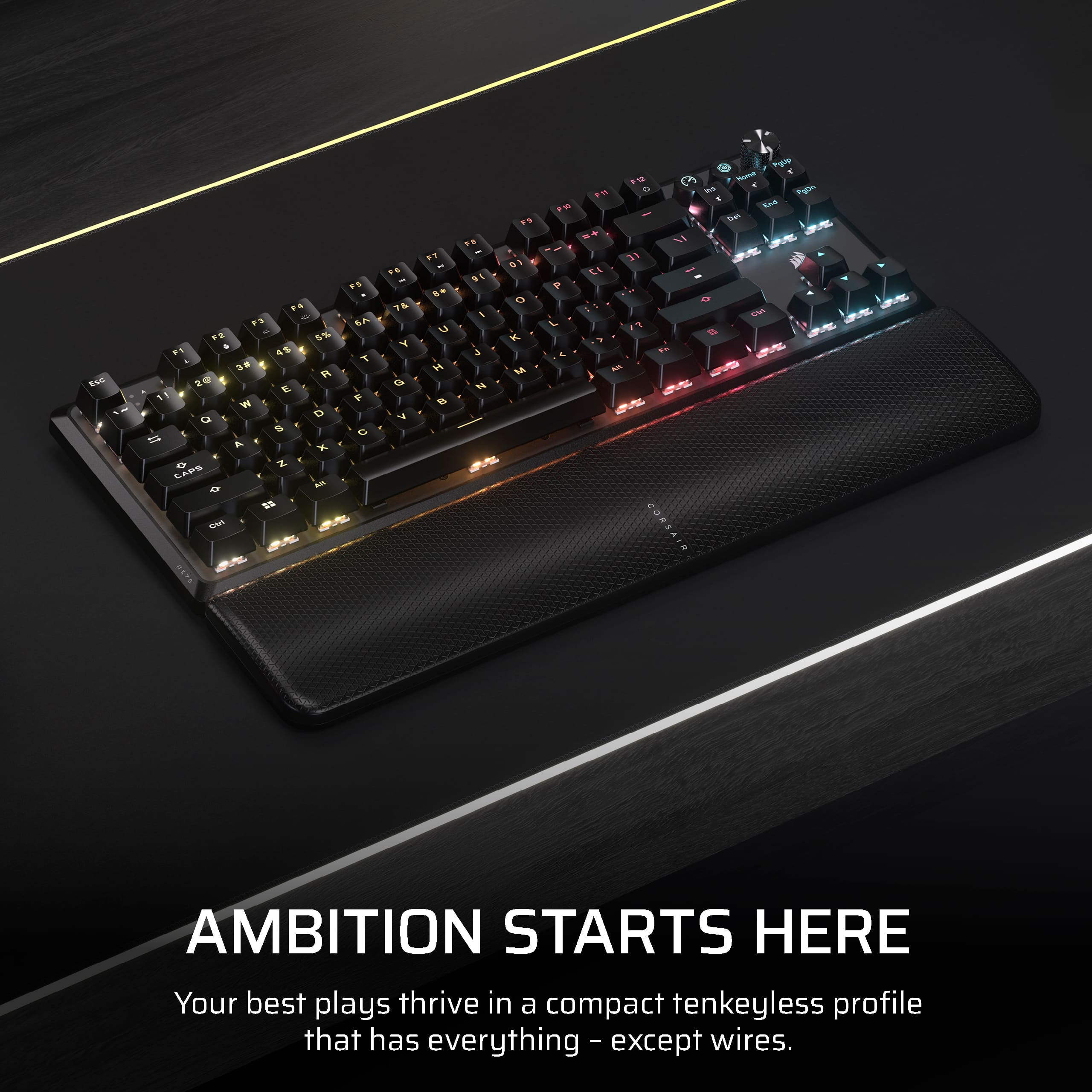
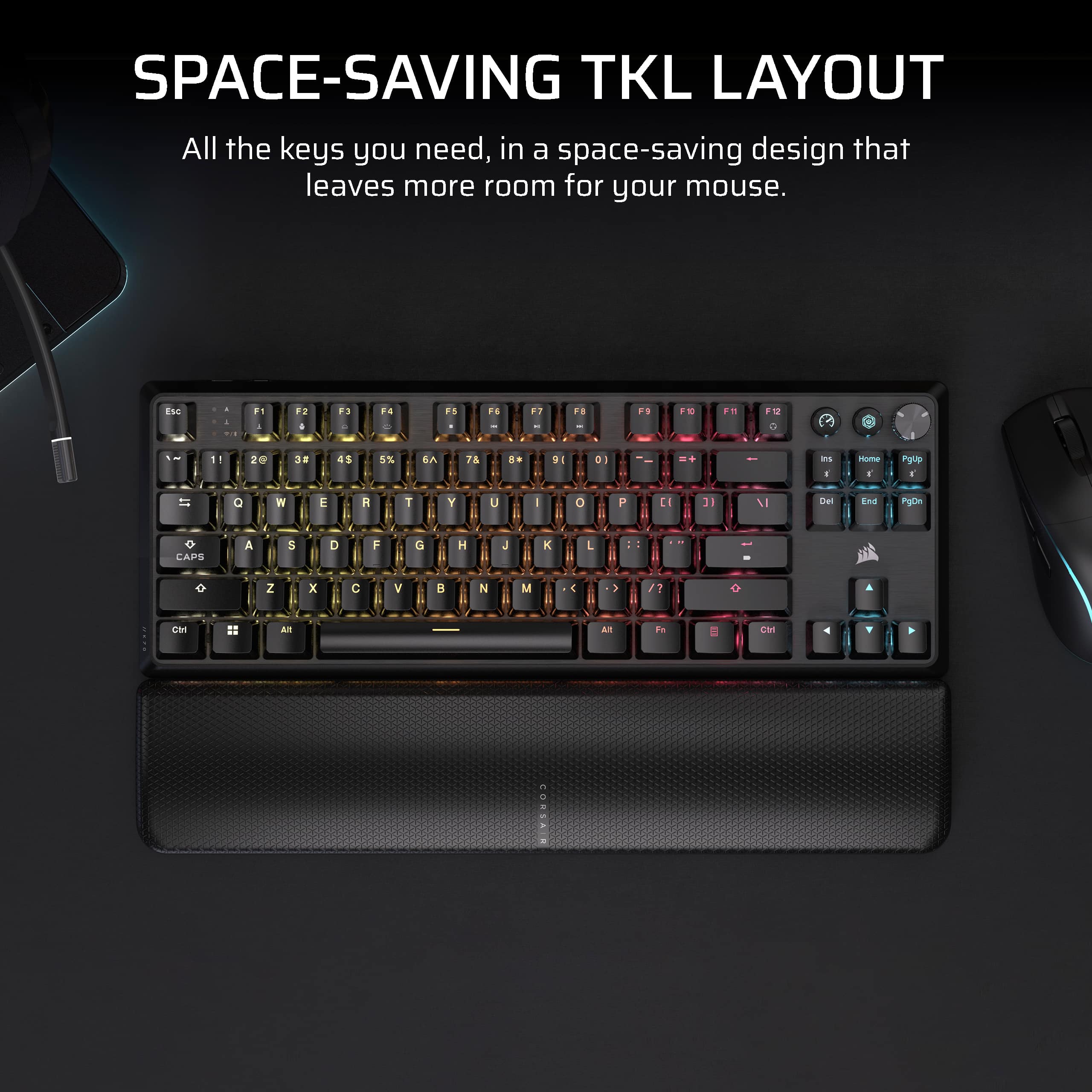
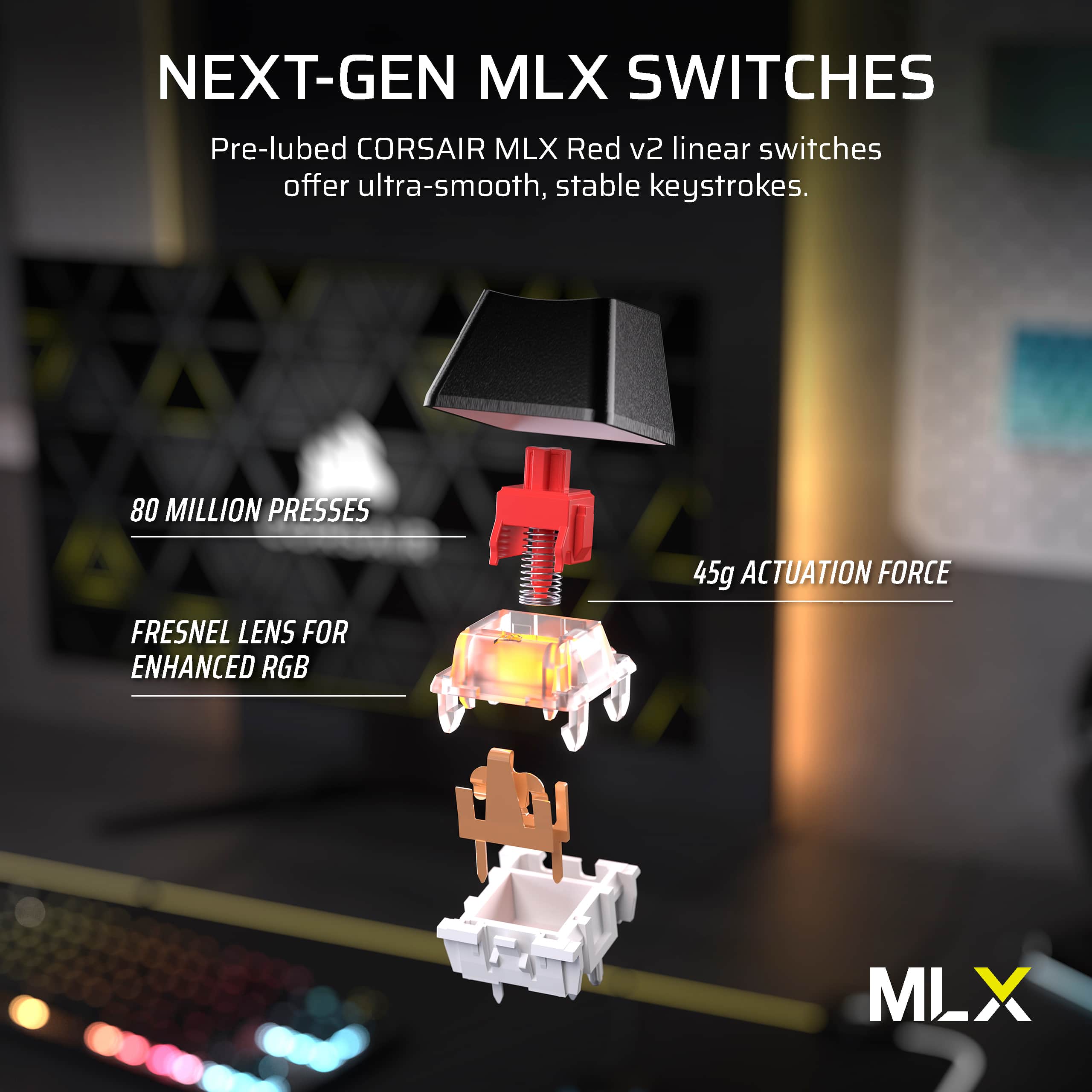
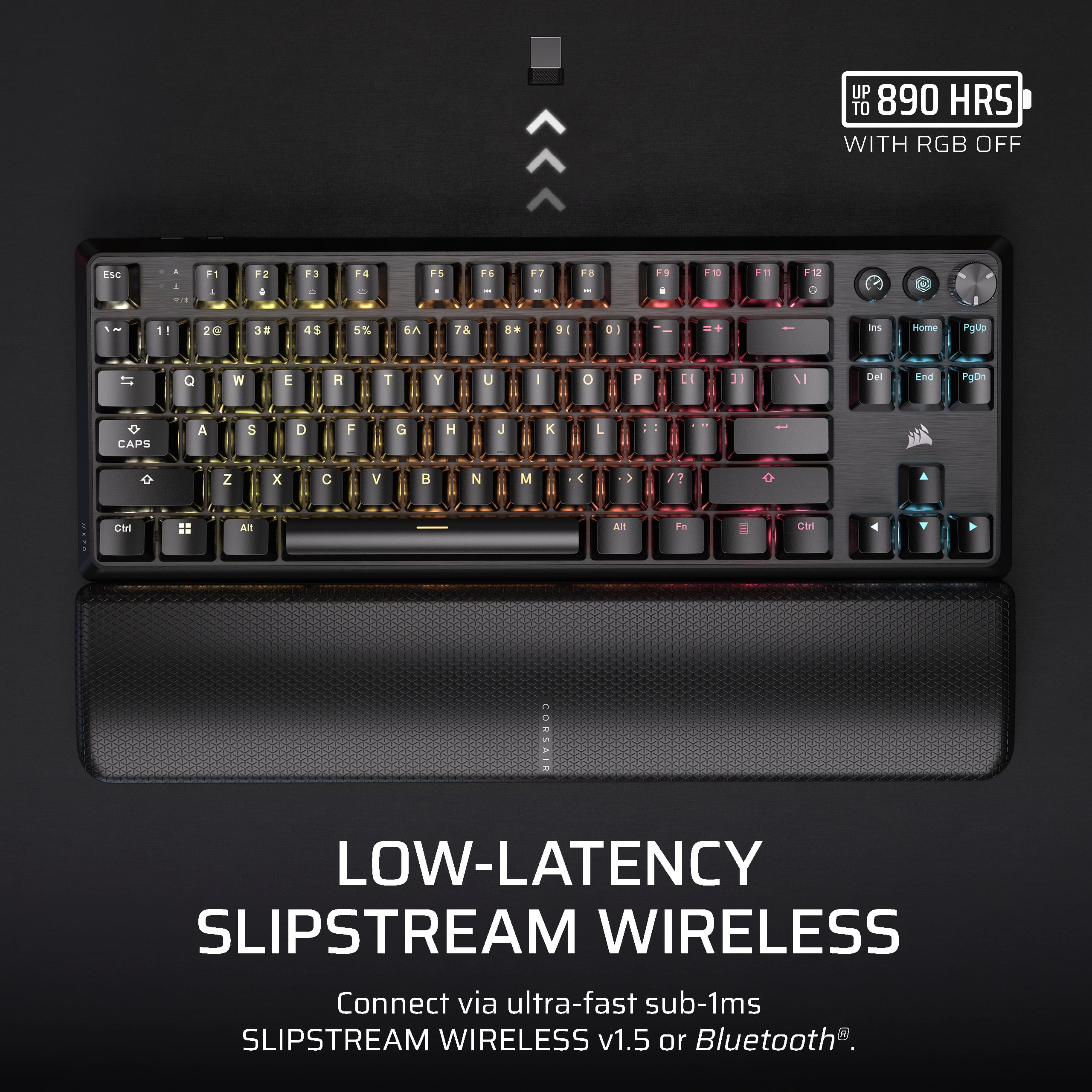
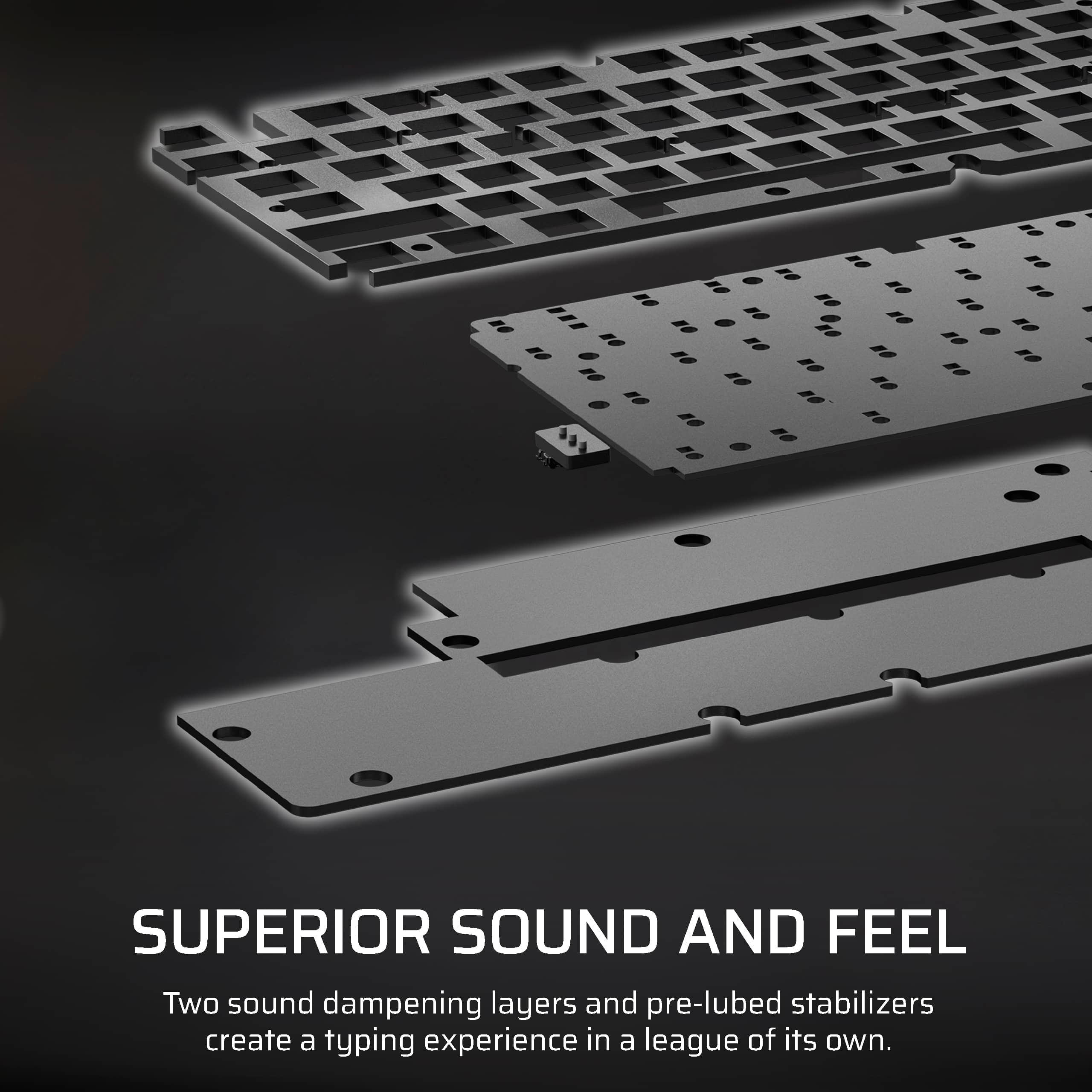
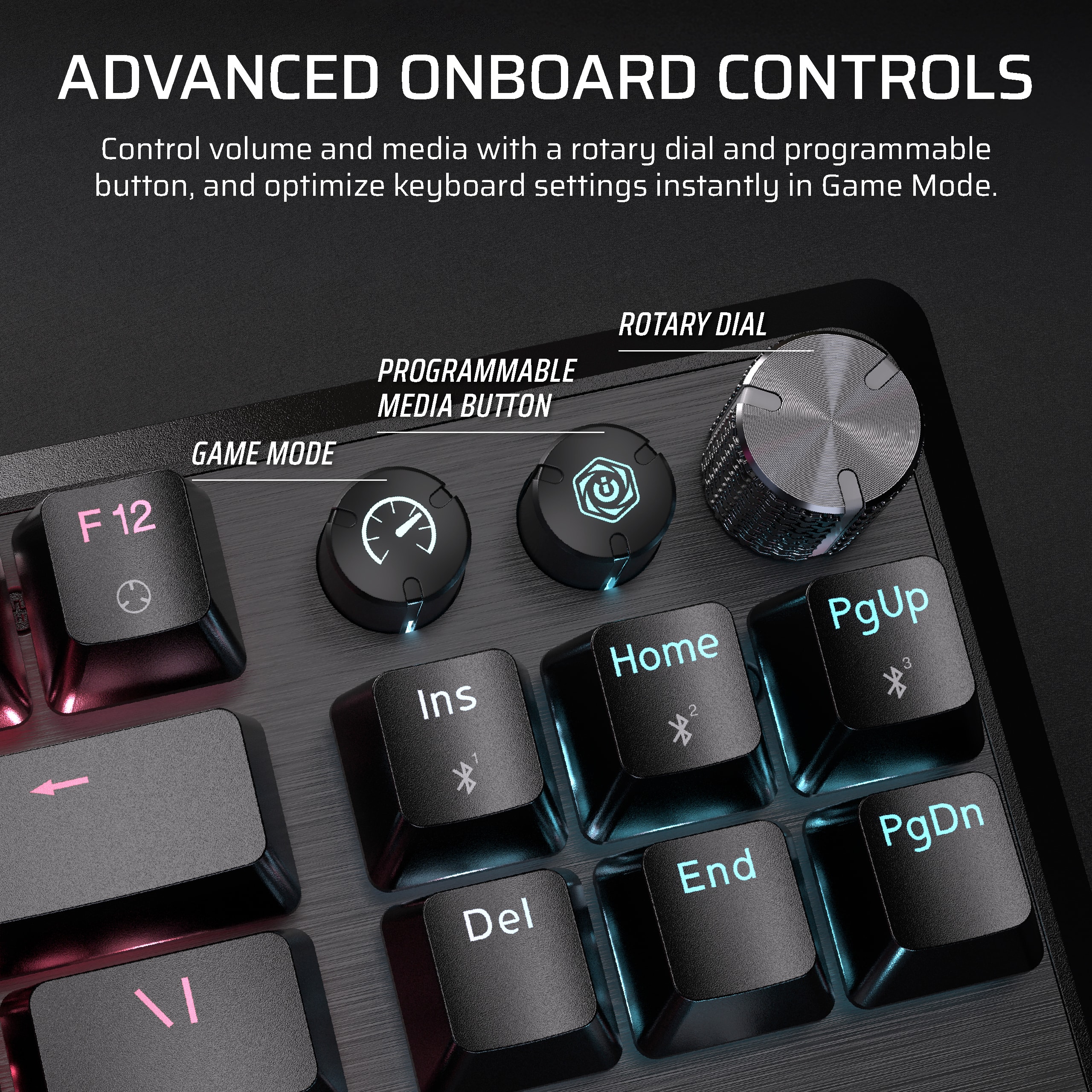
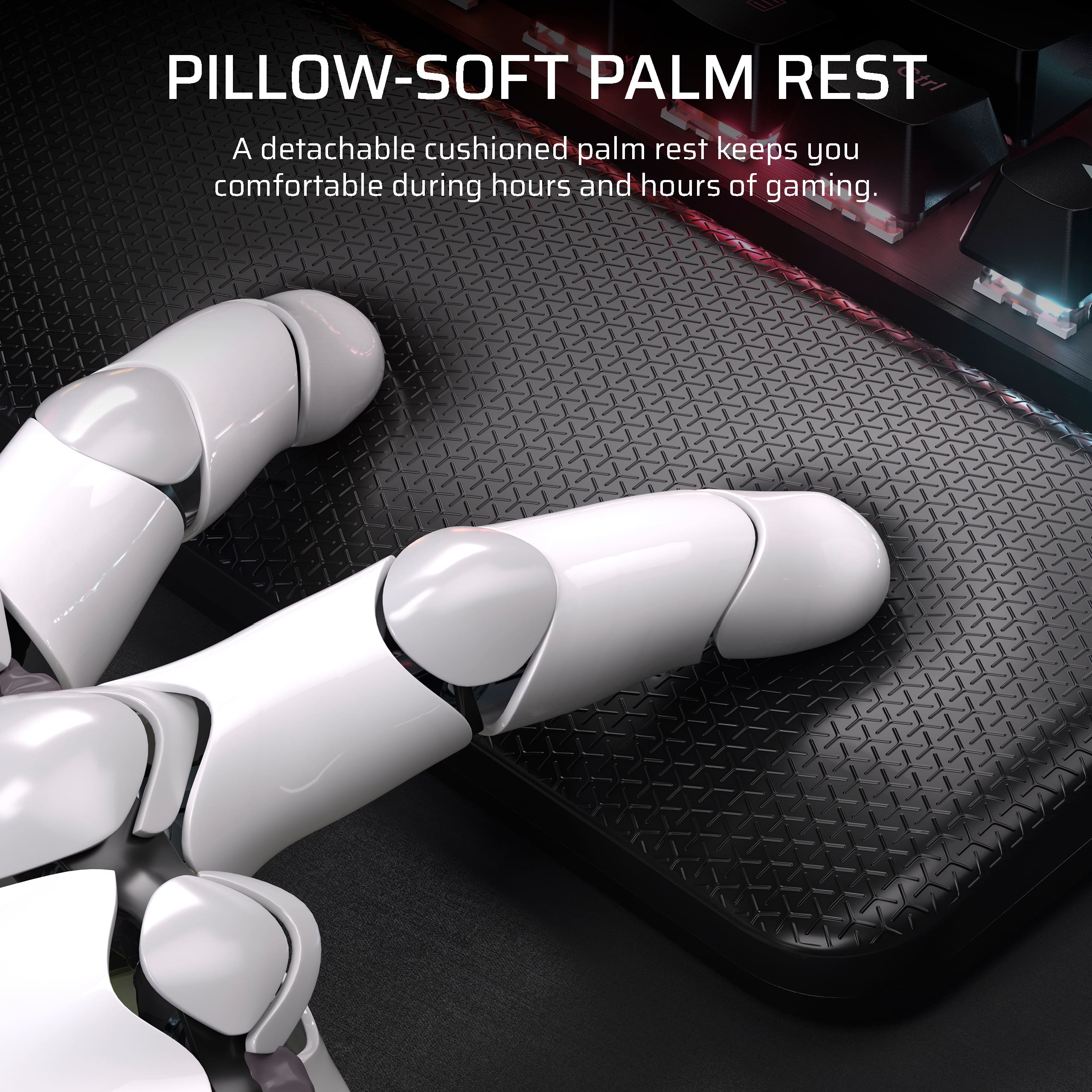
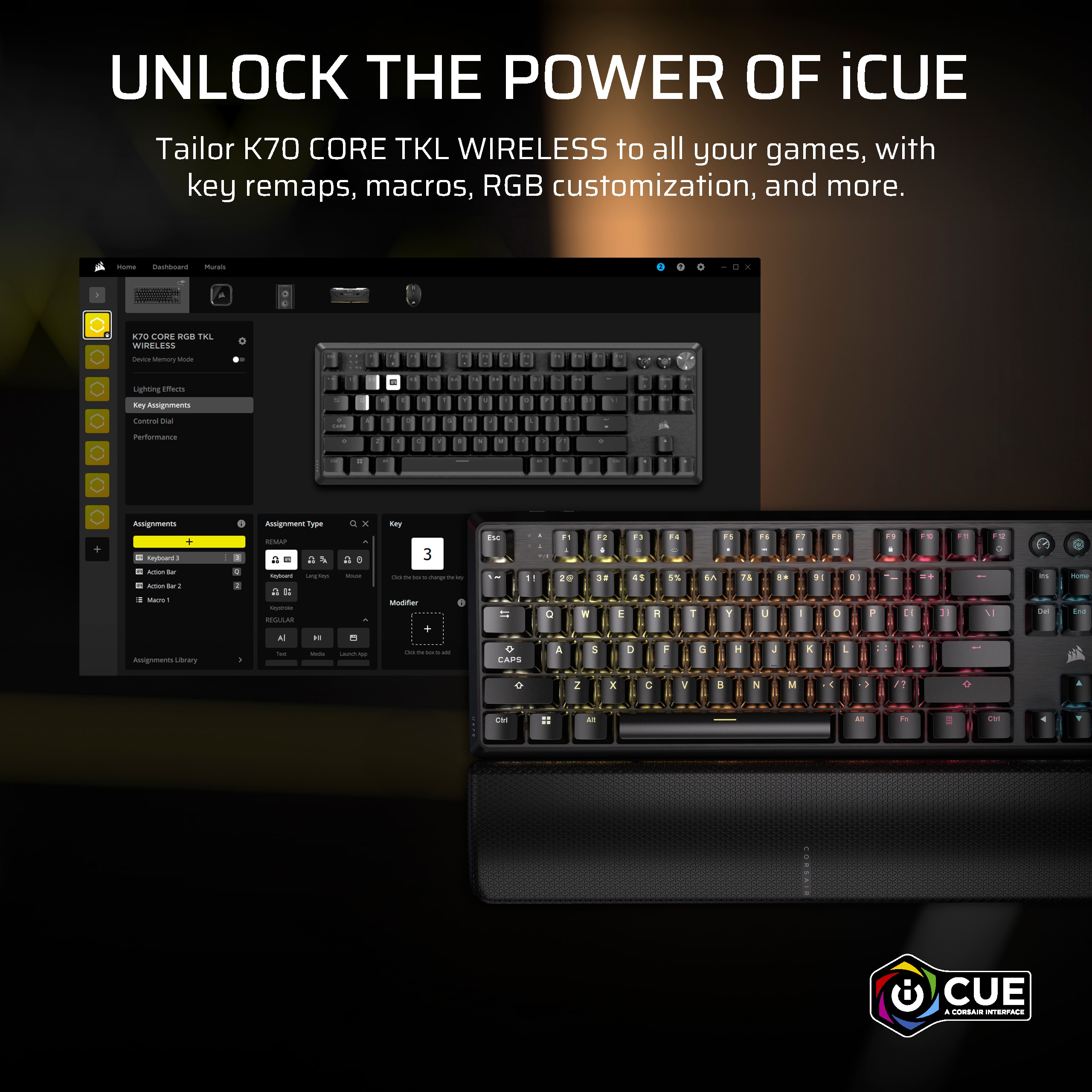
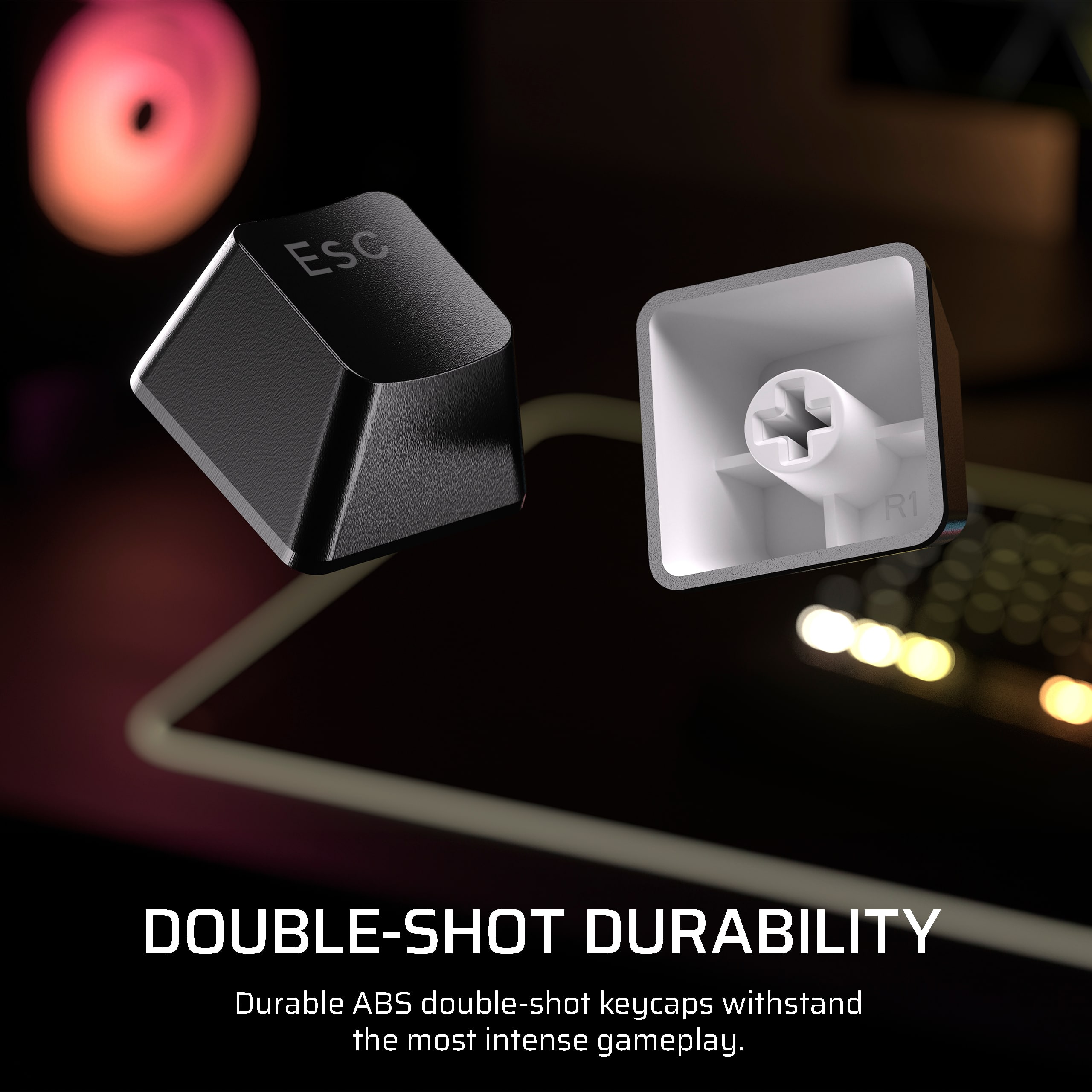
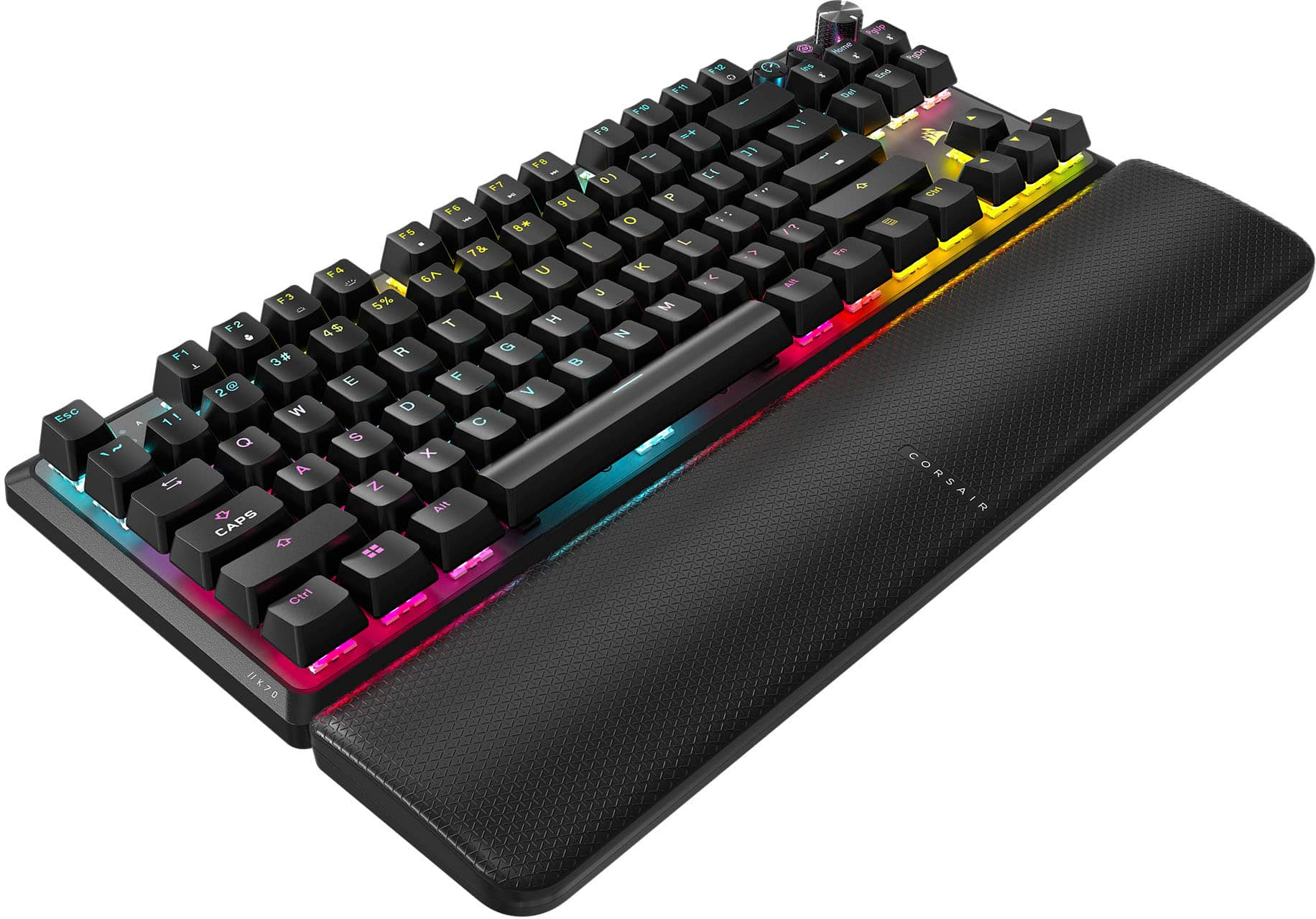
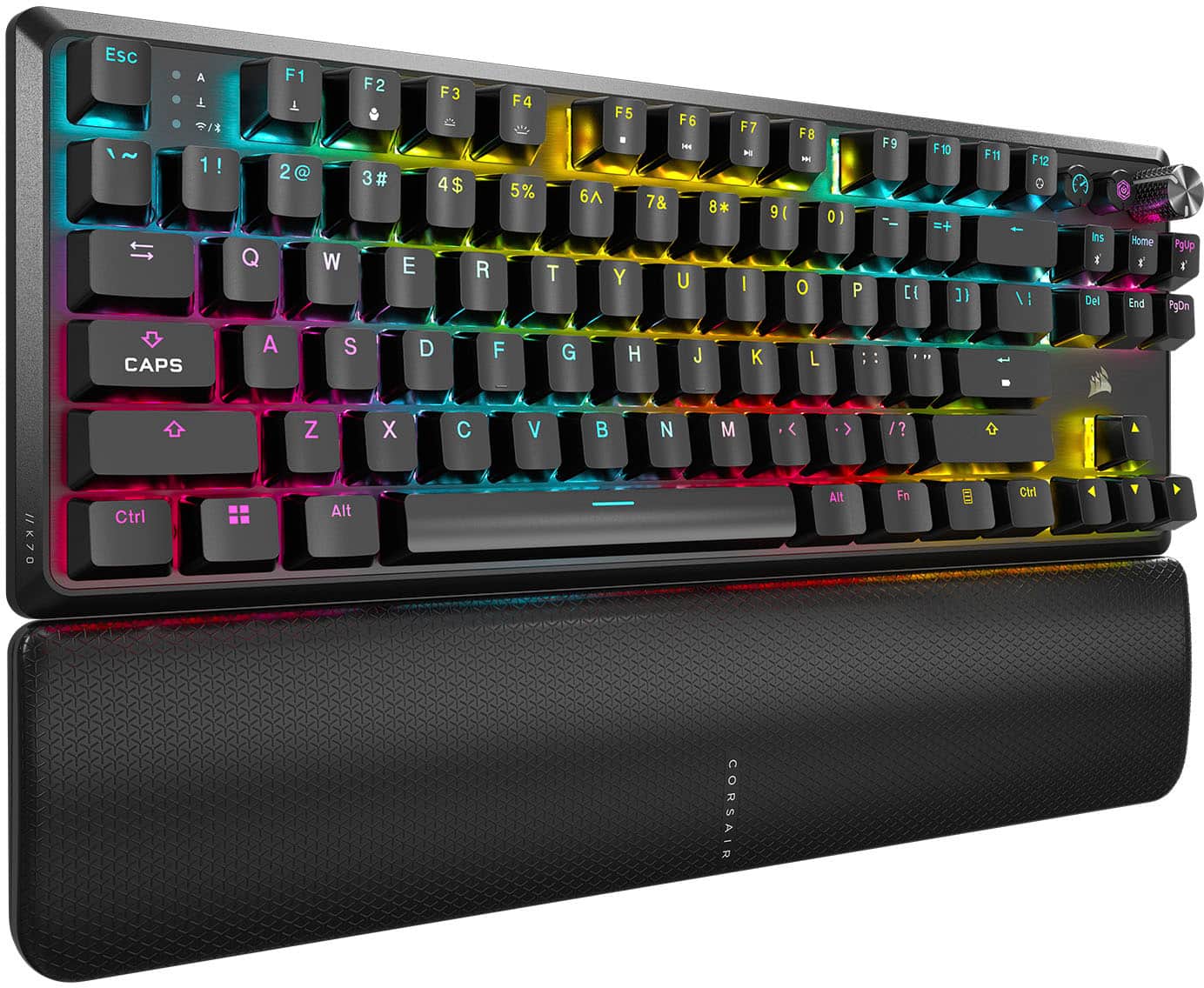
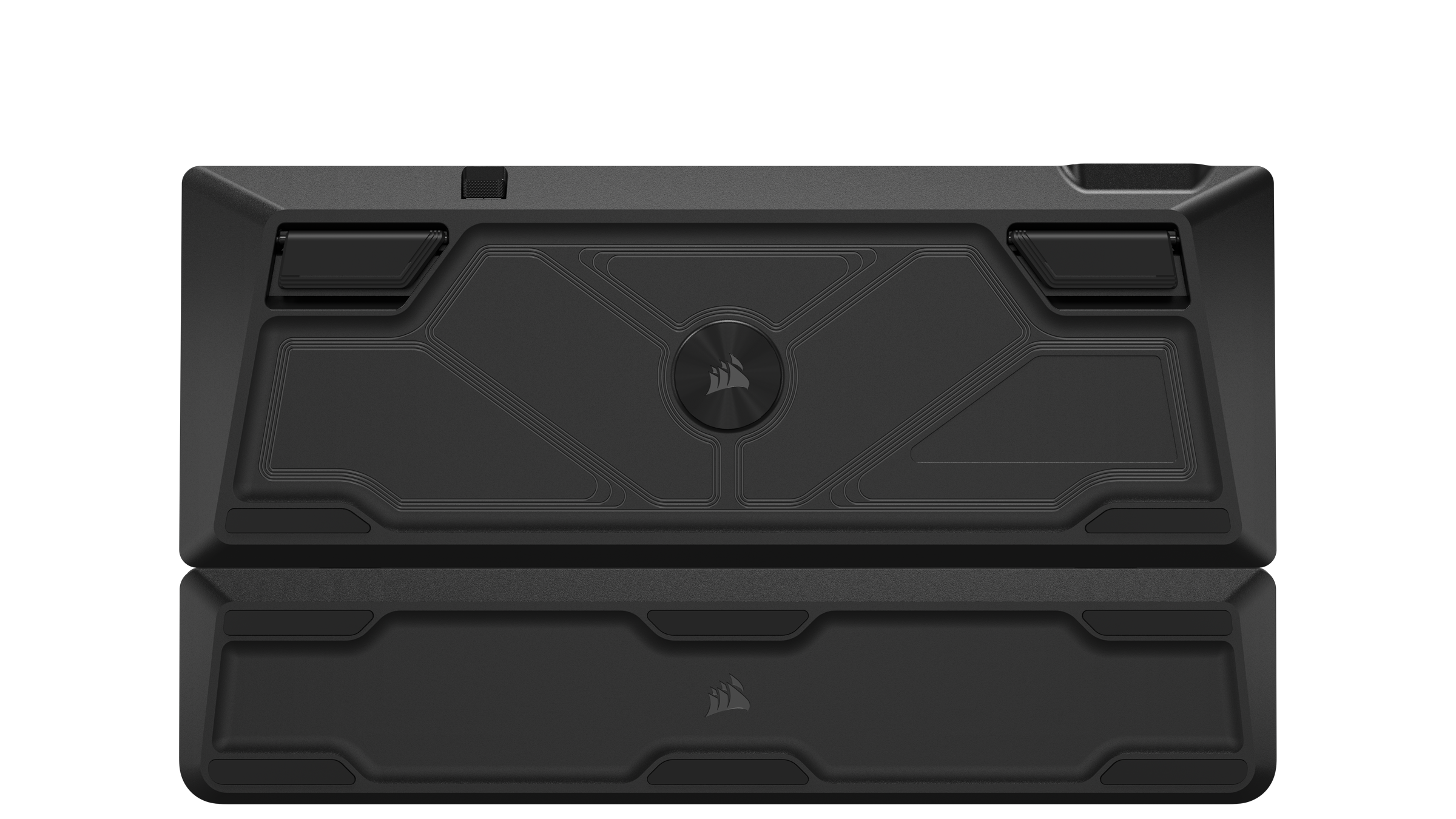
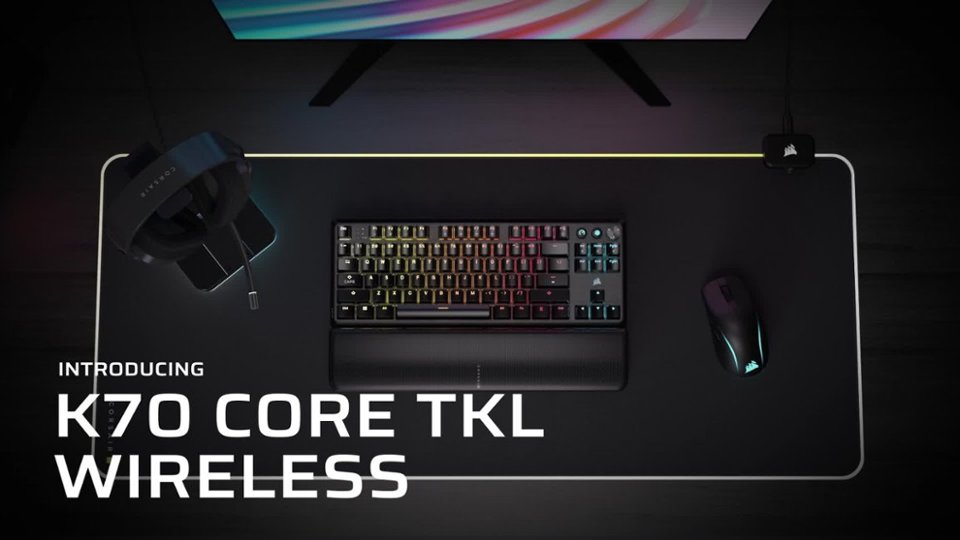
|Posted .This reviewer received promo considerations or sweepstakes entry for writing a review.The Corsair K70 Core TDK keyboard is a fantastic keyboard with excellent response, comfortable typing, A+ RGB lighting and configuration, and loaded with functionality like Bluetooth, 2.4 Ghz Slipstream low latency connectivity with included USB receiver, and onboard for up to 5 customer lighting profiles. The K70 Core TDK is quieter than previous Corsair, and mechanical gaming keyboards in general, thanks to two layers of noise damping material suppressing the clicks and pings often associated with mechanical keys. The keyboard is compatible with any Windows computer regardless if you are using Corsair’s iCUE software or not. Setup: The K70 Core TDK is ready to run straight out of the box. The K70 can connect via USB with the included cable, connect wirelessly over Bluetooth (up to 3 separate sync partners), and wirelessly over Corsair’s Slipstream using the 2.4Ghz USB transmitter (included). Compatible systems include Mac OS, Android, Xbox, and Playstation. For my system, Windows automatically recognized the K70 Core and allowed it to operate like any other attached keyboard. I easily connected this wirelessly over Bluetooth to my work laptop, wired and Slipstream to my gaming desktop, and via Slipstream to my Alienware gaming laptop. I downloaded the latest version of iCUE from Corsair on my Windows gaming desktop so that I could update the firmware of the K70 and the USB adapter. The latest software also supports the K70 Core. All of my pre-existing Corsair gaming profiles, RGB, configurations, etc… from previous Corsair keyboards loaded find and were fully compatible with the K70 Core. Profiles: I have several pre-existing gaming profiles as well as several theme profiles I downloaded from Corsair’s website that are all compatible with the K70. My personal profiles include Type Lightening with a static backlight, Christmas Tree lighting effects, an Infernal Flames theme, Mechwarrior, Diablo 4, Fortnight, and several others. All of these profiles are three or more years old at this point. The K70 Core worked with them all. I really appreciate Corsair offering improvements to iCUE and their hardware ecosystem while maintaining generational compatibility. I cannot overstate enough how refreshing it is to see a company offer such longevity for their platform. It really makes moving from one generation of products to the next a no brainer for me. Typing and Gaming: I spent about a week gaming and working with this keyboard. For gaming, the keyboard is very responsive. Not once did I feel as if there was any input lag between key depression and screen response. The pre-lubricated MLX Red v2 linear mechanical switches are very smooth and easy to depress for both gaming and all day typing. For comparison, I own an older Corsair keyboard, K65 from years ago, with non-lubricated Cherry Red keys. Both the K70 Core and older K65 keys require 45 grams of force to depress. I can definitely feel the improvements that the lubrication makes. Keys are easier to depress, smoother on the down stroke and up stroke, and help to reduce typing fatigue over longer typing and gaming sessions. Speaking of fatigue, the K70 comes with a matching wrist rest. The wrist rest provide good support, comfortable, magnetically attaches to the keyboard, and looks attractive. The wrist rest surface is parallel with the table top. Meaning the surface of the wrist rest is not sloped at an upward angle from wrist to keyboard surface. Overall, I find this design more comfortable than the angled wrist rests of Corsair keyboards past. Previous Corsair keyboards also had strange connection mechanisms between the wrist rest and keyboard. This could make it awkward when picking up the keyboard or trying to pack it away quickly. The magnets make this process simple and quick. The K70 Core is as easy to game on as it is to type on. The keys have a little side to side play but nothing that impedes the linear actuation of each key. I have several pre-configured gaming profiles setup for my favorite games. These are mostly color coded game specific keys or game functions. The backlighting of the PBT Double shot caps are fantastic. This makes picking out keys in the heat of battle very easy. I work for a living which means I do not have time to memorize every game’s keyboard shortcuts, functions, features, or macros. Color coding the keyboard in glorious RGB lighting is not only incredibly useful to me but it looks amazing when gaming in low light settings. iCUE and iCUE profiles are fully available to the K70 Core when physically connected via USB cable and when connected by 2.4Ghz Slipstream. The test, I created a simple profile of dim red per key backlight with a typing lightening ripple affect that activates with each keystroke. It is a super cool effect. iCUE is not available over Bluetooth. iCUE does have memory for up to five, 20-layer profiles that are accessible when the keyboard does not have access to iCUE. There are also several pre-programed lighting effects programmed into the K70 Core for those times that you do not with to use a custom profile. Finally, Corsair finally made some much needed improvements with their hardware profile editor. It is much easier to use and much easier to move software profile effects to hardware. The caveat is that the hardware profiles can only support 20 layers where iCUE can support many more. To program and upload K70 Hardware profiles you must be connected to the computer via USB cable. The K70 Core TDK has a dedicated gaming mode. There is a special button with a speedometer graphic next to the volume knob. Depressing the Game Mode button will activate RGB red mode, disables the Windows key, all power savings features are disabled, and the keyboard automatically resets to a 1000hz polling rate. This is a high performance, low latency mode. This works wired and wirelessly. I tried it in a few games but had to turn it off because I needed my pre-programmed color profiles to survive my game sessions. However, if you are a high performance gamer, meaning you don’t need the crutch of a keyboard map, then give this a shot. Reducing processing for profiles, non-gaming function keys, and increasing polling rates means the keyboard can exclusively focus on your input without distraction from other non-essential keyboard functions. Noise: Mechanical keyboards loud, and often obnoxious, clicking noises were novel years ago. Today, they are just plain annoying. I am so incredibly happy that Corsair is finally making a serious effort to dampen the noise of their mechanical keyboards. The K70 Core comes with two separate layers of noise damping. The unnecessary noise of high performance keyboards take notice! Your days are numbered. The alphanumeric keys are very well damped. If I were an keyboard audiophile I would describe the sound as dull and uniform across all keys. Which is a good thing. However, the fatter keys like the tab, shift, backspace, and shift keys have a higher pitch and are a bit louder. But not distracting or bothersome. The space bar, however, makes an audible clunk when depressed. I found this distracting as a daily driver for work and, well, writing product reviews. This is not an issue for gaming since I am generally wearing headphones and communicating via voice. The keyboard, in these situations, is limited to keyboard commands. Not the rhythm associated with adding spaces between each word I type. This is also not an issue when I have the music turned up loud. However, it is very distracting when typing on quiet keys in a quiet room; which describes my workday. Final Thoughts: With the exception of the space bar’s audible clunk, I think this is a fantastic keyboard. The size is just right for my desktop space. The keys are stable and easy to depress. RGB is fantastic. Wireless flexibility is great. Corsair improved their hardware profile editing features in iCUE to the point that it is now useable by us common folk. And the addition of wireless connectivity across multiple platforms using either Slipstream or Bluetooth, with the inclusion of a gaming mode, is just icing on the cake. The battery life is rock solid with either RGB on or off. The multi-function knob, which I did not discuss, has some really neat features that are worth checking out. There are several onboard, pre-programed RGB profiles for those who just want a cool looking setup without much effort. Overall, I think it is a great keyboard. If you are looking to get out of the world of super loud keyboards, then you may want to check out the Corsair K70 Core TDK. I hope you found this review helpful.
I would recommend this to a friend Love it
||Posted . Owned for 3 weeks when reviewed.This reviewer received promo considerations or sweepstakes entry for writing a review.Love it would recommend to anyone in need of a keyboard
I would recommend this to a friendWorth Purchase
||Posted . Owned for 1 week when reviewed.This reviewer received promo considerations or sweepstakes entry for writing a review.Was looking for a good wireless keyboard. This fits the bill.
I would recommend this to a friendCorsair keyboard
||Posted . Owned for 3 months when reviewed.This reviewer received promo considerations or sweepstakes entry for writing a review.Great keyboard very responsive. Corsair is a great brand all around
I would recommend this to a friend- Cons mentioned:Software
Pretty but doesn't do squat without iCUE software
||Posted .This reviewer received promo considerations or sweepstakes entry for writing a review.Completely functionless without proprietary software installed. If you plan on using this keyboard for gaming/work I urge you to reconsider. This product missed the mark. In addition, the Bluetooth connection is terrible.
No, I would not recommend this to a friendBrand response from Corsair
Posted .Hello,
Do contact our team if you're unsure about how to get the most of your keyboard, as it will indeed need iCue for that. As for the BT connection, they can also help!
-Art
Great keyboard
||Posted . Owned for less than 1 week when reviewed.This reviewer received promo considerations or sweepstakes entry for writing a review.Very cool works great with all the other Corsair items
I would recommend this to a friend- Pros mentioned:Keyboard quality
Don’t waste your money
||Posted . Owned for 3 weeks when reviewed.This reviewer received promo considerations or sweepstakes entry for writing a review.Keys randomly locks on wake resulting in continuous character stream. If the happens to be ALT or CTRL key, every mouse clicks will leave you confused as to why computer is misbehaving. That’s assuming it wakes from sleep mode. Bluetooth has been erratic. USB fob will not work with KVM. When it does work, keys are comfortable. Use it in wired mode (which defeats the point of wireless features) will avoid the pain of wireless mode
No, I would not recommend this to a friend