Customer Ratings & Reviews
- Model:
- CH-9314014-WW
- |
- SKU:
- 6622828
Customer reviews

Rating 4.7 out of 5 stars with 109 reviews
(109 customer reviews)Rating by feature
- Value4.6
Rating 4.6 out of 5 stars
- Quality4.8
Rating 4.8 out of 5 stars
- Ease of Use4.7
Rating 4.7 out of 5 stars
Customers are saying
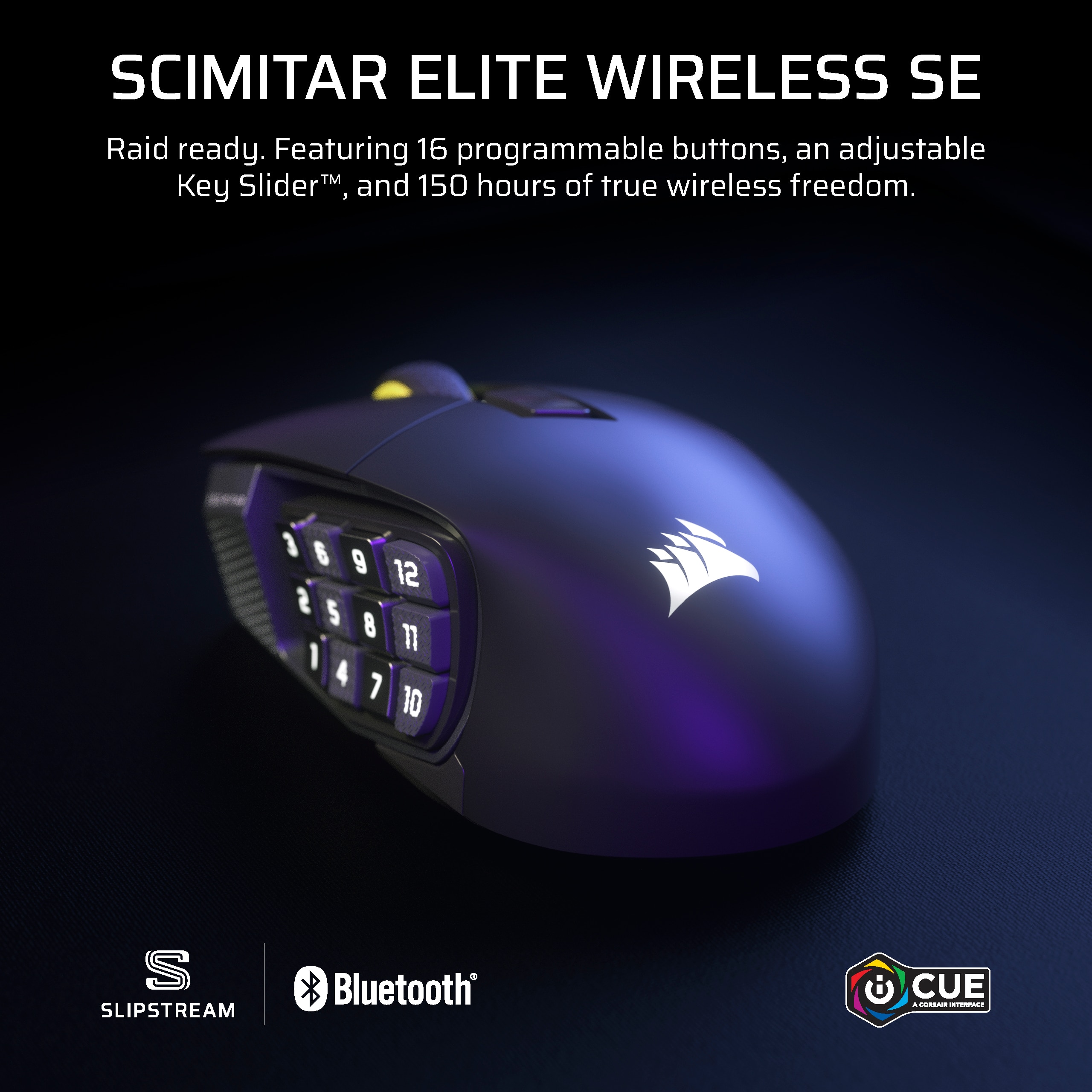
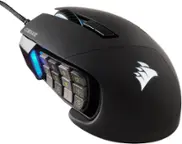
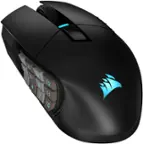
Customers are enthusiastic about the Scimitar Elite Wireless SE Gaming Mouse, highlighting its exceptional button quality, long-lasting battery life, and comfortable ergonomics for extended gaming sessions. Users appreciate its overall performance and versatile connectivity options, including Bluetooth and 2.4 GHz wireless. The mouse's weight and tracking accuracy are also well-received, though some with larger hands find the size less ideal.
This summary was generated by AI based on customer reviews.
Rated 5 out of 5 stars
SO SMOOTH
||Posted .This reviewer received promo considerations or sweepstakes entry for writing a review.One of the Best Mice i had, its so smooth and so convenient for so many uses not only Gaming.
I would recommend this to a friendRated 5 out of 5 stars
10/10 Mouse
||Posted . Owned for 2 months when reviewed.This reviewer received promo considerations or sweepstakes entry for writing a review.the BEST mouse i’ve used so far and it is super comfy in the hand
This review is from CORSAIR - Scimitar Elite Wireless SE Gaming Mouse with 16 Programmable Buttons - Wireless - White
I would recommend this to a friendRated 5 out of 5 stars
Amazing mouse
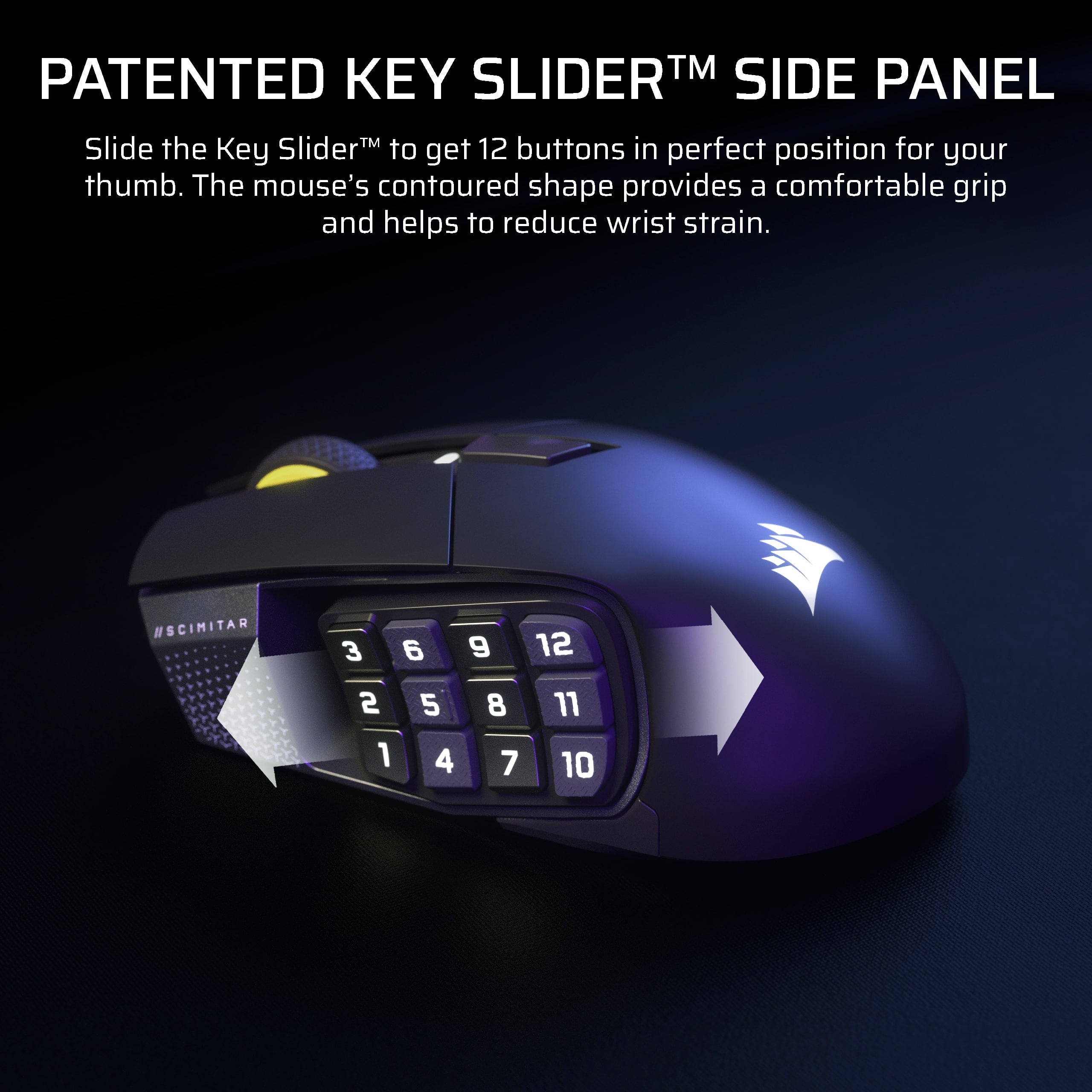
||Posted . Owned for 3 weeks when reviewed.This reviewer received promo considerations or sweepstakes entry for writing a review.I was worried about the buttons and my thumb not aligning up, but the feature of being able to move the number pad was amazing
I would recommend this to a friendRated 5 out of 5 stars
Great MMO mouse!
||Posted .This reviewer received promo considerations or sweepstakes entry for writing a review.My favorite MMO mouse, the razer MMO mouse just doesn't compare, I especially love how you can adjust the side keypad up and down, which is great for my tiny hands.
I would recommend this to a friend- Cons mentioned:Size
Rated 3 out of 5 stars
Not the best Corsair gaming mouse
||Posted . Owned for 1 week when reviewed.This reviewer received promo considerations or sweepstakes entry for writing a review.This device is too small for a large hand and with all of the buttons on the thumb it is impossible to actuate the thumb buttons for Forward and Backward. too mouse
This review is from CORSAIR - Scimitar Elite Wireless SE Gaming Mouse with 16 Programmable Buttons - Wireless - White
No, I would not recommend this to a friend Rated 5 out of 5 stars
Best Mouse
||Posted . Owned for less than 1 week when reviewed.This reviewer received promo considerations or sweepstakes entry for writing a review.Love this mouse, especially in the white variant!!
This review is from CORSAIR - Scimitar Elite Wireless SE Gaming Mouse with 16 Programmable Buttons - Wireless - White
I would recommend this to a friendRated 5 out of 5 stars
Button all feel pretty solid
||Posted . Owned for 1 month when reviewed.This reviewer received promo considerations or sweepstakes entry for writing a review.No squshy feeling has a pretty high dpi and overall build quality is good
I would recommend this to a friendRated 5 out of 5 stars
Custom Fit
||Posted .This reviewer received promo considerations or sweepstakes entry for writing a review.Really like the ability to slide/adjust the button set to better fit my grip.
I would recommend this to a friendRated 4 out of 5 stars
Good mouse
||Posted .This reviewer received promo considerations or sweepstakes entry for writing a review.Good mouse kinda hard to grip though. Prefer the Logitech G604 wish they kept making it.
This review is from CORSAIR - Scimitar Elite Wireless SE Gaming Mouse with 16 Programmable Buttons - Wireless - White
I would recommend this to a friendRated 5 out of 5 stars
Excelent feel
||Posted . Owned for 1 week when reviewed.This reviewer received promo considerations or sweepstakes entry for writing a review.Great fit in the hand, the buttons are easy to use and program in icue. Most current icue is the issue but jts not the mouse’s fault.
This review is from CORSAIR - Scimitar Elite Wireless SE Gaming Mouse with 16 Programmable Buttons - Wireless - White
I would recommend this to a friendRated 5 out of 5 stars
Amazing mouse
|Posted . Owned for 1 month when reviewed.This reviewer received promo considerations or sweepstakes entry for writing a review.Has been a great mouse and overall being able to assign custom keybindings is great
I would recommend this to a friendRated 5 out of 5 stars
Mouse that is decent when it’s on sale!
||Posted . Owned for 1 week when reviewed.This reviewer received promo considerations or sweepstakes entry for writing a review.So far so good. It’s like my old wired mouse except for it being wireless now
I would recommend this to a friendRated 5 out of 5 stars
Awesme
||Posted . Owned for less than 1 week when reviewed.This reviewer received promo considerations or sweepstakes entry for writing a review.Love this mouse been waiting for it to come out in all white
This review is from CORSAIR - Scimitar Elite Wireless SE Gaming Mouse with 16 Programmable Buttons - Wireless - White
I would recommend this to a friend- Pros mentioned:Battery life, Button quality, Ergonomics
Rated 5 out of 5 stars
Versatile, Comfortable Gaming Mouse with Great Cus
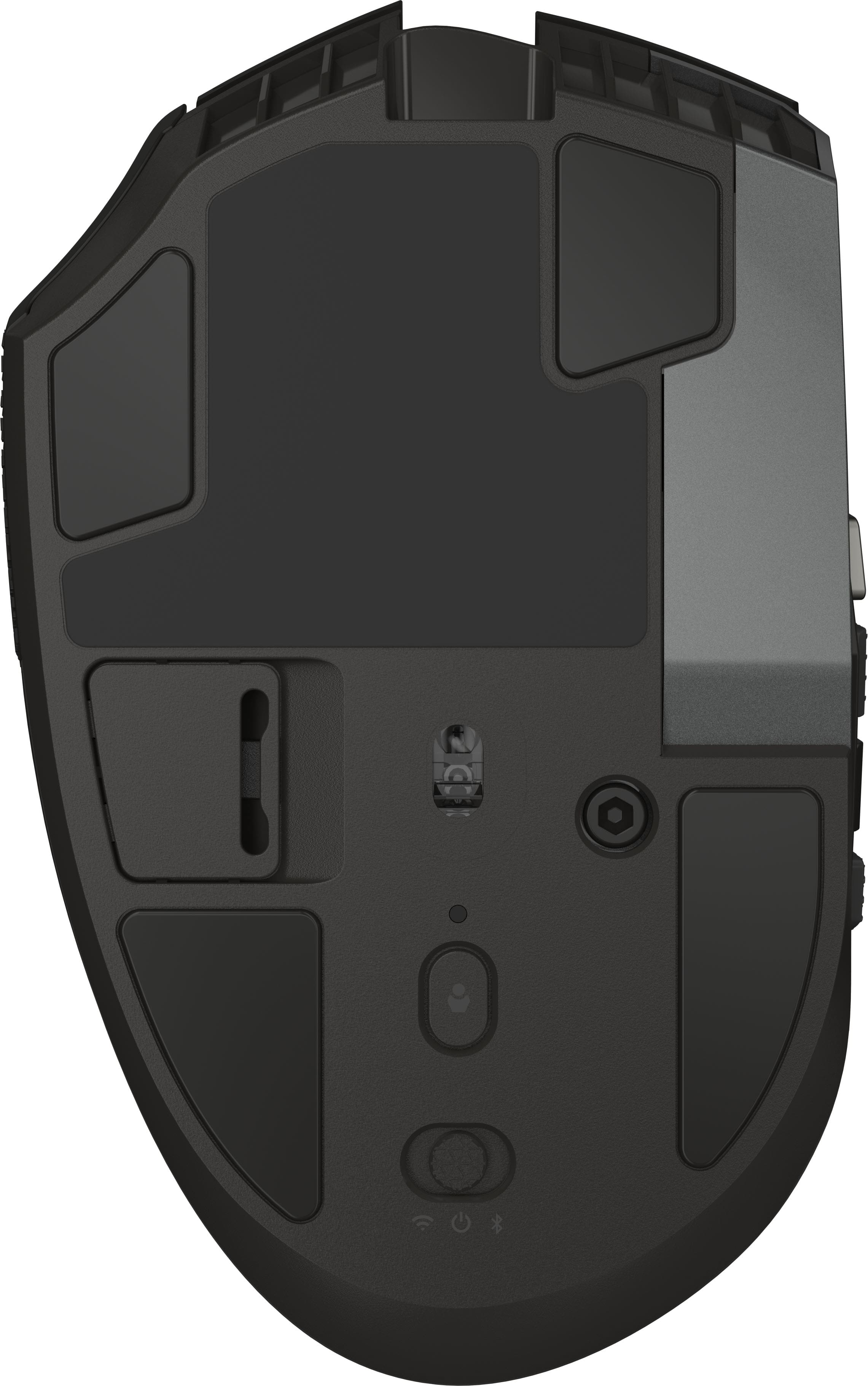
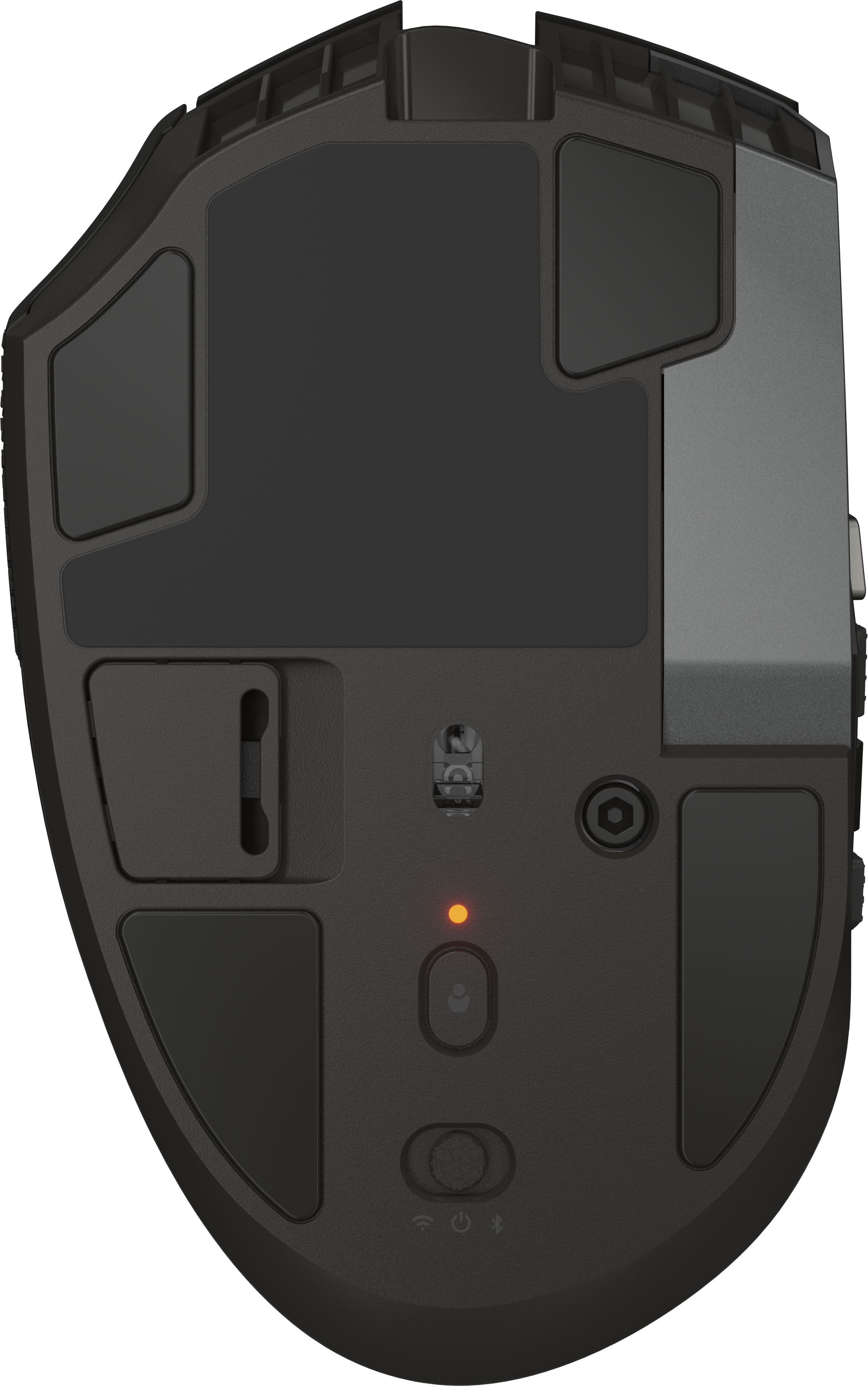
|Posted .This reviewer received promo considerations or sweepstakes entry for writing a review.As someone who has tried many gaming mice - trying to find one that I felt had the widest range of adjustment and worked the best - I was pleasantly surprised by how much I enjoyed this one. From the moment I started using it, it stood out as one of the best mouses I’ve tried in terms of usability, responsiveness, and adaptability across different genres of games. The mouse itself has a sleek design that fits comfortably in the hand, and you can adjust the mouse to your hand size to better fit. I used it for hours at a time while gaming, and I never experienced any hand fatigue or awkward angles, and it had good battery life. One of the features that really caught my attention right away was the three-stage DPI (sensitivity) setting controlled by a small button on the bottom of the mouse. The levels—low, medium, and high—are clearly distinguishable, and switching between them is smooth and instantaneous. I found this incredibly useful during different gameplay moments. For example, I preferred high sensitivity while exploring open-world areas in Genshin Impact or Wuthering Waves, where fast camera control is key. On the other hand, during precision-focused sections in games like Stardew Valley (especially fishing or placing objects), I found low sensitivity more helpful. The fact that this feature is easily accessible yet not likely to be hit accidentally was a nice design choice. It gave me greater control over how I played without requiring complex software tweaks for the basics. At first, I was a little confused when I realized there were no instructions in the box—just the mouse and cable. I expected at least a basic setup guide or QR code to scan. That said, with a quick online search, I found the free software required to unlock its full customization potential. Once I downloaded and launched the software, I was honestly impressed. The interface was straightforward, intuitive, and responsive. Programming the side buttons became a breeze. I experimented with different keybinds depending on what game I was playing, and the ability to tailor the mouse to my needs dramatically improved my experience. Another thing that stood out to me was how well the mouse handled across different types of games. In fast-paced shooters or action RPGs like Marvel Rivals and Wuthering Waves, the tracking felt smooth and accurate, which made reacting to quick movements a lot easier. The mouse glided effortlessly across my mousepad, and the clicks were crisp without feeling too sensitive. I never experienced any lag or weird skipping, even during more chaotic team fights or fast traversal sequences. For slower, more strategic titles like Stardew Valley or League of Legends, the buttons had just the right amount of resistance. They didn’t feel mushy or overly sensitive, which is something I’ve run into with cheaper mice in the past. The overall build quality feels durable and premium—especially impressive given the price point. The mouse doesn’t feel flimsy or plasticky at all. It has just the right amount of weight to it, which helps with stability during intense gameplay without being too heavy for casual use. That balance between solid construction and responsive performance really helped make the mouse feel like an extension of my hand, rather than just another accessory I had to adapt to. In League of Legends, I set one side button to level up abilities and the other to ping the map—small adjustments that saved time and mental energy during intense matches. In Marvel Rivals, binding rapid movement or quick-swap skills made my gameplay feel more fluid and reactive. Even in slower-paced or non-competitive games like Stardew Valley, having tools or inventory items bound to the side buttons added convenience I didn’t know I needed until I had it. And for all the games, including genshin and wuthering waves, setting certain buttons to “Q” “E” W” “A” “S” and “D” helped a lot with mobility and quickly using different skills. This mouse is versatile enough to handle just about any type of game I threw at it. Whether it was action-heavy combat in Wuthering Waves and Honkai: Star Rail, or more relaxed gameplay in Stardew Valley, it performed consistently and responsively. I also appreciated how it held up during long gaming sessions. Even after several hours, I didn’t notice any stuttering, misclicks, or discomfort. The buttons have a solid, tactile click without feeling stiff or overly loud. The scroll wheel is responsive and precise, which is especially helpful in inventory management and scrolling through options in games. Now, for the one real downside: the mouse’s settings and custom keybindings only work when it’s plugged in via USB. If you’re using Bluetooth, none of your saved settings carry over. This was disappointing, especially since the mouse clearly supports both wireless and wired use, which usually implies you can use your custom settings regardless of the connection type. Unfortunately, when I tried to play wirelessly using Bluetooth, the mouse reverted to its default settings—no custom keybinds, no sensitivity tweaks. While the side buttons still functioned for basic actions like switching characters in Genshin Impact and Wuthering Waves, it wasn’t the same as having full control over each button’s function. This meant I had to keep the mouse physically plugged in most of the time if I wanted to take full advantage of what it could do. Wrapping the cord around my setup wasn’t a huge inconvenience, but it was a little frustrating—especially for someone who values a clean and wireless desk setup. Hopefully, future versions of the mouse include onboard memory or Bluetooth customization support. Despite the issue with Bluetooth limitations, I’d still absolutely recommend this gaming mouse to anyone looking for a reliable, customizable, and easy-to-use peripheral. Its thoughtful design, solid construction, and versatile software make it a great choice for gamers of all levels—especially those who play a variety of genres and want a mouse that can keep up with all of them. The simplicity of the DPI switch, the ease of customization via the software, and the comfort during long sessions all contributed to an experience that genuinely improved my gameplay. Whether I was deep in a boss fight, building my farm, or fast-swapping between characters in a gacha game, this mouse didn’t let me down. If you don’t mind using the USB cord to maintain your settings, then this mouse offers exceptional value. It might not be perfect, but it’s pretty close—especially for the price.
I would recommend this to a friend Rated 3 out of 5 stars
Could be great
|Posted . Owned for 2 weeks when reviewed.This reviewer received promo considerations or sweepstakes entry for writing a review.Corsair mouse feels great in your hand but my purchase suffers from a right mouse button that sticks. The 12 button side panel also glitches out if you press the buttons too quickly, the only solution I have found for this issue is to unplug the mouse and plug it back in.
No, I would not recommend this to a friendRated 3 out of 5 stars
mmo mouse good
||Posted .This reviewer received promo considerations or sweepstakes entry for writing a review.Good mmo mouse but had issues with the software. At full price not necessarily worth it.
No, I would not recommend this to a friendRated 3 out of 5 stars
Too Many Buttons
||Posted . Owned for 3 weeks when reviewed.This reviewer received promo considerations or sweepstakes entry for writing a review.Too many buttons. I accidentally pushed them an got errors. I ended up returning this mouse.
No, I would not recommend this to a friend- Pros mentioned:Button quality, Ergonomics
Rated 3 out of 5 stars
Good mouse, but the side button design needs work
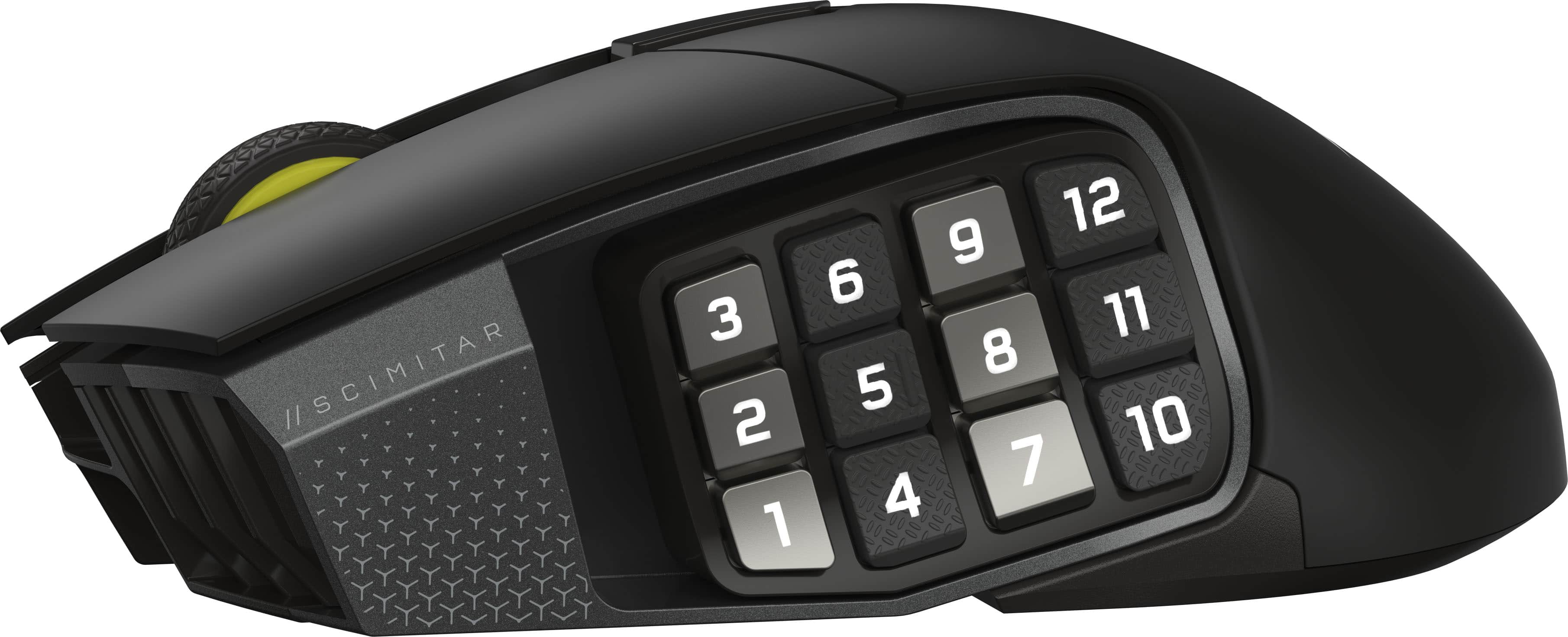
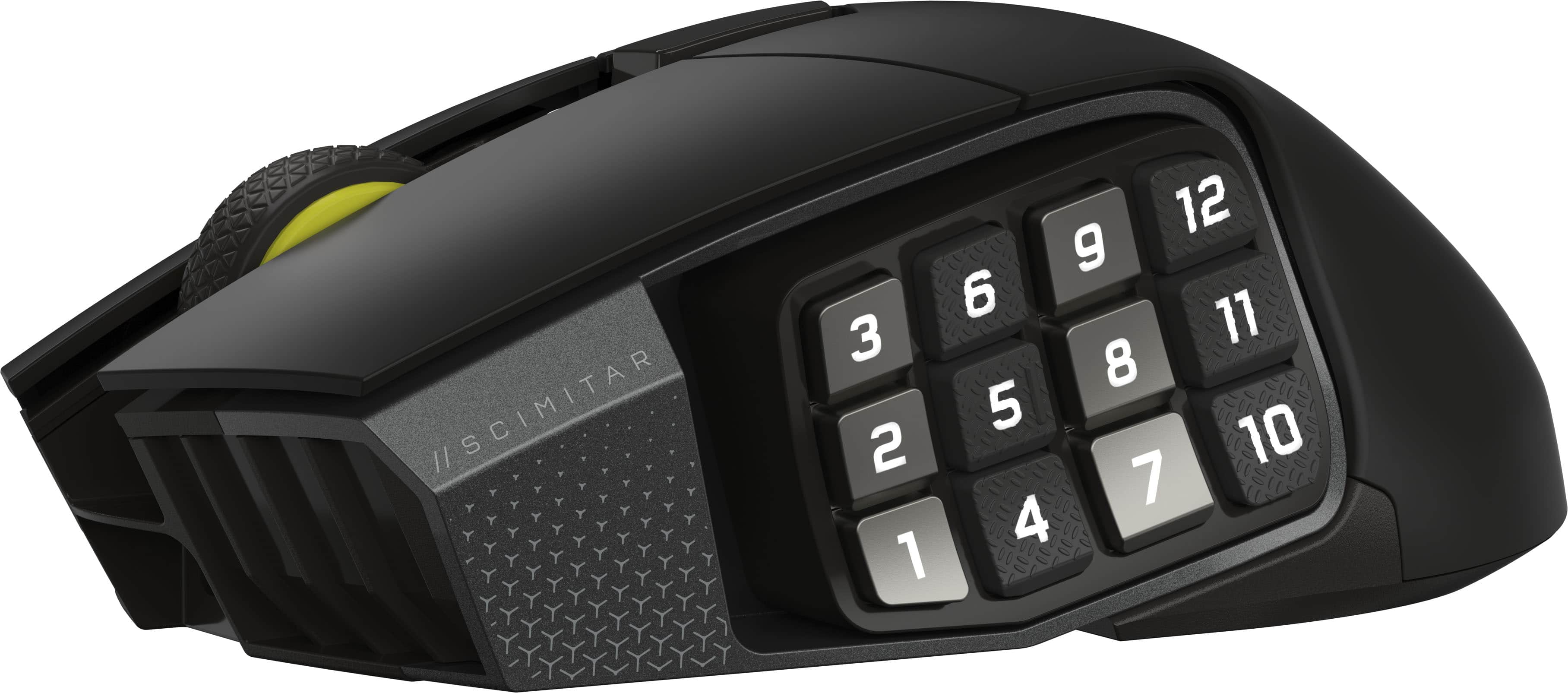
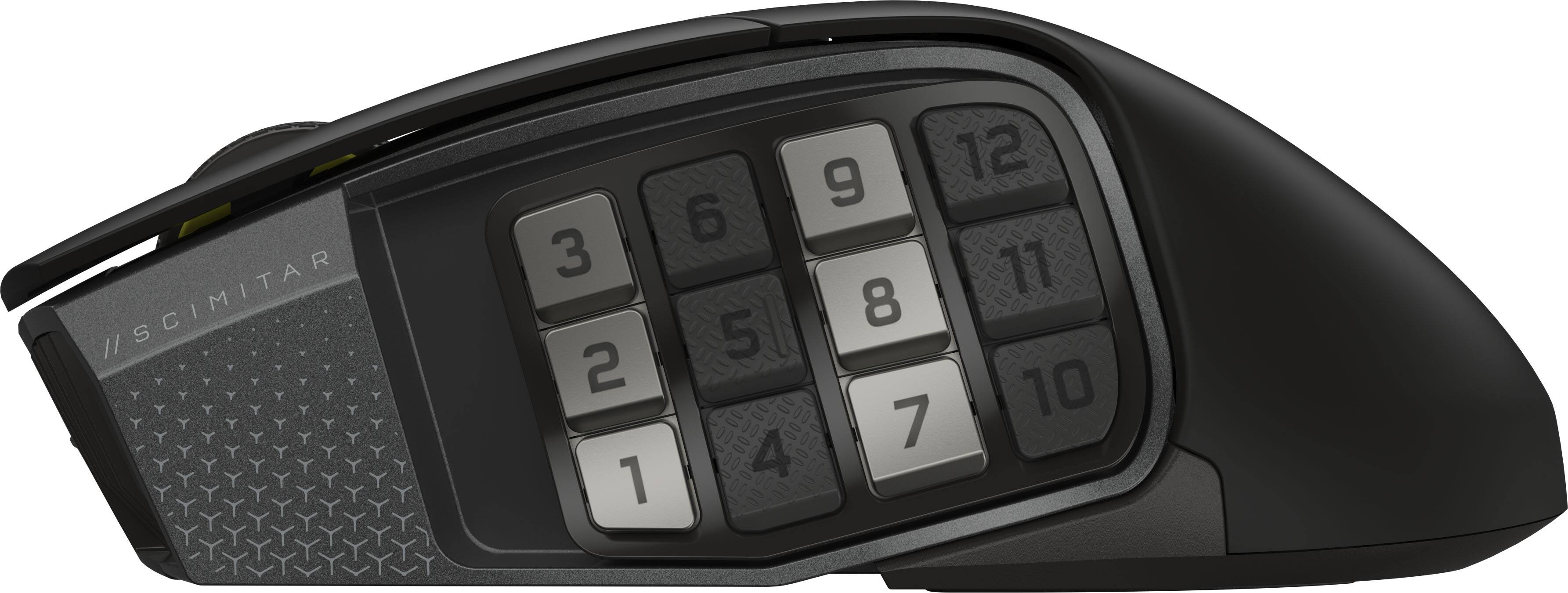
|Posted .This reviewer received promo considerations or sweepstakes entry for writing a review.I cannot even tell you how many mice I have tried out over the years. I literally have a drawer full of them. Sometimes I love them, sometimes I hate them, and sometimes they just kind of sit in the middle somewhere. For me, that is where this mouse sits. Out of the box I liked the ergonomics of the mouse, it feels solid and isn’t light as a feather which seems to be the case with most gaming type mice these days. Its not too heavy, and not too light. It is the perfect weight for me. I use my computer not only for gaming, but also for work, email, writing documents, editing photos and videos, streaming movies, pretty much a little bit of everything. So, I need a mouse that will work well for everything. At first, I was very intrigued about having all these customizable buttons on the side that you could set up for different functions or different actions in games. While the concept is good in theory, I’m not sure if this mouse quite nails it on the head. I have fairly big hands, and fingers. To cram 12 buttons in such a small space, they end up being really small buttons. I think something like 6 buttons would have been a lot more reasonable for the space provided. I often times found myself trying to search for the right button, and often hitting more than one button, or completely the wrong button altogether. It also seemed like you had to kind of bend your hand unnaturally in order to be able to hit some of the buttons as well. I’m not sure if this would be the same experience for someone with smaller hands and fingers, but for me, it was more of a hindrance than a bonus for me to try and use those buttons. As far as just using this as a regular mouse, I found it to work exceptionally well. The tracking was very precise when I was doing things like editing photos or playing first person shooter games. The buttons had a nice click to them and were very tactile. The wheel had a good grip and scrolled very smoothly. The lighting on the mouse was subtle and not too overbearing. I found it comfortable to use for extended periods of time. It was also easy to program the side buttons for different functions too. I love that you can actually store your settings in the mouse so that if you use it on multiple computers, all your settings are right there. Overall, as a mouse, I love it. As far as the 12 buttons on the side, not so much. I think if it was scaled back to 6 buttons and they were larger, this just might be my everyday mouse. But for me, I think it might find a new home in my mouse drawer unfortunately.
No, I would not recommend this to a friend - Pros mentioned:Button quality, Connectivity, Ergonomics
Rated 4 out of 5 stars
An extremely versatile and comfortable mouse
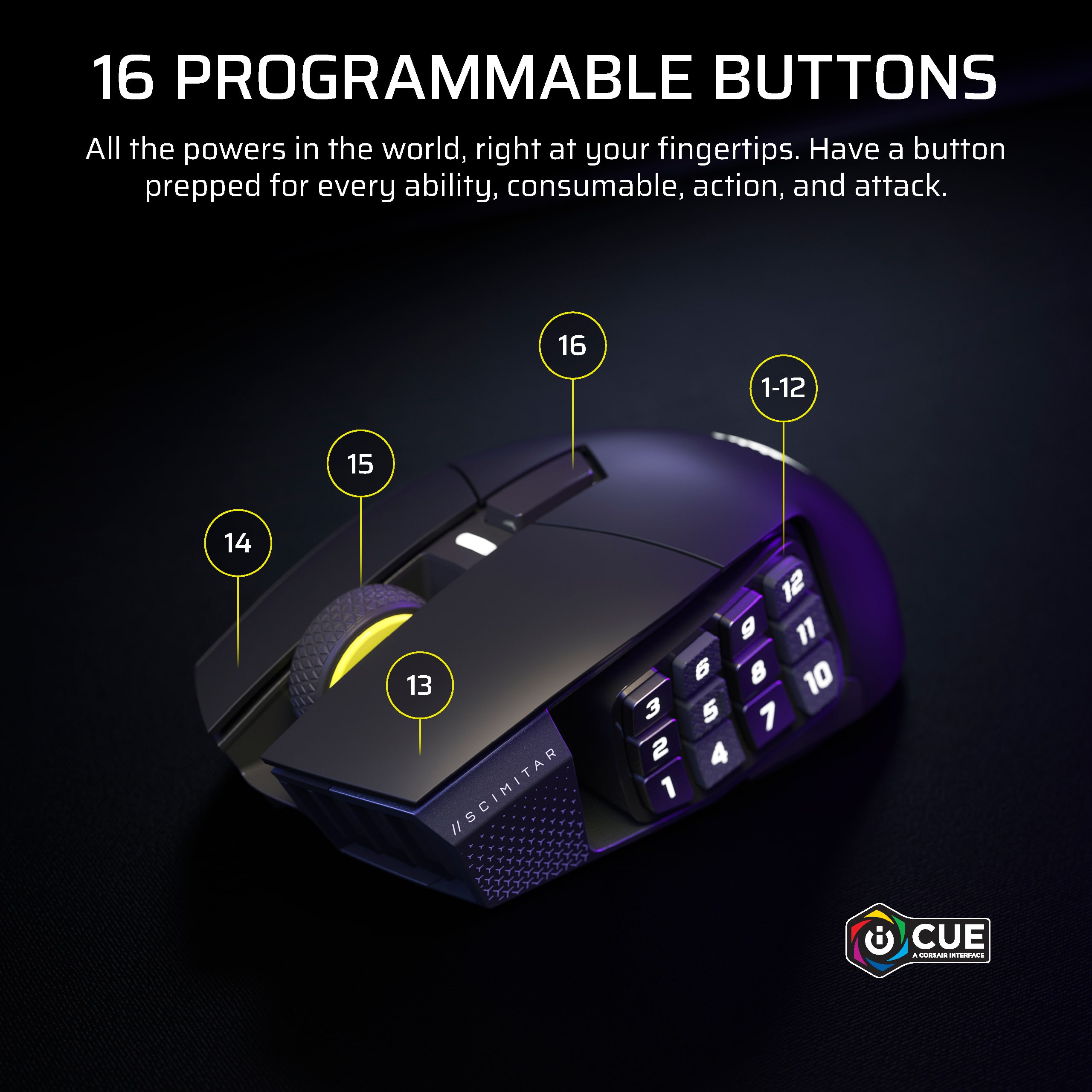
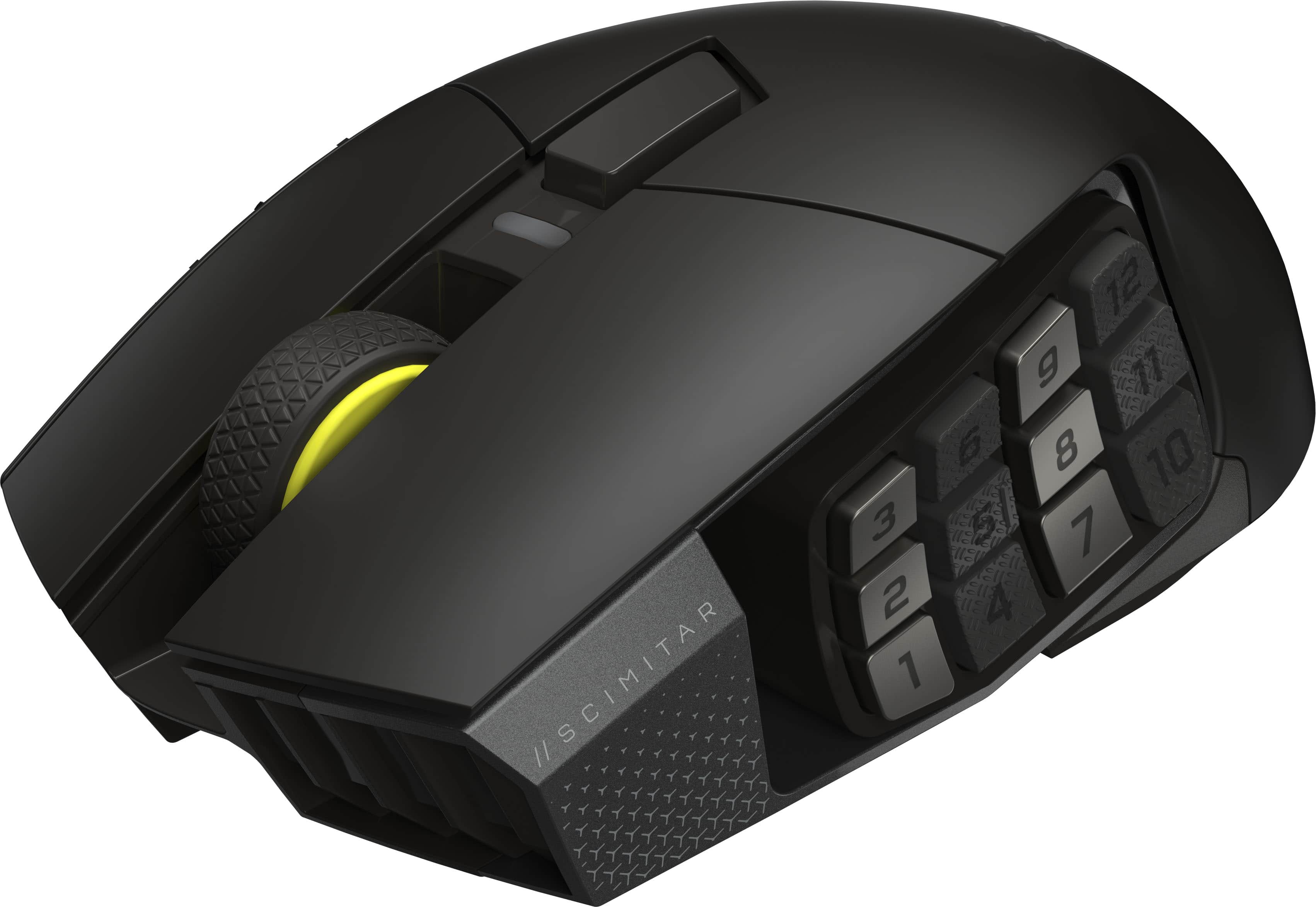
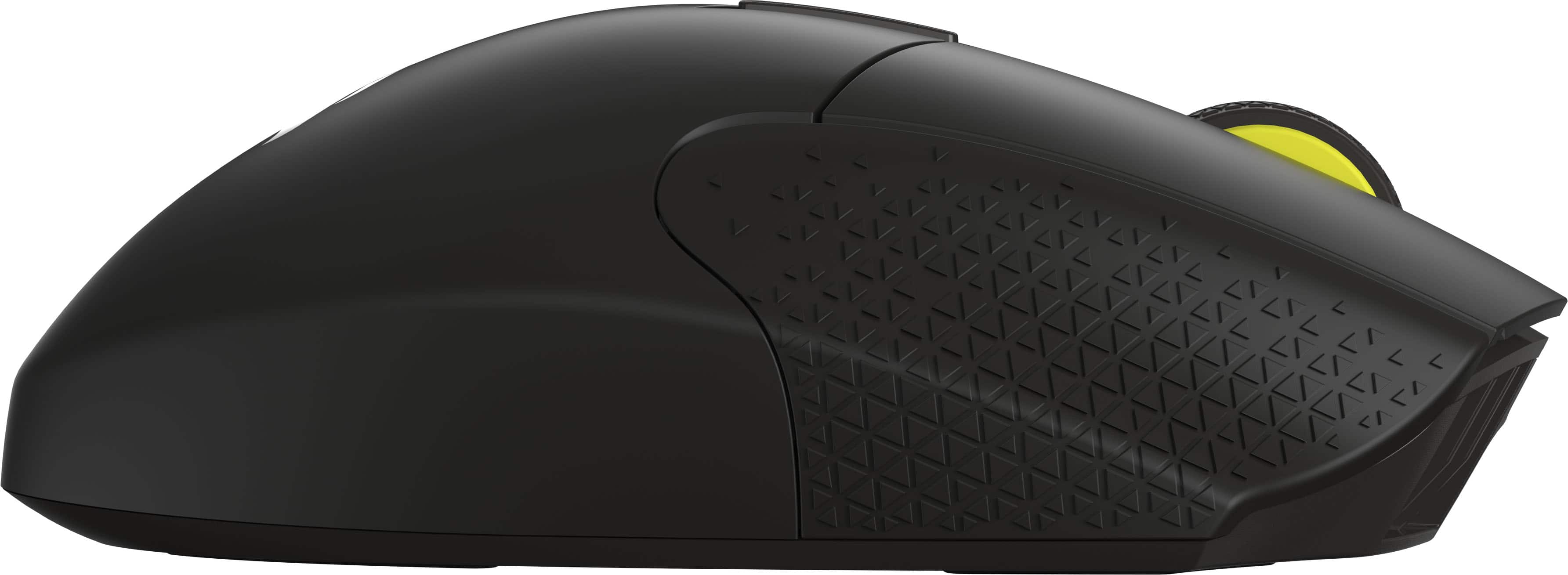
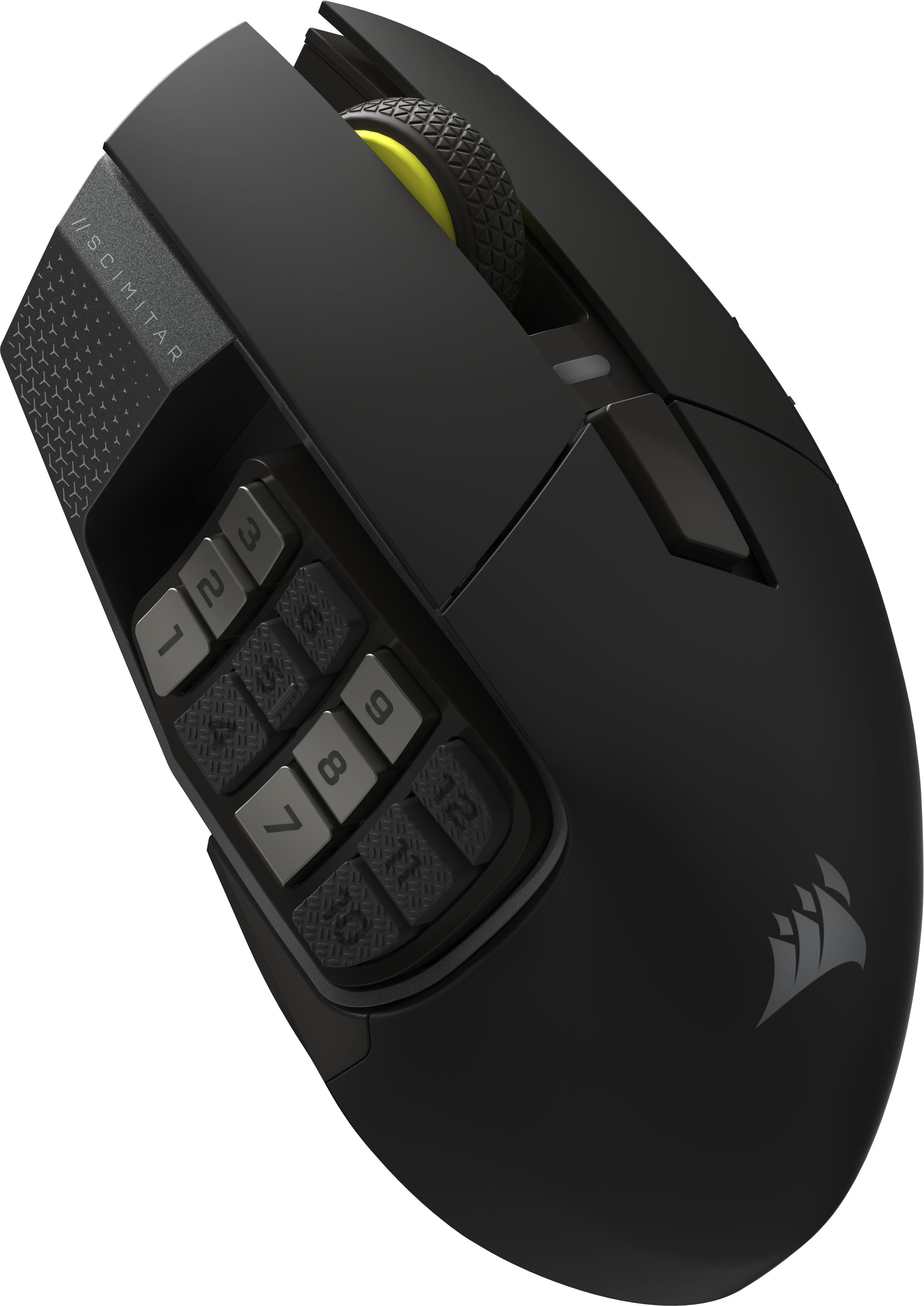
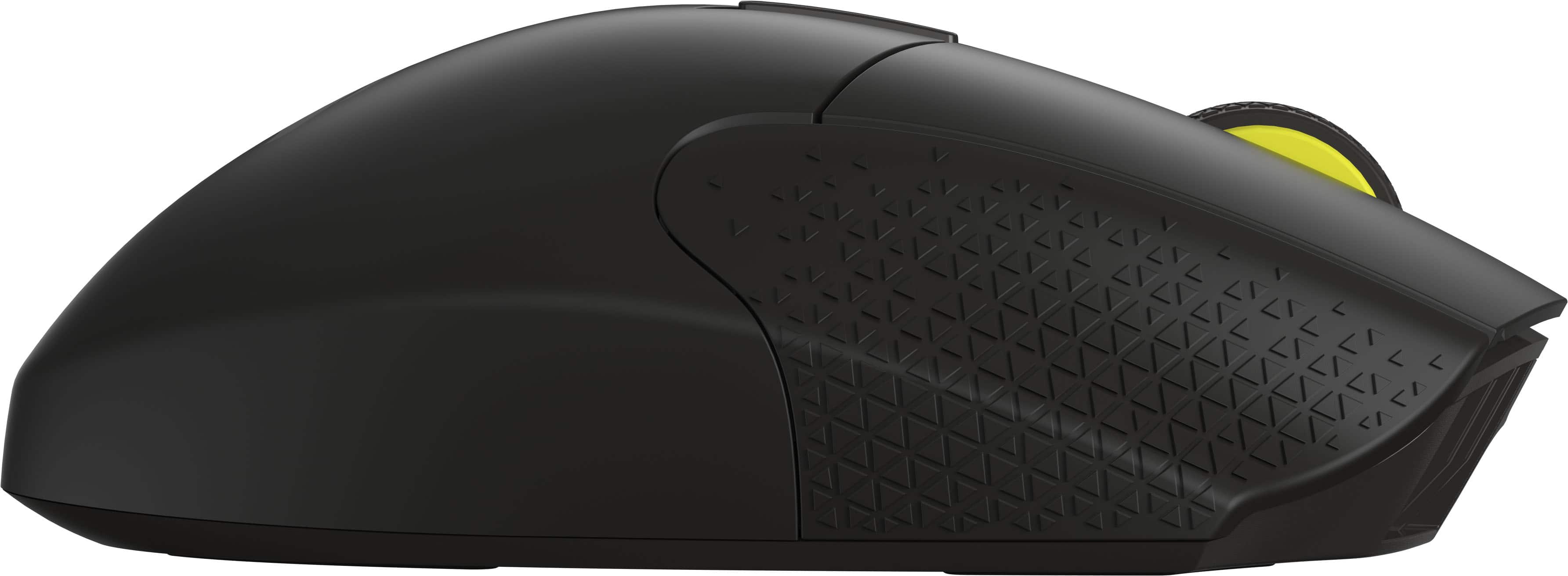
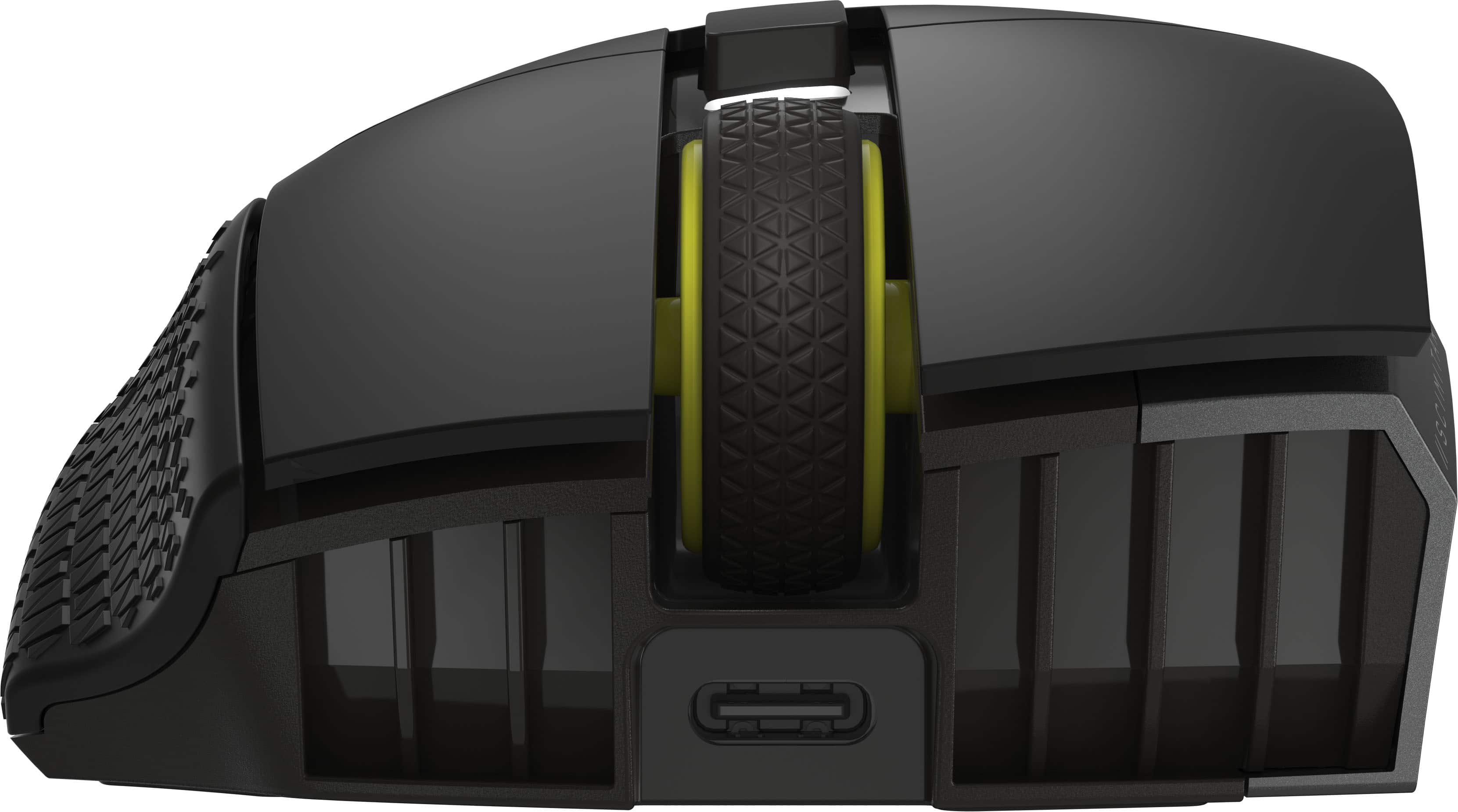
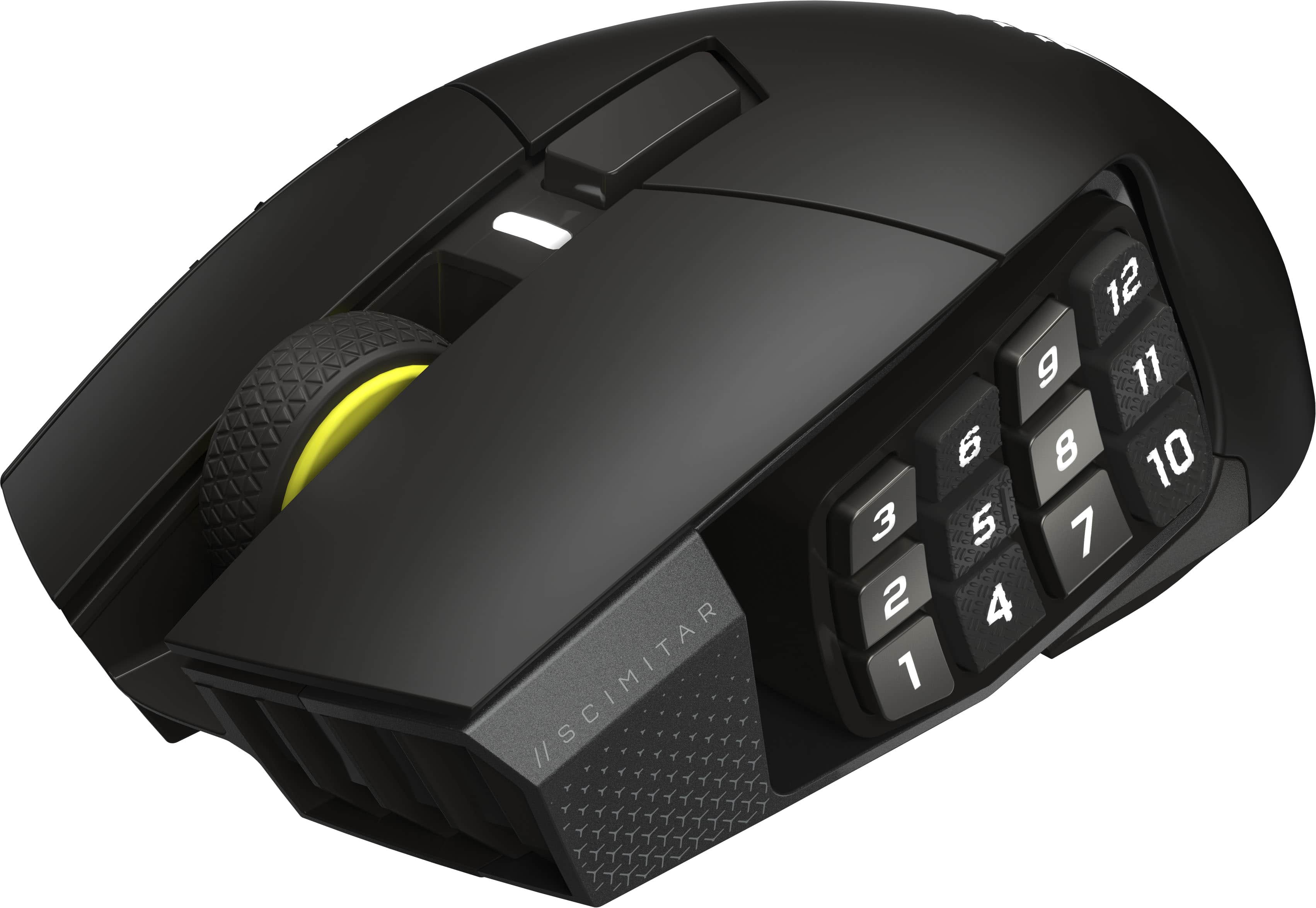
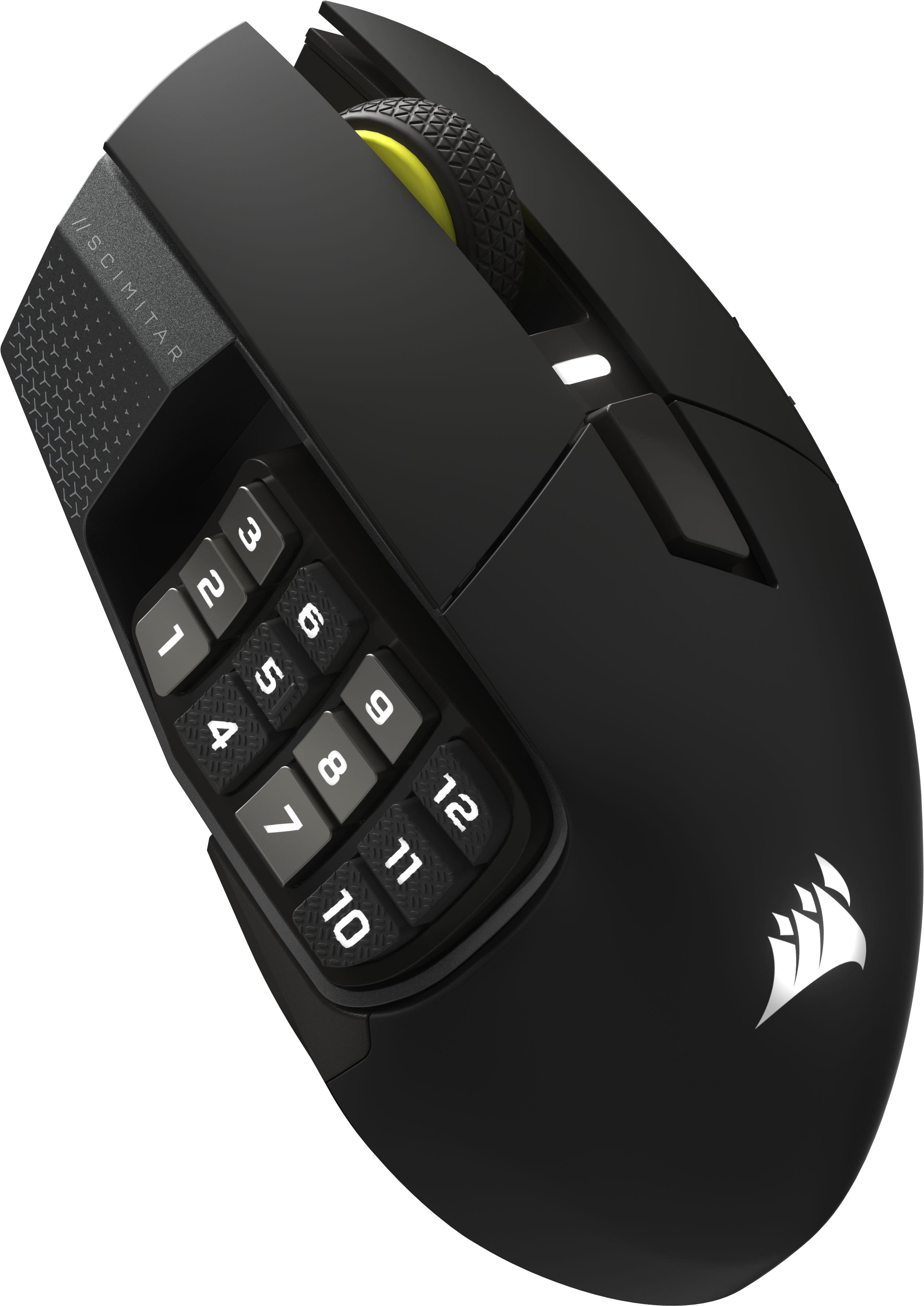
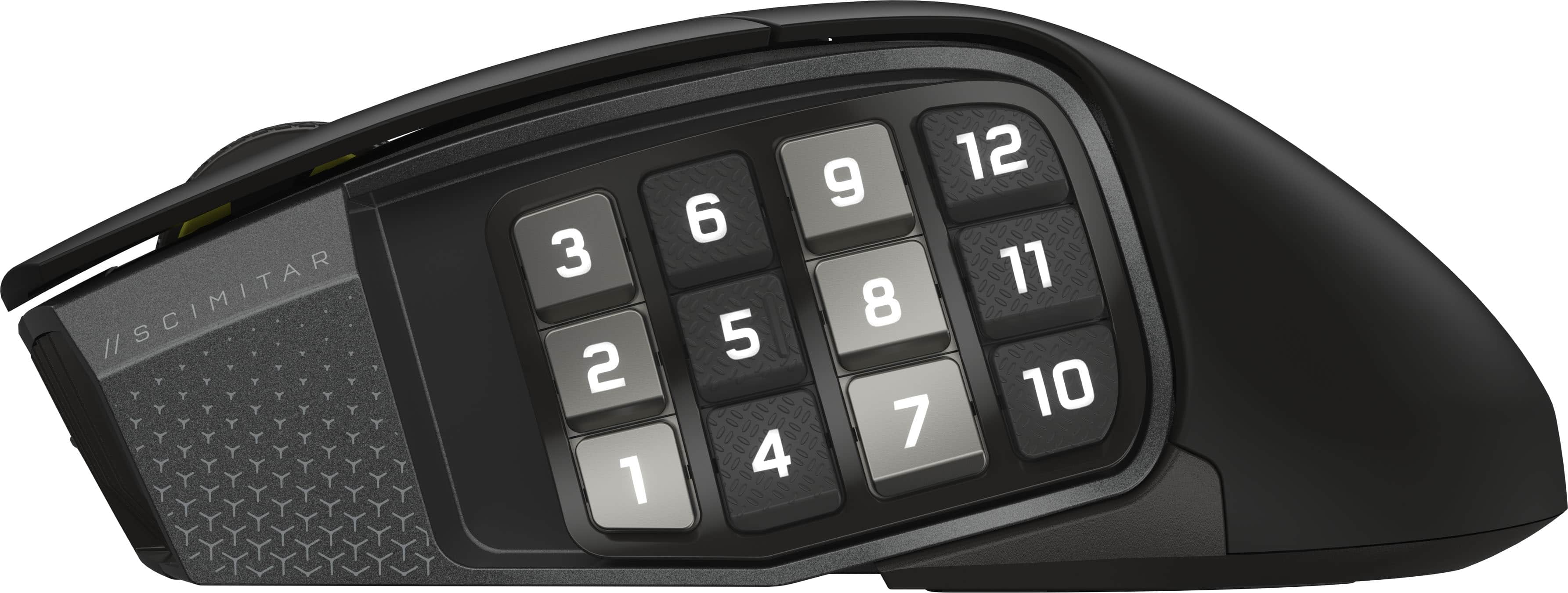
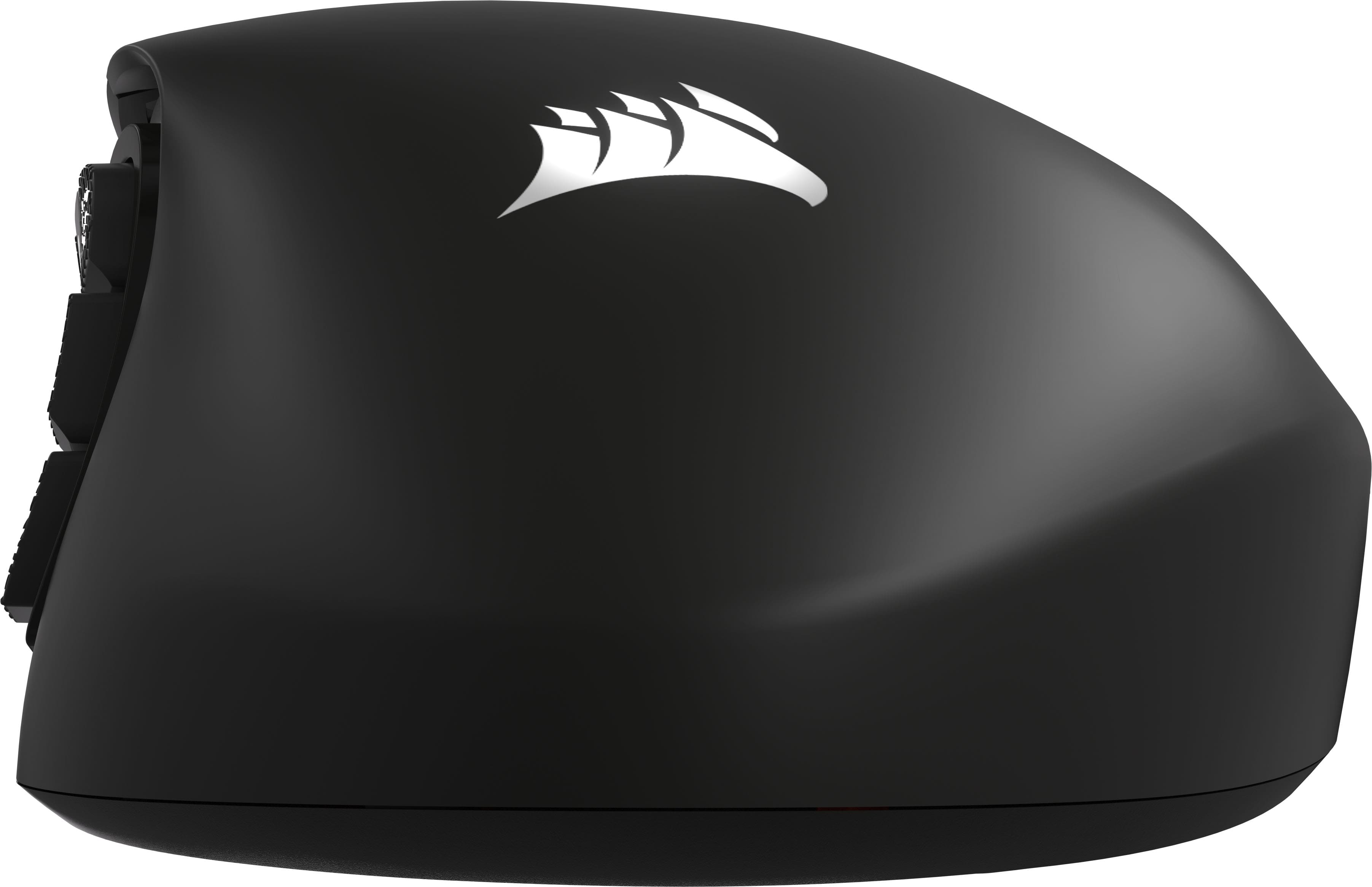
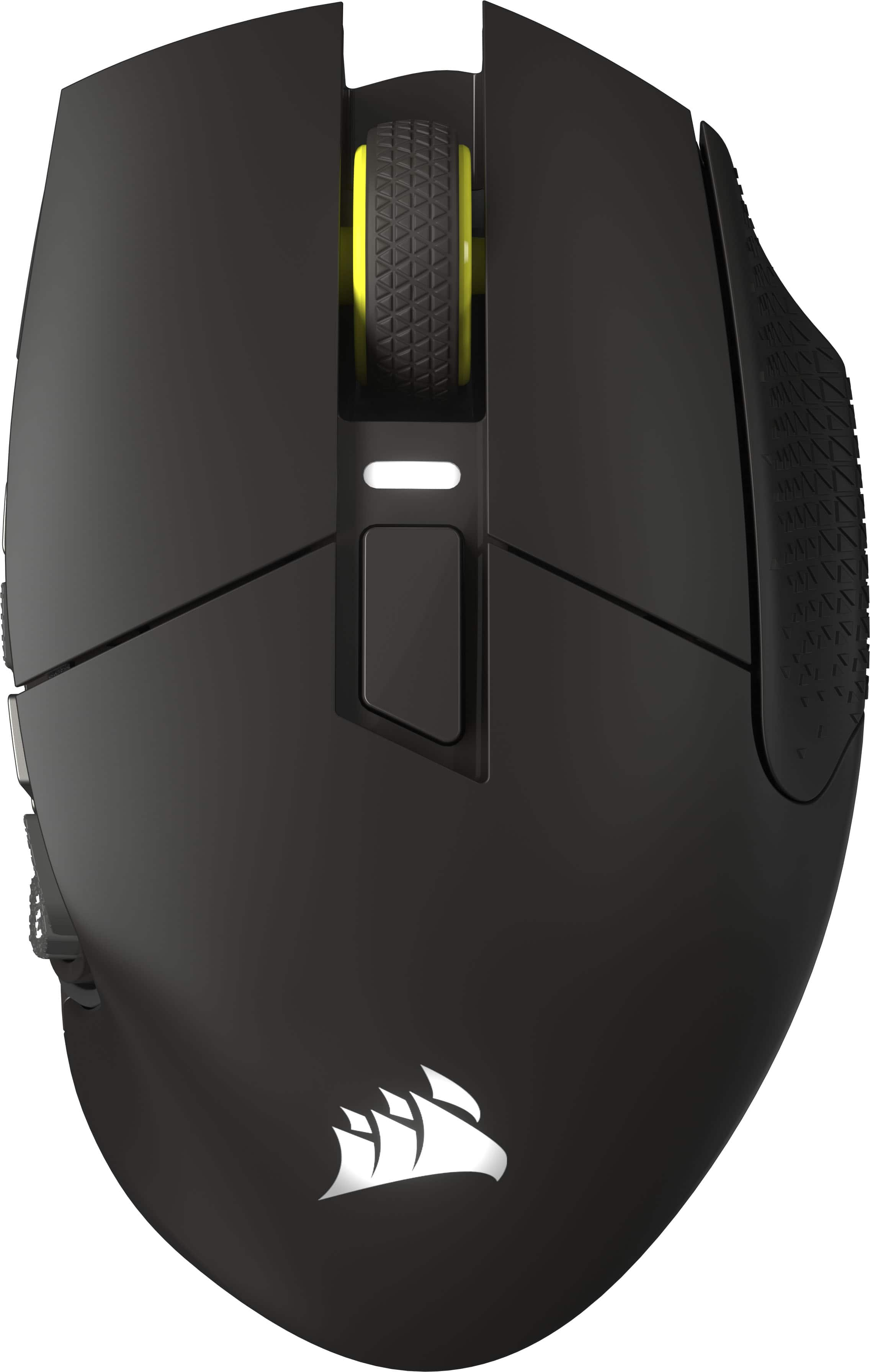
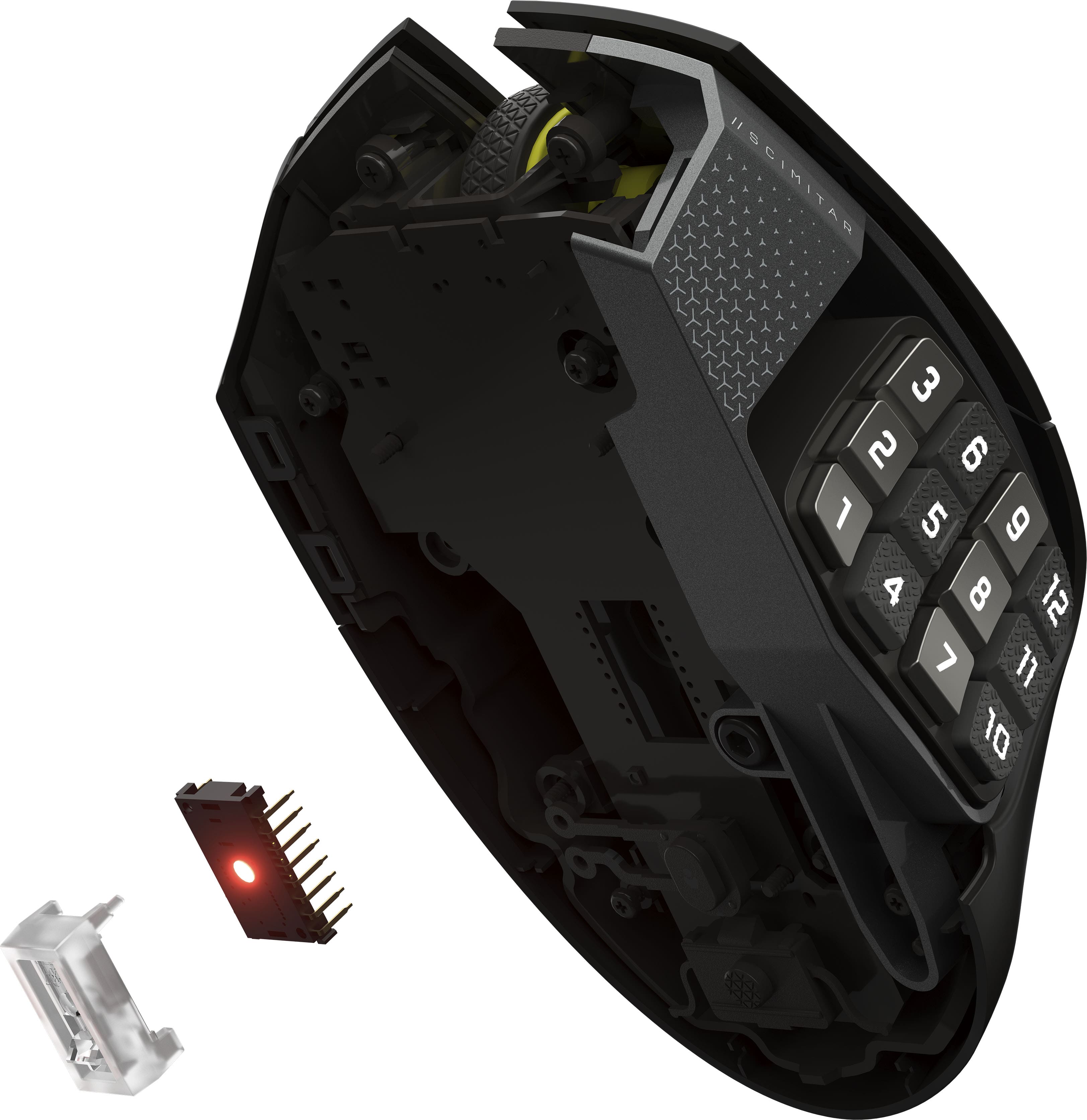
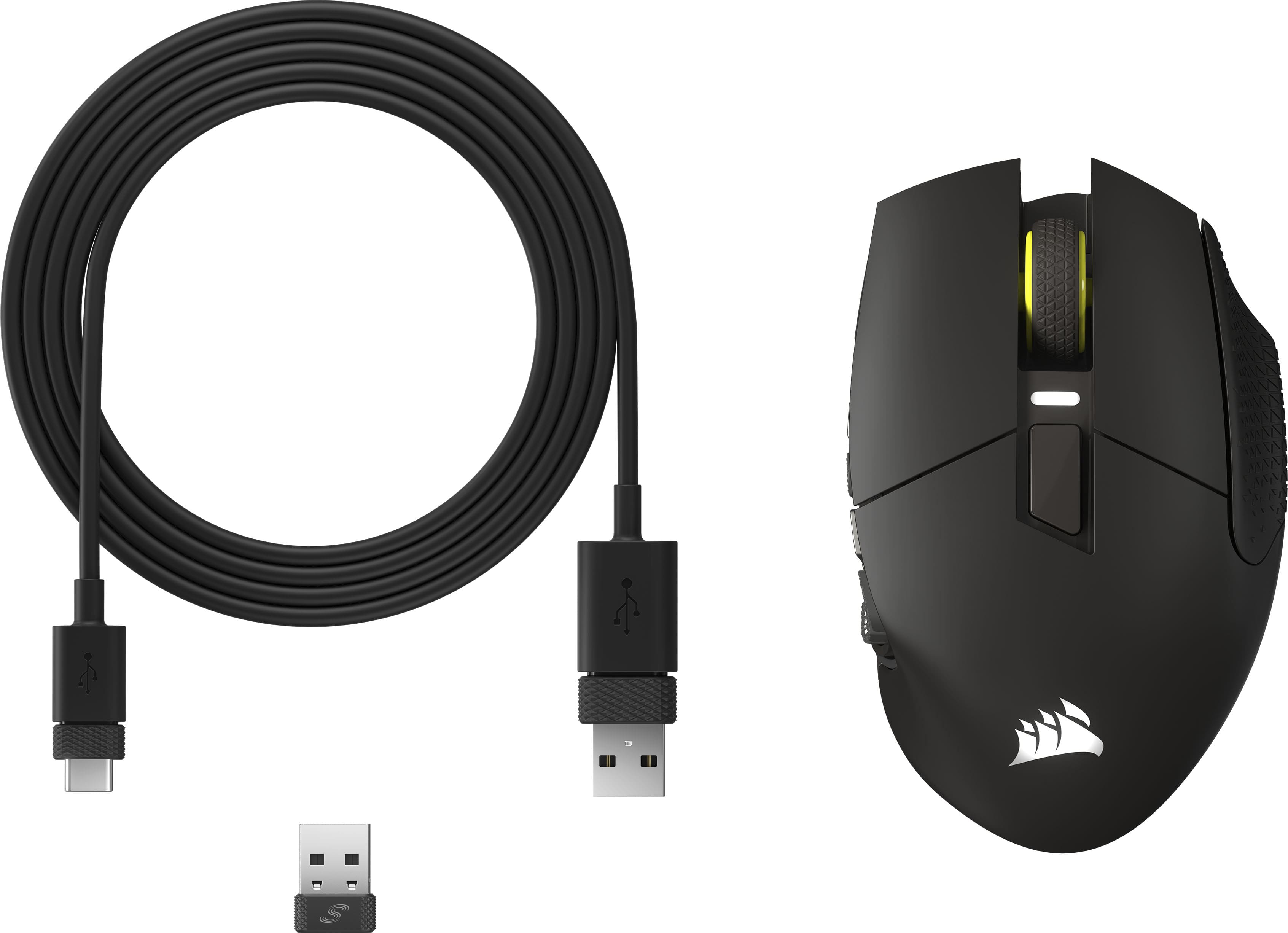
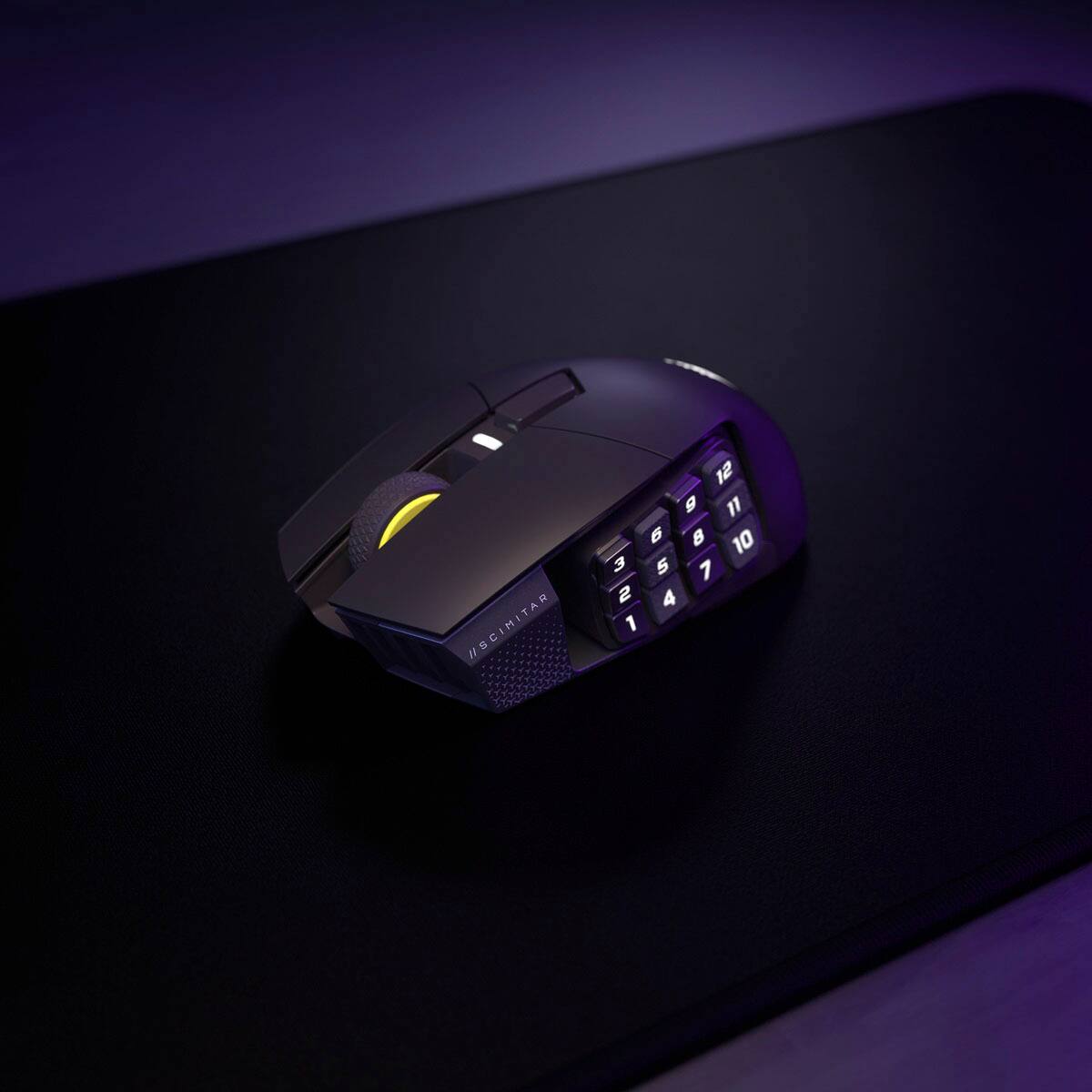
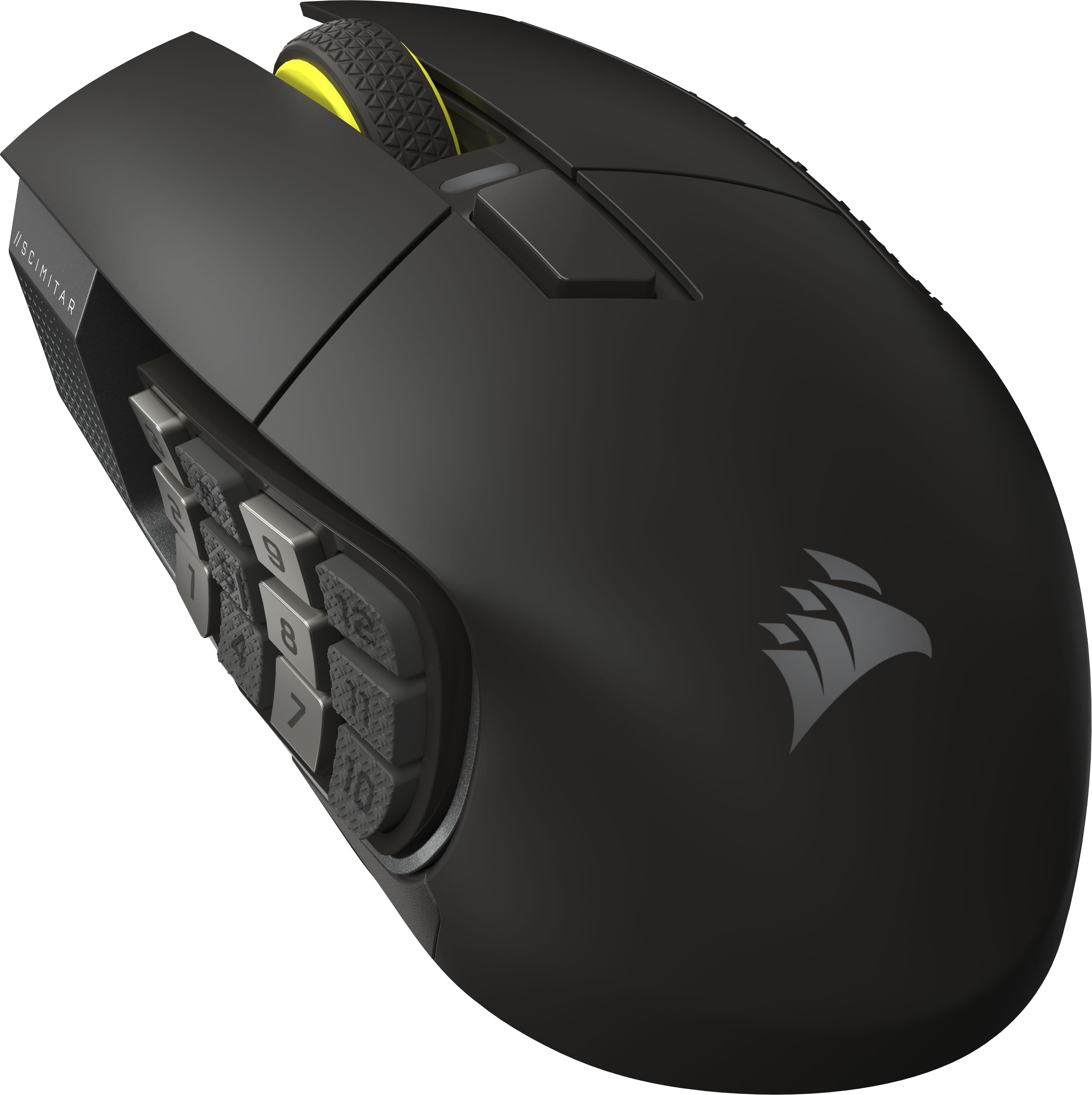
|Posted .This reviewer received promo considerations or sweepstakes entry for writing a review.GOOD - 16 programmable buttons - Adjustable position thumb button cluster - Onboard memory to store multiple button maps - Works over wired USB, wireless USB dongle, and Bluetooth - Large body fills the hand nicely for palm grips BAD - Body exterior is smooth almost to the point of being slippery - One less button than previous Scimitar model TLDR The Scimitar Elite Wireless is one of the most versatile mice available. The 12-button thumb cluster works just as well for creative and productivity software as for gaming. Its ability to store button map profiles onboard and multiple connection modes makes it easy to use on multiple devices. DETAILS For those in the know, so-called "gaming" keyboards and mice can also be some of the best for productivity use. Things like programming, video editing, typing documents, and data entry all have repetitive commands that can be made easier with programmable macros and keystrokes on mouse buttons. The 12-button thumb cluster on the Scimitar Elite is not just for mapping your World of Warcraft skill keys, but can also be used for commands like copy/paste, document navigation, and other oft repeated keyboard shortcuts This new version of the Scimitar uses the same round and large-ish body shape. This makes it excellent for users with larger hands or those that use a palm grip on the mouse. Also like the previous version, the thumb button cluster can also be adjusted forward and back to suit the reach of your thumb. Finally, it still has onboard memory for storing multiple button map profiles. This onboard memory works well with the mouse's three connectivity modes ( wired USB, wireless USB dongle, and Bluetooth ). You can connect it to multiple devices and still have custom button profiles without using Corsair's iCUE software. This new model lacks the soft-touch coating on the main body as its predecessor, and instead is much smoother. The button switches have a firmer feel to them and are a touch louder. The scroll wheel has a much meatier click-to-click feel than before. This new Scimitar also has a single button up top below the scroll wheel, whereas before there were two. Finally, the RGB lighting is significantly different. The previous model had lighting on the scroll wheel, the front, and on the side by the thumb cluster. These are now gone, but a new DPI indicator light has been added below the scroll wheel. The logo on the palm swell and the thumb button cluster still light up. The new texture, or rather lack thereof, is my big complaint about the mouse. While it does feel nice and smooth in the hand, it's not a stretch to think it's too slick and can slip out of your hand. The loss of one button up top is a minor complaint, though it might be a bigger deal to those who constantly use every mouse button available. In all, this is a fantastic mouse. It's extremely versatile for both gaming and productivity use and comfortable to use all day long.
I would recommend this to a friend - Pros mentioned:Button quality, Overall performance
Rated 5 out of 5 stars
Versatile for multiple family members
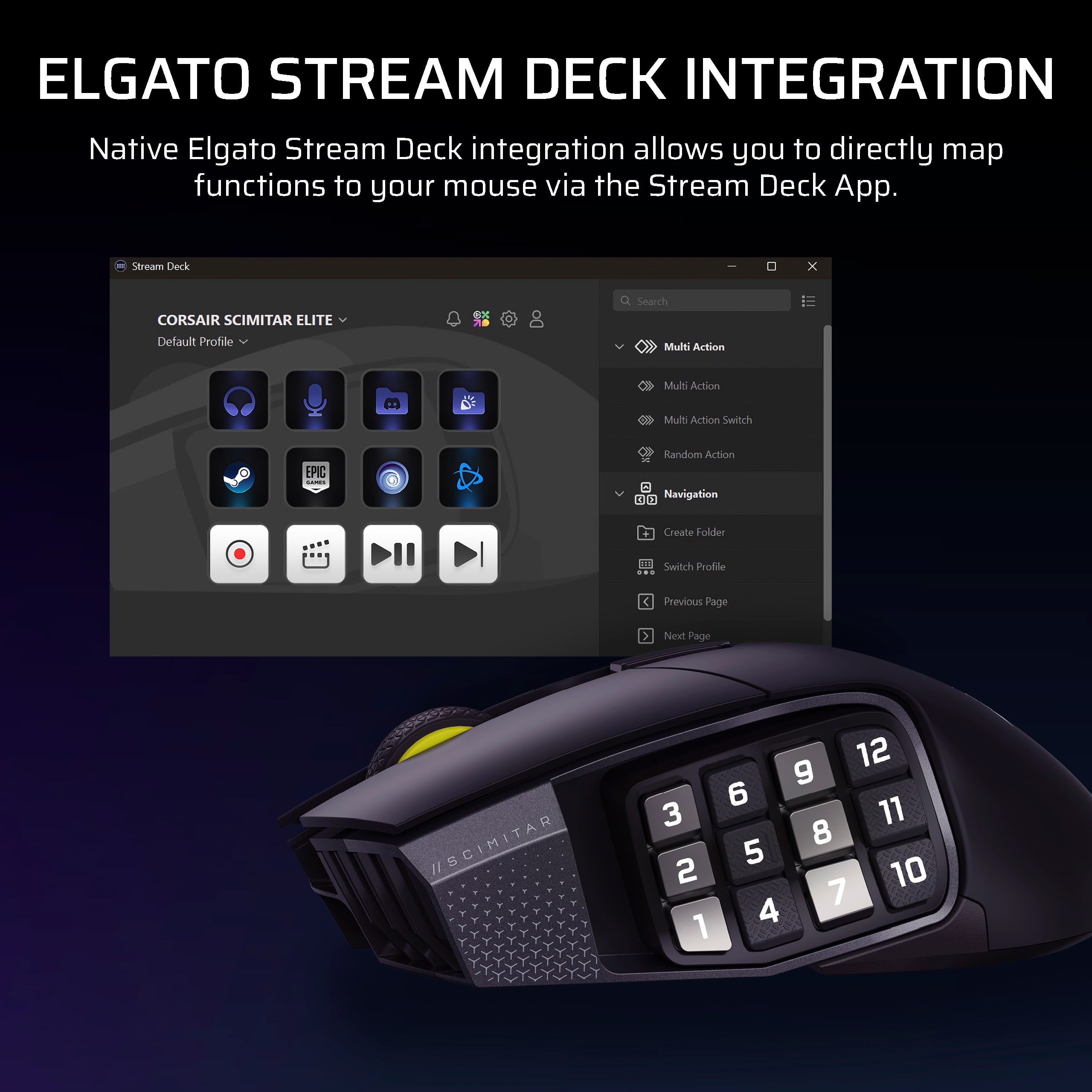
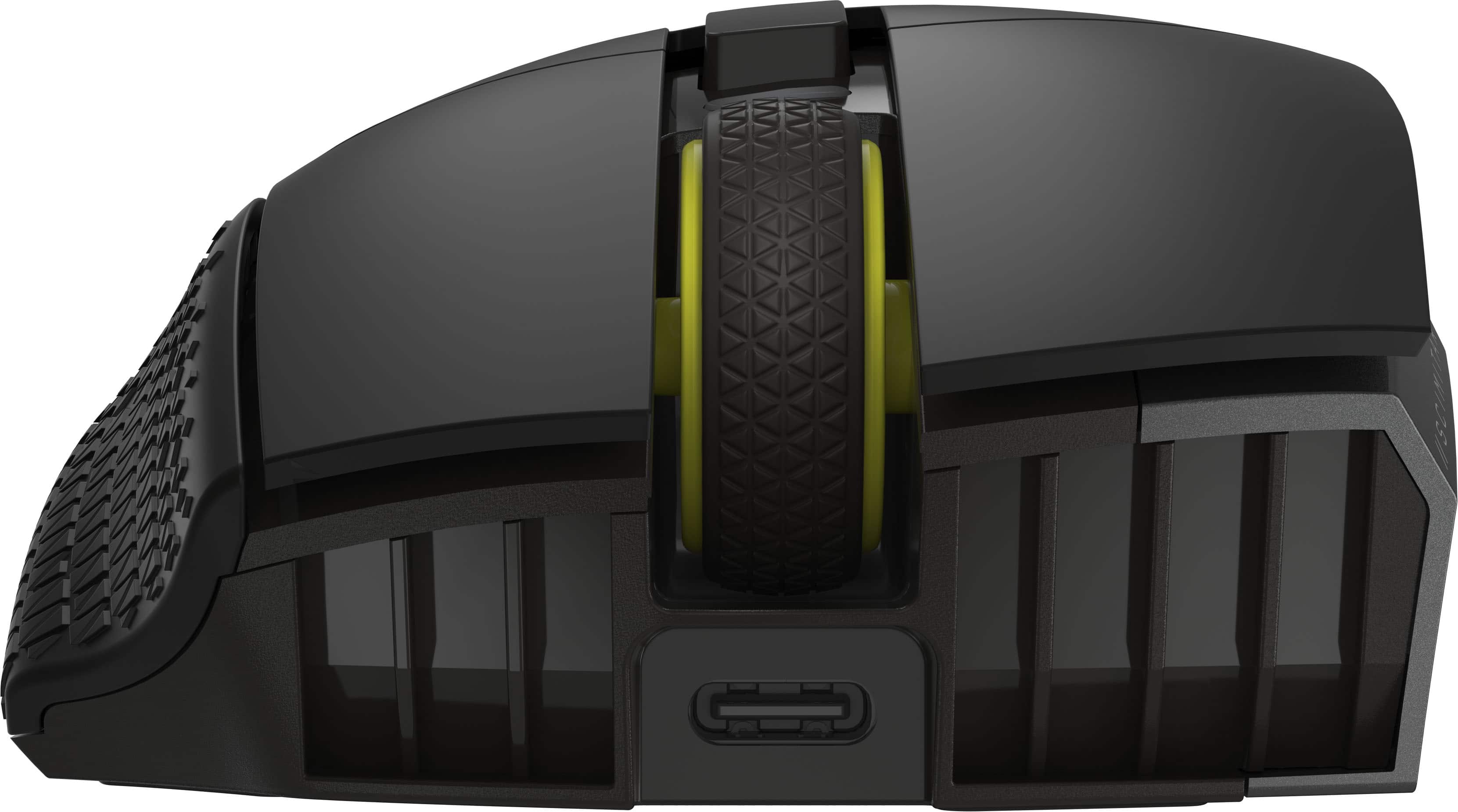
|Posted .This reviewer received promo considerations or sweepstakes entry for writing a review.Corsair did a great job with the new Scimitar Elite Wireless Gaming Mouse. It feels really nice and well-made, not cheap at all. It comes mostly charged and charges quickly with a USB-C cable. One great feature is the moveable side buttons. My wife and I have different hand sizes, so being able to adjust these buttons is really helpful. It’s not common to see this kind of design, especially for the price. It works much better than my old mouse. When I played games, I quickly noticed it was more accurate and responsive. It's smooth and fun to use. I especially liked the additional room for my pinky finger to rest on the mouse vs sitting to the right. It made the experience better as I moved it around. The iCUE software makes customization relatively easy and has the option to make different profiles so switching between programs can automatically take the specific changes with you. Overall, it’s comfortable, precise, and versatile. Whether you’re into gaming or just need a better mouse for everyday use, this one is a great choice. I highly recommend it for anyone wanting to upgrade to a mouse with lots of custom options without spending too much.
I would recommend this to a friend