Customer Ratings & Reviews


- Model:
- CM-9030001-NA
- SKU:
- 6530600
Rating by feature
- Display Quality
Rating 4.7 out of 5 stars
- Ease of Use
Rating 4.6 out of 5 stars
- Features
Rating 4.7 out of 5 stars
Customers are saying
Customers enjoy the Xeneon Flex monitor's impressive refresh rate, vibrant OLED display, and large screen size, resulting in an amazing picture quality ideal for gaming and other visual tasks. The bendable feature and HDR capabilities are also frequently praised. While some users note minor text clarity issues, the overall experience is overwhelmingly positive.
This summary was generated by AI based on customer reviews.
Light issues!
||Posted . Owned for less than 1 week when reviewed.This reviewer received promo considerations or sweepstakes entry for writing a review.Constantly switching from bright to dark and cant change it in settings! Terrible product for 2k usd
No, I would not recommend this to a friendBrand response from Corsair
Posted .Hi,
Sorry to hear about your experience. The XENEON Flex features Brightness Stabilizer in its settings to provide improvement for dimming changes in Windows environment. You may adjust this via the System Setting section of the OSD. This should not be an issue in Gaming or viewing Media content. If you continue to experience any issues or have any questions, please reach out to support via our website - we'd be more than happy to assist.
-Albert

Weird flex, but ok.
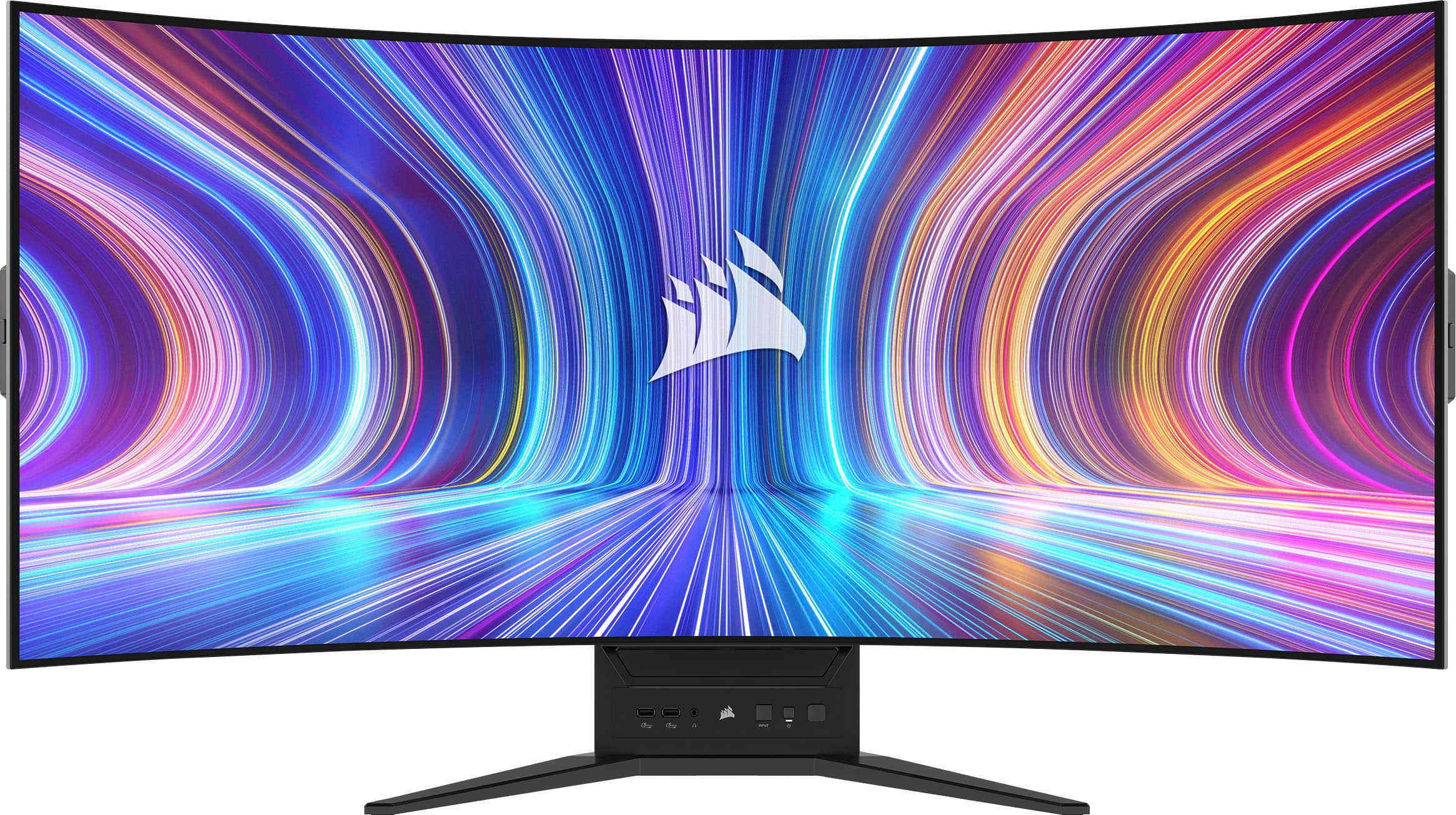
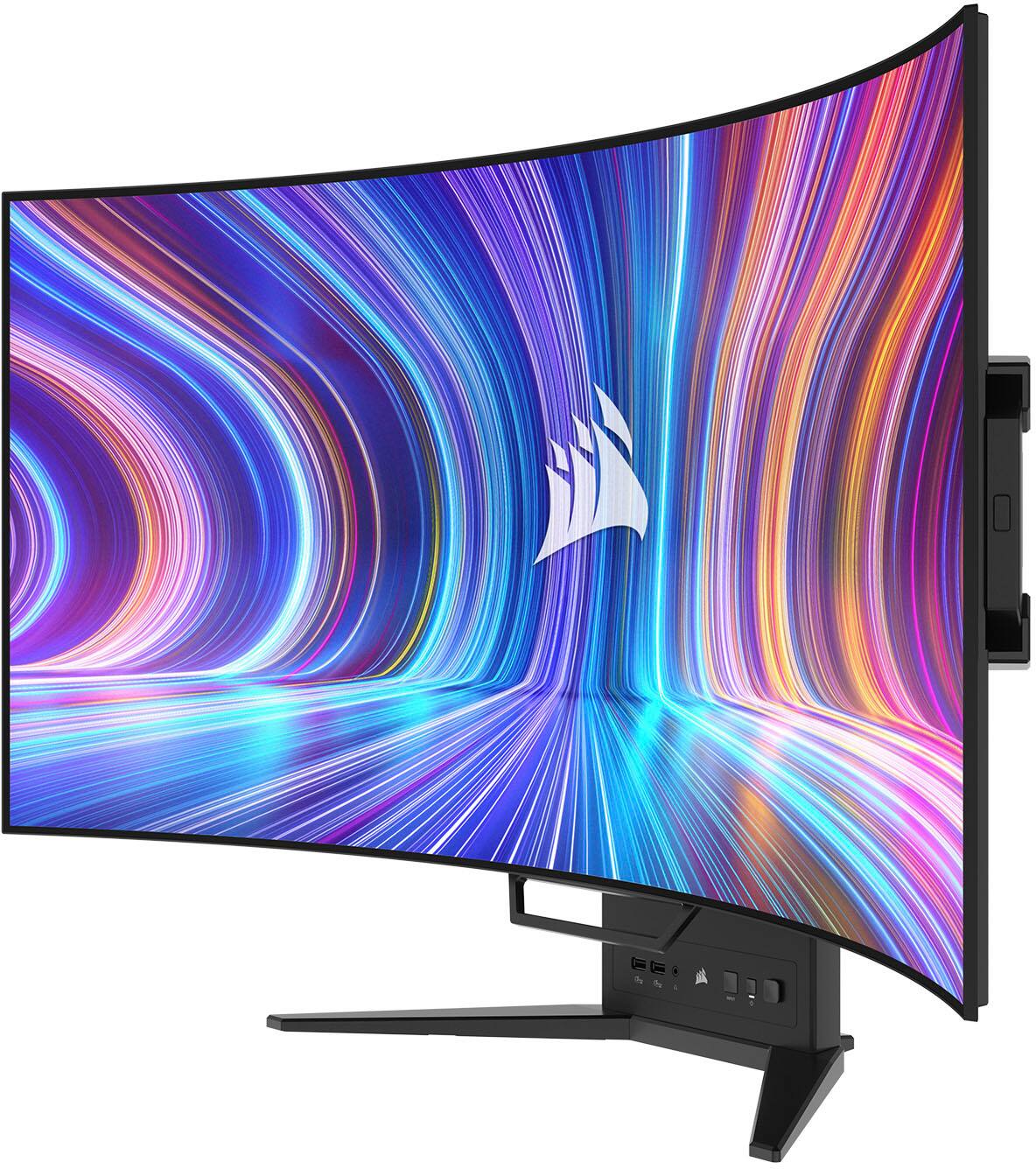
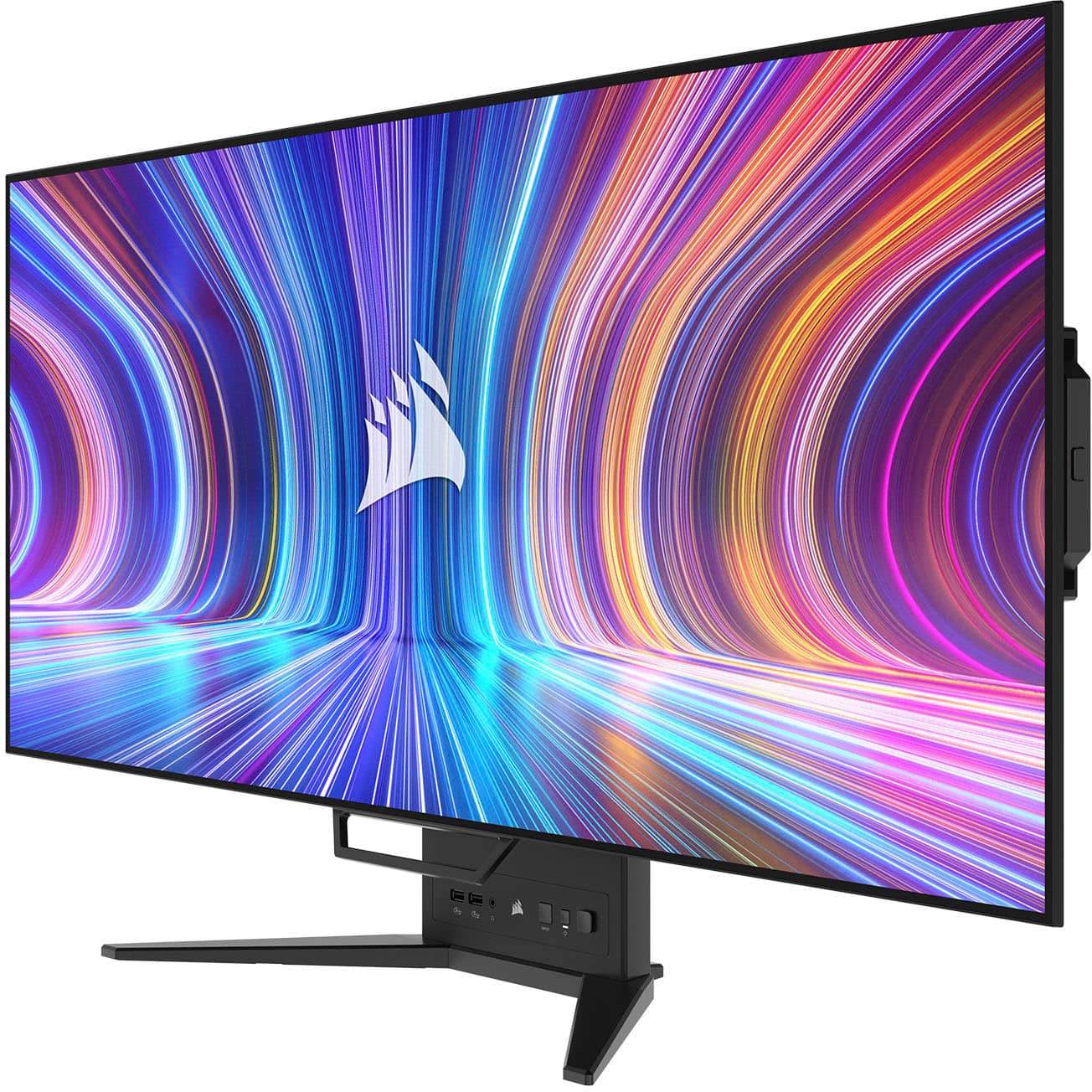
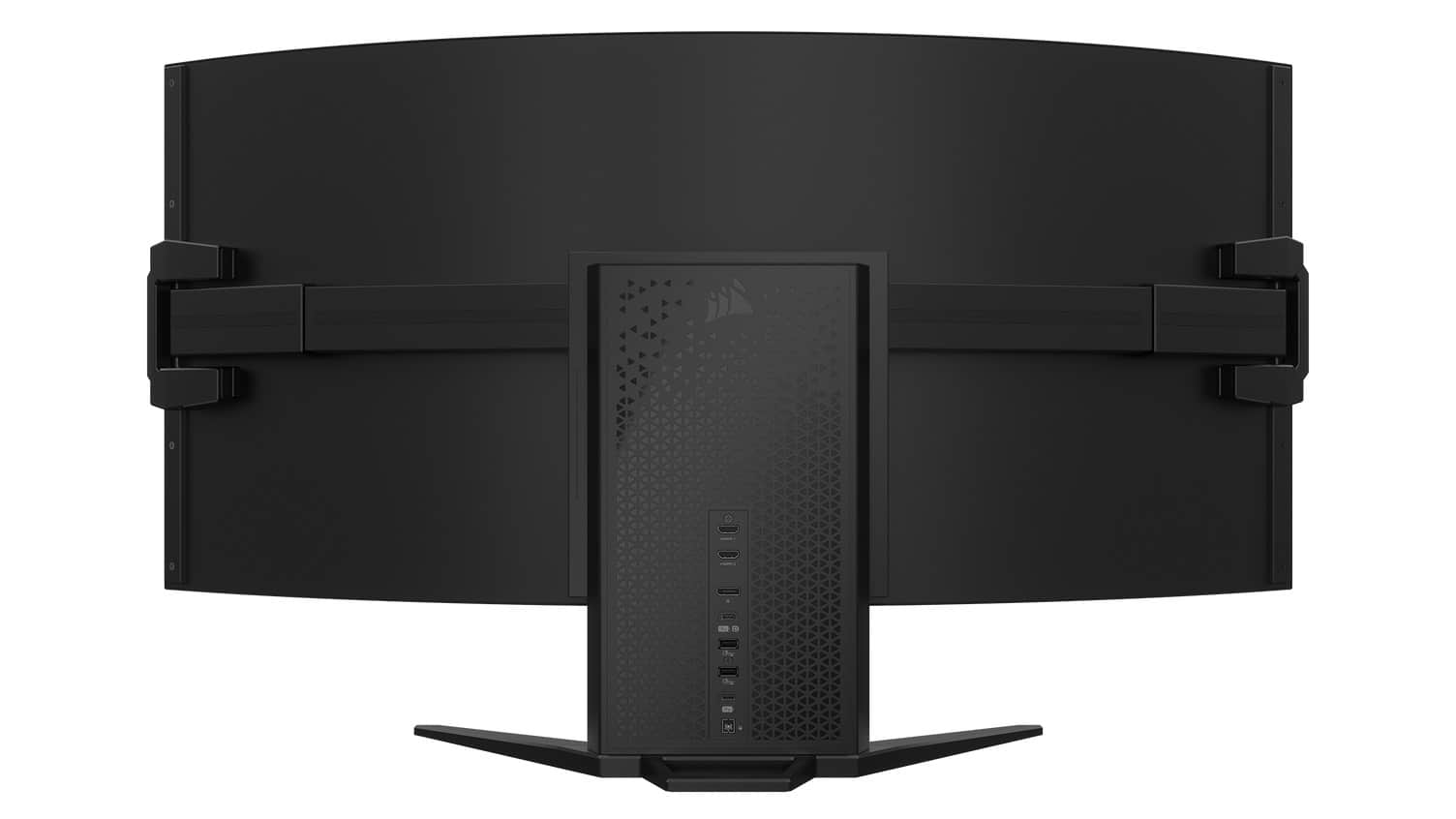
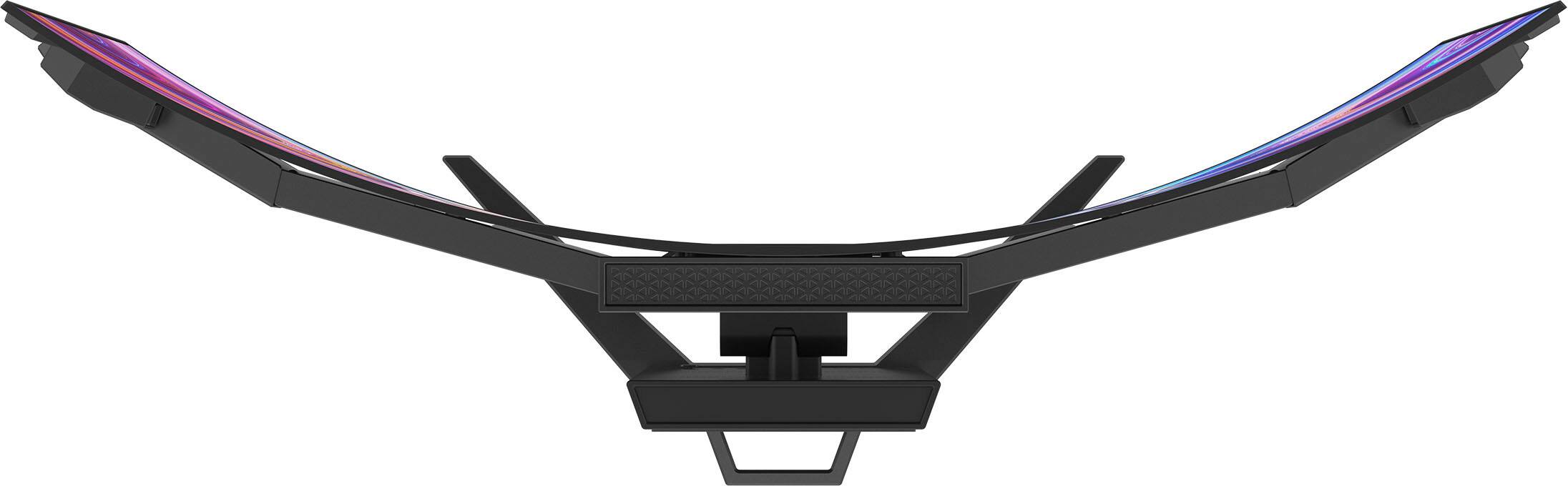
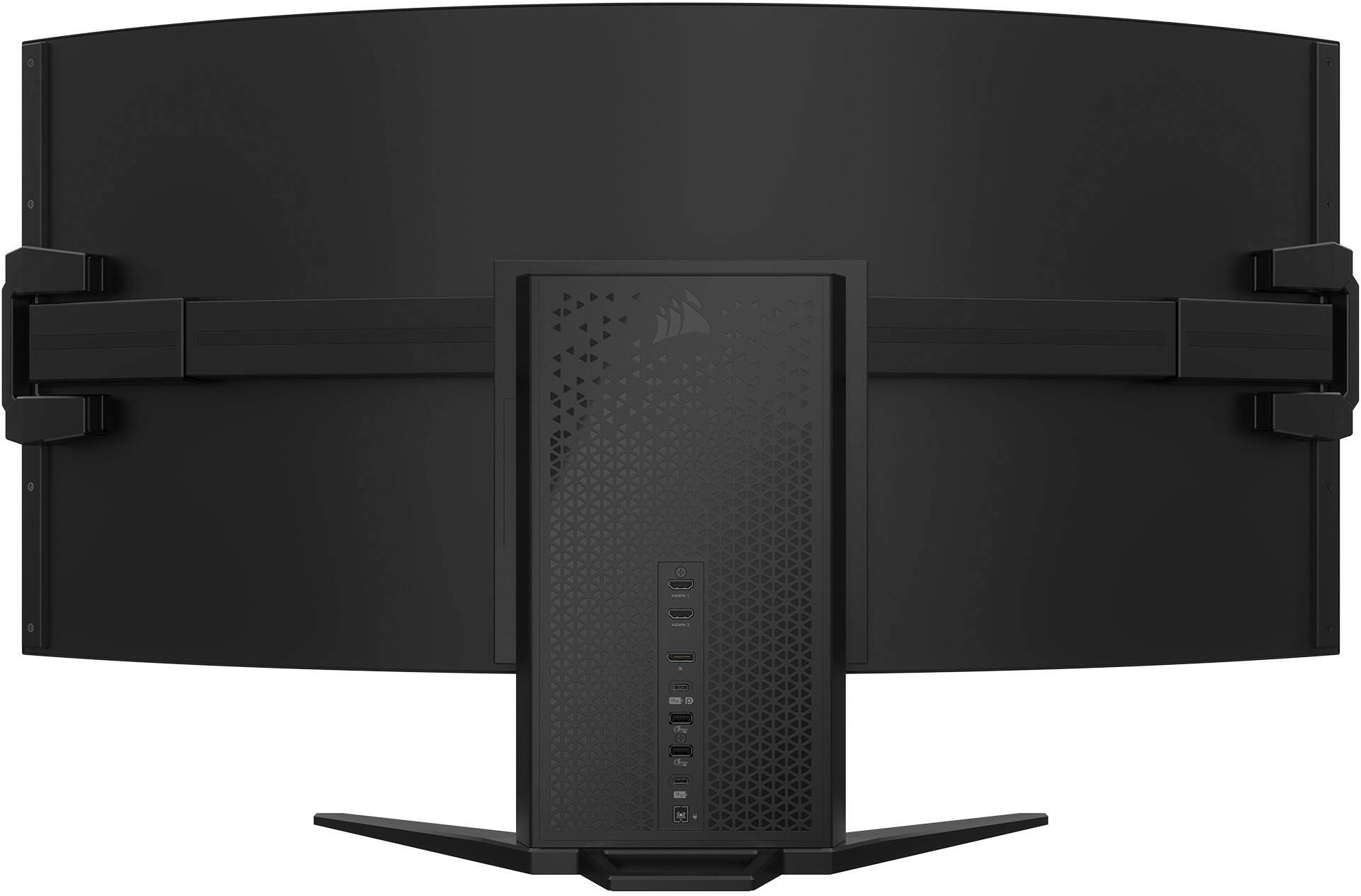
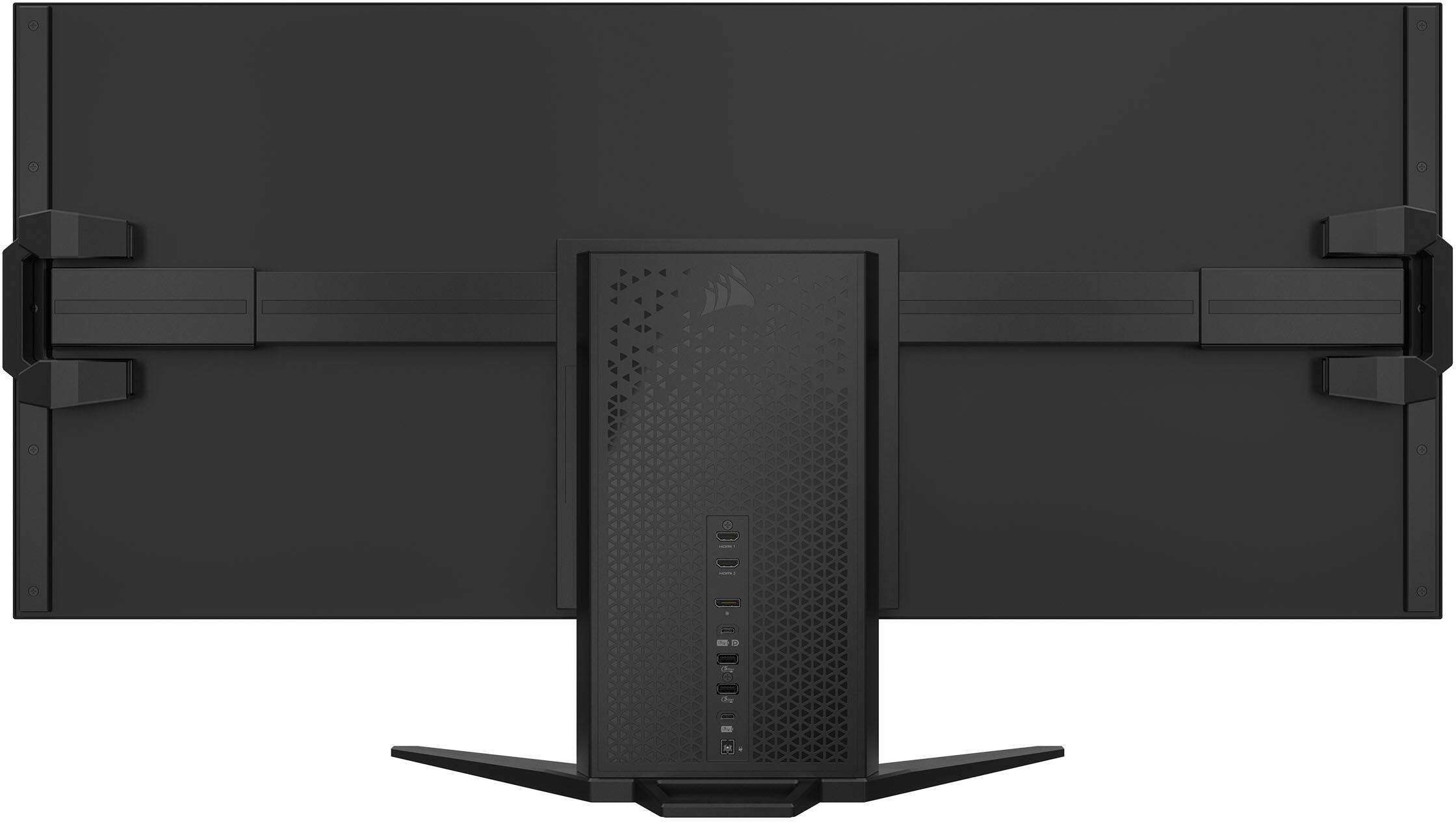
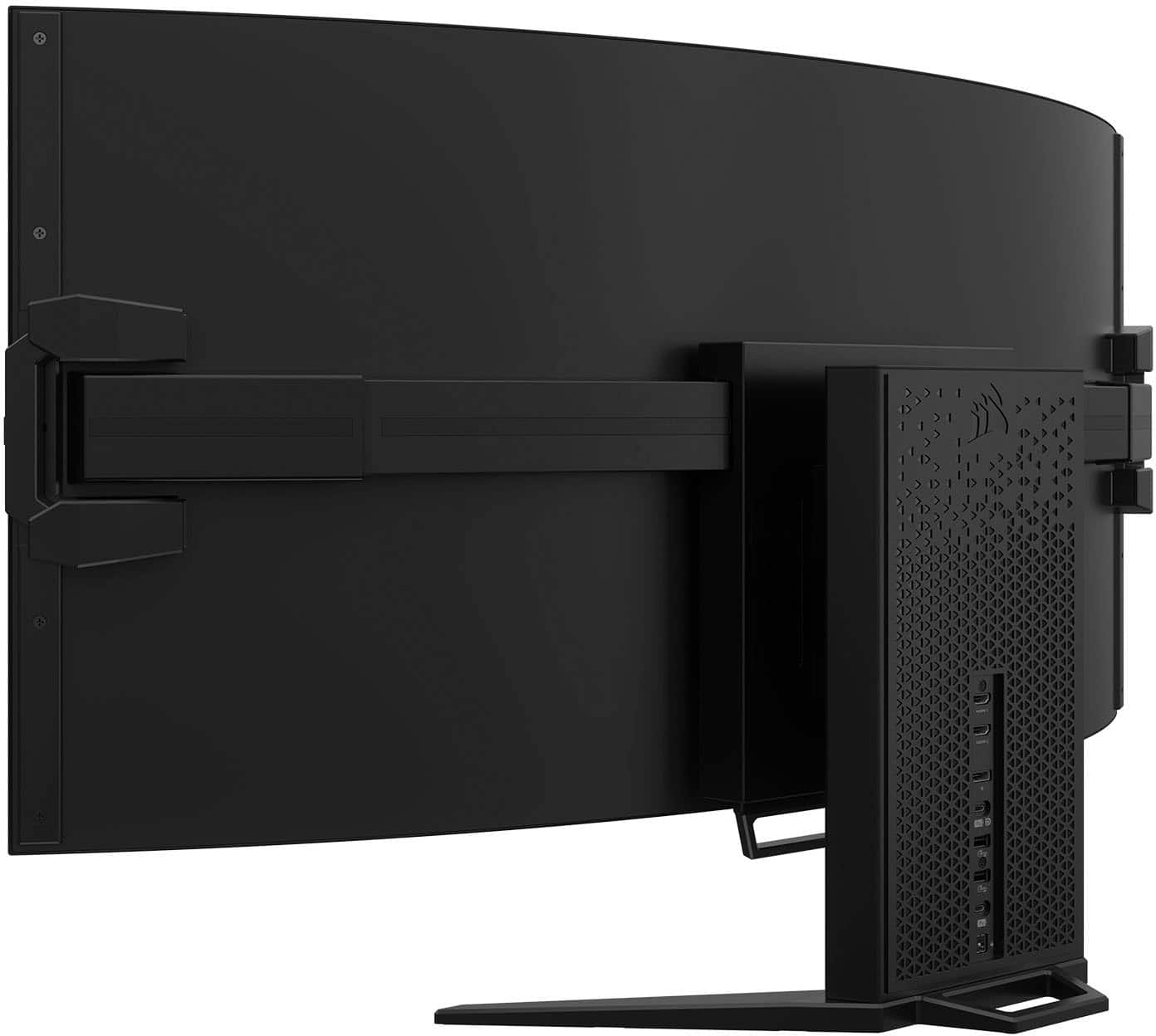
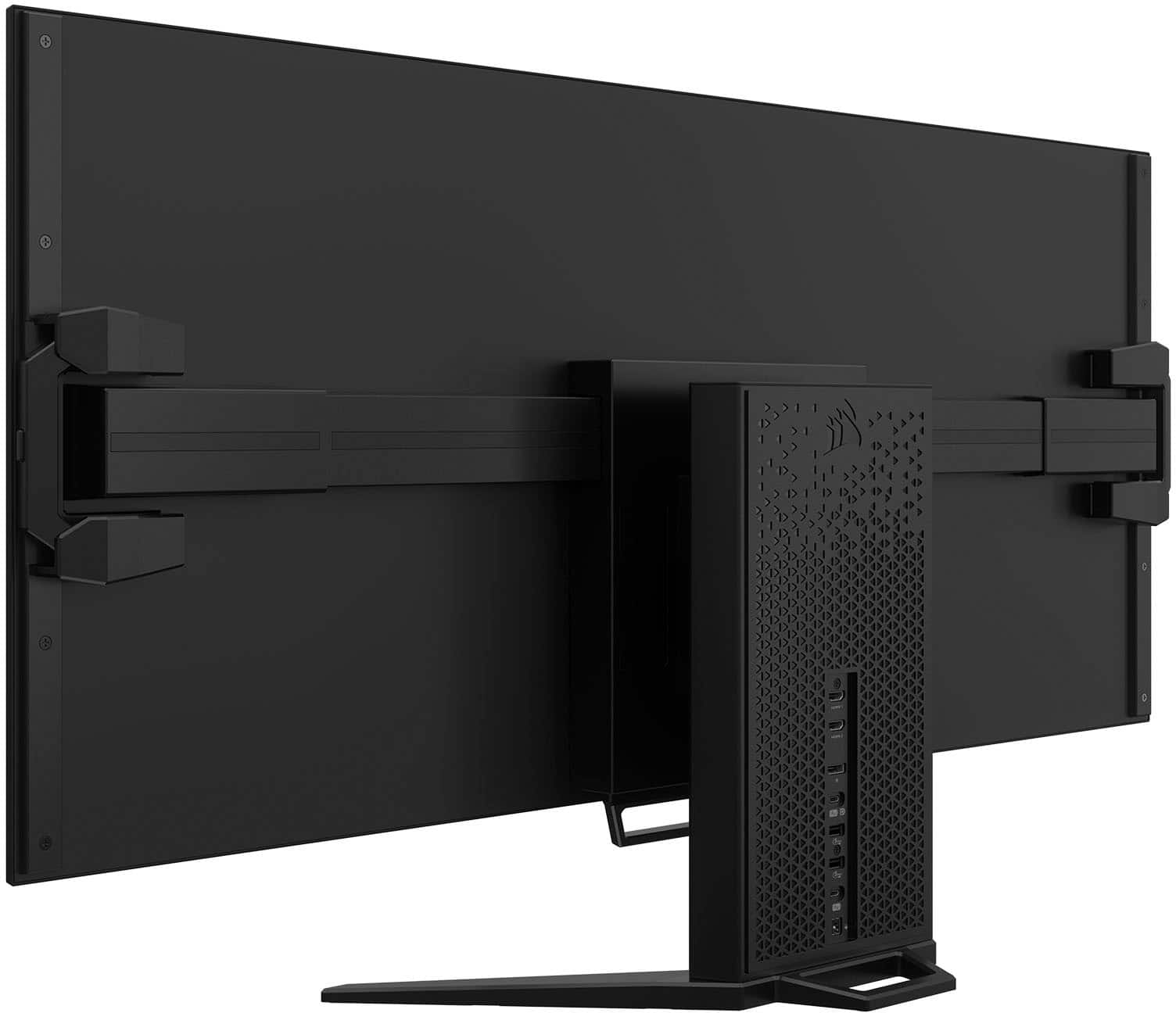
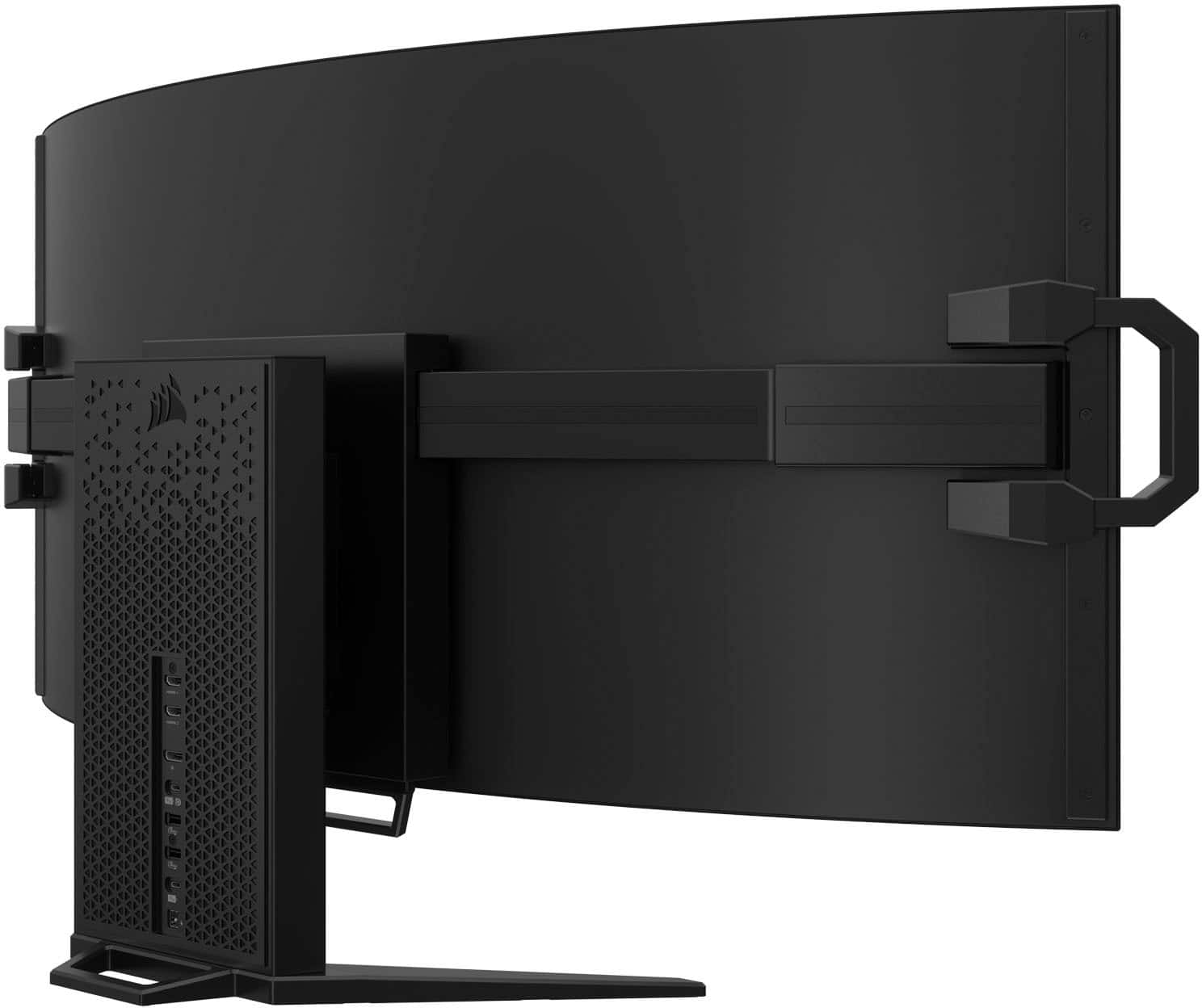
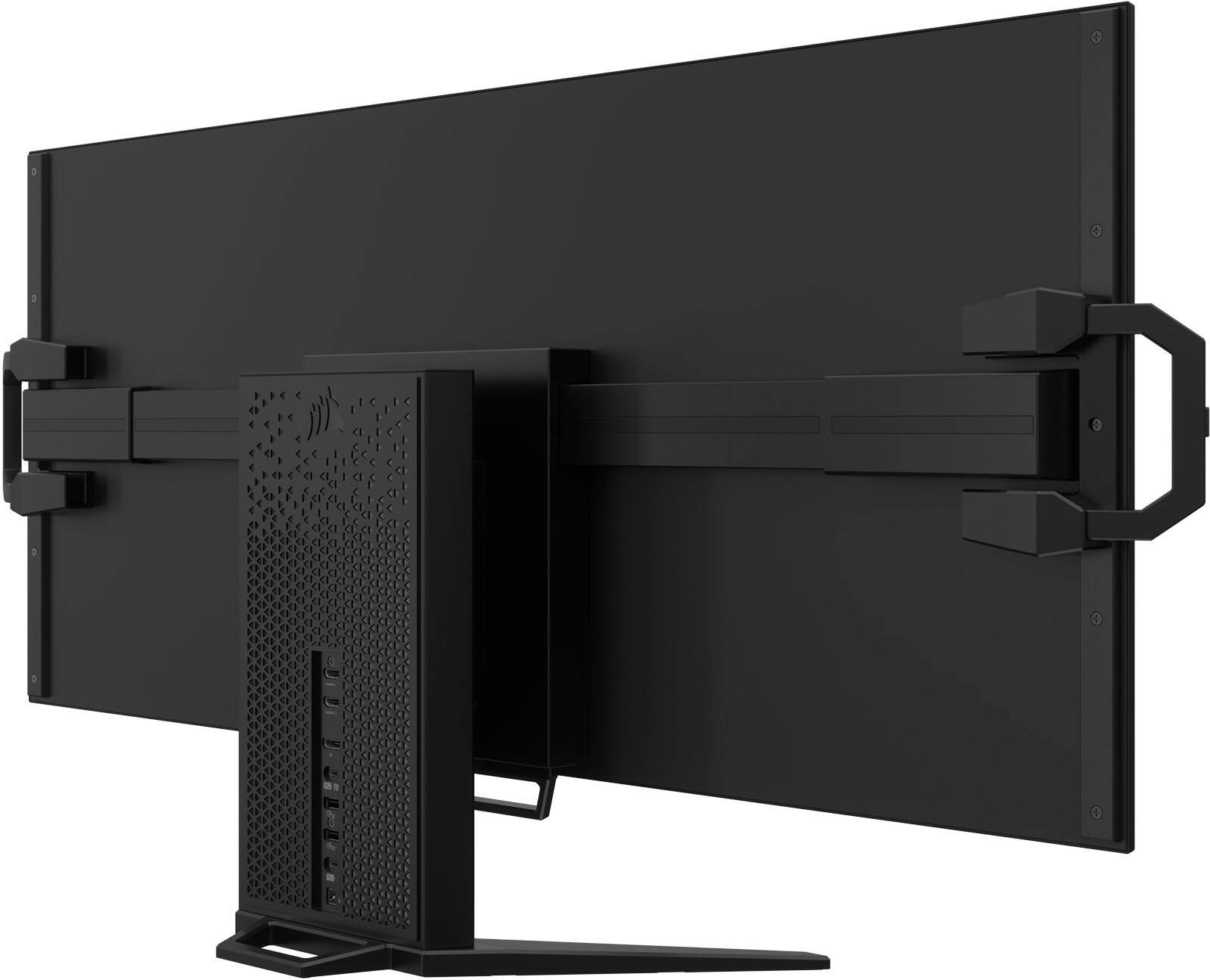
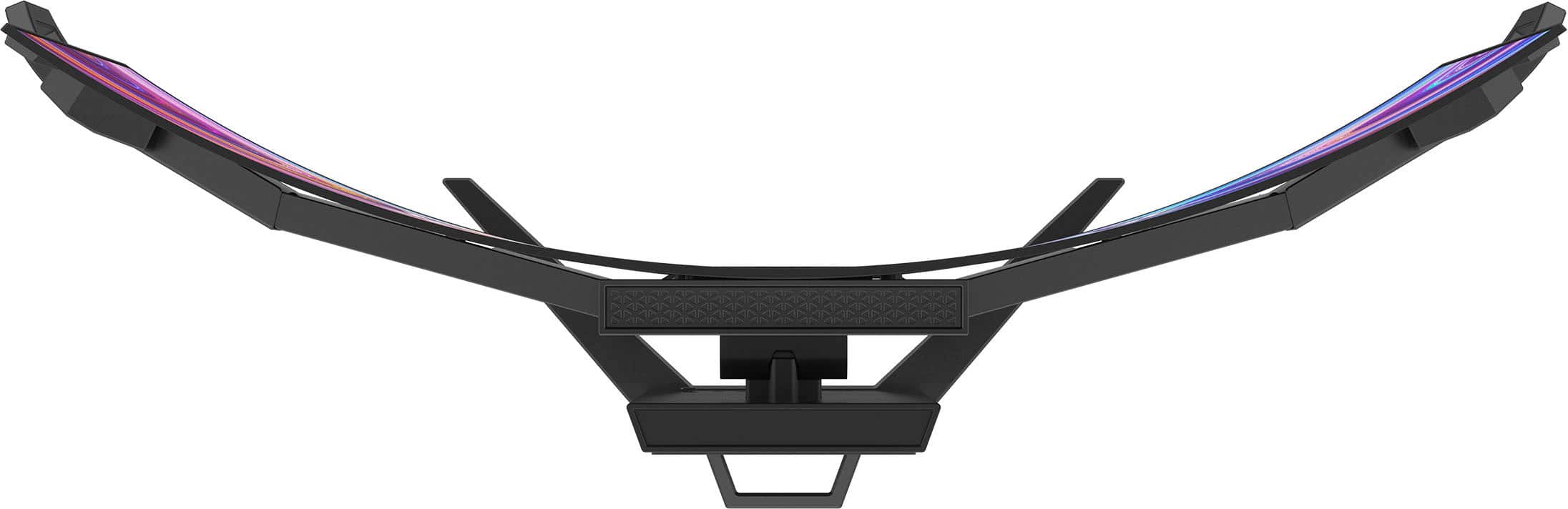
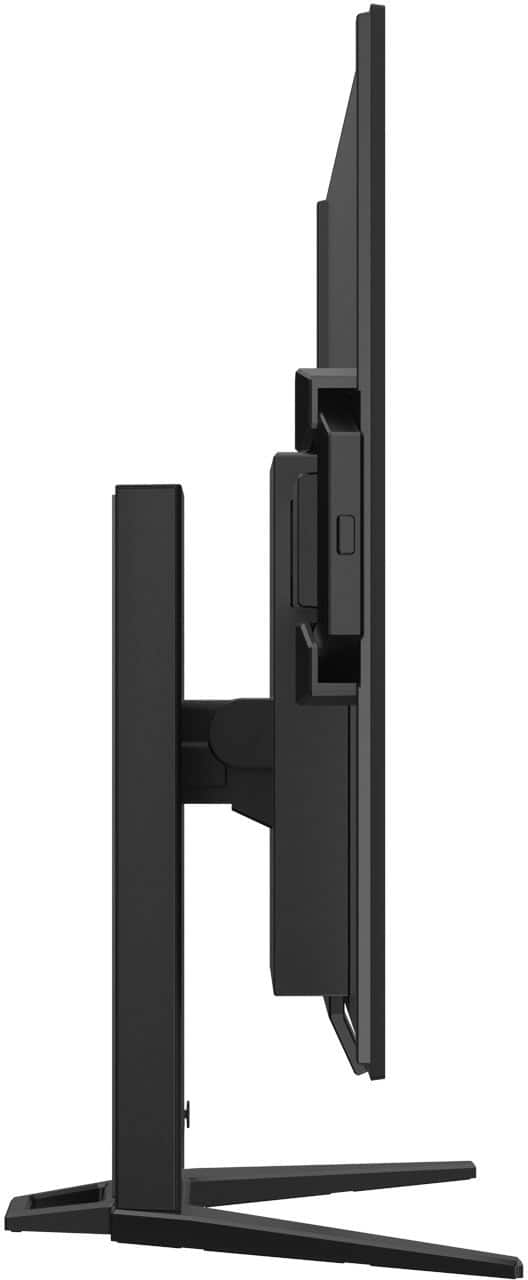
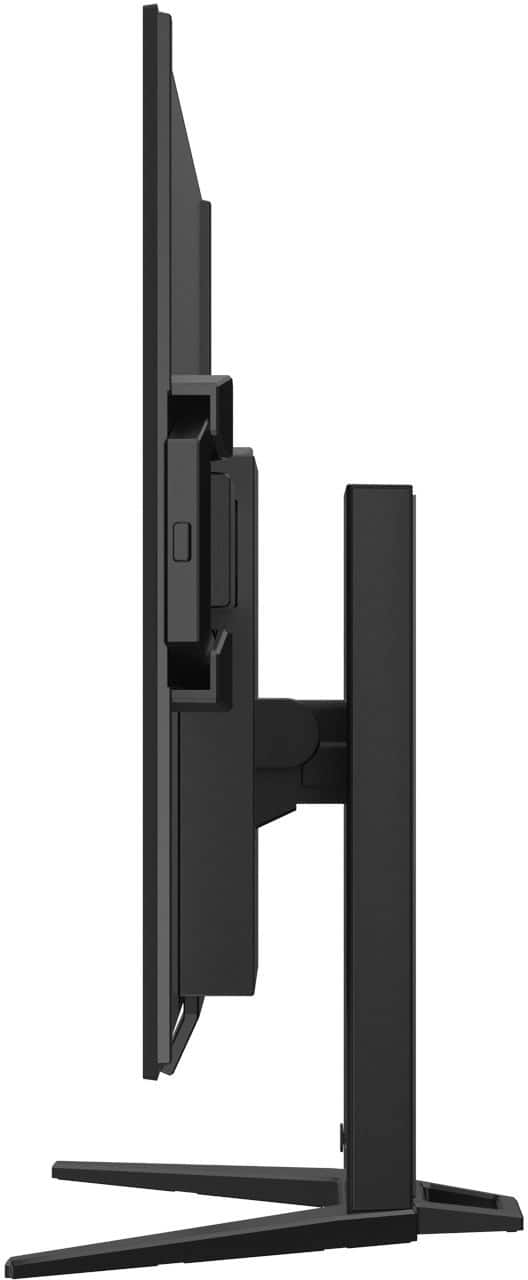
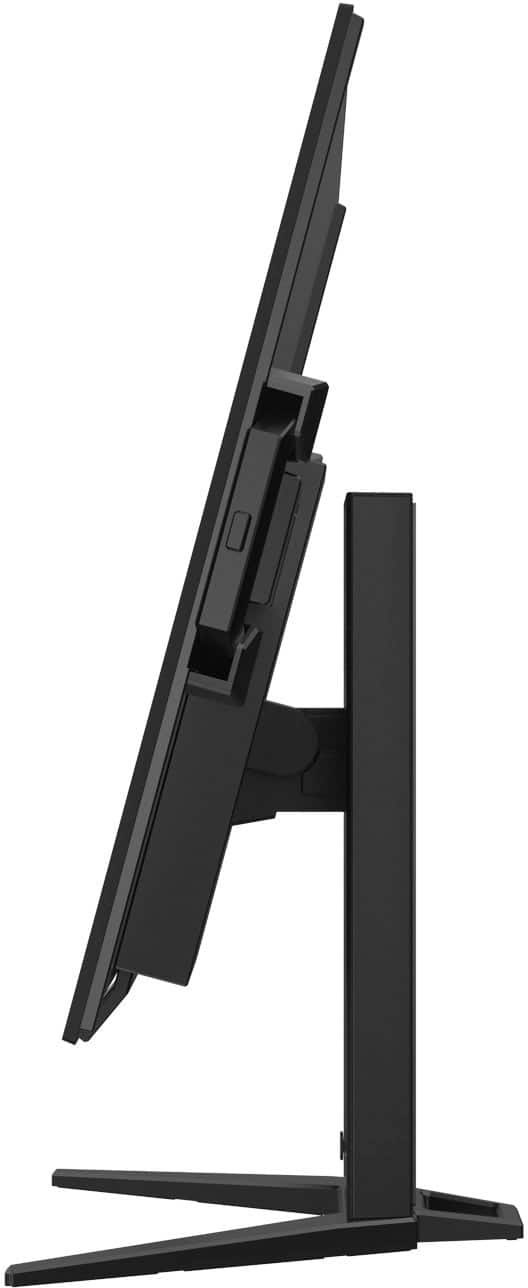
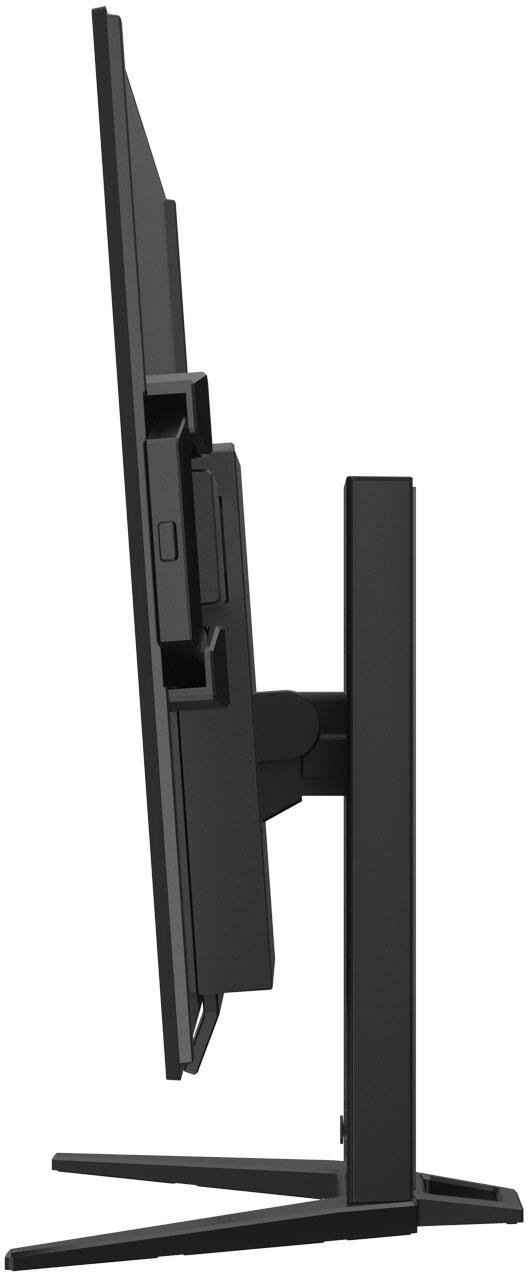
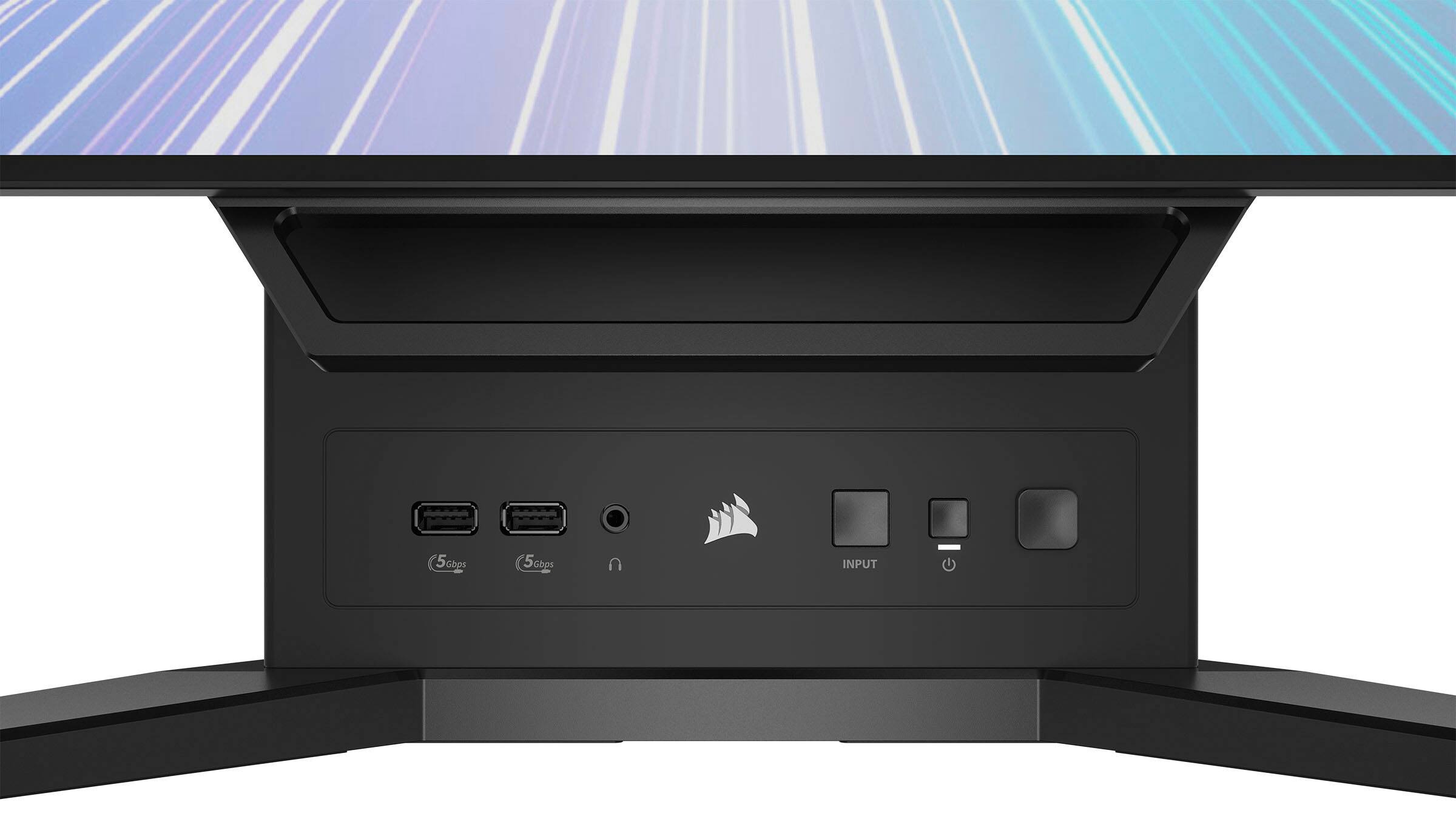
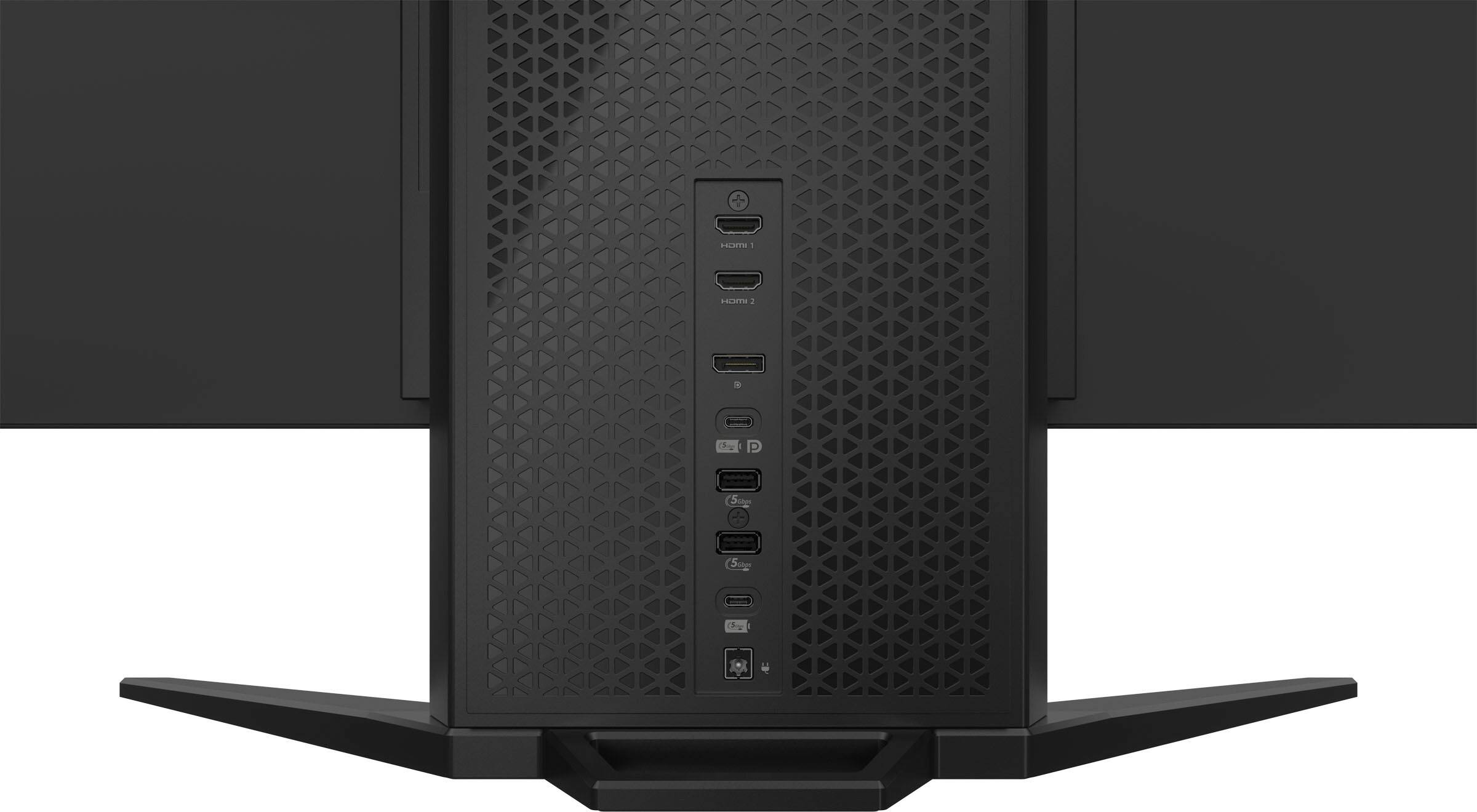
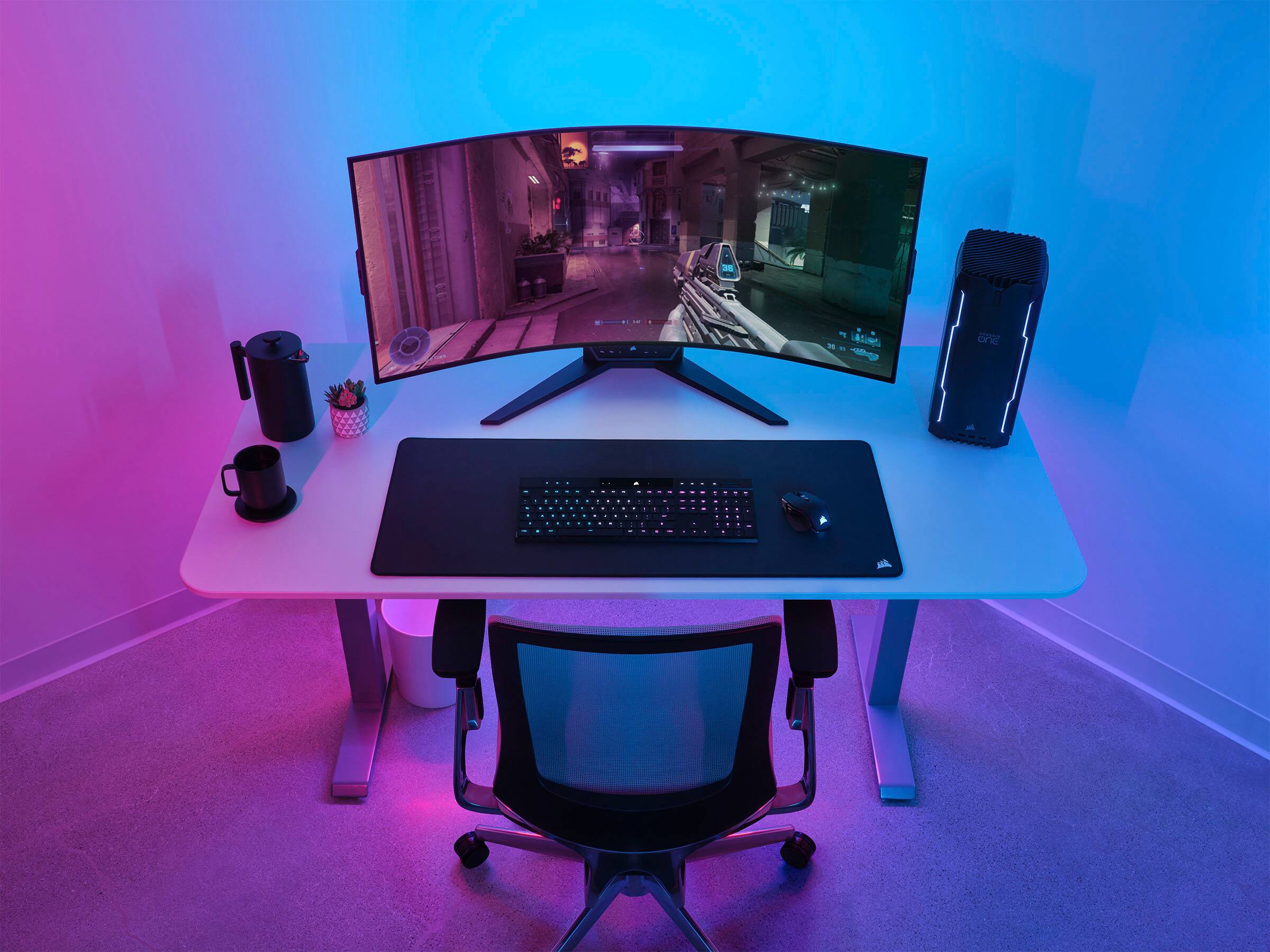
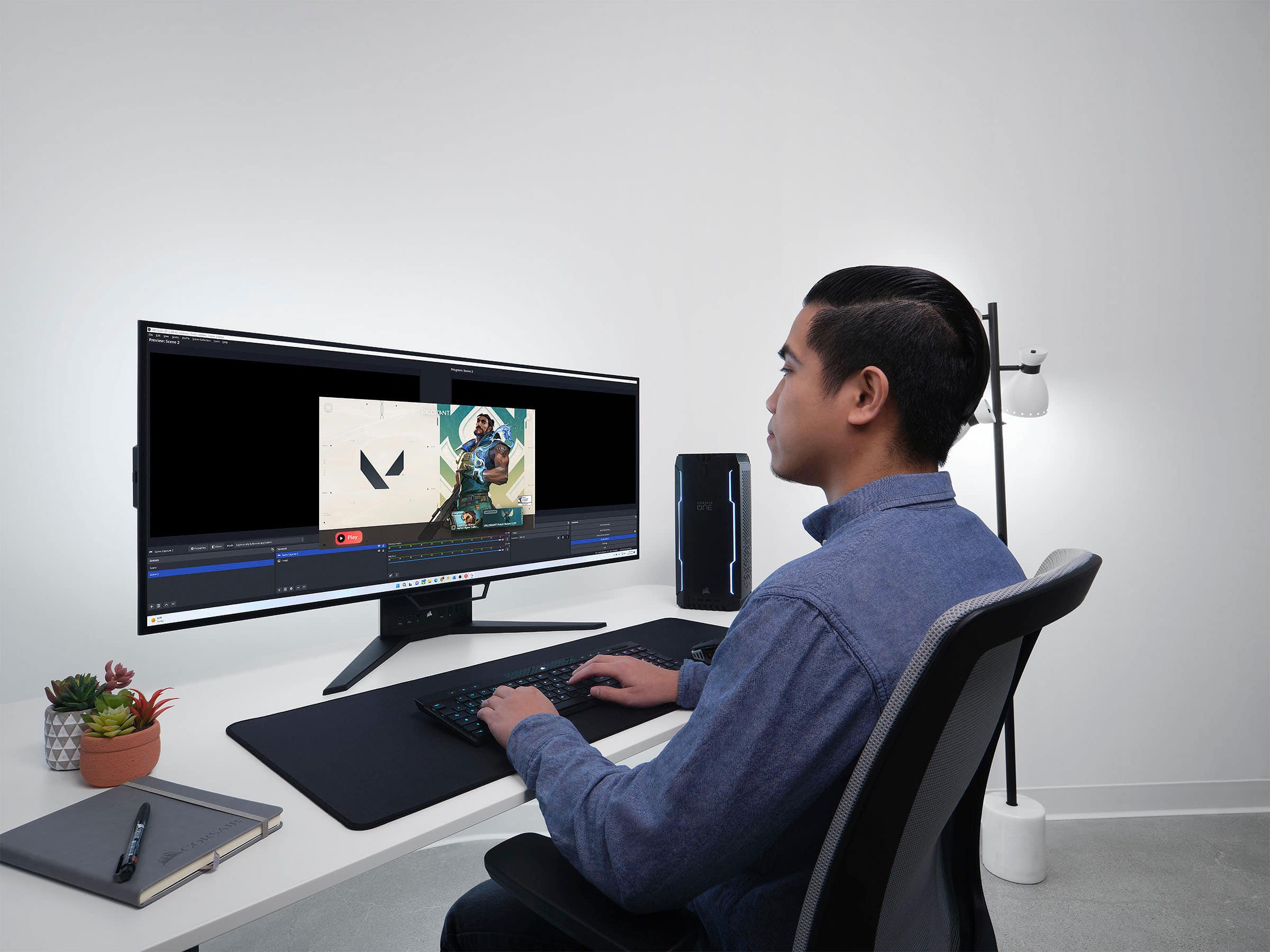
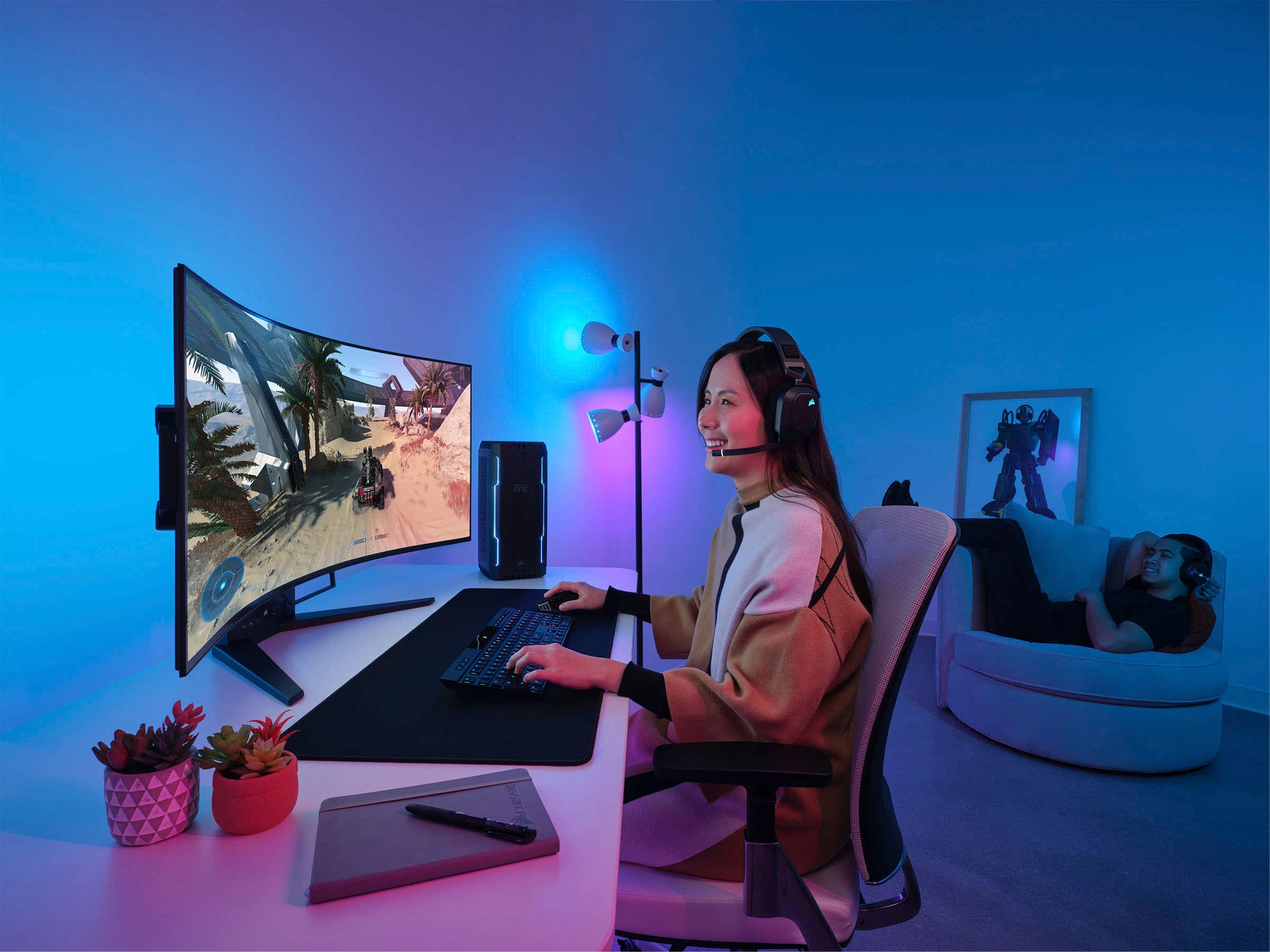
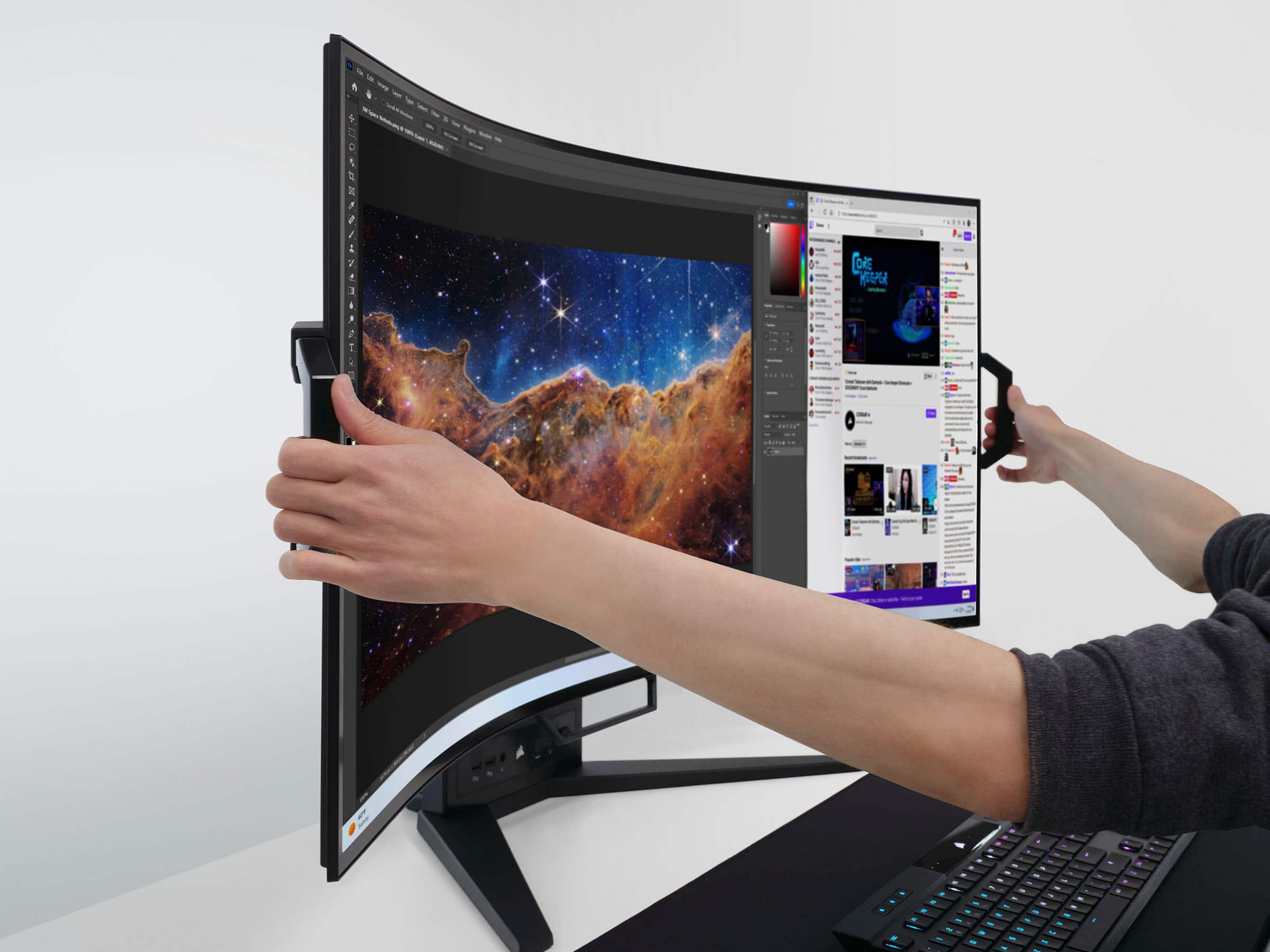
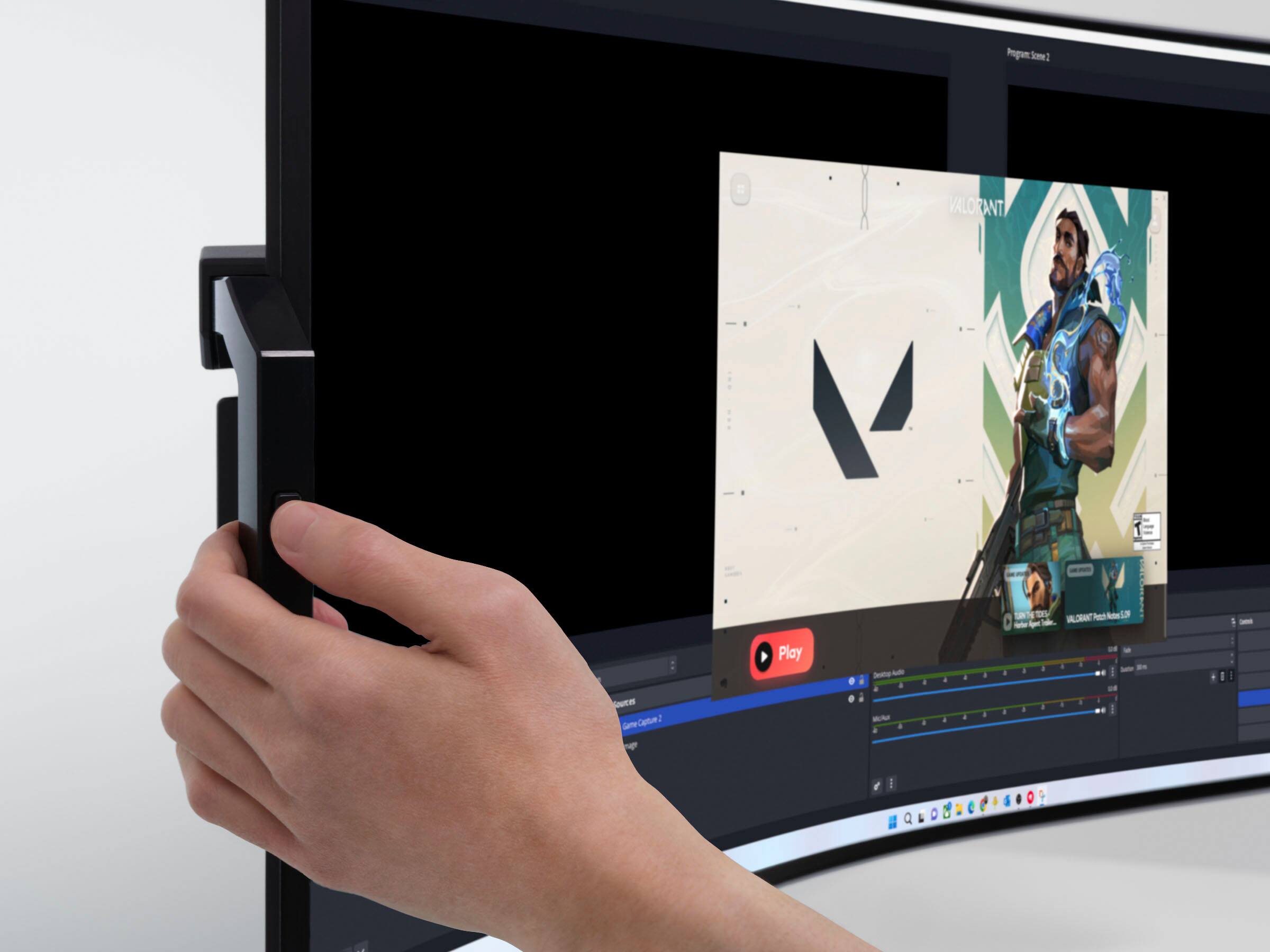
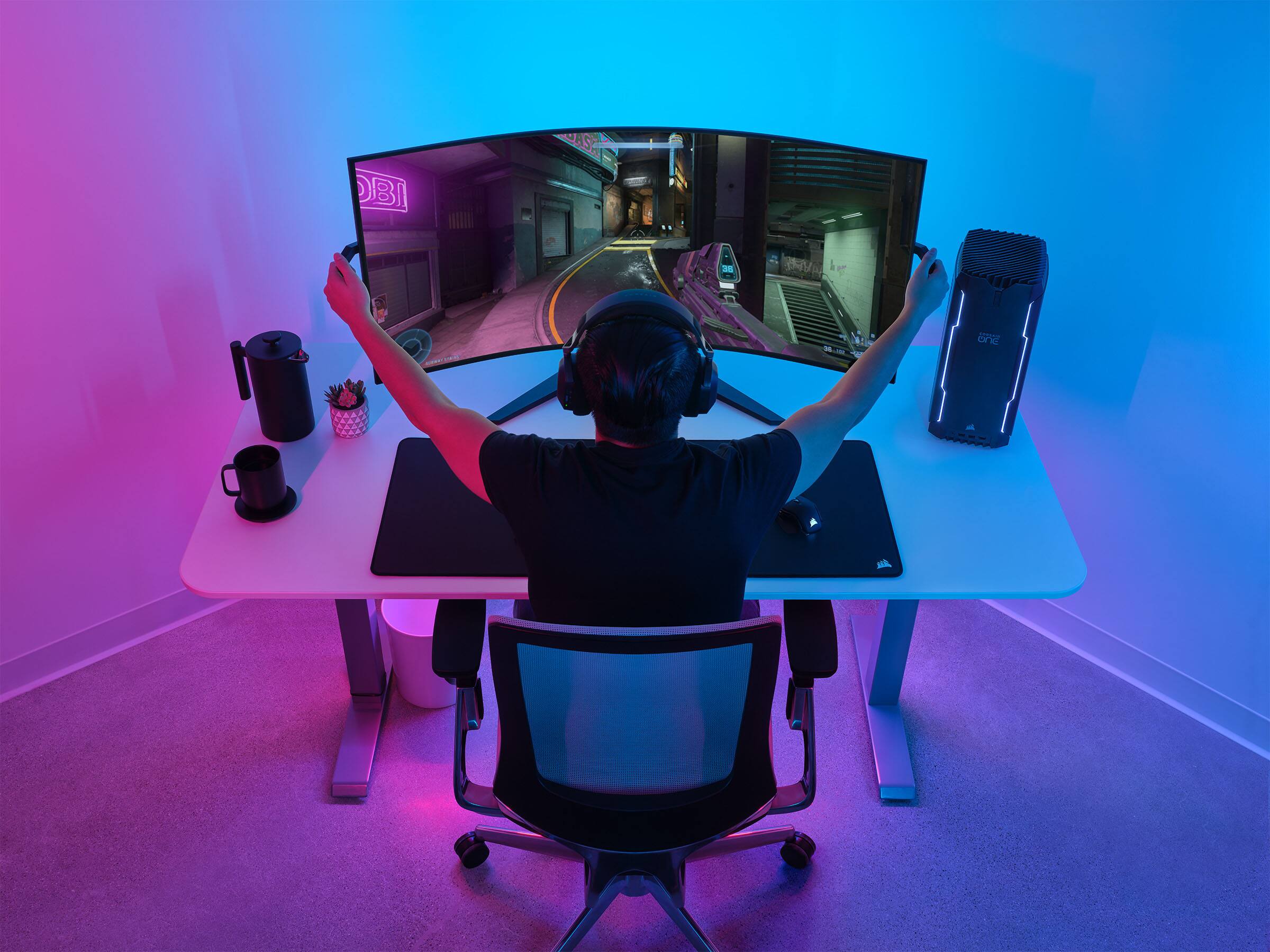
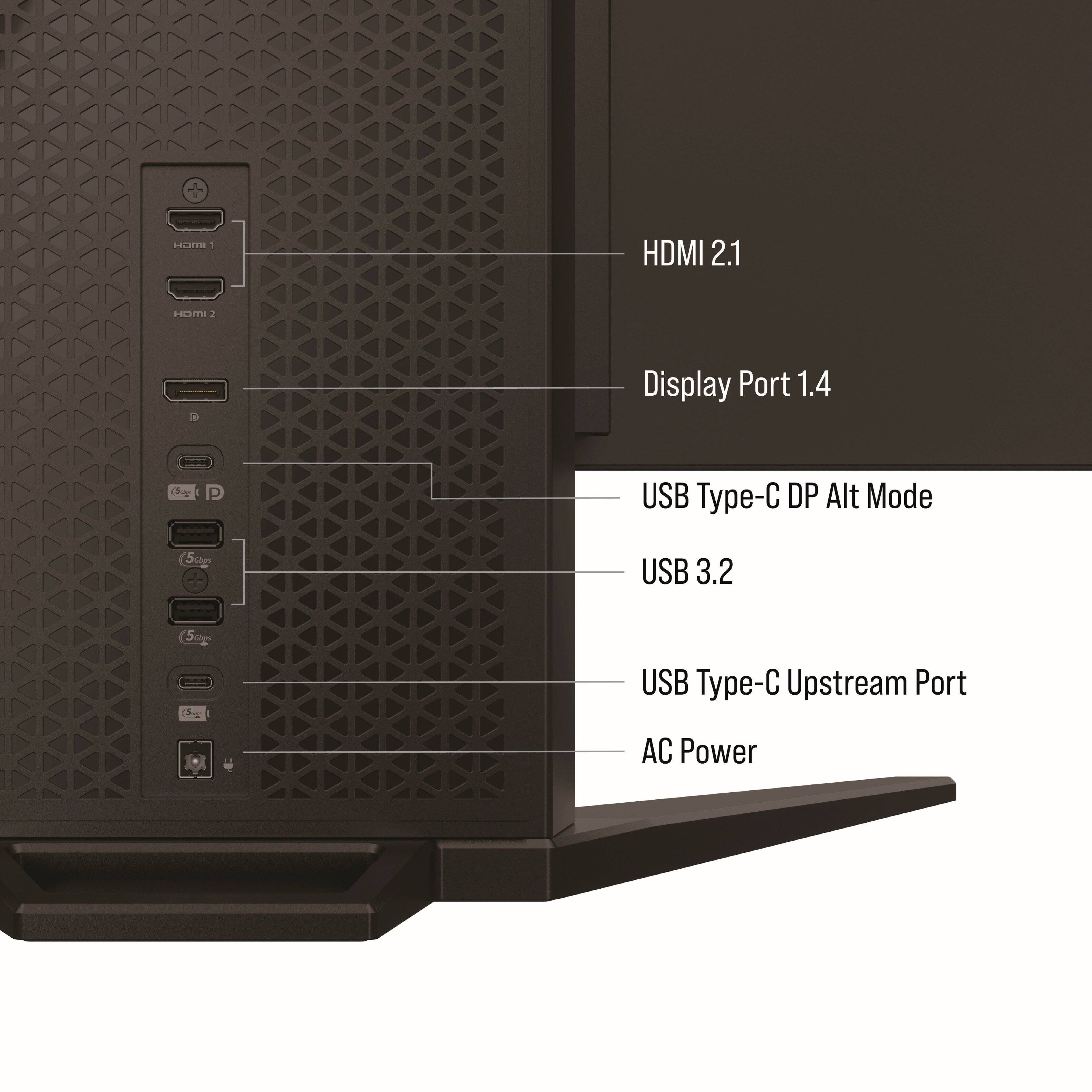
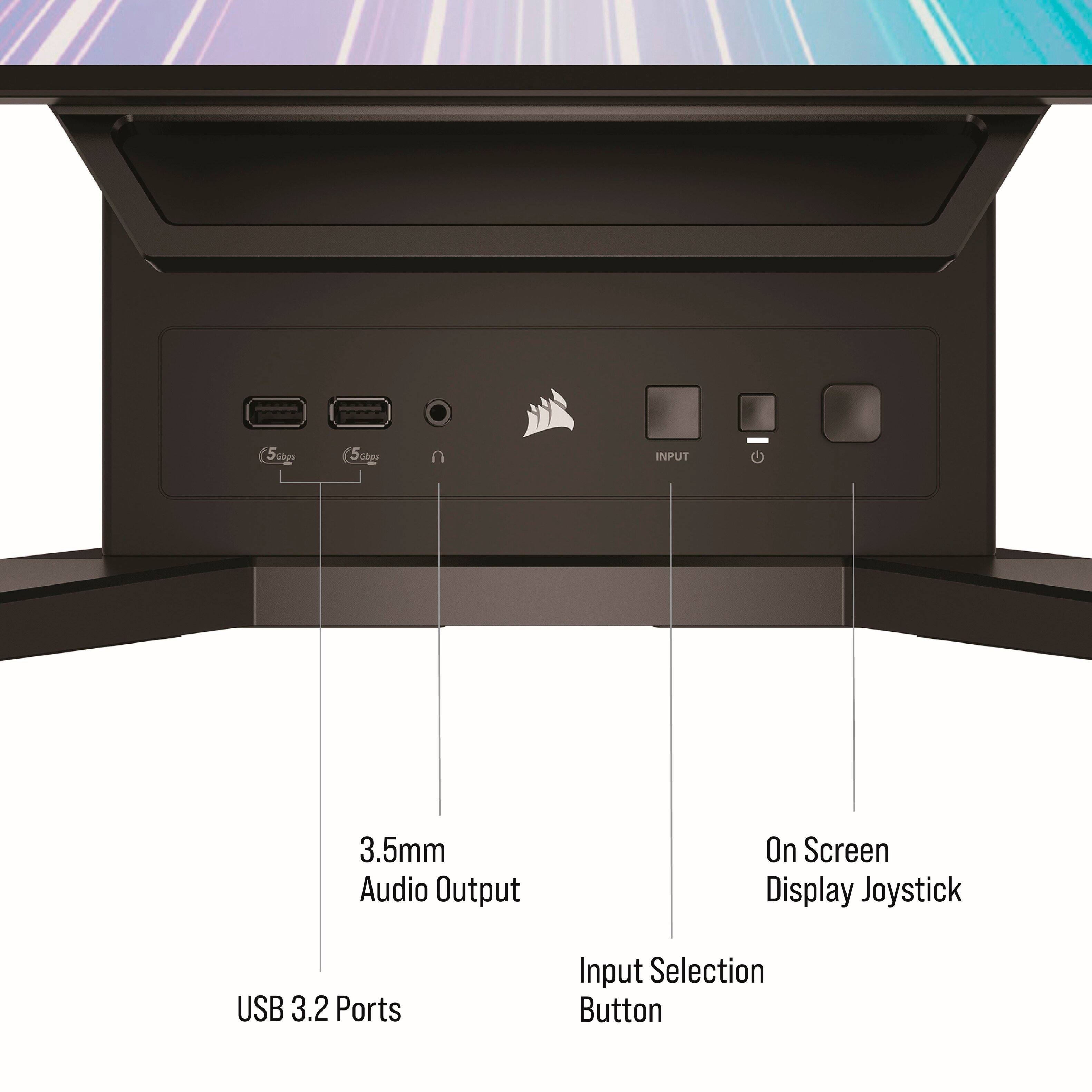
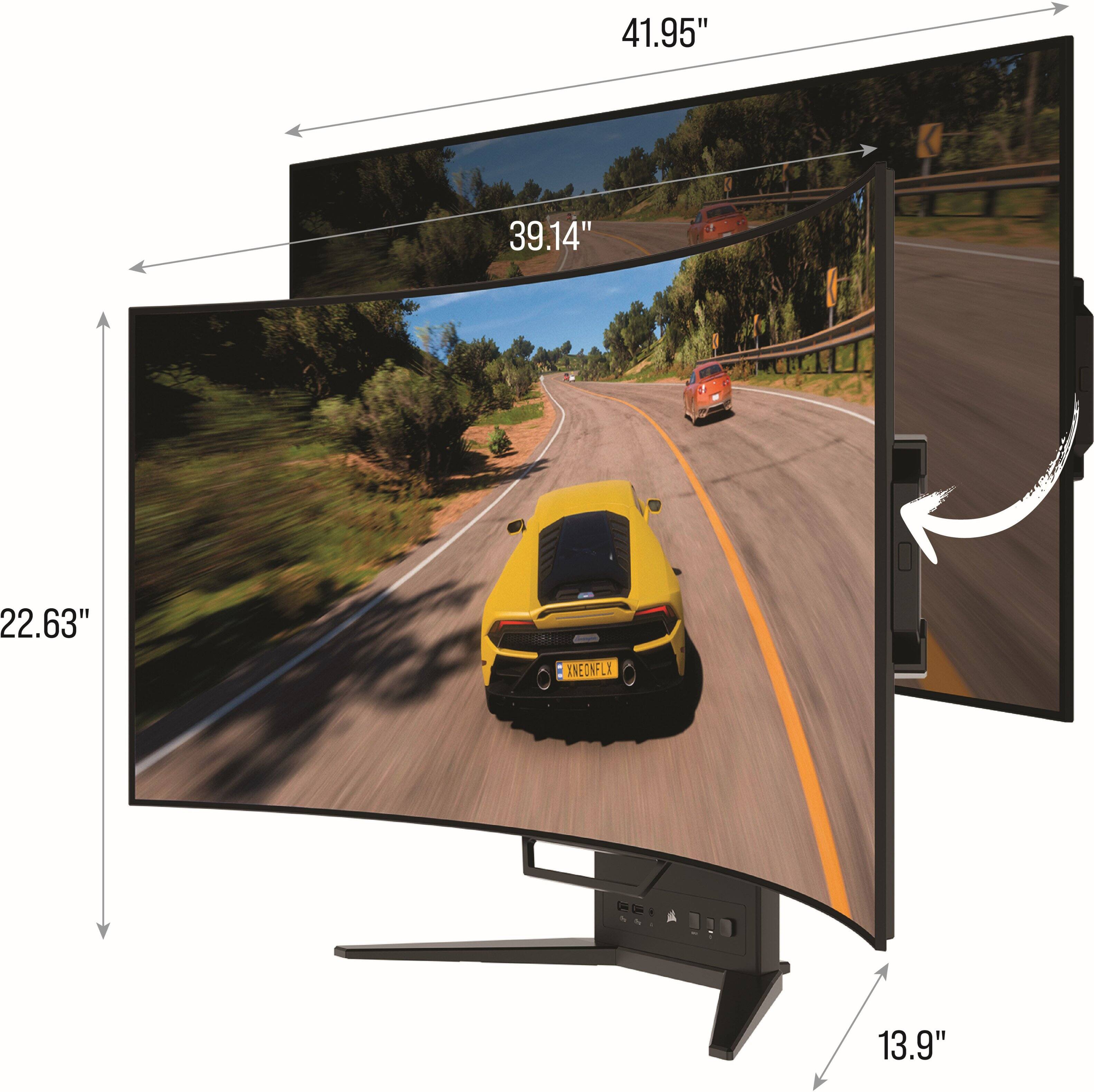
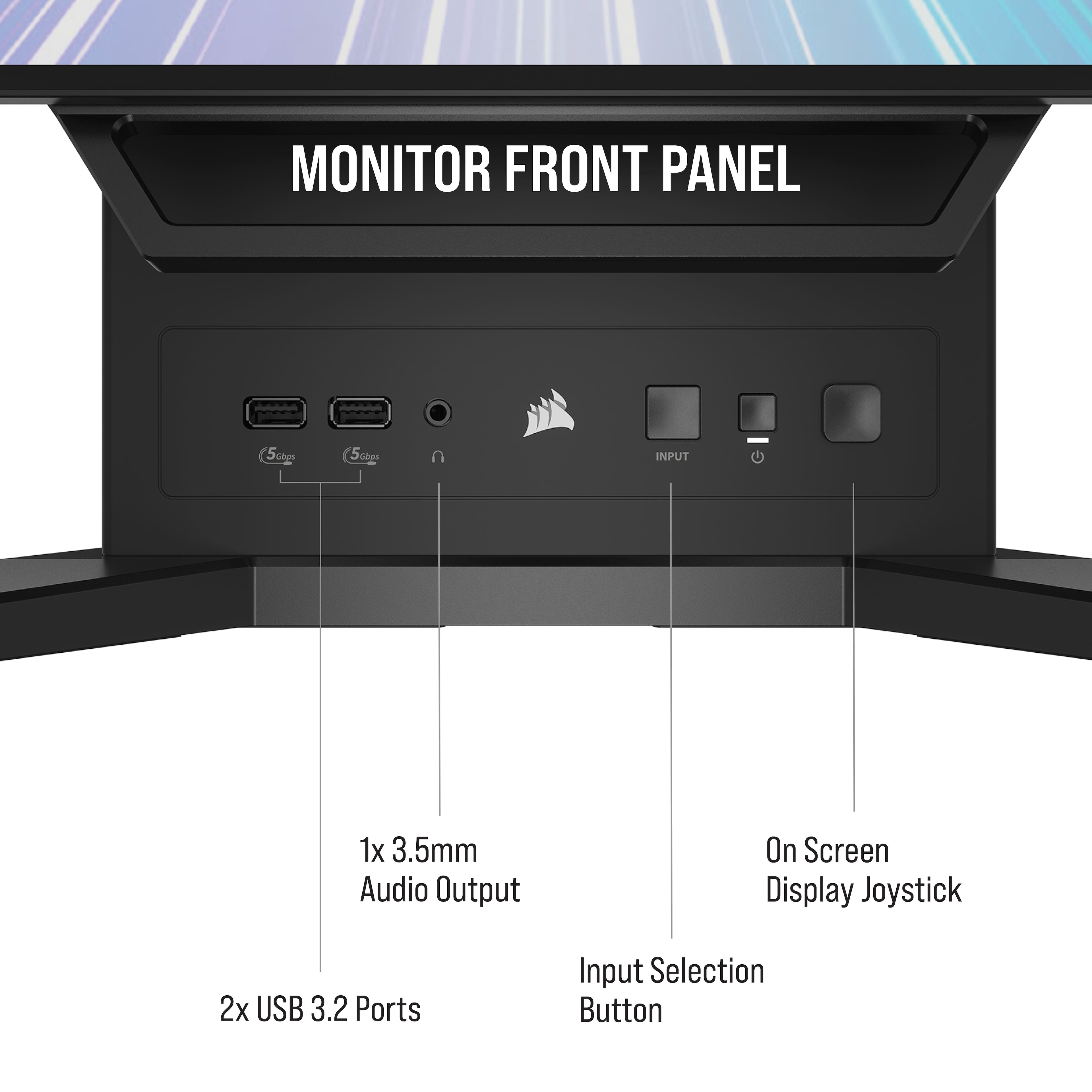
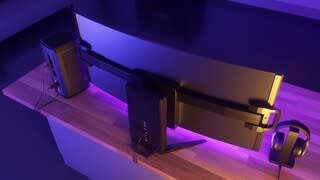
|Posted .This reviewer received promo considerations or sweepstakes entry for writing a review.Bendable displays are here! Almost 10 years after seeing some of our first glimpses at bendable OLED’s, not only are OLED’s accessible, but they are bendable! But is this just another gimmick or the start of a new trend? Regardless the Xeneon Flex is an incredible monitor at an eye watering price. Is it worth the cash? First of all let’s define OLED in the monitor space. OLED monitors are the ultimate in visual fidelity. You get extraordinary contrast, inky dark black levels, and bright vibrant colors. They make excellent TV’s but are definitely still filling in the monitor space. OLED has challenges, specifically around image retention (the ghosting of images that seem burnt into the screen). Things like persistent task bars, logos, UI elements, etc; they all run the risk of being permanently imprinted on your screen. Never fear though, OLED’s have strategies, and this monitor specifically can move the entire screen 8 pixels in any direction as it has more pixels than its native resolution of 3440x1440 (specifically 3,456 x 1,456). It moves in a pattern every minute that’s imperceptible, but you can notice it by looking at the asymmetric dark borders around the visible screen. In use you don’t notice this behavior. There is also an image retention conditioning that is automatically performed every 8 hours of use. These maintenance techniques are transparent to the user, but extend the life of the OLED panel which would otherwise potentially have burn in issues. Corsair feels pretty confident about this panel, offering a 3 year, 0 dead pixel warranty. The Xeneon Flex is a HUGE monitor. I’m no stranger to large monitors, including my LG C2 42”, and Samsung CRG9 49” super ultrawide. What you get screen size wize is a 45” ultrawide that compares to 16:9 32” panels in height. Given its native resolution of 3440x1440, it is also comparable to WQHD (2560x1440) 32” panels in pixel density. This may leave some users wanting, as the apparent pixel density is pretty low. This coupled with a subpixel arrangement (RWBG) that isn’t quite as well supported in Windows Clear Type. It may sound pedantic, but you see fringing on text, certain colors, and text artifacts that are hard to ignore once you see them. It’s not that bad sitting at least 30” away from the screen, but closer it’s not great. It sounds all negative right now; a risky panel tech, not clear text, poor pixel density. Don’t worry there’s more! The power brick is huge and external, you cannot VESA mount the monitor, The stand does not detach, there are no built in speakers and the headset jack is on the front of the display’s stand. Ok, I’m done ripping on the monitor. It sounds like it’s difficult to live with but actually, it’s an epic display. First of all, before getting into the titular feature of flex, I have to say: this is a gorgeous display. You have a very accessible resolution to drive at 240Hz, which is butter smooth. The pixel response time is insanely fast with absolutely no motion blur. Brightness is excellent for a monitor, and the HDR10 functionality is very visible and handles very nicely (much better than any other HDR display I've had sans the C2). All in all, it’s a breathtaking display. The display’s large brick affords both 30w of power delivery over USB-C and also 4 USB-A ports. The generous input selection includes 2 HDMI ports, a Display Port, and USB-C with DP Alt mode and uplink. Another USB-C offers upstream so that you can use the monitor directly connected to your laptop and swap inputs to your displayport and use the same devices via that port. The front of the stand is chunky to offer 2 of those USB ports up front, along with a dedicated input button, power button, and 5 way joystick. The headphone output being up front makes things a bit unruly when it comes to speakers, but if you use a wired headset this is perfect. Overall, this monitor’s port selection, and USB hub capabilities are the best I’ve had since my ultrawide Dell nearly 8 years ago. Beyond the amazing display, you also have G-Sync compatibility and Freesync Premium certification. I indeed was able to test G-Sync and see frame syncing as far down and high as I could go. The OSD offers plenty of tweaking, including color temp, and advanced features. The PBP mode works well, properly scaling and using 2 monitors at 1280x1024 is doable with minimal distortion. Now, let’s talk about the physical design including the flex. The stand is heavy and has a bottom of very grippy rubber. This is to support the handles found on the monitor for adjustment. Below the screen is a ‘chin’ that helps set the vertical tilt angle. There’s a decent amount of tilt up and about half of it down. On either side of the screen are pop-out handles. Simply grabbing them and pulling them out will give you a proper handle to be able to start the bending process. You’ll find the best way to adjust the bend is to grab the handles (and only the handles) and pull towards you at what feels like a 45 degree angle. The stand should grip, but keep your pressure straight towards you. You’ll start bending the screen and hear an audible soft click noise when you hit the maximum bend. This means the screen goes from flat to a 0.8m radius, which is a pretty extreme curve. At 800R, you can sit about 24” away for an extreme immersive feeling. The screen feels smaller, yet much more comfortable when viewing content at the edge. Simply pushing back out on the handles with straighten the monitor back out (another audible click when the stand reaches its flat point). You can stop at any point in between these clicks and the monitor retains its bend pretty reliably. It’s a little freaky at first, and you might want to hit the dumbbells if you plan on adjusting this every day as the force required is not for the skinny of arms. Overall it’s nice to be able to adjust the curve, and in fact I found myself doing it more than I expected. Corsair is eventually going to release iCue support, which is slated to come at some point in the near future. Integrating with the rest of the Corsair ecosystem, iCue will allow you to change practically all the monitor’s settings right from the software. The ability to set and use profiles and weave your Corsair accessories into the ultimate battlestation is a huge plus. I eagerly await this update. So what is gaming like on this beast? It’s better than a super ultrawide IMHO. Not only do you get OLED contrast, which makes games more enjoyable, but you get a field of view that is something you can live with. I always found the 4’ wide CRG9 to be overwhelming. This monitor’s proportions are better. The black levels and contrast mean that darker games are lush and clear. There is no ‘blooming’ or halos around bright lights like on LCD’s. Motion was insanely fast, meaning games like CS:GO felt so different from your normal LCD experience. Overall I think this display size is amazing. In conclusion, you get a monitor here that offers a ton of inputs, USB ports, a solid stand, VRR (G-sync and Freesync), HDR10, OLED, and a unique flexible, first of its kind panel. The trade offs are productivity/text clarity, manual adjustments of the flex, poor pixel density, and the quirks that come with OLED. Is it worth its premium price? That’s a tough question to answer. If you primary use is gaming, and you like playing games that support ultrawide resolutions, then this is a great pick. Do you play 16:9 games and crave 4k or higher resolutions, then you might want to consider another monitor or TV. All in all, the Xeneon Flex is quite a unique monitor, and fits perfectly in my setup.
I would recommend this to a friendExpensive, but AMAZING!
|Posted .This reviewer received promo considerations or sweepstakes entry for writing a review.Yup, this monitor is amazing. The display is huge, the color is vibrant, and the HDR content looks fantastic. Being able to choose between a flat display and picking your level of curvature sounds like a gimmick, but it is actually quite useful. I was due for a monitor upgrade, and it is nice not having to choose between flat or curved when you can get both! This is a new kind of product, so there are some first-generation disadvantages. The monitor is permanently attached to the stand, so any other type of mounting is out of the question. Furthermore, there is no height adjustment at all. You get a little bit of tilt, and that is about it. If you want the monitor to sit higher then you will need some type of stand. But with the base needing 25” x 12” of space, most monitor stands will not be big enough. You will need to look at a medium sized TV stand for something this big. The panel is very nice. In HDR mode you can get a claimed 1,000 nits brightness, and the refresh rate goes up to 240 Hz while using DisplayPort. It looks amazing, with bright brights and black blacks. However, it does suffer from problems that appear to be common among all OLED panels. There is an overall brightness limit, so a small area can be VERY bright. However, if the bright area grows, the overall brightness level of the display goes down. This is called an “automatic brightness limiter” and all OLED panels have this to one extent or another. During games this would probably not be noticeable, but with productivity work, it is distracting. If you have two windows open, what is on one window will actually affect the brightness of the other panel. There is a “brightness stabilizer” option that prevents this problem, but does so by limiting the overall brightness to 150 nits. Not amazingly bright, but useful enough for all but the brightest rooms. In addition, while in HDR mode, Windows seems dull and lackluster until you launch an HDR game. I am sure that this is a Windows problem and not a problem with the display, but it is still something to note. So while in productivity, you will want the brightness stabilizer on, and HDR off. You will swap those two when gaming, so this is a bit of button-poking when going from work to games. Speaking of productivity, this is something that this monitor has been dinged for by others. The resolution is “only” in the neighborhood of 80 DPI. However, as I am getting more years behind me, these old eyes find that resolution to be just fine. Getting an extra wide panel and a larger display means that I don’t have to use larger fonts to make stuff legible. The extra-wide panel means that the IDE can also show more pages of code side-by-side, and still have a web page on the side for looking stuff up. So others with younger eyes might complain about the pixel density, it has not been a problem for me. The IO is also interesting too. There is a USB-C video input that supports DisplayPort Alt mode, so this is great for laptops. When using this input, that same port also provides USB connection for the built-in hub, so if you have two computers, you can use this as a simple KVM. You can choose the video signal bandwidth over this cable, so you can select USB-3 speeds over the hub, or only USB-2 speed but a higher refresh rate. It is nice that you get the choice. The other three inputs (DisplayPort and two HDMI) all share a single USB-C uplink port, so if you have more than two computers, you will need a USB sharing switch to be able to have each machine be a USB host. There are two USB-A ports on the front and another two on the rear, which is a nice balance. Really, the only odd thing is that the audio jack for headphones is on the front of the stand. While a nice touch, if you want to use wired speakers, you will have the audio cable going around to the front of the base, which is less than optimal from a neatness perspective. It would have been much better to have a line-out jack in the back and a headphone jack in the front. For a device this expensive, the addition of an extra audio jack would have been negligible. So, the final question is one of price. This monitor is NOT a value. It is a premium product. But if you have the money to spend, there is a lot here to love. Only you can decide if it is worth it.
I would recommend this to a friendMy eyes bathed in bendy light.
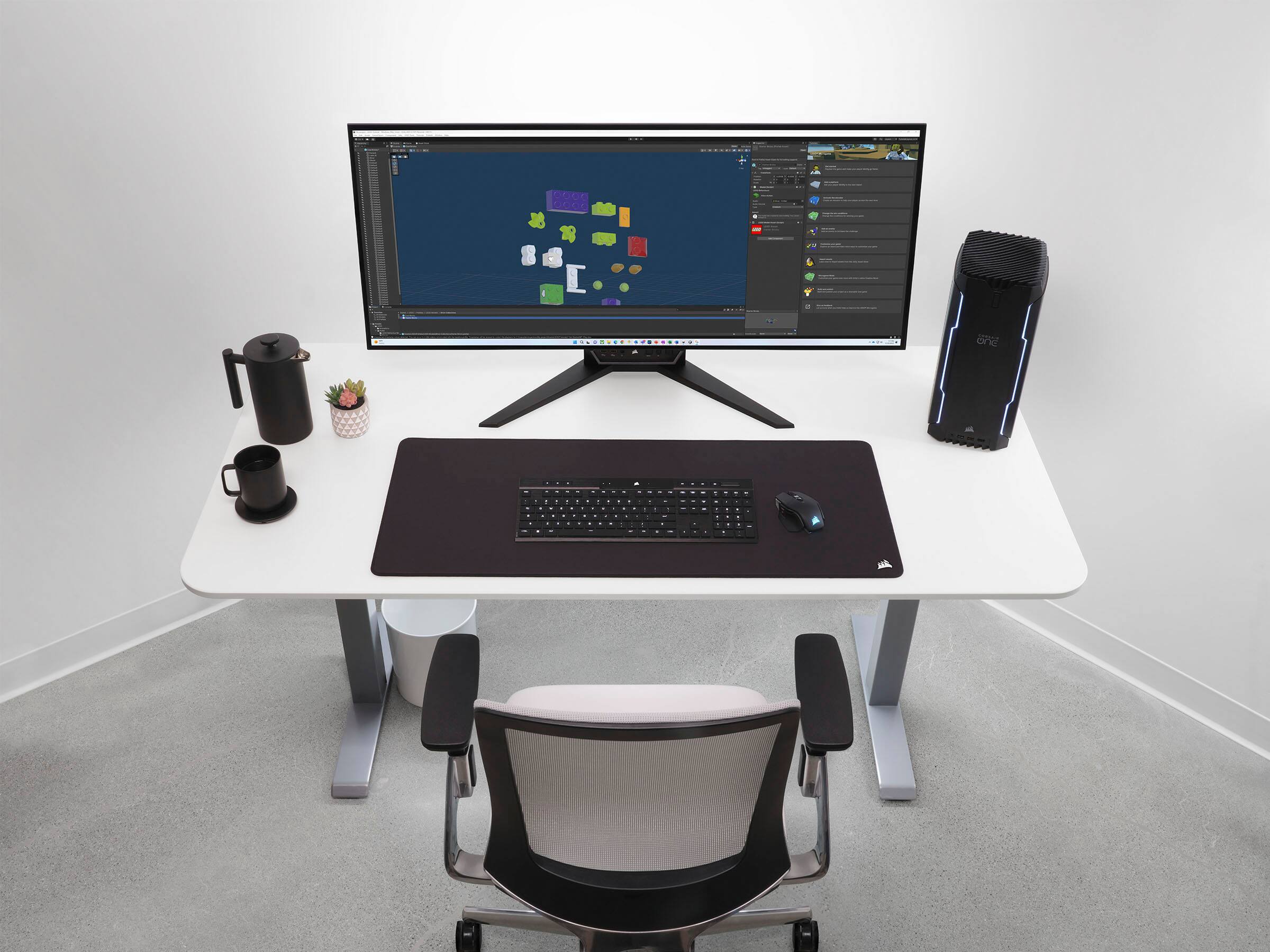
|Posted .This reviewer received promo considerations or sweepstakes entry for writing a review.My normal setup is a 32 Ultrawide and a 4k 27" next to each other. While that set up took a lot of space on my desk, this large bendy monitor ends up taking even more space due to the fact that the hutch on my desk will not allow it to clear underneath it. There in lies my first problem with the Xeneon. There is no height adjustability. I am guessing it is difficult to do with a monitor this size especially considering that ALL off the connections are on the rear of the stand. There is a pro as well as a con to the stand which I will get to in a moment. There is tilt adjustability which works with the matte coating on the screen which I prefer. My monitors are placed with windows behind me and with this combination I am able to clearly see the screen even on a bright day with minimal glare. The stand which does not have a great deal of flexibility also takes a decent amount of real estate on my desk. The stand which houses all the connections to the screen prevent this from being mounted to a vesa of any sort so that is out of the question. The connections sticking straight out of the back also prevent the stand to be placed close up against the wall. So this big guy needs a big space. Speaking of connections, multiple cables (Ultra High Speed HDMI, Displayport, USB C) are all included and the Xeneon had me up and running with everything in the box with nothing more needed. It seemed like the monitor had speakers built in since it shows up in my sound settings, but it does not. Speakers can be connected The bendy screen is a trip and the first few times I did it I expected to hear some cracking which to my relief it did no such thing. It takes a little effort at first but you get to used to how you are supposed to do it. The full bend didnt take long to get used to at all and I found myself ripping through match after match in CoD MW2. Gameplay was smooth without any blur. I had to get yelled at to shut it down for dinner. I thought the full bend would be distracting for productivity work/web browsing/media consumption and would stretch it flat to do that, but I soon found myself running it curved all the time. Viewing angles are great and it is easily a shareable screen. Being an OLED; the first I have used in a larger format for an extended period of time, the hype over black blacks is real. My panel came with no dead/stuck pixels and I have not seen any uneven light blooming. Screen resolution for a 45" screen is a little underwhelming, but I think as a content consumption/gaming screen should be more than sufficient. This is a fantastic monitor, but I will be moving it to a space that is more suitable for it because it takes up so much valuable desk space. I now have an excuse to create a gaming/personal theater computer setup in my basement.
I would recommend this to a friendThis monitor thoooo
Posted .This reviewer received promo considerations or sweepstakes entry for writing a review.I have up my G9 for this one, the G 90 was just to long from left to right and i needed something big, but not so wide. However i couldn't decide what to get add o loved my 240hrtz regret on my G9, add well as what i thought at the time we the amazing color.... Well that was until I found this monitor and decide to give it a try. Oh my god of the black! So much cleaner and the colors pop so much brighter. They're such a better contrast between the two and the games are just amazing, and so much more immersive and powerful to play her this day.
I would recommend this to a friendGreat color and size
Posted .This reviewer received promo considerations or sweepstakes entry for writing a review.This oled screen has vibrant colors and is great for graphic design and gaming. Used to be on a 32.9 monitor and this is the perfect amount of ultrawide for me. Also, you might have to start hitting the gym to get the monitor to flex. It is a bit difficult to get a hang of.
I would recommend this to a friendbad location of stock, bad excuse for why.
Posted .This reviewer received promo considerations or sweepstakes entry for writing a review.Bought one for black friday, and instead of shipping normally, Best Buy seemed to think it prudent to ship it to their store and deliver it from there. On one hand I can see that could lower the amount of RMAs because of damage, however I have waited 3 weeks to recieve my purchase, and i was told on the day after the 3rd week that it is such a high-volume sell that they cant seem to ship one from any of their locations. This is a tech store. They sell, inventory, and do business with tech. The only explanation I can come up with for this is bad inventory and the clearly outdated computer system at all locations I've ever been to. Im out 1400 dollars and can't even get an estimate for when i can receive a monitor that's been out for about a year now, and that's just sad. I'm sad, the experience is sad, the lack of clear response is sad, and the fact that a HUGE tech company can't can't sell things is sad. I will obviously update this as soon as I recieve my product, to be clear, but I also feel it's important to identify inventory management on things literally as expensive as a macbook, and caution anyone wanting to purchase one from this company to expect major delays in shipment beyond projected estimates without good explanation from the company.
No, I would not recommend this to a friendBrand response from Corsair
Posted .Hello Dylan,
That'd have to do with Best Buy's logistics and not the product itself that should have their review left on here instead.
-Art
Gaming AND Spreadsheets!
Posted .This reviewer received promo considerations or sweepstakes entry for writing a review.Expansive. I was worried text wouldn't look good but it actually does! Gaming is incredibly immersive but spreadsheets are also awesome on this monitor.
I would recommend this to a friendHDR is just ok.
Posted .This reviewer received promo considerations or sweepstakes entry for writing a review.For the most part I like the monitor and functionality. I only would say that HDR is not as good as true black technology.
I would recommend this to a friendSo so
Posted .This reviewer received promo considerations or sweepstakes entry for writing a review.The screen brightness can be 100 times better and this product is just over rated. Very gimmicky
No, I would not recommend this to a friendBrand response from Corsair
Posted .Hello,
Could you contact us regarding any specific issues you've experienced? Our team can assist you and you can reach them right on our site at any time.
-Art
no warranty
Posted .This reviewer received promo considerations or sweepstakes entry for writing a review.no warranty card or anything in box how to i get my warranty set up? pep is junk can't get both screens the same
I would recommend this to a friendBrand response from Corsair
Posted .Hello Chuck,
You only need your invoice to make effect of your warranty if you ever need it, feel free to contact our team at any time right on our site for any assistance you may need.
-Art
Buy the LG version!!!
Posted .This reviewer received promo considerations or sweepstakes entry for writing a review.Outside of the flex, this is the same exact monitor as the LG UltraGear 45". The difference is the LG stand is better, but the Flex can flex and it has the hub/iCUE. Only I never use flex once set, and Corsair never added support for iCUE - and it doesn't look like they will. Buy. The. LG.
No, I would not recommend this to a friendBrand response from Corsair
Posted .Hello Brandon,
And thanks for your feedback. If there's anything our team can address for you, please don't hesitate reaching out directly to them right on our site at any time.
-Art
Get the LG
Posted .This reviewer received promo considerations or sweepstakes entry for writing a review.Buy the LG version. The Corsair product is way more expensive and the only claimed differences are things that Corsair hasn't even made yet (after over a year!!!)
No, I would not recommend this to a friendBrand response from Corsair
Posted .Hello Bill,
Could you elaborate? Please contact our team directly right on our site for assistance.
-Art