Customer Ratings & Reviews
- Model:
- CT2000T500SSD5
- SKU:
- 10117033
Rating by feature
- Value
Rating 4.9 out of 5 stars
- Quality
Rating 4.9 out of 5 stars
- Ease of Use
Rating 4.8 out of 5 stars
Great SSD
||Posted . Owned for 3 months when reviewed.This reviewer received promo considerations or sweepstakes entry for writing a review.Perfect internal SSD for extra storage. Installation was easy although it does not come with an M.2 screw, which is typical. Nevertheless, great deal!
I would recommend this to a friendSo far so good.
||Posted . Owned for 1 month when reviewed.This reviewer received promo considerations or sweepstakes entry for writing a review.No problem during installation. Plug and play. Used it on my PC.
I would recommend this to a friendWorth the purchase
||Posted .This reviewer received promo considerations or sweepstakes entry for writing a review.Excellent. Worth the money and not to expensive. Easy to install.
I would recommend this to a friendPs5
||Posted . Owned for 1 year when reviewed.This reviewer received promo considerations or sweepstakes entry for writing a review.Bought for my PlayStation 5 and is working great. Easy to setup and use.
I would recommend this to a friendUpgraded PS5 Storage
||Posted .This reviewer received promo considerations or sweepstakes entry for writing a review.Just a much needed storage upgrade for my PS5. Happy with the purchase! :)
I would recommend this to a friendGreat Price
||Posted . Owned for 6 months when reviewed.This reviewer received promo considerations or sweepstakes entry for writing a review.This was what i was looking for. Best buy had the best price so i bought two of them for me and a love one.
I would recommend this to a friendGood Ssd with heatsink
||Posted .This reviewer received promo considerations or sweepstakes entry for writing a review.Speed matches description, runs fast on main slot for pc
I would recommend this to a friendNot sure
||Posted . Owned for 3 months when reviewed.This reviewer received promo considerations or sweepstakes entry for writing a review.Unfortunately it’s still brand new In the box due to broken ssd slot it’s a little bulky and I’m not sure if that had something to do with how slot got broken
I would recommend this to a friendYur
||Posted . Owned for 3 weeks when reviewed.This reviewer received promo considerations or sweepstakes entry for writing a review.best thing i’ve bought, works perfectly, and i recently transferred from her to sdd and this made my computer run up so fast. i really recommend
I would recommend this to a friendExternal Drive on PS5
||Posted . Owned for 1 month when reviewed.This reviewer received promo considerations or sweepstakes entry for writing a review.Compact and fast im using as an external drive solely for my ps4 game downloads on my ps5 with an enclosure.
I would recommend this to a friendGreat product
||Posted . Owned for 3 weeks when reviewed.This reviewer received promo considerations or sweepstakes entry for writing a review.Great price. Does what it is supposed to. I would recommend using this products. Installation was easy and quick.
I would recommend this to a friendPerfect!!!
||Posted . Owned for 2 months when reviewed.This reviewer received promo considerations or sweepstakes entry for writing a review.It's perfect, I recommend it. Speed and quality.
I would recommend this to a friendPs5 storage
||Posted .This reviewer received promo considerations or sweepstakes entry for writing a review.Its better then I expected mighty upgrade it to 4tb love it
I would recommend this to a friendExternal storage
||Posted . Owned for 3 weeks when reviewed.This reviewer received promo considerations or sweepstakes entry for writing a review.Works great compatible no issues or any problems easy to install
I would recommend this to a friendGreat for ps5
||Posted . Owned for 3 weeks when reviewed.This reviewer received promo considerations or sweepstakes entry for writing a review.Purchased to install in ps5 was a perfect fit easy to install nonissues with performance
I would recommend this to a friendFasssssstttt
||Posted . Owned for 3 weeks when reviewed.This reviewer received promo considerations or sweepstakes entry for writing a review.More than what I expected, I would recommend it, worth it.
I would recommend this to a friendPerdect upgrade
||Posted . Owned for 2 months when reviewed.This reviewer received promo considerations or sweepstakes entry for writing a review.Games load super quick perfect upgrade for the ps5
I would recommend this to a friend
Fast. Easy. Nice Capacity. Quality Brand.
|Posted .This reviewer received promo considerations or sweepstakes entry for writing a review.My title more or less says it all. This is a very good well-rounded choice if you are looking to give your PS5 a little capacity/life. As for the design, well, it looks pretty nice. Sleek. Clean. Simple. Not that you will see it. I am sure the heatsink helps with heat, probably helping performance-wise, but, honestly, I wasn’t having issues that I knew of, and just wanted this for more storage. Installation is pretty simple. Not much more than opening up the system, inserting the drive, and securing it. It should not be an issue for anyone, even for users who are technically limited. Beyond that, once installed, formatting the drive, and getting ready for use is just a button click away. Performance-wise, from what I could gather, the speeds are good, and I did not see any difference between this and the default console drive; however, at least with the PS5 (more on that later), it seems I was not hitting the rated speed of the drive. I think this has to do with the PS5 and not the drive, but honestly, I am not sure. Regardless, this is more just something to note than a complaint, as I am not seeing any real-world differences, but it would be nice to get everything out of the drive that I could. As I mentioned earlier, I was mostly just looking for more storage capacity, and, well, it has taken care of that. It is nice to have some room to play with. Ultimately, I like this drive. It gave me the space I was looking for, with good speeds, and from a quality brand. You could probably find a cheaper drive, but I like knowing I’ve got some quality chips and a nice warranty just in case. Further, while I am currently using this in my PS5, I like knowing I could toss it in my computer if a need came up. I am also fairly confident I would hit those rated speeds if I did. All in all, for all that you get, I think this is a good value.
I would recommend this to a friendWorks great with PS5
||Posted . Owned for 1 month when reviewed.This reviewer received promo considerations or sweepstakes entry for writing a review.Got tired of redownloading games or transferring them from my old HHD.
I would recommend this to a friendIntegrated heatsink, PS5 plug n play ready, FAST!!
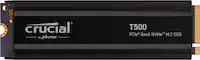
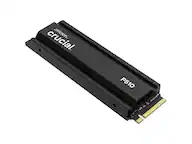
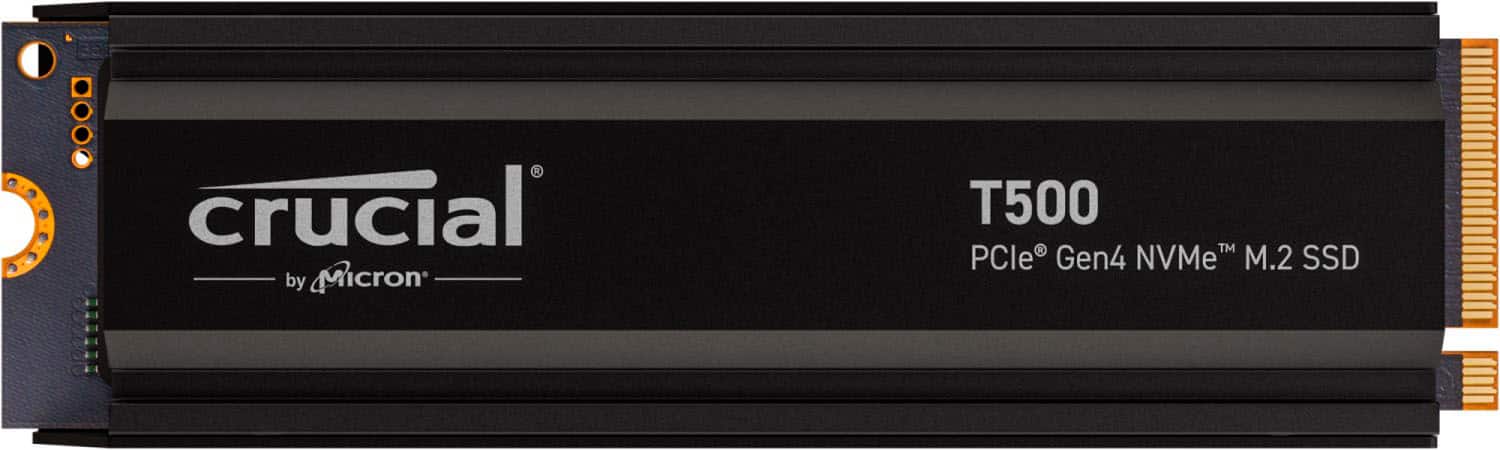
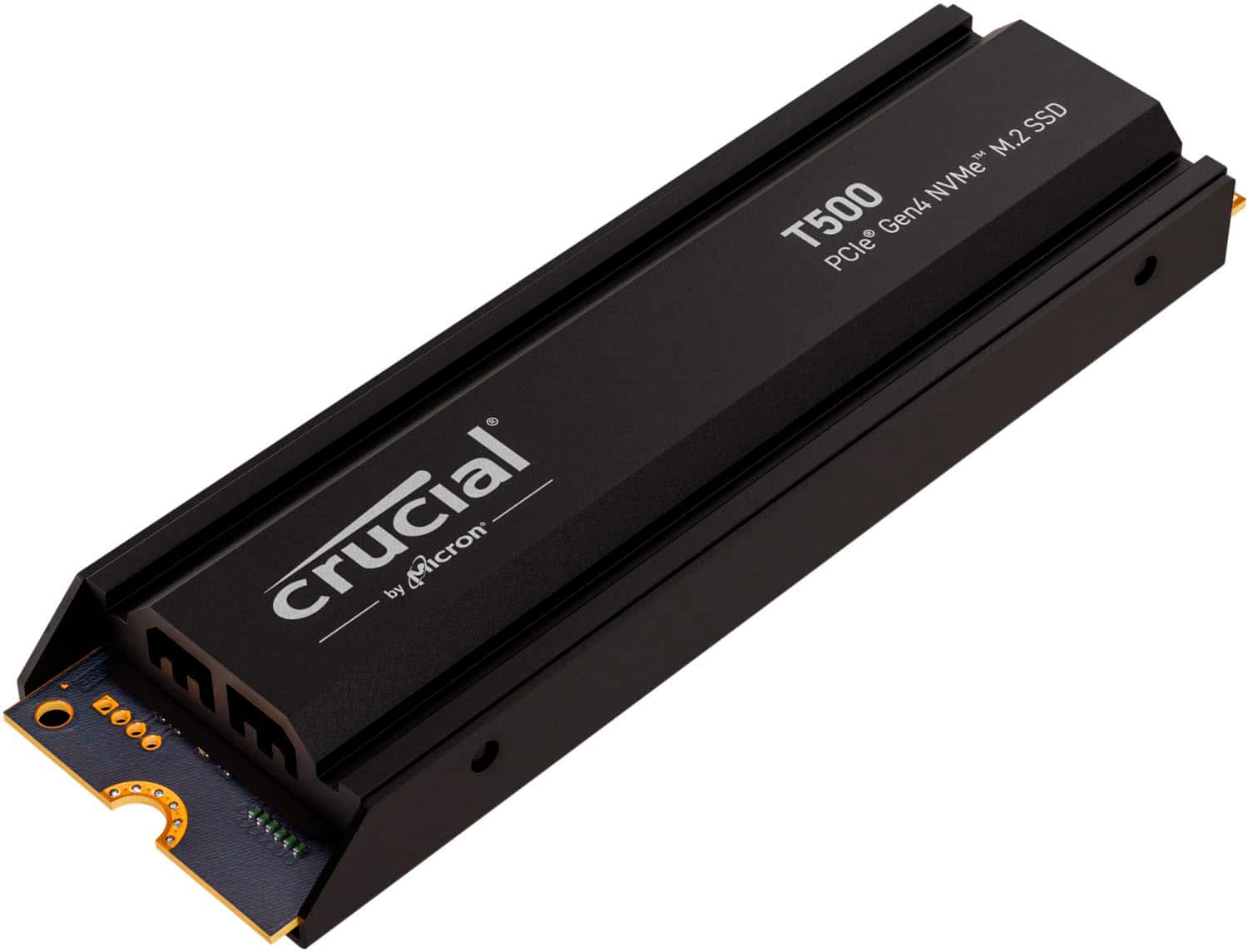
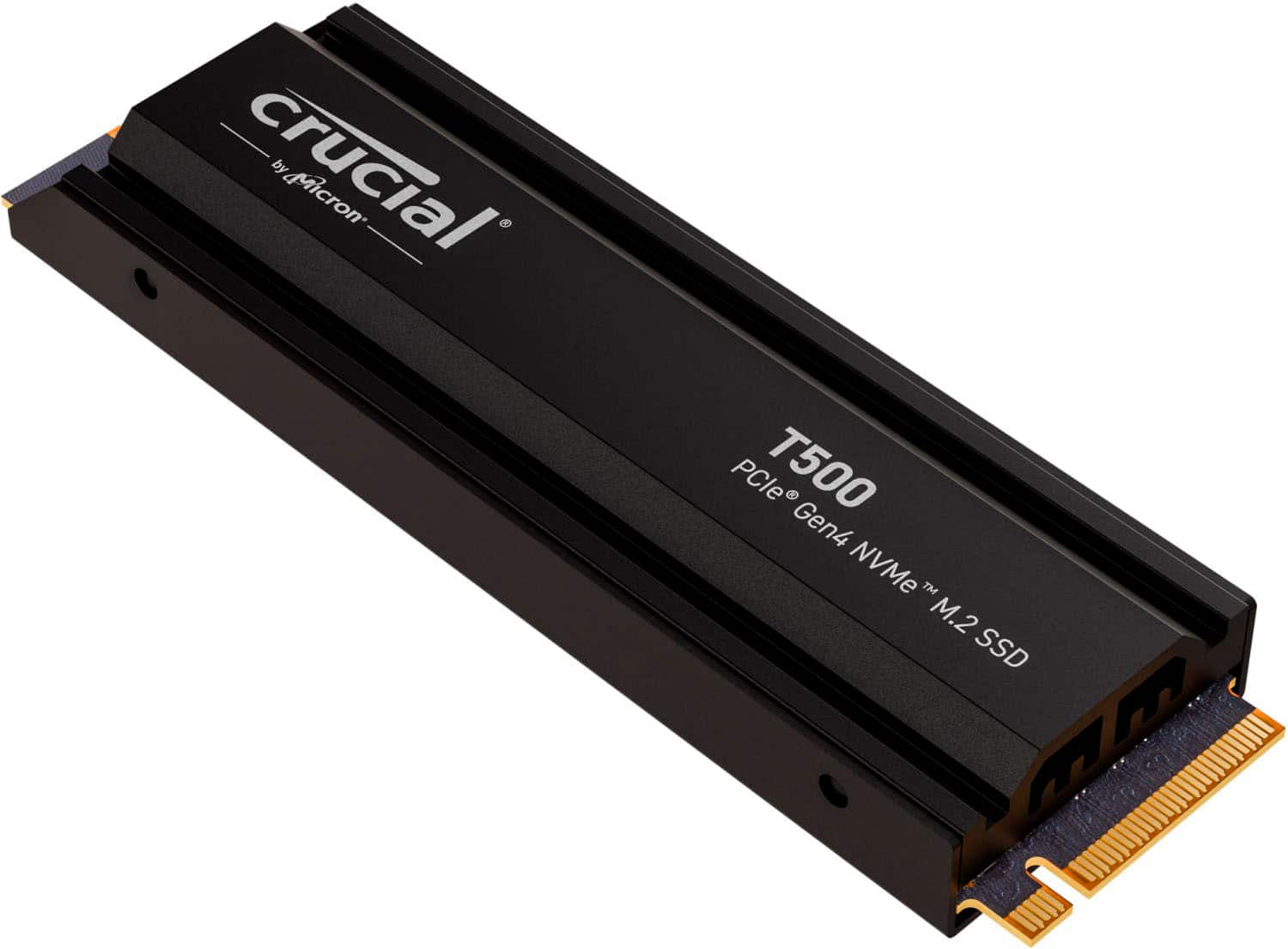
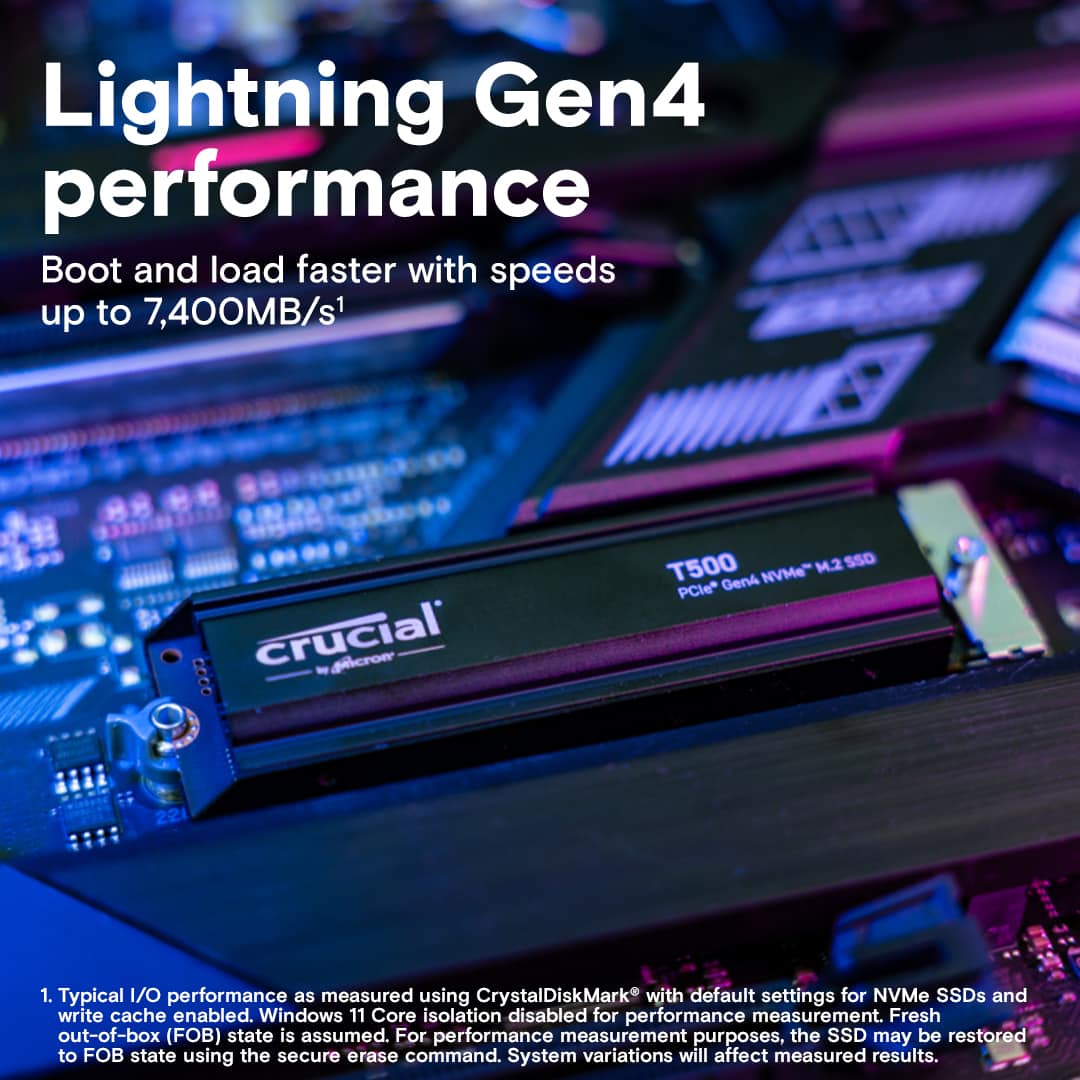
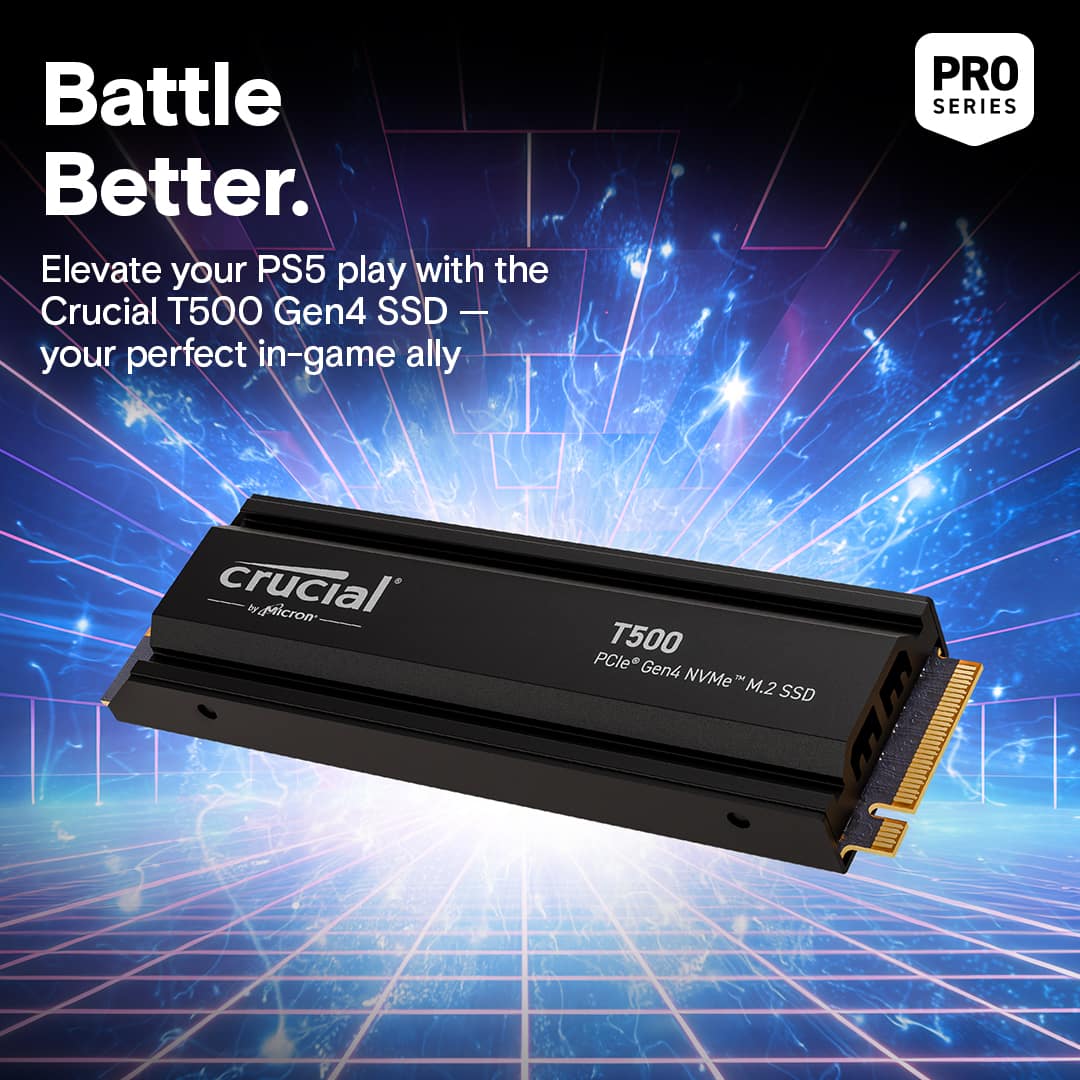
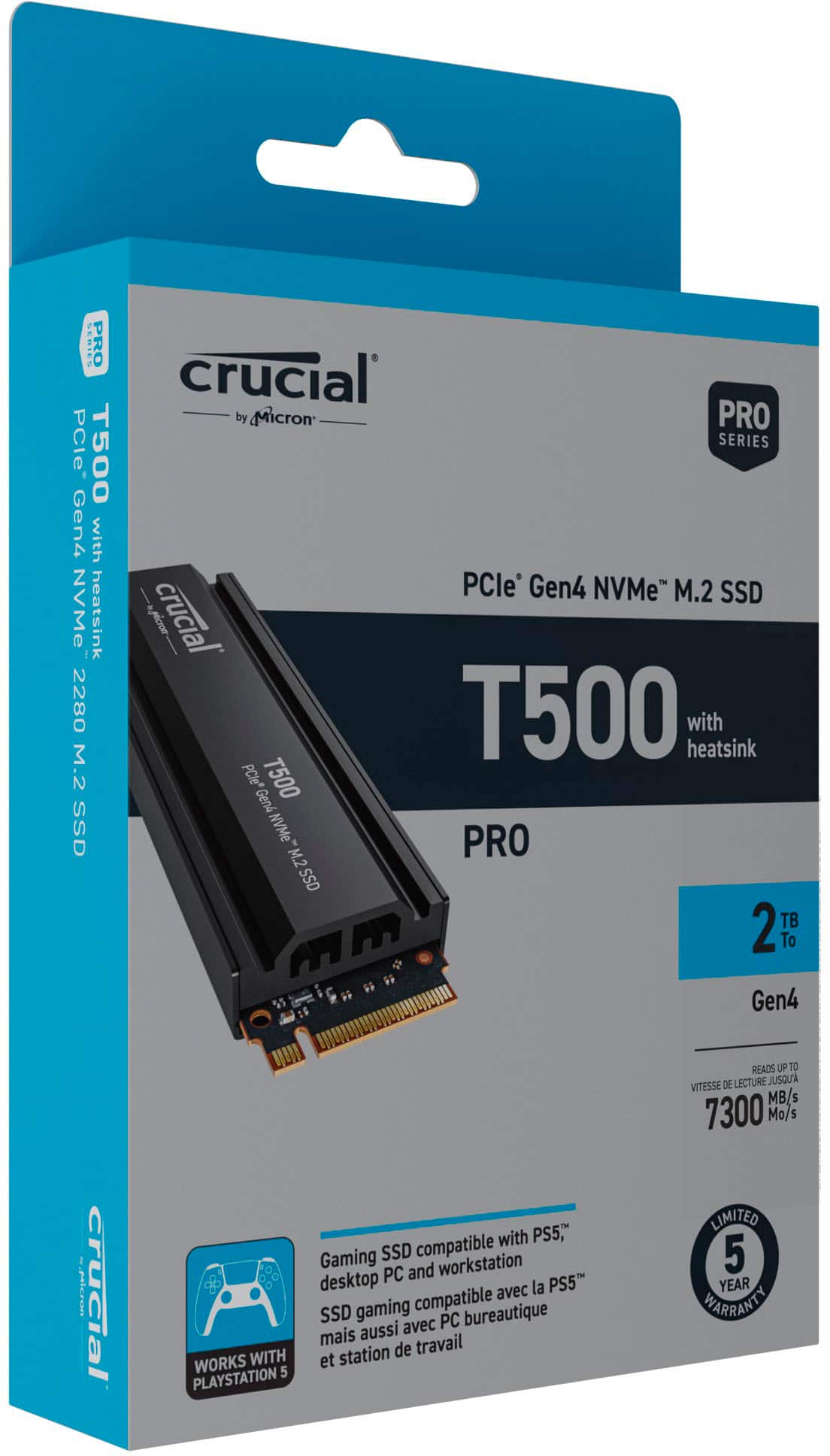
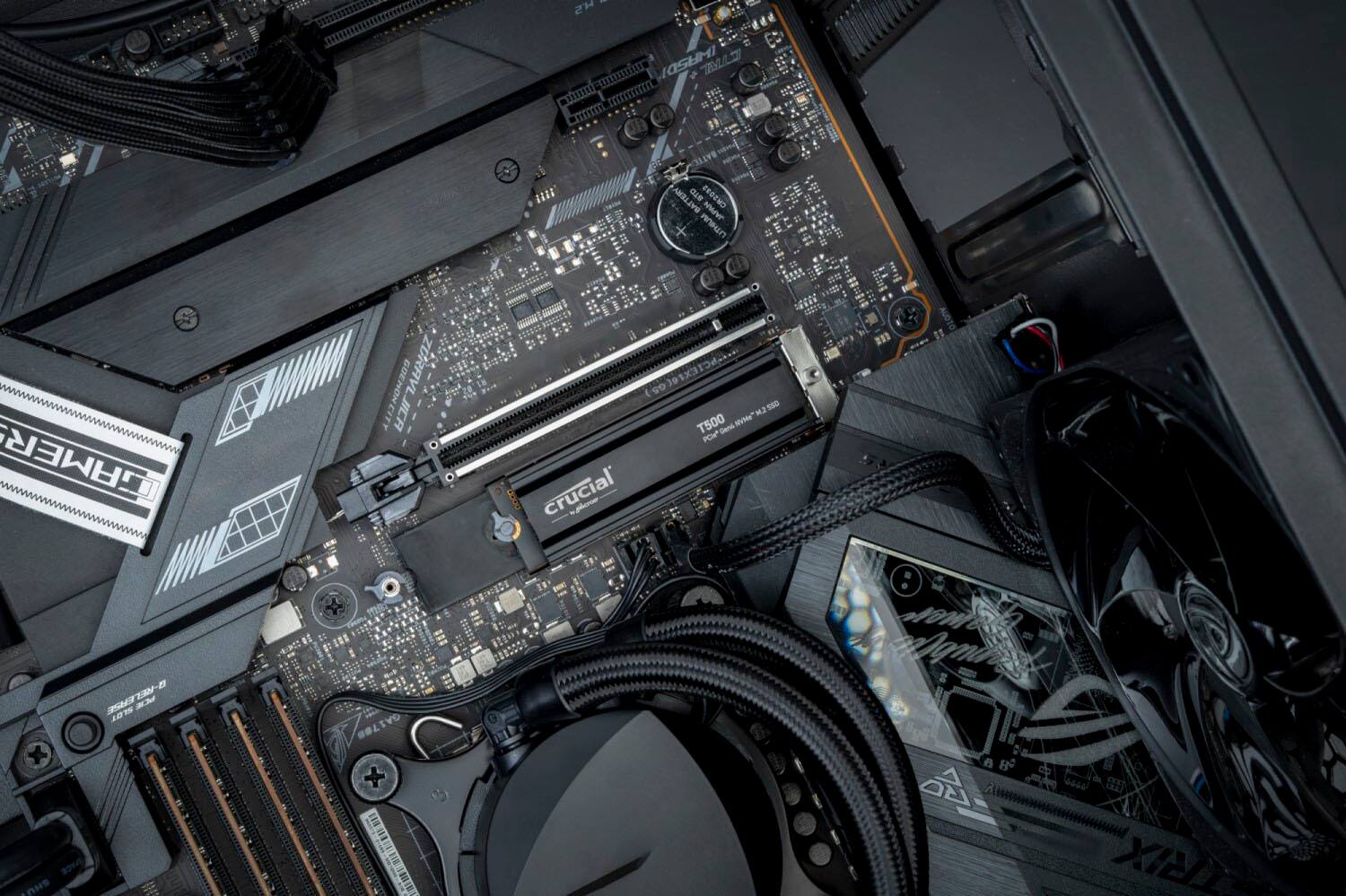
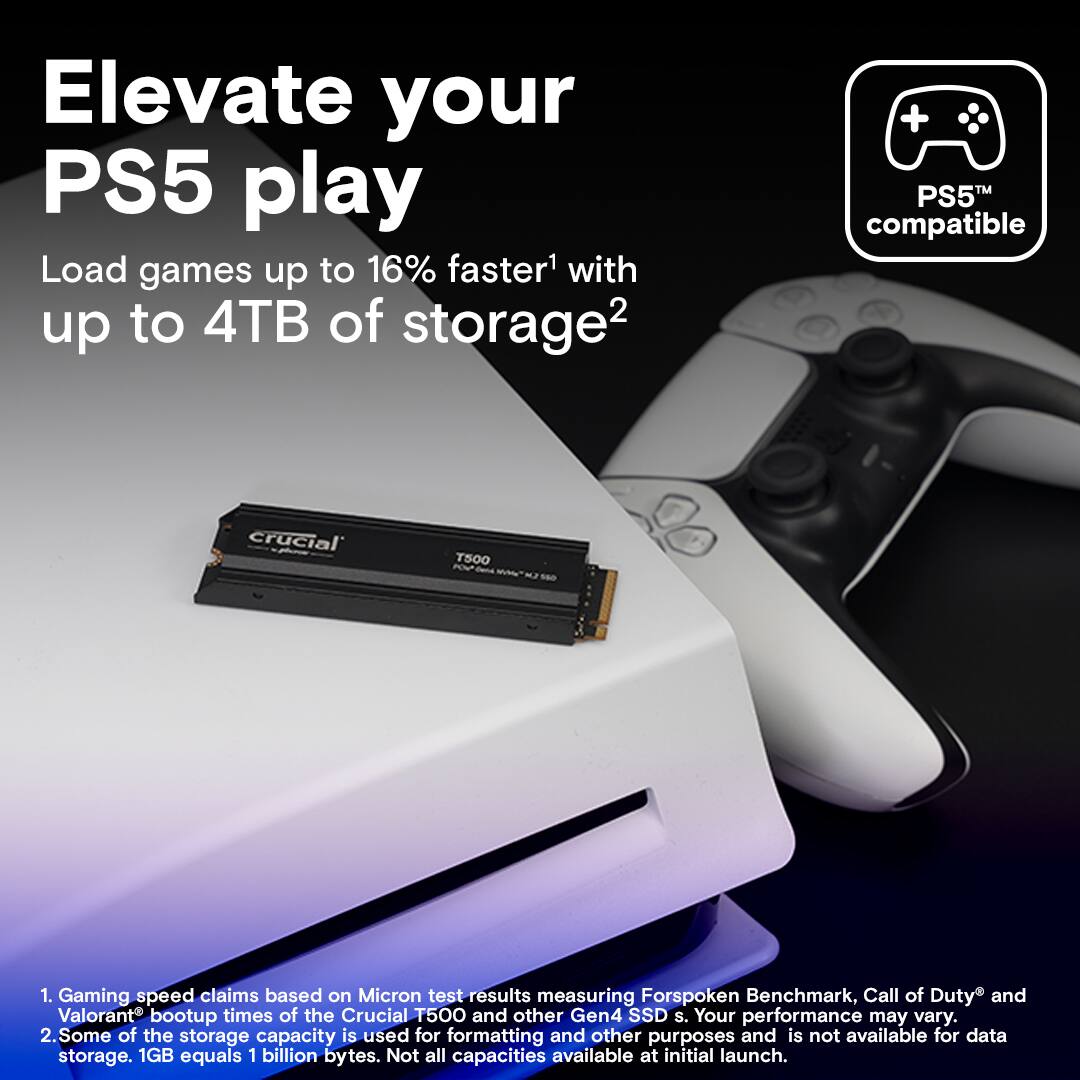
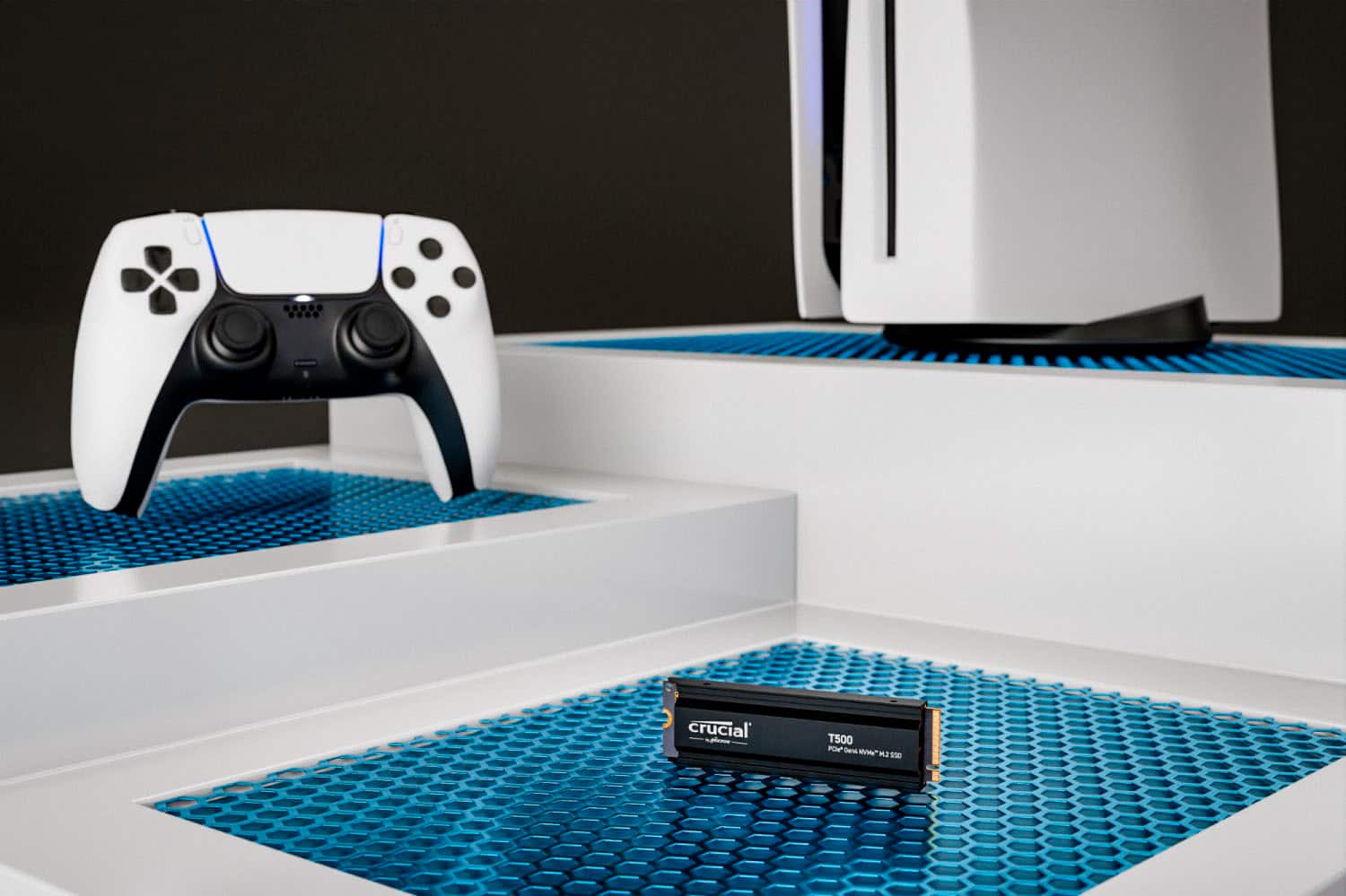
|Posted .This reviewer received promo considerations or sweepstakes entry for writing a review.I am using the Crucial T500 with heatsink to upgrade the storage on my PS5. This M2 Gen4 NVMe is also PC compatible, but I didn't test this in a PC. So please read this as a PS5 review. I will state first that I was a little nervous upgrade my PS5. I'm comfortable with my PC and laptop upgrades, but opening my PS5 was a first for me. There are plenty of YouTube guides to help, so after watching a few I took the plunge. First the Crucial T500 looks nice, the heatsink looks to be a full body heatsink so I don't think you could remove it - so if you buy this version, make sure you want the heatsink. Crucial also do make a non-heatsink version if that's what you need. This model comes with a "Works with PS5" label and there's not much in the box other than the T500 NVMe and a leaflet that points you to the Crucial website. The box reports that the drive has a 7400MB/s speed and a 5 year warranty. That speed is FAAAASST and a 5 year warranty is more than enough for the lifespan you would get out of your PS5. After install in my PS5, I was prompted to format the T500. This took a few seconds. When I copied across games from the internal PS5 drive (Spider-Man!) to the T500 it took less than a minute. There's no real way I can independently benchmark performance on my PS5 but I find those speeds impressive - the benefits of being a Gen4 drive! Overall, I absolutely recommend the Crucial T5000 2TB drive with the integrated heatsink as it makes it 100x better than what I was considering - a drive then buying a heatsink, thermal paste, etc. If you own a PS5 filled with games and DLCs, this is a MUST buy.
I would recommend this to a friend