Customer Ratings & Reviews

- Model:
- DSH-C310/AN
- SKU:
- 6043605
to a friend
Customers are saying
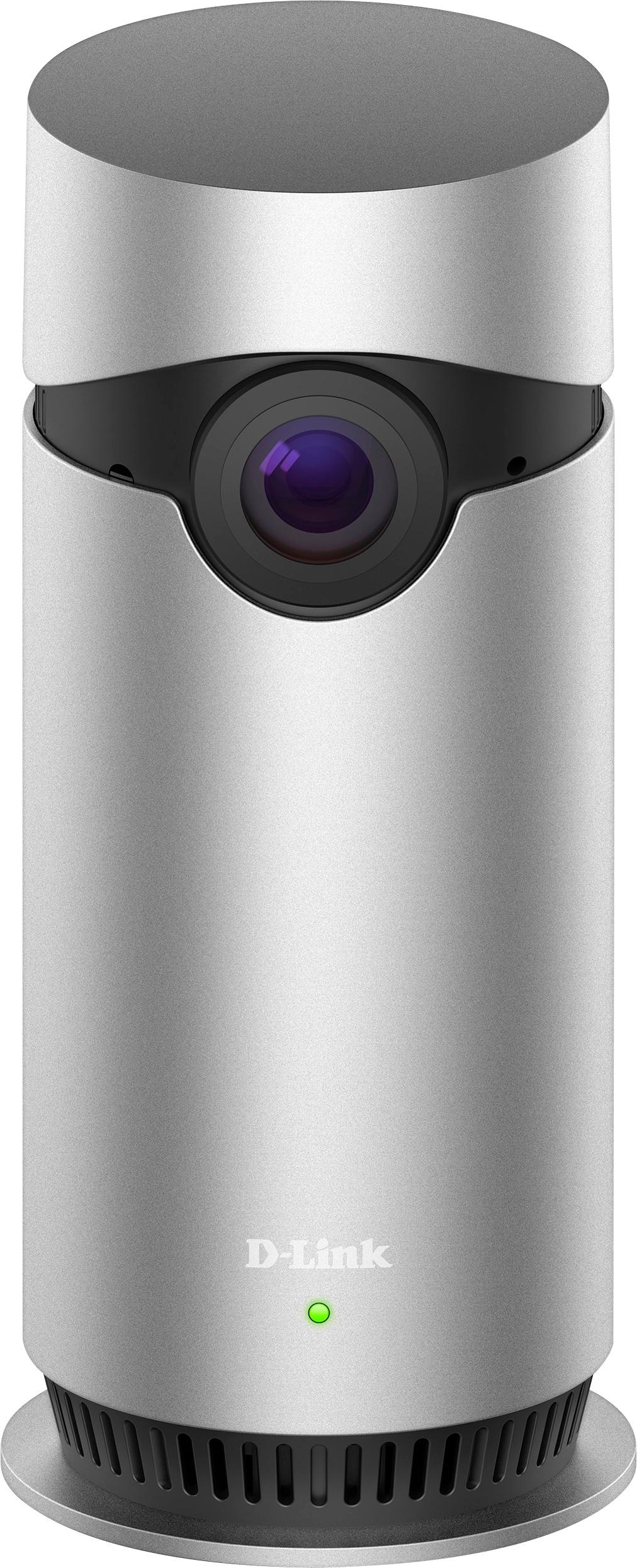
Customers recognize the Omna™ Indoor 1080p Wi-Fi Surveillance Camera's excellent video quality and wide field of view as key strengths, frequently praising its effective motion detection and user-friendly setup. Positive feedback also highlights the camera's night vision capabilities and attractive design. However, some users noted that the device can become warm during operation.
This summary was generated by AI based on customer reviews.
- Pros mentioned:Video quality

Great Camera, No Ability to Record Out of Box
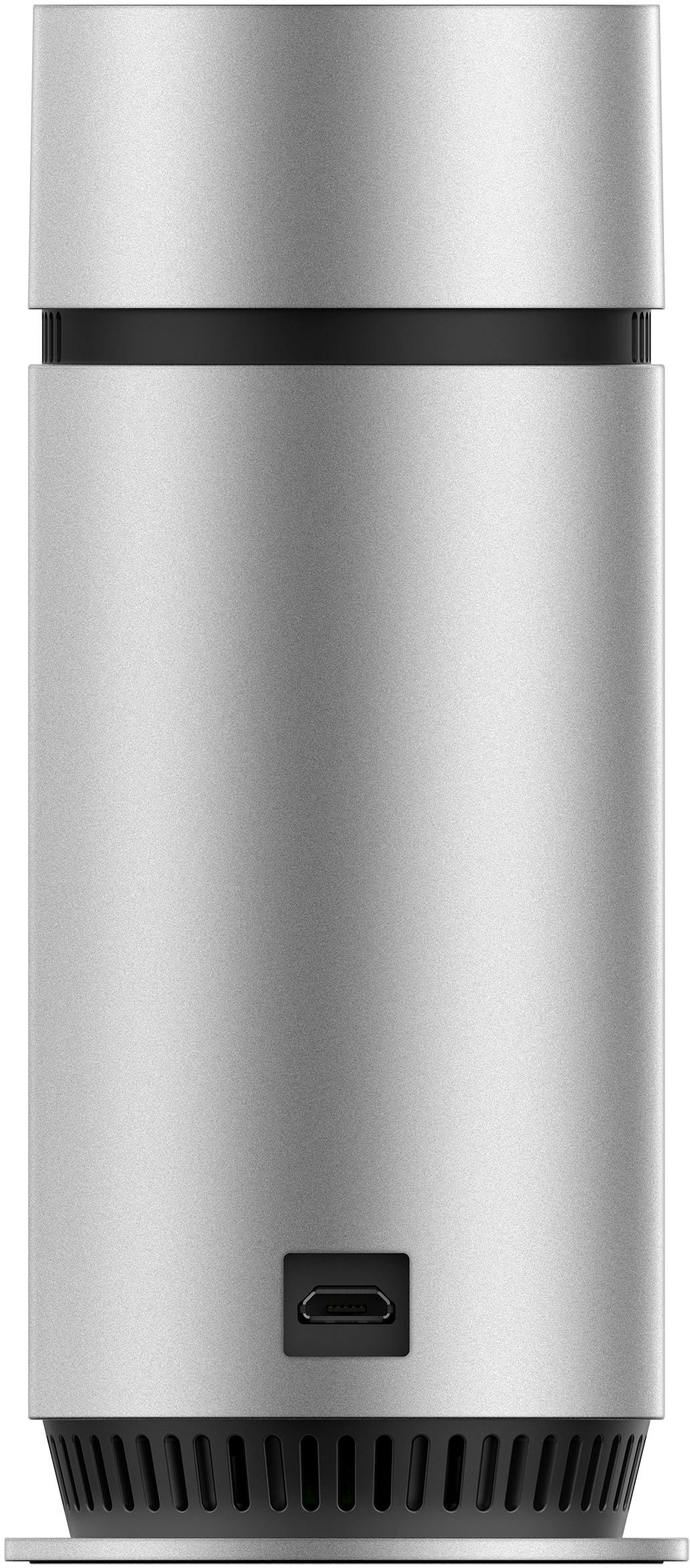
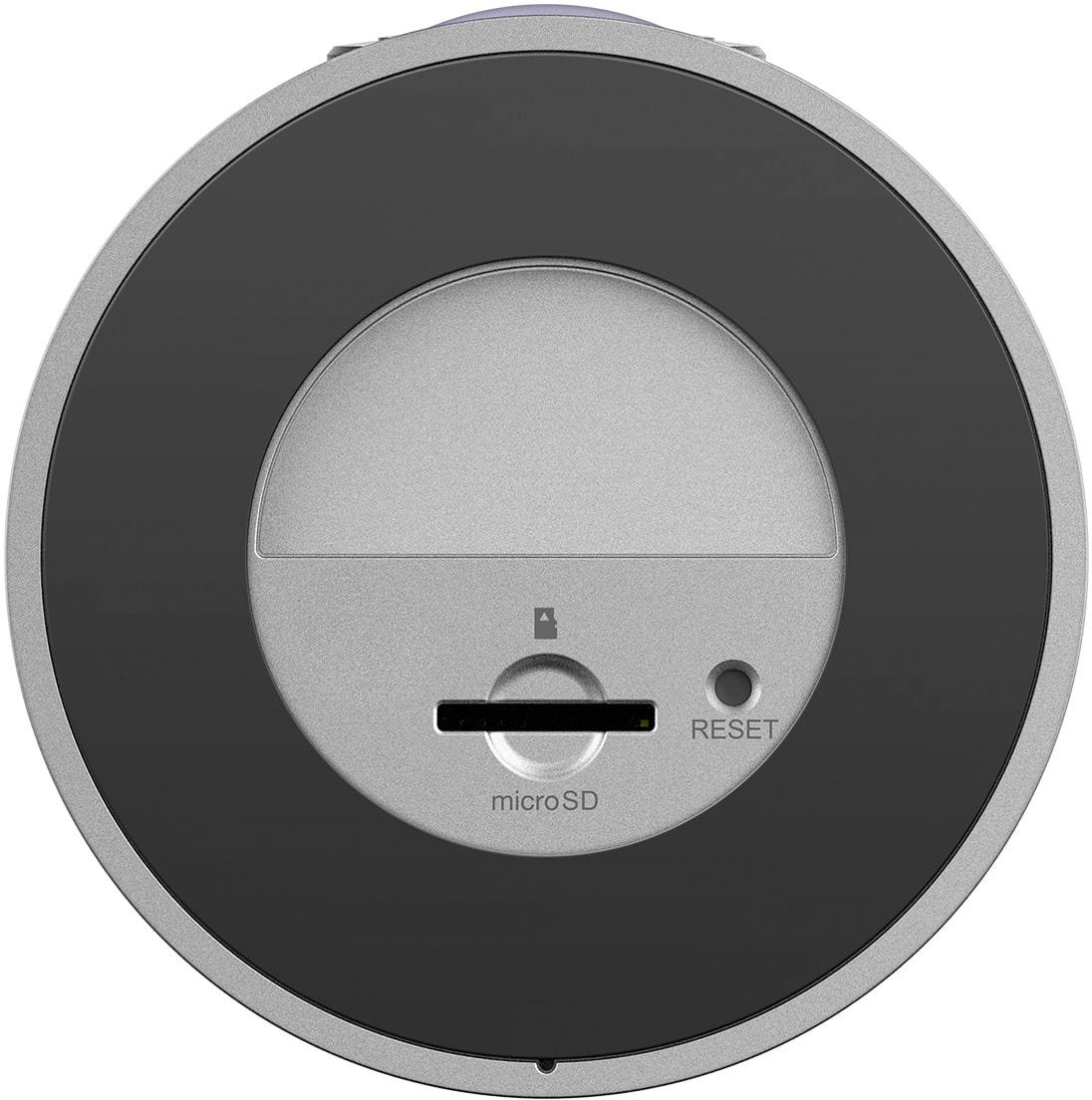
|Posted .This reviewer received promo considerations or sweepstakes entry for writing a review.The D-Link Omna 180 Cam HD is a great Apple Homekit enabled camera. Setup was easy using the Omna app and the camera was quickly added to the Home app (Apple's Homekit app). The quality of the picture on the camera is great both day and night and the speaker and microphone work great for two way communication. The wide angle is wonderful if you wish to cover a whole room. Setting up notifications in the Home app is very simple. By using the Home app, you get a snapshot of the room in the notification. Also, since the camera is HomeKit enabled, you can get live video on your Apple Watch. The one downside to this camera is that it doesn't come with the ability to record video out of the box. You have to purchase a microSD card (though they are inexpensive nowadays) in order to record video. Using an SD card is nice as you don't have to pay for a cloud service to store recordings. The downside to using an SD card is that a burglar could easy take the camera or card and you have no recording of the moment. Overall, this is a great camera that integrates nicely with Apple HomeKit. If you have an Apple ecosystem already, this camera will fit in nicely. Even if you don't use HomeKit, the camera works great.
I would recommend this to a friend - Pros mentioned:Field of view
Could be better - limited interoperability
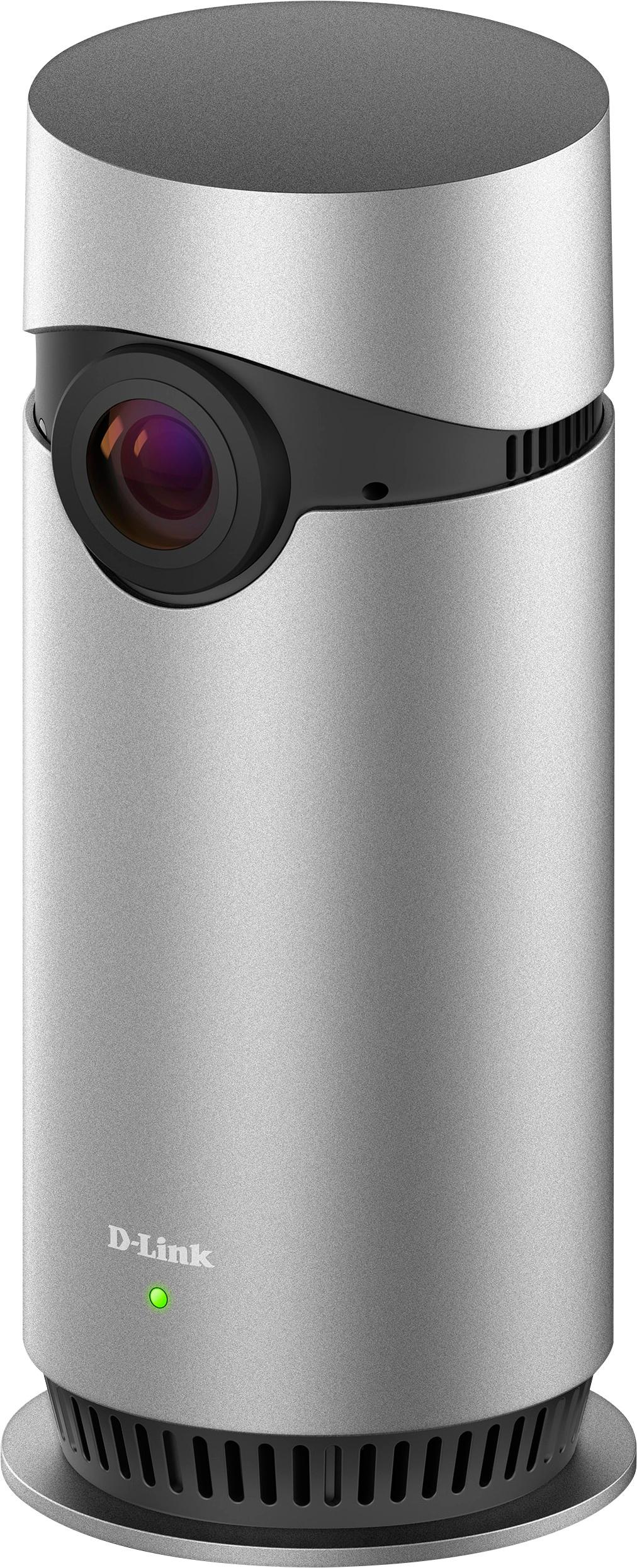
|Posted .This reviewer received promo considerations or sweepstakes entry for writing a review.Having owned quite a few different net accessible cameras and security cameras, I was interested in reviewing the D-Link Omna as it would give another entry into this rapidly growing market at a reasonable price. My initial impressions of the D-Link Omna 180 is that it has a very clean look, it's smaller than similar platforms without having the popsicle-on-a-stick look like some others. It also has a wider viewing angle than most cameras currently available. In terms of functionality, it's nice that it's a full 1080p experience and the Apple experience is reasonably well thought out, including having a straightforward setup experience, but it is more limited than other security cameras even in the same price range, particularly in how it detects intrusion. While some do sound and motion, and even others can detect air quality changes, the Omna is limited to motion only. The 180' viewing angle is nice, but be aware, with such a wide viewing angle, it can actually be very easy to block a portion of your viewable area inadvertently with an object or a wall, so be sure it's someplace with a broad view of the room or area you intend to monitor. I was somewhat disappointed that it is limited to Apple Homekit at this time. Most other security cameras in the segment are, at the very least, IFTTT capable, if not being fully integrated with Android or even capable of integrating with platforms like Google Home, Samsung Smart Home or Amazon Alexa, so being purely a Homekit device makes it a very niche market device. Overall it's not a bad device, but it's limitations make it seem like it should be a less expensive device, or they need to broaden its software capabilities so that it appeals to a wider group. I would have a hard time recommending this considering there are other devices out there in very similar price ranges that offer significantly more capabilities without losing anything that this device has to offer.
No, I would not recommend this to a friend - Pros mentioned:Motion detection, Video quality
Great camera with great HomeKit integration
|Posted .This reviewer received promo considerations or sweepstakes entry for writing a review.The Omna 180 was a snap to set up! Its smaller than I thought it would be and has a VERY sharp 180-degree coverage area. The motion detection works very well in my testing, and the video is crisp and clear. This wouldn't make a great nanny cam, as its industrial design is clearly that of a camera, but is great for keeping an eye on a house during the day, where pets and other happenings need to be checked in on. Setting up the device and app was a VERY quick exercise and HomeKit integrates Siri and other iOS-centric features seamlessly as part of the same setup as the app. The audio quality when using the two-way communication is limited, but this is NOT a primary use case of the device. I'd love to see a comparable outdoor camera as this would be a great security device for outside the home also.
I would recommend this to a friend - Pros mentioned:Motion detection
Not very impressed.
|Posted .This reviewer received promo considerations or sweepstakes entry for writing a review.I started out really liking this camera, but the more I use it, the less impressed with it. Picture quality is decent, but because the angle is so wide, every this is extremely small in the picture. There is no zoom other than pinching, and then the picture quality goes way down. It was easy to pair with my home network and the Home app discovered to. You can set up motion alerts, but you have to enable them in the Home app. There is no settings for time or home/away - it's either on or off. Apple really needs improve this part of their app. The steps to enable/disable notifications is Open Home app, Select Motion Detection, tap on Details, tap on Status and Notifications, then Allow or Disallow Notifications. Also when viewing in the Home app instead of the native OMNA app, you can't pinch to zoom. For the motion detection, you can enable or disable zones in a 4x4 grid. You can also change sensitivity and the Motion Retrigger Time from 30 sec. to 5 mins. This is all done in the OMNA app, among other settings. There doesn't appear to have an app for the Apple TV, either. Most of my negativity is due to the limitations of the Home app, but my biggest complaint is with D-Link and their web site. It requires an add-on that I can't get installed on Safari on a Mac. Finally, I'm having a difficult time finding a place where 180 degree view is useful or necessary.
No, I would not recommend this to a friend - Pros mentioned:Field of view
Almost what you need
|Posted .This reviewer received promo considerations or sweepstakes entry for writing a review.This is a very good idea on paper, however, it just misses the mark. The D-link Omna 180 Cam HD is great device for a person looking to add a little starter security kit to their IOS ecosystem. I tried setting it up with a pc (no luck) This is an iOS product. It has a decent fisheyed field of view. And once it's connected to your Mac, you can use an android app to interact with it. But for best results, use an iPhone or iPad (or Mac) There's a memory card slot (micro sd) for recording and saving videos taken from the motion sensor. There's even a cool feature that allows you to speak with the people you're viewing through the speaker. I use mostly pc and Android tech, so that's where my negatives lay. I would much rather this be more universal. Unfortunately, you'll have to go all in on iOS if you want to get the full benefits of this cam. Recommend to iOS users, but only iOS users. So if that's your operating system of choice, you should get great use from this camera.
I would recommend this to a friend Good camera but lacks smart integrations
|Posted .This reviewer received promo considerations or sweepstakes entry for writing a review.The Omna has gotten better since initial reviews. Easy setup with good image quality but lacks any sort of automation and smart home integration, especially with Android. Saves locally on SD card with no cloud storage support. Voice chat audio is acceptable. Camera can get hot. Good: -Wide angle lens with good image quality -1080p live streaming -Saves on SD card -Android and HomeKit support Bad: -No automation or scheduling, motion sensor is either always on or off -Limited smart home integration with Apple HomeKit, none with Android -Video saves as 720p -No cloud storage -Gets hot, like hot coffee cup The Omna isn’t really a bad camera. It has a wider angle lens than other camera and the image is good. The audio is clear and the voice chat is decent. The motion detection works, maybe a little too sensitive and requires some fine tuning. The biggest problem with the Omna is that, that’s all there is. There’s no smart features. I tested on both Android and iOS, with iOS fairing a bit better since it can integrate with HomeKit for some automations. If you’re invested in HomeKit then this may worth a buy, but for Android users or those with other smart hubs, then this is just a basic camera. Setup: Setting up was easy. Took me less than 10 mins. On Android you have to register for a D-Link account, while iOS you can add the camera through HomeKit. The power cable is lengthy. Performance: Overall image quality is good. It has a fisheye effect, but that’s too be expected for such a wide angle lens. The color is overblown in bright rooms while the night vision in dark rooms maybe being a bit too dark. It’s not terrible, but compared to other cameras it’s noticeable. It does stream live in 1080p but when it saves to the SD card, it’s saved as 720p to conserve space. A 30 sec clip is about 2mb. There’s no cloud storage. It’s good if you’re worried about privacy and security, but bad if someone just takes the camera with all the footage. The footage can be downloaded to your phone with a push of a button, or transfer to your computer by the SD card. The sound is fine. It does pick up on TV reverb with an intense squealing sound. The voice output for chat is good enough for what it is. There’s not much lag if your connection is stable. There’s no voice detection, unlike the Nest. As a basic camera, it does everything well enough, but the issue is that it doesn’t do much anything else. The basic Omna app is the same for both Android and iOs. You can adjust your settings, and manage your saved files. That’s it. There’s no scheduling or automation of any kind. You either set the motion sensor on, even when you’re home and enjoy the constant notifications, or completely turn it off. On Android app, that’s all you get. On iOS, you can set HomeKit to automate some functions. I don’t use HomeKit so I didn’t bother looking deeper into it. What’s unusual is that you have to switch between Home and the Omna app to do everything. There’s no integration with any smart hub, which is weird since D-Link’s other cameras does.
No, I would not recommend this to a friendDecent Cam
|Posted .This reviewer received promo considerations or sweepstakes entry for writing a review.I have been testing the D-Link Cam for some time now and it's a decent little piece of tech. Setup is simple. You simply download the companion app and sync it. You now have remote visibility through the cams lens wherever you are. This is neat if you are in need of a baby surveillance monitor or you need a basic to cam to perform surveillance at a single point of your home. However, I found the quality of the live feed to exhibit a "fish bowl" characteristic. If you can get past that, the cam serves it's intended purpose. One really cool feature if the night vision. The cam automatically detects the light level in the room and will automatically switch to night vision in a dark area. It's actually pretty visible using night vision and this can certainly prove useful for outdoor areas. I do wish the power cord was a bit longer and that the cam was designed a bit smaller as it's rather large making the cam very conspicuous to anyone near it. This won't be a cam you can hide. Another thing is I wish the cam quality felt like 1080p but feels more like 720p. There is some stutter/lag from time to time but nothing too significant.
No, I would not recommend this to a friendSlow Connection
|Posted .This reviewer received promo considerations or sweepstakes entry for writing a review.This is an ok camera, I had issues setting it up, it would freeze when trying to get set up, in addition to that once set up it takes forever to connect (it not my internet connection I have other wireless cameras that connect so much faster) and then it times out when trying to connect. Cons- No memory card, needs electrical connection near, slow to connect, set-up Pro- Live video feed
No, I would not recommend this to a friend