Customer Ratings & Reviews

- Model:
- i3500-5078BLK-PUS
- SKU:
- 6436214
Rating by feature
- Battery Life
Rating 3.7 out of 5 stars
- Speed
Rating 4.3 out of 5 stars
- Display
Rating 4.2 out of 5 stars
Customers are saying
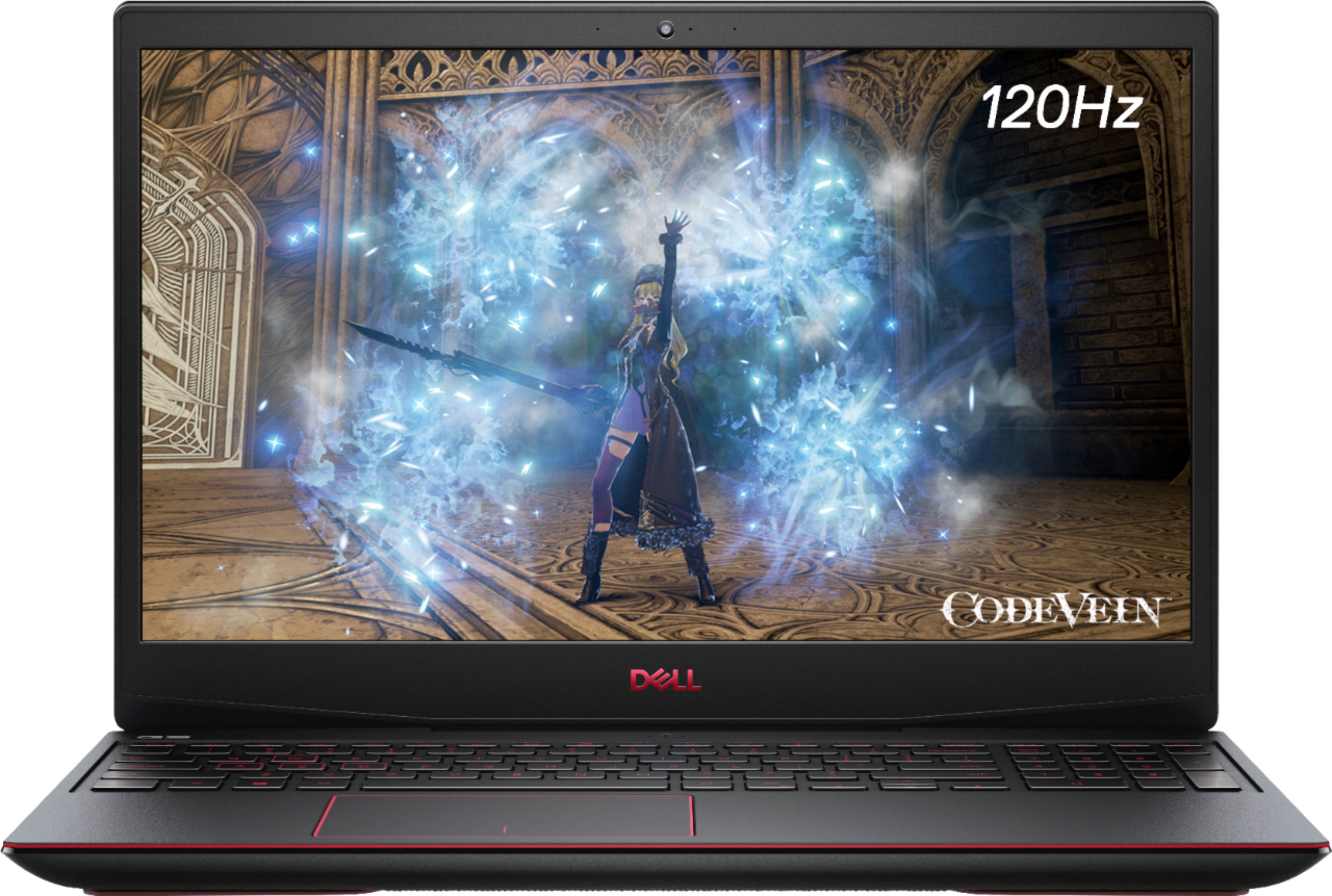
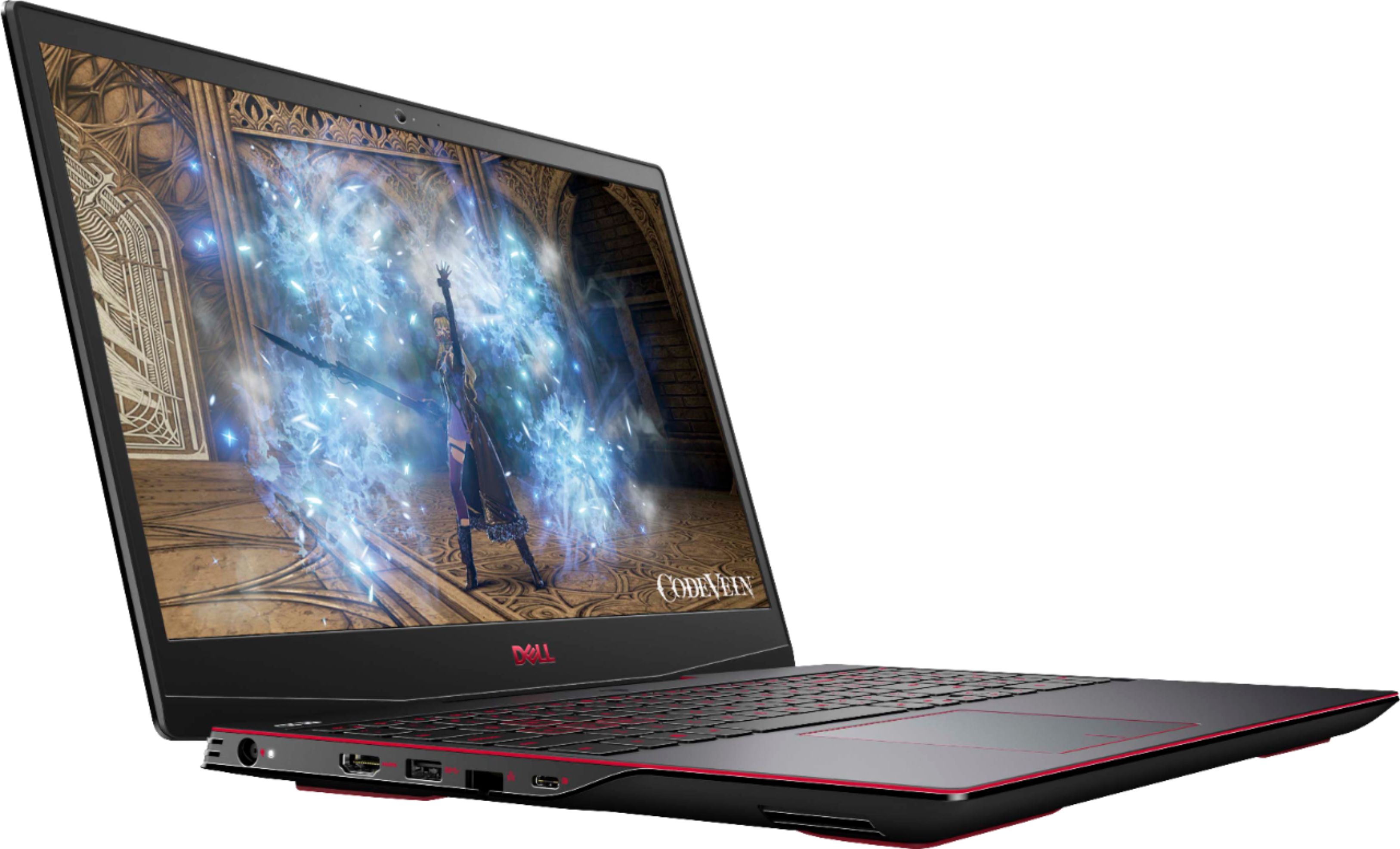
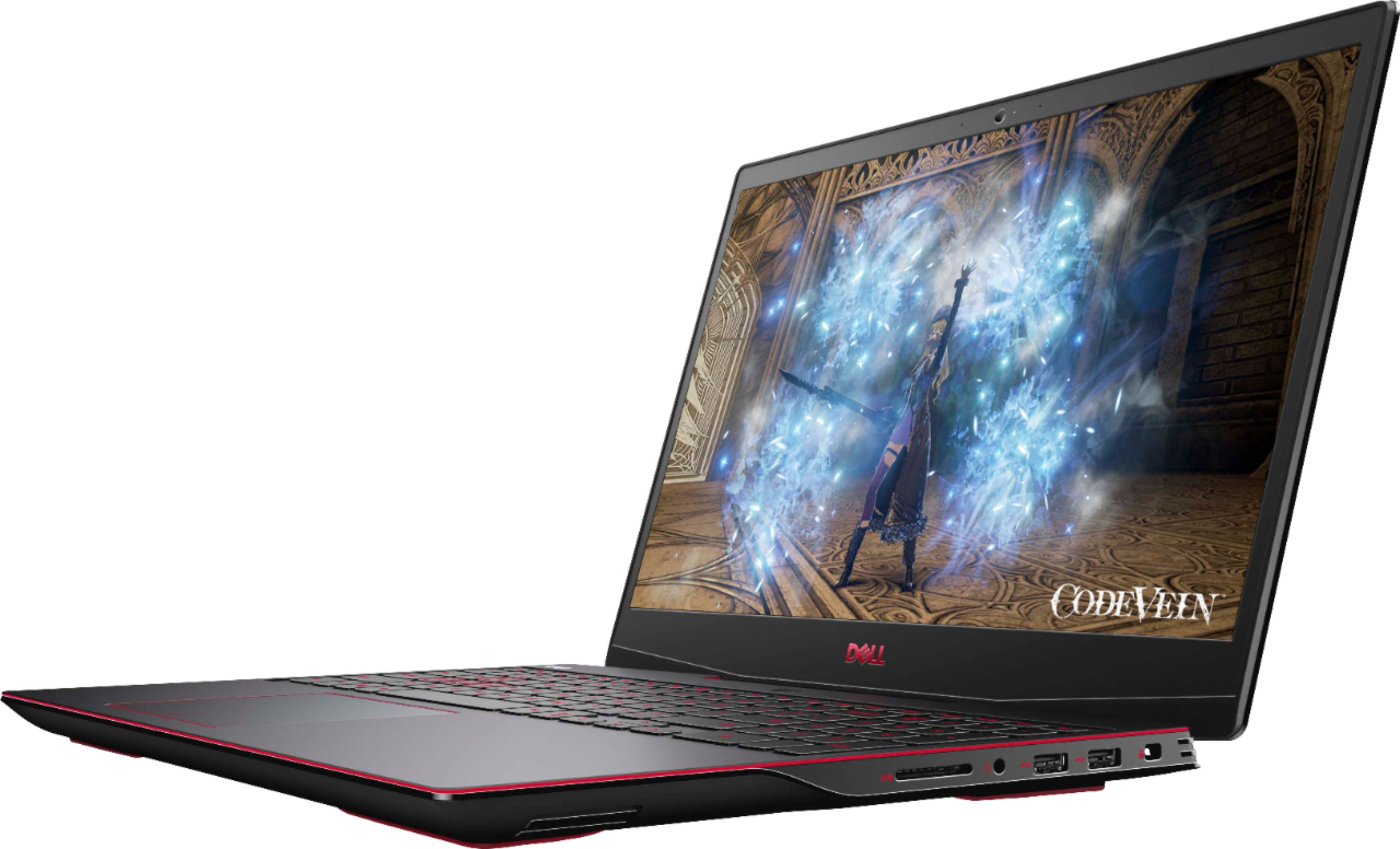
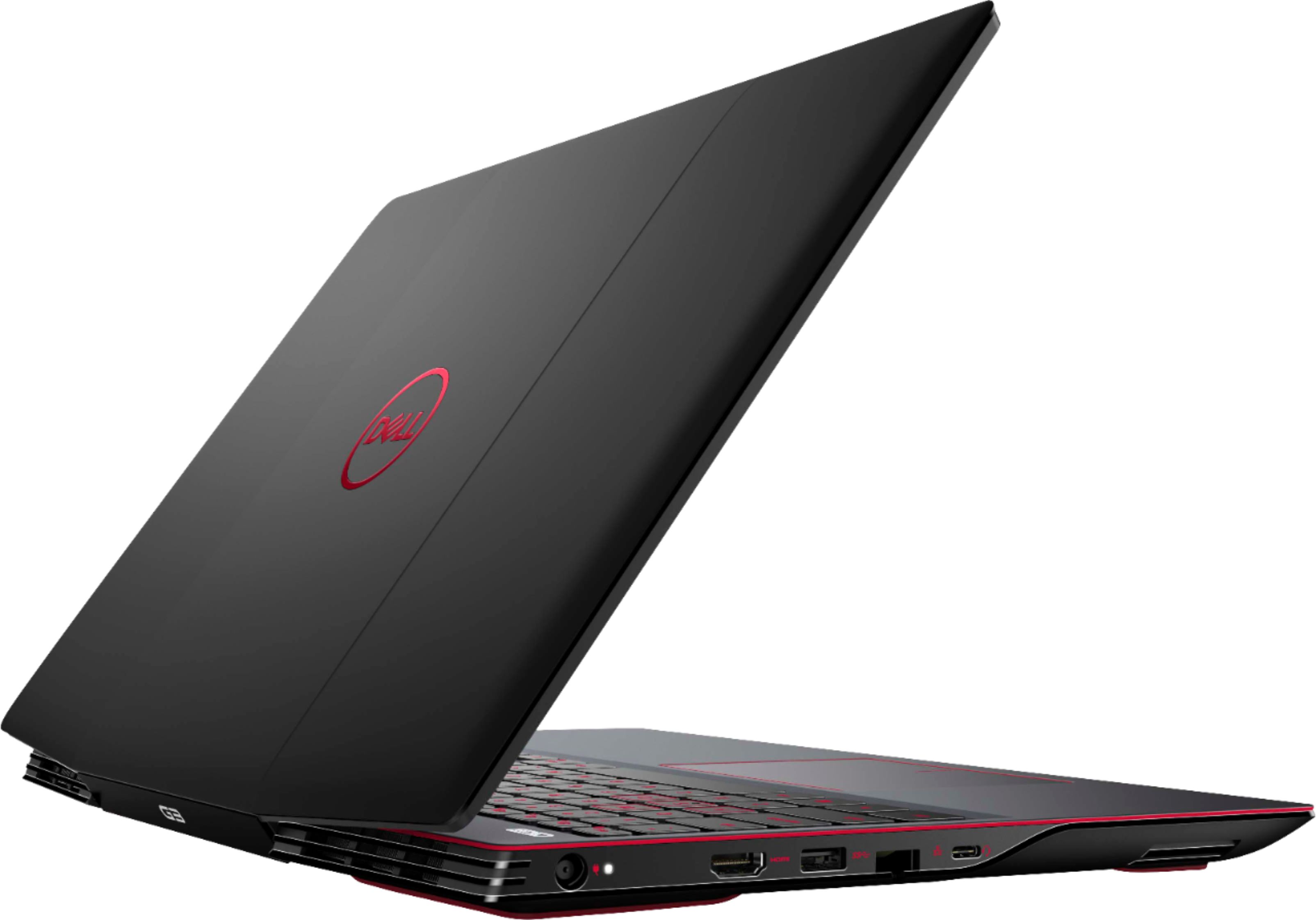
Customers consistently note the high performance and ease of use of the G3 15.6" Gaming Laptop, along with its attractive price point and appealing keyboard features. Positive feedback also highlights the good graphics capabilities and decent battery life. However, some users mention concerns about overheating and hinge durability.
This summary was generated by AI based on customer reviews.
Great Gaming
||Posted . Owned for less than 1 week when reviewed.This reviewer received promo considerations or sweepstakes entry for writing a review.Great small pc to work with and travelling buddy to carry with and gaming
I would recommend this to a friendLaptop
||Posted . Owned for 1 month when reviewed.This reviewer received promo considerations or sweepstakes entry for writing a review.Product really good and budget gaming laptop. Kids will enjoy
I would recommend this to a friendGreat TV!
||Posted . Owned for 1 month when reviewed.This reviewer received promo considerations or sweepstakes entry for writing a review.It's a great TV for our bedroom. Sharp picture and easy to use.
I would recommend this to a friendbrilliant!
||Posted .This reviewer received promo considerations or sweepstakes entry for writing a review.it's nice laptop. i'm very happy to buy this laptop
I would recommend this to a friendGreat for school
||Posted . Owned for 2 weeks when reviewed.This reviewer received promo considerations or sweepstakes entry for writing a review.Perfect for my online school and browsing the internet.
I would recommend this to a friendShoping
||Posted .This reviewer received promo considerations or sweepstakes entry for writing a review.Excellen product good quality perfect costumer attention
I would recommend this to a friendLaptop
||Posted . Owned for 3 weeks when reviewed.This reviewer received promo considerations or sweepstakes entry for writing a review.Love this laptop So much has so much room for my games.
I would recommend this to a friendGreat laptop
||Posted . Owned for 1 month when reviewed.This reviewer received promo considerations or sweepstakes entry for writing a review.Great price and very good quality.................
I would recommend this to a friendwhat a machine
||Posted . Owned for 3 weeks when reviewed.This reviewer received promo considerations or sweepstakes entry for writing a review.Great product! top quality and totally worth the price!
I would recommend this to a friendbest gift
||Posted . Owned for 1 month when reviewed.This reviewer received promo considerations or sweepstakes entry for writing a review.Bought this as a gift for my daughter and she loves it.
I would recommend this to a friendEfficient Service
||Posted . Owned for 1 month when reviewed.This reviewer received promo considerations or sweepstakes entry for writing a review.Ordered for Christmas and came as promised. No issues.
I would recommend this to a friend- Cons mentioned:Heat
Good on VERY light loads
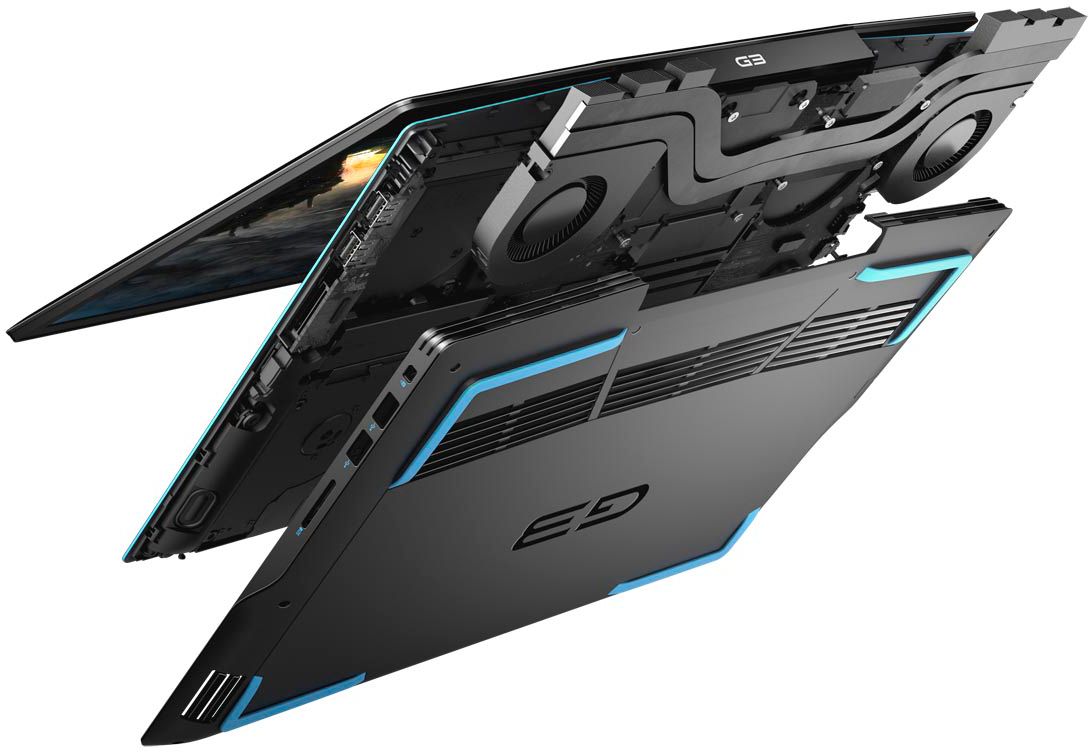
||Posted . Owned for 2 weeks when reviewed.This reviewer received promo considerations or sweepstakes entry for writing a review.Works for a couple hours but has terrible cooling. Played a small handful of games for give or take 3-4 hours and it shut down due to overheating. Great specs, but poor cooling.
No, I would not recommend this to a friendBrand response from YourDellTeam
Posted .Hello Jimothy,
We really appreciate your review and feedback. We're sorry about the overheating issue you have encountered with your G3. We understand how frustrating an overheating laptop can be. We would recommend checking to ensure that the latest BIOS is installed on your system. There was a BIOS update for this series released in the middle of April and you can download the update here - https://dell.to/3tAQ4PI. We hope this helps with any overheating issues that you are experiencing.
Best regards,
Wendy C.
For further assistance, you can contact Dell directly with the information below Chat or Call:
https://bit.ly/DellSupportTeam.
Phone number to Dell: 1-800-264-9896.
- Cons mentioned:Heat
Do not recommend
||Posted . Owned for 1 month when reviewed.This reviewer received promo considerations or sweepstakes entry for writing a review.Iv had this laptop for about a month and it has major issues with over heating
No, I would not recommend this to a friendBrand response from YourDellTeam
Posted .Hello Dekodds,
Thank you for your review. If system thermals are of concern, you can prioritize cooling by opening the Alienware Command Center application that came pre-installed with your device and select the 'Cool' thermal profile.
Keep in mind that our G3 follows Intel performance design guidelines, which can lead CPU temperatures to reach 100°C to output top in-game performance. We fully warrant the product under these conditions. If you see CPU temperatures rising beyond 100°C on Alienware Command Center, please contact Dell support and they would be more than happy to assist.
Best Regards,
Anthony P.
Disappointment
||Posted .This reviewer received promo considerations or sweepstakes entry for writing a review.Apparently, dealing with your organization on any product is always a huge disappointment. Your organization doesn't consider customers and attach little or no importance to customers. Since I have been having dealing with your organization, I have not seen your organization as being straightforward. This leaves much to be desired. Your organization is not administratively friendly.
No, I would not recommend this to a friend- Cons mentioned:Hinge
Dell G3
||Posted . Owned for 3 months when reviewed.This reviewer received promo considerations or sweepstakes entry for writing a review.Only had it 3 months and the hinge already broke!!!!
No, I would not recommend this to a friendBrand response from YourDellTeam
Posted .Hello,
Thank you for sharing your review. We are sorry to hear you are experiencing an issue with the hinge assembly on this device. Your feedback is incredibly valuable as we take future products into consideration. We recommend using the information below to contact Dell Support Team so they can determine if a repair is necessary for your gaming laptop.
Best regards,
Wendy C.
https://bit.ly/DellSupportTeam.
Phone number to Dell: 1-800-264-9896.
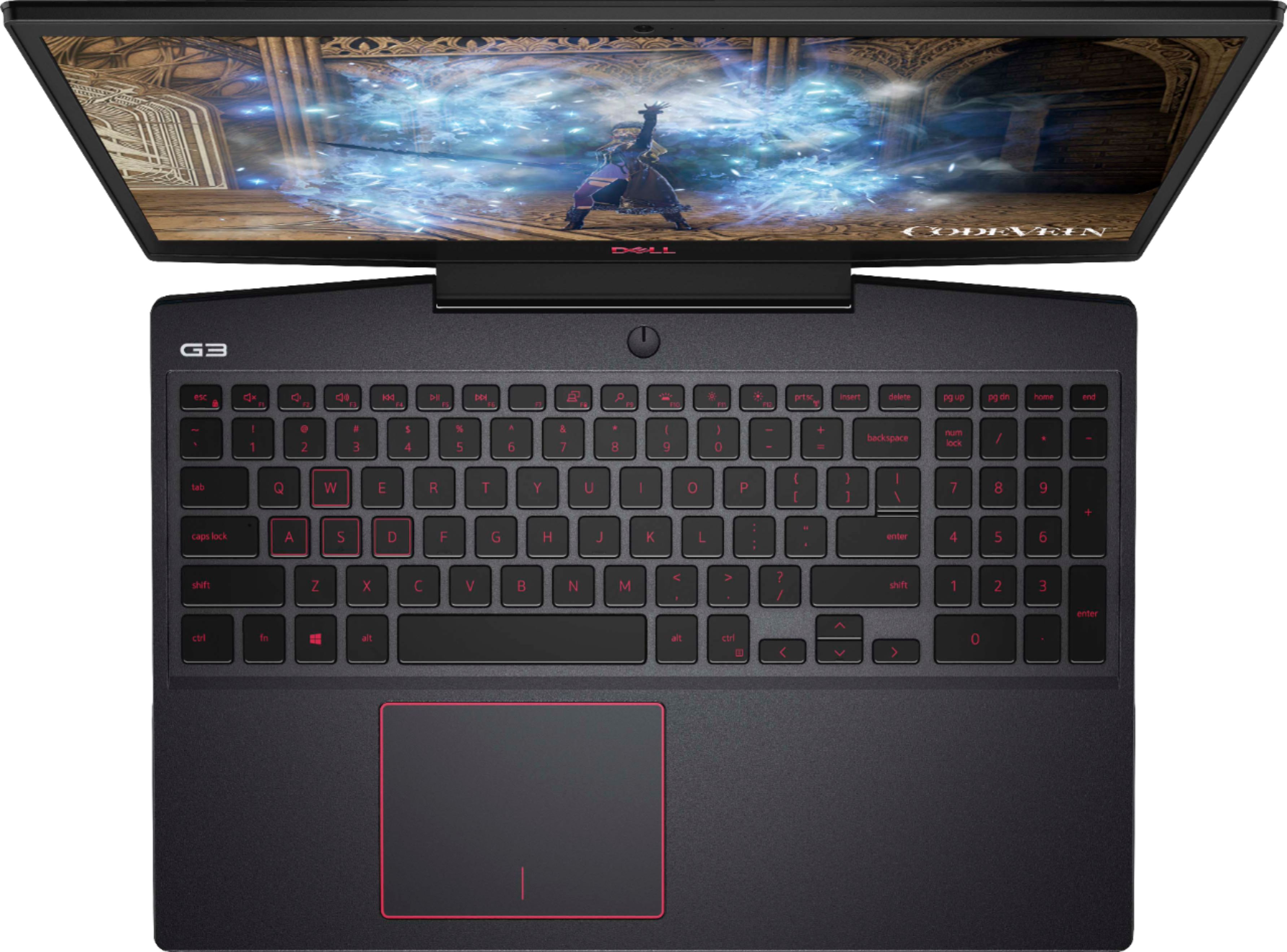
Poor keyboard display
||Posted . Owned for 3 weeks when reviewed.This reviewer received promo considerations or sweepstakes entry for writing a review.The red key board is extremely difficult to see. I was never told that this would have the red keyboard,, If I had known it was this difficult to use, I would have purchased a different lao top. I
No, I would not recommend this to a friendBrand response from YourDellTeam
Posted .MGTD,
Thanks for your review and we're sorry that your keyboard color is making it difficult for you to use. If you have any technical questions about your computer you can check our Product Support Page here: http://dell.to/3ocUrNW.
Best,
Bryan
1-800-624-9896
Not good
||Posted . Owned for 1 month when reviewed.This reviewer received promo considerations or sweepstakes entry for writing a review.The pc gave a lot of problems when I was trying to start to iníciate window. The screen colors were bad. It had a weird sound (possible the hard drive)
No, I would not recommend this to a friendBrand response from YourDellTeam
Posted .Dany,
Thanks for your feedback and we're sorry to hear about the issues that you've had with your computer so far. We'd recommend this article for help with the display settings on your computer: https://dell.to/2CLF6yC.
If you'd like to troubleshoot the noise on your computer we'd recommend updating the BIOS on your computer:
1. Browse to the Dell Drivers & downloads page.
2. Identify your Dell computer
• Click Download and Install SupportAssist to automatically identify your Dell computer.
• Or, enter the Service Tag, Express Service Code, or model number of your Dell computer and click Search.
• Or, click Browse all products and select your Dell computer from the list.
3. Select the Operating System.
4. Under Category, select BIOS.
5. Locate the latest System BIOS.
6. Click Download and save the file to your computer.
7. Open File Explorer and browse to the location where the downloaded file is saved.
8. Double-click the BIOS setup file and follow the on-screen instructions to complete the installation process. You can read the full article here: http://dell.to/36VVhsn.
Best,
Bryan
1-800-624-9896
Dell G3 15.6 gaming laptop
||Posted . Owned for 1 year when reviewed.This reviewer received promo considerations or sweepstakes entry for writing a review.The screws on this computer have mostly come out. This is disappointing.
No, I would not recommend this to a friendDisappointed
||Posted . Owned for less than 1 week when reviewed.This reviewer received promo considerations or sweepstakes entry for writing a review.Purchased the item and the mouse/track pad stopped working after the first day. Had to return it.
No, I would not recommend this to a friendsad
||Posted . Owned for 1 month when reviewed.This reviewer received promo considerations or sweepstakes entry for writing a review.the gaming mode stopped working after 1 week, very disappointed.
No, I would not recommend this to a friendBrand response from YourDellTeam
Posted .Hello,
Thank you for your review. We apologize for the trouble you have come across with your gaming mode not working after a week. We totally understand your frustration and would love to help right away. We recommend running all the features built in the SupportAssist application. It will not only run diagnostics to determine if your G3 is experiencing errors but it will update your system to ensure you have the best performance possible.
1. Restart your computer regularly
2. Run the automated tools provided in the SupportAssist tool
3. Run a complete hardware diagnostic test
4. Scan your computer for malware
5. Restore your Dell computer using Windows System Restore
6. Reinstall Microsoft Windows
Here is the link to the full article to assist with your performance issue: https://dell.to/32wo0Ss. If the issue persists, you can contact Dell directly with the information below via Chat or Call.
Sincerely,
Wendy C.
https://bit.ly/DellSupportTeam.
Phone number to Dell: 1-800-264-9896.