Customer Ratings & Reviews
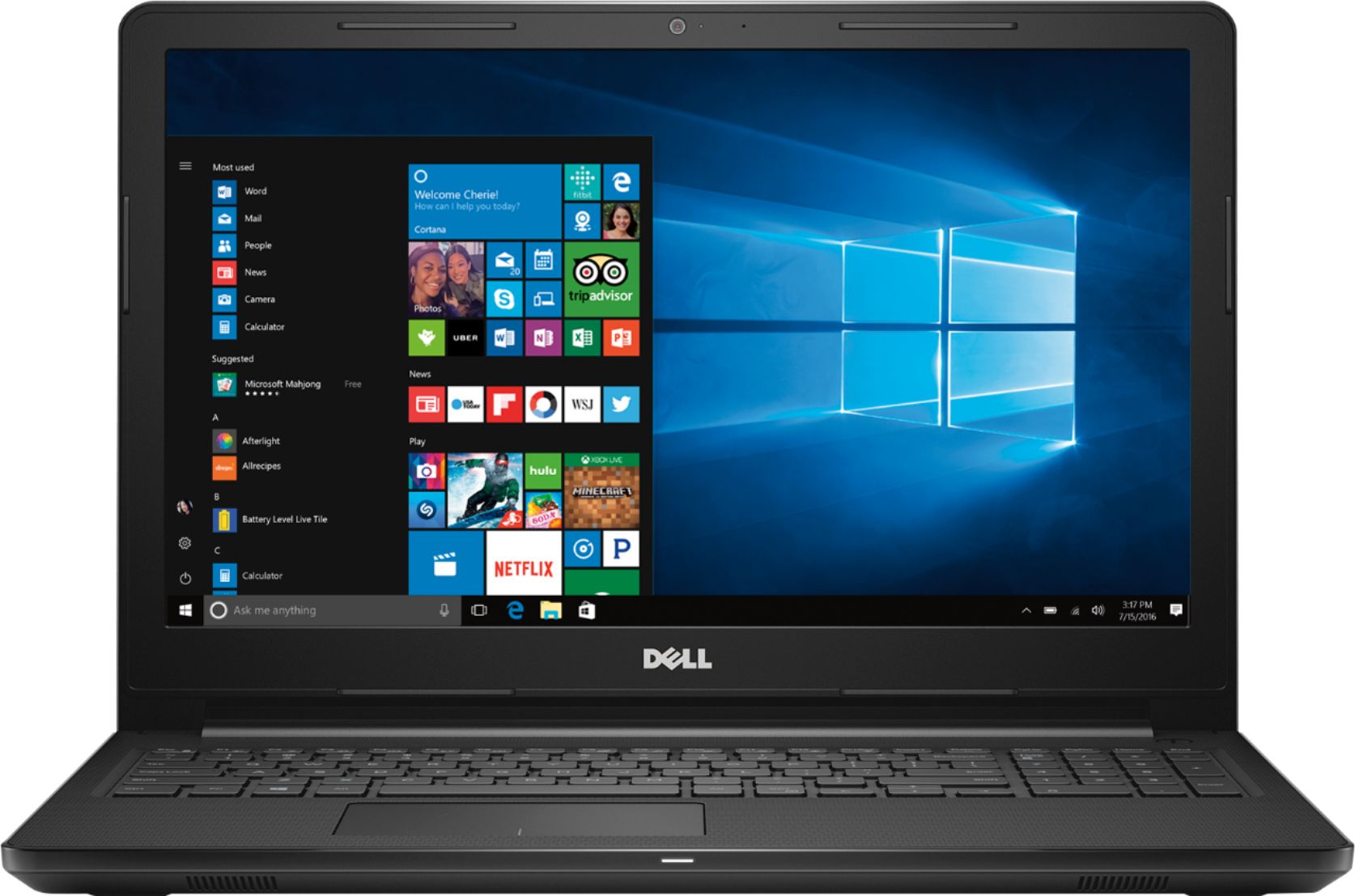
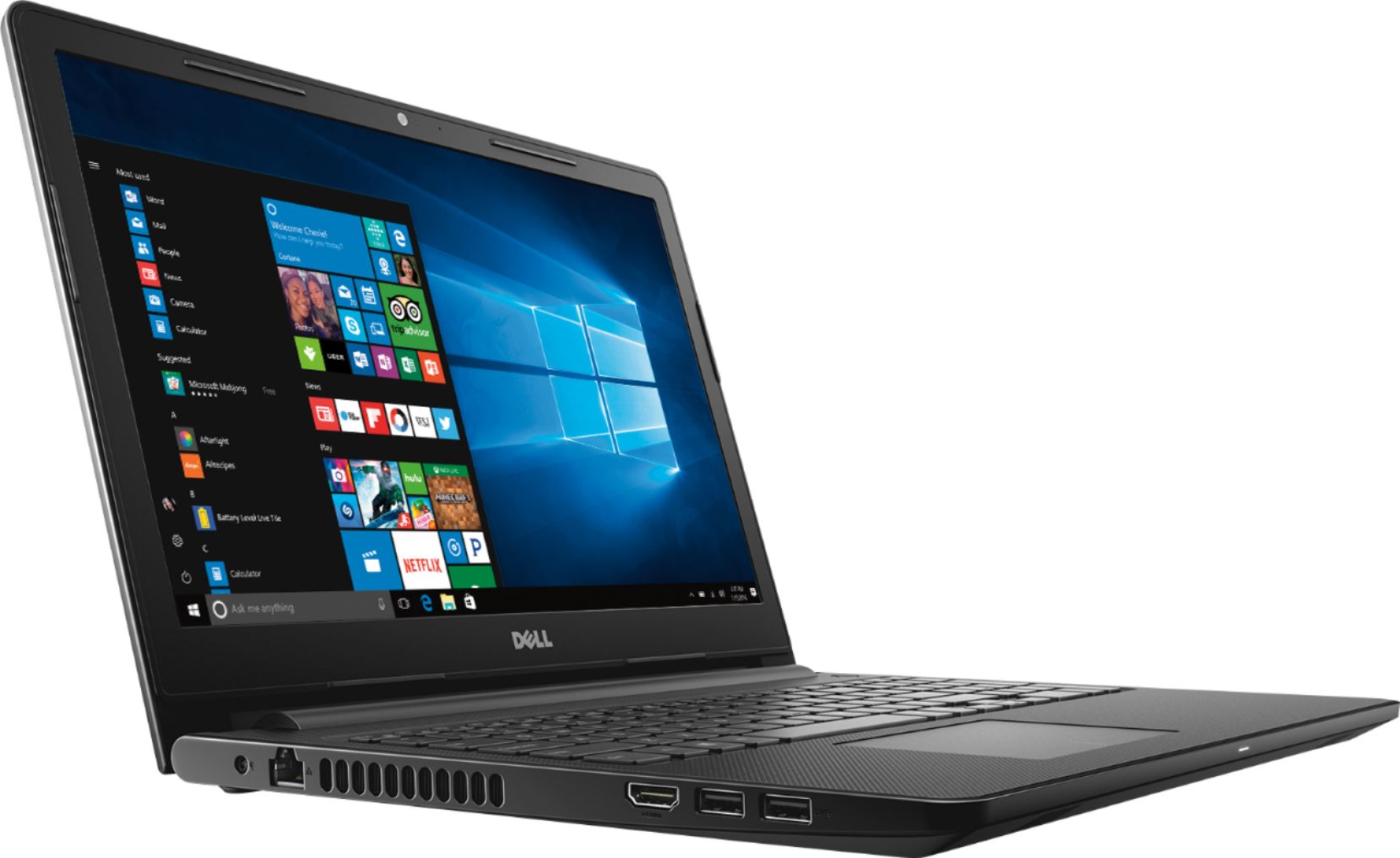
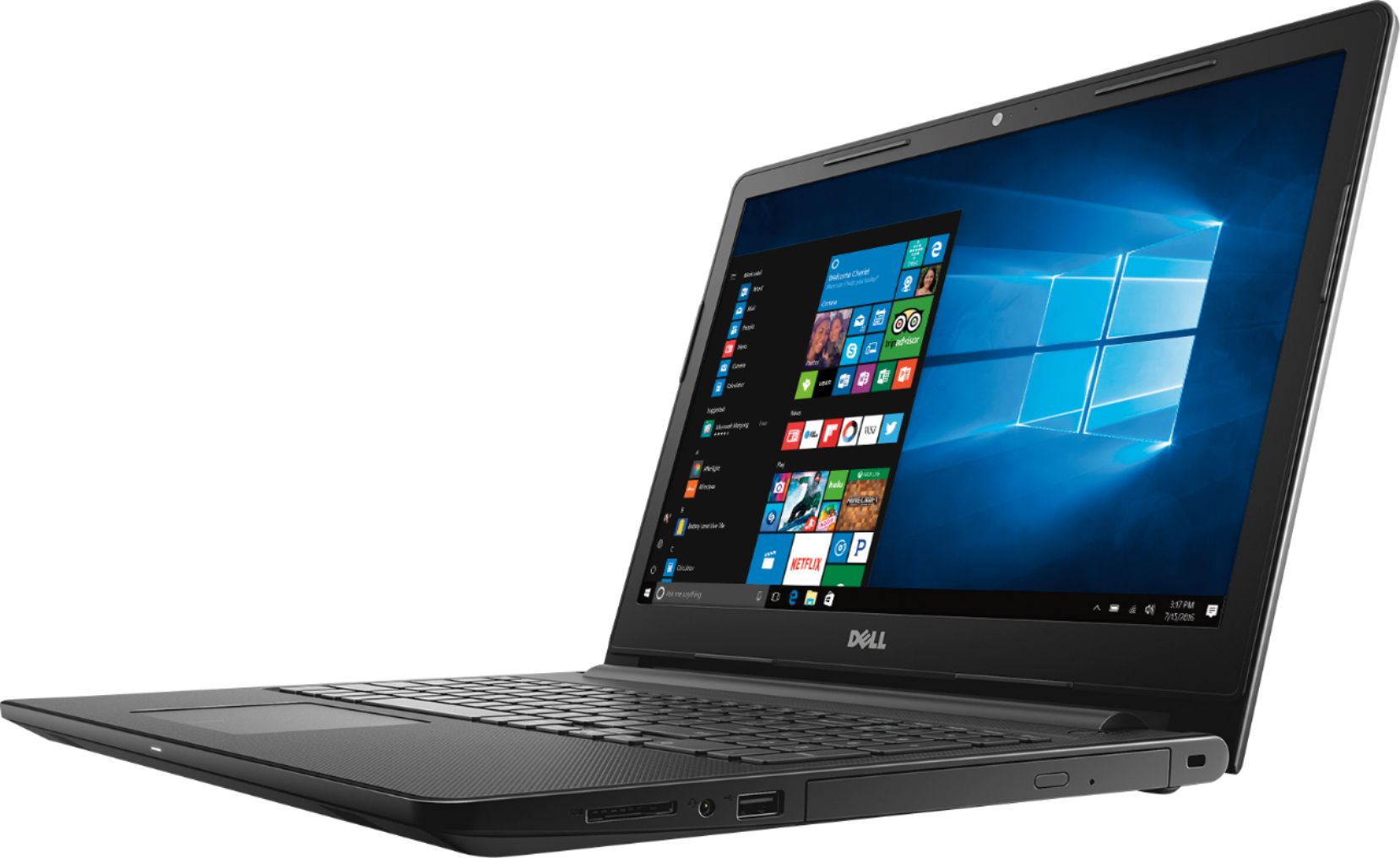
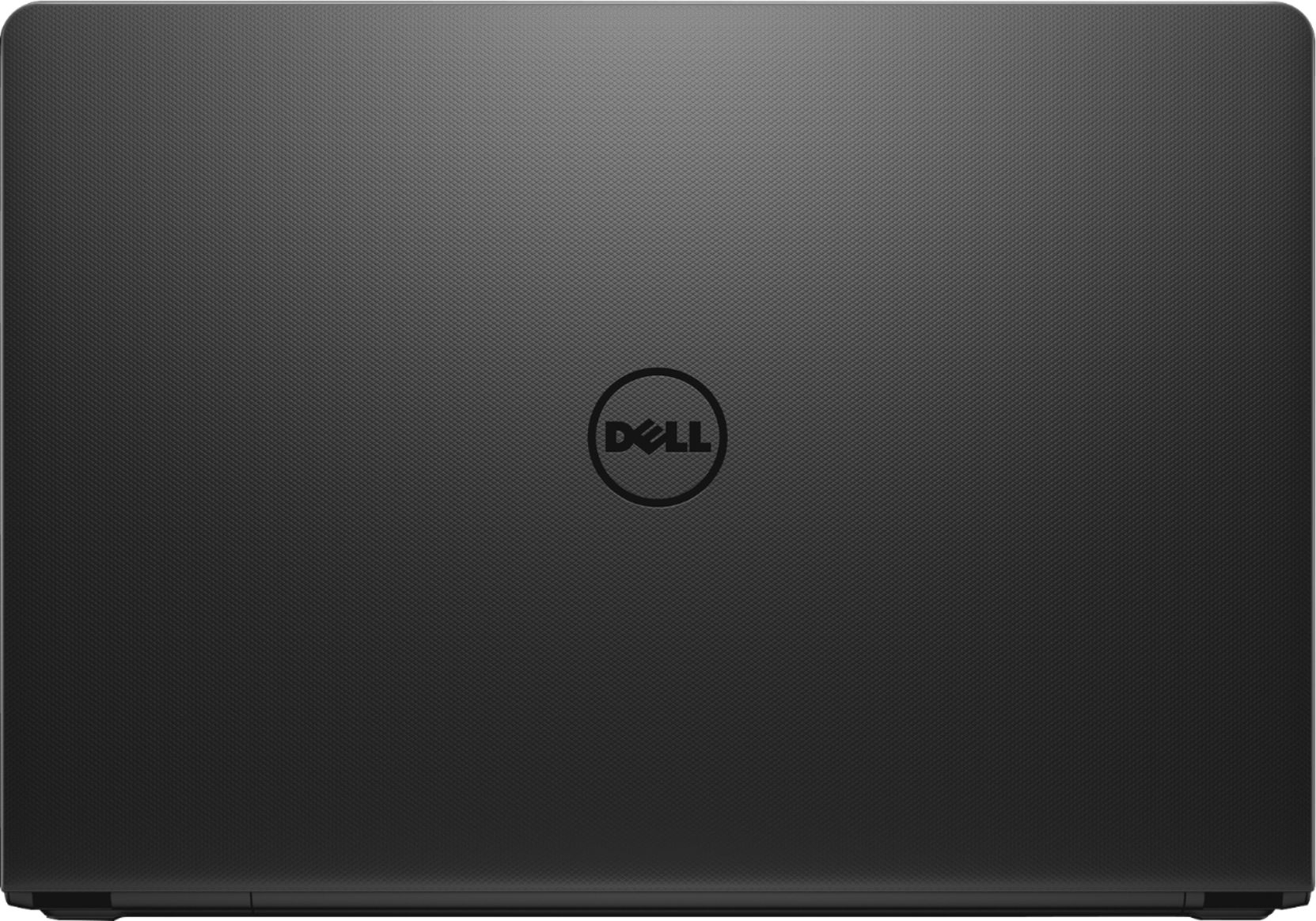
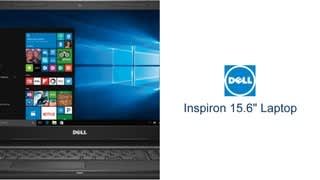
- Model:
- I3565-A453BLK-PUS
- SKU:
- 6190769
Rating by feature
- Value
Rating 4.1 out of 5 stars
- Quality
Rating 3.8 out of 5 stars
- Ease of Use
Rating 4.1 out of 5 stars
Customers are saying
Customers love the Inspiron 15.6" Laptop for its budget-friendly price point and user-friendly interface. Many appreciate its lightweight design and adequate storage space. While some users find the performance satisfactory for casual gaming, others have concerns about its overall speed and battery life.
This summary was generated by AI based on customer reviews.
- Pros mentioned:Storage
Great for college students
||Posted .This reviewer received promo considerations or sweepstakes entry for writing a review.I bought this lap top for my nephew who was starting college in August. The computer is fast and has plenty of storage.
I would recommend this to a friend - Pros mentioned:Price
Okay
||Posted .This reviewer received promo considerations or sweepstakes entry for writing a review.Good laptop for the price paid. Works for light use, web browsing and college level homework
I would recommend this to a friendBrand response from YourDellTeam
Posted .Hello imzz,
We appreciate your feedback. We're glad that your computer is meeting your needs. If you have additional questions you can check our Product Support Page here: https://dell.to/2GN1CaJ.
Best,
Bryan
1-800-624-9896
Works well for basic office tasks
||Posted .This reviewer received promo considerations or sweepstakes entry for writing a review.Mainly using it for microsoft office & basic browsing for light office work. It isn't the fastest out there but for the price, it performs all the basic work.
I would recommend this to a friend- Cons mentioned:Speed
Sure
||Posted . Owned for more than 2 years when reviewed.This reviewer received promo considerations or sweepstakes entry for writing a review.I bit slow, but for the price and for the kids so sure buy it !
I would recommend this to a friend - Cons mentioned:Speed
Average laptop
||Posted . Owned for 1 year when reviewed.This reviewer received promo considerations or sweepstakes entry for writing a review.Decent laptop. But slowed down after a short use. Recommend a laptop with a ssd.
No, I would not recommend this to a friend - Pros mentioned:Price
GOOD COMPUTER GOOD PRICE
||Posted . Owned for 1 year when reviewed.This reviewer received promo considerations or sweepstakes entry for writing a review.GOOD COMPUTER GOOD PRICE, EVEN only 500 GB, but the setting is good, AMD is good enough for the computer!
I would recommend this to a friend - Cons mentioned:Speed
Good for the price, but...
||Posted . Owned for 1.5 years when reviewed.This reviewer received promo considerations or sweepstakes entry for writing a review.A bit slow and laggy. This laptop is good for basic needs, but not much else.
No, I would not recommend this to a friend - Pros mentioned:Gaming
great return in low price
||Posted .This reviewer received promo considerations or sweepstakes entry for writing a review.my dell leptop is good working with gaming and auther program. so i recommande to every one its good for regular use.
I would recommend this to a friend Great computer for the price
||Posted .This reviewer received promo considerations or sweepstakes entry for writing a review.The computer works perfectly for display to a TV. Not fast but fast enough to do what I need it to do in serving as a dedicated computer for display output.
I would recommend this to a friend- Pros mentioned:Price
Cheap laptop. Convenient
||Posted .This reviewer received promo considerations or sweepstakes entry for writing a review.The laptop price was descent. The laptop heats up very quickly compared to an HP or Acer.
No, I would not recommend this to a friendBrand response from YourDellTeam
Posted .MoeSanta,
Thanks for your feedback about your new Dell laptop. We're sorry that you're experiencing overheating concerns. We'd recommend the following tips to help your computer run at lower temperatures:
Tips for Proper Usage:
1. Dell does not recommend placing portable systems directly on your lap. Due to reductions in the thickness of modern portable systems, heat transfer can be an issue.
2. Using a portable system (Laptop) on a hard, flat, non-cloth surface will increase airflow and reduce heat from underneath and inside the system.
Using the portable system on a blanket, pillow, or other types of cloth will cover up the fan cause the computer to overheat and can cause permanent damage.
3. It is recommended to use the portable system in a Room temperature of 0°C to 35°C (32°F to 95°F) with a Humidity level no greater than 90%.
4. Use compressed air to clean the vents on a regular basis.
5. Using a cooling pad can decrease heat and increase performance.
6. If you want to know the temperature limitations for your system, go to the Dell Support Website, look up your system model then open the user guide under the manuals link.
You can read the full article here - http://dell.to/2uJ8AdG.
We hope that these tips will help your computer perform better and cooler for you.
Best,
Bryan
1-800-624-9896
- Pros mentioned:Storage
All good
||Posted .This reviewer received promo considerations or sweepstakes entry for writing a review.I’m a student so I really needed a laptop that fast and had enough storage for my work. So this was just right for me
I would recommend this to a friend - Cons mentioned:Speed
Slow But Stable
||Posted .This reviewer received promo considerations or sweepstakes entry for writing a review.The laptop is good for what I needed, which is working online. It's really slow, however.
No, I would not recommend this to a friendBrand response from YourDellTeam
Posted .SherryB,
We appreciate your feedback and we're sorry to hear that your computer is slower than you had hoped it would be. We'd recommend running the Windows Performance Troubleshooter to see if there are ways to speed up your computer:
1. Close all open windows.
2. Press the Windows logo key + X key on the keyboard.
3. Click Control Panel.
4. Click System and Security.
5. Under Security and Maintenance, select Troubleshoot common problems.
6. Under System and Security, click Run maintenance tasks.
7. Follow the on-screen instructions and prompts to complete the process.
8. Restart the PC.
You can read the full article here - http://dell.to/2tSulGV.
We hope that these tips help speed up your computer.
Best,
Bryan
1-800-624-9896
- Pros mentioned:Easy to use
Pretty solid laptop for my grandmother.
||Posted .This reviewer received promo considerations or sweepstakes entry for writing a review.Grandmother really likes this laptop. pretty easy to use and great battery life so far !
I would recommend this to a friendBrand response from YourDellTeam
Posted .SwitchSwitcherson,
Thanks so much for your positive feedback. We're glad to see that this computer is working well for your grandmother. If you have any questions about the computer's performance you can check out our Product Support Page here - https://dell.to/2GN1CaJ.
Best,
Bryan
1-800-624-9896
- Pros mentioned:Price
Great laptop for the low price
||Posted .This reviewer received promo considerations or sweepstakes entry for writing a review.Needed a laptop quick and easy. This dell was cheap but the specs outweighed the price. Been happy with it thus far
I would recommend this to a friend - Cons mentioned:Ram
Good laptop for beginners
||Posted .This reviewer received promo considerations or sweepstakes entry for writing a review.I like this laptop, but it needs to come with a minimum of 8gb ram. 4 gb is not enough.
I would recommend this to a friendBrand response from YourDellTeam
Posted .higgii,
Thanks for your review. We'd recommend that you run the Windows Performance Troubleshooter to see if there are was that your computer can perform faster for you:
1. Close all open windows.
2. Press the Windows logo key + X key on the keyboard.
3. Click Control Panel.
4. Click System and Security.
5. Under Security and Maintenance, select Troubleshoot common problems.
6. Under System and Security, click Run maintenance tasks.
7. Follow the on-screen instructions and prompts to complete the process.
8. Restart the PC.
You can read the full article here - http://dell.to/2tSulGV.
We hope that these tips help your computer perform the way you intended it to.
Best,
Bryan
1-800-624-9896
- Pros mentioned:Price
great laptop
||Posted .This reviewer received promo considerations or sweepstakes entry for writing a review.needed a new laptop. this one is perfect at a very low price . I use it to live stream MLB Games,. works perfect
I would recommend this to a friend - Cons mentioned:Speed
Way slow
||Posted .This reviewer received promo considerations or sweepstakes entry for writing a review.I know it’s a low priced laptop but this computer is way too slow...better to save up and pay for a much more performance based item
No, I would not recommend this to a friendBrand response from YourDellTeam
Posted .Hello Stsan,
We appreciate your review and we're sorry to hear that the performance on your new computer is slower than you'd like it to be. We'd recommend running the Windows Performance Troubleshooter to see what may be slowing your computer down. You can follow these steps:
1. Close all open windows.
2. Press the Windows logo key + X key on the keyboard.
3. Click Control Panel.
4. Click System and Security.
5. Under Security and Maintenance, select Troubleshoot common problems.
6. Under System and Security, click Run maintenance tasks.
7. Follow the on-screen instructions and prompts to complete the process.
8. Restart the PC.
You can read the full article here - http://dell.to/2tSulGV.
Best,
Bryan
1-800-624-9896
- Pros mentioned:Price
Good Computer for price.
||Posted .This reviewer received promo considerations or sweepstakes entry for writing a review.Bought this computer for my stepdaughter for her online classes. It does the job. Decent computer for the price.
I would recommend this to a friend Excellent
||Posted . Owned for 1.5 years when reviewed.This reviewer received promo considerations or sweepstakes entry for writing a review.It is easy to use the screen is the right size had the laptop for awhile now and enjoy it
I would recommend this to a friend- Cons mentioned:Speed
Good for the money
||Posted .This reviewer received promo considerations or sweepstakes entry for writing a review.Not bad, used for tuning cars, a little slow out of the box but gets the job done well.
I would recommend this to a friendBrand response from YourDellTeam
Posted .Hi Nugget,
We appreciate your feedback on your new Dell laptop. We'd recommend running the Windows Performance Troubleshooter if you'd like to see how your computer can run faster for you:
1. Close all open windows.
2. Press the Windows logo key + X key on the keyboard.
3. Click Control Panel.
4. Click System and Security.
5. Under Security and Maintenance, select Troubleshoot common problems.
6. Under System and Security, click Run maintenance tasks.
7. Follow the on-screen instructions and prompts to complete the process.
8. Restart the PC.
You can read the full article here - http://dell.to/2tSulGV.
Best,
Bryan
1-800-624-9896