Customer Ratings & Reviews
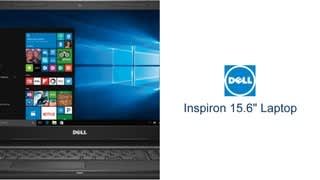
- Model:
- I3565-A453BLK-PUS
- SKU:
- 6190769
Rating by feature
- Value
Rating 4.1 out of 5 stars
- Quality
Rating 3.8 out of 5 stars
- Ease of Use
Rating 4.1 out of 5 stars
Customers are saying
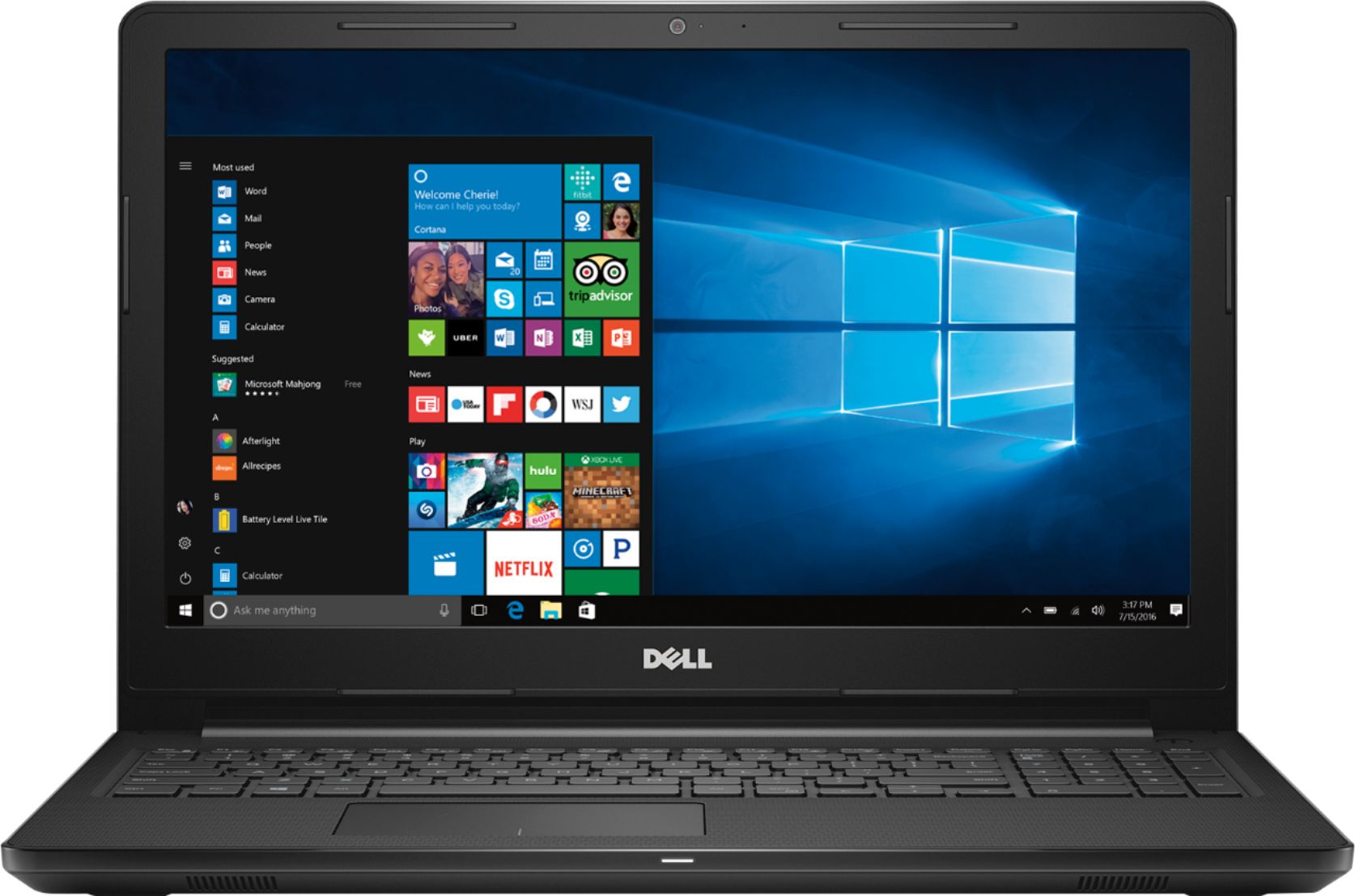
Customers love the Inspiron 15.6" Laptop for its budget-friendly price point and user-friendly interface. Many appreciate its lightweight design and adequate storage space. While some users find the performance satisfactory for casual gaming, others have concerns about its overall speed and battery life.
This summary was generated by AI based on customer reviews.
- Pros mentioned:Gaming, Price
Great laptop for the money
||Posted .This reviewer received promo considerations or sweepstakes entry for writing a review.This was a great laptop for the price point. I was looking for something my daughter could use to write her stuff for school and do a little light gaming. This laptop does the job well.
I would recommend this to a friend - Pros mentioned:Price, StorageCons mentioned:Performance
Good laptop for beginners or students.
||Posted .This reviewer received promo considerations or sweepstakes entry for writing a review.a bit slower, very affordable, 500 g hard drive,4 g ram, yet performs well if speed is not a factor
I would recommend this to a friendBrand response from YourDellTeam
Posted .Hi Catoonces,
Thank you for your feedback on your new laptop. We'd recommend running the Windows Performance Troubleshooter for some tips on how to speed up your computer:
1. Close all open windows.
2. Press the Windows logo key + X key on the keyboard.
3. Click Control Panel.
4. Click System and Security.
5. Under Security and Maintenance, select Troubleshoot common problems.
6. Under System and Security, click Run maintenance tasks.
7. Follow the on-screen instructions and prompts to complete the process.
8. Restart the PC.
You can read the full article here - http://dell.to/2tSulGV.
We hope that your computer continues to meet your needs.
Best,
Bryan
1-800-624-9896
- Pros mentioned:Easy to use, Lightweight
It's a Dell!
||Posted .This reviewer received promo considerations or sweepstakes entry for writing a review.I purchased this because it's a Dell and my last laptop was the same but an older model. I liked that it is easy to use and lightweight. It's perfect for my needs!
I would recommend this to a friend - Pros mentioned:GamingCons mentioned:Battery life
great product for the price
||Posted .This reviewer received promo considerations or sweepstakes entry for writing a review.For a little over $200 not bad. It's used mostly for playing games and slots and just normal things like email and surfing the net. Only negative is battery life.
I would recommend this to a friend - Pros mentioned:Price
Decent price for a basic laptop
||Posted .This reviewer received promo considerations or sweepstakes entry for writing a review.I bought this laptop for my mom who wanted something very basic. It works well for the price and it does everything my mom wants, so it’s a win win.
I would recommend this to a friend Great Notebook for the $$$
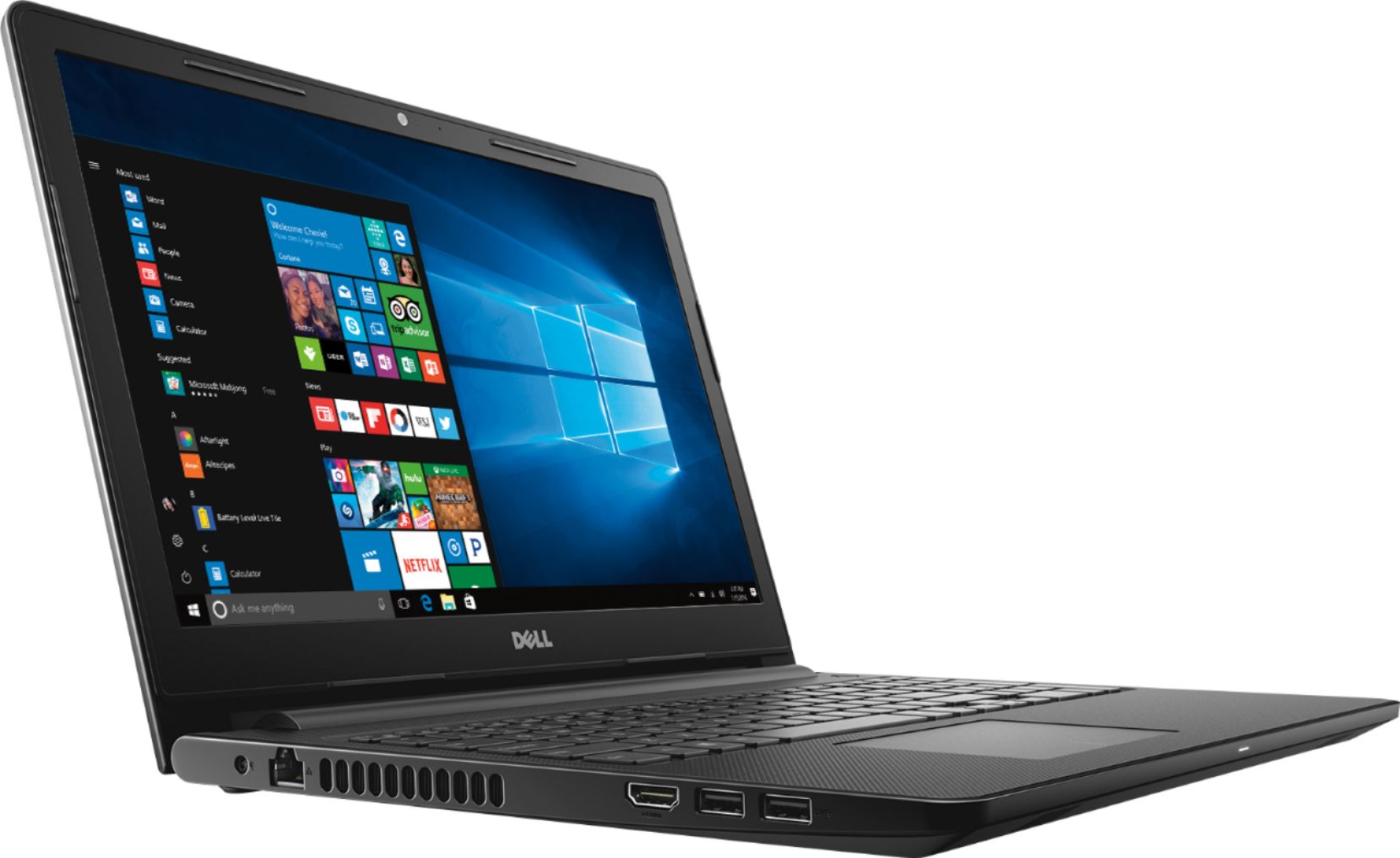
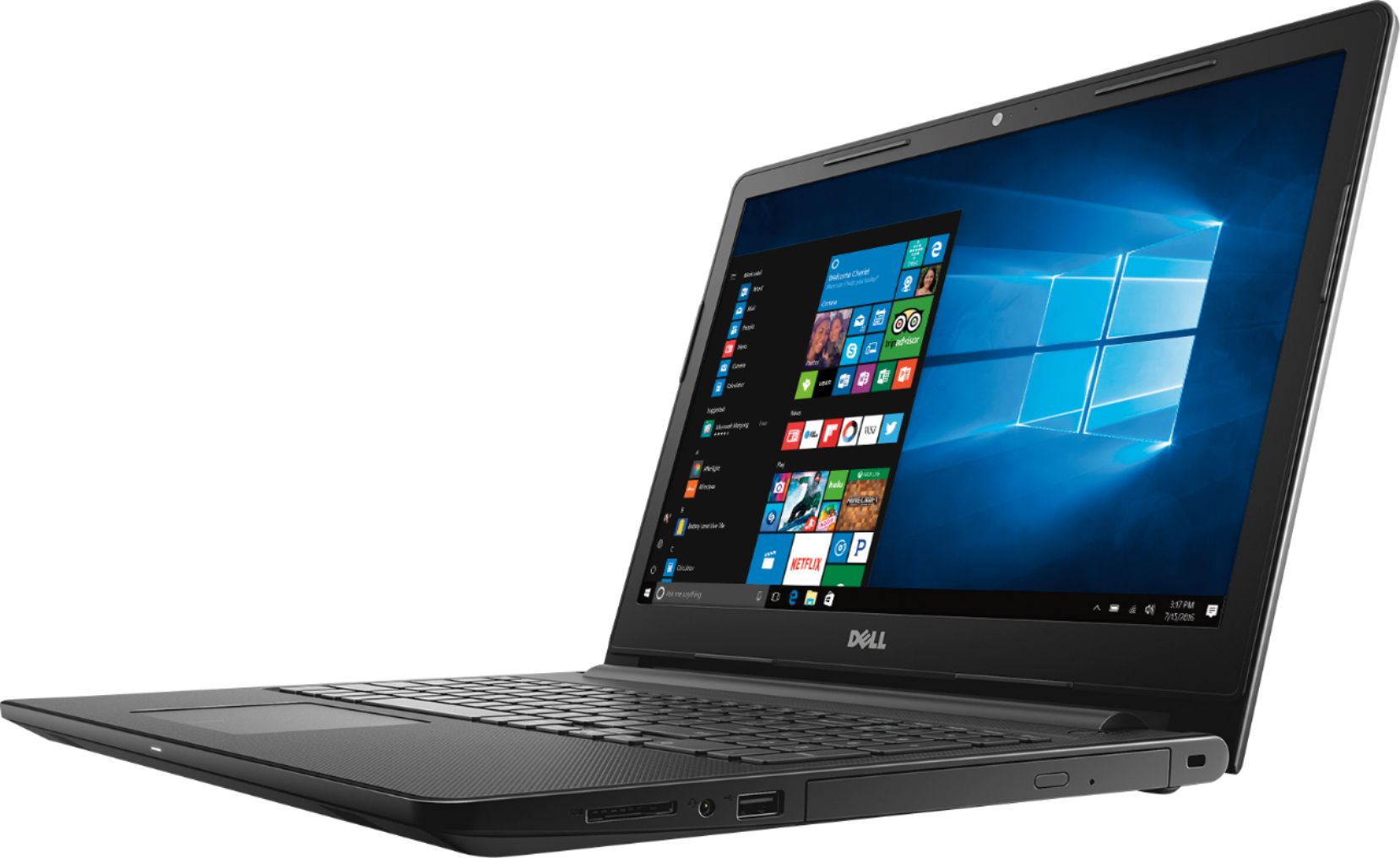
||Posted .This reviewer received promo considerations or sweepstakes entry for writing a review.I read all these reviews on this computer (most of them are from non-owners/non-verified purchasers) and found them to be a little cruel. This is a CHEAP notebook made for basic tasks. However, it is a great machine if you are willing to do a few upgrades. With a Solid-State hard drive and 12-16GB of memory added, it runs pretty good. The Bluetooth/WiFi work well, it is easy to type on, the display is good for this price, and it is fairly light. Plue, you get a DVD burner and a SD card reader as well. This is a lot of computer for the dollar, so spend the bucks with Geek Squad and have it upgraded and you have a very usable 'student notebook'. I upgraded mine to a 500GB Solid State hard drive and 12GB of memory and it runs great. Remember that this is an AMD dual-core processor (not a gamer by any means). Be sure to make a 'System Image' before you change the drives and you can reload it back to factory. Now I have a great 'travel laptop' to use and if I lose it, I am not out a ton of money. Dell did a good job on this one.
I would recommend this to a friend- Pros mentioned:PriceCons mentioned:Speed
Slow but good battery life
||Posted .This reviewer received promo considerations or sweepstakes entry for writing a review.Bought this laptop for my son (school work). The laptop is ok. VERY GOOD battery life but slow overall. Once you log into it you have to give it about 5 minutes for it run whatever process it runs in the background (no apps or software installed so far. Just the ones that came with the laptop). For the price it is a good buy but if you want a faster better PC buy something else.
No, I would not recommend this to a friendBrand response from YourDellTeam
Posted .LuisV,
We're sorry that your son's comouter is not working as well as you had hoped it would. We'd recommend limiting the number of programs that launch at startup for a faster bootup time:
1. Close all open windows.
2. Press CTRL + Shift + ESC key together on the keyboard.
3. In the Task Manager window, click Startup tab.
4. Select the program or application that you want to disable from loading during startup.
5. Right-click and select Disable.
6. Repeat Step 4 & 5 for all the programs or applications that you want to disable from loading during startup.
7. Restart your PC.
You can read the full article here - http://dell.to/2tSulGV.
We're glad that you are happy with the battery performance and the computer overall.
Best,
Bryan
1-800-624-9896
- Pros mentioned:Easy to use, Price
Solid for General Use
||Posted .This reviewer received promo considerations or sweepstakes entry for writing a review.Great Value and good for basic use. Easy to use menu and good graphics. I would recommend to anyone looking for a simple but useful computer.
I would recommend this to a friend - Pros mentioned:Price
Good Basic Computer
||Posted .This reviewer received promo considerations or sweepstakes entry for writing a review.I got this laptop for my sister and nephew, and they like it. Not super powerful, but a good value for the price and basic functionality!
I would recommend this to a friend - Pros mentioned:PriceCons mentioned:Speed
too big and a little slow
||Posted .This reviewer received promo considerations or sweepstakes entry for writing a review.I went in to buy a small laptop... and got steered toward this one by the salesperson because of features... and the price. I ended up exchanging it for an HP primarily because it was just too big once I got it home. I would say it was also a bit slow... But, that is what I love about Best Buy... the ease of return and exchange. And I LOVE THE HP THAT I EXCHANGED IT FOR!!
I would recommend this to a friend - Pros mentioned:Price, Storage
Good Deal
||Posted .This reviewer received promo considerations or sweepstakes entry for writing a review.Great price. Needed for small personal projects and picture storage. Not fond of the keyboard mouse, but can always purchase one.
I would recommend this to a friend - Pros mentioned:PriceCons mentioned:Ram
Warranty time starts the day you buy it
||Posted . Owned for 1 year when reviewed.This reviewer received promo considerations or sweepstakes entry for writing a review.I purchased this unit as a back up for my Lenovo laptop-- it didn't go into service until about 4 months ago. I was shocked to see that my warranty had just a few days left because the clock starts ticking from the day you buy it NOT the day you unbox it. It is short on RAM if you allow the Dell Optimizer to run-- I deleted that program and now it runs better but not great. The big issue is that the Realtek PCIe FE Family Controller card limits top Ethernet speeds to 10mpbs no matter what settings you change. A Google search confirms that this has been an issue with that card for years and none of the fixes mentioned work. I'm giving it 2 stars because I did buy it at a good price.
No, I would not recommend this to a friend - Pros mentioned:Storage
Not fancy
||Posted .This reviewer received promo considerations or sweepstakes entry for writing a review.Good computer without all the bells and whistles. I needed a basic computer with adequate storage and this suffices.
I would recommend this to a friend - Pros mentioned:PriceCons mentioned:Speed
A bit slow but as expected for the price.
||Posted .This reviewer received promo considerations or sweepstakes entry for writing a review.Needed a basic computer for book keeping and this fits the bill. A bit slow at times, but as expected for the price.
I would recommend this to a friend - Pros mentioned:Price
Great Deal
||Posted .This reviewer received promo considerations or sweepstakes entry for writing a review.This laptop is a bargain on sale. The first thing I did was a clean reinstall of windows. This will eliminate all the unnecessary bloatware and apps that come preinstalled. It runs clean smooth and plenty fast for web and Office programs. Very happy with the purchase.
I would recommend this to a friend - Pros mentioned:Easy to use, Storage
Perfect for schoolwork
||Posted .This reviewer received promo considerations or sweepstakes entry for writing a review.Easy setup; plenty of space for everyday usage; perfect for children's schoolwork; internal dvd burner is a bonus.
I would recommend this to a friend - Pros mentioned:Price
What do/did you expect for 220 bucks?
||Posted .This reviewer received promo considerations or sweepstakes entry for writing a review.Probably the most computer you can get for 220 bucks. Yeah it's pretty useless when it updates Windows 10 from the older build version. However when it's finally done, the PC does just fine for web browser and running a few applications at a time. I got rid of the extra bloatware by downloading the installation disc from Dell and nuking it. You could probably just uninstall them. But I want to repartition the hard drive to my likings.
I would recommend this to a friend - Pros mentioned:PriceCons mentioned:Speed
Good budget laptop
||Posted . Owned for 1.5 years when reviewed.This reviewer received promo considerations or sweepstakes entry for writing a review.Good for the money. A little slow, but good enough for basic browsing and email.
I would recommend this to a friend - Pros mentioned:GamingCons mentioned:Speed
Slower than expected
||Posted . Owned for 1.5 years when reviewed.This reviewer received promo considerations or sweepstakes entry for writing a review.It was good for gaming, my son ended up using it. I couldn't work on it as having too many browsers open or documents open at the same time would make it super slow. Did not like the new Microsoft look/system.
No, I would not recommend this to a friend - Pros mentioned:GamingCons mentioned:Speed
Not bad for a cheap laptop.
||Posted .This reviewer received promo considerations or sweepstakes entry for writing a review.While it is good for browsing the Internet, I have found that it runs rather slow when trying to do anything else. It's as if something is preoccupying the hardware, but I can't figure out what yet. SO far, the only use it's accomplished is playing Don't Starve Together with my boyfriend.
No, I would not recommend this to a friendBrand response from YourDellTeam
Posted .Artemis,
Thanks for your review. We're sorry to hear that your computer is running slower than you had hoped it would. If you run the Windows Performance Troubleshooter hopefully you will find some ways for your computer to run faster for you: 1. Close all open windows.
2. Press the Windows logo key + X key on the keyboard.
3. Click Control Panel.
4. Click System and Security.
5. Under Security and Maintenance, select Troubleshoot common problems.
6. Under System and Security, click Run maintenance tasks.
7. Follow the on-screen instructions and prompts to complete the process.
8. Restart the PC.
You can read the full article here - http://dell.to/2tSulGV.
Best,
Bryan
1-800-624-9896

















