Customer Ratings & Reviews
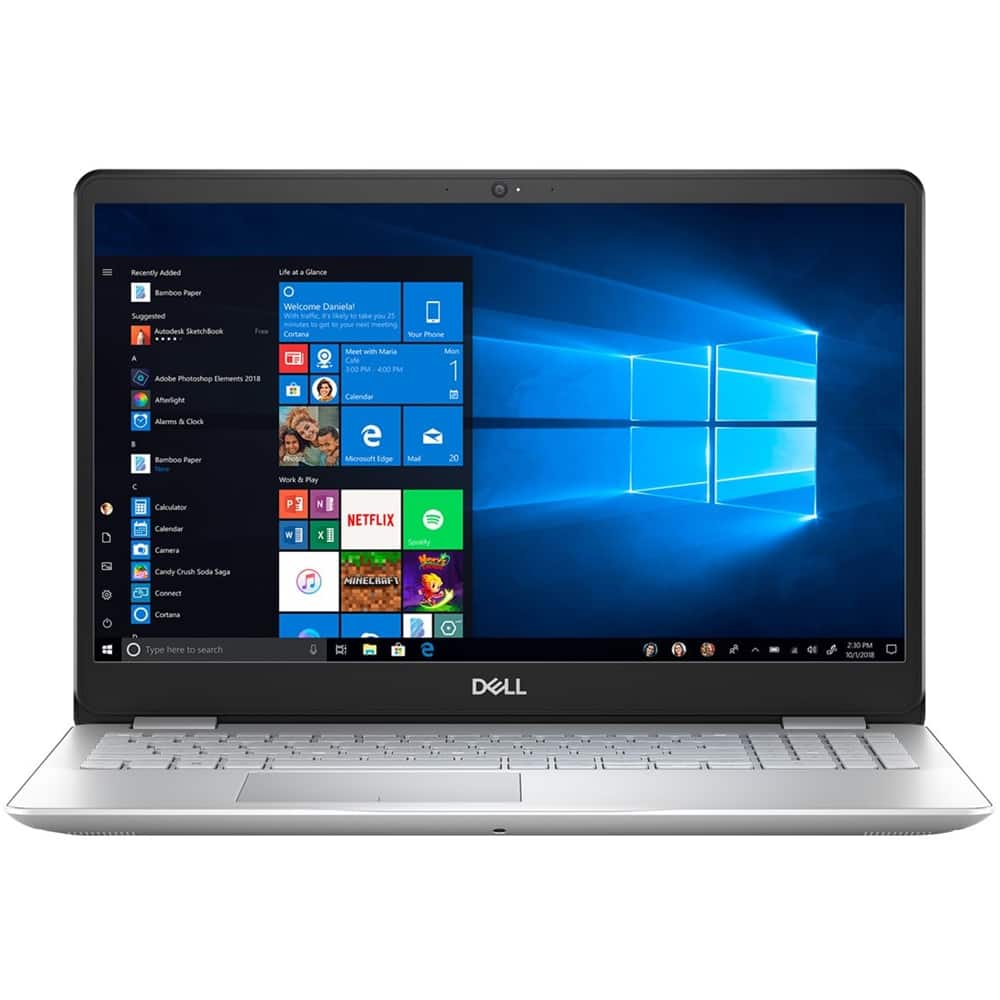
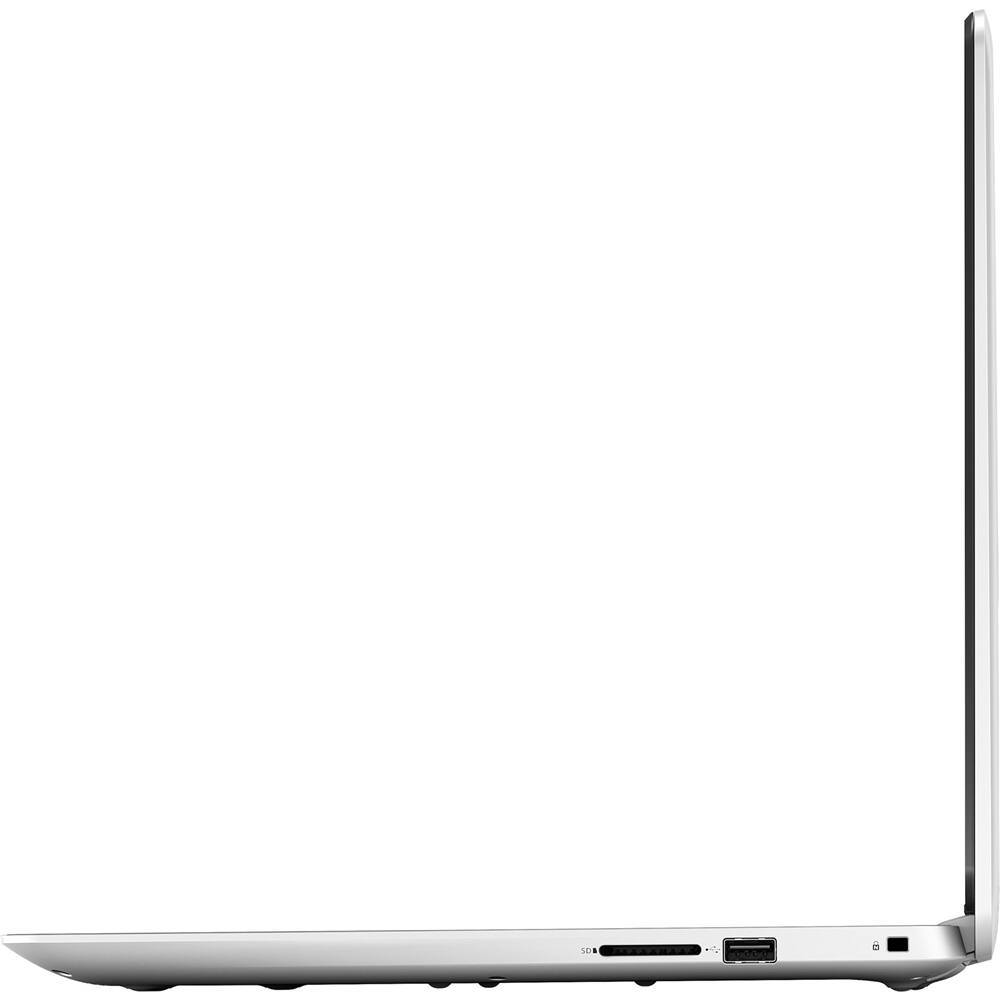
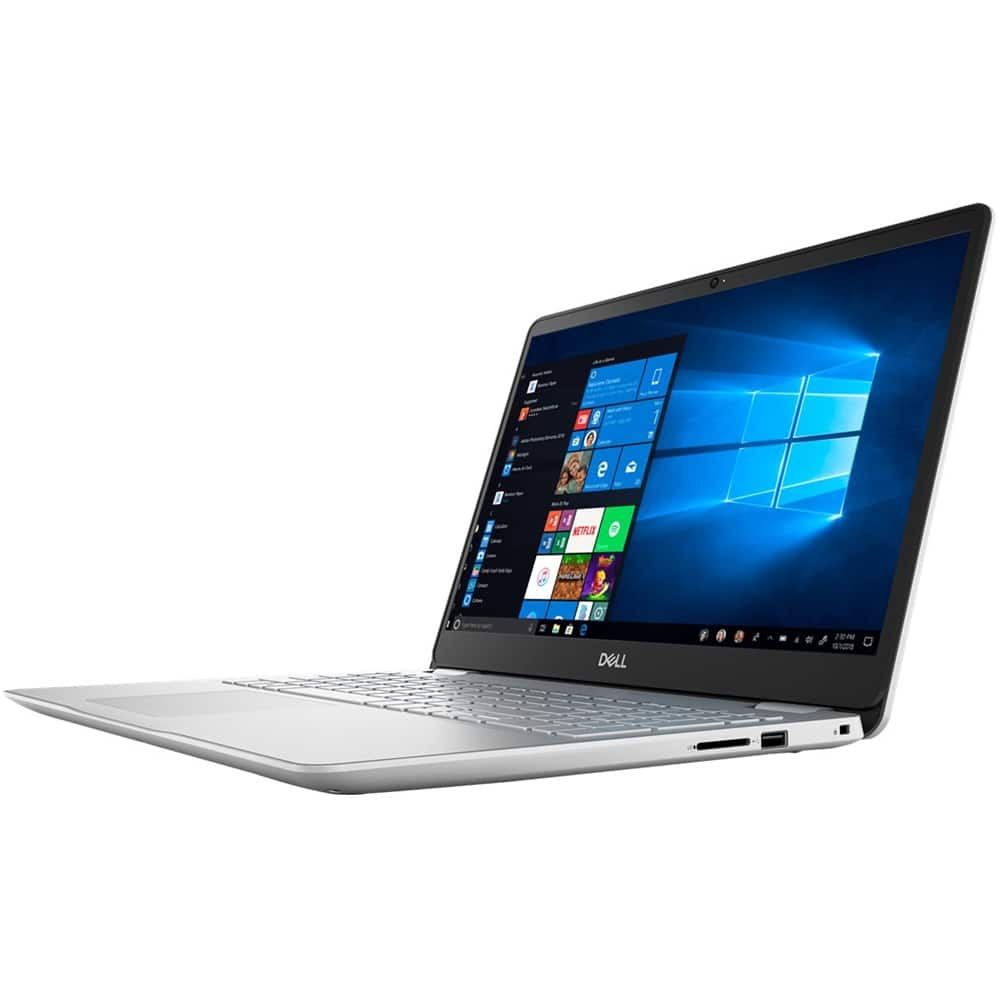
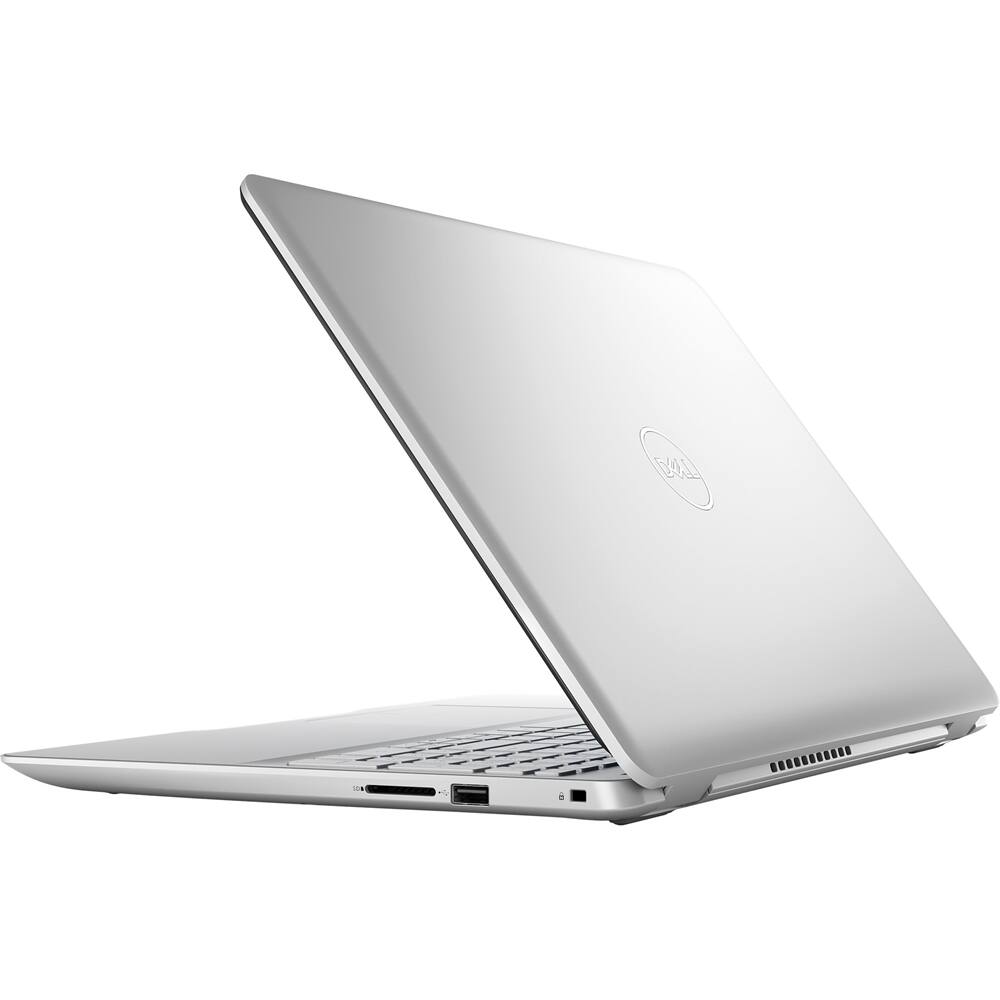
- Model:
- I5584-5868SLV-PUS
- SKU:
- 6347444
to a friend
- Pros mentioned:No glare screen, Price
im a happy Luddite
||Posted . Owned for 2 weeks when reviewed.This reviewer received promo considerations or sweepstakes entry for writing a review.my old laptop was ten years old & not feeling well so i wanted to get a new one before i needed it. im a heavy surfer & take a lot of pics. otherwise im a technology minimalist. i was used to a backlit keyboard, a 15” led screen, windows, office & a cd/dvd drive/burner. im still getting familiar with windows 10 but i love this machine! office was an add on as well as the disc drive (via usb plug in). i havent burned any discs yet though. the price is affordable & even better because best buy did a price match, twice! im really happy with this laptop & hope i didnt jinx anything.
I would recommend this to a friend - Pros mentioned:No glare screen, Soft touch keyboard
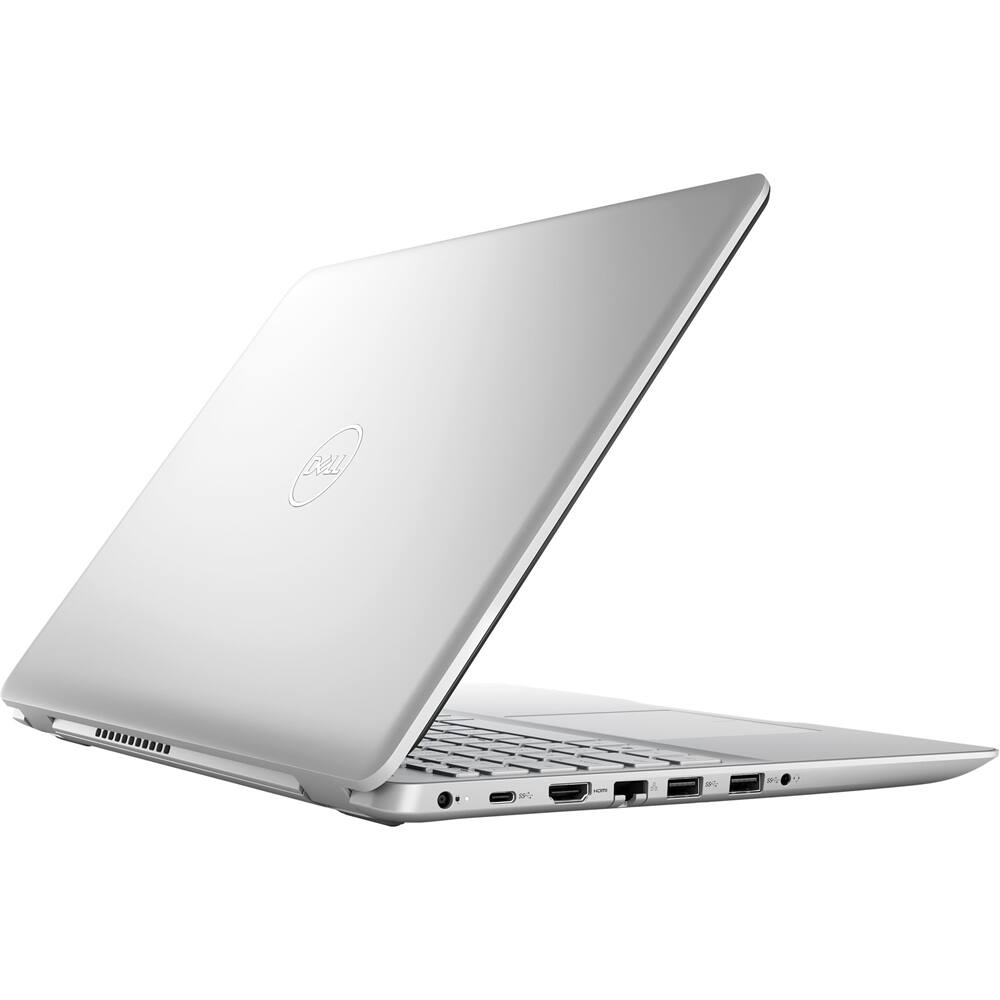
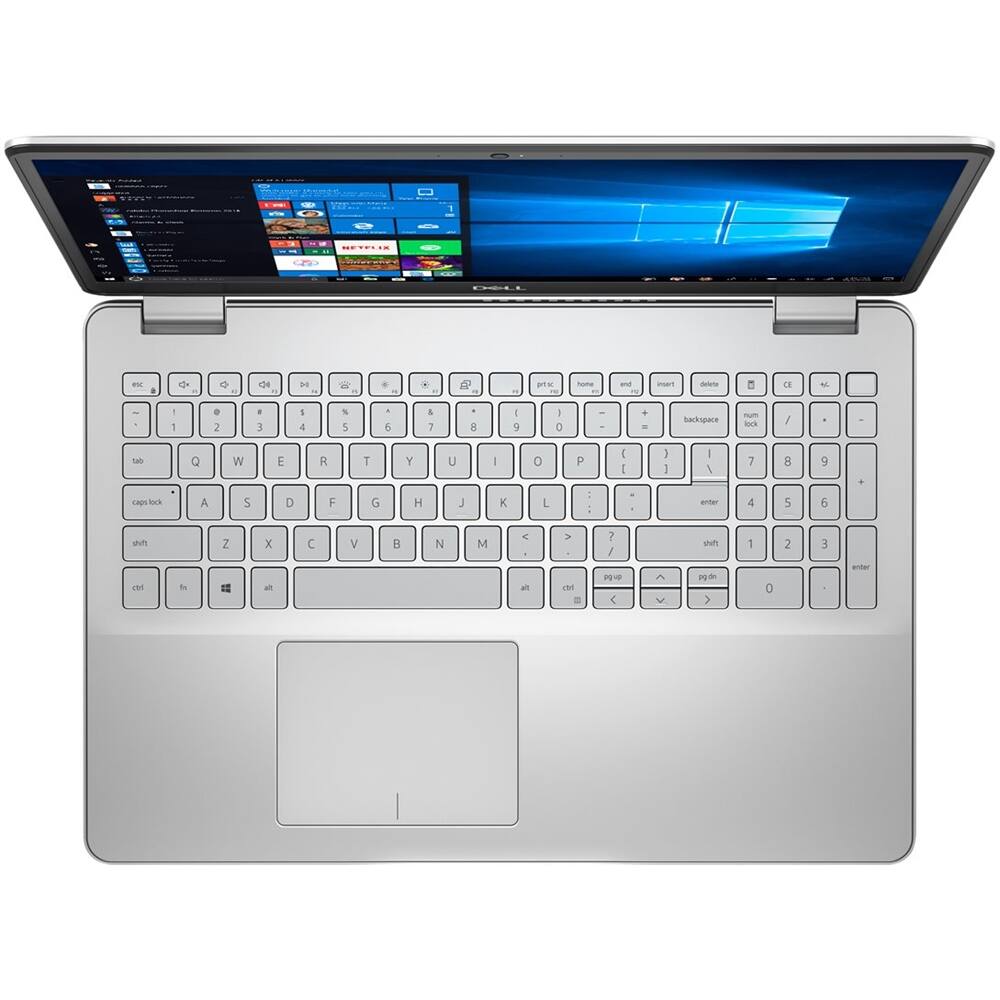
Good quality computer, I like the matte screen
||Posted .This reviewer received promo considerations or sweepstakes entry for writing a review.Just bought, easy set up, just don't like how Microsoft takes over, wanting you to use them for everything. Like the no glare screen and soft touch keyboard.
I would recommend this to a friend - Cons mentioned:Overheating, Sound quality
Good noisy laptop!
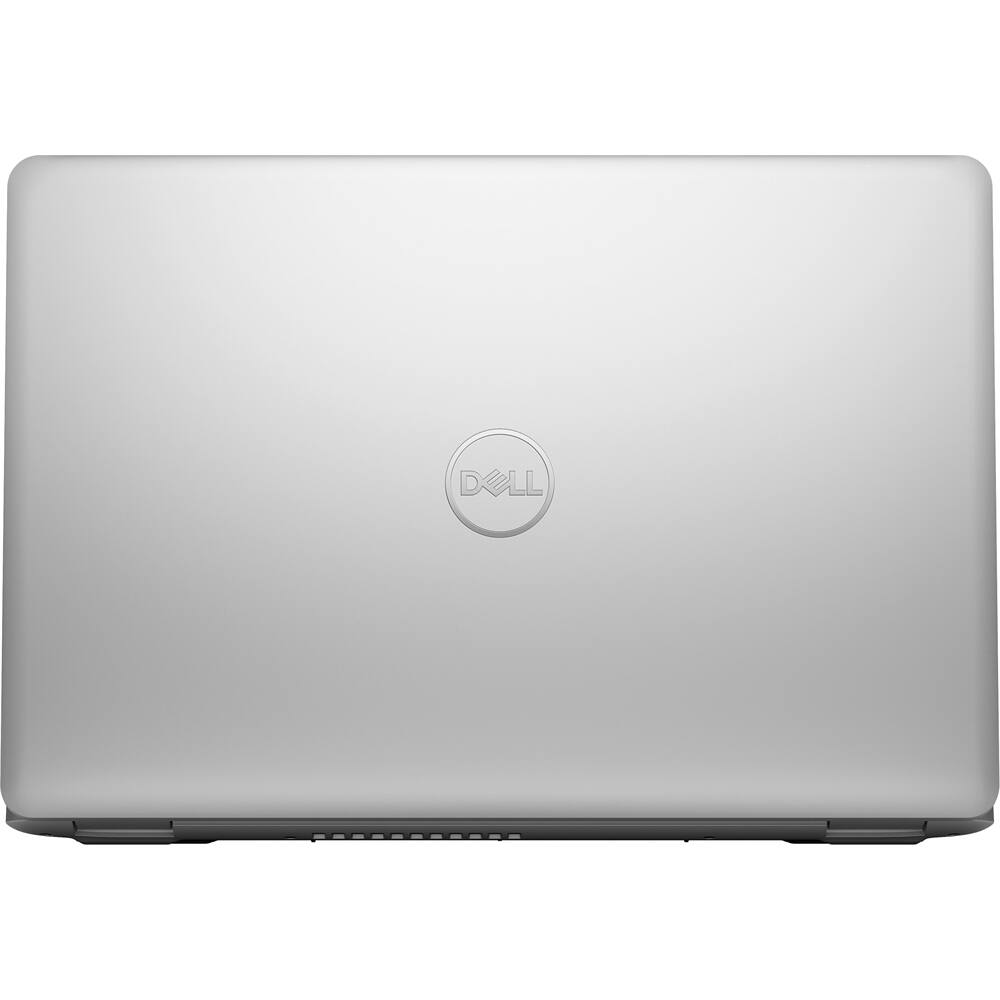
||Posted . Owned for 3 weeks when reviewed.This reviewer received promo considerations or sweepstakes entry for writing a review.Pretty good laptop for about a month. After I removed the bloatware, it's a pretty speedy laptop and has great audio and graphics. However, this laptop began producing a loud annoying fan noise about a month after purchase and seems to be overheating as it is getting very hot around the bottom grill.
No, I would not recommend this to a friendBrand response from YourDellTeam
Posted .JcoleFit,
Thanks for your feedback. You can try to update the BIOS on your computer if you'd like to see if this helps with your fan noise:
An out-of-date BIOS can cause loud fan noises by having an outdated temperature table for the system. Refer to update BIOS and follow the instructions to update the BIOS on your computer. You can also follow up with our Technical Support Team here - 1-800-624-9896.
You can read the full article here - http://dell.to/2ENlXfz.
Here are some tips about overheating so that you can prevent it in the future:
Tips for Proper Usage:
1. Dell does not recommend placing portable systems directly on your lap. Due to reductions in the thickness of modern portable systems, heat transfer can be an issue.
2. Using a portable system (Laptop) on a hard, flat, non-cloth surface will increase airflow and reduce heat from underneath and inside the system.
Using the portable system on a blanket, pillow, or other types of cloth will cover up the fan cause the computer to overheat and can cause permanent damage.
3. It is recommended to use the portable system in a Room temperature of 0°C to 35°C (32°F to 95°F) with a Humidity level no greater than 90%.
4. Use compressed air to clean the vents on a regular basis.
5. Using a cooling pad can decrease heat and increase performance.
6. If you want to know the temperature limitations for your system, go to the Dell Support Website, look up your system model then open the user guide under the manuals link.
You can read the full article here - http://dell.to/2uJ8AdG.
Best,
Bryan
1-800-624-9896
- Cons mentioned:No dvd, Sound quality
Starts fast and works fast.
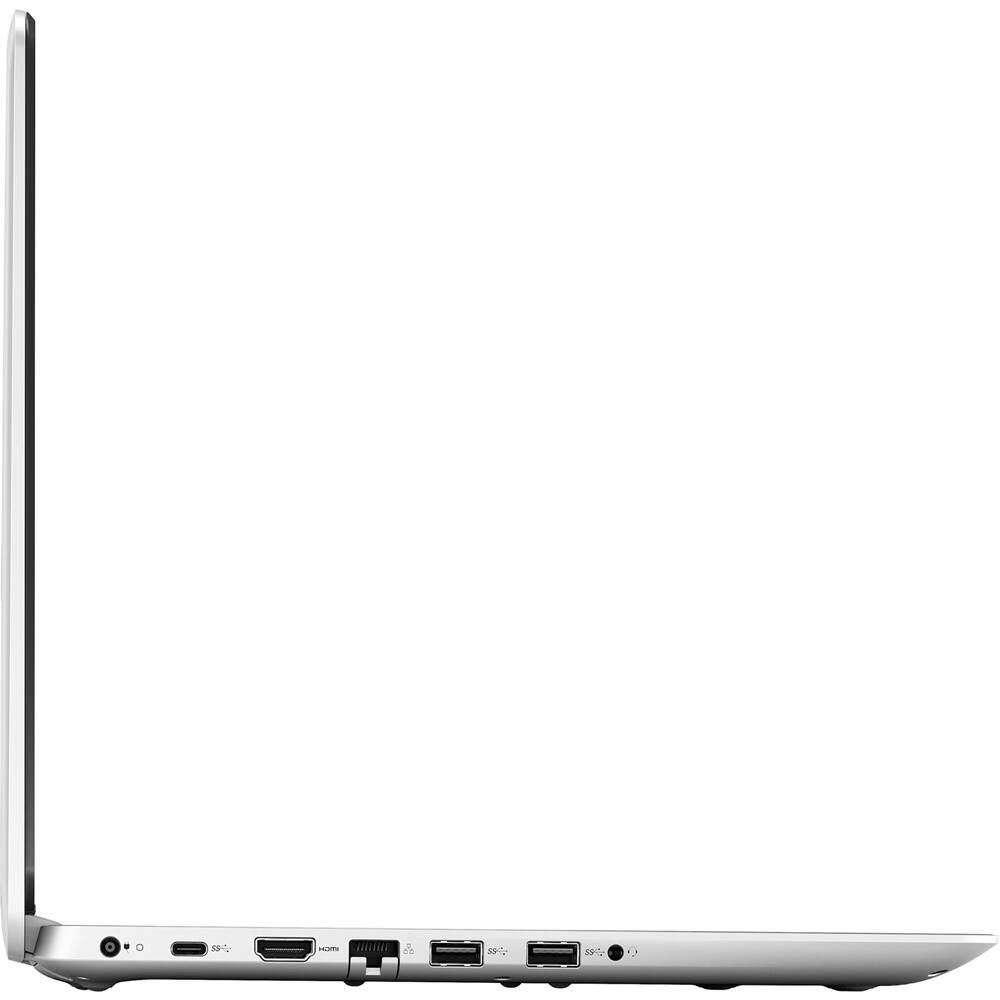
||Posted . Owned for 3 weeks when reviewed.This reviewer received promo considerations or sweepstakes entry for writing a review.No DVD. Small charging issue fixed with new charger from Dell. Sound could be better and louder. Good value for the money.
I would recommend this to a friend - Pros mentioned:Tech support
nice computer
||Posted .This reviewer received promo considerations or sweepstakes entry for writing a review.The reason I purchased a computer from Best Buy, is because of the Geek Squad. They have solved many of my computer troubles.
I would recommend this to a friend - Pros mentioned:Price
Works well for the price point
||Posted . Owned for 4 months when reviewed.This reviewer received promo considerations or sweepstakes entry for writing a review.Xmas gift for the Mrs. and it works perfectly for her needs, also got Best Buy to price match so it was a terrific deal.
I would recommend this to a friend - Pros mentioned:Lab use
Love it
||Posted . Owned for 1 week when reviewed.This reviewer received promo considerations or sweepstakes entry for writing a review.Absolutely love new laptop. Easy to use and geek squad great help in setting up
I would recommend this to a friend - Pros mentioned:Lab use
replace Notebook for Lab Tech
||Posted .This reviewer received promo considerations or sweepstakes entry for writing a review.One of our lab tech needed a new PC and requested this one. He is happy with it.
I would recommend this to a friend Awsome
||Posted . Owned for 7 months when reviewed.This reviewer received promo considerations or sweepstakes entry for writing a review.I love it! I bought gift. It just perfect for my everyday use
I would recommend this to a friendGreat computer
||Posted . Owned for 3 weeks when reviewed.This reviewer received promo considerations or sweepstakes entry for writing a review.A very good computer. Learning new things about the computer
I would recommend this to a friend