Customer Ratings & Reviews
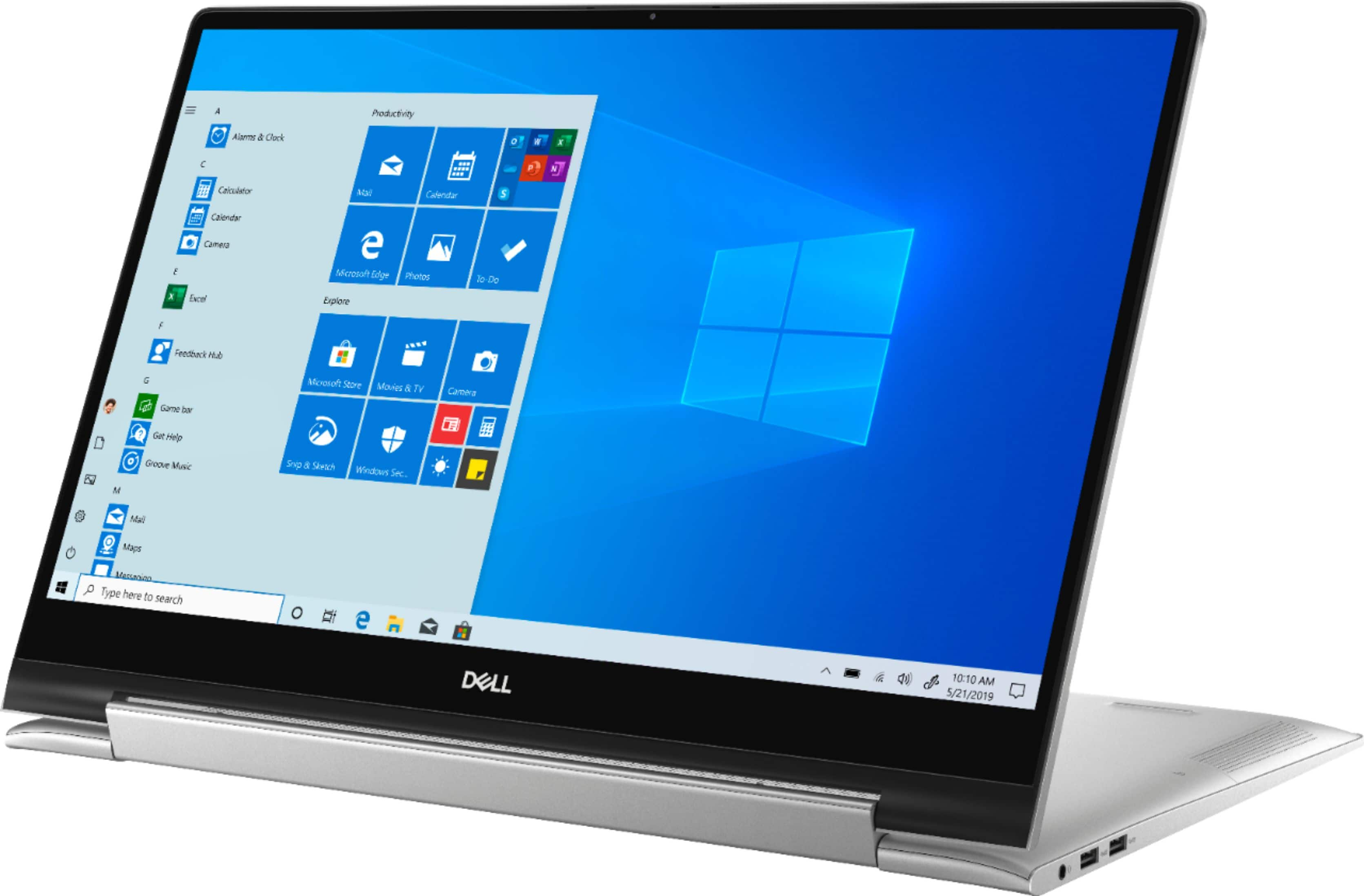
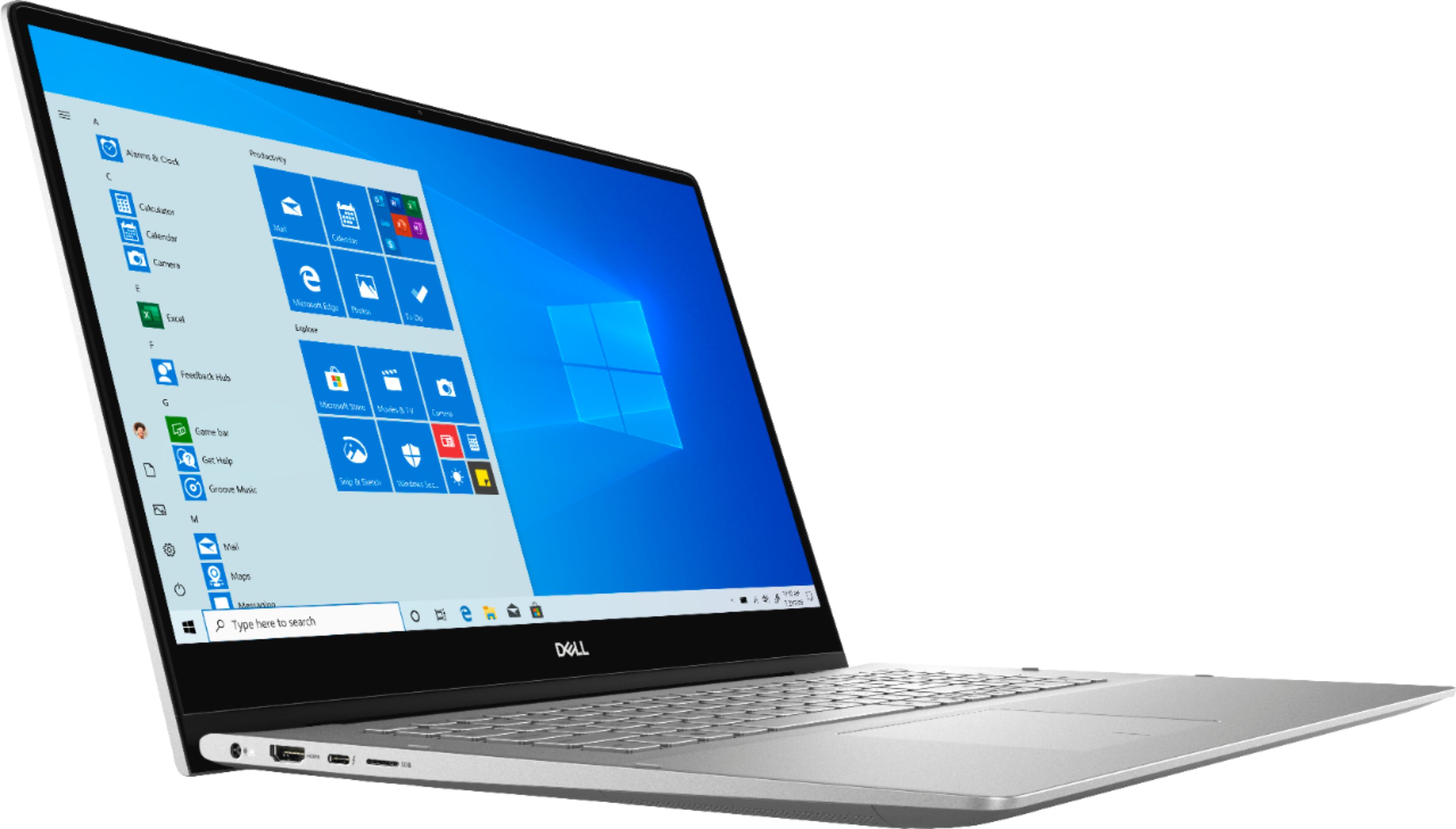
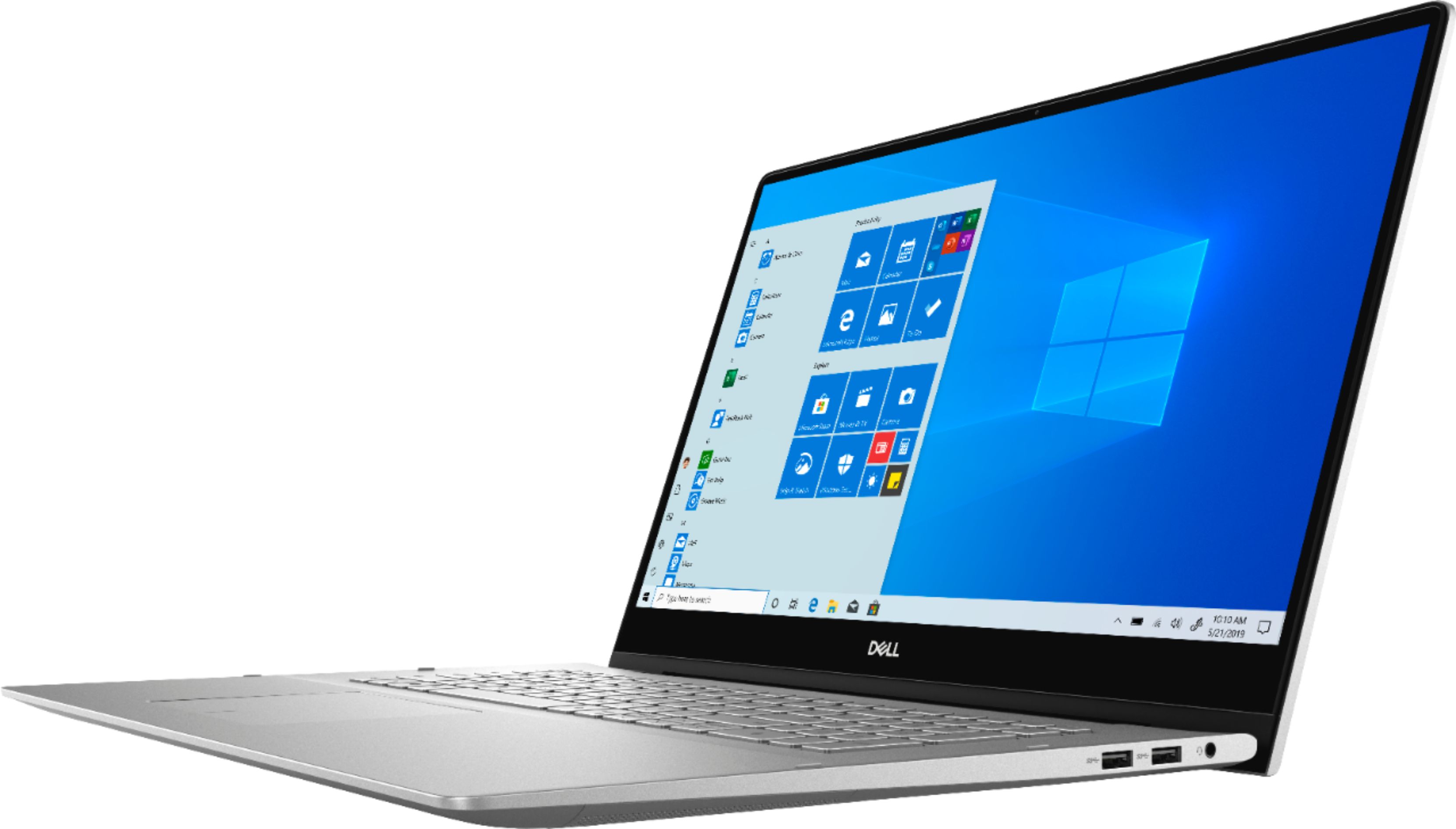
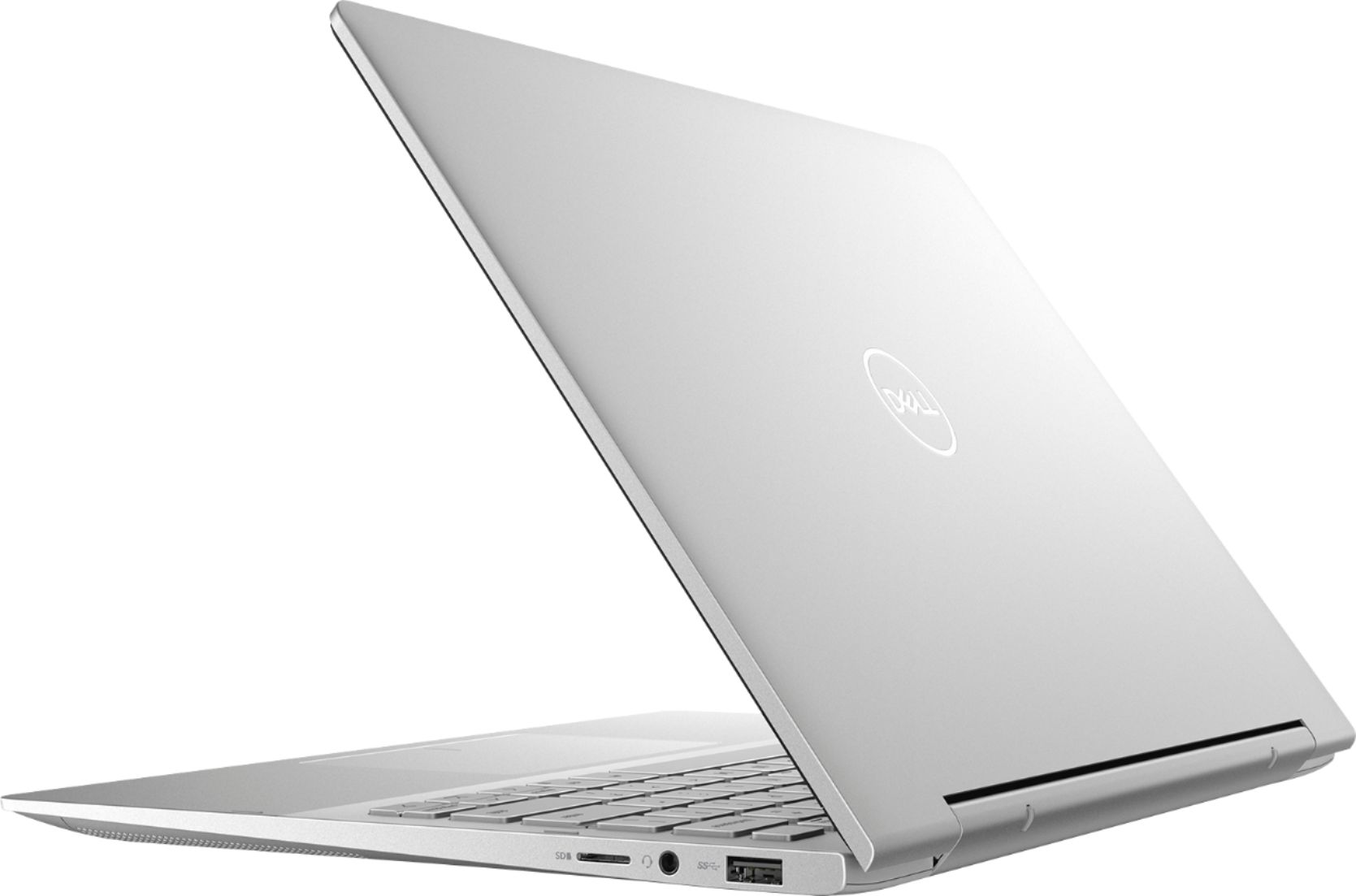


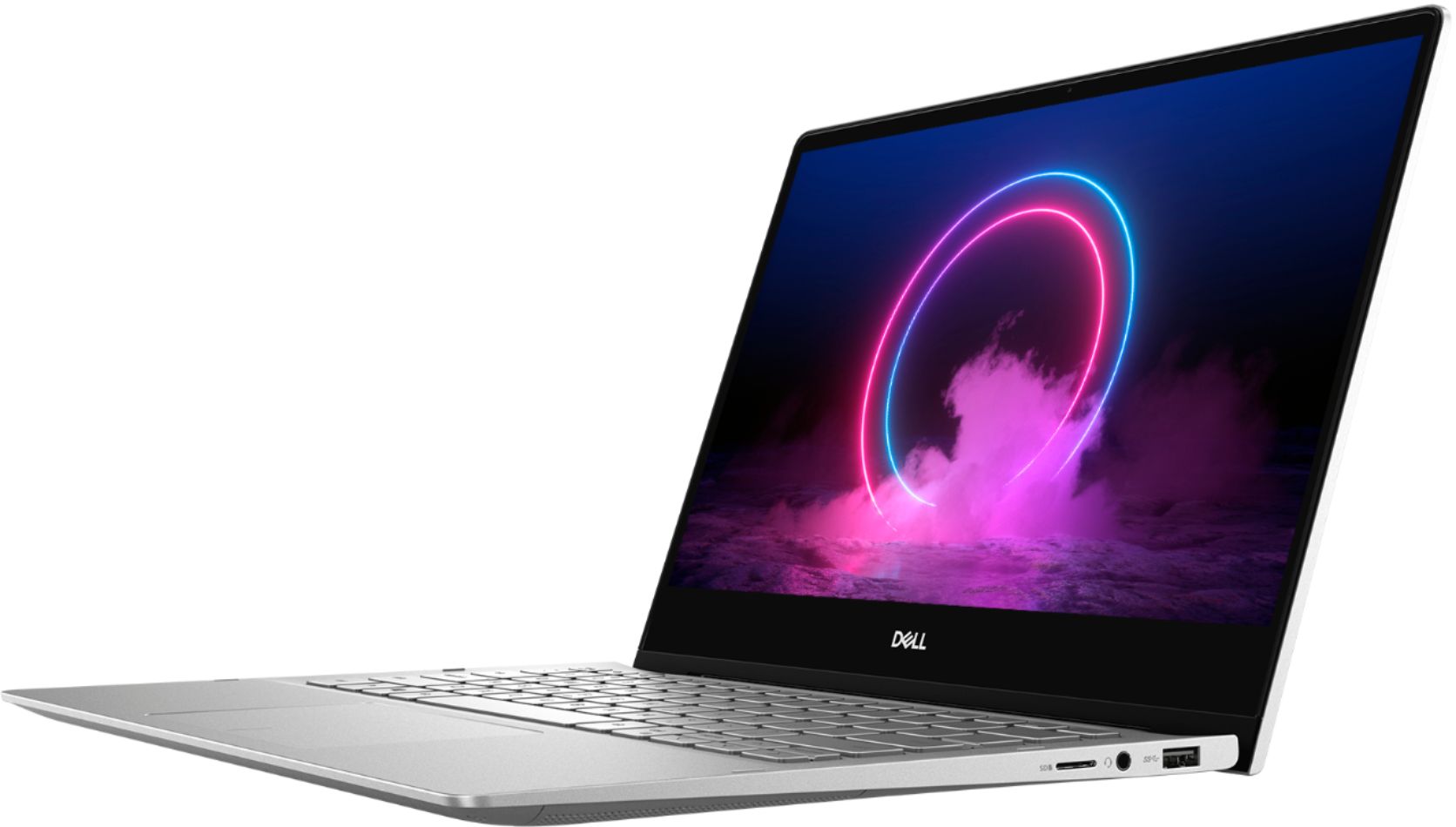
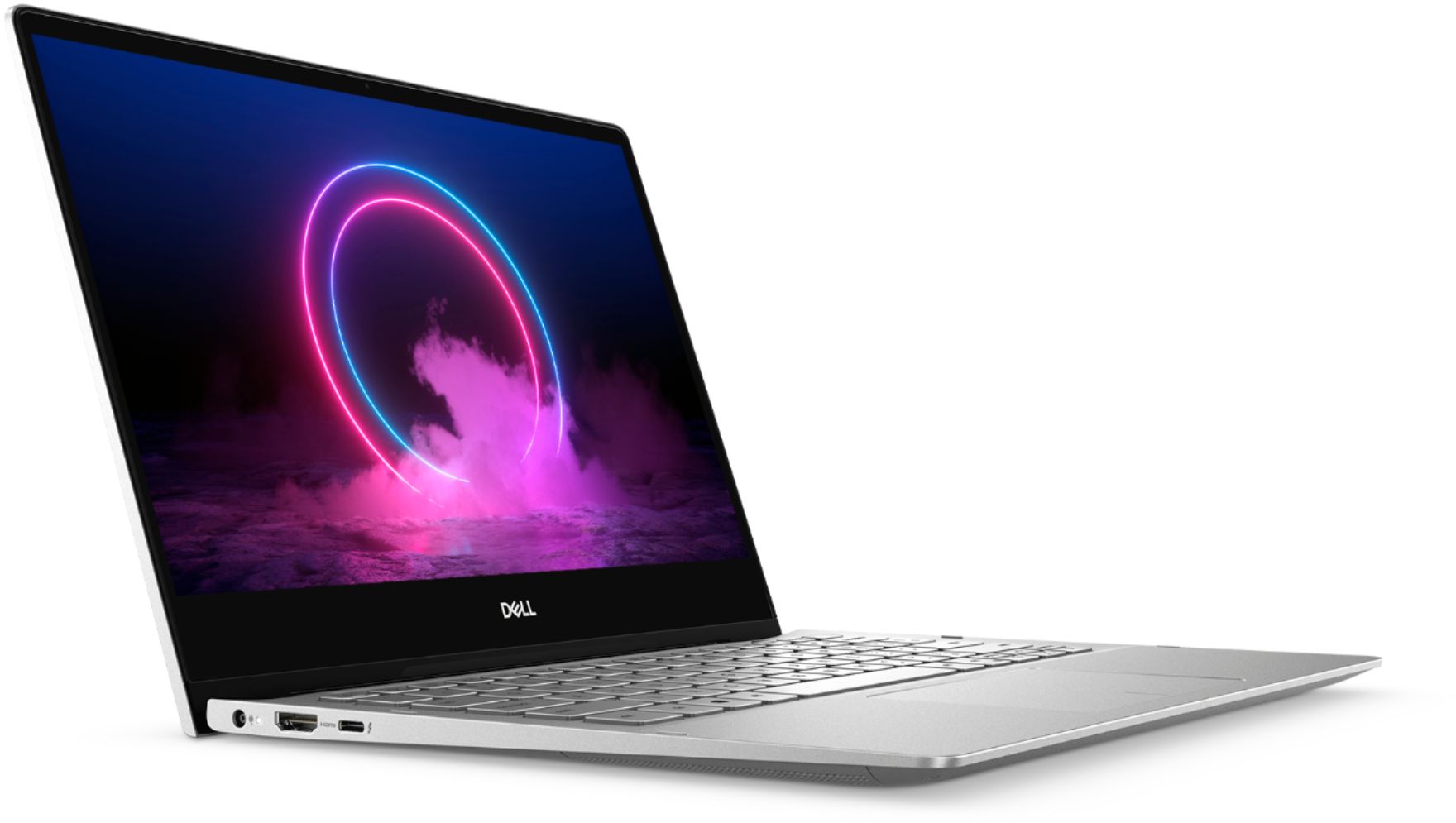
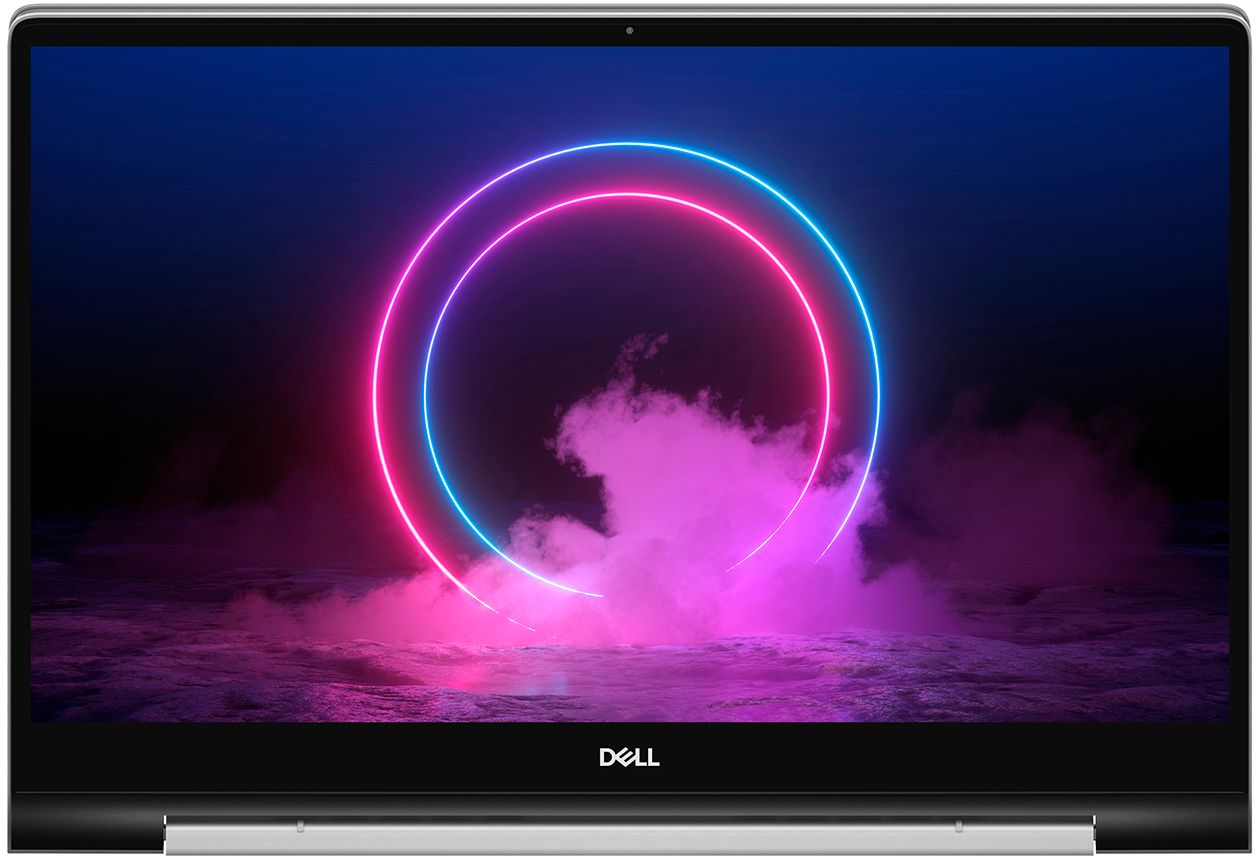
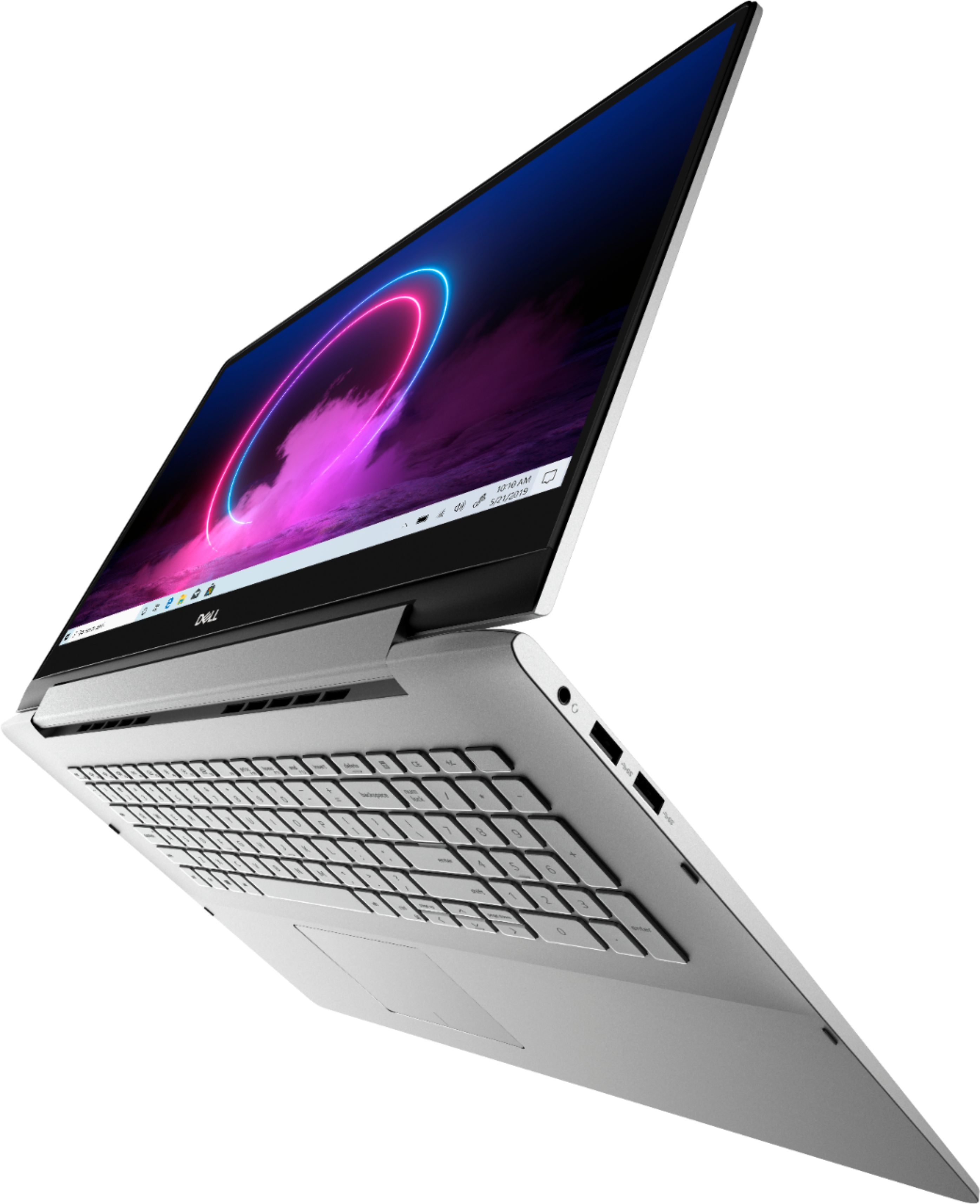







- Model:
- I7791-7452SLV-PUS
- SKU:
- 6372667
Rating by feature
- Battery Life
Rating 4.2 out of 5 stars
- Speed
Rating 4.4 out of 5 stars
- Display
Rating 4.6 out of 5 stars
Customers are saying
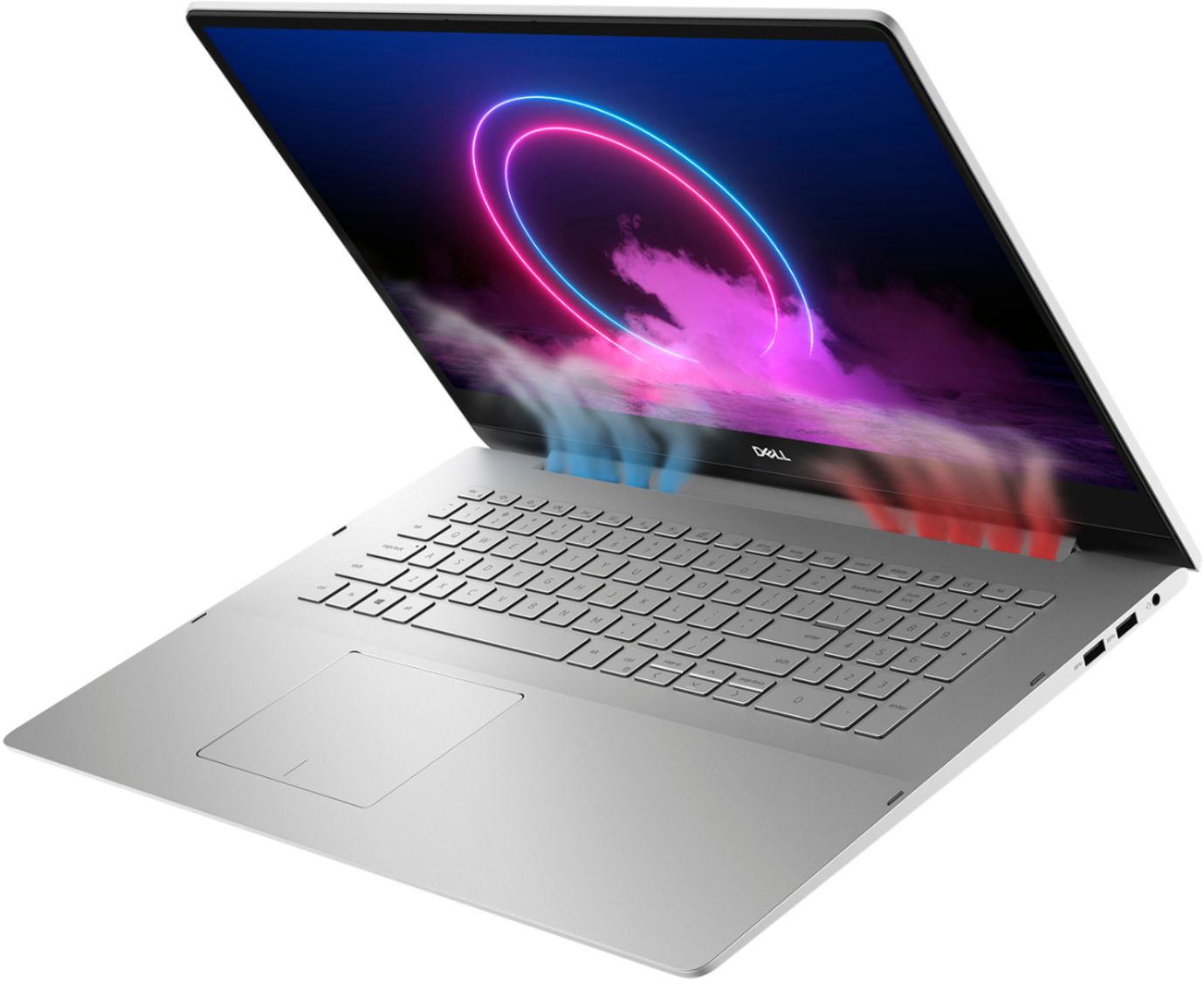
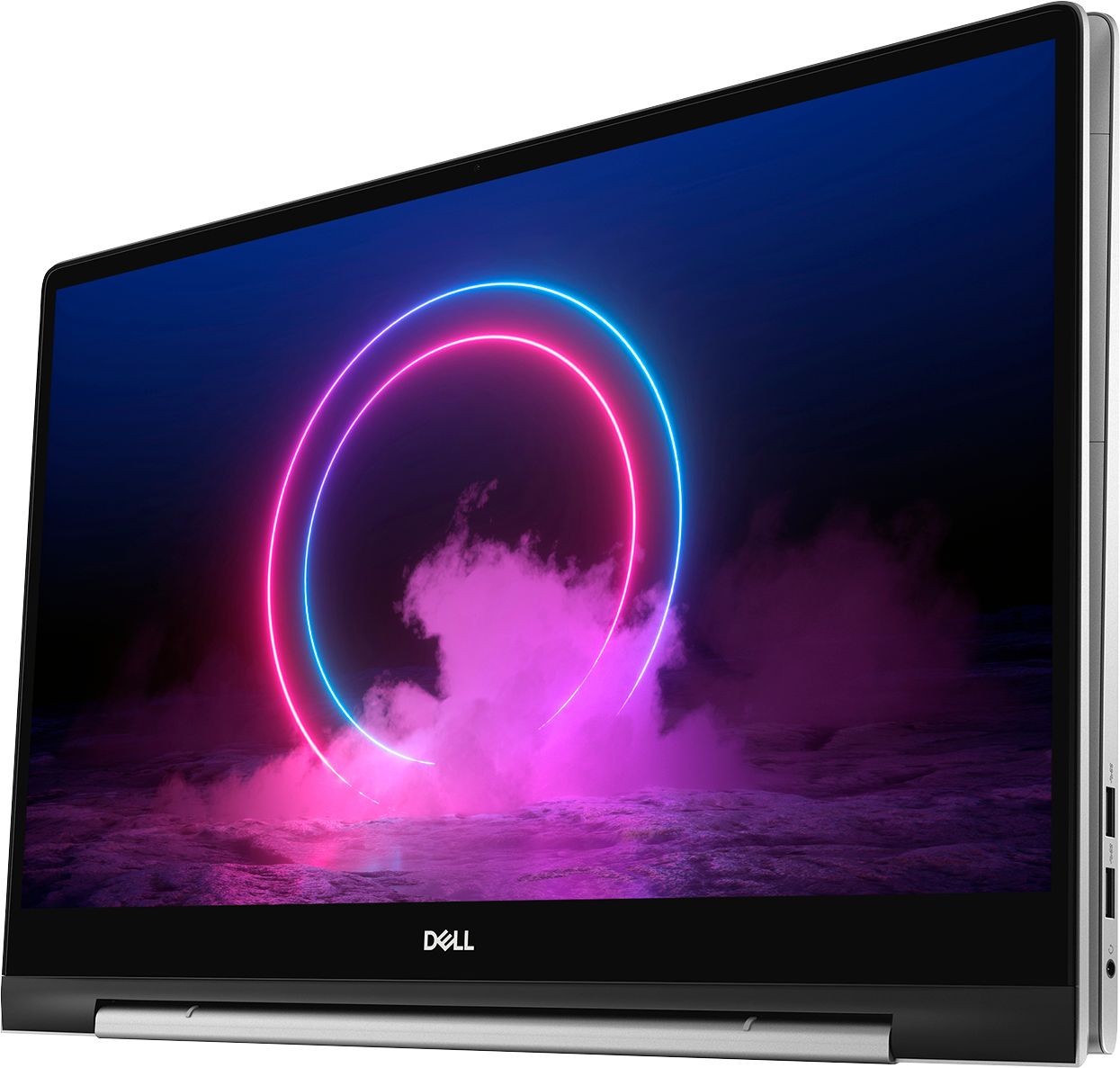
Customers commend the Inspiron 17.3" 2-in-1 laptop's large screen size, ease of use, and strong performance, frequently praising its touchscreen functionality and impressive graphics capabilities. Positive feedback also highlights the fast SSD and ample memory, along with the appreciated 2-in-1 versatility. However, some users note the laptop's considerable weight and tendency to overheat during extended use, while others find the price point to be somewhat high.
This summary was generated by AI based on customer reviews.
Great size laptop!
||Posted . Owned for 3 weeks when reviewed.This reviewer received promo considerations or sweepstakes entry for writing a review.I like this laptop since it can be a notebook also!
I would recommend this to a friendGreat laptop
||Posted . Owned for 3 weeks when reviewed.This reviewer received promo considerations or sweepstakes entry for writing a review.Great response time and great picture. Light weight.
I would recommend this to a friendso so laptop
||Posted . Owned for 1 year when reviewed.This reviewer received promo considerations or sweepstakes entry for writing a review.The computer is to big and heavy. I thought it would run smooth but it lags more then I expected. For the price, I would not recommend this computer. Very poor battery life
No, I would not recommend this to a friendBrand response from YourDellTeam
Posted .Hi Star,
Thank you for taking the time to leave us your valued feedback. We apologize for the issues you have come across with your Inspiron 7791 2 in 1. To help with the performance issue, I have provided steps to using the Windows Performance Troubleshooter which should help resolve the performance issue. I have also provided a link to the full article that has more options if needed.
Windows performance Troubleshooter:
1. Close all open windows.
2. Press the Windows logo key + X key on the keyboard.
3. Click Control Panel.
4. Click System and Security.
5. Under Security and Maintenance, select Troubleshoot common problems.
6. Under System and Security, click Run maintenance tasks.
7. Follow the on-screen instructions and prompts to complete the process.
8. Restart the PC.
You can read the full article here - http://dell.to/2tSulGV.
As for the battery life trouble, I have given you the steps to change the Power Plan on your PC. This should help with the battery performance. I have also provided a link to the full article should you need more information.
Change the Power Plan:
1. On the notification area of the taskbar, right-click the Battery icon.
2. On the options list, click Power Options.
3. Select a power plan on the battery meter, such as Power Saver or Balanced. Windows 10 has a built in 'Battery Saver' mode that can be activated to extend your system's battery life. The Battery Saver mode will monitor and limit background activity and other features such as push notifications. You do have the option to enable or disable this mode within settings or within advanced Battery Saver settings, you can customize the mode to best suit your needs.
a) Click on the Action Center icon in the taskbar and select the tile for Battery Saver.
b) If running Cortana then type Battery Saver into the search box and select from the results.
Within the Battery Saver settings page, you will be able to turn on and off the feature and customize the feature to best meet your needs.
c) Turn Battery Saver On or Off.
d) Additional settings available via the Battery use and Battery saver settings links.
e) Battery use shows further info on apps and their power usage.
f) Battery Saver Settings screen allows you to customize further Battery Saver feature.
You can read the full article here - http://dell.to/2vfXWf4.
If you still experience these problems after you have finished troubleshooting your system, please feel free to reach out to our support team here: https://bit.ly/DellSupportTeam.
If you require further assistance, you can contact Dell directly with the information below.
Chat or call: https://bit.ly/DellSupportTeam
Phone number to Dell 1-800-624-9896
Best,
Ashley@Dell
Great PC/Tablet
||Posted . Owned for 3 weeks when reviewed.This reviewer received promo considerations or sweepstakes entry for writing a review.This is my first convertible PC & we LOVE IT!!!!!!
I would recommend this to a friendlooks great on-line
||Posted . Owned for 1 week when reviewed.This reviewer received promo considerations or sweepstakes entry for writing a review.Hi, The order was to be delivered last week. Looking for where to track the package as to current location. It shows order is complete; however I do not have 2 items. the laptop & external drive. Any ideas?
I would recommend this to a friendBrand response from YourDellTeam
Posted .Marie,
We're sorry to hear about the shipment troubles that you're having. We'd recommend following up with Best Buy directly in order to find out the status of the remaining pieces of your order: http://bit.ly/2v2IVhI.
Best,
Bryan
1-800-624-9896
Marginal quality, not up to Dell's standards
||Posted . Owned for 3 months when reviewed.This reviewer received promo considerations or sweepstakes entry for writing a review.After only 10 days we had intermittent problems with the PC not booting up and having to reset the system by holding the Start button for 30 seconds. The internal HDMI port was nonfunctional, and the mouse hangs up momentarily while dragging the scroll bar. The latter is on the touch pad and external mouse. After almost 4 months, about 10 phone calls to Dell support, and the laptop returned 3 times, including a new motherboard on the last return, the HDMI port is working. The laptop appears to be powering up ok, but we have not had it for more than 10 days yet, and the mouse/scroll bar problem that I thought was gone is back, or still there. We didn't bother calling about this again. It is irritating and nothing that should exist on a Windows 10 machine but we need to start using our laptop. For obvious reasons we were afraid to start using our laptop and depending on it to be there and be functional. Phone support had us running the same diagnostics and loading the same drivers each time we called which did nothing. Service should have done all of that the first time it was returned. Dell repair clearly did not look at the documentation we included with each return, and clearly did not test all the functions of the laptop after a repair. I might give the laptop a "fair" but service gets a "poor" so the bottom line is "poor." Tom
No, I would not recommend this to a friendBrand response from YourDellTeam
Posted .Nothanks,
Thanks for your feedback and we're sorry to hear about the trouble that you've had to go through in order for your computer to work the way you intended it to. If you have additional questions about your computer you can check our Product Support Page here: https://dell.to/2DgLo9u.
Best,
Bryan
1-800-624-9896
Weird Setup
||Posted . Owned for 3 months when reviewed.This reviewer received promo considerations or sweepstakes entry for writing a review.Not happy with the backlighting on the keypad. Cannot see the letters unless I turn the whole unit at an angle and open all the blinds for direct sunlight. Keypad is not user-friendly. Miss my Mac!
No, I would not recommend this to a friendBrand response from YourDellTeam
Posted .LeLe,
Thanks for your review. We're sorry to hear that your computer's keyboard is not working as well as you hoped it would. Here are the steps to turn off the backlighting on your keyboard if you'd like to:
1. To initialize the keyboard backlight switch, press Fn+F10 (the Fn key is not needed if function key Fn lock is enabled).
2. The first use of the preceding key combination turns on the backlight to its lowest setting.
3. Repeated pressing of the key combinations cycles the brightness settings through 25 percent, 50 percent, 75 percent and 100 percent.
4. Cycle through the key combination to either adjust the brightness or turn off the keyboard backlight.
You can read the full article here: https://dell.to/3bOZUV2.
Best,
Bryan
1-800-624-9896
- Pros mentioned:Performance
Sometimes you get a lemon................
||Posted .This reviewer received promo considerations or sweepstakes entry for writing a review.Purchased an open box Dell Inspiron 2 in 1 17 inch. Boy was it fast in start up and everything in cruising the web! Just one fatal flaw, the device would auto restart because a an error detection. A blue screen of death thing. I even did a full resets but it did not clear up the problem. took it back for a full refund, no questions asked!
No, I would not recommend this to a friend - Cons mentioned:Weight
Blue screen error
||Posted . Owned for 3 weeks when reviewed.This reviewer received promo considerations or sweepstakes entry for writing a review.I waited an extended time to get it. Once I received it I noticed how heavy it was. Then 2 days later I had a blue screen error and had to return for a full refund. I went with HP.
No, I would not recommend this to a friendBrand response from YourDellTeam
Posted .Sandy,
We're sorry to hear that you decided to return your computer because of a Blue Screen Error. In the future we'd recommend that you try these steps to diagnose the error:
1. At the desktop, click the Search the web and Windows box and type "problem reports".
2. Select View all problem reports to view a list of errors that have occurred on your computer and possible solutions for them, such as updating drivers, flashing your system BIOS, or checking for updates to the software.
3. Under the Source column, look for Windows and under Summary, look for Shut down unexpectedly.
4. Right-click the line item and select Check for a solution.
We'd also suggest checking to make sure that your software and drivers are up to date on Dell's Product Page - https://dell.to/356Ykeu.
You can read the full article here - http://dell.to/2u98Cct.
Best,
Bryan
1-800-624-9896
The Price was Right, BUT...
||Posted .This reviewer received promo considerations or sweepstakes entry for writing a review.I love Everything about this computer BUT: The keyboard is nearly impossible to read The sound quality is Fair The video quality is fair to poor REALLY BIG DEALS. I'm truly disappointed!
No, I would not recommend this to a friendBrand response from YourDellTeam
Posted .cabinetgeek1985,
We're sorry that your new computer is not meeting your needs. Please see if there are any driver updates in order to improve your computer's sound: https://dell.to/356Ykeu.
We'd also recommend checking out this article to see if it helps with your display: https://dell.to/2CLF6yC.
Best,
Bryan
1-800-624-9896
- Cons mentioned:Price
Disappointment
||Posted .This reviewer received promo considerations or sweepstakes entry for writing a review.Very disappointed in Best Buy. Been buying all my major electronics and appliances from here since I was a teenager, I bought this computer on Saturday 11/28 as a gift and on Sunday 11/29 it dropped by $300, and the agent I spoke with said because I bought it on Saturday after Thanksgiving, it wasn't eligible for a price match. Will keep the computer for convenience but will never support Best Buy ever again with my money.
No, I would not recommend this to a friendBrand response from YourDellTeam
Posted .Megan,
We're sorry to hear about your purchase experience and the price difference from one day to the next. Please reach out to Best Buy's customer support team for additional help with their price match policy: http://bit.ly/2v2IVhI.
Best,
Bryan
1-800-624-9896
Pretty pleased despite small technical issue
||Posted . Owned for 1 month when reviewed.This reviewer received promo considerations or sweepstakes entry for writing a review.I only had a little over a month and having issues right now w/ my laptop and it's in Geek's squad possession. Hopefully, it can be resolved and I give a higher rating.
I would recommend this to a friendBrand response from YourDellTeam
Posted .Satisfied,
Thanks for your review and we're sorry that you were having issues with your new laptop. If you have technical questions once you get your computer back you can check our Product Support Page here: https://dell.to/2DgLo9u.
Best,
Bryan
1-800-624-9896
Too unreliable - regret trying a Dell again
||Posted . Owned for 6 months when reviewed.This reviewer received promo considerations or sweepstakes entry for writing a review.I hate this computer. I manage to keep it working only through constant maintenance. It randomly died and would not boot up a few months after purchase. When I took it into the Geek Squad, that day it came back. The sound regularly doesn't work. It's early blue screen issues were only improved by installing the Dell Service software that had been removed by someone at Best Buy (I purchased this open-box). For a development machine, it is speced great, but I have no faith of it staying reliable for any length of time. To top it off, I had Dell spamming/nagging me to purchase an extended warranty via email three months before the warranty is scheduled to be up. I've had computers like this before. They are trash and not worth sinking more money into. I will probably just format it to a Linux file server and go elsewhere in a few months. *Doesn't stay asleep *Sound often doesn't work after unplugging headphones *Frequent BSOD *Must keep Dell Support software installed --those are just the problems fresh in my head
No, I would not recommend this to a friendReturned - never could get WiFi signal
||Posted . Owned for 3 weeks when reviewed.This reviewer received promo considerations or sweepstakes entry for writing a review.The laptop was defective, but the worst part was trying to get help online. Before talking to me Dell wanted my credit card info to charge me $300. For a new computer! The online Best Buy Geek Squad representative wanted $199. We had to schedule three appointments 30 miles away during lockdown to get it diagnosed, to find out that their "fix" didn't work, and then to return it and order an HP. I've never owned a Dell because I'd heard bad things. Now, I'll never own another.
No, I would not recommend this to a friendPurchased because first "preferred" brand NOT AVAI
||Posted . Owned for 10 months when reviewed.This reviewer received promo considerations or sweepstakes entry for writing a review.I originally purchased a different computer but upon getting home it did not have proper hardware loaded to make use of computer. Would have to wait several days to replace the BRAND I Wanted so agent convinced me the DELL PRODUCT was equal or better ---- haha -- NO --NOT TRUE , Shame on me for getting sucked in. I had some High Priority stuff that had to be completed and chose to go with the DELL ---NOT A GOOD CHOICE
No, I would not recommend this to a friendBrand response from YourDellTeam
Posted .Hello,
Thank you for your review. We are extremely sorry to hear that this Inspiron has not met all your expectations. If you're experiencing any issues with your laptop, we would love to assist you with any troubleshooting needs but would need a little more information. If you have any questions, or concerns, please visit the Support Page of your Inspiron.
Best,
Wendy C.
For further assistance, you can contact Dell directly with the information below Chat or Call:
https://bit.ly/DellSupportTeam.
Phone number to Dell: 1-800-264-9896.
- Cons mentioned:Weight
Returned, false advertisement
||Posted . Owned for 3 weeks when reviewed.This reviewer received promo considerations or sweepstakes entry for writing a review.I was extremely excited about this computer, until I found out that the description gave false information. It said the 7000 series is compatible with active pens, it is not. This computer is very heavy, and bulky. I was looking for something more portable, so it was just not the right fit for me. I ultimately returned it and decided to go with the beautiful HP Spectre.
No, I would not recommend this to a friendBrand response from YourDellTeam
Posted .Kendra,
Thank you for your review and for mentioning that the Active Pen is not compatible with your computer. Unfortunately, the Active Pen is not compatible with the 17" version of this computer. The Active Pen is compatible with other screen sizes in this series of laptops. Our team will be working on correcting the Active Pen mention in the Product Features section of this product page.
Best,
Bryan
1-800-624-9896
Terrible Laptop with Terrible Support
||Posted . Owned for 1 year when reviewed.This reviewer received promo considerations or sweepstakes entry for writing a review.This laptop has been a miserable experience from start to finish. It has been riddled with issues from the day I got it and Dell customer support has been as useless as the laptop itself. I have attempted to get them to help get it working the way a laptop that costs this much should, and they have repeatedly asked me to install drivers that are already installed and then dropped off. Tech support has been unhelpful and rude, and appear to have just waited for the warranty to expire to now tell me it is out of warranty and to pay more for the privilege of having tech support, yet again, not fix the laptop. I hope no one makes the mistake of purchasing one of these, or anything else made by Dell.
No, I would not recommend this to a friendBrand response from YourDellTeam
Posted .Hello,
Thank you for taking the time to share your input and review. We apologize for the issues you have come across with your laptop and we greatly appreciate your feedback on your experience with our Customer Service. We will forward these issues you stated to our product team to improve ourselves for the future. We recommend you open and run the SupportAssist application. It is a set of tools that will clean junk files, install system updates and drivers, diagnose hardware and software, and optimize your system performance and network all with the press of a button. This will ensure you have the best experience your system offers to date.
Here are the recommended steps for troubleshooting your performance issue:
1. Restart your computer regularly
2. Run the automated tools provided in the SupportAssist tool
3. Run a complete hardware diagnostic test
4. Scan your computer for malware
5. Restore your Dell computer using Windows System Restore
6. Reinstall Microsoft Windows
7. Here is the link to the full article to assist with your performance issue: https://dell.to/32wo0Ss.
We recommend following the steps above to resolve this issue. If it persists, we invite you to get in contact the Support Team at your earliest convenience at 1-800-264-9896.
Best regards,
Wendy C.
https://bit.ly/DellSupportTeam.
Phone number to Dell: 1-800-264-9896.
Poor keyboard design
||Posted . Owned for 1 month when reviewed.This reviewer received promo considerations or sweepstakes entry for writing a review.Silver keys make it difficult to see the letters on the keyboard. They should have made the keys in black for better contrast
No, I would not recommend this to a friendBrand response from YourDellTeam
Posted .Muggsy,
Thanks for your feedback about your computer's keyboard. If you need help turning off the backlit feature on your keyboard you can follow these steps:
1. Make sure the BIOS is updated to the latest version. For more information, refer to Dell Knowledge base article What is BIOS and How to Download and Install the latest BIOS? - https://dell.to/3f0wIM3
2. Make sure the Keyboard backlit option is enabled in the BIOS.
a. With the computer powered off, press the power button.
b. Immediately start pressing the F2 key once per second (if the computer boots into Windows, shut down the computer and try again).
Depending on the version of the BIOS on your computer, you may have different options.
On some versions of the BIOS:
1. Click the + sign next to System Configuration.
2. Click Keyboard Illumination.
Note: If Keyboard Illumination is not an option, your computer does not have a backlit keyboard.
3. Disabled or Off - The keyboard illumination is off.
Dim - The keyboard illumination is at half brightness.
Bright - The keyboard illumination is at full brightness.
Note: There may be another option listed under Keyboard Illumination in the System Configuration menu: Keyboard Backlight with AC. When enabled, you can use the brightness level keys on the keyboard to set the brightness level.
4. Click Apply, and then Exit.
You can read the full article here: https://dell.to/37Qgofe.
Best,
Bryan
1-800-624-9896
Not worth the price. Wish I had returned it.
||Posted . Owned for 3 weeks when reviewed.This reviewer received promo considerations or sweepstakes entry for writing a review.The wireless adapter is weak and slow. When first connected to my router, it would continuously disconnect and I would have to reset the adapter. I brought it back to Best Buy, they said it tested ok. When I told them my router was 5 years old, they said I needed a new router. They said this laptop uses new technology, I was surprised because even if it did, it should be backward compatible. All my other devices work fine on my network. I bought a new router anyway. It now stays connected but is slow. It is less than half the speed of any other device on my router. It does not have an ethernet port so file transfers are slow. The lit keyboard is a joke. The light is soft gray, same color as the keys, so when it is on you cannot see the numbers or letters. The light should be a color, either red or blue. The sound quality is poor. I know you don't buy a laptop for sound, however I have $300 laptops with much better sound quality. I should have returned this, but I spent too much time trying to get things to work properly so I missed the 14 day limit. On the positive side, the display is very nice.
No, I would not recommend this to a friendBrand response from YourDellTeam
Posted .jackrabbit77,
Thanks for your review. We're sorry to hear about the troubles that you've had with your computer so far. You can always run the Windows Performance Troubleshooter to see if there are ways to speed up your computer's performance:
1. Close all open windows.
2. Press the Windows logo key + X key on the keyboard.
3. Click Control Panel.
4. Click System and Security.
5. Under Security and Maintenance, select Troubleshoot common problems.
6. Under System and Security, click Run maintenance tasks.
7. Follow the on-screen instructions and prompts to complete the process.
8. Restart the PC.
You can read the full article here - http://dell.to/2tSulGV.
If you'd like to see if your sound can be improved you can check for an update to your audio driver here: https://dell.to/356Ykeu.
Best,
Bryan
1-800-624-9896
Big screen
||Posted . Owned for 11 months when reviewed.This reviewer received promo considerations or sweepstakes entry for writing a review.Screen was too big, husband ended up taking back and getting a gaming laptop with more speed.
I would recommend this to a friend