Customer Ratings & Reviews









- Model:
- I7791-7452SLV-PUS
- SKU:
- 6372667
Rating by feature
- Battery Life
Rating 4.2 out of 5 stars
- Speed
Rating 4.4 out of 5 stars
- Display
Rating 4.6 out of 5 stars
Customers are saying
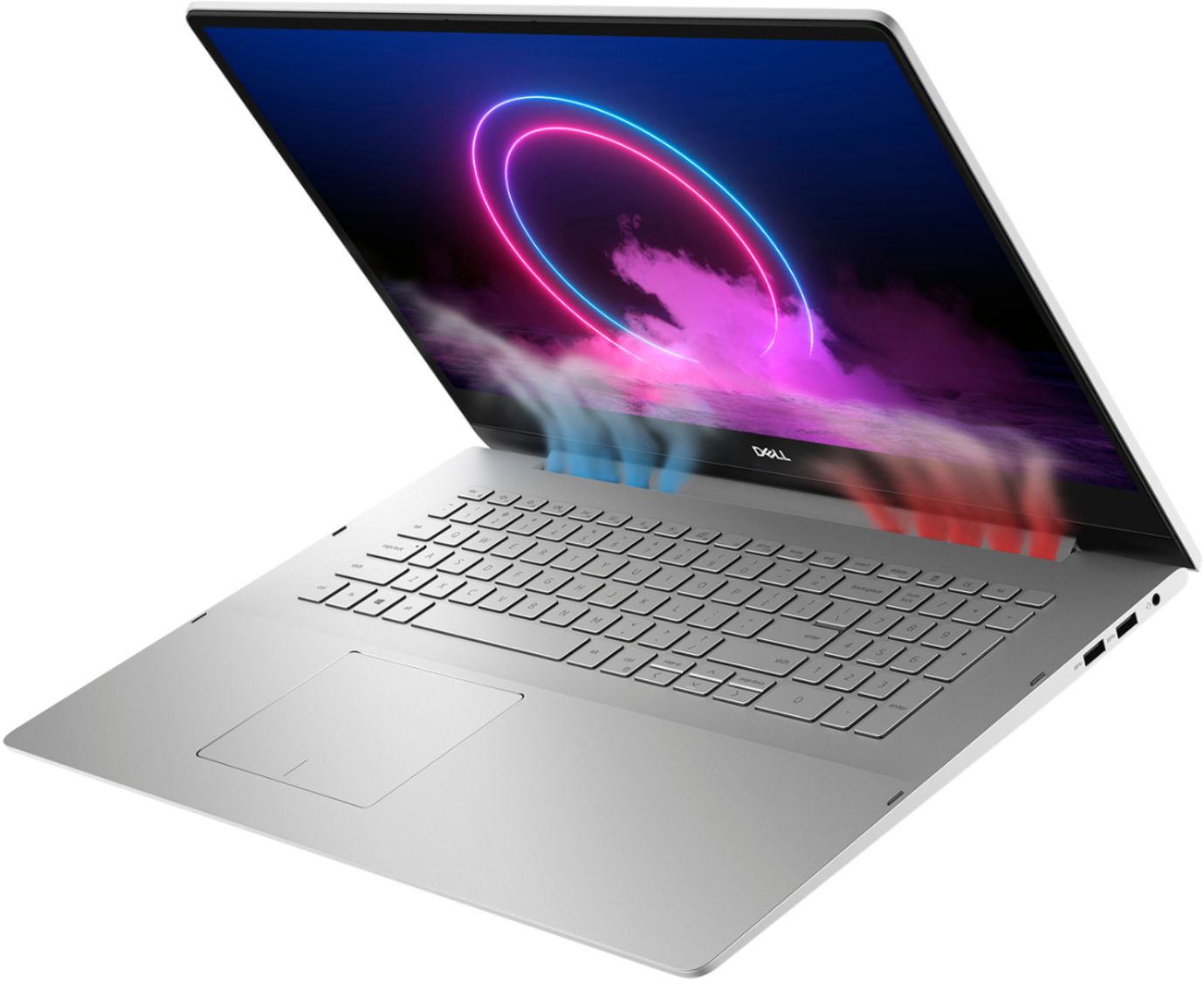
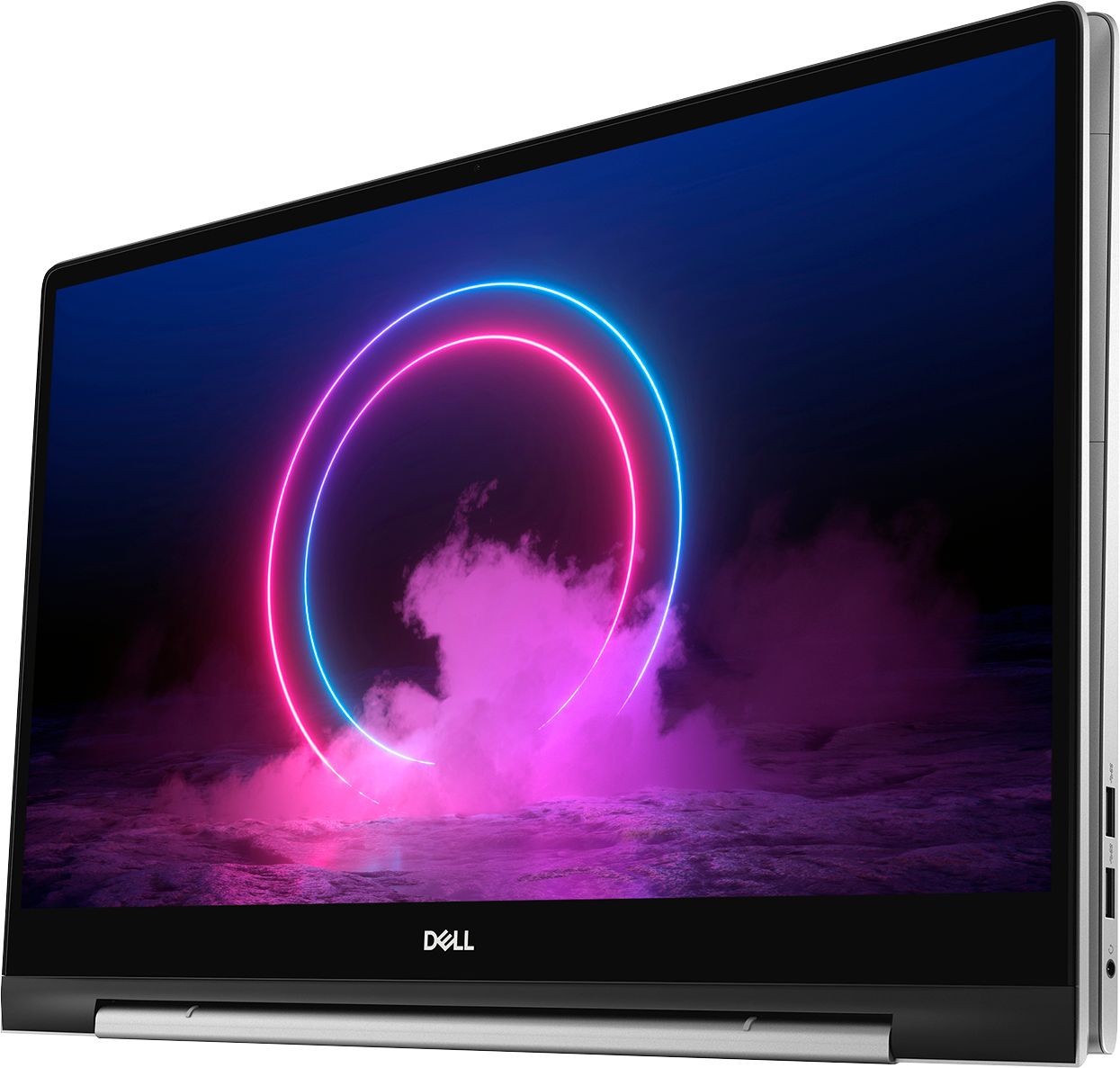
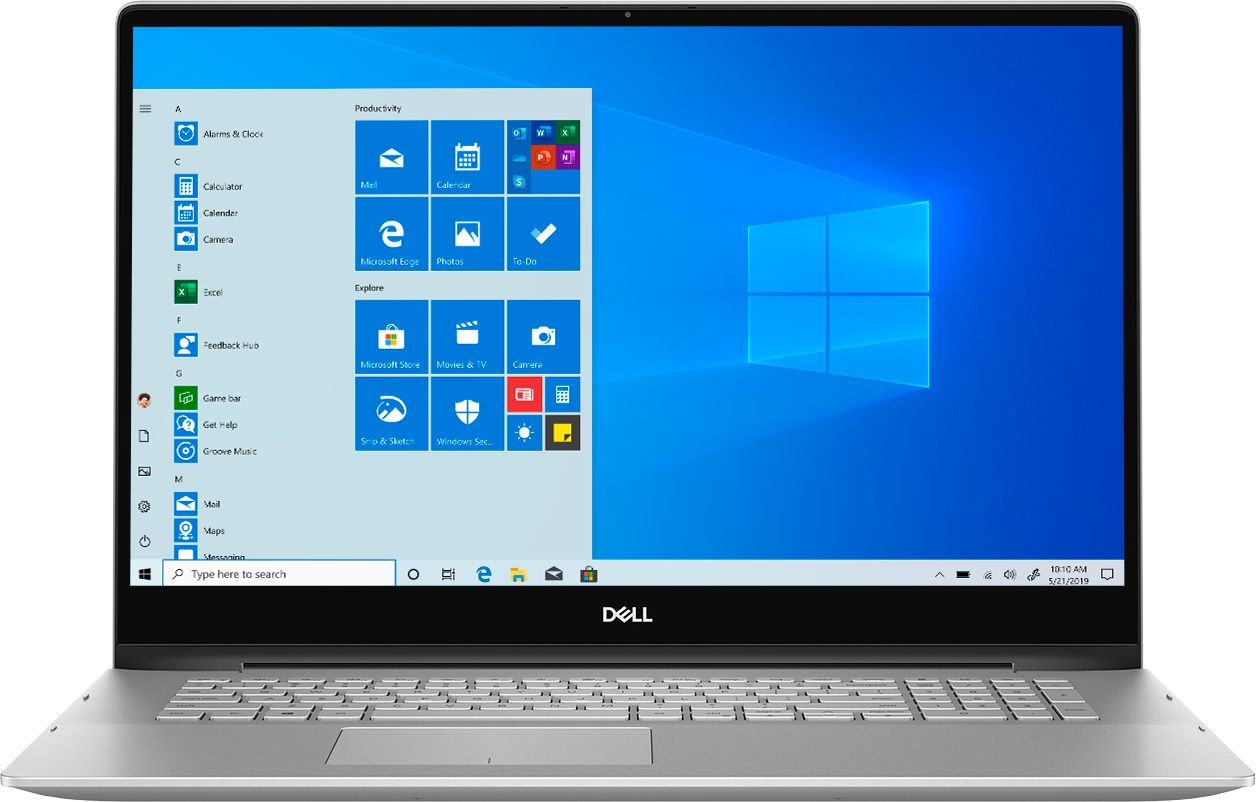
Customers commend the Inspiron 17.3" 2-in-1 laptop's large screen size, ease of use, and strong performance, frequently praising its touchscreen functionality and impressive graphics capabilities. Positive feedback also highlights the fast SSD and ample memory, along with the appreciated 2-in-1 versatility. However, some users note the laptop's considerable weight and tendency to overheat during extended use, while others find the price point to be somewhat high.
This summary was generated by AI based on customer reviews.
Microsoft does it again
||Posted . Owned for 3 weeks when reviewed.This reviewer received promo considerations or sweepstakes entry for writing a review.This new product is slower and more awkward to use with Microsoft's amazing win10 than with previous versions, big surprise huh? Dell's offer is just a cheaper made version of the S.O.S. I pretty much got what I suspected.
No, I would not recommend this to a friendBrand response from YourDellTeam
Posted .Hello,
Thank you for your feedback. I am sorry to hear this computer has not met all your expectations. Here are some steps you may take to remove unwanted programs that will help improve the system performance,
1. Close all open windows.
2. Press CTRL + Shift + ESC key together on the keyboard.
3. In the Task Manager window, click Startup tab.
4. Select the program or application that you want to disable from loading during startup.
5. Right-click and select Disable.
6. Repeat Step 4 & 5 for all the programs or applications that you want to disable from loading during startup.
7. Restart your PC.
You can read the full article here - http://dell.to/2tSulGV.
If we can assist with any troubleshooting needs, please feel free to reach out to Dell Support directly.
http://dell.to/2sH7Qlm
Best,
Meridith 1-800-624-9896
Computer Freezes Up and Makes Buzzing Sound
||Posted . Owned for 3 months when reviewed.This reviewer received promo considerations or sweepstakes entry for writing a review.Computer freezes up and makes buzzing sound daily while streaming video. I've updated all the drivers and even did all the windows updates and still no help. I've even clean wiped the machine back to factory and problems still exist. I did all the dell diagnostics and nothing shows up as failures so when I contacted the dell support they passed me off and offered a $99 no guarantee consultation with a software specialist. Only problem is I've haven't installed any software and this is not due to me so why should I have to pay. I'm outside of my return period so I'm stuck with an expensive laptop that doesn't work.
No, I would not recommend this to a friendBrand response from YourDellTeam
Posted .Dear Valued Customer,
We're sorry to hear about the freezes that you're experiencing with your Dell 2-in-1. If you'd like to diagnose this you can try these steps:
1. Run a Computer Diagnostic. To determine if your computer is experiencing a hardware problem, run the Dell Preboot System Assessment (PSA) Diagnostics. For information on how to run Diagnostics, and to determine the issue, refer to Dell Knowledge Base Article: http://dell.to/2iaiujA.
2. Check Safe Mode for Symptoms. To boot into safe mode, please follow the instructions below:
a) Start the computer.
b) Tap 'F8' on the keyboard immediately and every one second until the Dell logo screen disappears. From there you will see the Windows Advanced Options Menu on the screen. (If the Windows Advanced Options Menu does not appear, restart the system and try again.)
c) Select Safe mode with Networking and press Enter.
d) Log on as the administrator or as a user with administrative access.
e) Open applications and test the computer in safe mode. If the symptoms exist in safe mode, please continue the troubleshooting steps in this article. If the symptoms do not exist in safe mode, the issue is likely related to a driver or software and you may wish to complete step 3 to see if you are able to resolve the lockups or freezing.
3. Check for Malware. Malware (Virus, Spyware, etc.) can definitely cause a Windows system to lock up or appear to hang. To check for malware on your system and to ensure that your computer is up to date on security software, visit Dell Knowledge Base Article: http://dell.to/2wWP1zI.
You can read the full article here - http://dell.to/2tW5m33.
We hope that these steps help your system to run more smoothly.
Best,
Bryan
1-800-624-9896
- Cons mentioned:Price
Windows 10 Home
||Posted .This reviewer received promo considerations or sweepstakes entry for writing a review.Comes with Windows 10 Home. No where does it say Home on the description. Be prepared to pay an extra $100 to upgrade to Pro. Unacceptable for a $1200 laptop. Not happy at all.
No, I would not recommend this to a friendBrand response from YourDellTeam
Posted .David,
Thanks for your review. We're sorry that you did not notice in the product specifications that Windows 10 Home is listed as the Operating System for this computer. If you have any additional questions about your computer you can check out our Product Support Page here: https://dell.to/2DgLo9u.
Best,
Bryan
1-800-624-9896
Disappointed
||Posted . Owned for 1 month when reviewed.This reviewer received promo considerations or sweepstakes entry for writing a review.I am extremely disappointed in this dell. I had a Dell years ago and it was a lemon with very bad service from the company. This one kind of does things on it's own, like remove stuff. I can't see the keys because the light from the screen shines on them. It also has NO rubber on the bottom and slides on the table. There's other things but I am just so disgusted with it. I just should have bought another MSI. This dell can't even come close to the MSI.
No, I would not recommend this to a friendBrand response from YourDellTeam
Posted .ThomasRusso,
We're sorry that you're not more satisfied with your new computer. We'd recommend reading this article for help adjusting or turning off your backlit keyboard: https://dell.to/3bOZUV2.
Best,
Bryan
1-800-624-9896
- Pros mentioned:Performance
Replaced a Dell Studio laptop used 9 yrs.
||Posted . Owned for 1 month when reviewed.This reviewer received promo considerations or sweepstakes entry for writing a review.Dell - Inspiron 17.3" 7000 2-in-1 Touch-Screen Laptop - Intel Core i7 - 16GB Memory - GeForce MX250 - 512GB SSD + 32GB Optane - Silver Working as expected.
I would recommend this to a friendBrand response from YourDellTeam
Posted .Hello jaybird,
We appreciate your feedback. If you have any questions about your computer you can check our Product Support Page here: https://dell.to/2DgLo9u.
Best,
Bryan
1-800-624-9896
Dissatisfied
||Posted . Owned for 1.5 years when reviewed.This reviewer received promo considerations or sweepstakes entry for writing a review.After about 6 months the power pin inside the PC broke and had to have a technician come out and repair it (under warranty). Fast forward about 7 months and guess what is wrong with this notebook? Yep, the same power pin is broken. Note the last 7 months this PC has been sitting on a desk not moving an inch to those people out there that will say you just hit the cord causing to break the power connecter.
No, I would not recommend this to a friendWould not work :(
||Posted . Owned for less than 1 week when reviewed.This reviewer received promo considerations or sweepstakes entry for writing a review.I just received it today and with 15 minutes of plugging the power cord in and turning it on the entire system froze; nothing would happen. I was able to shut the computer down by hard booting it. I rebooted the computer again and within 10 minutes the screen froze again and nothing would work. I’m sending it back now!
No, I would not recommend this to a friendBrand response from YourDellTeam
Posted .Rachel07,
Thanks for your review and we're sorry to hear about the troubles that you're having with your computer. Here are some tips to help diagnose the freezes that you're experiencing:
1. Run a Computer Diagnostic. To determine if your computer is experiencing a hardware problem, run the Dell Preboot System Assessment (PSA) Diagnostics. For information on how to run Diagnostics, and to determine the issue, refer to Dell Knowledge Base Article: http://dell.to/2iaiujA.
2. Check Safe Mode for Symptoms. To boot into safe mode, please follow the instructions below:
a) Start the computer.
b) Tap 'F8' on the keyboard immediately and every one second until the Dell logo screen disappears. From there you will see the Windows Advanced Options Menu on the screen. (If the Windows Advanced Options Menu does not appear, restart the system and try again.)
c) Select Safe mode with Networking and press Enter.
d) Log on as the administrator or as a user with administrative access.
e) Open applications and test the computer in safe mode. If the symptoms exist in safe mode, please continue the troubleshooting steps in this article. If the symptoms do not exist in safe mode, the issue is likely related to a driver or software and you may wish to complete step 3 to see if you are able to resolve the lockups or freezing.
3. Check for Malware. Malware (Virus, Spyware, etc.) can definitely cause a Windows system to lock up or appear to hang. To check for malware on your system and to ensure that your computer is up to date on security software, visit Dell Knowledge Base Article: http://dell.to/2wWP1zI.
You can read the full article here - http://dell.to/2tW5m33.
Best,
Bryan
1-800-624-9896
Keyboard not so friendly
||Posted .This reviewer received promo considerations or sweepstakes entry for writing a review.Even though this computer has a nice large screen the keyboard Will not stay on and what I mean by that it’s hard to type in the dark and the keyboard does not light up on a regular.
No, I would not recommend this to a friendBrand response from YourDellTeam
Posted .Norton,
Thanks for your review and we're glad that your computer is meeting your needs for the most part. Here is an article to help make adjustments to the lighting on your keyboard if you would like: https://dell.to/3bOZUV2.
Best,
Bryan
1-800-624-9896
Junk
||Posted . Owned for 11 months when reviewed.This reviewer received promo considerations or sweepstakes entry for writing a review.This is the biggest piece of junk I have bought. Dell has always been good in the past this is an awful laptop. I was told it works with a pen it doesn't. It has a problem with shutting down and not restarting for no reason, keys are popping off the keyboard. I called Bestbuy where I bought it they said contact Dell Dell only wanted to sell me a warranty they wouldn't fix anything. I am trying to get Bestbuy to exchange it for another laptop as it is not even a year old yet. I couldn't be any more disappointed if I tried.
No, I would not recommend this to a friendBrand response from YourDellTeam
Posted .Dear Valued Customer,
We're sorry to hear about the experience that you've had with your computer so far. If you'd like to check on what Dell's One Year Limited Warranty covers you can find out more about it here: https://dell.to/39iwZuX.
Best,
Bryan
1-800-624-9896
SLOOOOW!
||Posted . Owned for 3 weeks when reviewed.This reviewer received promo considerations or sweepstakes entry for writing a review.It took forevvvver to go from one page to the next! To boot up even took a while. to load ANYTHING took a long time. My broken laptop is faster. My sister who is a tech for 35 years for the county went through everything. She said with an i7 processor and 16 gigs of ram it should be MUCH faster. As a tech, she thought it acted like only an i3 with 4 gigs of ram. I brought it back to the store where they had outside pick up, they didn't want to hear about what the problem was, they were interested in social distancing and getting away ASAP.
No, I would not recommend this to a friendBrand response from YourDellTeam
Posted .Carol,
We're sorry that your computer did not perform at the speed that you were hoping it would. We'd recommend in the future that you run the Windows Performance Troubleshooter to see if there are ways to help speed up your computer's performance.
Best,
Bryan
1-800-624-9896
Don't buy Computers from BestBuy
||Posted . Owned for 2 months when reviewed.This reviewer received promo considerations or sweepstakes entry for writing a review.BestBuy or Geek Squad doesn't have your (Windows) product keys on file for the PC's/Laptops they are selling that come preloaded. You would think they or the manufacturer (someone!!) would have this information.. So, should you need to have this information in case you want to upgrade the windows operating system, you're out of luck! They really cant service what they sell!! And I just purchased a Macbook from them too. What a fool I am! DON'T BUY YOUR PC'S OR MACS FROM BEST BUY!! Stay far away!!!!!!
No, I would not recommend this to a friendBrand response from YourDellTeam
Posted .phillaz,
Thanks for your review. We're sorry to hear about the issues that you're having with the setup of your computer. Please reach out to Microsoft directly if you are having issues setting up Windows on your computer: http://bit.ly/2KBOM4c.
Best,
Bryan
1-800-624-9896
Buyer Beware
||Posted . Owned for 1 week when reviewed.This reviewer received promo considerations or sweepstakes entry for writing a review.This computer might be great if you buy it new. In order to save a few hundred bucks, I thought I would be safe buying an "open box" model that was certified by Best Buy to work like brand new. I can assure you it did not work...at all. The thing wouldn't even boot up. We had to use the function keys to get to the pre-boot menu to run diagnostics. We should not have to do that with a thousand dollar laptop. We never could get Windows to boot up, so we just returned it.
No, I would not recommend this to a friendGood first impression, but that faded
||Posted . Owned for 1 month when reviewed.This reviewer received promo considerations or sweepstakes entry for writing a review.I was pleased with this laptop in the first days of use, but it failed within a week. I returned it and exchanged it for a different laptop.
No, I would not recommend this to a friend- Pros mentioned:Ease of use
great computer
||Posted . Owned for less than 1 week when reviewed.This reviewer received promo considerations or sweepstakes entry for writing a review.So far it is working well. No problems. Very easy to use. The volume doesn't seem to get very loud.
I would recommend this to a friendBrand response from YourDellTeam
Posted .Renee,
We're glad that your computer is working well for you for the most part. If you'd like to see if there are any audio driver updates for your computer you can check our Product Page here: https://dell.to/356Ykeu.
Best,
Bryan
1-800-624-9896
Not a good working machine
||Posted . Owned for 1 month when reviewed.This reviewer received promo considerations or sweepstakes entry for writing a review.It was an open box. said it had been checked out and it said it was in excellent condition. After being on for 30 minutes after I had all info from my old computer installed it felt HOT!! I used a point and shoot thermometer and the case temperature was 110.7 degrees. *I had to have all my information taken off this machine. I returned it to the store and they refunded my money instantly. Wasn't that nice of them.
No, I would not recommend this to a friendHave not used laptop much but set up all banking a
||Posted . Owned for 6 months when reviewed.This reviewer received promo considerations or sweepstakes entry for writing a review.The computer went to a blue screen then black screen hardly used sat on desk looks like hard drive failed Have appointment Sat Aug 21 - hope my data was not lost very poor performing laptop maybe used it 10 hours in six months and have a black and blue screen! I’m requesting a replacement laptop see how it goes Sat Pamela Brown
No, I would not recommend this to a friendBrand response from YourDellTeam
Posted .Bungalow2020,
We're sorry to hear about the troubles that you're having with your computer. If you'd like to try to diagnose the blue screen you can follow these steps:
1. At the desktop, click the Search the web and Windows box and type "problem reports".
2. Select View all problem reports to view a list of errors that have occurred on your computer and possible solutions for them, such as updating drivers, flashing your system BIOS, or checking for updates to the software.
3. Under the Source column, look for Windows and under Summary, look for Shut down unexpectedly.
4. Right-click the line item and select Check for a solution.
We'd also suggest checking to make sure that your software and drivers are up to date on Dell's Product Page - https://dell.to/356Ykeu.
You can read the full article here - http://dell.to/2u98Cct.
Best,
Bryan
1-800-624-9896
Not satisfied
||Posted .This reviewer received promo considerations or sweepstakes entry for writing a review.Bought open box but did not contain any accessories. The laptop is too big.
No, I would not recommend this to a friendDisappointing!
||Posted . Owned for 1.5 years when reviewed.This reviewer received promo considerations or sweepstakes entry for writing a review.I started having problems with this laptop before it was one year old. It started making a periodic "bling" noise after shutting the top and this would sometimes go on for 10 minutes - very irritating! Also, the battery life quickly started decreasing quickly when it was not very old. I would definitely not recommend this laptop to ANYONE.
No, I would not recommend this to a friendBrand response from YourDellTeam
Posted .Hello Valued Customer,
We would like to thank you for taking the time to provide us with your feedback. We apologize for the troubles you have come across with your Inspiron laptop because its battery is not lasting very long and also because it is making unusual noise when you close it. We will share this comment about the unusual sounds with our quality team, so future improvements can be made.
To help with the battery life, I have provided the steps to change the power plan to help improve the performance of your battery. I have also provided the full article, which has more options if they are needed.
Change the Power Plan:
1. On the notification area of the taskbar, right-click the Battery icon.
2. On the options list, click Power Options.
3. Select a power plan on the battery meter, such as Power Saver or Balanced. Windows 10 has a built-in 'Battery Saver' mode that can be activated to extend your system's battery life. The Battery Saver mode will monitor and limit background activity and other features such as push notifications. You do have the option to enable or disable this mode within settings or within advanced Battery Saver settings, you can customize the mode to best suit your needs.
a) Click on the Action Center icon in the taskbar and select the tile for Battery Saver.
b) If running Cortana, type Battery Saver into the search box and select from the results.
Within the Battery Saver settings page, you will be able to turn on and off the feature and customize the feature to best meet your needs.
c) Turn Battery Saver On or Off.
d) Additional settings available via the Battery use and Battery saver settings links.
e) Battery use shows further info on apps and their power usage.
f) Battery Saver Settings screen allows you to customize further Battery Saver features.
You can read the full article here - http://dell.to/2vfXWf4
If you still experience this issue after you have finished troubleshooting your system, please reach out to our support team here: 1-800-624-9896.
Best,
Katarina@Dell
Should you need further assistance, you can contact Dell directly with the information below.
Chat or call: https://bit.ly/DellSupportTeam
Phone number to Dell 1-800-624-9896
Rip-Off
||Posted .This reviewer received promo considerations or sweepstakes entry for writing a review.purchased a Dell 17.3" 7000 2-in-1 laptop supposed to have come loaded with MS Win 10 Pro--instead they shipped it with MS Win 10 Home. Have spent more than 1.5 hours, transferred 7 different times and NO ONE is capable of fixing the issue. Ineffective customer service--promises everything, delivers nothing. Bait-and-switch purchase technique with never-ending supply of inept operators.
No, I would not recommend this to a friendBrand response from YourDellTeam
Posted .Hello,
We are sorry to hear that the operating system shipped with your device was not as anticipated. As advertised in the specifications of the product, it does in fact ship with Windows 10 Home. If you are interested in Windows 10 Pro, you fortunately have a solution.
You are eligible to upgrade the license for your operating system by navigating to Windows Settings > Update & Security > Activation. Simply follow the instructions on-screen to be redirected to the Microsoft Store app where you are able to upgrade to Pro.
Best Regards,
Anthony P.
Lasted 9 Days
||Posted . Owned for 2 weeks when reviewed.This reviewer received promo considerations or sweepstakes entry for writing a review.If you want something dependable this isn't looking good from my experience. Purchased on 8-11-2020 and it lasted 9 days after receiving. Was working on it, walked away, came back to nothing but a black screen. Signed up for the Geek Squad as well, no help so far. Very disappointed with Best Buy!
No, I would not recommend this to a friendBrand response from YourDellTeam
Posted .jetranger04,
We're sorry to hear that your computer is not working the way that it should. Here are some steps to help get your computer started again:
1. If the computer is displaying the Dell logo and does not move past that point, it has probably failed POST.
2. If the power indicator lights up and it is amber or orange, this is usually an indicator that it has failed POST.
3. If you see text on a black screen, the computer is currently performing the POST. If the computer stays in that condition and does not move past it, it has probably failed POST.
4. If the video screen displayed anything at all during the startup process but is now black, this probably indicates that the computer failed POST.
5. If the computer is beeping or if Caps/Num/Scroll Locks are flashing, note if there is a particular pattern in which it beeps or flashes.
6. If the computer is not beeping and caps/num/scroll locks are not flashing, unplug all connections and remove all media communication devices (e.g. external monitors); reconnect one at a time and check if the computer functions.
7. For a notebook, press and hold the Fn key and then press the power button. This starts the pre-boot testing and will launch ePSA. In case you have a Desktop at the Dell logo screen tap the F12 key to enter One Time Boot Menu and use the arrow keys to highlight Diagnostics and press enter.
You can read the full article here - http://dell.to/2uj1Sby.
If you need additional assistance please reach out to Dell's Technical Support Team: http://dell.to/2sH7Qlm.
Best,
Bryan
1-800-624-9896