Customer Ratings & Reviews
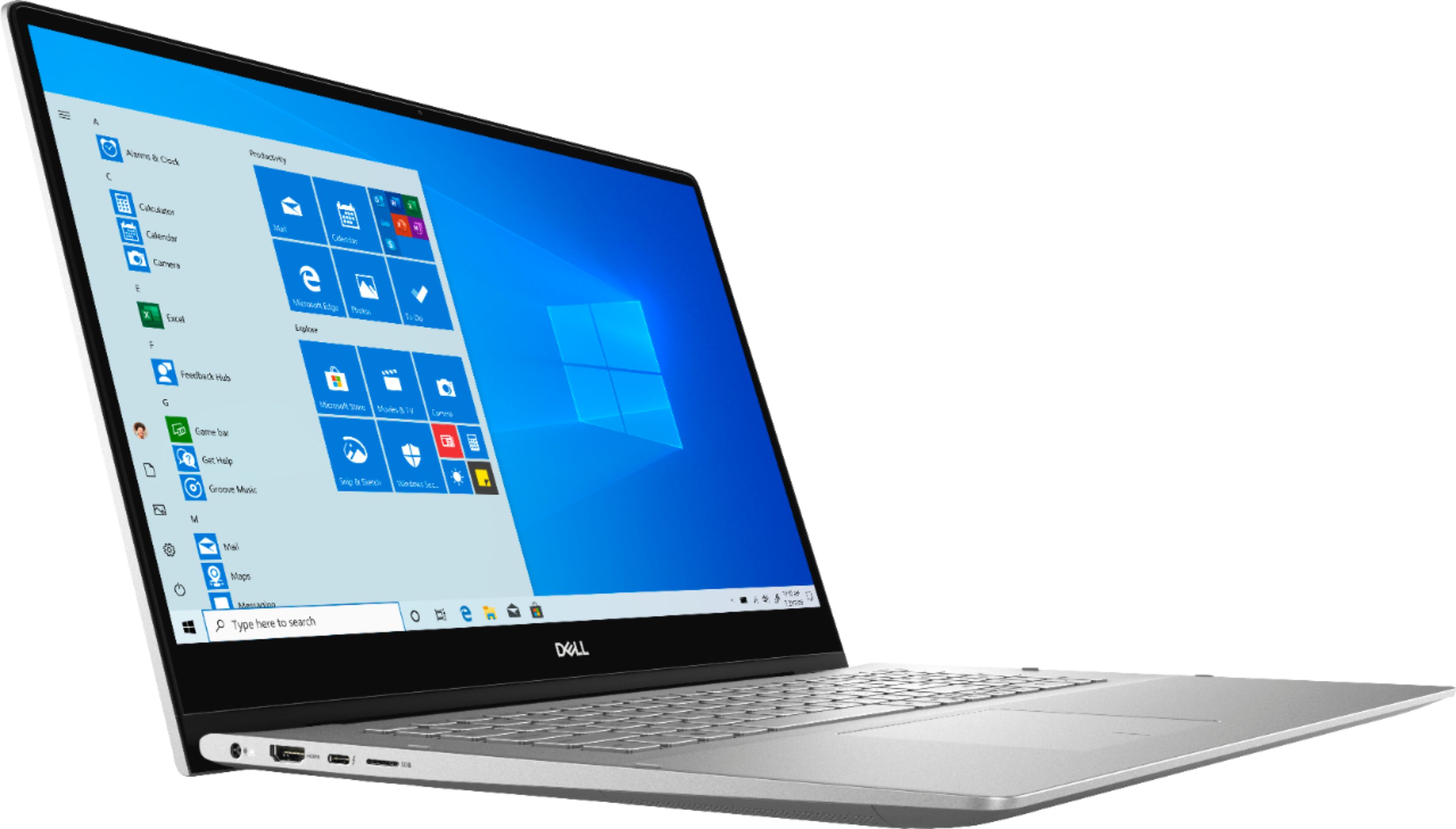
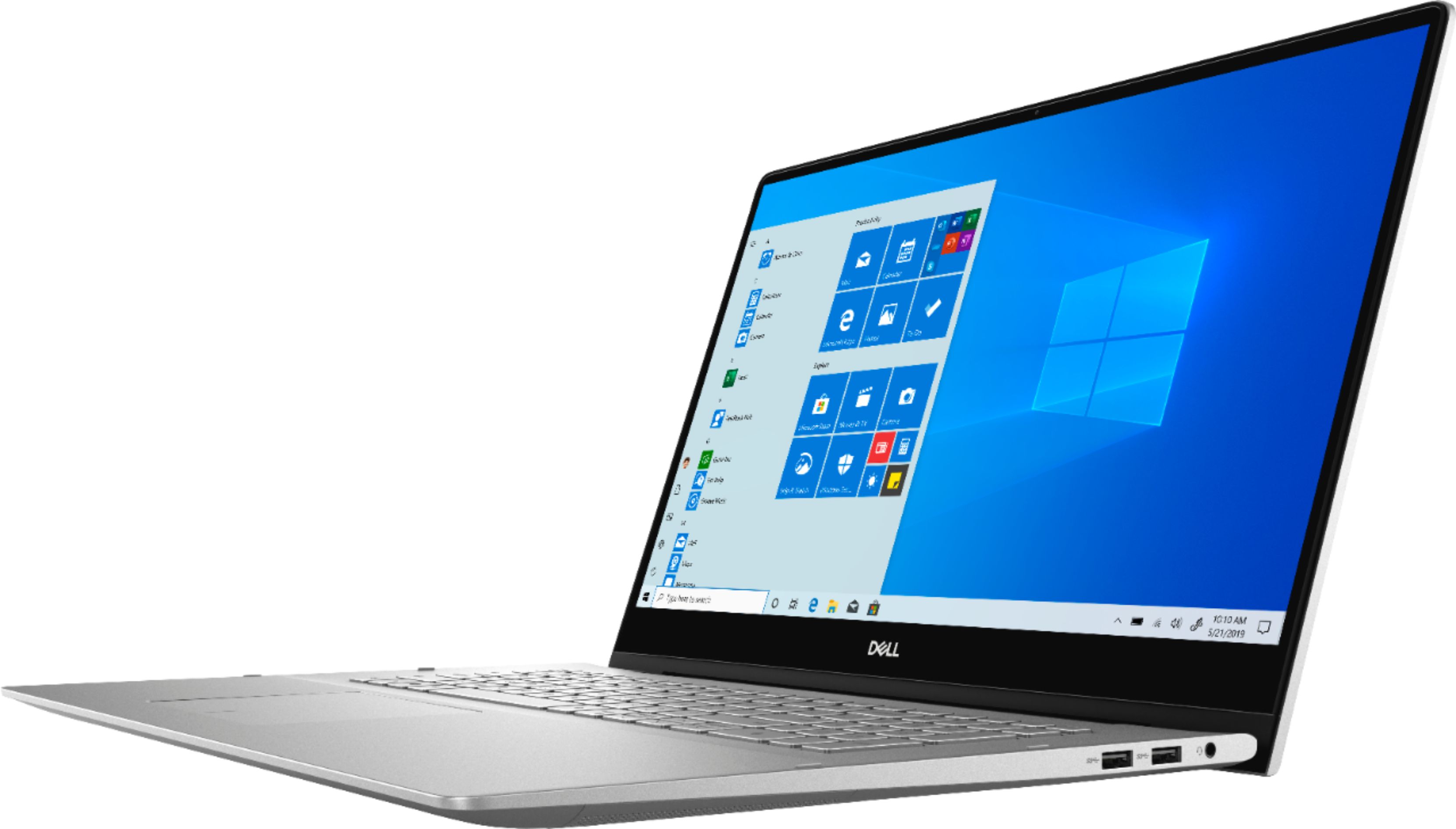
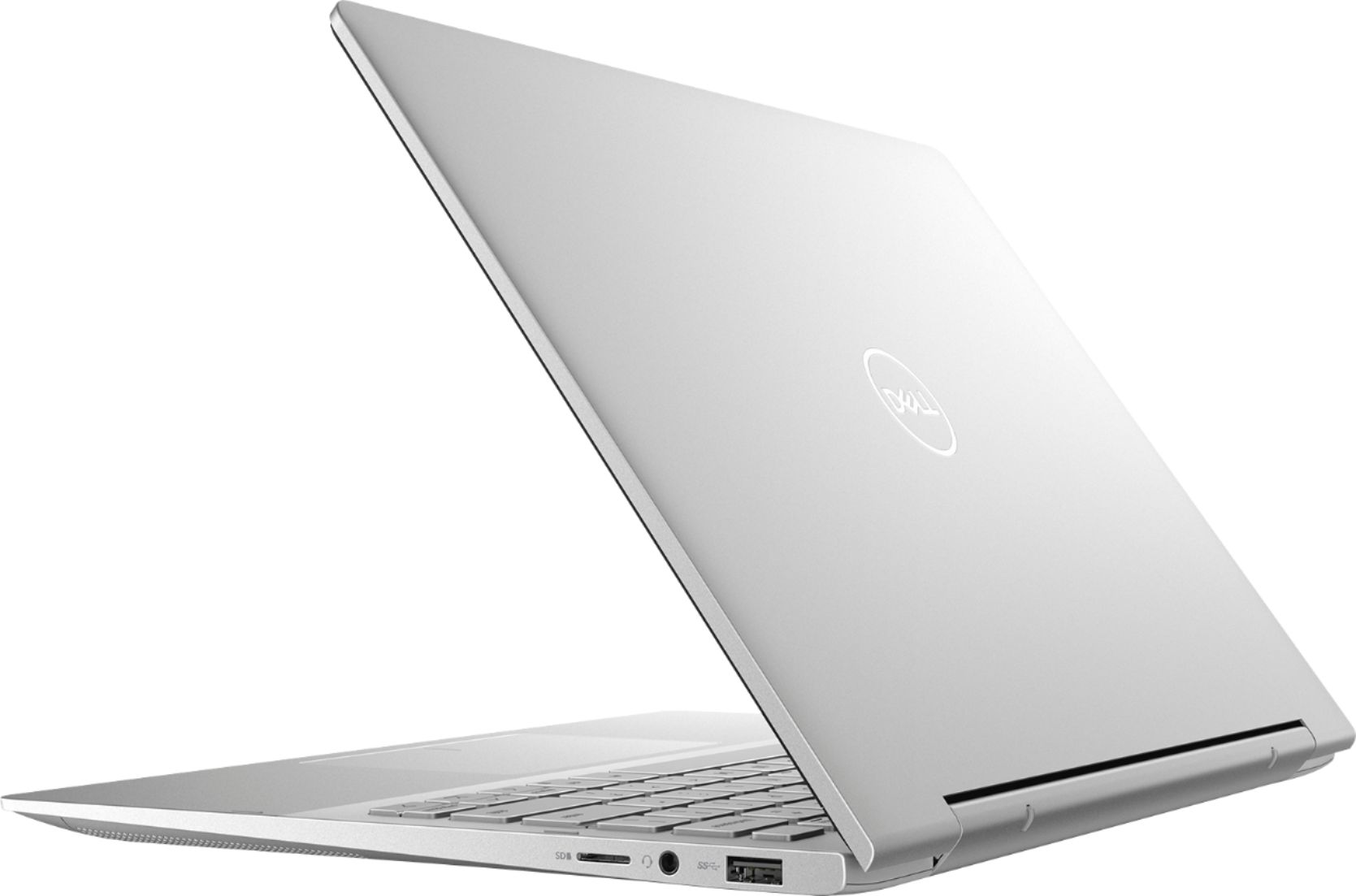



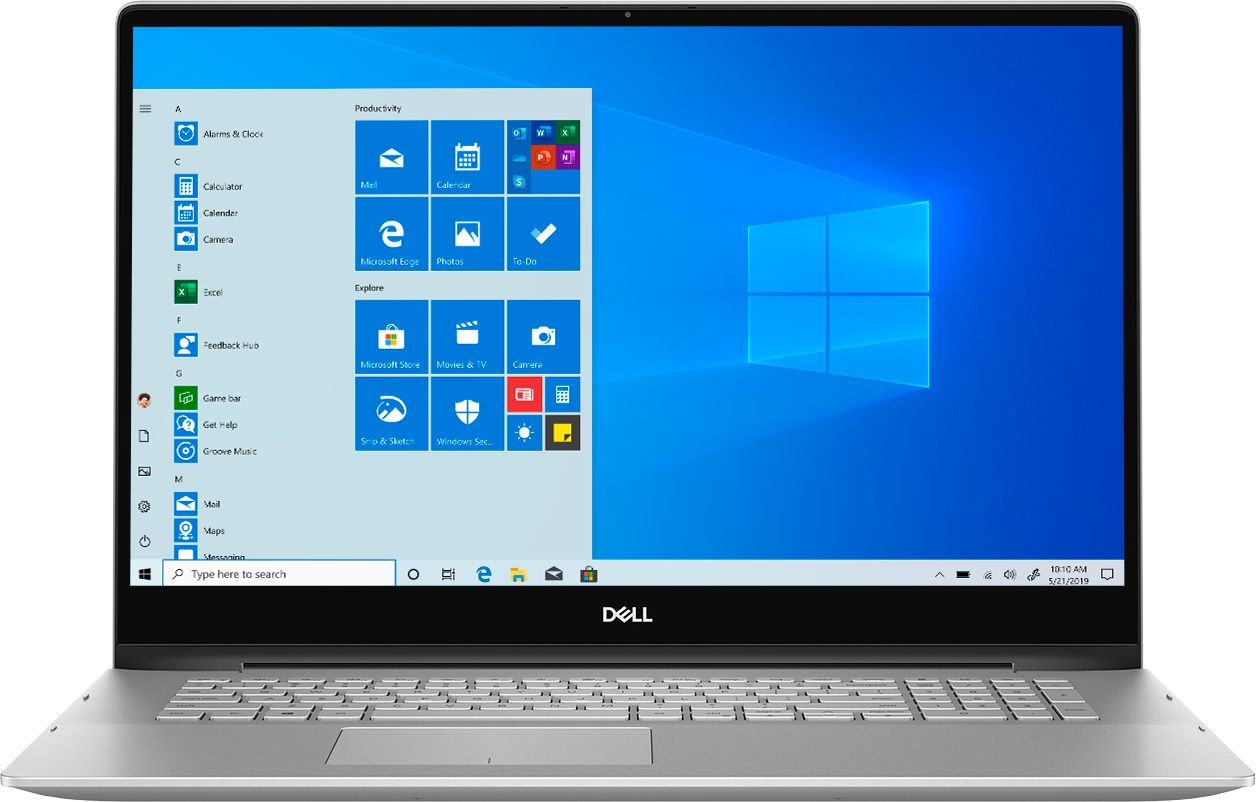







- Model:
- I7791-7452SLV-PUS
- SKU:
- 6372667
Rating by feature
- Battery Life
Rating 4.2 out of 5 stars
- Speed
Rating 4.4 out of 5 stars
- Display
Rating 4.6 out of 5 stars
Customers are saying
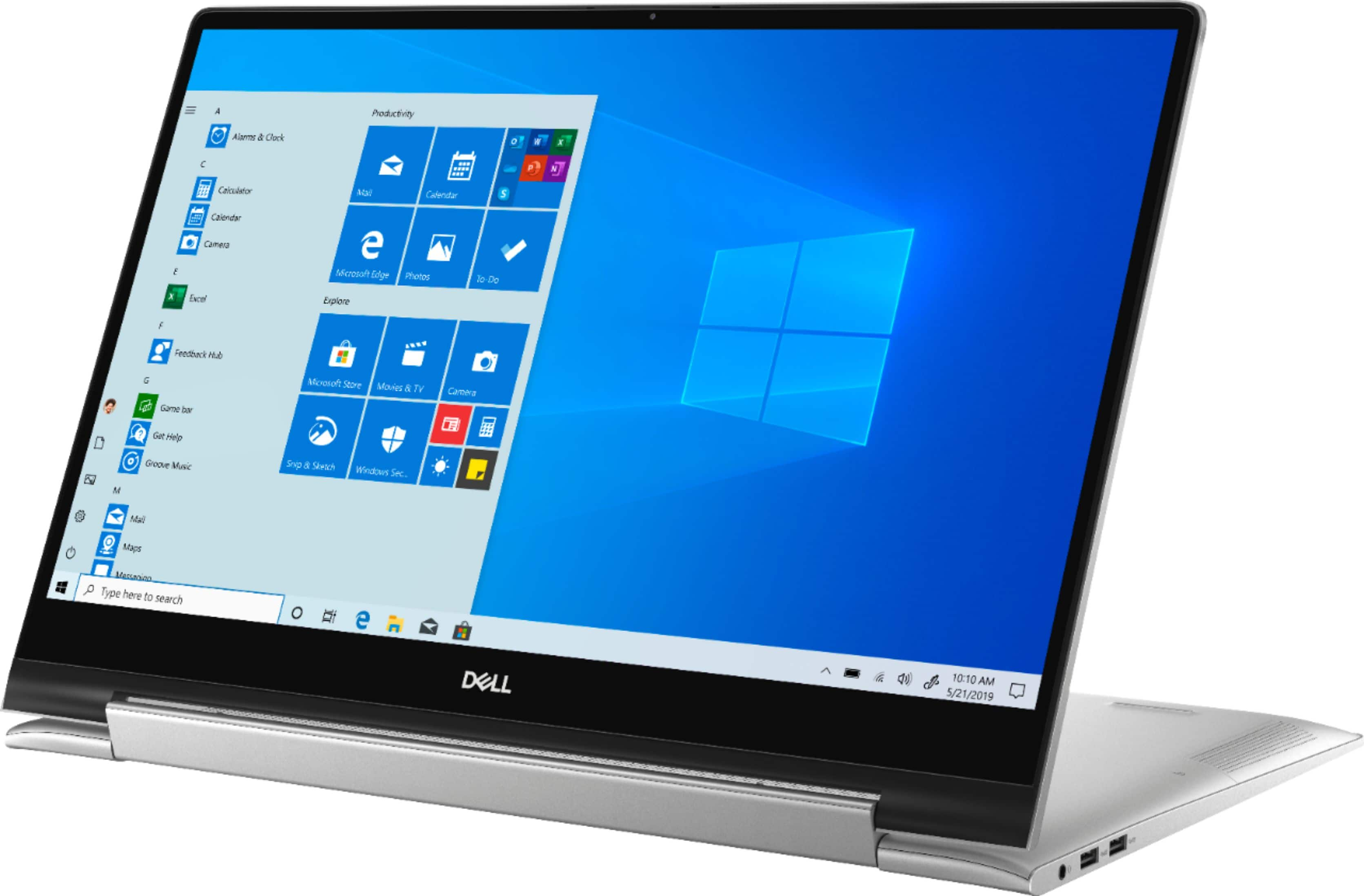
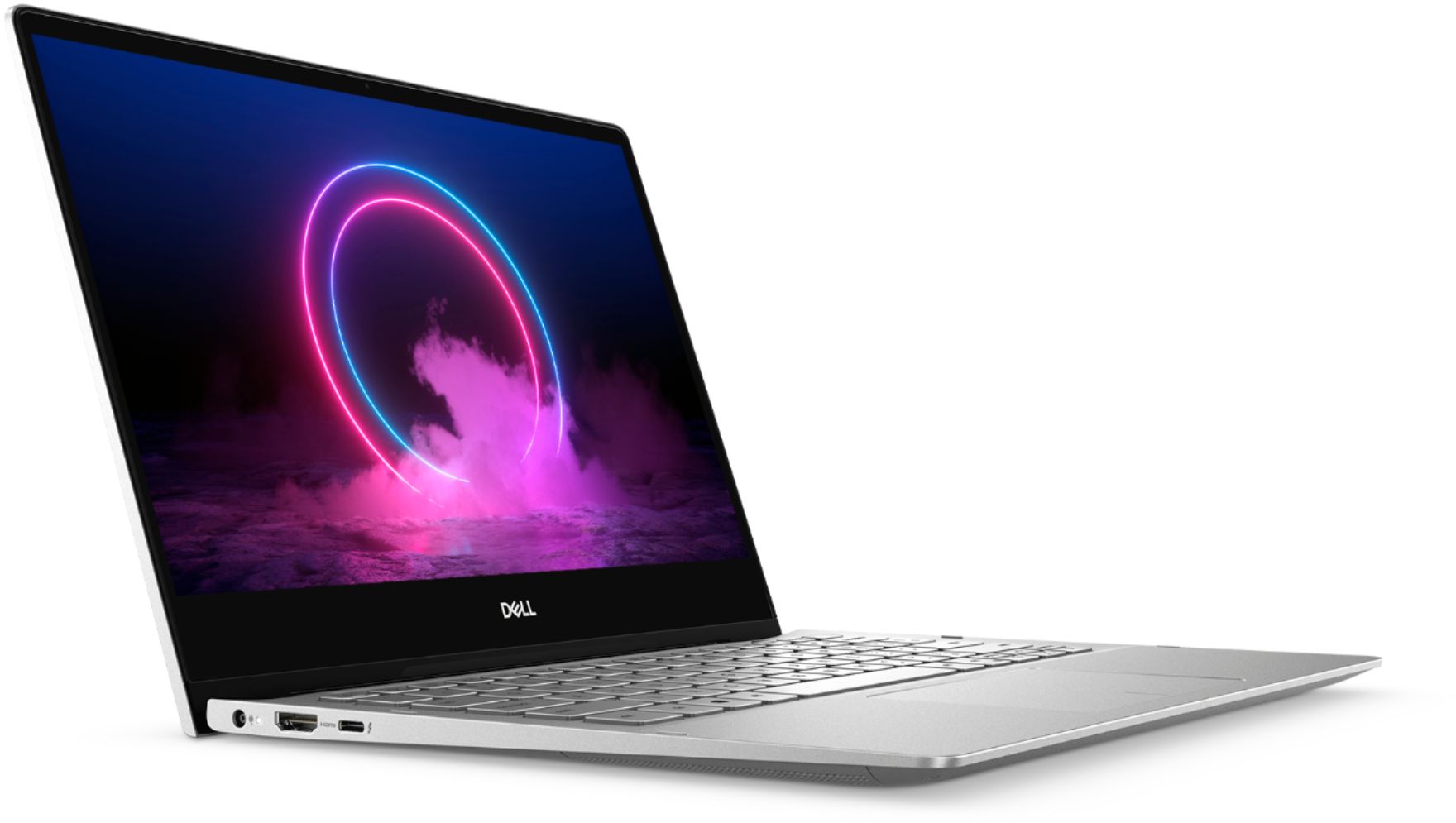
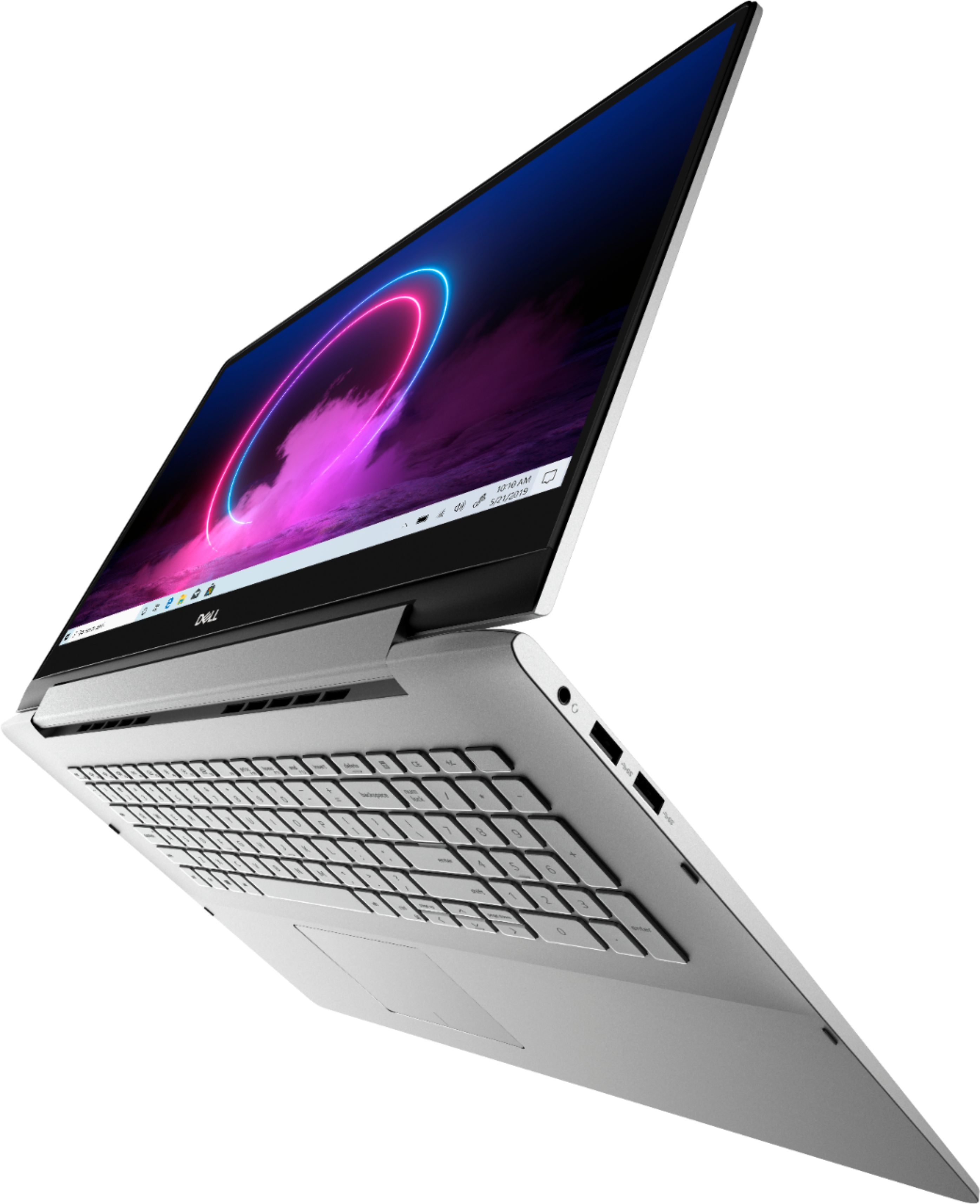
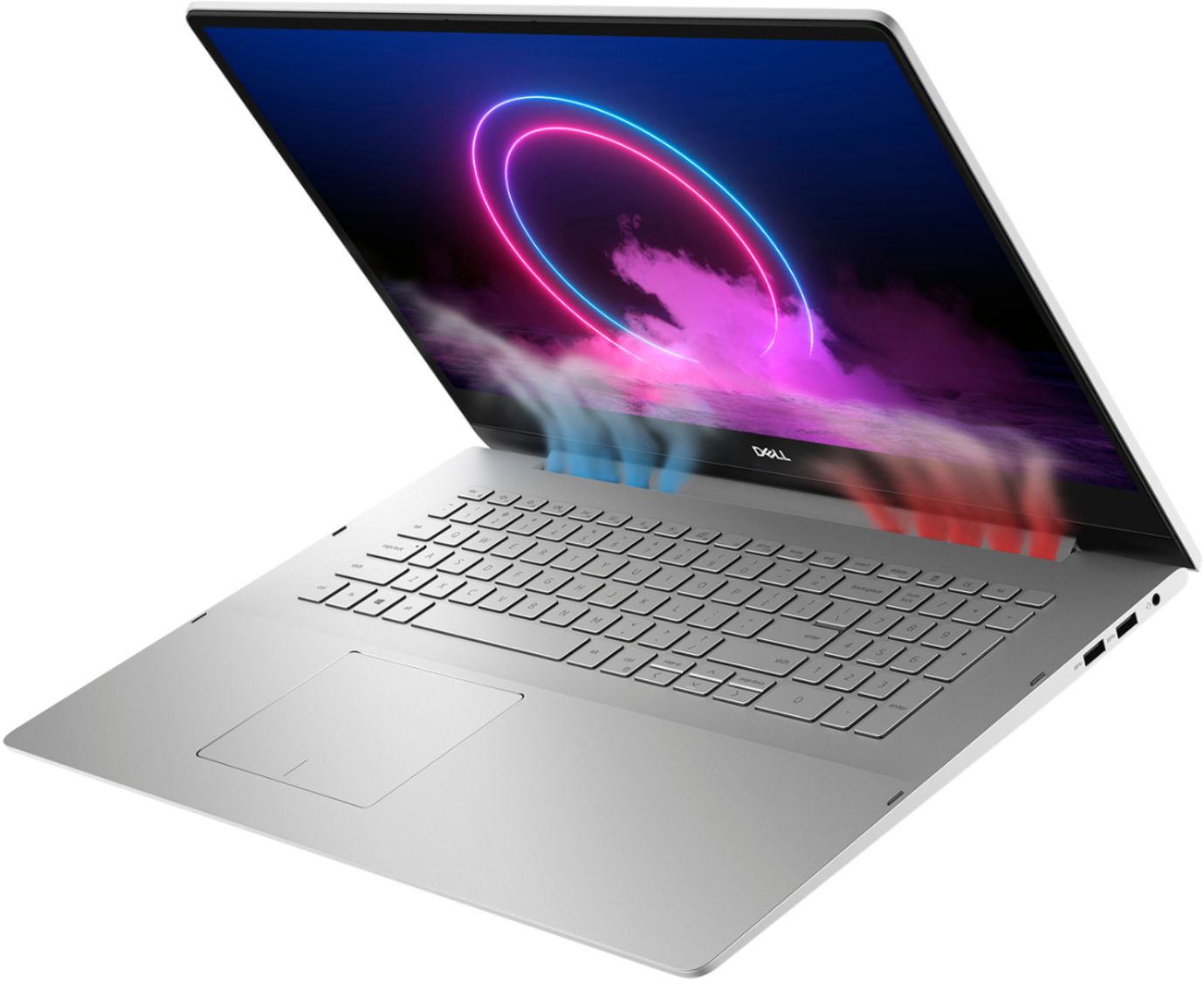
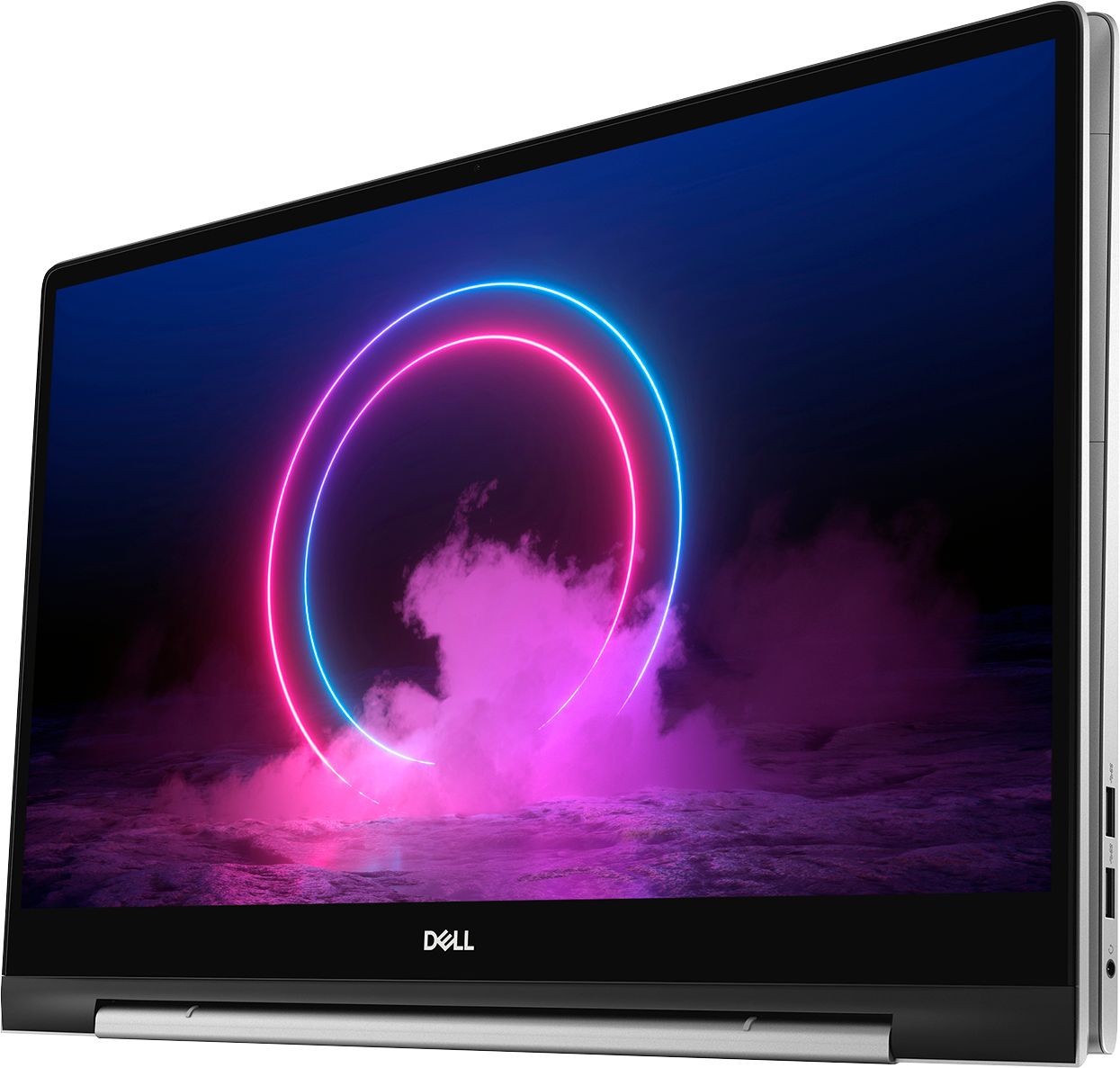
Customers commend the Inspiron 17.3" 2-in-1 laptop's large screen size, ease of use, and strong performance, frequently praising its touchscreen functionality and impressive graphics capabilities. Positive feedback also highlights the fast SSD and ample memory, along with the appreciated 2-in-1 versatility. However, some users note the laptop's considerable weight and tendency to overheat during extended use, while others find the price point to be somewhat high.
This summary was generated by AI based on customer reviews.
Sound driver bug and freezing constantly
||Posted . Owned for less than 1 week when reviewed.This reviewer received promo considerations or sweepstakes entry for writing a review.Laptop seemed good but had issues with driver sound card and with the runtime. It seems it would freeze constantly after usage of graphics card. Computer is awkwardly sized.
No, I would not recommend this to a friendBrand response from YourDellTeam
Posted .December,
Thanks for your review. Please visit our site to ensure that your software and drivers are up to date: https://dell.to/356Ykeu.
If your computer continues to freeze, we'd recommend the following steps:
1. Run a Computer Diagnostic. To determine if your computer is experiencing a hardware problem, run the Dell Preboot System Assessment (PSA) Diagnostics. For information on how to run Diagnostics, and to determine the issue, refer to Dell Knowledge Base Article: http://dell.to/2iaiujA.
2. Check Safe Mode for Symptoms. To boot into safe mode, please follow the instructions below:
a) Start the computer.
b) Tap 'F8' on the keyboard immediately and every one second until the Dell logo screen disappears. From there you will see the Windows Advanced Options Menu on the screen. (If the Windows Advanced Options Menu does not appear, restart the system and try again.)
c) Select Safe mode with Networking and press Enter.
d) Log on as the administrator or as a user with administrative access.
e) Open applications and test the computer in safe mode. If the symptoms exist in safe mode, please continue the troubleshooting steps in this article. If the symptoms do not exist in safe mode, the issue is likely related to a driver or software and you may wish to complete step 3 to see if you are able to resolve the lockups or freezing.
3. Check for Malware. Malware (Virus, Spyware, etc.) can definitely cause a Windows system to lock up or appear to hang. To check for malware on your system and to ensure that your computer is up to date on security software, visit Dell Knowledge Base Article: http://dell.to/2wWP1zI.
You can read the full article here - http://dell.to/2tW5m33.
Best,
Bryan
1-800-624-9896
Damaged
||Posted . Owned for less than 1 week when reviewed.This reviewer received promo considerations or sweepstakes entry for writing a review.I received the computer damaged and missing the power cord. It would not go past the first screen to setup. Very disappointed and a waste of time.
No, I would not recommend this to a friendBrand response from YourDellTeam
Posted .Amyd,
We're sorry to hear about the condition that your computer arrived in. Please reach out to Best Buy directly in order to find out what the process is to obtain the missing parts: http://bit.ly/2v2IVhI.
Best,
Bryan
1-800-624-9896
Dells are not what they use to be
||Posted . Owned for 6 months when reviewed.This reviewer received promo considerations or sweepstakes entry for writing a review.Had to return computer would not handle college, light gaming and art is not capable of using a bamboo stylus dell stylus sucks.
No, I would not recommend this to a friendBrand response from YourDellTeam
Posted .Colvcfr,
Thanks for your review. This computer is meant to be used with a Dell Active pen if you'd like to purchase on separately. We hope that you will continue using Dell products in the future.
Best,
Bryan
1-800-624-9896
Sucks
||Posted . Owned for 3 weeks when reviewed.This reviewer received promo considerations or sweepstakes entry for writing a review.Bought a computer set an appointment to set it up. Showed up for the appointment and they did not even have me scheduled.
No, I would not recommend this to a friendBrand response from YourDellTeam
Posted .Frank,
We're sorry for the trouble that you've had setting up your computer. We'd recommend that you use the Dell SupportAssist app to help with setting up your computer so you can ensure that you have all of the latest drivers and software installed.
Best,
Bryan
1-800-624-9896
I can’t believe it’s Dell
||Posted . Owned for 2 weeks when reviewed.This reviewer received promo considerations or sweepstakes entry for writing a review.I always buy Dell computers and love all of them. This computer died after only 1 week of usage.
No, I would not recommend this to a friendBrand response from YourDellTeam
Posted .SaCm,
We're sorry to hear about your computer. We would recommend that you follow-up directly with Best Buy to see what your return and exchange options are: http://bit.ly/2v2IVhI.
Best,
Bryan
1-800-624-9896
Returned it
||Posted . Owned for 1.5 years when reviewed.This reviewer received promo considerations or sweepstakes entry for writing a review.Returned it because I had experienced a blue screen.
No, I would not recommend this to a friendBrand response from YourDellTeam
Posted .Hi Honestthoughts2022,
Thank you very much for your feedback. We are sorry to hear about the issues with blue screen errors you have experienced with your Inspiron 7791 laptop and that you have ultimately decided to return this system. We will share your comment with our quality team, so future improvements can be made. In the future, we would love the opportunity to help troubleshoot any problems you may be facing.
If you come across any questions about the Dell products, please don’t hesitate to contact Dell Support Team at the information provided below.
Best,
Katarina@Dell
Should you need further assistance, you can contact Dell directly with the information below.
Chat or call: https://bit.ly/DellSupportTeam
Phone number to Dell: 1-800-624-9896
broke
||Posted . Owned for 1 week when reviewed.This reviewer received promo considerations or sweepstakes entry for writing a review.Absolutely Loved this computer until it broke less than 5 weeks after i got it ...
No, I would not recommend this to a friendBrand response from YourDellTeam
Posted .chefsride,
We're sorry to hear about the overheating that you're experiencing with your new laptop. Many of our customers have said that the thermals of their laptop improved when they updated the BIOS on their computer. You can find a BIOS update with troubleshooting instructions here: https://dell.to/3jgQlm6.
You can also download a Video BIOS update for your computer here: https://dell.to/374WuyC.
Best,
Bryan
1-800-624-9896
Doesnt run the software in need to use
||Posted . Owned for 3 weeks when reviewed.This reviewer received promo considerations or sweepstakes entry for writing a review.Discovered it will not run the software I need 2 days after the return period expired.
No, I would not recommend this to a friendBrand response from YourDellTeam
Posted .BradSing,
Thanks for your feedback. We're sorry to hear that your new Dell computer will not run the software that you were hoping that it would. If you have any technical questions about your computer please check our Product Support Page here: https://dell.to/2DgLo9u.
Best,
Bryan
1-800-624-9896
JUNK
||Posted . Owned for 1 month when reviewed.This reviewer received promo considerations or sweepstakes entry for writing a review.Piece of junk !!!!!! no way to download a chip or a cd......
No, I would not recommend this to a friendBrand response from YourDellTeam
Posted .Hello,
Thank you for your review. We are sorry to hear that this Inspiron has not met all your expectations. We understand how important it is for you to be able to download a Chip or a CD. We suggest you consider purchasing an external optical drive if you are interested reading and writing data on physical media. If you have any other questions, feel free to visit the support page for your Inspiron.
Sincerely,
Wendy C.
https://bit.ly/DellSupportTeam.
Phone number to Dell: 1-800-264-9896.
Crap
||Posted . Owned for 5 months when reviewed.This reviewer received promo considerations or sweepstakes entry for writing a review.Garbage. It’s been to service THREE times and still won’t charge.
No, I would not recommend this to a friendBrand response from YourDellTeam
Posted .Hello Muller,
'Thank you for your input and feedback. We apologize for the issues you have come across with your product and have noted the details of your statement to help improve our products now and in the future. We would love to help you as soon as possible. Please, use the information below to contact Dell Support at your earliest convenience.
For additional support, please call Dell directly at 1-800-624-9896
Best,
Lexy@Dell
Chat or Call:
https://bit.ly/DellSupportTeam
Wish I had bought from Dell NOT "Worst Buy"
||Posted .This reviewer received promo considerations or sweepstakes entry for writing a review.Great Product BUT Best Buy screwed me on the Dell warrantee.
No, I would not recommend this to a friendBrand response from YourDellTeam
Posted .BuyElsewhere,
Thanks for your review and we're sorry that your warranty did not work out the way you hoped it would. Here's a link to Dell's One Year Limited Warranty policy: https://dell.to/39iwZuX.
Best,
Bryan
1-800-624-9896
the dell compture is wireless
||Posted . Owned for 1 month when reviewed.This reviewer received promo considerations or sweepstakes entry for writing a review.i use hard wire ethernet wireless is not fast at all for gameing
No, I would not recommend this to a friendBrand response from YourDellTeam
Posted .richard,
Thanks for your review and we're sorry that your computer did not come with an Ethernet port. If you have any connection issues in the future you can follow these steps:
1. Download and install the latest Wireless Card driver. (https://dell.to/2th3Tpe) After updating the driver, re-establish the connection with the Wireless Access Point and check the wireless performance.
2. If the issue persists, proceed to step 3.
3. Power-cycle the local network. Shut down the Dell system, the Wireless Access Point/Router and the Modem. Wait a minimum of 60 seconds before powering up the components in the following order:
4. Power ON the Modem, and wait for it to boot fully.
5. Power ON the Wireless Access Point/Router, and wait for it to boot fully.
6. Power ON the Dell system.
7. Open Network and Sharing Center
8. In the left side navigation pane, click on Change Adapter Settings
9. Right click on the wireless connection icon and select Properties followed by the Configure button
10. Under Wireless Options, select the Wireless N mode
11. For Windows 8 or later systems click the Advanced tab and look for 802.11n Mode on the right you will be given the option to Enable or Disable. If the mode is not visible you may need to update your drivers and firmware.
12. From the drop-down menu, choose Disable followed by Ok
13. This should restore the wireless download and upload speed. Internet speed can be tested at http://speedtest.net.
Best,
Bryan
1-800-624-9896
Computer
||Posted . Owned for 3 weeks when reviewed.This reviewer received promo considerations or sweepstakes entry for writing a review.So far great! Dell is a great computer. Dell's website is great also.
I would recommend this to a friendBrand response from YourDellTeam
Posted .puts,
We're happy to see that you're satisfied with your new Dell 2-In-1. If you have any questions you can always check our Product Support Page here: https://dell.to/2DgLo9u.
Best,
Bryan
1-800-624-9896
i wanted to love this
||Posted . Owned for 2 weeks when reviewed.This reviewer received promo considerations or sweepstakes entry for writing a review.i tried but internet kept slipping and had to return this its a shame
No, I would not recommend this to a friendSeems to be of poor quality
||Posted . Owned for 3 weeks when reviewed.This reviewer received promo considerations or sweepstakes entry for writing a review.I bought 2 of these and both were broken out of the box
No, I would not recommend this to a friendBrand response from YourDellTeam
Posted .jnlCODA,
Thanks for your review. We're sorry to hear about the condition that you received your 2-in-1s in. We'd recommend reaching out to Best Buy to see what your options are: http://bit.ly/2v2IVhI.
Best,
Bryan
1-800-624-9896
- Pros mentioned:Performance
Perfect product
Posted .This reviewer received promo considerations or sweepstakes entry for writing a review.I think this laptop is so far one of the best one that I have ever used. It has everything that one person needs. You can run your company with this. It is working perfect.
I would recommend this to a friend - Pros mentioned:Screen size
Dell Inspiron
Posted .This reviewer received promo considerations or sweepstakes entry for writing a review.Great computer. The size is exactly what I was looking for. Clear display. Easy to use touch screen.
I would recommend this to a friend - Pros mentioned:Speed
Laptop
Posted .This reviewer received promo considerations or sweepstakes entry for writing a review.Great computer, very fast, will definitely buy again
I would recommend this to a friend computer major must have
Posted .This reviewer received promo considerations or sweepstakes entry for writing a review.Perfect for my son's college life. He was a computer information systems major and this computer lasted (with one trip to be fixed for free) the entire four years. Very satisfied.
I would recommend this to a friendMust buy!
Posted .This reviewer received promo considerations or sweepstakes entry for writing a review.I've had this computer for over three years, still going strong. Big recommend for Dell in general. I only don't suggest this if you want a laptop that you'll take everywhere as it is quite heavy, but perfect to keep at home.
I would recommend this to a friend