Customer Ratings & Reviews


- Model:
- I3793-7995BLK-PUS
- SKU:
- 6377544
Rating by feature
- Value
Rating 4.2 out of 5 stars
- Quality
Rating 4.0 out of 5 stars
- Ease of Use
Rating 4.3 out of 5 stars
Customers are saying
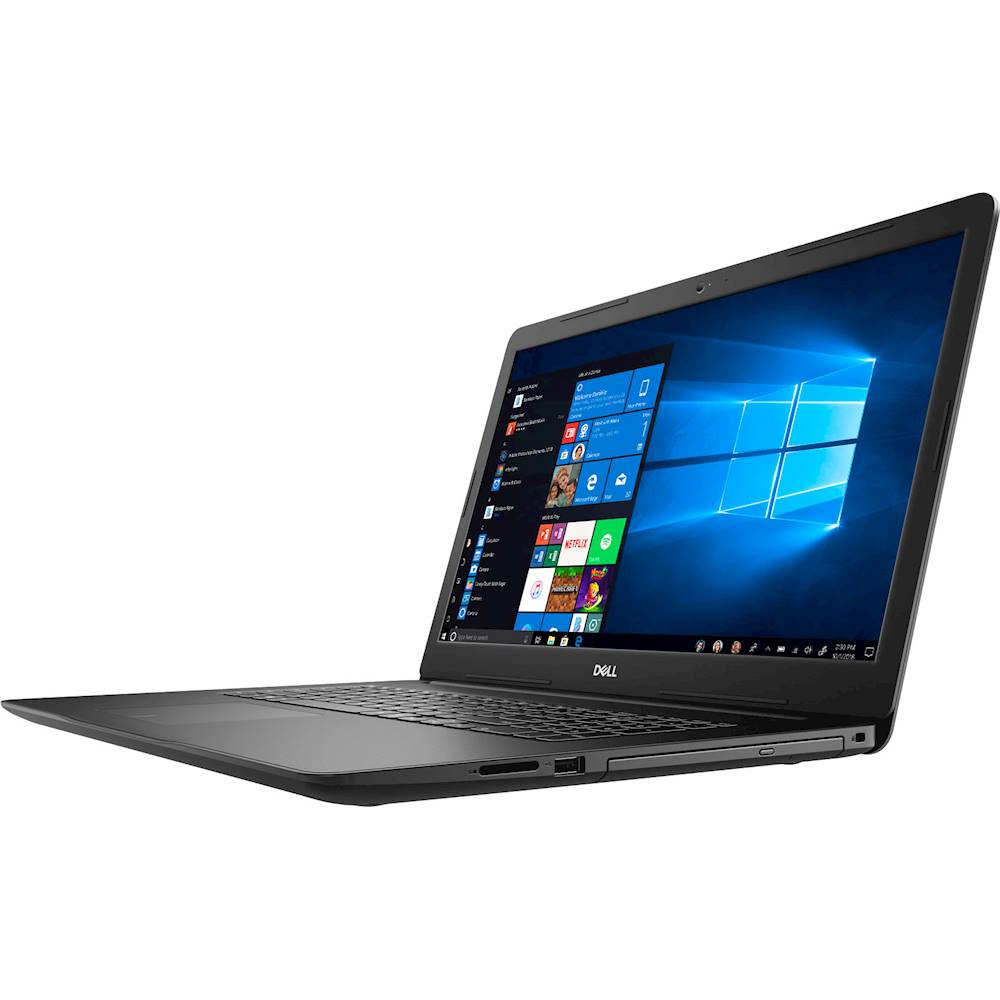
Customers recognize the Inspiron 17.3" Laptop for its large screen, which is easy on the eyes and great for multitasking. Many reviewers also appreciate the laptop's user-friendly design and affordable price point. While some users have concerns about the battery life, the overall positive feedback suggests that this laptop offers great value for the price.
This summary was generated by AI based on customer reviews.
Dell Inspiron 17.3 laptop - Intel i7
||Posted . Owned for 6 months when reviewed.This reviewer received promo considerations or sweepstakes entry for writing a review.Laptop efficiency over the last six month has been excellent. I am very happy with it.
I would recommend this to a friendWould buy again
||Posted . Owned for 1 month when reviewed.This reviewer received promo considerations or sweepstakes entry for writing a review.Just what I was looking for great for my home computer. Great for my crafts.
I would recommend this to a friendGreat
||Posted . Owned for 4 months when reviewed.This reviewer received promo considerations or sweepstakes entry for writing a review.What can you say about dell that hasn’t been said. You want this computer.
I would recommend this to a friendGreat deal
||Posted . Owned for 1 month when reviewed.This reviewer received promo considerations or sweepstakes entry for writing a review.Hard drive makes the difference Good price/fast delivery
I would recommend this to a friendGreat computer
||Posted . Owned for 1 month when reviewed.This reviewer received promo considerations or sweepstakes entry for writing a review.Very good computer good for any body that likes computers
I would recommend this to a friendBeen great so far good product for the money
||Posted . Owned for less than 1 week when reviewed.This reviewer received promo considerations or sweepstakes entry for writing a review.So far no problems worked great out of the box. So far very happy
I would recommend this to a friendMy computer
||Posted . Owned for 1 month when reviewed.This reviewer received promo considerations or sweepstakes entry for writing a review.Good computer. Also Best Buy has excellent services
I would recommend this to a friendIt’s ok laptop
||Posted . Owned for 6 months when reviewed.This reviewer received promo considerations or sweepstakes entry for writing a review.It’s ok laptop after a long time use, it’s starting getting slow.
No, I would not recommend this to a friendBrand response from YourDellTeam
Posted .Frank,
Thanks for your review and we're sorry that your computer is starting to slow down for you. We'd recommend the following steps to help with the speed of your computer:
Delete temporary files and directories
1. Click Start, then in the search bar type "disk". Disk Cleanup should appear on the menu above the search box.
2. Run disk cleanup and eliminate unneeded temporary files (Search results, Internet Cache and other windows temp files you may no longer need)
3. Select files you want to delete then click OK to start the cleanup process.
Uninstall applications you no longer use
1. Open the Programs and Features application in Control Panel.
2. Scan the list of applications installed for ones that you no longer use.
3. Highlight any application you no longer use and then click the uninstall button at the top of the list. Follow the prompts to uninstall.
4. Repeat for each application you want to uninstall.
5. Move large files and/or seldom used files to backup media (Photos, Music you seldom listen to, application downloads after the application has been installed etc.).
6. Empty the Recycle Bin.
You can read the full article here: http://dell.to/2tSulGV.
Best,
Bryan
1-800-624-9896
Disappointed!!
||Posted . Owned for 3 weeks when reviewed.This reviewer received promo considerations or sweepstakes entry for writing a review.Poor display quality(and yes I checked all display settings). Flemsy keyboard platform. Definitely not the quality I am use to getting from Dell. Also the ship date from Best Buy changed by seven days after I confirmed order.
No, I would not recommend this to a friendBrand response from YourDellTeam
Posted .Scott,
Thanks for your review. We're sorry that your display is not meeting your needs. Here's an article that may have some suggestions to help: https://dell.to/2CLF6yC.
If you have additional questions about your computer you can check our Product Support Page here: https://dell.to/2EoAdMC.
Best,
Bryan
1-800-624-9896
Screen broke in 5 months+flashing screen
||Posted . Owned for 8 months when reviewed.This reviewer received promo considerations or sweepstakes entry for writing a review.My last at least 5 computers were Dell's this will be the last one. My screen was flickering every 15-30 min from the moment I got this screen and then one day I open the computer and the screen is cracked from the inside without me touching it. Dell refuses to cover this under warranty claiming it's accidental damage and not a manufacturing defect. DON'T BUY THIS COMPUTER
No, I would not recommend this to a friendBrand response from YourDellTeam
Posted .Thomas,
Thanks for your review. We're sorry to hear about the flickering that you are experiencing with your new laptop. Please try the steps in this article to help with your screen flickering: https://dell.to/3dvnuYX.
Best,
Bryan
1-800-624-9896
You charged for expedited delivery and failed.
||Posted .This reviewer received promo considerations or sweepstakes entry for writing a review.You charged for expedited delivery and only provided regular delivery. I will respond accordingly.
No, I would not recommend this to a friendBrand response from YourDellTeam
Posted .none,
Thanks for your review. We're sorry that your delivery experience did not meet your expectations and what you had paid for. Please reach out to Best Buy directly for help resolving this issue: http://bit.ly/2v2IVhI.
Best,
Bryan
1-800-624-9896
Day 2 and it wont turn on
||Posted . Owned for less than 1 week when reviewed.This reviewer received promo considerations or sweepstakes entry for writing a review.The specs of this laptop was essentially what i was looking for, however, Day 2 into using the laptop it failed to turn on. Brought it to Best Buy and they tried to fix it but coulding. they gave me a refund but they had no stock. Frustrated as it took me a month looking for the perfect laptop to invest in.
No, I would not recommend this to a friendLaptop
||Posted . Owned for 3 weeks when reviewed.This reviewer received promo considerations or sweepstakes entry for writing a review.I still have not received this computer yet. It was a delay in shipment. I haven’t heard a word about if I will get it or not. Very disappointed
No, I would not recommend this to a friendBrand response from YourDellTeam
Posted .Whitecat,
We're sorry to hear about the shipment experience that you've had. We'd recommend that you follow up with Best Buy's Customer Support Team here: http://bit.ly/2v2IVhI.
Best,
Bryan
1-800-624-9896
Broke after 3 weeks.
||Posted . Owned for 3 weeks when reviewed.This reviewer received promo considerations or sweepstakes entry for writing a review.The laptop was amazing for about 3 weeks. Then I turned it on and it got stuck in an endless boot loop.
No, I would not recommend this to a friendBrand response from YourDellTeam
Posted .Whodat9,
Thanks for your review. We're sorry to hear about your computer. Dell products have a One Year Limited Warranty that you can read more about here: http://dell.to/2tNsVOs.
Best,
Bryan
1-800-624-9896
- Cons mentioned:Battery life
Work laptop
Posted .This reviewer received promo considerations or sweepstakes entry for writing a review.Has been a great laptop. Battery life is the only complaint.
I would recommend this to a friend - Pros mentioned:Great price
‘Basically Best’
Posted .This reviewer received promo considerations or sweepstakes entry for writing a review.A more greater score at the very own store itself. The one to get if you even ever missed the last other one.
No, I would not recommend this to a friend Very disappointed. Slow WiFi and Ethernet speed.
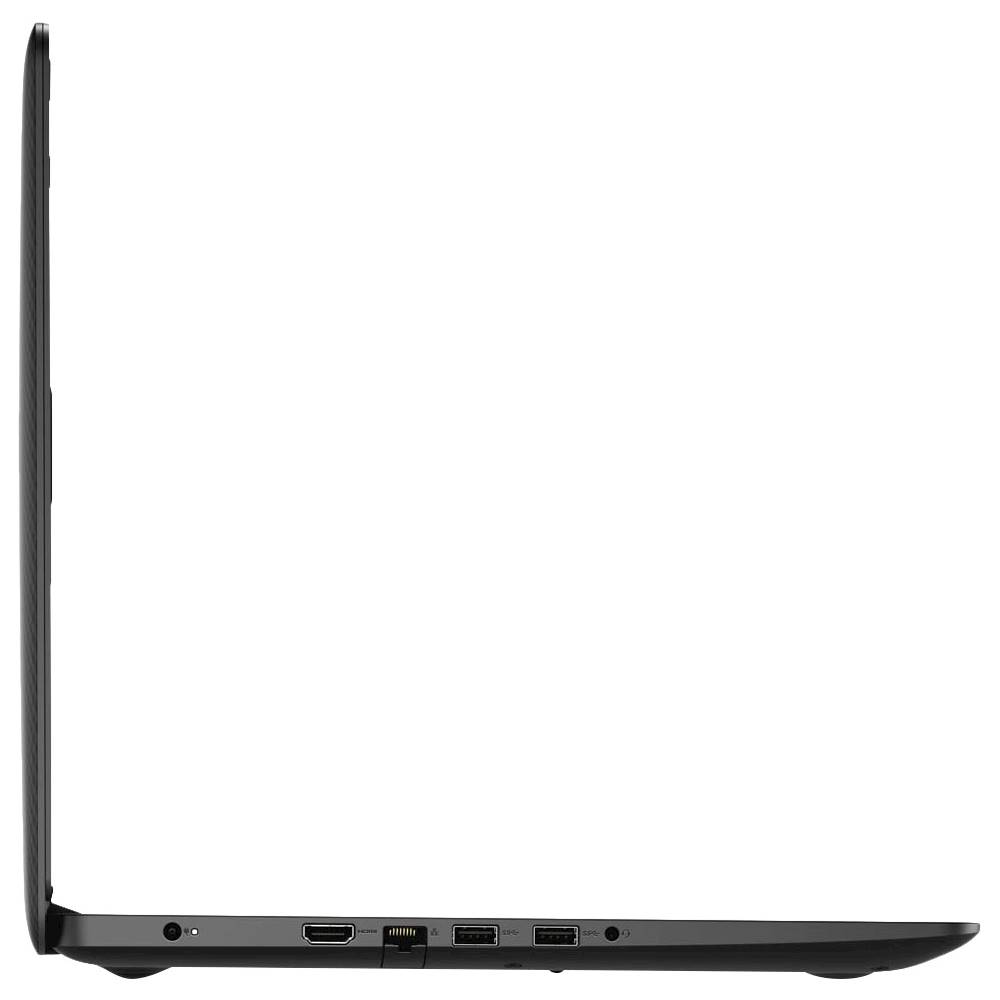
Posted .This reviewer received promo considerations or sweepstakes entry for writing a review.Full disclosure, I actually purchased this directly from Dell, not Best Buy. Very disappointed in Network speeds. WiFi speeds are never close to the Max of 433 Mbps, more like 126 Mbps on Comcast cable. Ethernet is even slower. Who would expect any Laptop sold in 2020 to only have a Ethernet Card rated at 10/100 Mbps when 1000 Mbps (1 Gbps) has been the standard for years. I have purchased Dells for many years but this has shaken my confidence in Dell. P.S. It is impossible to post a review on Dell's web site. Buyer beware.
No, I would not recommend this to a friendBrand response from YourDellTeam
Posted .RedCatJo,
We're sorry to hear about the issues that you've had with the connectivity on your new laptop. We'd recommend trying these steps to improve your computer's overall connection performance:
1. Download and install the latest Wireless Card driver. (https://dell.to/2th3Tpe) After updating the driver, re-establish the connection with the Wireless Access Point and check the wireless performance.
2. If the issue persists, proceed to step 3.
3. Power-cycle the local network. Shut down the Dell system, the Wireless Access Point/Router and the Modem. Wait a minimum of 60 seconds before powering up the components in the following order:
4. Power ON the Modem, and wait for it to boot fully.
5. Power ON the Wireless Access Point/Router, and wait for it to boot fully.
6. Power ON the Dell system.
7. Open Network and Sharing Center
8. In the left side navigation pane, click on Change Adapter Settings
9. Right click on the wireless connection icon and select Properties followed by the Configure button
10. Under Wireless Options, select the Wireless N mode
11. For Windows 8 or later systems click the Advanced tab and look for 802.11n Mode on the right you will be given the option to Enable or Disable. If the mode is not visible you may need to update your drivers and firmware.
12. From the drop-down menu, choose Disable followed by Ok
13. This should restore the wireless download and upload speed. Internet speed can be tested at http://speedtest.net.
Best,
Bryan
1-800-624-9896
Doesnotwork
Posted .This reviewer received promo considerations or sweepstakes entry for writing a review.Very bad. It won't boot, the motherboardis damaged
No, I would not recommend this to a friend