Customer Ratings & Reviews


- Model:
- I3793-7480BLK-PUS
- SKU:
- 6381717
to a friend
- Pros mentioned:Battery life, Display, Performance
Outstanding screen and overall quality
||Posted . Owned for 3 weeks when reviewed.This reviewer received promo considerations or sweepstakes entry for writing a review.Great performance, screen quality, durable, and battery actually lasts more than initial projections.
I would recommend this to a friend - Pros mentioned:Fast startup, Nice screen
Very good buy
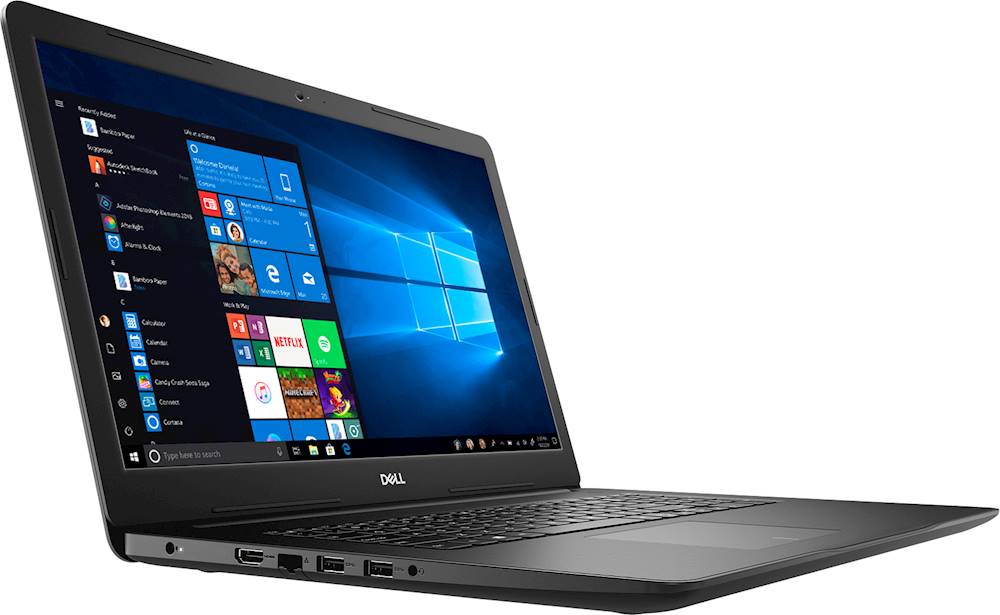
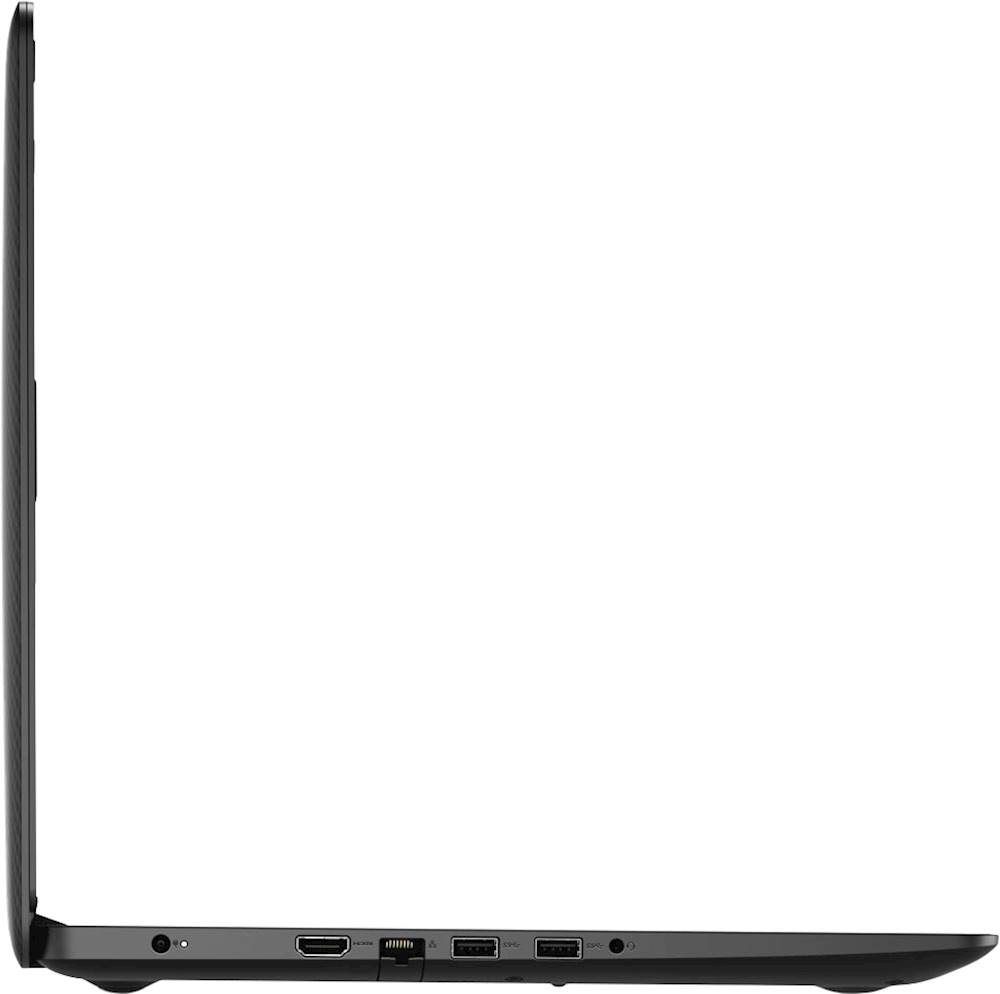
||Posted . Owned for 1 month when reviewed.This reviewer received promo considerations or sweepstakes entry for writing a review.Very fast startup with very nice screen. Plenty of USB ports
I would recommend this to a friend - Cons mentioned:Mouse pad issue
Reconditioned laptop with a problem
||Posted . Owned for 3 weeks when reviewed.This reviewer received promo considerations or sweepstakes entry for writing a review.Laptop was great except the mouse pad was loose on one corner. Press and it makes a popping sound and goes way down. Took it to the local store for repair. They sent it off and still waiting for it to come back. If it gets fixed at no cost and in a reasonable length of time this rating will go to 5 stars.
I would recommend this to a friend - Cons mentioned:Customer service, Hard disk issue
Do not buy Dell. Terrible customer service
||Posted . Owned for 6 months when reviewed.This reviewer received promo considerations or sweepstakes entry for writing a review.This laptop worked perfectly until, in less than 2 months from purchase, it had a hard disk issue. Sent it for repair and it took 2 months to send me a refurbished one. Then a month passed, working fine and again has hardware issues. Awful customer service. Do not buy Dell.
No, I would not recommend this to a friend - Pros mentioned:Display
Fast laptop
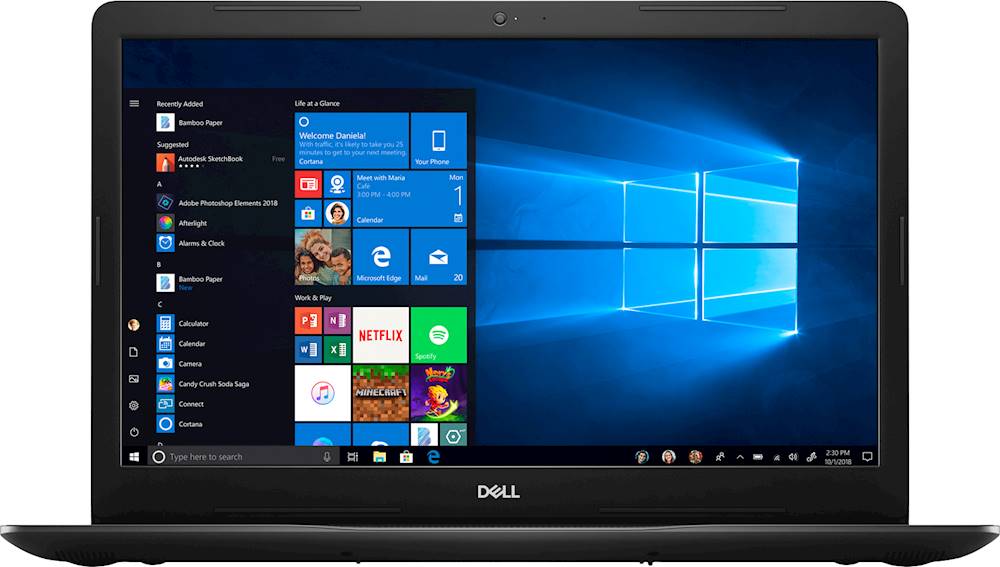
||Posted . Owned for 3 weeks when reviewed.This reviewer received promo considerations or sweepstakes entry for writing a review.I am completely happy with the CPU processing power. The 17 in display is a very big plus.
I would recommend this to a friend ?
||Posted . Owned for 1 year when reviewed.This reviewer received promo considerations or sweepstakes entry for writing a review.Great....................................................................................
I would recommend this to a friend- Cons mentioned:Wifi
Pathetic 10/100 ethernet
Posted .This reviewer received promo considerations or sweepstakes entry for writing a review.Can’t believe it has a slower Ethernet jack/card than the 10-year-old, no-name computer I’m replacing. Why would Dell put a 10/100 connector on anything nowadays? Otherwise it seems okay, but the slow Ethernet is a deal breaker for us. Wifi seemed slow as well.
No, I would not recommend this to a friendBrand response from YourDellTeam
Posted .Ybanon,
Thanks for your review. We're sorry to hear that the connections are not meeting your expectations. If you'd like to try to improve your WIFI connectivity you can follow these steps:
1. Download and install the latest Wireless Card driver. (https://dell.to/2th3Tpe) After updating the driver, re-establish the connection with the Wireless Access Point and check the wireless performance.
2. If the issue persists, proceed to step 3.
3. Power-cycle the local network. Shut down the Dell system, the Wireless Access Point/Router and the Modem. Wait a minimum of 60 seconds before powering up the components in the following order:
4. Power ON the Modem, and wait for it to boot fully.
5. Power ON the Wireless Access Point/Router, and wait for it to boot fully.
6. Power ON the Dell system.
7. Open Network and Sharing Center
8. In the left side navigation pane, click on Change Adapter Settings
9. Right click on the wireless connection icon and select Properties followed by the Configure button
10. Under Wireless Options, select the Wireless N mode
11. For Windows 8 or later systems click the Advanced tab and look for 802.11n Mode on the right you will be given the option to Enable or Disable. If the mode is not visible you may need to update your drivers and firmware.
12. From the drop-down menu, choose Disable followed by Ok
13. This should restore the wireless download and upload speed. Internet speed can be tested at http://speedtest.net.
Best,
Bryan
1-800-624-9896