Customer Ratings & Reviews



- Model:
- I7386-7007BLK-PUS
- SKU:
- 6295917
to a friend
Customers are saying
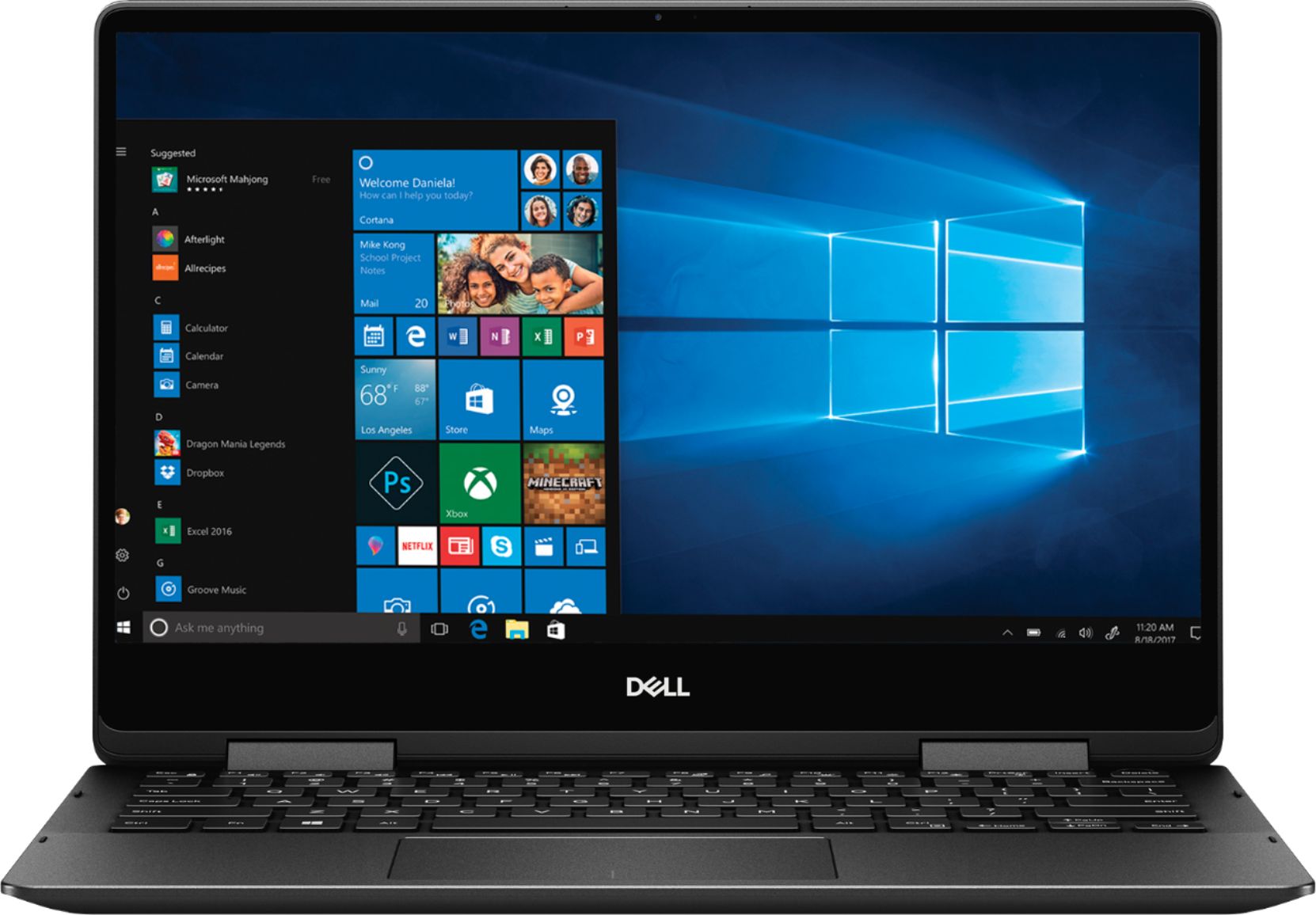
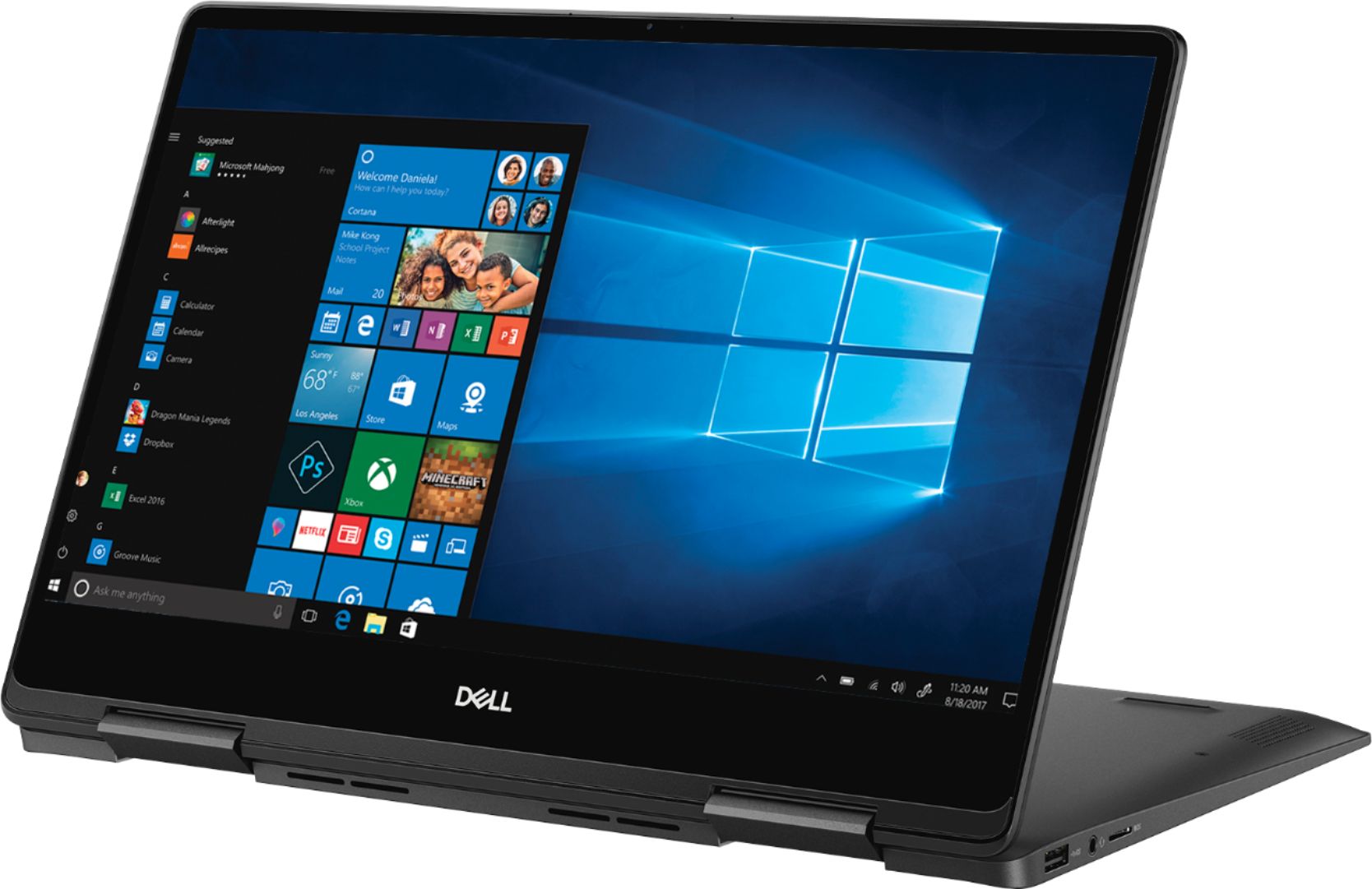
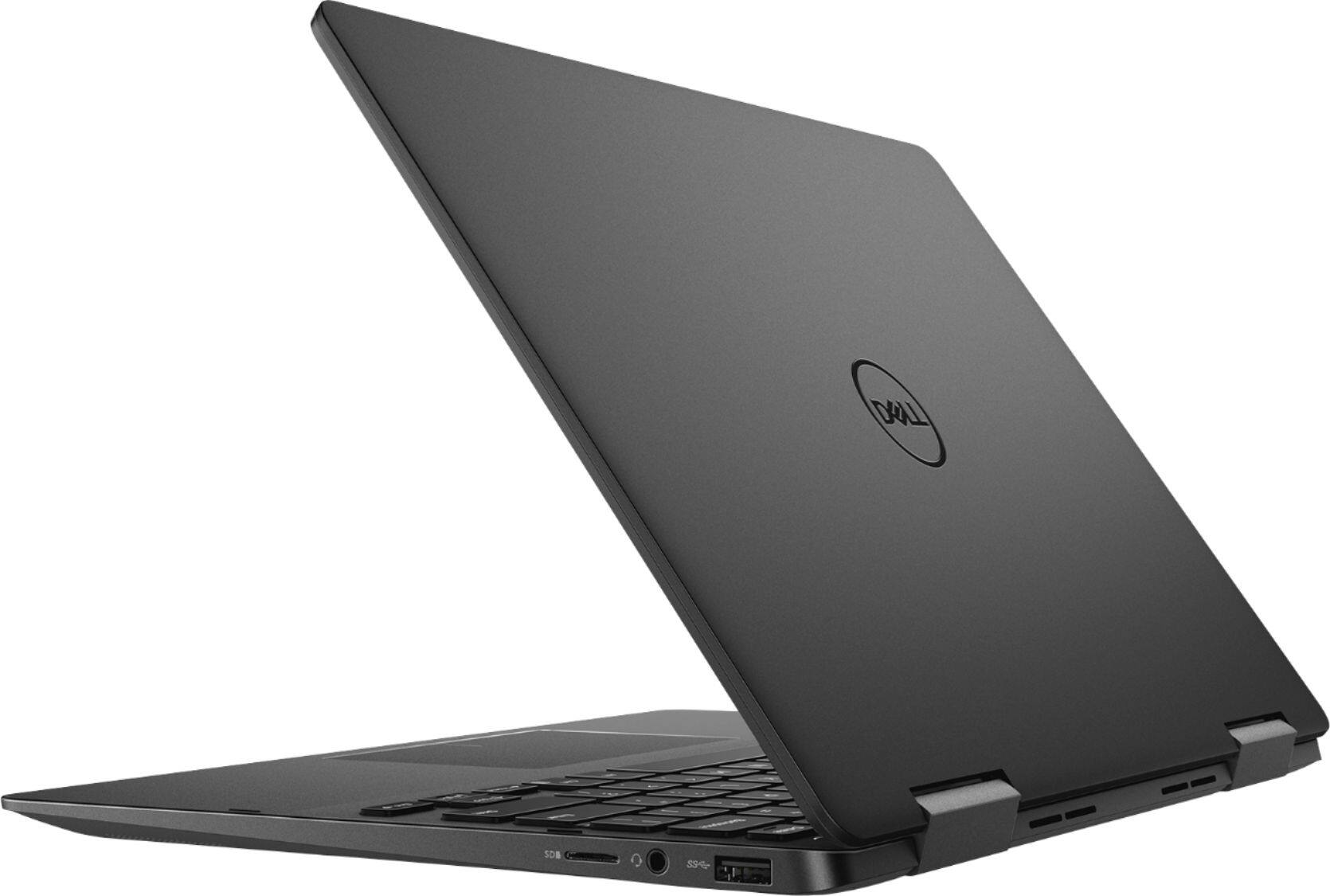
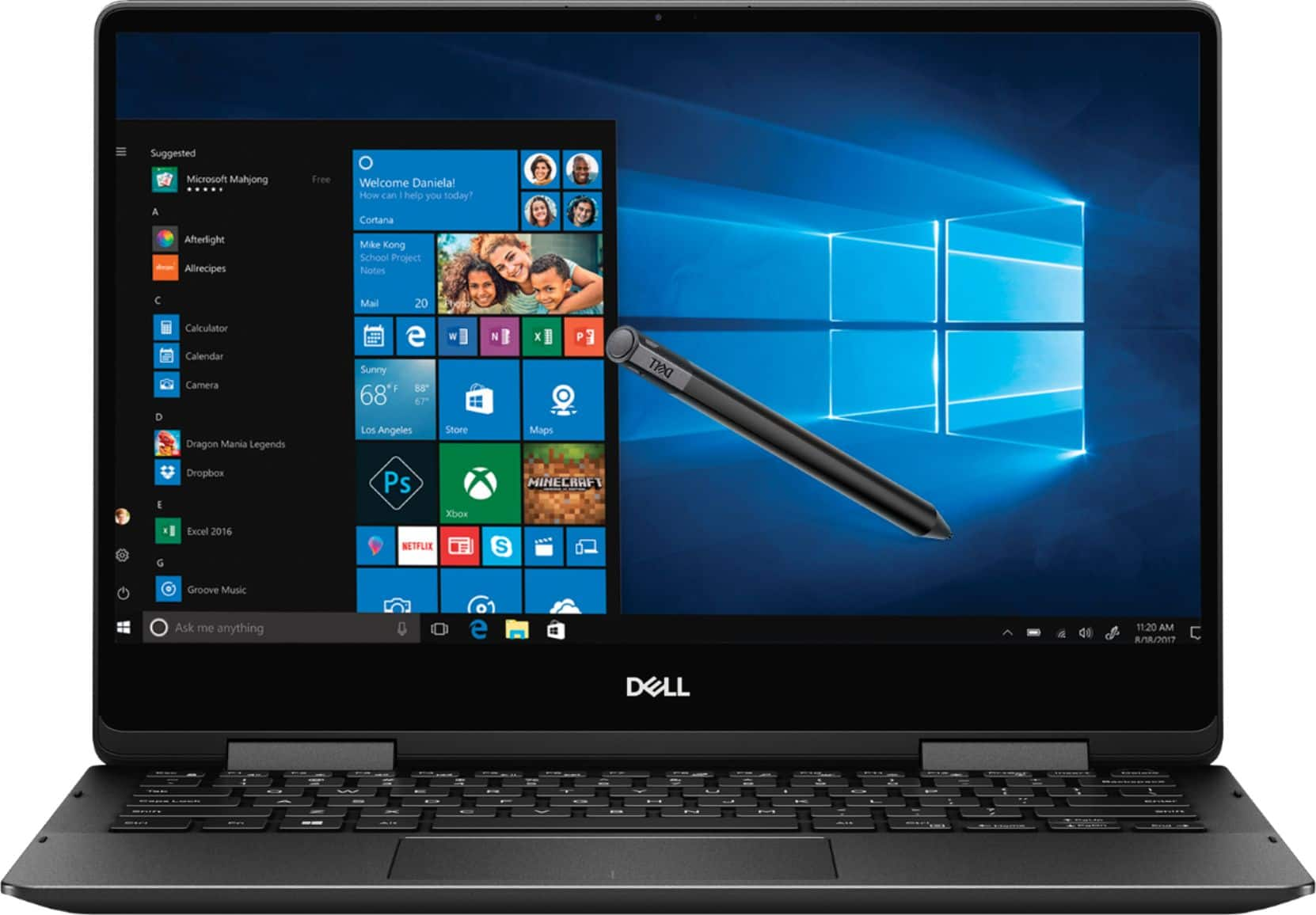
Customers recognize the Inspiron 2-in-1 laptop for its lightweight design, fast performance, and vibrant 4K display. They appreciate the convenience of the touch screen and find that the laptop offers great value for its price. However, customers have concerns about the laptop's battery life, which they say is extremely poor, as well as its tendency to overheat and produce excessive fan noise.
This summary was generated by AI based on customer reviews.
Good laptop so far
||Posted .This reviewer received promo considerations or sweepstakes entry for writing a review.Its a good one also look is best 4k display us worth spending money
I would recommend this to a friend- Pros mentioned:Touch screenCons mentioned:Battery life
Waste of money
||Posted . Owned for 10 months when reviewed.This reviewer received promo considerations or sweepstakes entry for writing a review.This laptop crashes all of the time. The battery lasts about 3 hours before dying and thats only because I have it on low power mode. The system also has thousands of updates but will not automatically do it so it is a pain to restart your computer all of the time. A huge pain is that the speaker is at the bottom of the laptop so you can barely hear anything. Finally, the casing is not very durable and my hinges have moved out of place. The touch screen is great, but in the grand scheme of things it is not that useful. The only thing I love is the mutiple USB and other plugin outlets.
No, I would not recommend this to a friend - Pros mentioned:Lightweight
Perfect 2 in 1!
||Posted .This reviewer received promo considerations or sweepstakes entry for writing a review.I picked this laptop up after my old one fell apart (literally) and am loving the size and ease of use. It's the perfect size to be portable, yet still has a large enough screen to be usefull
I would recommend this to a friend - Pros mentioned:Fast
This Dell Inspiron Is Perfect for me
||Posted .This reviewer received promo considerations or sweepstakes entry for writing a review.This is my third Dell Inspiron and I will continue buying them as needed. This laptop is fast, efficient and is just the right size. I take mine all over the globe without a problem. Nuff Said
I would recommend this to a friend - Cons mentioned:Battery life
Battery
||Posted .This reviewer received promo considerations or sweepstakes entry for writing a review.It’s a great pc other than the battery life is very short.
I would recommend this to a friend - Cons mentioned:Battery life
overall good machine, Poor Battery
||Posted . Owned for 2 months when reviewed.This reviewer received promo considerations or sweepstakes entry for writing a review.Poor Battery, excelent display, overall good machine
I would recommend this to a friend - Cons mentioned:Battery life
Nice design
||Posted .This reviewer received promo considerations or sweepstakes entry for writing a review.Got this laptop for college works really fast and smooth but Battery is soo bad about 1.5hr with HD movie. Also poor wifi connector
No, I would not recommend this to a friendBrand response from YourDellTeam
Posted .gibbons,
Thanks for your review. We're glad that your computer is working well for the most part. If you'd like some tips on extending the life of your battery you can try these:
Change the Power Plan:
1. On the notification area of the taskbar, right-click the Battery icon.
2. On the options list, click Power Options.
3. Select a power plan on the battery meter, such as Power Saver or Balanced. Windows 10 has a built in 'Battery Saver' mode that can be activated to extend your system's battery life. The Battery Saver mode will monitor and limit background activity and other features such as push notifications. You do have the option to enable or disable this mode within settings or within advanced Battery Saver settings, you can customize the mode to best suit your needs.
a) Click on the Action Center icon in the taskbar and select the tile for Battery Saver.
b) If running Cortana then type Battery Saver into the search box and select from the results.
Within the Battery Saver settings page, you will be able to turn on and off the feature and customize the feature to best meet your needs.
c) Turn Battery Saver On or Off.
d) Additional settings available via the Battery use and Battery saver settings links.
e) Battery use shows further info on apps and their power usage.
f) Battery Saver Settings screen allows you to customize further Battery Saver feature.
You can read the full article here - http://dell.to/2vfXWf4.
Best,
Bryan
1-800-624-9896
- Pros mentioned:Lightweight
Superior small laptop
||Posted .This reviewer received promo considerations or sweepstakes entry for writing a review.Is everything I'm supposed to do in a compact way.
I would recommend this to a friend - Pros mentioned:Fast
Good computer
||Posted .This reviewer received promo considerations or sweepstakes entry for writing a review.Computer is well worth the $$. Had to return the 1st one though due to the delete button getting stuck. This one hasn’t had any problems, and processes information very quickly.
I would recommend this to a friend - Cons mentioned:Battery life
Runs hot and battery life is limited
||Posted . Owned for 3 months when reviewed.This reviewer received promo considerations or sweepstakes entry for writing a review.If you don't need to have hours and hours of battery life then this is a really great value laptop with good performance. The fan does run quite a lot but that seems to be related to a Windows driver issue. Hopefully that is patched soon.
I would recommend this to a friend Quick little laptop
||Posted .This reviewer received promo considerations or sweepstakes entry for writing a review.Bought this for school and future job. Got a great deal as as open box item. Pricey but powerful. The fingerprint reader is a little finicky but that’s honestly the only negative thing I can think of. Boots up in no time and easy to slip into a bag for work or class. It’s a little heavy for how small it is and it took some getting used to having a small screen. Wish I could find one with 10 key but it’s a great purchase overall. I’m not a computer wiz but the memory is higher And bigger ssd than other ones and seems to make a difference compared to others I have owned in the past.
I would recommend this to a friend- Pros mentioned:Lightweight
Great for mobile workers
||Posted . Owned for 1 month when reviewed.This reviewer received promo considerations or sweepstakes entry for writing a review.I use it as a travel laptop once it is very compact and light. Size of SSD is a little on the small side but has been enough for my kind of work.
I would recommend this to a friend - Pros mentioned:Weight
Rugged laptop with excellent memory
||Posted .This reviewer received promo considerations or sweepstakes entry for writing a review.Love this laptop! It is light,compact and graphics are phenomenal. We have always been huge fans of Dell products. This laptop packs a punch! Love it!
I would recommend this to a friend Overall good computer
||Posted .This reviewer received promo considerations or sweepstakes entry for writing a review.This computer is a good overall computer. Easy to use and fast processing. Unfortunately it will randomly go to a black screen for about 10 seconds like it’s rebooting or closing the monitor off to catch up from me working too quickly. Other than that it’s worked good.
I would recommend this to a friend- Pros mentioned:Touch screen
Functional laptop for the basic person
||Posted .This reviewer received promo considerations or sweepstakes entry for writing a review.I enjoy this laptop, very simple to use and meets my requirements for someone who uses Microsoft Office and love the touch screen capabilities.
I would recommend this to a friend - Pros mentioned:Touch screen
Great for my first touch screen
||Posted .This reviewer received promo considerations or sweepstakes entry for writing a review.Easy set-up, fast connections, the touchscreen is a big plus feature. I would recommend this lap top. Excellent so far, 4 weeks old.
I would recommend this to a friend - Cons mentioned:Battery life
Not premium
||Posted . Owned for 1 month when reviewed.This reviewer received promo considerations or sweepstakes entry for writing a review.For a $1000 laptop it’s already doing weird stuff with screen in regards to flipping to tablet mode or going back to the login screen. The battery isn’t the greatest either. But it’s okay.
No, I would not recommend this to a friendBrand response from YourDellTeam
Posted .dave,
We appreciate your feedback. We're sorry to hear that your computer is not performing the way that you hoped it would. Here are some tips to help extend the life of your computer's battery:
Change the Power Plan:
1. On the notification area of the taskbar, right-click the Battery icon.
2. On the options list, click Power Options.
3. Select a power plan on the battery meter, such as Power Saver or Balanced. Windows 10 has a built in 'Battery Saver' mode that can be activated to extend your system's battery life. The Battery Saver mode will monitor and limit background activity and other features such as push notifications. You do have the option to enable or disable this mode within settings or within advanced Battery Saver settings, you can customize the mode to best suit your needs.
a) Click on the Action Center icon in the taskbar and select the tile for Battery Saver.
b) If running Cortana then type Battery Saver into the search box and select from the results.
Within the Battery Saver settings page, you will be able to turn on and off the feature and customize the feature to best meet your needs.
c) Turn Battery Saver On or Off.
d) Additional settings available via the Battery use and Battery saver settings links.
e) Battery use shows further info on apps and their power usage.
f) Battery Saver Settings screen allows you to customize further Battery Saver feature.
You can read the full article here - http://dell.to/2vfXWf4.
Best,
Bryan
1-800-624-9896
nice combination of physical and performance
||Posted .This reviewer received promo considerations or sweepstakes entry for writing a review.this laptop was chosen for its excellent ergonomics versus other laptops, but with very good performance and a good backing
I would recommend this to a friendGood laptop
||Posted .This reviewer received promo considerations or sweepstakes entry for writing a review.At first it was acting wierd like freezing maybe because new but now its working perfect. I use it everyday since im in college I need it. It also has good battery life and a nice screen to watch movies . Love the fingerprint feature.
I would recommend this to a friend- Pros mentioned:Fast
Excellent laptop
||Posted . Owned for 2 months when reviewed.This reviewer received promo considerations or sweepstakes entry for writing a review.Purchased these to replace ASUS computers that didn’t last even 6 months. The Dell blows the others away. Love it!
I would recommend this to a friend