Customer Ratings & Reviews



- Model:
- I7386-7007BLK-PUS
- SKU:
- 6295917
to a friend
Customers are saying
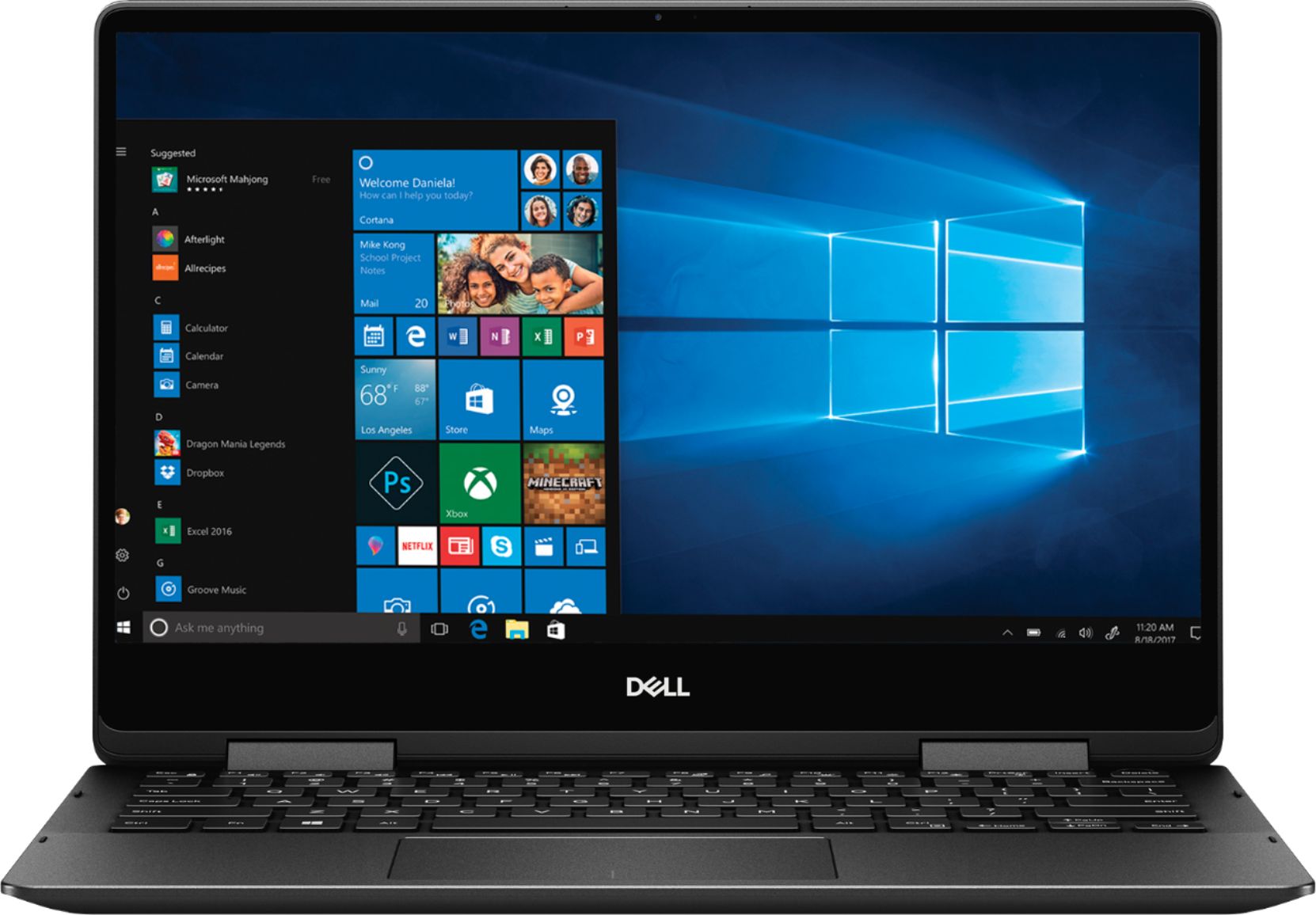
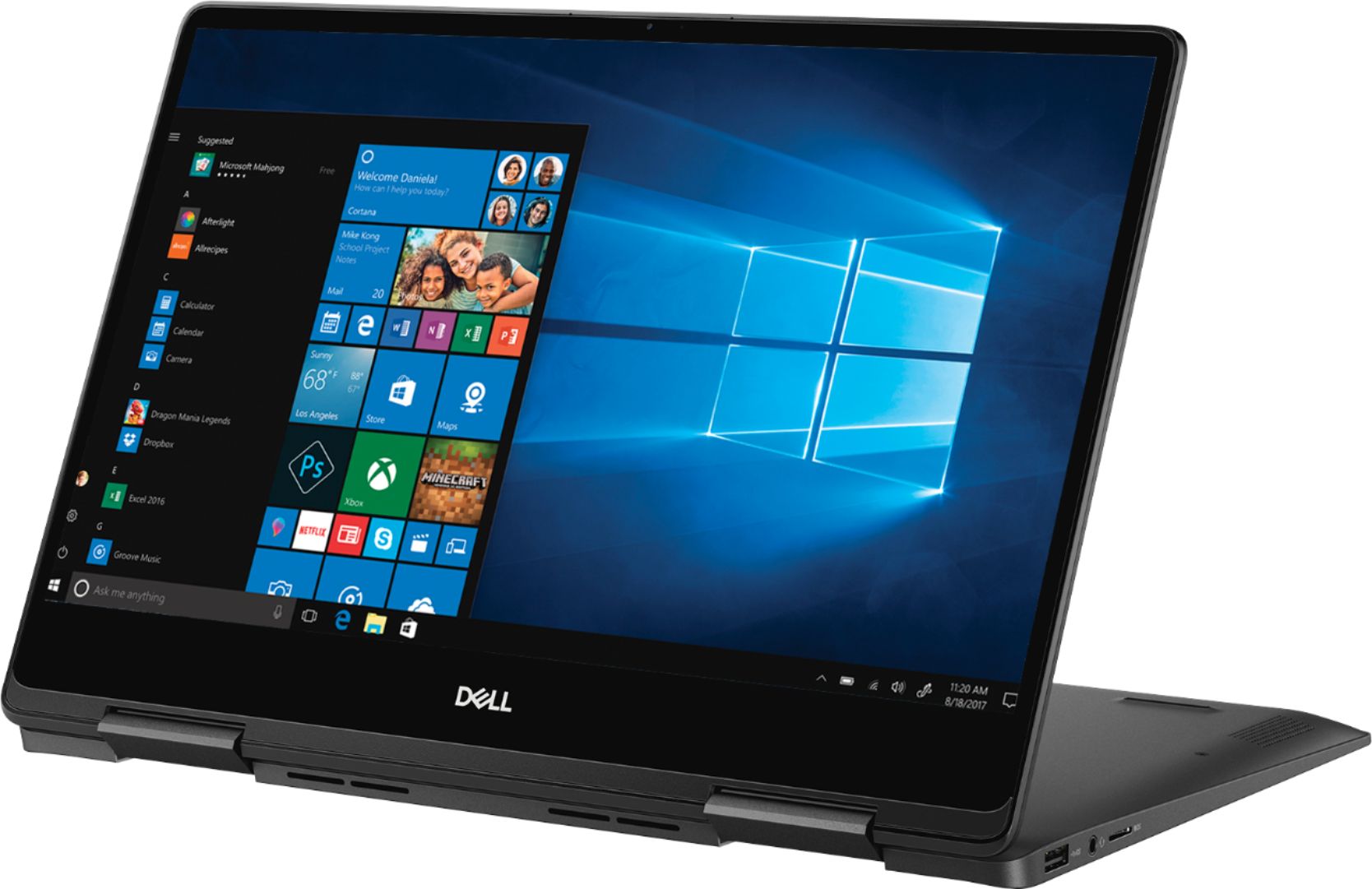
Customers recognize the Inspiron 2-in-1 laptop for its lightweight design, fast performance, and vibrant 4K display. They appreciate the convenience of the touch screen and find that the laptop offers great value for its price. However, customers have concerns about the laptop's battery life, which they say is extremely poor, as well as its tendency to overheat and produce excessive fan noise.
This summary was generated by AI based on customer reviews.
Great for the price
||Posted .This reviewer received promo considerations or sweepstakes entry for writing a review.Great performance for the price range. Enough hardware to perform day to day activities without any performance issues.
I would recommend this to a friend- Pros mentioned:Price
Awesome Laptop with Unbelievable price
||Posted .This reviewer received promo considerations or sweepstakes entry for writing a review.This is an awesome Laptop with Unbelievable price, I am very satisfied with the product and the service by bestbuy.
I would recommend this to a friend Just an OK Laptop for the Price
||Posted .This reviewer received promo considerations or sweepstakes entry for writing a review.I was expecting a much better performance and more storage space for the price. I retuned it for the Lenovo - Yoga 920 which I got on sale and did not pay much more than this Dell. Had the Dell came with 512 SSD I would have kept it.
I would recommend this to a friendgood
||Posted . Owned for 3 months when reviewed.This reviewer received promo considerations or sweepstakes entry for writing a review.Dell - Inspiron 2-in-1 13.3" 4K Ultra HD Touch-Screen Laptop - Intel Core i7 - 16GB Memory - 256GB SSD - Black
I would recommend this to a friend- Cons mentioned:Battery life
Not Great
||Posted .This reviewer received promo considerations or sweepstakes entry for writing a review.Pros: Performance, Touch, Look and feel Cons: Poor Battery which lasts only for 2 hours of browsing just bestbuy.com and google laptop review. Charging takes lot of time.
No, I would not recommend this to a friendBrand response from YourDellTeam
Posted .BlackHoodie,
Thanks for your feedback. We're sorry to hear that your computer's battery life is not lasting very long for you. Please take a moment to reach out to Dell's Technical Support Team here: http://dell.to/2sH7Qlm.
In addition to contacting support, here are some tips to extend the life of your battery:
Change the Power Plan:
1. On the notification area of the taskbar, right-click the Battery icon.
2. On the options list, click Power Options.
3. Select a power plan on the battery meter, such as Power Saver or Balanced. Windows 10 has a built in 'Battery Saver' mode that can be activated to extend your system's battery life. The Battery Saver mode will monitor and limit background activity and other features such as push notifications. You do have the option to enable or disable this mode within settings or within advanced Battery Saver settings, you can customize the mode to best suit your needs.
a) Click on the Action Center icon in the taskbar and select the tile for Battery Saver.
b) If running Cortana then type Battery Saver into the search box and select from the results.
Within the Battery Saver settings page, you will be able to turn on and off the feature and customize the feature to best meet your needs.
c) Turn Battery Saver On or Off.
d) Additional settings available via the Battery use and Battery saver settings links.
e) Battery use shows further info on apps and their power usage.
f) Battery Saver Settings screen allows you to customize further Battery Saver feature.
You can read the full article here - http://dell.to/2vfXWf4.
Best,
Bryan
1-800-624-9896
- Cons mentioned:Battery life
Battery life
||Posted . Owned for 1 month when reviewed.This reviewer received promo considerations or sweepstakes entry for writing a review.Only the battery life is disappointing, everything else I love. Screen quality and keyboard are awesome.
I would recommend this to a friend - Pros mentioned:Fast
Love my Dell Laptop
||Posted . Owned for 3 weeks when reviewed.This reviewer received promo considerations or sweepstakes entry for writing a review.It’s a great size and works very well. Applications open fast and you can do a lot! Love this laptop.
I would recommend this to a friend - Cons mentioned:Battery life
Battery isnt good
||Posted . Owned for 1 year when reviewed.This reviewer received promo considerations or sweepstakes entry for writing a review.Bettery lasted 6 months. Horrible. Whats worse battery is only good for 1.5 hours max. Never the 9 plus hours promised.
No, I would not recommend this to a friend - Cons mentioned:Battery life
Good computer, bad battery life
||Posted . Owned for 1 month when reviewed.This reviewer received promo considerations or sweepstakes entry for writing a review.good functioning computer except for the battery life when unplugged, it can vary between a couple of hours depending on how much stuff you are running and what you are doing. Unless you expect to have a power outlet near at all time would recommend looking at other options which is a shame because it really has a really good looking screen and very capable hardware besides the battery.
No, I would not recommend this to a friendBrand response from YourDellTeam
Posted .Pablo,
Thanks for your feedback. We're sorry that your computer's battery life is not what you hoped for. We'd recommend the following tips to help get the most out of your computer:
Change the Power Plan:
1. On the notification area of the taskbar, right-click the Battery icon.
2. On the options list, click Power Options.
3. Select a power plan on the battery meter, such as Power Saver or Balanced. Windows 10 has a built in 'Battery Saver' mode that can be activated to extend your system's battery life. The Battery Saver mode will monitor and limit background activity and other features such as push notifications. You do have the option to enable or disable this mode within settings or within advanced Battery Saver settings, you can customize the mode to best suit your needs.
a) Click on the Action Center icon in the taskbar and select the tile for Battery Saver.
b) If running Cortana then type Battery Saver into the search box and select from the results.
Within the Battery Saver settings page, you will be able to turn on and off the feature and customize the feature to best meet your needs.
c) Turn Battery Saver On or Off.
d) Additional settings available via the Battery use and Battery saver settings links.
e) Battery use shows further info on apps and their power usage.
f) Battery Saver Settings screen allows you to customize further Battery Saver feature.
You can read the full article here - http://dell.to/2vfXWf4.
Best,
Bryan
1-800-624-9896
- Pros mentioned:Touch screen
Nice notebook
||Posted . Owned for 3 weeks when reviewed.This reviewer received promo considerations or sweepstakes entry for writing a review.Much better than previous dell notebooks. Looks very classy and sharp and the screen is exceptional.
I would recommend this to a friend - Pros mentioned:Fast
Powerful laptop
||Posted . Owned for 1 year when reviewed.This reviewer received promo considerations or sweepstakes entry for writing a review.Perfect size for everyday computing. Very fast and the graphics are strong and vivid.
I would recommend this to a friend Seems like a good laptop so far
||Posted .This reviewer received promo considerations or sweepstakes entry for writing a review.This is replacing my 10-year-old Toshiba, so they're not even comparable. I'm really enjoying my laptop not dying immediately when it's unplugged and being supported by any OS, as my old one wasn't anymore.
I would recommend this to a friend- Pros mentioned:Weight
Great for price
||Posted .This reviewer received promo considerations or sweepstakes entry for writing a review.The first time I have bought a 2 in 1 computer. This Dell fits the brief. Light, fast and easy to use.
I would recommend this to a friend - Pros mentioned:Touch screen
Perfect laptop to travel with
||Posted .This reviewer received promo considerations or sweepstakes entry for writing a review.I really like the touch screen, The lighted keypad is nice. The 13" screen is perfect for my needs.
I would recommend this to a friend Good laptop
||Posted .This reviewer received promo considerations or sweepstakes entry for writing a review.The specs of this laptop are good. The 4k screen is nice, but there is light bleeding from the top edge of screen.
I would recommend this to a friend- Cons mentioned:Battery life
Fast computer/ terrible battery
||Posted .This reviewer received promo considerations or sweepstakes entry for writing a review.I love this computer but I have a bad battery already. It comes with a mail in service to get it fixed but I need the computer for school. I am not pleased.
No, I would not recommend this to a friendBrand response from YourDellTeam
Posted .BetteruseUnitedStatesstuf,
Thanks for your review and we're happy to hear that you're pleased with the speed of your computer. If you'd like to extend the battery life of your computer, we'd recommend trying the following tips:
Change the Power Plan:
1. On the notification area of the taskbar, right-click the Battery icon.
2. On the options list, click Power Options.
3. Select a power plan on the battery meter, such as Power Saver or Balanced. Windows 10 has a built in 'Battery Saver' mode that can be activated to extend your system's battery life. The Battery Saver mode will monitor and limit background activity and other features such as push notifications. You do have the option to enable or disable this mode within settings or within advanced Battery Saver settings, you can customize the mode to best suit your needs.
a) Click on the Action Center icon in the taskbar and select the tile for Battery Saver.
b) If running Cortana then type Battery Saver into the search box and select from the results.
Within the Battery Saver settings page, you will be able to turn on and off the feature and customize the feature to best meet your needs.
c) Turn Battery Saver On or Off.
d) Additional settings available via the Battery use and Battery saver settings links.
e) Battery use shows further info on apps and their power usage.
f) Battery Saver Settings screen allows you to customize further Battery Saver feature.
You can read the full article here - http://dell.to/2vfXWf4.
Best,
Bryan
1-800-624-9896
- Pros mentioned:Price
Awesome buy
||Posted . Owned for 2 weeks when reviewed.This reviewer received promo considerations or sweepstakes entry for writing a review.Mind blowing features for the price. Unbeatable price, love the screen quality. Great buy!
I would recommend this to a friend - Pros mentioned:Weight
Bang on for the money!
||Posted .This reviewer received promo considerations or sweepstakes entry for writing a review.Great deal from Best buy and it's worth the money. Sleek, powerful, handy and light weight!
I would recommend this to a friend It’s good. It keeps charge for about 5 hours.
||Posted .This reviewer received promo considerations or sweepstakes entry for writing a review.It was an open box. It works great. I liked it and I recommend open boxes, but please check everything of that in less than 15 days. So that if it’s anything wrong with them you can return it .
I would recommend this to a friend- Pros mentioned:Fast
Great box
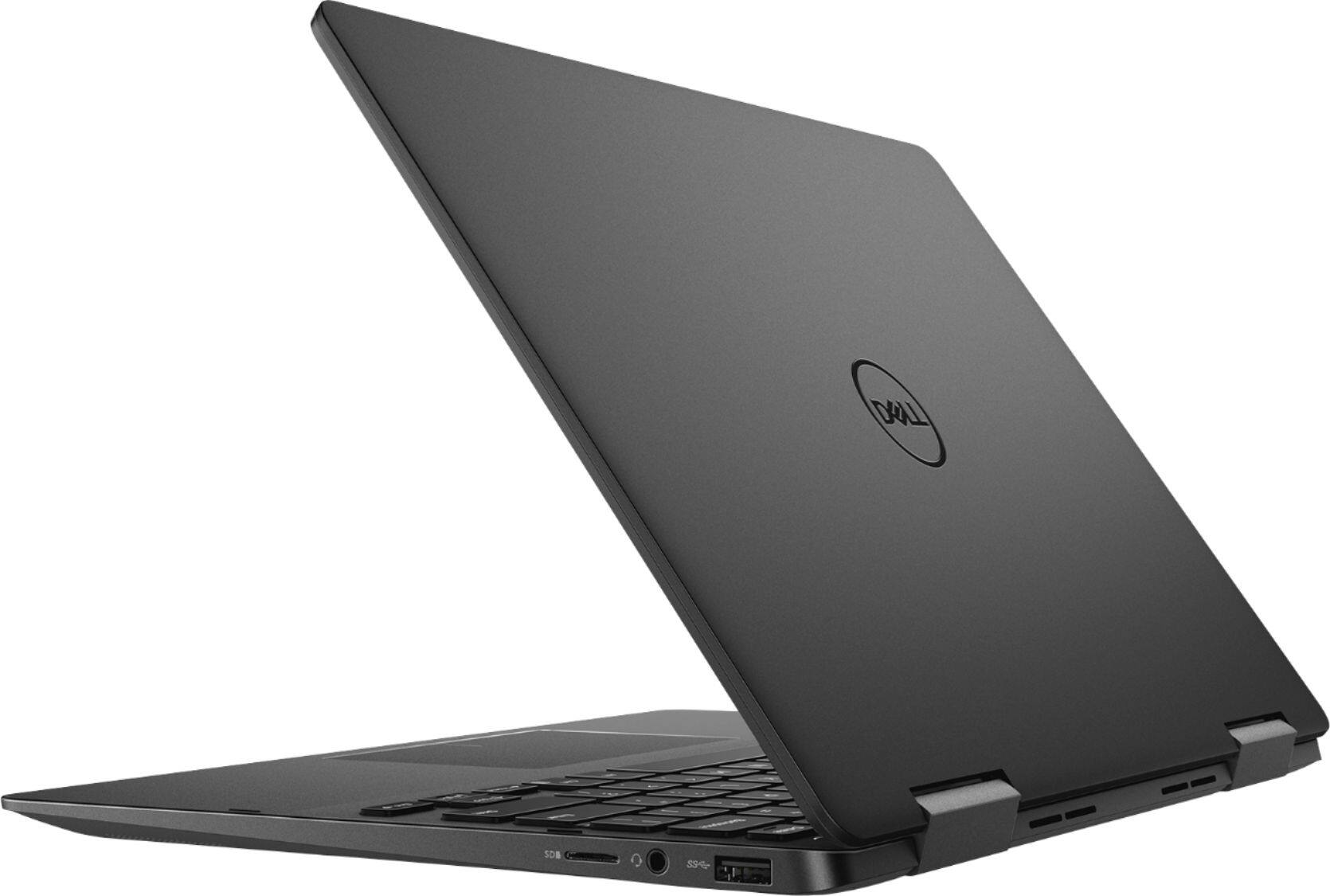
||Posted .This reviewer received promo considerations or sweepstakes entry for writing a review.Fast loaded. Not too many side plugs. 1 usb. I7 16 megs Ram and A Ssd. Really fast
I would recommend this to a friend