Customer Ratings & Reviews

- Model:
- I7378-7571GRY-PUS
- SKU:
- 5823027
to a friend
Customers are saying
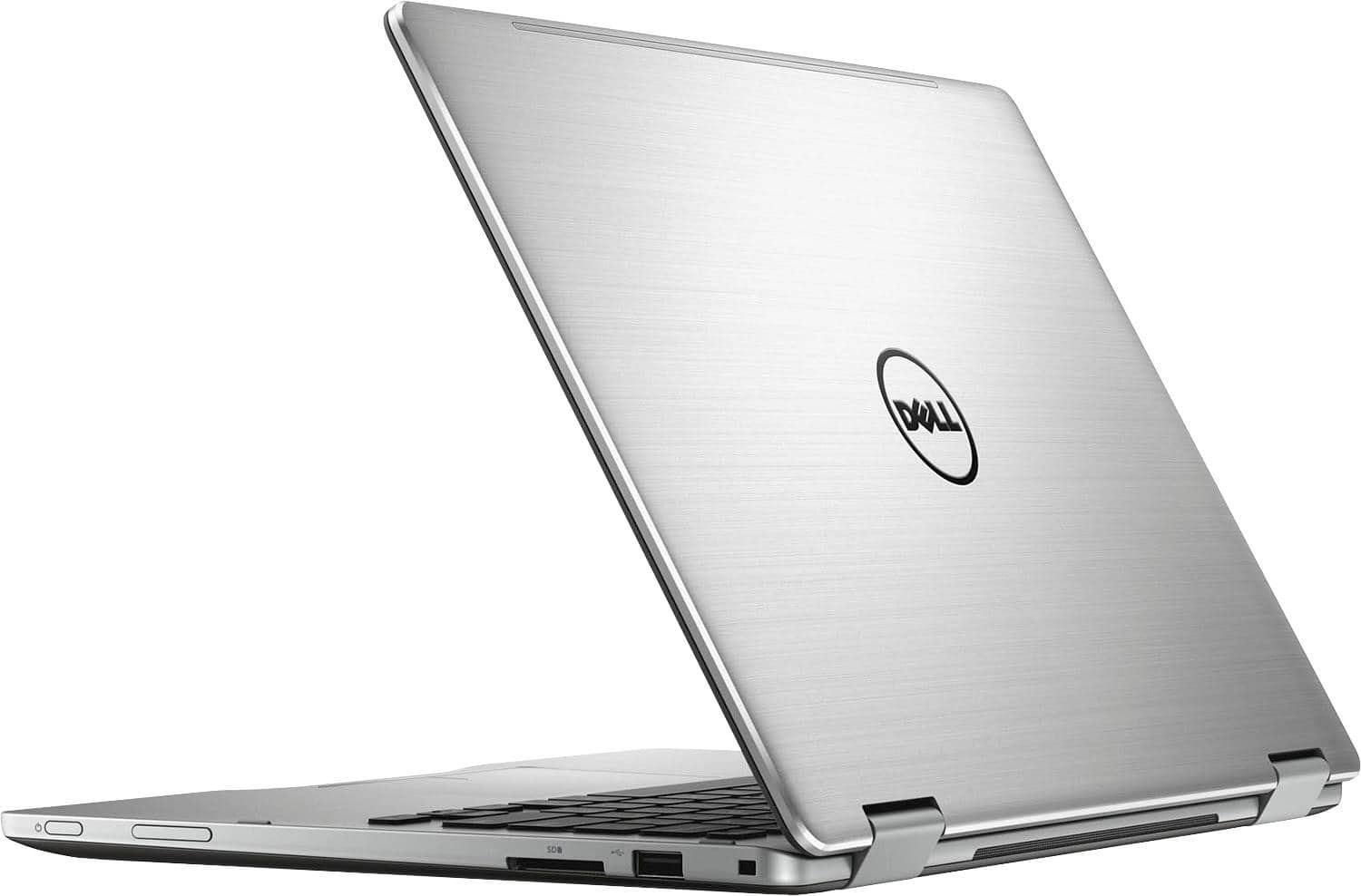
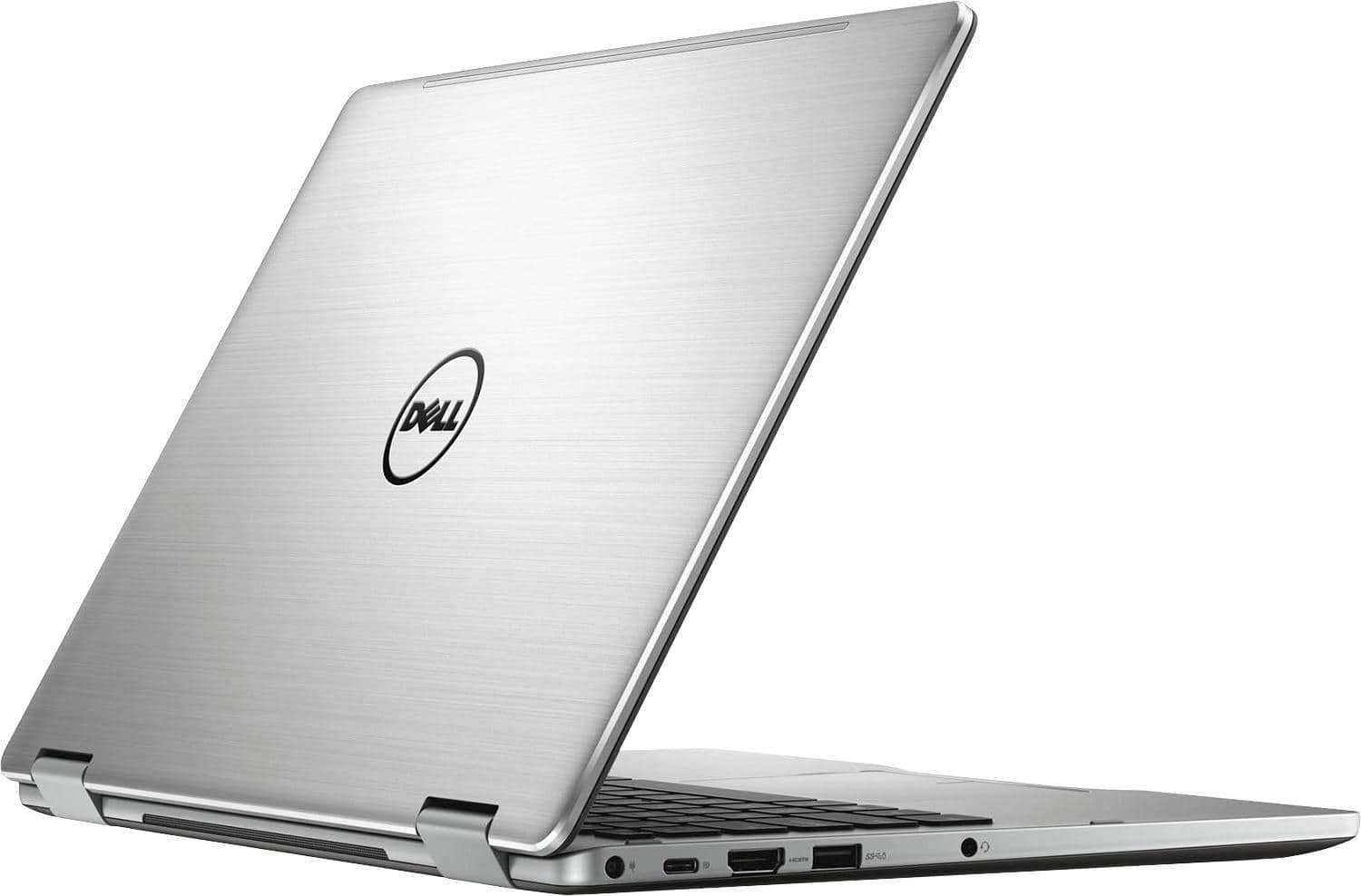
Customers express satisfaction with the Inspiron 2-in-1 laptop's touch screen, performance, lightweight design, and long battery life. They appreciate the backlit keys and overall design. However, some users have concerns about the fan noise and overheating issues, while others wish for more storage space.
This summary was generated by AI based on customer reviews.
Worst laptop
||Posted .This reviewer received promo considerations or sweepstakes entry for writing a review.Very bad laptop & bad recommendation from sales guys. Sales guys try to sell me outdated and laptop with technical issues. Went back to store return, but was again tried to sell one more open box, this laptop did not even boot.
No, I would not recommend this to a friendGood 2 in 1 laptop
||Posted .This reviewer received promo considerations or sweepstakes entry for writing a review.The Dell laptop is good for the budget conscious people. It is packed with the tech of the higher priced laptop. It is a good buy. Go for it
I would recommend this to a friendBrand response from YourDellTeam
Posted .Hercules - We're so glad to hear that you're happy with your new Dell 2-in-1 laptop. We know that it will continue to work great for you but if you want to refer to the product support page for anything you can always visit - http://dell.to/2hYMYF6. Enjoy!

Noooooo!
||Posted .This reviewer received promo considerations or sweepstakes entry for writing a review.I had such high hopes for this machine. It was just what I needed at the right price point, but five very easy days in, it died. And not just a "wouldn't turn on again" death--a wouldn't wake up/ fan revving, then BIOS, then "No Boot Device Found" Black Screen of Death sort of death. With beeping. (It might be part Dalek?) I exchanged it this evening for the HP Spectre x360 15" (16GB RAM/512 SSD) that I originally had my eye on but talked myself out of. Subjective notes: While this machine was functional, I had zero complaints about its responsiveness to the Wacom Bamboo Ink in tablet mode, internet/wifi connectivity, display quality, and overall feel. I was concerned about fan revving/heat and battery gauge. I think I'll be happier with the HP Spectre x360 in terms of screen real estate and sound, for what I need. I will definitely be happier with it if I don't have to get another computer in five days. Notes on Best Buy service: Return/exchange was easy and painless. They honored a coupon I used on the Dell for my upgraded purchase on the HP. YMMV, but it doesn't hurt to ask.
I would recommend this to a friendIt’s ok
||Posted .This reviewer received promo considerations or sweepstakes entry for writing a review.Gimmicky laptop. You quickly find that you don’t use half the things it has but I mean it’s cool I guess
No, I would not recommend this to a friendBrand response from YourDellTeam
Posted .Didi - We're glad to see that your new Dell 2-in-1 is meeting your needs. We are sure that you will continue to find more uses for your new device as you use it more. If you ever need to troubleshoot anything with your computer you can view your product support page here - http://dell.to/2hYMYF6. Thanks again and good luck! - Bryan
can not use the pc
||Posted .This reviewer received promo considerations or sweepstakes entry for writing a review.laptop has a password and best buy does not know what it is, what kind of service do we pay for?
No, I would not recommend this to a friendBrand response from YourDellTeam
Posted .Hello Market, we're sorry that you've faced issues. Please call our customer service line for help, 1 (800) 624-9897
Can't rate without the itm.
||Posted .This reviewer received promo considerations or sweepstakes entry for writing a review.I was told this would be in on 12/14/2017, but as of today, the 22nd, I am still waiting.
No, I would not recommend this to a friendBrand response from YourDellTeam
Posted .- Carolyn, We're sorry to hear that your computer hadn't arrived yet when you wrote this review. If you do have questions about your new computer once you receive it you can refer to our Product Support Page here - http://dell.to/2hYMYF6. - Bryan
Dell laptop 2-1 Inspiron 13.3"
||Posted .This reviewer received promo considerations or sweepstakes entry for writing a review.The internal hardware and software are great but the external parts are made of cheap plastic and after 1 year they are breaking. The hinges that make it turn from laptop to tablet are stuck, although I can still use the computer, but it's very annoying.
No, I would not recommend this to a friendGlitches
||Posted .This reviewer received promo considerations or sweepstakes entry for writing a review.Maybe I just had a dud but it would close out on programs.
No, I would not recommend this to a friendBrand response from YourDellTeam
Posted .@Klong, Thanks for your recent Dell laptop purchase. We hope it's meeting your needs. If you need help with your computer crashing on you we'd recommend the following:
1. At the desktop, click the Search the web and Windows box and type "problem reports".
2. Select View all problem reports to view a list of errors that have occurred on your computer and possible solutions for them, such as updating drivers, flashing your system BIOS, or checking for updates to software.
3. Under the Source column, look for Windows and under Summary, look for Shut down unexpectedly.
4. Right-click the line item and select Check for a solution.
You can read the full article here - http://dell.to/2u98Cct.
We hope this helps your programs to stop closing on you. - Bryan
Some on going issues
||Posted .This reviewer received promo considerations or sweepstakes entry for writing a review.I have had issues with touch screen& phantom touch
No, I would not recommend this to a friendBrand response from YourDellTeam
Posted .Hi Carol, We're sorry to hear that you're having difficulties with your touch-screen. Here are some troubleshooting tips for your touch screen concerns:
If you are having issues with your Touchscreen, this may include being unable to access items to the edge of the screen for example your screen may require re-calibration.
Below are the steps required to calibrate your Touchscreen.
1. Restart the Computer and the Monitor
2. Recalibrate the touch-screen. Steps to calibrate touch-screen:
3. Go to Control Panel and select Tablet PC Settings.
4. Under Display tab, select Calibrate....
5. Choose Pen or Touch input.
6. Perform the point calibration that appears on the screen to correct the linearity problems.
7. Save the calibrated data.
Here's the full article for your reference - http://dell.to/2uLztub. - Bryan
Initial Problems
||Posted .This reviewer received promo considerations or sweepstakes entry for writing a review.Nice unit, seems well built. But, had to spend 3.5 hours with Dell logging in to solve startup problems. Seems OK now but still unstable from time to time.
No, I would not recommend this to a friendBrand response from YourDellTeam
Posted .RayM - Thanks for your review and for your recent Dell 2-in-1 purchase. We're sorry to hear that you had to spend so much time with support initially but we're glad to hear that the problem has been solved. If there are additional issues that you need help with you can always visit your Product Support page here - http://dell.to/2hYMYF6. We hope this helps and that you continue to enjoy your new computer.
No good
||Posted . Owned for more than 2 years when reviewed.This reviewer received promo considerations or sweepstakes entry for writing a review.Already hd to buy another computer this was a total waste of 800+ dollars. Would not recommend this to anyone. Terrible mess.
No, I would not recommend this to a friendPoor quality
||Posted .This reviewer received promo considerations or sweepstakes entry for writing a review.This laptop failed three times in two and half years and is now determined to be unrepairable.
No, I would not recommend this to a friend- Pros mentioned:Touch screen, Weight
Great Laptop for college student
Posted .This reviewer received promo considerations or sweepstakes entry for writing a review.Good Configuration with great features with reasonable price. Touchscreen works awesome and very good battery performance. Light weight and handy.
I would recommend this to a friend Delivers great value!
Posted .This reviewer received promo considerations or sweepstakes entry for writing a review.I am impressed with the performance of this little machine. It is very quick even when multiple programs perform CPU-intensive tasks (downloading Windows updates, installing new software, browsing and leaving multiple tabs open, etc.). Uninstalling or installing software takes only a fraction of the time it would have taken my old laptop (a mid-range i5 with 8 GB RAM). The keyboard is comfortable to type with and the mouse trackpad is responsive. The screen is bright, although the colors appear slightly dimmer than expected (this may be due to Dell's True Color software which can be adjusted). The sound is crisp and reasonably loud, and the overall feel of the laptop is solid - there are no cheap plastics or creaky hinges :)). There is no overheating and so far the machine has been really quiet. The tablet option works great too and the only con for me appears to be the limited hard disk space (256 GB). Having an SDD, though, makes a real difference in performance. I was further impressed by the i7-7500U Intel processor - even though it is a dual core unit, its performance is strong and close to the quad-core family of CPUs. I am not a gamer (occasionally play older games), so having a dedicated graphics card is not a must for me. In every other sense, this is a great portable 2-in-1 laptop. It also has a backlit keyboard and supports an active Windows ink pen. I am very pleased with my choice and would recommend this to anyone looking for a fast and stylish ultra-portable laptop.
I would recommend this to a friend- Cons mentioned:Fan, Overheating
Overheating and noisy fan
Posted .This reviewer received promo considerations or sweepstakes entry for writing a review.I got this laptop from best buy in very good deal. This laptop is super fast and and all features are cool. I am giving 3 star because of the noisy fan issue and over heating of laptop. I have used this laptop for 4 days now. As soon laptop is turned on, fan will turn on. Not sure if it is normal behavior. Also fan sound is louder compared to my earlier lenovo laptop. When i try to tilt laptop or move around fan sound will increase. Even though i consider fan noise has normal, more annoying thing is it is getting over heated. After 5 mins of switching on the laptop, it is getting heated and it will be inconvenient to keep it on you lap. I spoke to dell support, they have upgraded the bios version from 1.6.1 to 1.20.0. And did some diagnostic. Still i see the problem. I will try to see if anything software or drivers needs to be updated. If this problem continues i need to see if i have to return this product. It is very good laptop but because of the noisy fan and heating, i may end up returning. Please let me know if any one has the same issue or it is just specific to my laptop
I would recommend this to a friendBrand response from YourDellTeam
Posted .Manohar - Thank you for your recent Dell laptop purchase and for your review. We are sorry to hear that you are experiencing overheating issues as well as loud fan noise. Please take a moment to read this Dell Support article related to overheating on your laptop - http://dell.to/2uJ8AdG. Here is an article related to the fan noise on your device - http://dell.to/2uGDHo5. We hope that these tips will help your laptop perform the way you had hoped it would.
- Cons mentioned:Fan, Overheating
fan noise
Posted .This reviewer received promo considerations or sweepstakes entry for writing a review.I just bought this computer and love the fast start (in a few second and with face detection, it comes on nearly instantly). However, I am experiencing loud fan noise when it is on, even more troubling is that when I lift the computer and tilt the computer, the fan noise becomes even loud and change sound as I move/tilt the computer from side to side. However, when the fan is not on, I don't hear noise. Anyone has similar experience? Now I am not sure if I should return the computer or exchange one? I had a bad experience with a HP laptop which had initial issue of overheating (~50-60 degree Celsius at the bottom when I touch and feel it), which I thought it should be OK, but it eventually burned out after a few years. I am not going to give it a bad rating (but a neutral one) for now until I hear some comments back, or use it for a week to see it is consistent (before return policy expires). I indeed bought this computer based on very good custom rating and also good deal with the student discount.
I would recommend this to a friendBrand response from YourDellTeam
Posted .John, We're sorry to hear that you're experiencing noise with the fan on your new laptop. We'd suggest that you read some of the tips in this Dell Support article related to fan noise on your device - http://dell.to/2uGDHo5. Hopefully these tips help resolve any issues that you're having.
- Pros mentioned:Touch screen
Great Laptop for college student
Posted .This reviewer received promo considerations or sweepstakes entry for writing a review.Good configuration and great features. Fast and very good performance with reasonable price, touch screen works awesome and good battery lfe.
I would recommend this to a friend - Pros mentioned:Touch screen
Inspiron 13-7378 is exactly what I wanted
Posted .This reviewer received promo considerations or sweepstakes entry for writing a review.I went to Best Buy with my list of desires (replacing great service but worn Surface Pro 2). They showed me several options & I picked Inspiron 13. The startup & conversion (Win 10 Pro & MS Office 2016) were flawless. It's exactly what I wanted. PLEASE NOTE THAT MY UNIT HAS THE STICKER: SUPPORT ACTIVE PEN. Some 13 models do not. Don't expect Windows Ink unless you have that sticker. I bought expensive Bamboo pens along with the Dell that I could not make work. An appointment with Geek Squad solved the compatibility issue in 3 minutes. Now, everything is functioning perfectly, thanks to Dell & Best Buy.
I would recommend this to a friend Great laptop
Posted .This reviewer received promo considerations or sweepstakes entry for writing a review.I bought this computer a little longer than a month ago. It is a great laptop. I bought it for school so I carry it in my backpack almost everyday, and because of this I would like it to be more light-weight, but its not that heavy either. The reason I gave it 4 stars and not 5 is because when I first started using it, the battery lasted about 4-5 hours (using normal school stuff: google, writting documents, spotify) and the fan would never turn on, but now the battery lasts about 3 hours before I have to plug it and the fan is loud and constantly turning on, which I think it is what's draining the battery life, so if you are going out with this computer for the day, better take the charger with you. Overall, great laptop.
I would recommend this to a friend- Pros mentioned:Fast
Best Laptop I've Ever Bought
Posted .This reviewer received promo considerations or sweepstakes entry for writing a review.Man, does this thing fly! I had originally got an HP Spectre with i7. Liked it except that the right shift key wouldn't go down all the way and half the time it didn't register (annoying). Also when i powered it off and woke up in the morning 15% of the battery was gone (annoying). I returned it and got the one i wanted all along: the Lenovo Yoga 720. i5 processer and 256 SSD. The problem with that computer (and a lot of Lenovos....sadly) is the dang wireless card. Put 20 feet and an interior wall in between that computer and a router and the Lenovo is all like "whoah, what happened? The router is gone!!" That wasn't gonna work for me. So...i returned it for this Dell. While the Lenovo and Spectre had very fancy boxing/packaging, the Dell packaging was pedestrian at best. The Lenovo and Spectre had grand start up rituals. The Dell's is very workmanlike (no nonsense). Then once it recognizes your face, it's on like Donkey Kong. Moves lightning fast and keyboard is a breeze. The touchpad was a little sensitive at first but you can adjust that. Also i got a lot of fan noise at first use, but i just went to the Dell website and updated all drivers and BIOS and the fan noise went away. The only 2 negatives i have for this laptop: 1. it's heavier than it looks, so using it as a tablet probably will never happen; I have an old Yoga and it is far lighter. 2. the battery is just OK. It has about 3-4 hours of battery life. These aren't show stoppers for me. And for the price, this is totally excusable. I mean...you're getting 12Gig of memory, 256 SSD, and a new generation i7 processor for far less than the competitors. And dude...you're gettin' a Dell! Oh, and btw- the wireless card has no issue whatsoever finding a router! Love this computer and highly recommend.
I would recommend this to a friend

















