Customer Ratings & Reviews


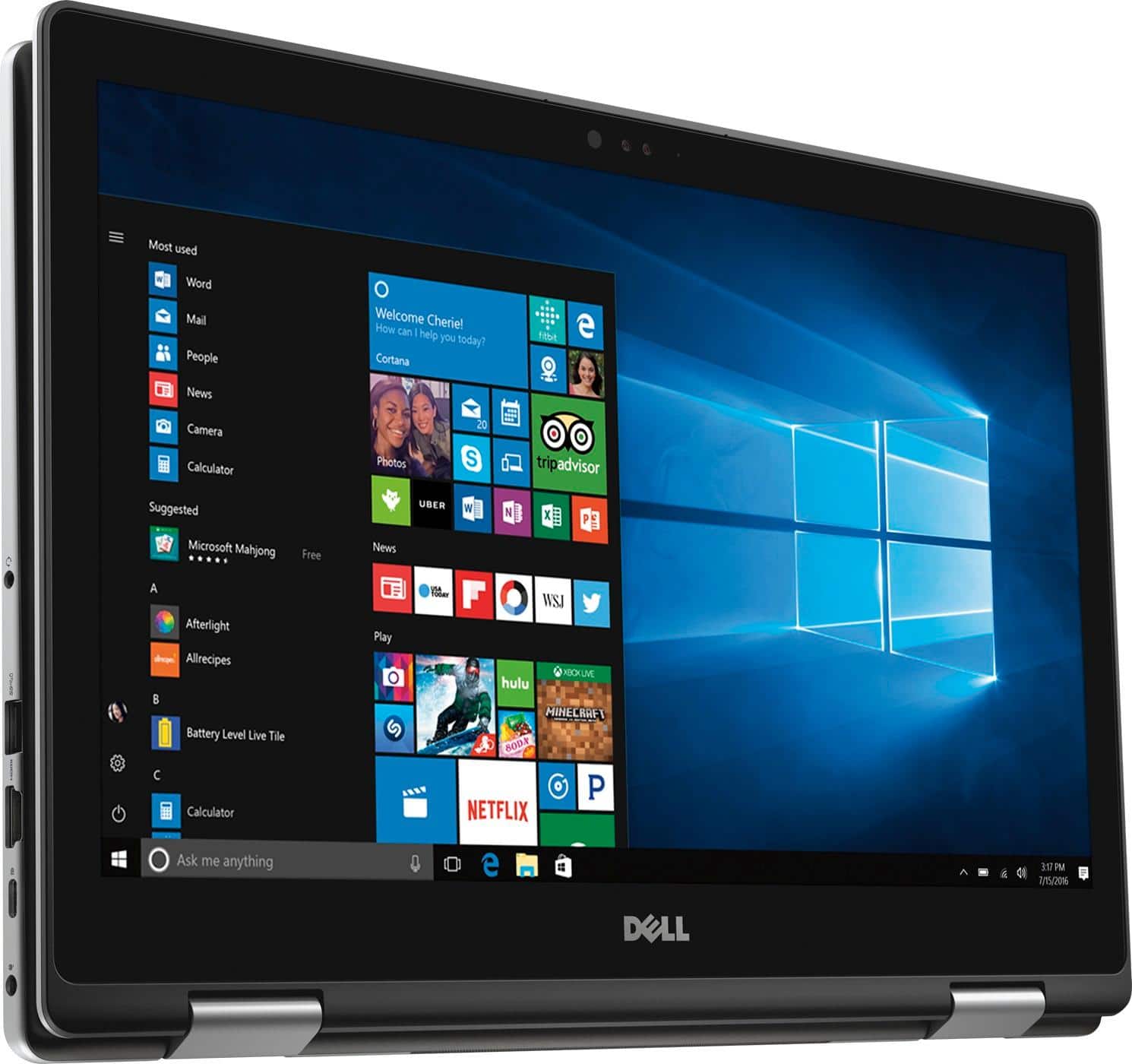
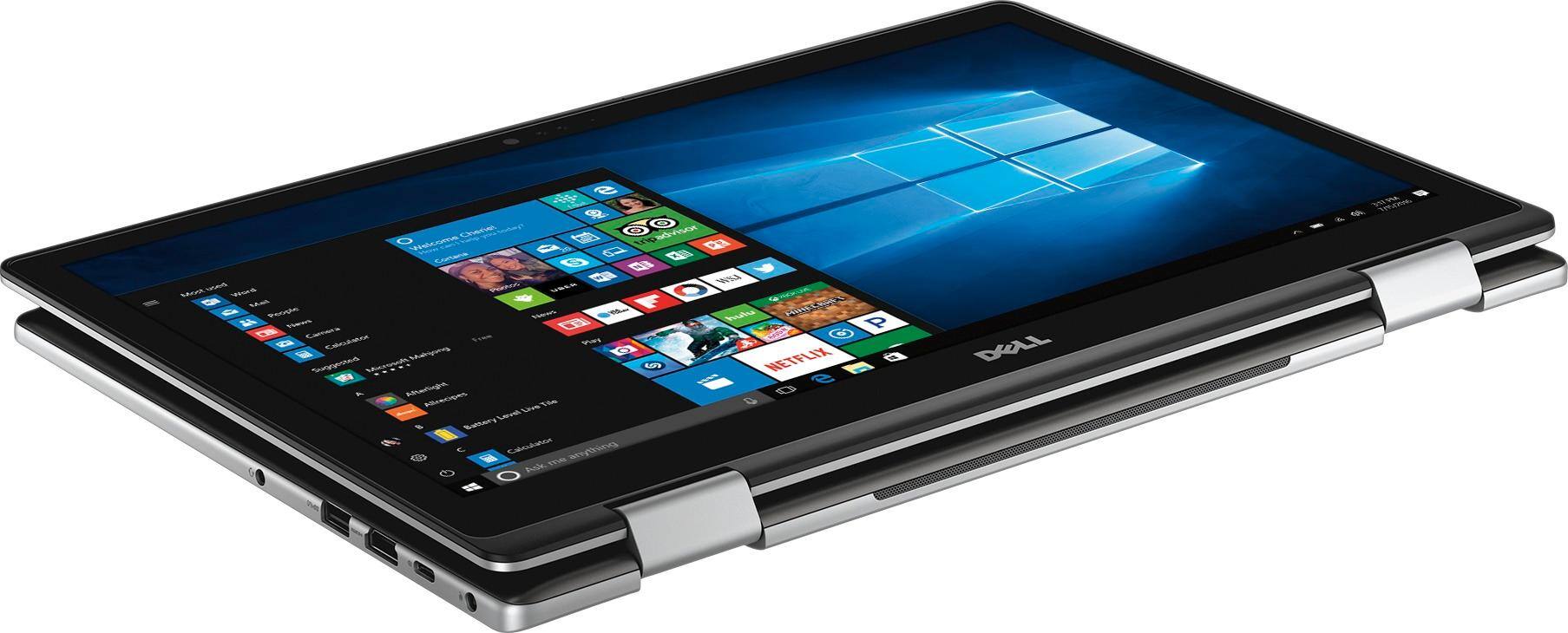
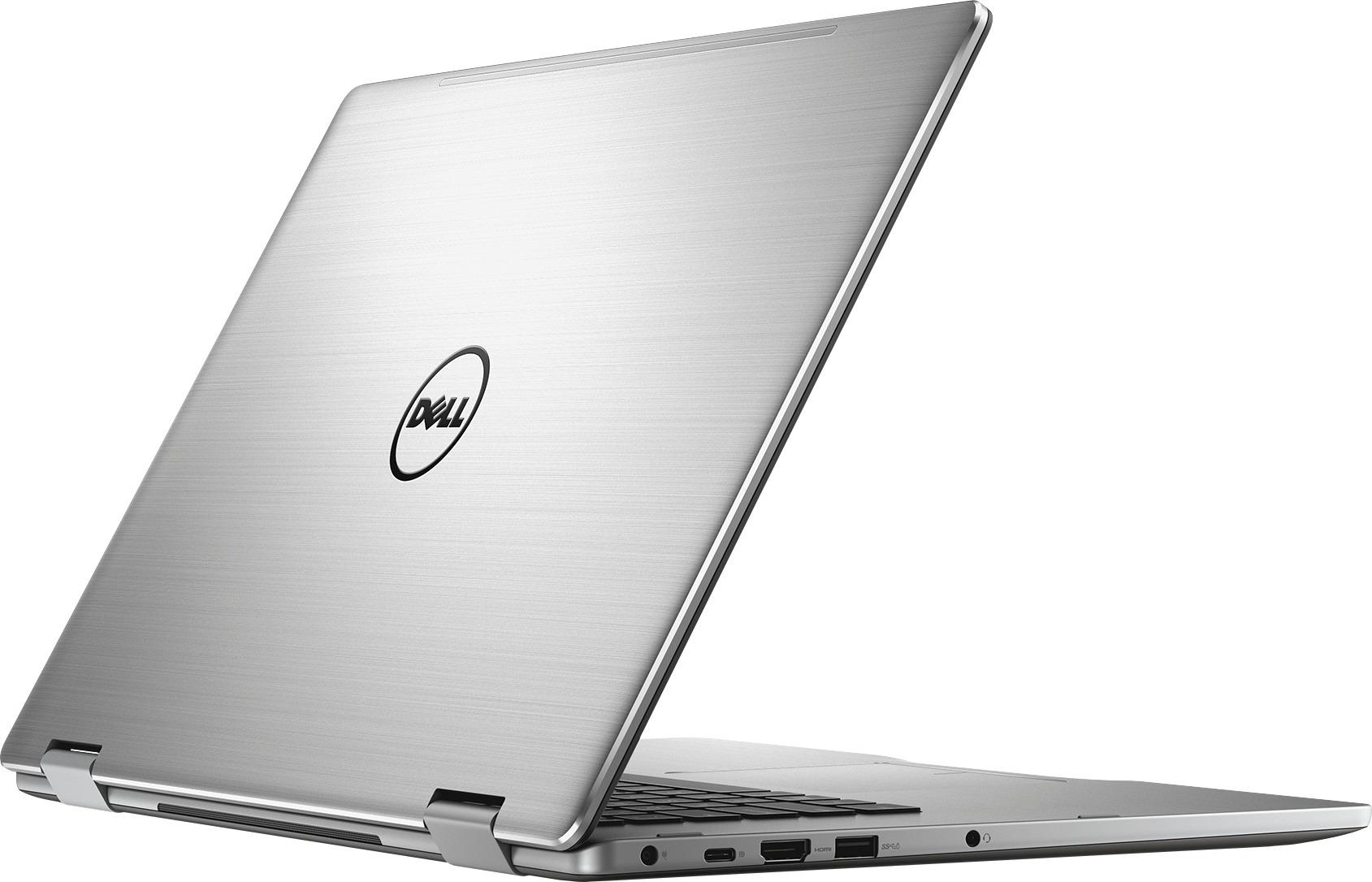
- Model:
- I7579-5588GRY-PUS
- SKU:
- 5823026
Rating by feature
- Value
Rating 3.8 out of 5 stars
- Quality
Rating 4.1 out of 5 stars
- Ease of Use
Rating 4.5 out of 5 stars
Customers are saying
Customers highly value the touch screen, ease of use, and performance of the Inspiron 2-in-1 laptop. Many appreciate its solid-state drive, light weight, and competitive price. Positive feedback also highlights the long battery life and versatility of the 2-in-1 design. However, some customers noted concerns about the audio quality and the laptop's size.
This summary was generated by AI based on customer reviews.
stopped working after 5 months
||Posted .This reviewer received promo considerations or sweepstakes entry for writing a review.terrible purchase. completely stopped working after 5 months
No, I would not recommend this to a friend- Pros mentioned:Touch screen
Excellent laptop for college students.
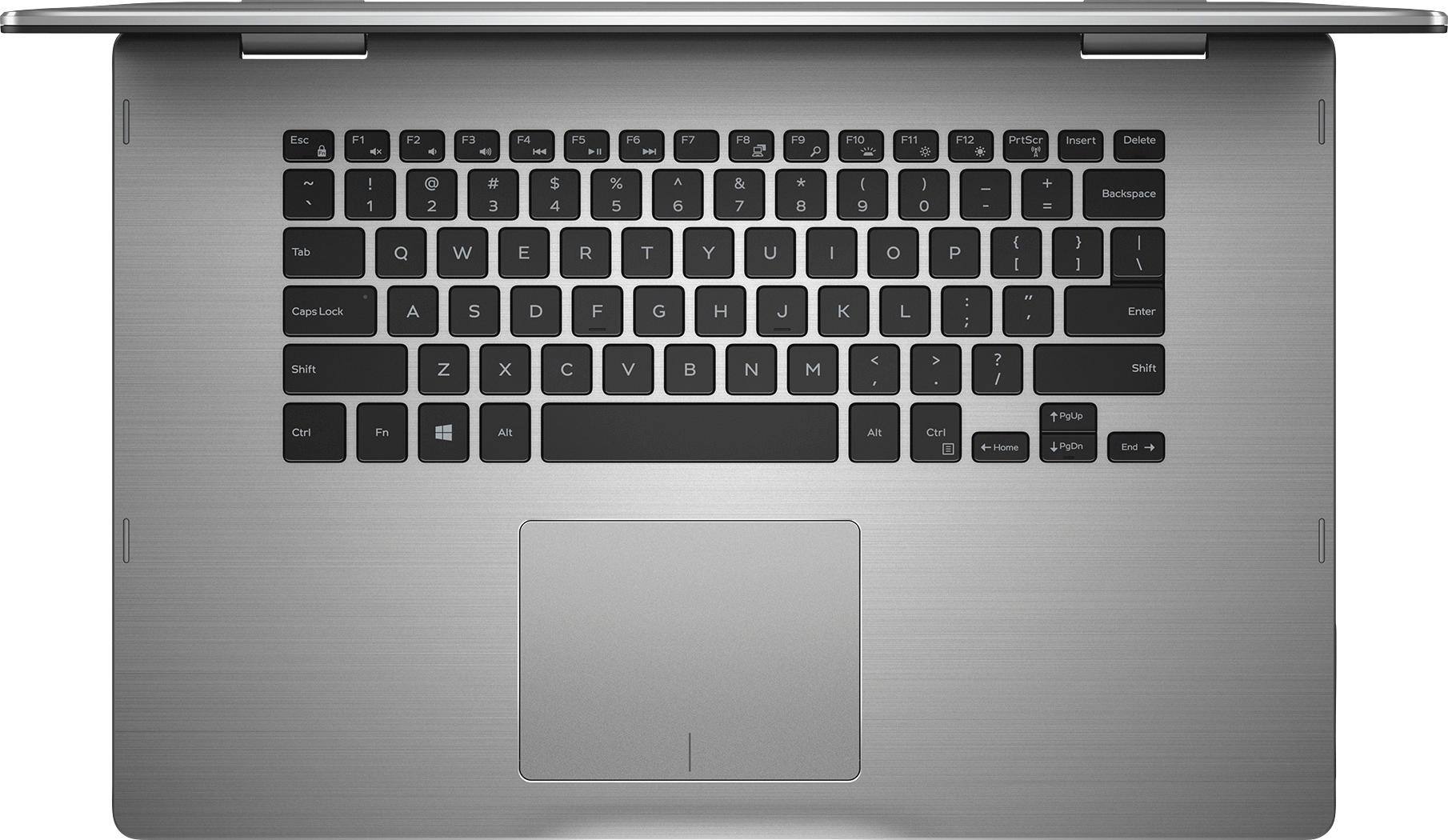
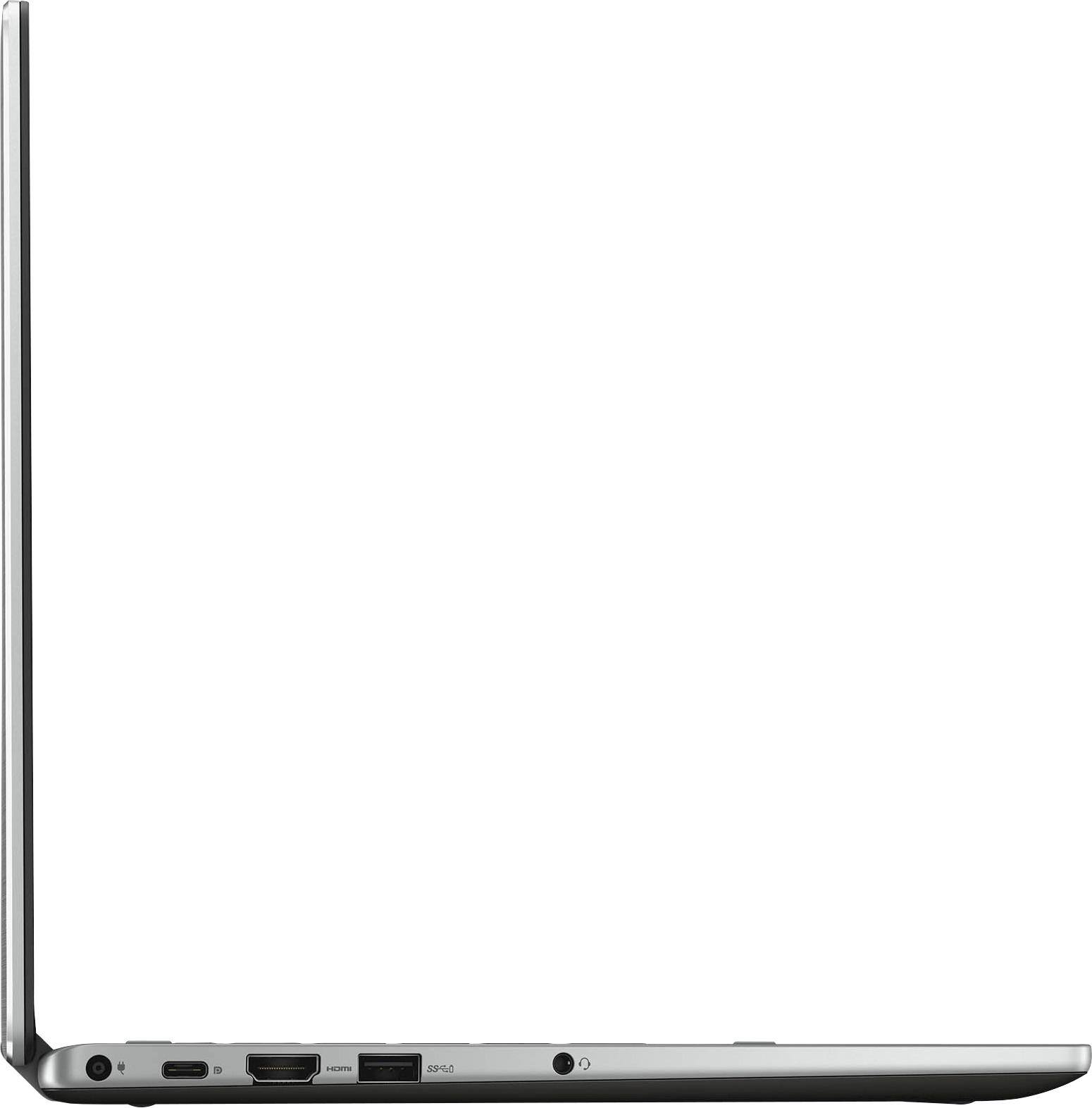
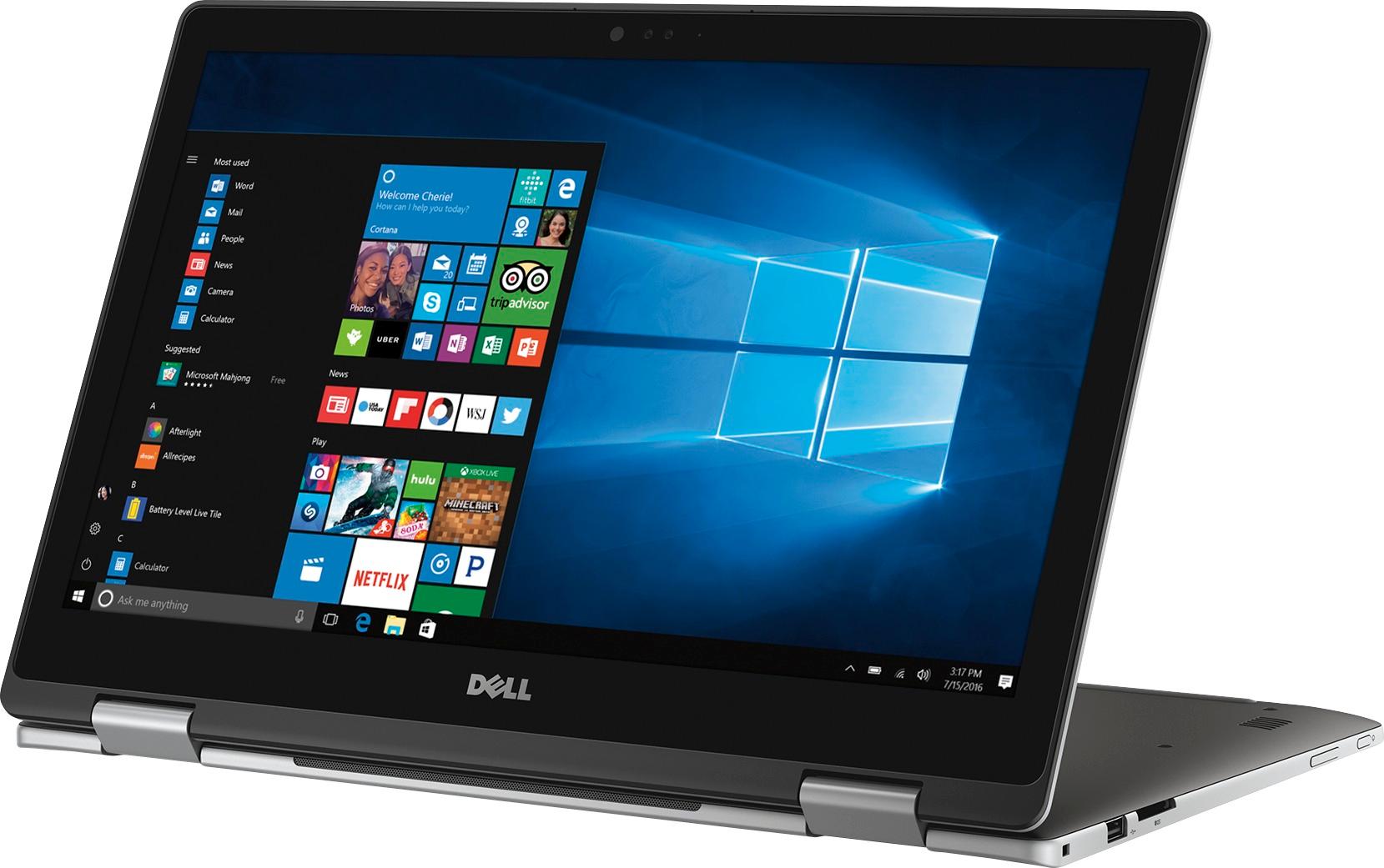
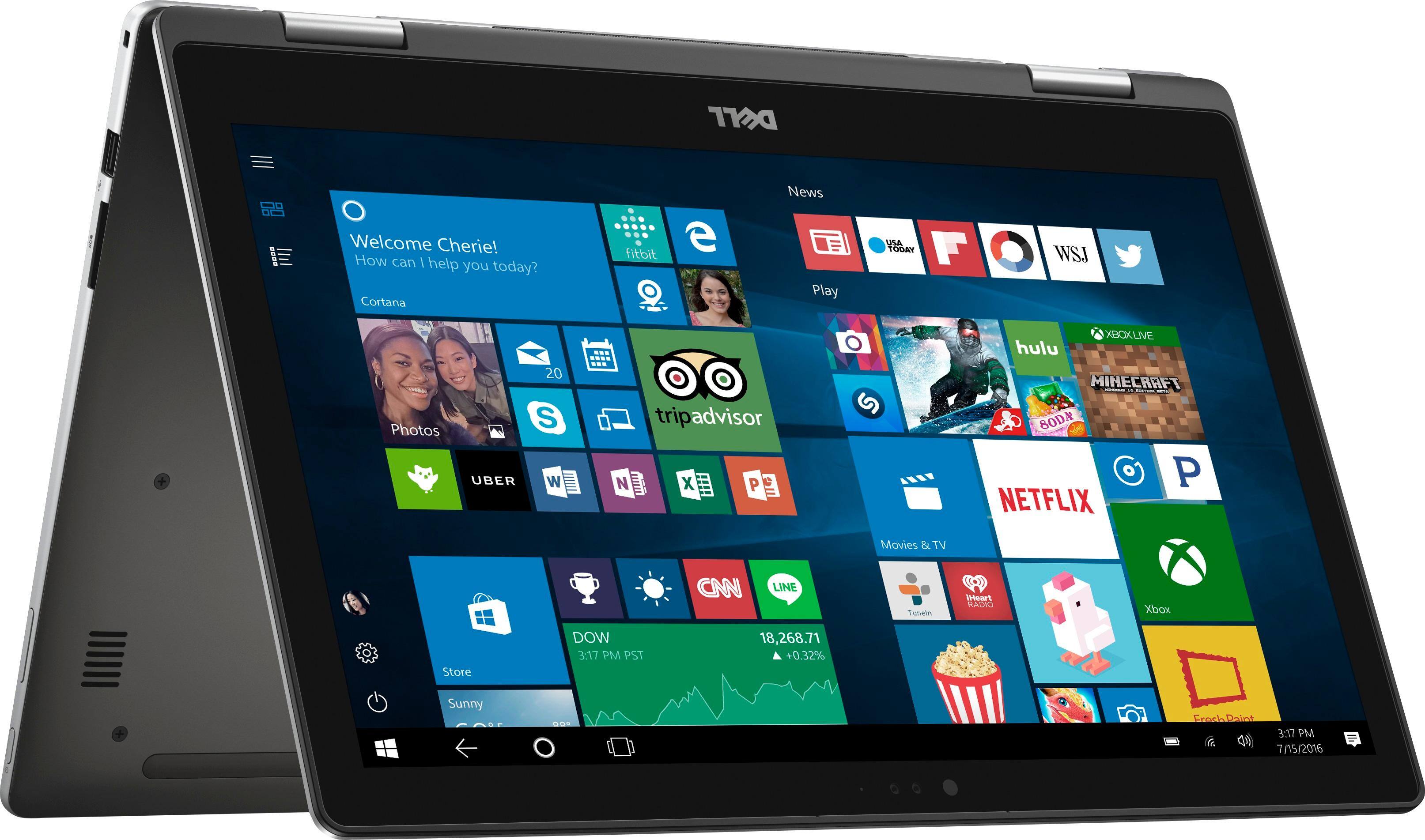
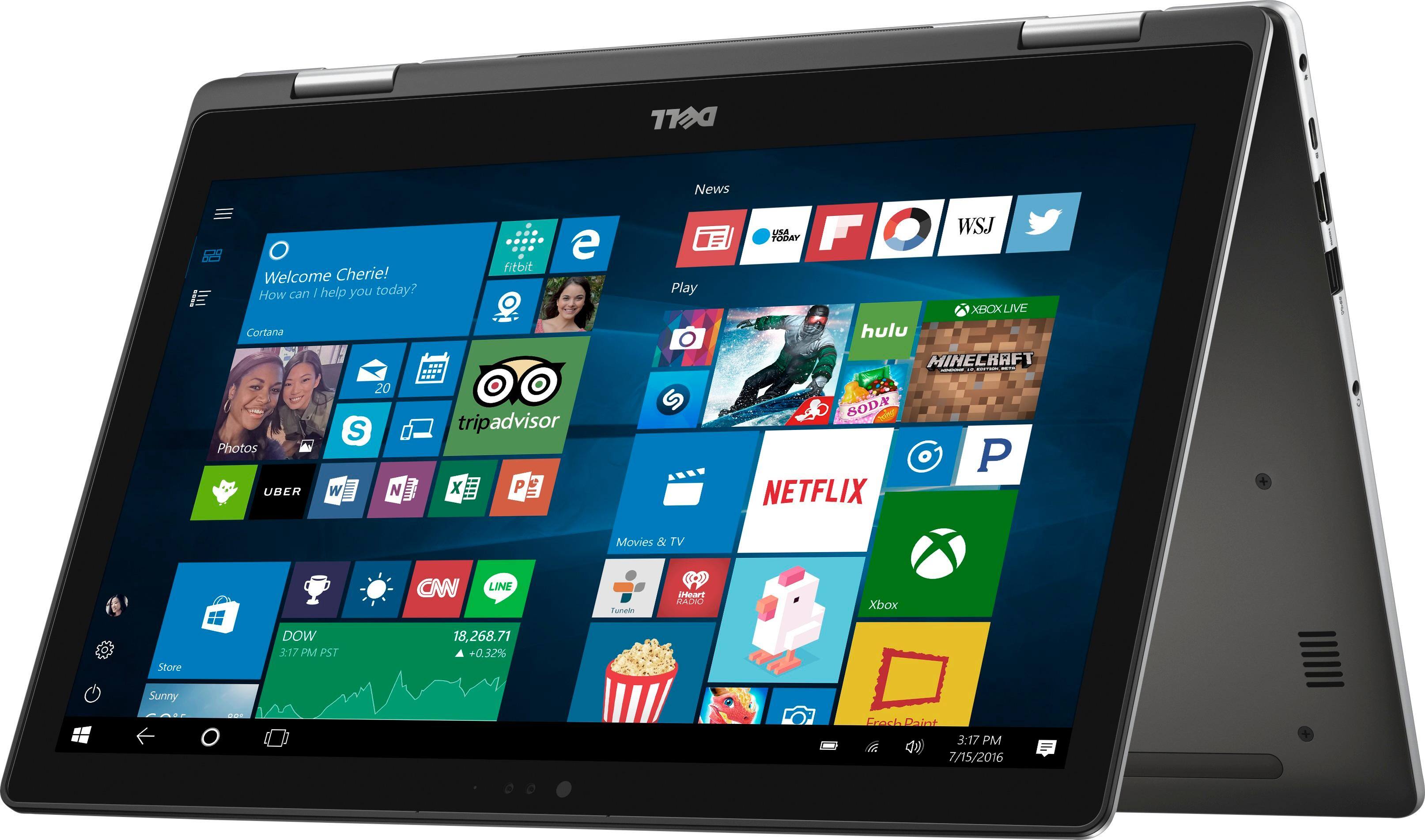
Posted .This reviewer received promo considerations or sweepstakes entry for writing a review.I purchased this laptop before starting college and I initially had some reservations about the sturdiness of the hinge and the size of the screen, but after using it for several hours a day for over a month, I could not be more pleased with its features. The tablet mode is great for online activities and reading e-books, while tent mode works really well for streaming netflix. The screen is on the larger side, which has been nice because I can pull up both my books or the professors slides and take notes on the other side of the screen, which I have found is a lot harder to do on the smaller 13" laptops. It is both light and sturdy, which is great for carrying it all over campus. My only complaint is that there is quite a bit of extra space on the sides of the keyboard that easily could have been used for a number pad, but otherwise, it covers everything I need it too.
I would recommend this to a friend - Pros mentioned:Speed
Fantastic Laptop!
Posted .This reviewer received promo considerations or sweepstakes entry for writing a review.Could not be happier with my purchase! I read all the wonderful reviews for a similar model (last years model) and decided to give this newest model a try. The display is beautiful. The touch pad is very responsive. The keyboard is just right. The computer is overall very fast and I had no problem downloading everything I needed in no time. Very pleased with my purchase and highly recommend to others looking for an affordable, yet very high performance laptop.
I would recommend this to a friend - Pros mentioned:Performance
Very Practical for college
Posted .This reviewer received promo considerations or sweepstakes entry for writing a review.The system runs amoothly and I love the 2 in 1 l!!
I would recommend this to a friend - Pros mentioned:Speed, Ssd
Love everything about it!
Posted .This reviewer received promo considerations or sweepstakes entry for writing a review.Excellent laptop that is crazy fast. The display is stunningly beautiful, crisp and clear. I highly recommend this laptop for anyone. Literally boots up in less then 10 seconds because of the SSD. The facial recognition unlock is awesome and very accurate.
I would recommend this to a friend - Pros mentioned:SsdCons mentioned:Audio
Fast, but awful sound
Posted .This reviewer received promo considerations or sweepstakes entry for writing a review.I liked the size and speed of the computer (thanks to the SSD) but I ultimately returned it because the sound was awful. While playing at any volume above, say 25 it would start to crackle like a cheap speaker turned too loud. When I tried to listen to music with headphones it was even worse. Completely random crackling noises and occasionally static. I updated the sound drivers, hoping it would solve the issue like another reviewer had mentioned but it absolutely didn't. I had to return it because a laptop at that price shouldn't sound like that.
No, I would not recommend this to a friend Great for Student
Posted .This reviewer received promo considerations or sweepstakes entry for writing a review.I was hesitant to buy a PC after my last one overheated all the time, but I haven't had any overheating issues with this laptop! It doesn't even get warm even when running heavy programs while on my lap! Love the back-lit keyboard, which also has a nice spring to it and is easy to type with. Works well with the dell active pen and allows you to rest your hand on the screen while writing.
I would recommend this to a friend- Pros mentioned:Performance
Good performance for the price
Posted .This reviewer received promo considerations or sweepstakes entry for writing a review.This is solid performance laptop for freshman college student. We have no issue with it. I am about to change replace the battery for about $40, because it was constantly plug-in, which is not a good practice.
I would recommend this to a friend Great Deal and Great Computer
Posted .This reviewer received promo considerations or sweepstakes entry for writing a review.Saw that this computer was on sale for almost 200 bucks off original price. With that price it was a steal.. highly reccomend! The I5 processor offers more than enough power!
I would recommend this to a friendTerrible quality
Posted .This reviewer received promo considerations or sweepstakes entry for writing a review.In the one year I have owned this laptop I have had nothing but problems. First the touchscreen quit working. No big deal as I never really used it anyway. Next the keyboard quit working. I didnt have time to get it fixed so I plugged a wireless keyboard into it until I could take time off from work to take it in to be repaired. Now the battery wont charge or turn on, even with the charger plugged in. I took it in to be repaired and have been told that the motherboard failed and it would be best to just buy another laptop. I would not recommend buying this computer or a Dell product to anyone.
No, I would not recommend this to a friendShould have bought a Mac
Posted .This reviewer received promo considerations or sweepstakes entry for writing a review.Bought this laptop in April 2017 on sale. No wonder it was such a steal. Have had nothing but issues with it from the start. I have been to my college’s tech department 3 times in the last 2 weeks. The screen will go black. The laptop will continuously not connect to WiFi and I’m being told by the tech department that there is something wrong with the adapter hardware in the computer. Oh yeah, and it’s finals week, so I currently have a laptop that will not connect to the internet on finals week while I’m trying to study. Thanks for nothing Dell. DO NOT BUY THIS.
No, I would not recommend this to a friendBrand response from YourDellTeam
Posted .@Ally - Thanks for your review and for expressing your concerns. We are sorry to hear that during finals week you have a computer that's not connecting the way that it should be. Here are some steps you can try in order to diagnose the issue you're facing with your connection:
1. Run the Network Troubleshooter.
a) Touch and hold or right-click the network icon (Available Networks or Network Icon, located in the lower right-hand corner).
b) Touch or click Troubleshoot problems and then follow the prompts.
Here's a link to the full article: http://dell.to/2sLtwRh.
Dell's products also come with a One Year Limited Warranty. You can read the terms of our Warranty Policies here: http://dell.to/2tNsVOs. - Bryan
Great laptop for the money!
Posted .This reviewer received promo considerations or sweepstakes entry for writing a review.This replaced a 10 year desktop that was on its last life. Great fit and finish. Fantastic speed with a sharp looking display. For the money while on sale, this could not be beat!
I would recommend this to a friendDisplay died Best Buy won't repair
Posted .This reviewer received promo considerations or sweepstakes entry for writing a review.The display went black in the middle of working on a project, and wouldn't restart. I went to the Dell website and read up on diagnostics. I got "beep codes" that indicated there was a "display error." I took it back to the store since it was still under warranty. After two weeks I was told it was too expensive to repair and they would only refund or give me store credit.
No, I would not recommend this to a friendBad item. Keyboard stopped working
Posted .This reviewer received promo considerations or sweepstakes entry for writing a review.I would not purchase this again. After one year the keyboard stopped working.
No, I would not recommend this to a friendHorrible waste of money
Posted .This reviewer received promo considerations or sweepstakes entry for writing a review.Have had this for two days and every time I have tried to use it, it had troubles turning on and booting up.
No, I would not recommend this to a friendBrand response from YourDellTeam
Posted .Hello Valued Customer, Thanks for your review. We're sorry to hear that you had trouble with turning your computer on. Here are a few steps we'd recommend to try to find out why this may be happening:
1. If the computer is displaying the Dell logo and does not move past that point, it has probably failed POST.
2. If the power indicator lights up and it is amber or orange, this is usually an indicator that it has failed POST.
3. If you see text on a black screen, the computer is currently performing the POST. If the computer stays in that condition and does not move past it, it has probably failed POST.
4. If the video screen displayed anything at all during the startup process but is now black, this probably indicates that the computer failed POST.
5. If the computer is beeping or if Caps/Num/Scroll Locks are flashing, note if there is a particular pattern in which it beeps or flashes.
6. If the computer is not beeping and caps/num/scroll locks are not flashing, unplug all connections and remove all media communication devices (e.g. external monitors); reconnect one at a time and check if the computer functions.
7. For a notebook, press and hold the Fn key and then press the power button. This starts the pre-boot testing and will launch ePSA. In case you have a Desktop at the Dell logo screen tap the F12 key to enter One Time Boot Menu and use the arrow keys to highlight Diagnostics and press enter.
Here's the full article - http://dell.to/2uj1Sby.
We hope these tips help your computer startup better for you. - Bryan
Slow, full of bloatware and locking up.
Posted .This reviewer received promo considerations or sweepstakes entry for writing a review.Got this computer for going back to school. One on display seemed fine. However this one is garbage. Was dead out of the box. After 15 minutes on the charger it finally decided it would boot up. However Its been locking up since then. Battery is also only holding a 30 minute charge and since it is an internal battery looks like it has to go to dell for replacement. Even after removing all of the Dell, McAfee, and other assorted bloat ware its still acting up. Going to try a full wipe which sucks as its brand new out of the box. I knew to stay away from Dells but it was in budget. Even worse it does not have a Ethernet port. I wish I had seen this before making the purchase as the wifi card is extremely slow and I will be in buildings with no wifi. My phone has been testing at 3x the speed of this laptop. The no Ethernet port is half my fault. However it looks like I have a expensive paper weight for school.
No, I would not recommend this to a friendBrand response from YourDellTeam
Posted .96Formula6spd, We're sorry to hear that you're not too happy with your Back to School computer. We would recommend that you let your computer fully charge before you test how long it will last on the battery charge. For tips to enhance your battery performance you can read this Dell Support article - http://dell.to/2vfXWf4. For more information about how to troubleshoot the slowness that you're experiencing you can visit - http://dell.to/2tSulGV. We hope these tips help get your device running closer to the speed you had hoped for. Best of luck with school this year!