Customer Ratings & Reviews

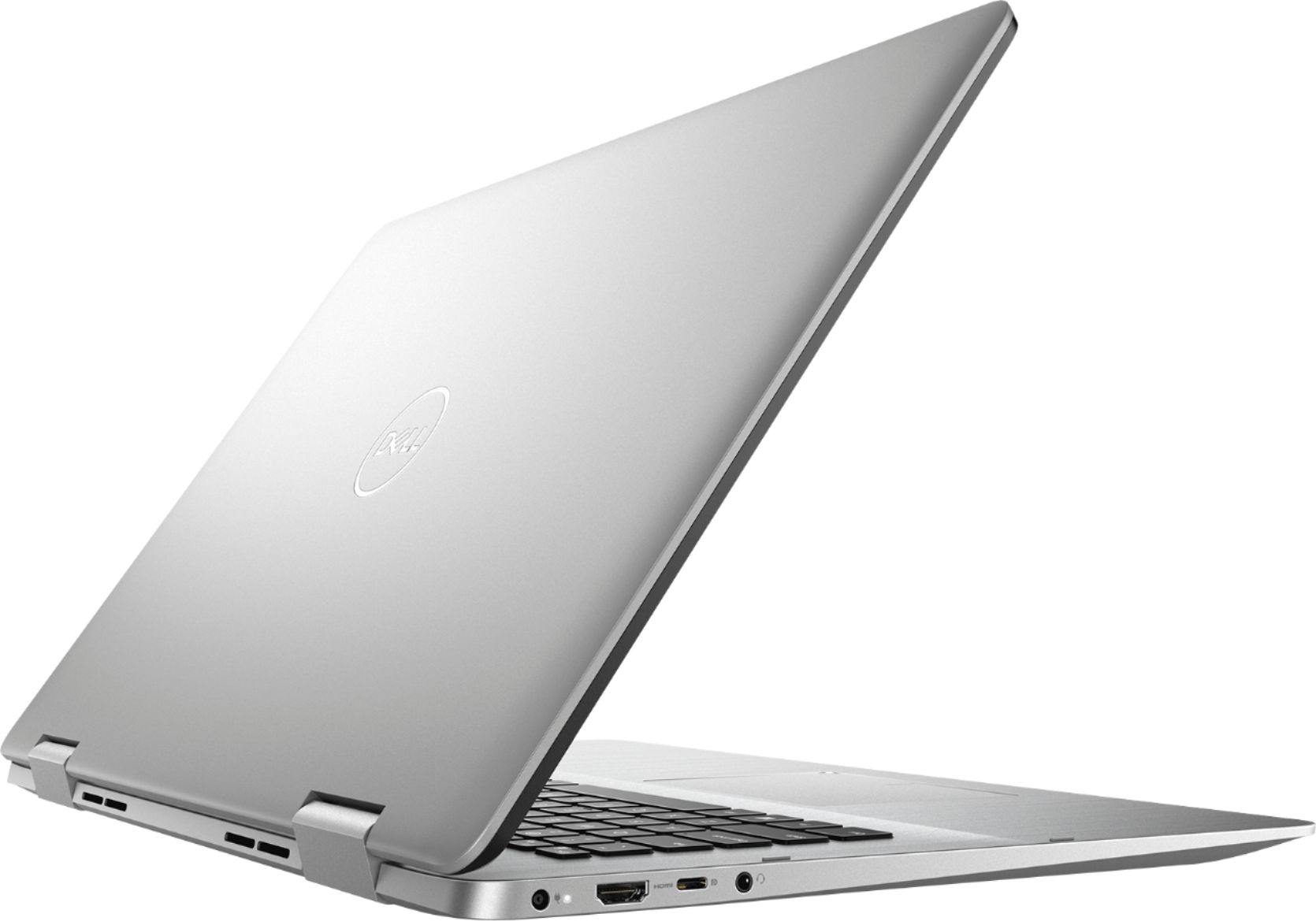
- Model:
- I7786-7229SLV-PUS
- SKU:
- 6295918
to a friend
Customers are saying
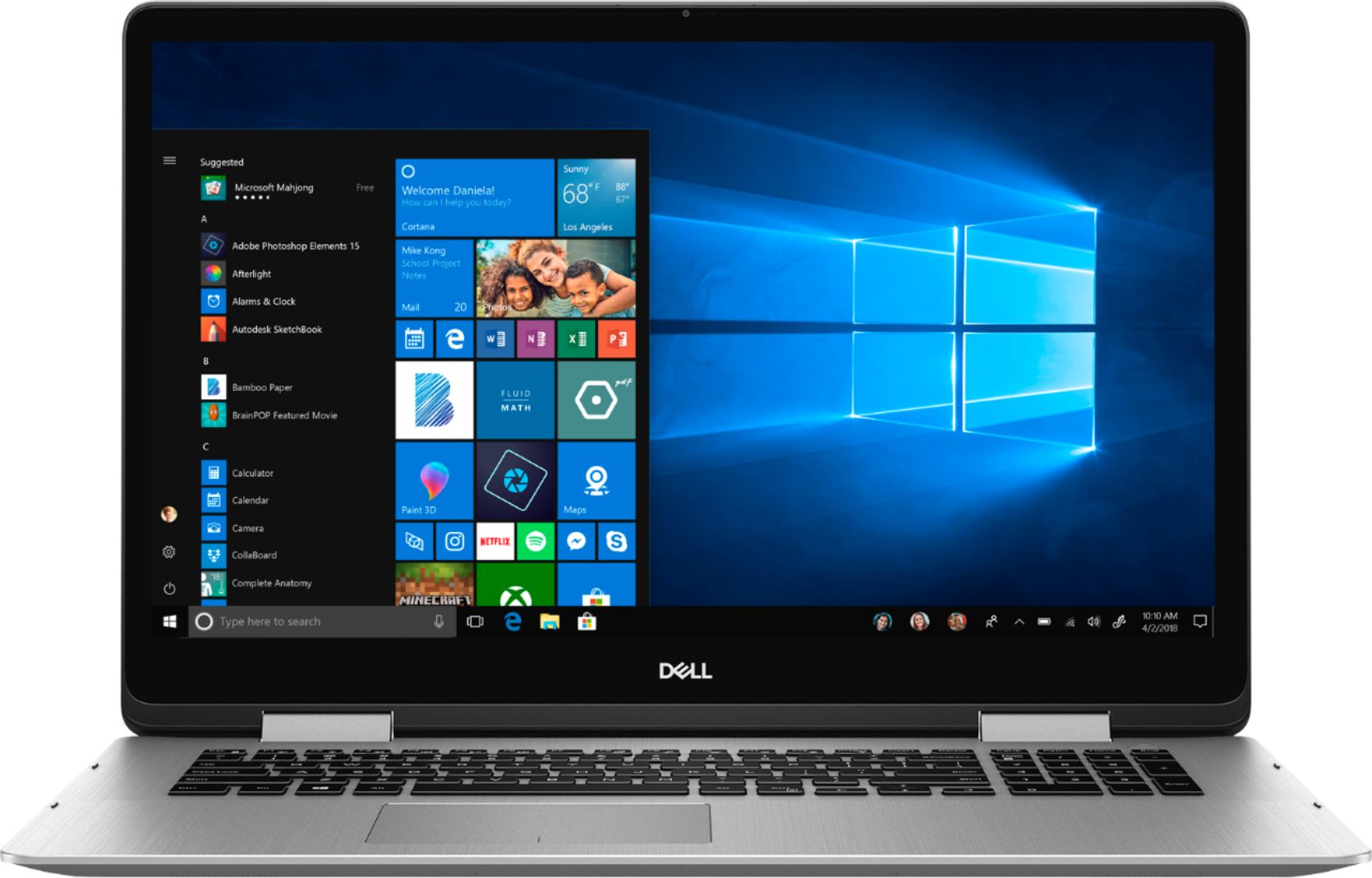
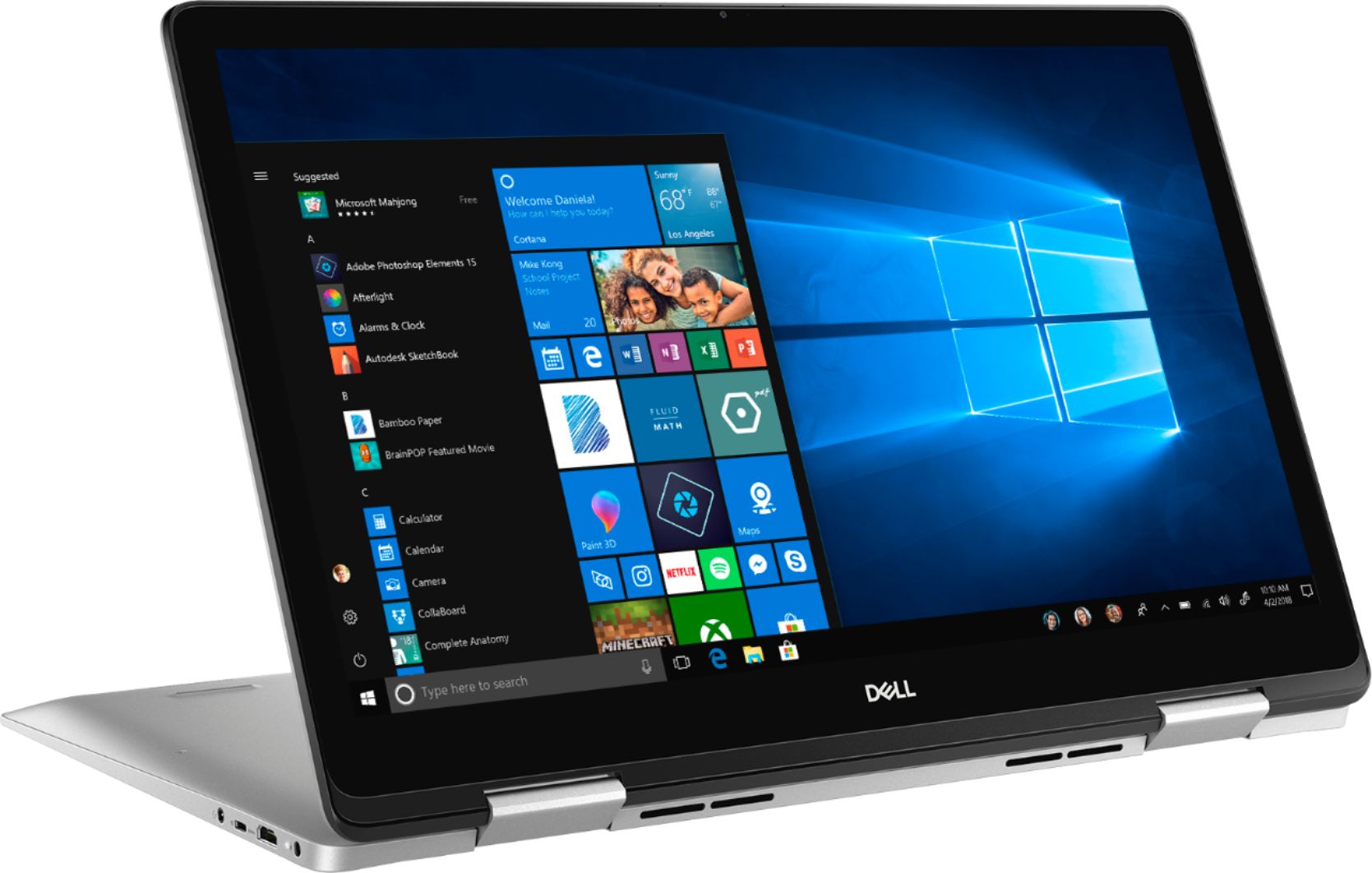
Customers express satisfaction with the Inspiron 2-in-1 17.3" Touch-Screen Laptop's touch screen, usability, and solid-state drive. The touch screen is responsive and works well, while the solid-state drive makes a noticeable difference in performance.
This summary was generated by AI based on customer reviews.
Such cool value! I will get all computer here..
||Posted . Owned for 1 year when reviewed.This reviewer received promo considerations or sweepstakes entry for writing a review.Such cool value! I will get all computer here....great quaily!
I would recommend this to a friendAmazing Laptop
||Posted . Owned for 2 months when reviewed.This reviewer received promo considerations or sweepstakes entry for writing a review.Super fast laptop. I am replacing all of our company laptops with this because of how great it is!
I would recommend this to a friendGreat so far!
||Posted . Owned for 1 month when reviewed.This reviewer received promo considerations or sweepstakes entry for writing a review.Perfect size for a student! The touch screen doesn’t seem to be useful so far but stay tuned...
I would recommend this to a friendEasy setup and love solid state drive
||Posted .This reviewer received promo considerations or sweepstakes entry for writing a review.My first solid state drive computer. Love the startup time. Very good Dell 2-1 laptop.
I would recommend this to a friendBrilliant
||Posted .This reviewer received promo considerations or sweepstakes entry for writing a review.This computer is fantastic! It is so sharp and sleek. Fast with an awesome display too!
I would recommend this to a friendWorks good
||Posted .This reviewer received promo considerations or sweepstakes entry for writing a review.Laptop has a solid feel. Stays cool while working and quiet. Fast bootup and processing.
I would recommend this to a friendLove this laptop
||Posted . Owned for 3 weeks when reviewed.This reviewer received promo considerations or sweepstakes entry for writing a review.Have not had any issues good product for the money. Did get a discount though...
I would recommend this to a friendexcellent to study and work
||Posted . Owned for 8 months when reviewed.This reviewer received promo considerations or sweepstakes entry for writing a review.IT supports Autodesk products. I really like it !!!
I would recommend this to a friendlike the size
||Posted .This reviewer received promo considerations or sweepstakes entry for writing a review.As I am getting older and enjoy the larger screen.
I would recommend this to a friend- Cons mentioned:Crackling speaker
Broken speaker in my computer
||Posted .This reviewer received promo considerations or sweepstakes entry for writing a review.I bought this computer and returned it because the speaker was crackly, then my 2nd computer did the same thing and I need to contact Dell because Best Buy won't do anything about it.
No, I would not recommend this to a friendBrand response from YourDellTeam
Posted .dopey,
We're sorry to hear that the sound quality on your new computer is not what it should be. We'd recommend checking to make sure that all of the drivers on your computer are up to date: https://dell.to/2rZ7Zlo.
We hope that the crackling noise goes away once all of your software and drivers are up to date.
Best,
Bryan
1-800-624-9896
- Cons mentioned:Glitching
Ghost touches
||Posted .This reviewer received promo considerations or sweepstakes entry for writing a review.Returned within the first 3 days. Right out of the box the computer was glitching and doing ghost touching.
No, I would not recommend this to a friend Will never buy Open Box
||Posted .This reviewer received promo considerations or sweepstakes entry for writing a review.I bought an open box product, thinking it would be no different. It was delivered inappropriately. I found that out when I returned it. Also, it only came with the computer. The adapted was missing and could not be replaced in the store. I returned the entire computer and bought a more expensive "new box" version. No more shortcuts!
No, I would not recommend this to a friend- Pros mentioned:Touch screenCons mentioned:Entry level audio card
They almost got it right.
Posted .This reviewer received promo considerations or sweepstakes entry for writing a review.The overall design makes a lot of sense - thin body, SSD only storage, above average RAM, touchscreen on 360 hinges, solid battery life - it's 2019, a laptop today should have all that. Unfortunate drawbacks - entry level graphics card. Entry level audio card. Wish those were upgradable.
I would recommend this to a friend - Cons mentioned:Battery life
Computer works quick, also dies quick.
Posted .This reviewer received promo considerations or sweepstakes entry for writing a review.I like this computer, but the battery dies within 1 hour of using it. Which I find ridiculous. I find it a bit of a hassle because the only way i'm able to use it is if it's plugged in. I have my brightness down extremely low and have also found ways to try and save the battery. It's currently on 94 percent and it's telling me I have 3 hours till it dies. I haven't even went on the internet. I've just been going through my settings and it's already decreasing my percentage. It even skips the percentage numbers, meaning it'll go from 60 percent to 58. less than a minute, skipping 59. Overall, It's a good computer, but the battery life is terrible. I've only had it less than a week and it seems to have gotten worse.
No, I would not recommend this to a friendBrand response from YourDellTeam
Posted .shay,
We're sorry to hear that the battery life on your new computer is so short. Here are some other tips to try to extend the battery life of your computer:
Change the Power Plan:
1. On the notification area of the taskbar, right-click the Battery icon.
2. On the options list, click Power Options.
3. Select a power plan on the battery meter, such as Power Saver or Balanced. Windows 10 has a built in 'Battery Saver' mode that can be activated to extend your system's battery life. The Battery Saver mode will monitor and limit background activity and other features such as push notifications. You do have the option to enable or disable this mode within settings or within advanced Battery Saver settings, you can customize the mode to best suit your needs.
a) Click on the Action Center icon in the taskbar and select the tile for Battery Saver.
b) If running Cortana then type Battery Saver into the search box and select from the results.
Within the Battery Saver settings page, you will be able to turn on and off the feature and customize the feature to best meet your needs.
c) Turn Battery Saver On or Off.
d) Additional settings available via the Battery use and Battery saver settings links.
e) Battery use shows further info on apps and their power usage.
f) Battery Saver Settings screen allows you to customize further Battery Saver feature.
You can read the full article here - http://dell.to/2vfXWf4.
Best,
Bryan
1-800-624-9896
- Pros mentioned:Speed
Good laptop
Posted .This reviewer received promo considerations or sweepstakes entry for writing a review.Very fast and quiet. I just wish it has more USB port.
I would recommend this to a friend - Cons mentioned:Not quiet
reviews say quiet; it is NOT! fan is loud all time
Posted .This reviewer received promo considerations or sweepstakes entry for writing a review.I just bought this computer. I paid the bigger bucks for the SSD because of the reviews that said it was quiet. Well, I am not running anything at the moment and I can still hear the fan and I am 8 feet from the computer. I bought it to record videos for my students; that is why I needed it to be "quiet". Will be returning to store.
No, I would not recommend this to a friendBrand response from YourDellTeam
Posted .Hello Bella,
Thanks for your review. We're sorry to hear how loud your new laptop has been running. We'd suggest updating the BIOS on your computer and this should help your computer run quieter:
An out-of-date BIOS can cause loud fan noises by having an outdated temperature table for the system. Refer to update BIOS and follow the instructions to update the BIOS on your computer. You can also follow up with our Technical Support Team here - 1-800-624-9896.
You can read the full article here - http://dell.to/2ENlXfz.
We hope that this helps your computer operate at a noise level that meets your satisfaction.
Best,
Bryan
1-800-624-9896
- Cons mentioned:Glitching
BUY SOMETHING ELSE!
Posted .This reviewer received promo considerations or sweepstakes entry for writing a review.Returned within the first 3 days. Right out of the box the computer was glitching, going to blue screen, shutting down in the middle of watching streaming program, and shutdown programs while in sleep mode.
No, I would not recommend this to a friendBrand response from YourDellTeam
Posted .Hi Jacquie,
Thanks for your review. We're sorry to hear about the issues that your computer had when you first started using it. We do offer solutions to help troubleshoot Blue Screen Errors but we're sorry to hear that you experienced these with your computer early on.
Please don't hesitate to reach out to Dell's Technical Support Team in the future if you're unable to resolve an issue with your Dell computer: http://dell.to/2sH7Qlm.
Best,
Bryan
1-800-624-9896