Customer Ratings & Reviews

- Model:
- I7773-7855GRY-PUS
- SKU:
- 6114305
Rating by feature
- Value
Rating 4.3 out of 5 stars
- Quality
Rating 4.3 out of 5 stars
- Ease of Use
Rating 4.4 out of 5 stars
Customers are saying
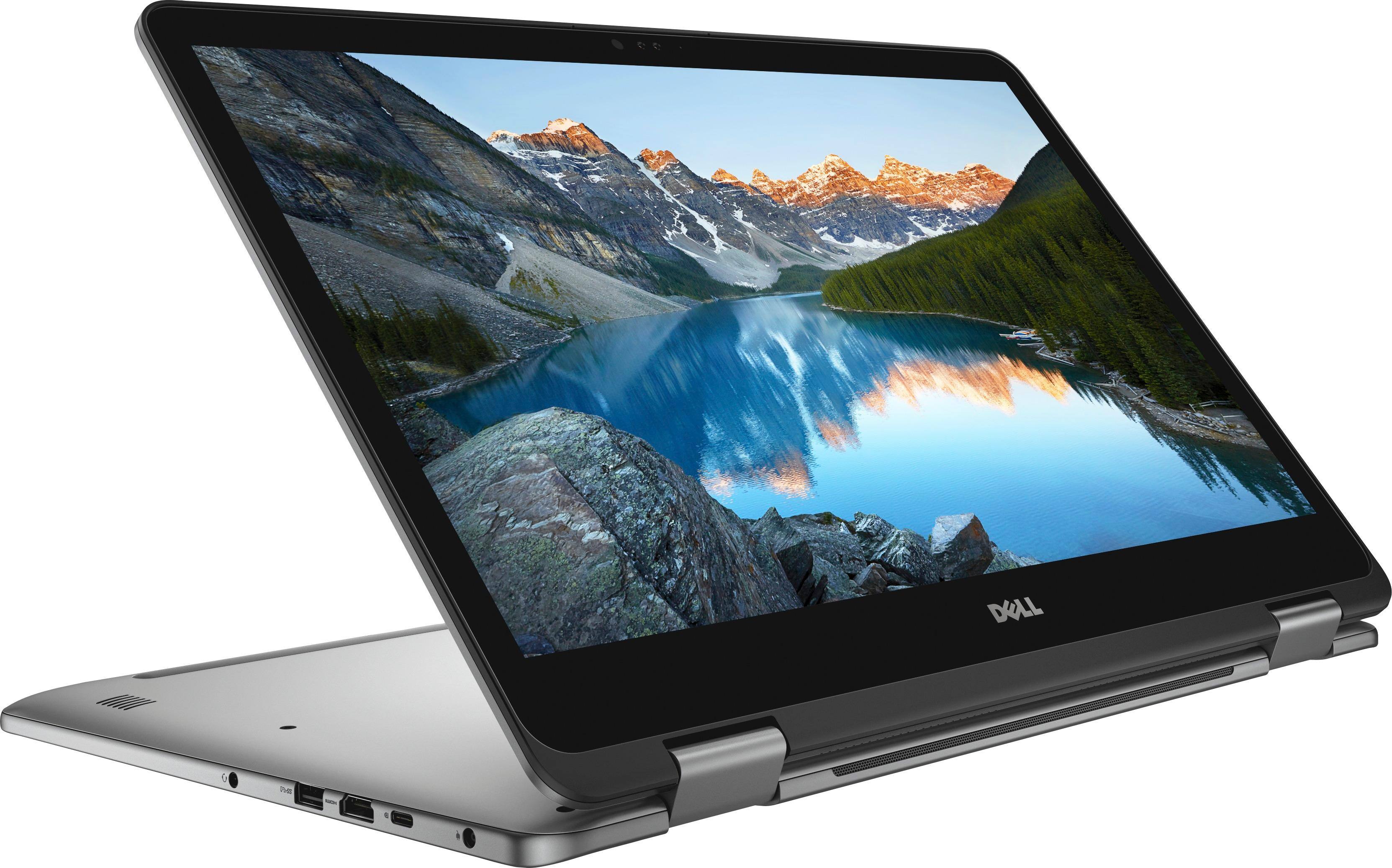
Customers are impressed with the Inspiron 2-in-1 17.3" Touch-Screen Laptop's large screen, affordable price, and ample storage. They also appreciate its user-friendly interface and gaming capabilities. However, some users have expressed concerns about its battery life, weight, limited number of USB ports, facial recognition login issues, and overheating.
This summary was generated by AI based on customer reviews.
- Pros mentioned:Large screen
Top notch Dell Computer
||Posted .This reviewer received promo considerations or sweepstakes entry for writing a review.Say no more!!!! I absolutely love this laptop. The windows 10 was easy to figure out and has all I need in my every day searches. The touch screen is a bonus at times.
I would recommend this to a friend - Pros mentioned:Large screen
Love it. It has everything I need.
||Posted .This reviewer received promo considerations or sweepstakes entry for writing a review.I bought a dell because my husband is still using his 10 year old dell with minimum maintenance to upgrade the system. Like the large screen and the numeric keys on the side
I would recommend this to a friend - Pros mentioned:Large screen
Nice laptop
||Posted .This reviewer received promo considerations or sweepstakes entry for writing a review.Taking a lot of online classes this semester wanted a larger screen to view textbooks and document.. 3 weeks and no complaints yet.
I would recommend this to a friend Great computer for gaming
||Posted .This reviewer received promo considerations or sweepstakes entry for writing a review.I like to game and the graphics and portability of being a laptop/tablet is the way to go. I have never had any issues with this laptop and I have had it for months.
I would recommend this to a friend- Cons mentioned:Weight
Dell - Inspiron Laptop
||Posted . Owned for 1.5 years when reviewed.This reviewer received promo considerations or sweepstakes entry for writing a review.Purchased this for my son who was going away for college. It's a tad heavier than expected but efficient.
I would recommend this to a friend Love this computer
||Posted .This reviewer received promo considerations or sweepstakes entry for writing a review.Gave 4 stars because I had to bring back the original one I purchased 2 days later. The original computer had a flickering screen issue when I carried the computer from one room to the next. This happened the day I purchased and right after I had charged it for the first time. Dell support was very good. The tried fix the issue remotely by updating drivers. This didn't help (faulty cable going to the LCD) and they suggested I either send to them or exchange at BB. The replacement has been great. So fast and efficient.
I would recommend this to a friend- Pros mentioned:Price
GOOD Dell - Inspiron
||Posted . Owned for 11 months when reviewed.This reviewer received promo considerations or sweepstakes entry for writing a review.GOOD PRICE , EVEN IF IT IS Dell - Inspiron, the configuration make is look like Ailienware computer, since it is equppted with NVIDIA GeForce MX150
I would recommend this to a friend - Pros mentioned:Speed
good, wide screen, fast
||Posted . Owned for 10 months when reviewed.This reviewer received promo considerations or sweepstakes entry for writing a review.not the most high tech but appropriate for average person - not enough connections for those multitaskers fast speed
I would recommend this to a friend - Pros mentioned:Large screen
Could be better
||Posted .This reviewer received promo considerations or sweepstakes entry for writing a review.I got this computer to process my images and work fast. It had all the right "gear" andthe large screen is nice. But, it had a few out of the box issues and I had to keep returning it to Geek Squad. It was a pain. At the end of it all it turns out this new computer was getting ready to crash. I could've just received the one bad apple, but that caused me to return it and go with a whole different brand. Bummer.
No, I would not recommend this to a friend Love this laptop
||Posted .This reviewer received promo considerations or sweepstakes entry for writing a review.Great upgrade from previous models and so lightweight, it's easy to carry around and the touchscreen is very sensitive. Just need to keep it clean of smudges.
I would recommend this to a friend- Pros mentioned:Large screen
Outstanding Value
||Posted .This reviewer received promo considerations or sweepstakes entry for writing a review.I highly recommend this laptop if you are looking for a large screen. It is just not practical to use on a plane.
I would recommend this to a friend - Pros mentioned:Large screen
Dell make very very good laptops.
||Posted . Owned for 1.5 years when reviewed.This reviewer received promo considerations or sweepstakes entry for writing a review.I think Dell are probably the best manufacturers of laptops. Big wide screen combined with a vibrant screen make this an excellent machine.
I would recommend this to a friend - Pros mentioned:Speed
Super Fast Laptop
||Posted .This reviewer received promo considerations or sweepstakes entry for writing a review.My new Dell laptop is exactly what I needed!! 2TB hard drive stores all of my media with no need for an external. The speed of this laptop is AWESOME!!!
I would recommend this to a friend - Pros mentioned:Large screen
Great
||Posted .This reviewer received promo considerations or sweepstakes entry for writing a review.Really like this laptop. Screen is large and perfect for viewing movies on Amazon Prime. Like that it has the key pad.
I would recommend this to a friend - Pros mentioned:Large screen
Really user friendly
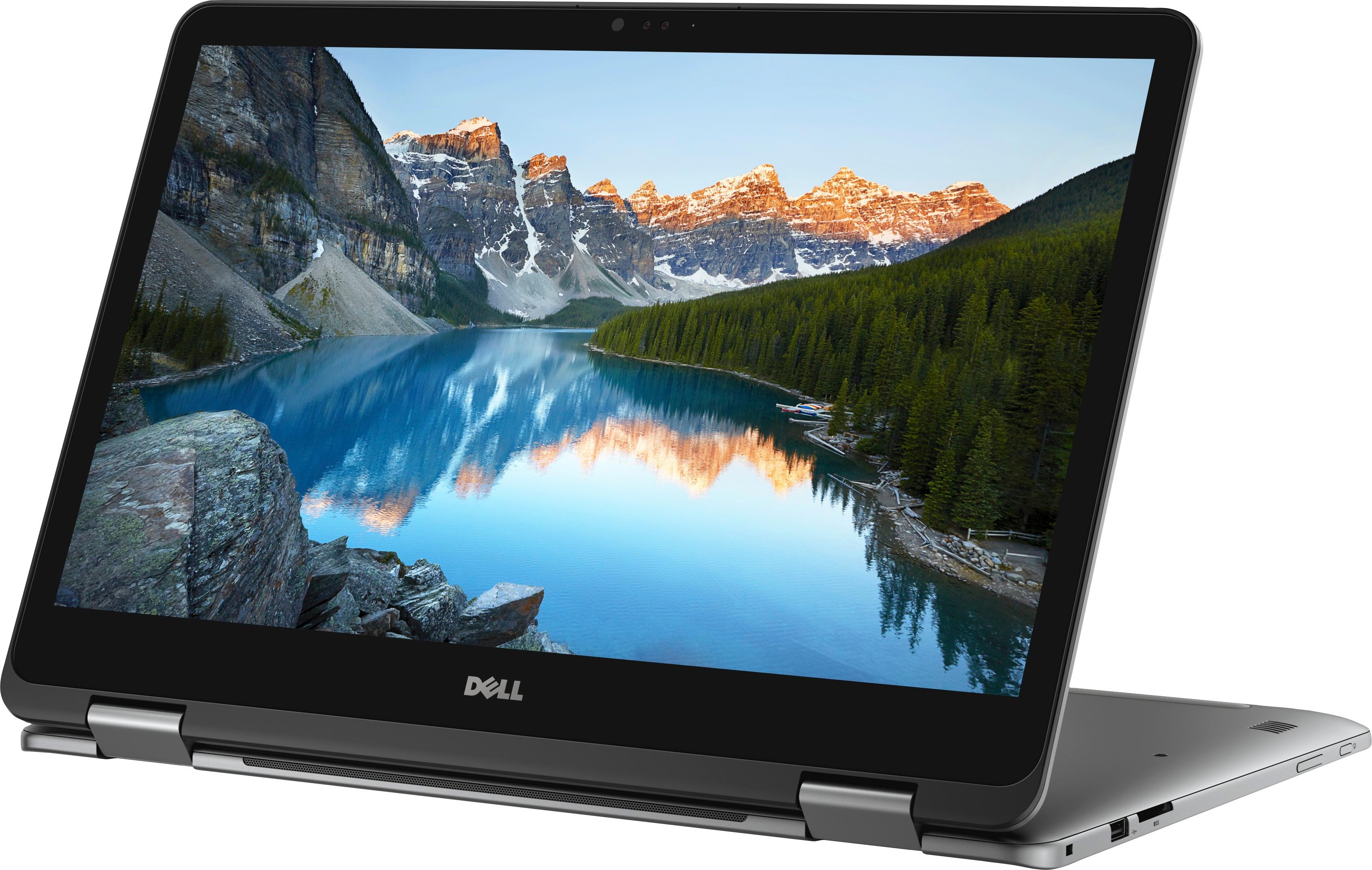
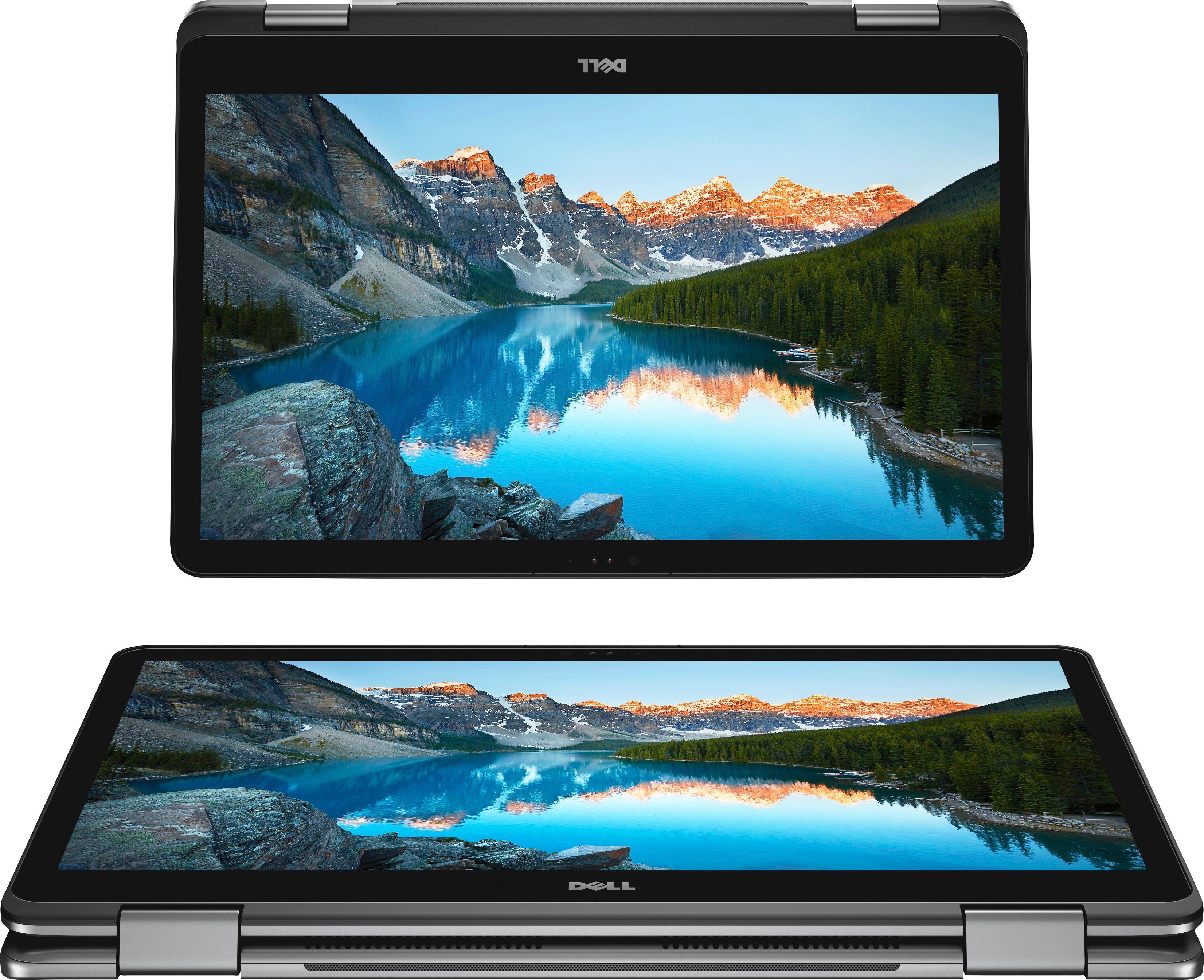
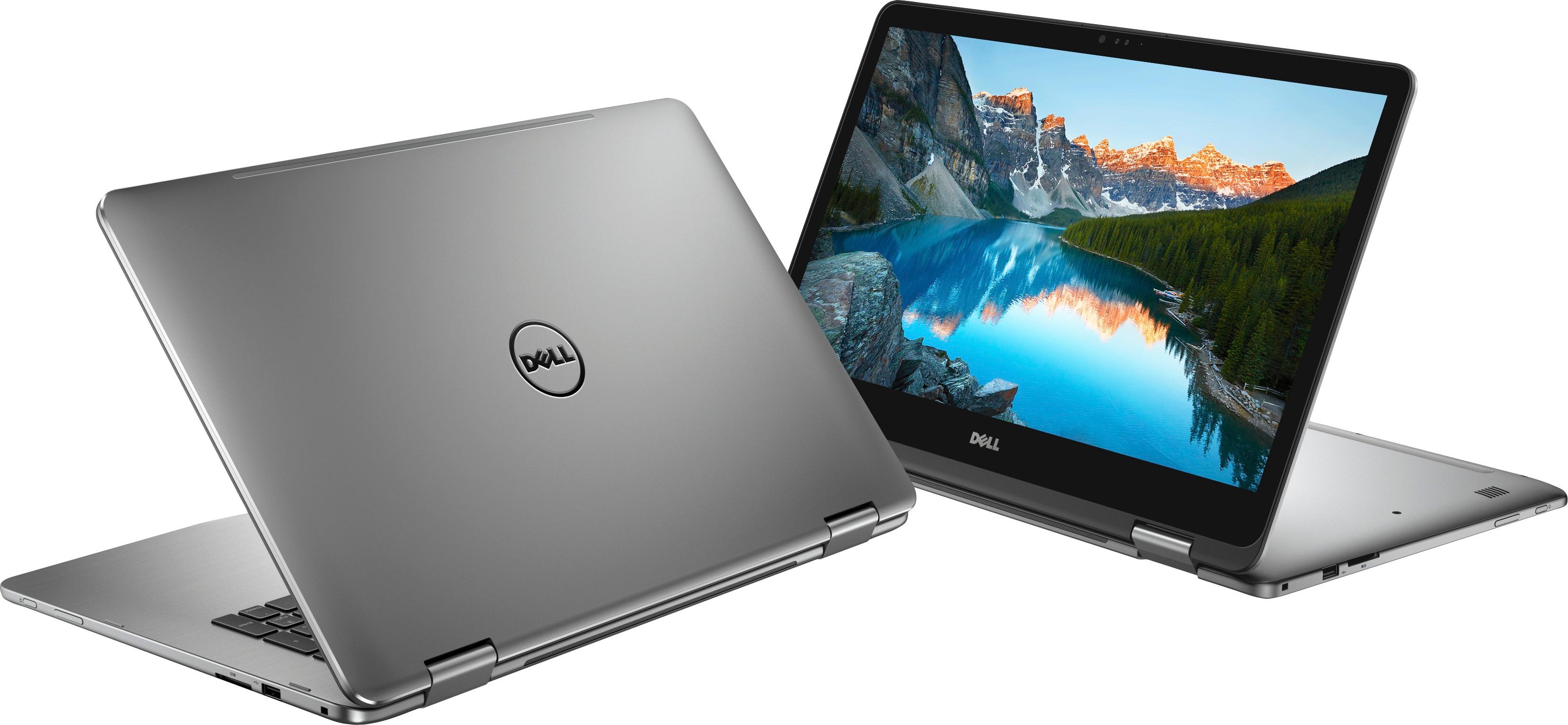
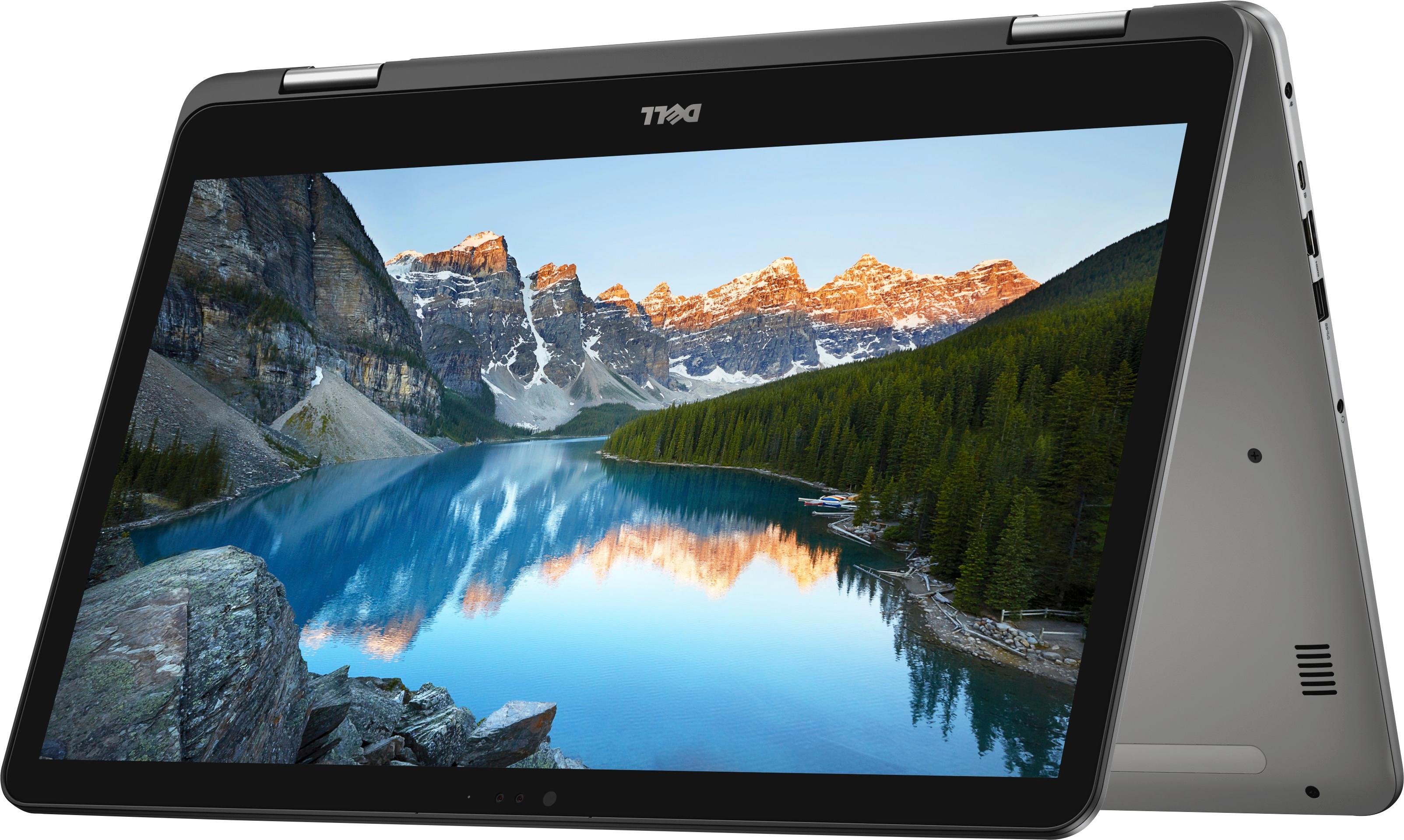
||Posted .This reviewer received promo considerations or sweepstakes entry for writing a review.Easy to understand and is perfect for personal and business use. I appreciate the many features such as folding it over and using the touch screen keyboard
I would recommend this to a friend Not what I expected
||Posted .This reviewer received promo considerations or sweepstakes entry for writing a review.When I bought a laptop with HDD, I didn't expect lightning fast loading time. Newly bought, it had a few hiccups here and there, mostly when I tried to open an app or just do about anything right after startup. Honestly, "there's nothing special about this" was my first impression. The speed was slightly faster than my old laptop and that's about it, despite it being an i7 with shining NVIDIA graphic card and everything, and my old laptop was just average core i5. But I did not think much and moved on. Fast forward, 1 month later. This newly bought laptop behaved like a dell i owned like 10 years ago. Seriously. It takes super, super long to load Google Chrome or about any apps. Right-click to try and get that refresh option? 10s (I counted. Seriously.) Press Start on-screen, better wait 5s. Loading a youtube video, just wait! Forever! And you can not blame it on slow wifi, because my phone next to it loads it right away. Then it just started randomly freezing here and there, then comes the driver stops responding and the screen goes dark. I can not open even task manager to know what the h is going on when or after that happens, because it's just. slow. Sometimes I don't even know if Windows receives my command. I'm not exaggerating when I said it behaved like it's 10 years old. It stagnates everything I do when it's supposed to be shining i7 8th generation with 16GB RAM. And I can not return it, since it has been way over 15 days. But let's just blame it on the apps I installed that made it this way. So I did a reset and it took almost 24 hours. Then windows guided me thru the set up process again. Then it froze, Again, when I tried to set up Windows Hello. I waited one night for it to load, woke up, the gray screen is still there. Frustrated, I just press the power button and hold it. Then I started the laptop again. It allows me to peacefully set up the laptop now. Like it just has been a terrible experience.
No, I would not recommend this to a friendBrand response from YourDellTeam
Posted .Hello Thuydung741,
Thank you for your thorough review of your new Dell Inspiron. We're sorry that it did not work exactly the way you had planned on it working for you. It's possible that you can remove programs that are pre-installed on your computer that are slowing down your computer. Here are some programs to consider removing: https://dell.to/2JruiaG.
Here are the steps to remove unwanted programs: Uninstalling or removing software or applications that you do not use or do not need from your PC can help speed up your PC. Applications may include background processes, system services, context menu entries and other things that can slow down your PC.
Uninstall applications you no longer need using Programs and Features (previously called Add/Remove Programs). Unnecessary applications occupy space on your hard disk drive.
1. Press the Windows logo key + R on the keyboard.
2. In the Run dialog box, type appwiz.cpl and press the Enter key.
3. In the list, select a program and click Uninstall.
You can read the full article here - http://dell.to/2tSulGV.
If you are still experiencing issues with your computer freezing here are some steps that you can follow:
1. Run a Computer Diagnostic. To determine if your computer is experiencing a hardware problem, run the Dell Preboot System Assessment (PSA) Diagnostics. For information on how to run Diagnostics, and to determine the issue, refer to Dell Knowledge Base Article: http://dell.to/2iaiujA.
2. Check Safe Mode for Symptoms. To boot into safe mode, please follow the instructions below:
a) Start the computer.
b) Tap 'F8' on the keyboard immediately and every one second until the Dell logo screen disappears. From there you will see the Windows Advanced Options Menu on the screen. (If the Windows Advanced Options Menu does not appear, restart the system and try again.)
c) Select Safe mode with Networking and press Enter.
d) Log on as the administrator or as a user with administrative access.
e) Open applications and test the computer in safe mode. If the symptoms exist in safe mode, please continue the troubleshooting steps in this article. If the symptoms do not exist in safe mode, the issue is likely related to a driver or software and you may wish to complete steps 6 to see if you are able to resolve the lockups or freezing.
6. Check for Malware. Malware (Virus, Spyware, etc.) can definitely cause a Windows system to lock up or appear to hang. To check for malware on your system and to ensure that your computer is up to date on security software, visit Dell Knowledge Base Article: http://dell.to/2wWP1zI.
You can read the full article here - http://dell.to/2tW5m33.
We hope that these tips help your computer perform better for you.
Best,
Bryan
1-800-624-9896
- Pros mentioned:Speed
Blazing fast, beautiful display!
||Posted .This reviewer received promo considerations or sweepstakes entry for writing a review.This laptop is smokin’ fast with a gorgeous display! The sleek design helps it feel smaller than 17” when taking it with you. Highly recommend!!
I would recommend this to a friend - Pros mentioned:Large screen
Simple and easy
||Posted .This reviewer received promo considerations or sweepstakes entry for writing a review.Doesn't take long to set up. Love that it is touch screen. Battery seems to last as described by manufacturer. Love that it can be turned into a tablet.
I would recommend this to a friend Great overall
||Posted .This reviewer received promo considerations or sweepstakes entry for writing a review.This computer runs fine for playing easy games and editing photos. The Tablet mode could be easier to navigate.
I would recommend this to a friend- Pros mentioned:Large screen
Enjoying the larger screen .
||Posted .This reviewer received promo considerations or sweepstakes entry for writing a review.The 17.5 screen allows for better view when checking credit card and bank statements. Also impressed with startup speed and ease of navigation.
I would recommend this to a friend