Customer Ratings & Reviews


- Model:
- I3275-A356BLK-PUS
- SKU:
- 6334303
Rating by feature
- Value
Rating 3.7 out of 5 stars
- Quality
Rating 3.7 out of 5 stars
- Ease of Use
Rating 3.8 out of 5 stars
Customers are saying
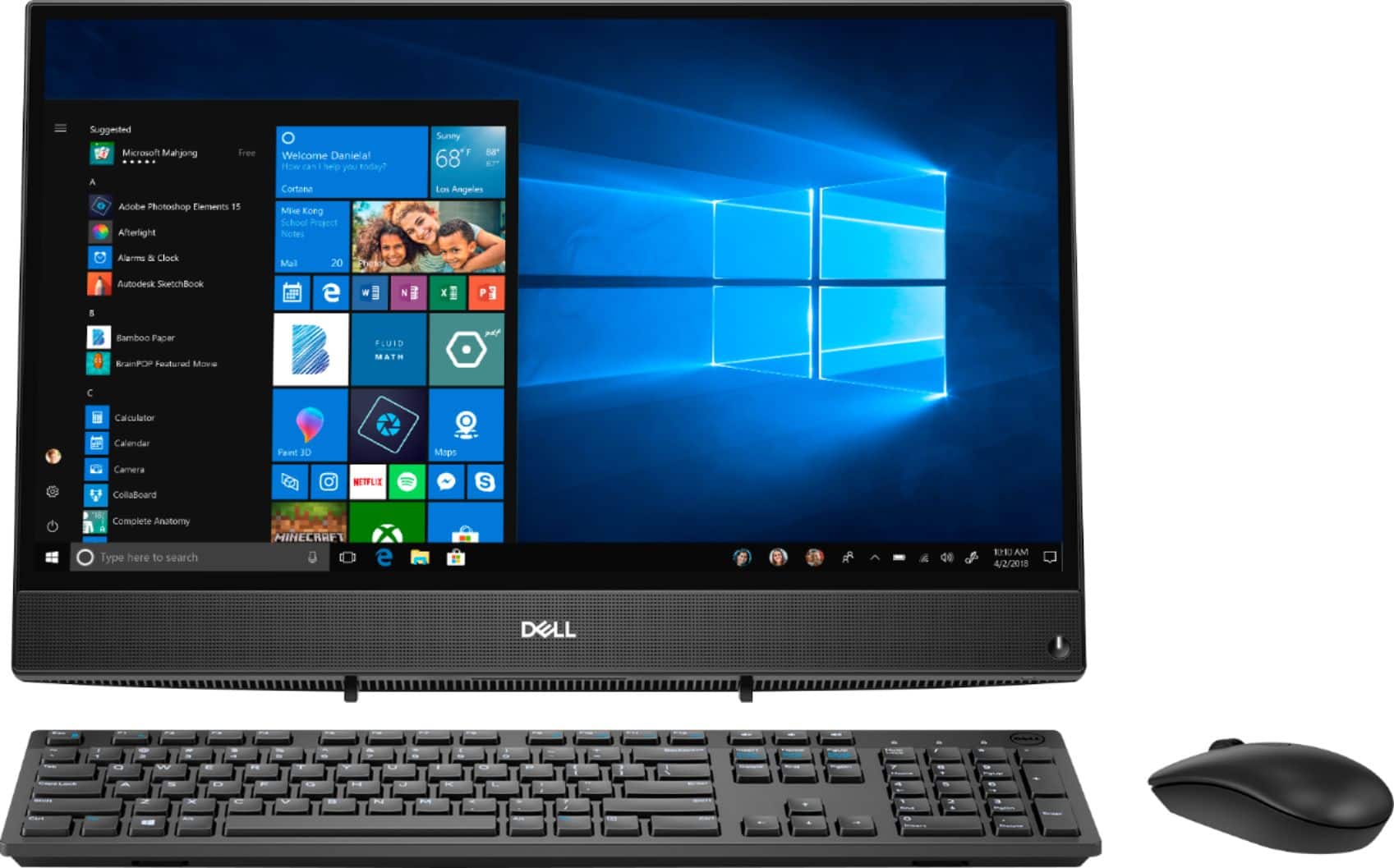
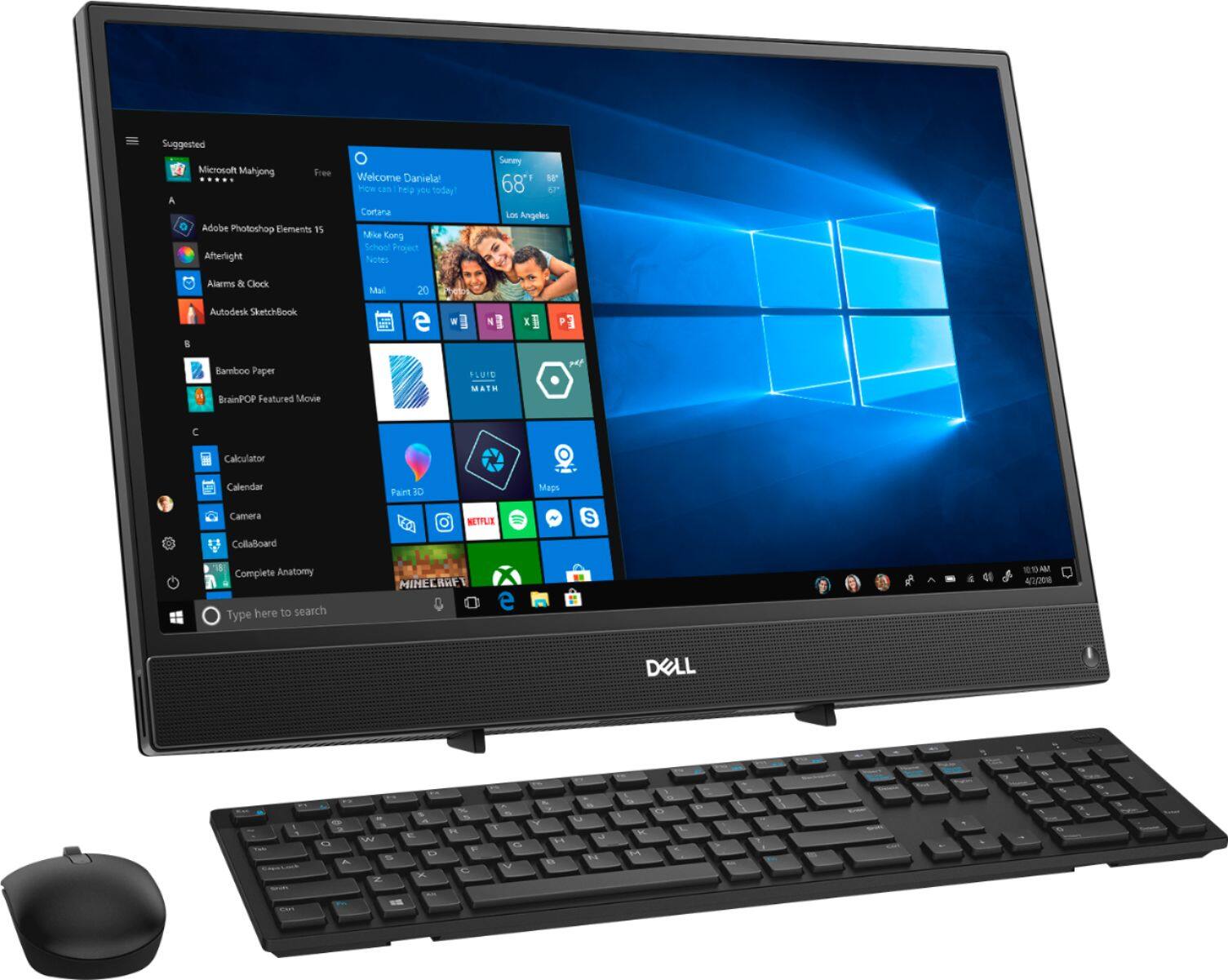
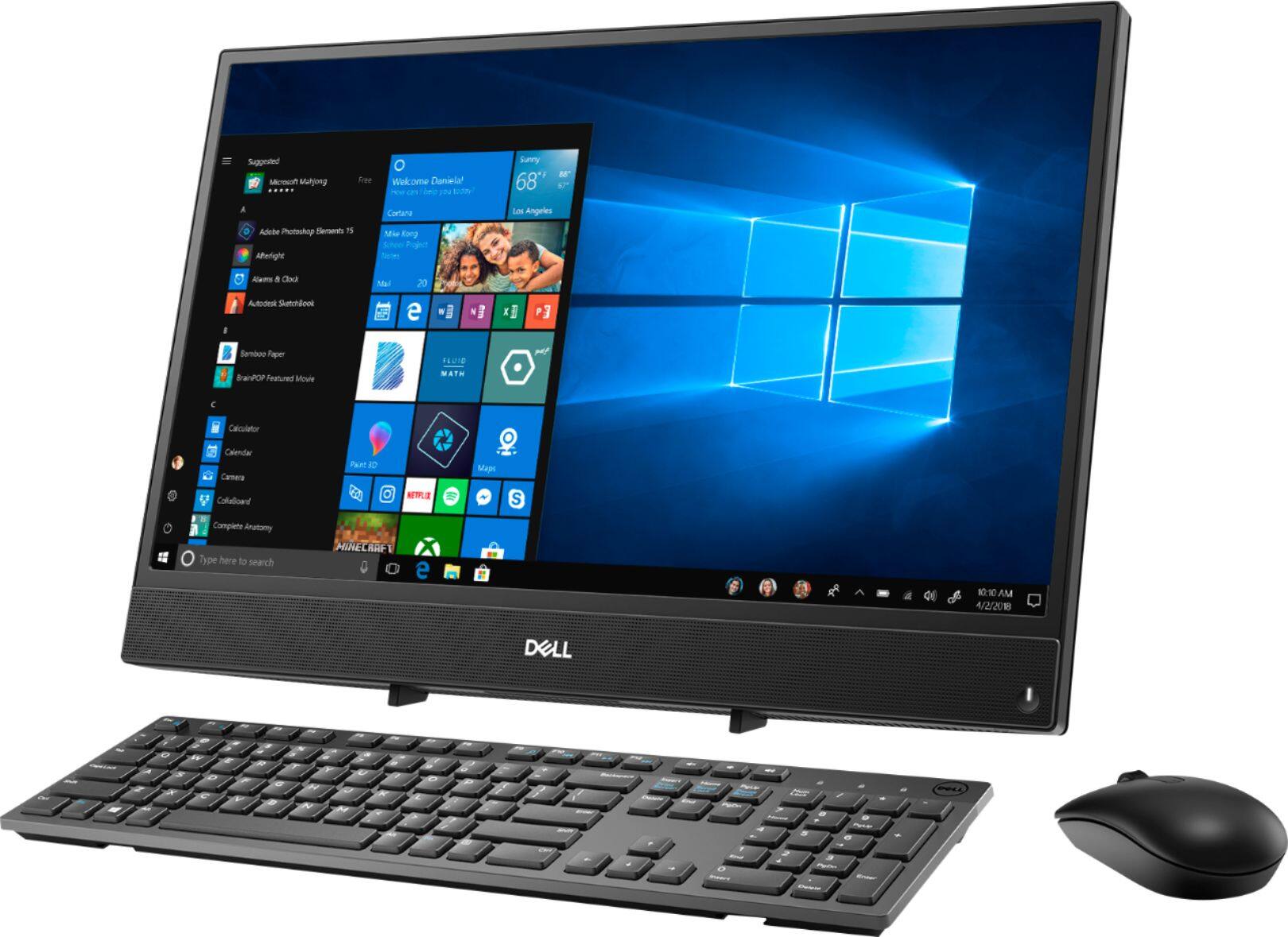
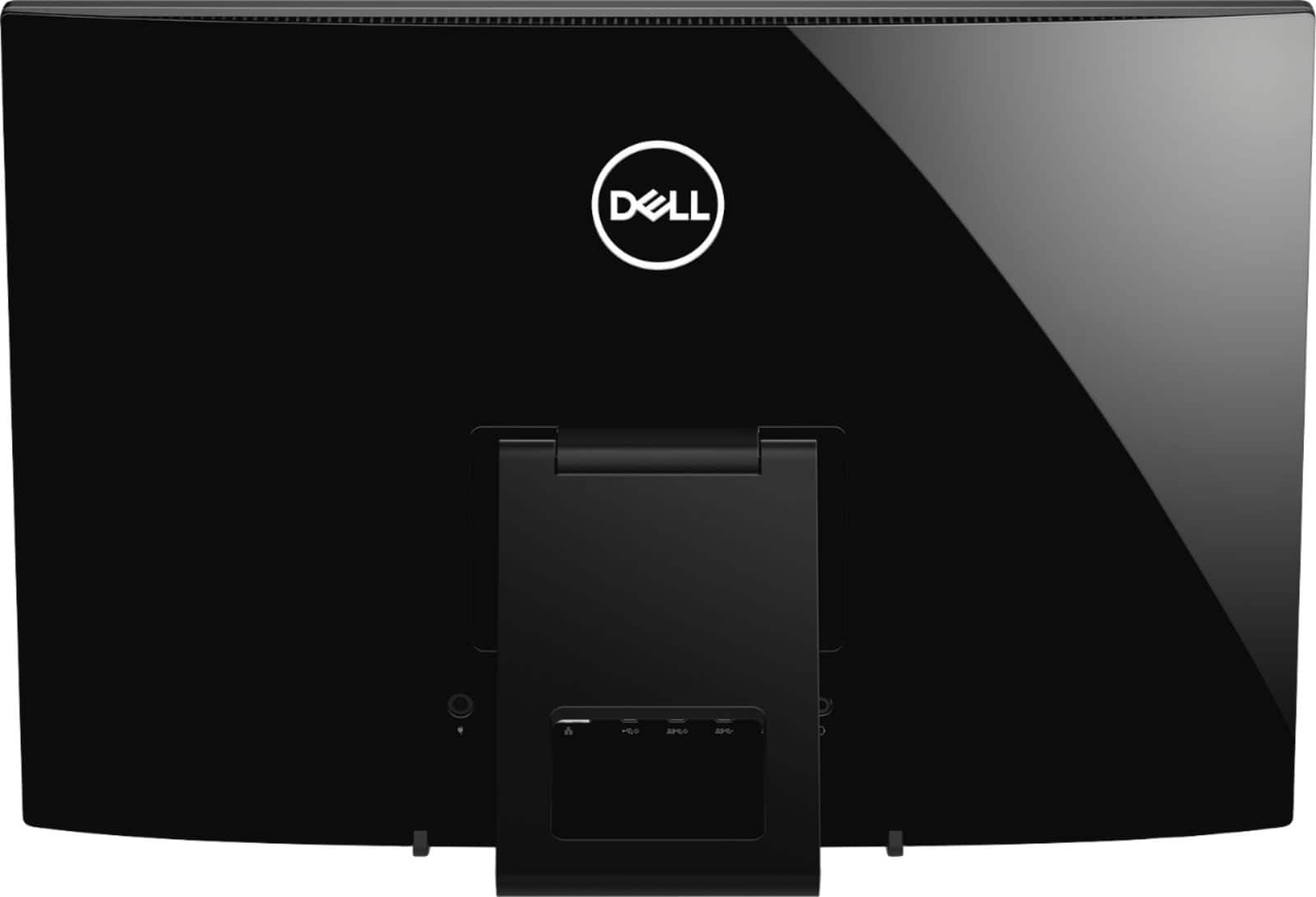
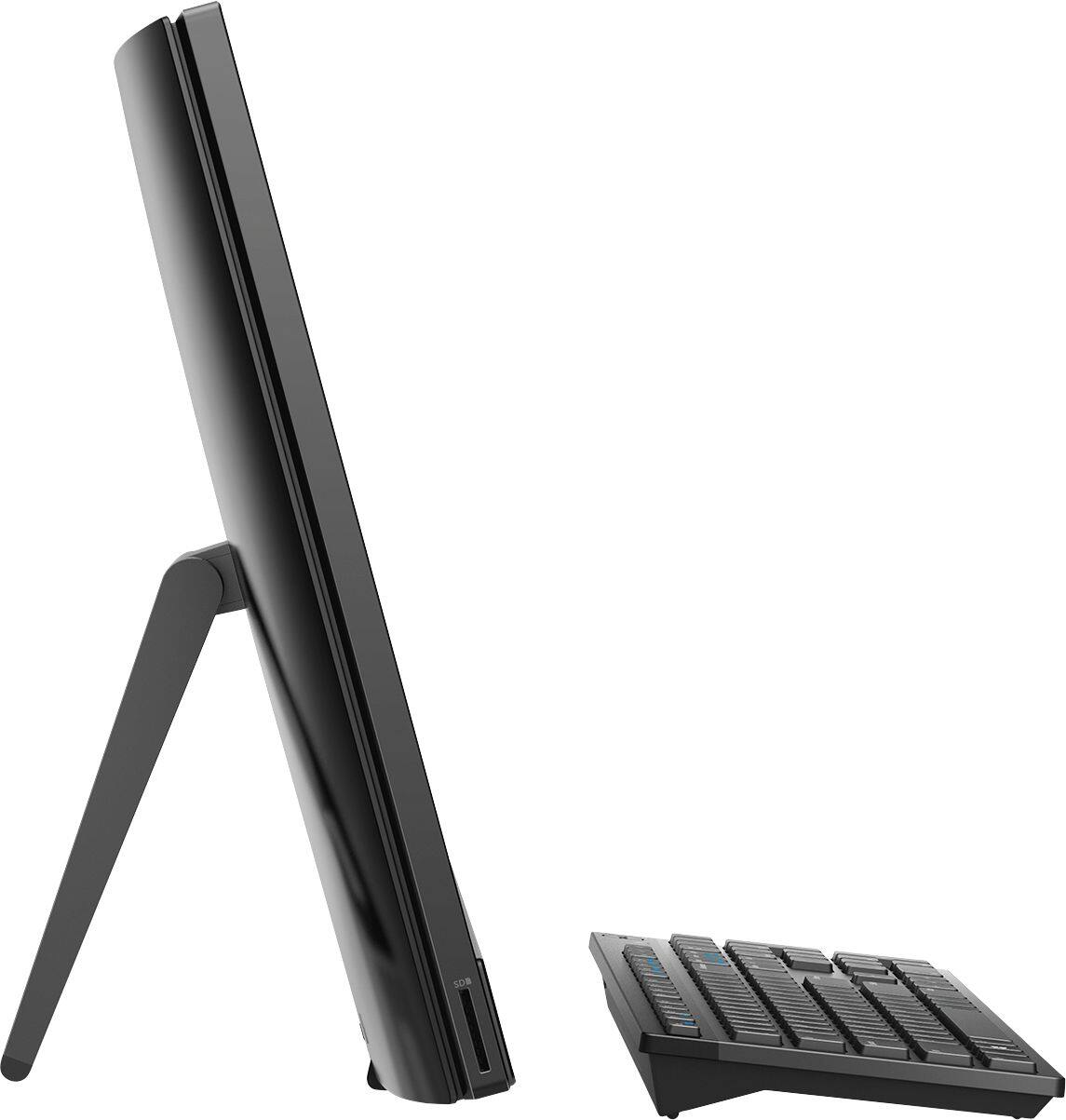
Customers highly value the ease of use and touch screen functionality of the Inspiron 21.5" All-in-One, with many praising its user-friendly design and responsive touch capabilities. The affordable price point is also frequently cited as a positive aspect. However, some users express concerns regarding the system's performance and limited RAM, suggesting potential limitations for demanding tasks. A few also mention issues with the included mouse and the absence of a built-in camera.
This summary was generated by AI based on customer reviews.
Great computer!
||Posted . Owned for 1 month when reviewed.This reviewer received promo considerations or sweepstakes entry for writing a review.I needed a new computer for our use with homeschool and this computer is perfect for that! It can be a little slow sometimes if I get too many websites or apps open, but for the most part it’s been great! I love that it is all in one and I don’t have to worry about finding a place in our cut out desk area for the tower! I would definitely recommend it to others.
I would recommend this to a friend- Cons mentioned:Speed
Good computer for my needs.
||Posted . Owned for 3 weeks when reviewed.This reviewer received promo considerations or sweepstakes entry for writing a review.I was tired of using a slow lap top without a mouse. I like having a mouse. This computer works great for my needs...paying bills, etc...
I would recommend this to a friend - Cons mentioned:Camera, Mouse
Right now some of my computer so I'm going to make
||Posted . Owned for 3 weeks when reviewed.This reviewer received promo considerations or sweepstakes entry for writing a review.right now my review is not good my camera is not work since I've had this computer I don't know what's wrong with that my mouse is going all crazy all over the place when the cursor is one supposed to be one place the mouse is one place a curse or somewhere else so that it's a virus or something on the computer I don't know what it is so I made an appointment to see The geek squad and hopefully to be taken care of but my review is not good for this computer that's fire
No, I would not recommend this to a friendBrand response from YourDellTeam
Posted .Bibbstone,
Thanks for your review. We're sorry that your computer is not working the way you hoped it would. We'd recommend checking to make sure that your drivers are up to date so that your camera works properly: https://dell.to/2rZ7Zlo.
If you'd like to re-calibrate your touchpad so it's less erratic, you can follow these steps:
Some Notebooks and Tablets with Keyboards have added gesture features to the touchpad hardware and drivers. A few of these features are two or three finger scrolling, pinch zoom, circle zoom, rotate and swiping. These new features may be the reason for the erratic cursor movement since most are turned on by default. You can disable or modify the way the features work in the touchpad driver properties.
Here are some tips to modify these settings:
1. In the Search box, type main.cpl.
2. Touch or click main.cpl in the list of programs.
3. Touch or click the Dell Touchpad tab.
4. Touch or click on the picture of the touchpad.
5. Touch or click Gestures (depending on your computer there may not be a Gestures option).
6. Change the options as preferred.
7. Touch or click Save.
8. Touch or click the X in the upper-right corner to close the Dell Touchpad Utility.
9. Touch or click OK on the Mouse Properties window.
10. If the touchpad still does not work after following the preceding steps, refer to Dell Knowledge Base article - http://dell.to/2iaiujA.
You can read the full article here - http://dell.to/2tqmS02.
Best,
Bryan
1-800-624-9896
- Cons mentioned:Speed
Its good
||Posted . Owned for 3 weeks when reviewed.This reviewer received promo considerations or sweepstakes entry for writing a review.Its a good computer it's slow I need to upgrade the hard drive to a solid state
I would recommend this to a friend - Pros mentioned:Touch screenCons mentioned:Ram
Nice contained unit but a little slow
||Posted . Owned for 1 month when reviewed.This reviewer received promo considerations or sweepstakes entry for writing a review.Nice computer. Great screen but could use more memory
I would recommend this to a friend - Pros mentioned:SizeCons mentioned:Speed
Nice but Slow!
||Posted . Owned for 5 months when reviewed.This reviewer received promo considerations or sweepstakes entry for writing a review.it's great size and looks well built, but very slow! Im using this machine for a CNC machine, nothing too crazy
No, I would not recommend this to a friendBrand response from YourDellTeam
Posted .Kasra,
Thanks for your review. We'd recommend running the Windows Performance Troubleshooter to see if your computer can run any faster for you:
1. Close all open windows.
2. Press the Windows logo key + X key on the keyboard.
3. Click Control Panel.
4. Click System and Security.
5. Under Security and Maintenance, select Troubleshoot common problems.
6. Under System and Security, click Run maintenance tasks.
7. Follow the on-screen instructions and prompts to complete the process.
8. Restart the PC.
You can read the full article here - http://dell.to/2tSulGV.
Best,
Bryan
1-800-624-9896
- Pros mentioned:Ease of use, Touch screen
Great quality for the price
||Posted . Owned for 1 month when reviewed.This reviewer received promo considerations or sweepstakes entry for writing a review.This computer is great for beginners as well as computer savvy individuals. It is easy to manuver, and is even touch screen which I think is wonderful as well as a plus. Although inexpensive the quality is great. Lets not talk about the remarkable memory.
I would recommend this to a friend great computer
||Posted . Owned for 1 year when reviewed.This reviewer received promo considerations or sweepstakes entry for writing a review.Great computer, I love it BUT it doesn't come with enough memory, had to add memory to get it to work as it should. Luckily the memory sticks weren't very expensive and were easy to install with a well written repair/replace/upgrade guidelines.
I would recommend this to a friend- Cons mentioned:Camera, Speed
It’s ok
||Posted . Owned for 1 month when reviewed.This reviewer received promo considerations or sweepstakes entry for writing a review.The computer itself is great however it is really slow. There is no camera either
No, I would not recommend this to a friendBrand response from YourDellTeam
Posted .KPETE,
Thanks for your review. We're glad that your computer is meeting your needs for the most part. If you'd like to see if your computer can perform any faster you can run the Windows Performance Troubleshooter:
1. Close all open windows.
2. Press the Windows logo key + X key on the keyboard.
3. Click Control Panel.
4. Click System and Security.
5. Under Security and Maintenance, select Troubleshoot common problems.
6. Under System and Security, click Run maintenance tasks.
7. Follow the on-screen instructions and prompts to complete the process.
8. Restart the PC.
You can read the full article here - http://dell.to/2tSulGV.
Please note that the webcam on your All-In-One is built into your computer and may not appear the same way that you are used to seeing other cameras appear on your computer.
Best,
Bryan
1-800-624-9896
- Pros mentioned:Ease of use
Dell
||Posted . Owned for 7 months when reviewed.This reviewer received promo considerations or sweepstakes entry for writing a review.Easy set up and easy to use! We bought for home schooling last year since we didn't have anything. The zoom calls are slow and glitch but not sure if that's the computer or the home wifi being slow and trying to keep up with everything else using wifi.
I would recommend this to a friend - Cons mentioned:Ram, Speed
It is S...L...O...W...
||Posted . Owned for 3 weeks when reviewed.This reviewer received promo considerations or sweepstakes entry for writing a review.Maybe good for beginners, but not someone who uses it for more than just reading emails or learning. I didn't realize it only has 4GB. I'm not a heavy streamer or gamer- just normal email, web browsing, online banking, etc. I do connect to a work server as I am currently blessed to be able to work from home during the COVID-19 situation. But I am sorely disappointed in the speed. It take MINUTES to boot up- and freezes a lot. Now I have to wait until this mess is over to get more RAM added because the repairs at Best Buy/Geek Squad are backed up. I should have been more careful about what I was buying. Hopefully more RAM (meaning more $$) will help me not to dislike it so much.
No, I would not recommend this to a friendBrand response from YourDellTeam
Posted .KG59,
Thanks for your review. We're sorry to hear that the speed of your computer is not what you were hoping it would be. In order to speed up the launch of your computer we'd recommend limiting the number of programs that launch at start-up:
1. Close all open windows.
2. Press CTRL + Shift + ESC key together on the keyboard.
3. In the Task Manager window, click Startup tab.
4. Select the program or application that you want to disable from loading during startup.
5. Right-click and select Disable.
6. Repeat Step 4 & 5 for all the programs or applications that you want to disable from loading during startup.
7. Restart your PC.
You can read the full article here - http://dell.to/2tSulGV.
If your computer continues to freeze, you can try these steps:
1. Run a Computer Diagnostic. To determine if your computer is experiencing a hardware problem, run the Dell Preboot System Assessment (PSA) Diagnostics. For information on how to run Diagnostics, and to determine the issue, refer to Dell Knowledge Base Article: http://dell.to/2iaiujA.
2. Check Safe Mode for Symptoms. To boot into safe mode, please follow the instructions below:
a) Start the computer.
b) Tap 'F8' on the keyboard immediately and every one second until the Dell logo screen disappears. From there you will see the Windows Advanced Options Menu on the screen. (If the Windows Advanced Options Menu does not appear, restart the system and try again.)
c) Select Safe mode with Networking and press Enter.
d) Log on as the administrator or as a user with administrative access.
e) Open applications and test the computer in safe mode. If the symptoms exist in safe mode, please continue the troubleshooting steps in this article. If the symptoms do not exist in safe mode, the issue is likely related to a driver or software and you may wish to complete step 3 to see if you are able to resolve the lockups or freezing.
3. Check for Malware. Malware (Virus, Spyware, etc.) can definitely cause a Windows system to lock up or appear to hang. To check for malware on your system and to ensure that your computer is up to date on security software, visit Dell Knowledge Base Article: http://dell.to/2wWP1zI.
You can read the full article here - http://dell.to/2tW5m33.
Best,
Bryan
1-800-624-9896
Great all-in-one computer
||Posted . Owned for 1 month when reviewed.This reviewer received promo considerations or sweepstakes entry for writing a review.Due to the quarantine I had to purchase a computer ASAP because we were all being sent home within 48 hours!!! After searching the mortar and brick stores, I ended up purchasing my computer online and I don't have anything but glowing reports for it!!! I love it and would recommend it to anyone
I would recommend this to a friend- Pros mentioned:Touch screenCons mentioned:Speed
Runs a little slow
||Posted . Owned for 3 weeks when reviewed.This reviewer received promo considerations or sweepstakes entry for writing a review.Runs a bit slow and pages do not load quickly. Screen size and quality is good
No, I would not recommend this to a friendBrand response from YourDellTeam
Posted .Sluggish speeds is a situation we never want anyone to experience in 2019. We'd like to offer you assistance.
Please download the BIOS update: 1. Restart the system and press F12 when the Dell Splash logo appears to display the One Time Boot Menu. 2. Using arrow keys, select USB Storage Device and press Return 3. The system will boot to a Diag C:\> prompt 4. Run the file by typing the full filename e.g. O9010A12.exe and hit Return 5. The BIOS Update Utility will load, follow the instructions on the screen.
We welcome you - at your convenience - to call tech support at 1 (800) 999-3355 and thanks for the review.
- Cons mentioned:Speed
Good computer
||Posted . Owned for 2 months when reviewed.This reviewer received promo considerations or sweepstakes entry for writing a review.It’s not the fastest but it does a good job for a small business
I would recommend this to a friend - Pros mentioned:Ease of use, Size
Very easy to work
||Posted . Owned for 1 month when reviewed.This reviewer received promo considerations or sweepstakes entry for writing a review.I was very impressed on how easy it was to setup and also set my printer to it as well. It is fast and very easy to use. I love the all in one barely takes up any space would definitely recommend
I would recommend this to a friend - Cons mentioned:Speed
Great Product
||Posted . Owned for 3 weeks when reviewed.This reviewer received promo considerations or sweepstakes entry for writing a review.This was a great product, The Geek Squad service was TERRIBLE and I will never utilize them again. I brought the computer back because it crashed the second day of usage, also wanted to retrieve my laptop power cord which was left during the data transfer. I waited for over 2 hours and even suggested to buy another pwr cord, but was meet with harsh resistance. Spoke with a manager, she assessed the situation and resolved the issue n less than 10 minutes. I received a new cord at no charge, along with a very sincere apology. Geek Squad at the Fayetteville store requires some training or they need people that actually WORK for your Customers!
I would recommend this to a friend - Cons mentioned:Speed
Nice sized screen, very good color, easy to use
||Posted . Owned for 1 month when reviewed.This reviewer received promo considerations or sweepstakes entry for writing a review.With the exception of this computer to run slower than I had expected, I'm well satisfied. I can't figure out why it is so slow I've had it for a month and like just about everything about it. All the programs work well, I'm wondering what can be done to make it run faster. Any advice you can give me would be appreciated
I would recommend this to a friendBrand response from YourDellTeam
Posted .Hello,
We really appreciate your feedback. I am sorry to hear about the speed of your computer. I can understand how frustrating this can be.
Delete temporary files and directories
1. Click Start, then in the search bar type "disk". Disk Cleanup should appear on the menu above the search box.
2. Run disk cleanup and eliminate unneeded temporary files (Search results, Internet Cache and other windows temp files you may no longer need)
3. Select files you want to delete then click OK to start the cleanup process. Uninstall applications you no longer use 1. Open the Programs and Features application in Control Panel. 2. Scan the list of applications installed for ones that you no longer use. 3. Highlight any application you no longer use and then click the uninstall button at the top of the list. Follow the prompts to uninstall.
4. Repeat for each application you want to uninstall.
5. Move large files and/or seldom used files to backup media (Photos, Music you seldom listen to, application downloads after the application has been installed etc.).
6. Empty the Recycle Bin.
Another option would be to limit start up programs, here is a link to assist you with that.
http://dell.to/2tSulGV
Best,
Meridith 1-800-624-9896
- Pros mentioned:Ease of use
Good computer for beginners
||Posted . Owned for 3 weeks when reviewed.This reviewer received promo considerations or sweepstakes entry for writing a review.I like it be cause of its ease of use,easy to set up N don't take up a lot of space and I would recommend it to others,it compact And light and the sound is just awesome I just love it and am so happy I bought it.
I would recommend this to a friend - Cons mentioned:Ram
Dell - Inspiron 21.5" Touch-Screen All-In-One -
||Posted . Owned for 7 months when reviewed.This reviewer received promo considerations or sweepstakes entry for writing a review.This CPU was okay, but I HP I brought last year is slightly better. It's an i5 chip. This one has an AMD A6 chip with is slightly slower, in my opinion. and the functionality was better. However, this will get the job done.
I would recommend this to a friendBrand response from YourDellTeam
Posted .JVCC,
Thanks for your review and for your recent purchase. If you'd like to try to enhance the performance of your new computer we'd recommend the following tips:
1. Restart your computer regularly.
2. Run the automated tools provided in the SupportAssist Tool.
3. Run a complete hardware diagnostic test.
4. Scan your computer for malware.
5. Restore your Dell computer using Windows System Restore.
6. Reinstall Microsoft Windows.
You can read the full steps associated with each of these recommendations here: https://dell.to/3n29QjE.
Best,
Bryan
1-800-624-9896
- Cons mentioned:Speed
All in One
||Posted . Owned for 3 weeks when reviewed.This reviewer received promo considerations or sweepstakes entry for writing a review.Not a bad PC for the price. I bought it so that I could upload my videos from my phone, check emails, and pay bills. Does alright for that. Definitely not good if you have to multitask as the processor is slow.
I would recommend this to a friend