Customer Ratings & Reviews
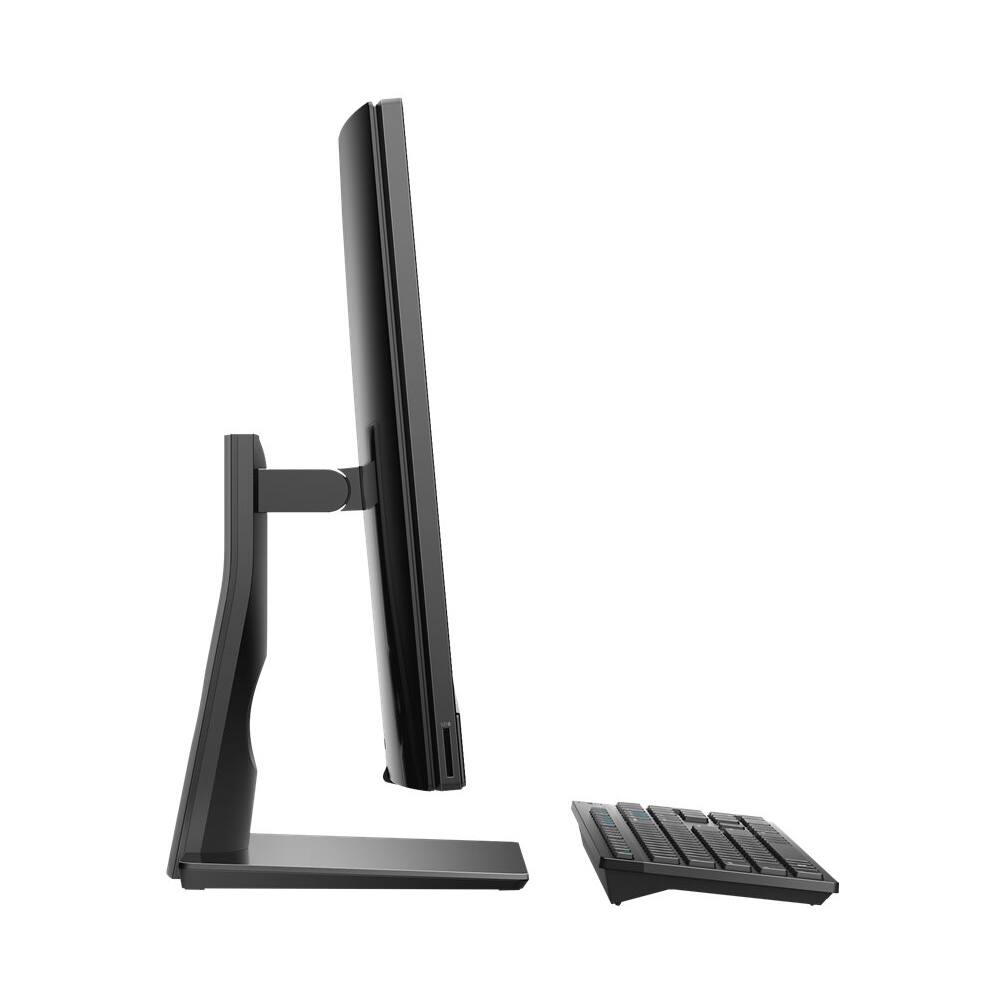
- Model:
- I3480-7752BLK-PUS
- SKU:
- 6345775
to a friend
Good computer
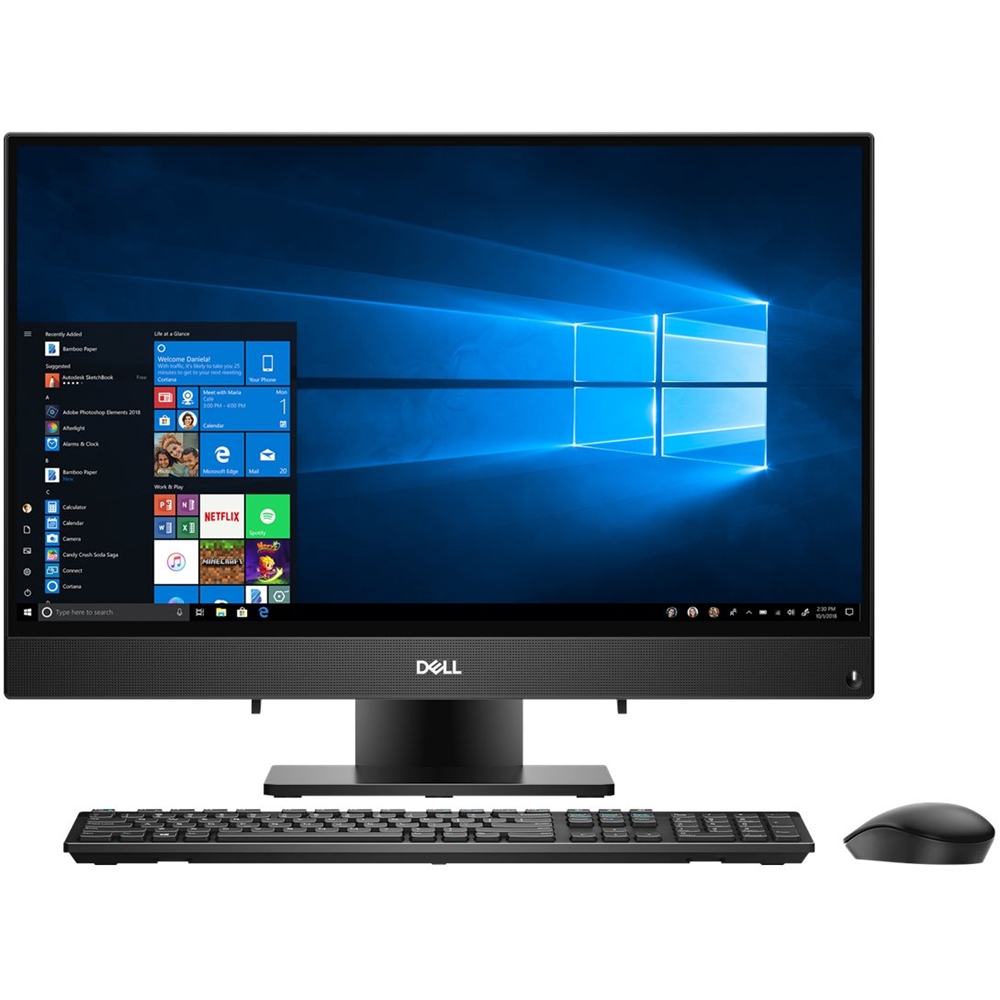
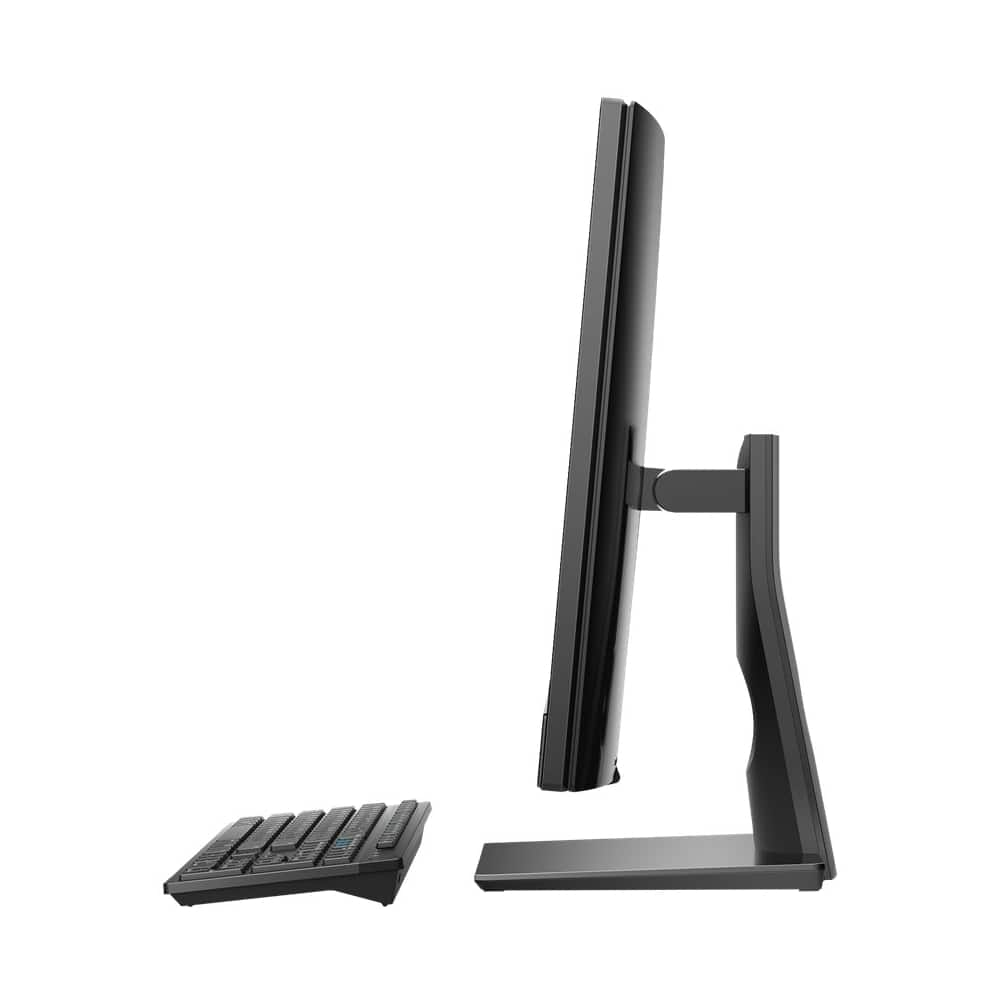
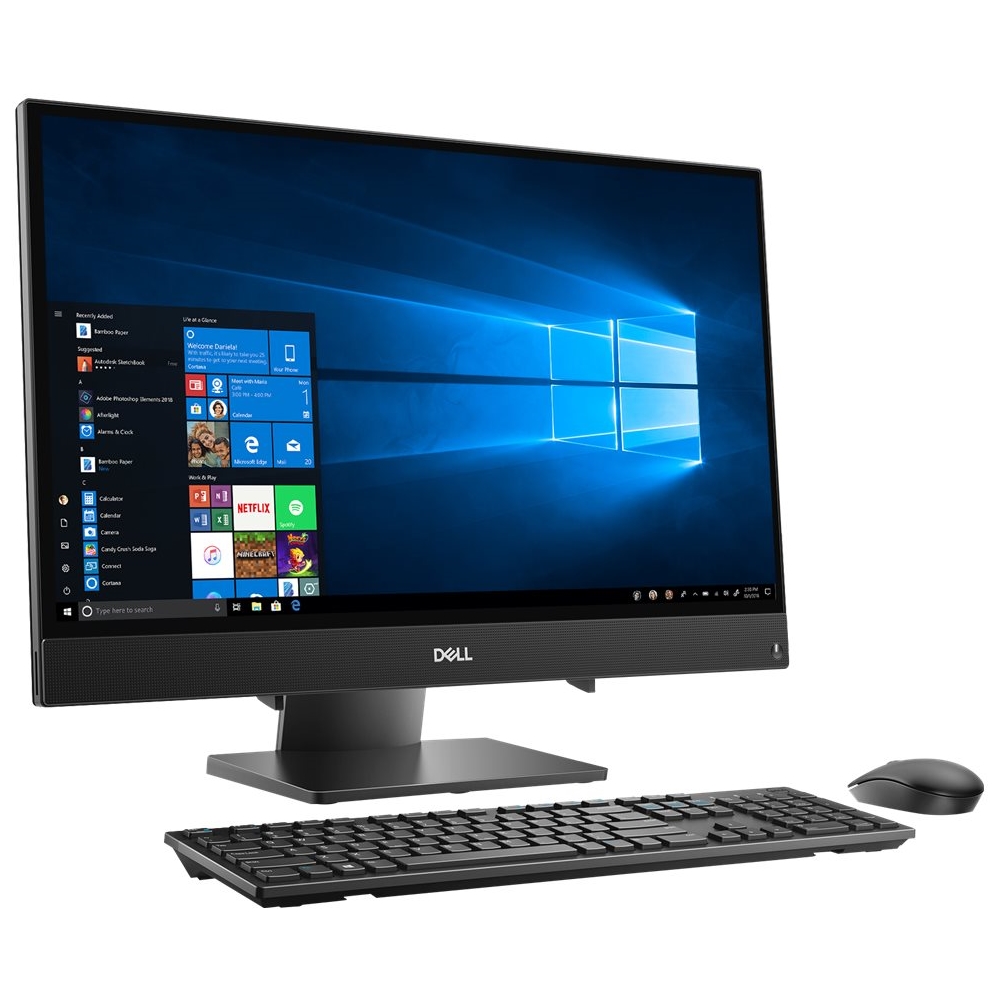
||Posted . Owned for 1 month when reviewed.This reviewer received promo considerations or sweepstakes entry for writing a review.I like how the set up of the computer was. I hadn't used windows 10 much but it was easier then I thought. I like ease of the keyboard and mouse. The only draw back is the camera. It pops up on the top of the monitor. It pops up and goes down easily. I am just use to having the camera installed in the monitor itself. However, the camera does work great when I Skype my family. Clear picture and great microphone. For the price it is a good buy. Would recommend to family and friends.
I would recommend this to a friendNot a fast computer.
||Posted .This reviewer received promo considerations or sweepstakes entry for writing a review.This computer has a very slow processor, I cannot have very many windows open at once. Not happy with this purchase.
No, I would not recommend this to a friendBrand response from YourDellTeam
Posted .Hi GoldenHour,
We're sorry that your computer is not operating as fast as you'd like it to. We'd recommend running the Windows Performance Troubleshooter to see if there are ways for your computer you run faster:
1. Close all open windows.
2. Press the Windows logo key + X key on the keyboard.
3. Click Control Panel.
4. Click System and Security.
5. Under Security and Maintenance, select Troubleshoot common problems.
6. Under System and Security, click Run maintenance tasks.
7. Follow the on-screen instructions and prompts to complete the process.
8. Restart the PC.
You can read the full article here - http://dell.to/2tSulGV.
Best,
Bryan
1-800-624-9896
Love this All in One!!!
||Posted . Owned for 3 weeks when reviewed.This reviewer received promo considerations or sweepstakes entry for writing a review.So far I am very happy with my purchase of the Dell All in One. Had Best Buy set up and all is good.
I would recommend this to a friend