Customer Ratings & Reviews
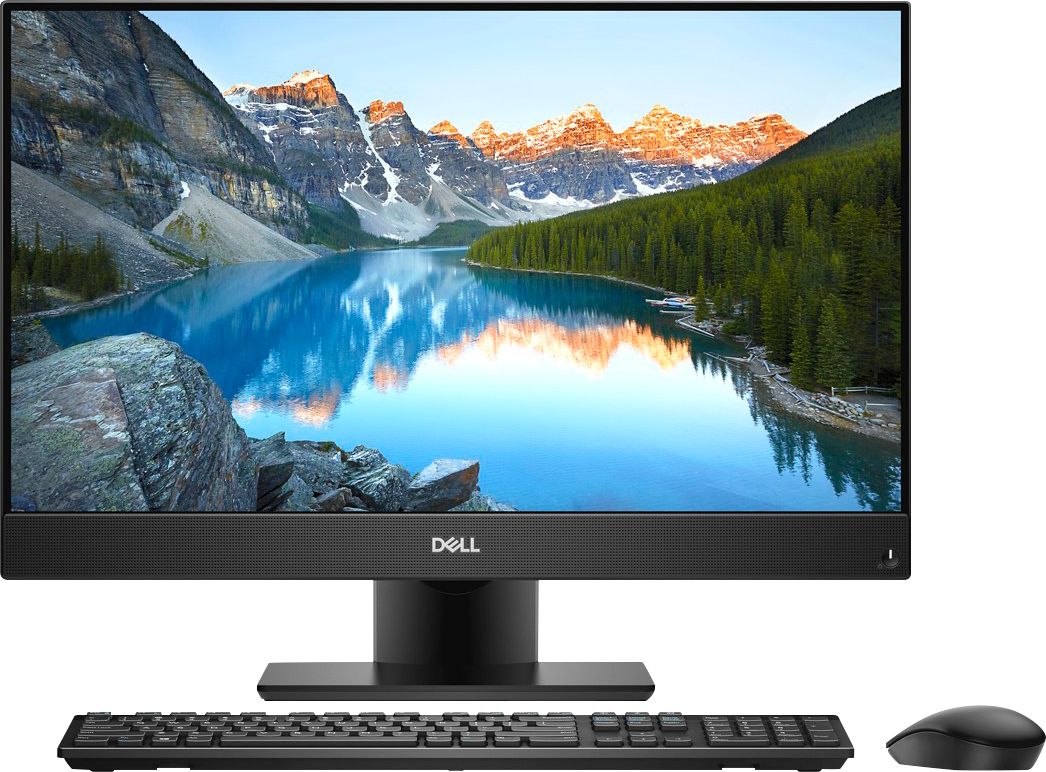
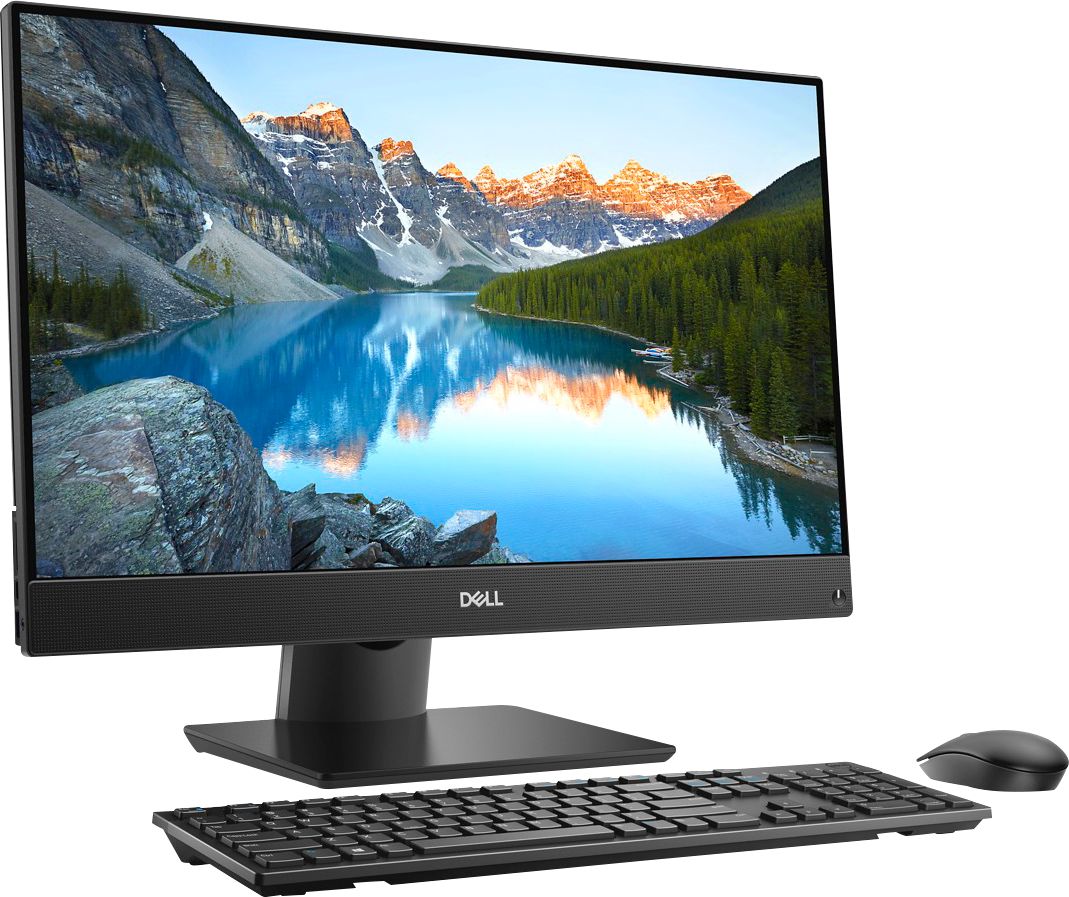
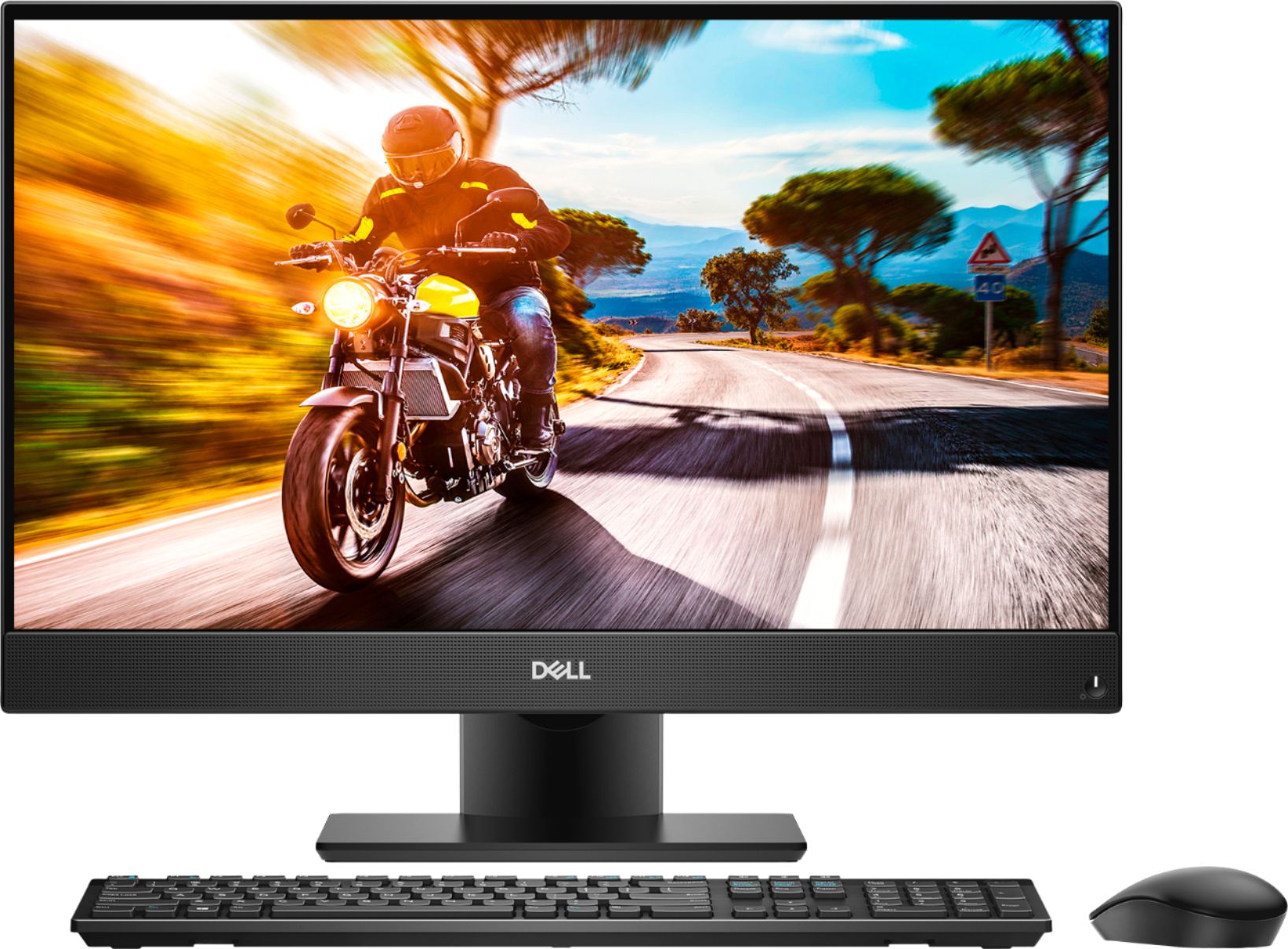
- Model:
- I5477-7491SLV-PUS
- SKU:
- 6239842
Rating by feature
- Value
Rating 4.2 out of 5 stars
- Quality
Rating 4.0 out of 5 stars
- Ease of Use
Rating 4.3 out of 5 stars
Customers are saying
Customers find value in the Inspiron 23.8" All-in-One's touch screen, ease of use, and performance. Many appreciate its sleek design and the ample storage provided by the hard drive, along with the sufficient RAM for everyday tasks. Positive feedback highlights the space-saving size and the overall user-friendly experience. The all-in-one design is frequently praised for its convenience.
This summary was generated by AI based on customer reviews.
Bad Luck on Computer Screen
||Posted .This reviewer received promo considerations or sweepstakes entry for writing a review.Returned desktop after 13 days. Day 1 loud to start. Day 5 Loud and white outline around the desktop screen. Day 10 white overlay on the screen, trouble shooted with a little success. Day 13 the screen was completely white and unable to use any applications so we returned it. Apparently there may be something wrong with the power cord and/or screen as others have similar complaints per associate. Thankfully they let us exchange ;)
No, I would not recommend this to a friendBrand response from YourDellTeam
Posted .Hello mari,
We're sorry to hear about the issues that you had with your Dell computer screen. Our product team has found a solution to the problem that you were experiencing. If you download the LG tool from the following link and implement it on your system it should help with the screen issues that you had: https://www.dell.com/support/home/us/en/19/drivers/driversdetails?driverId=R6TNF.
We're sorry to see that you already returned your computer but if you do give this system another try we hope that this solution works for you.
Best,
Bryan
1-800-624-9896
Dell not working after 12 mo without extend warran
||Posted . Owned for 1 year when reviewed.This reviewer received promo considerations or sweepstakes entry for writing a review.Dell breaks right after warranty of 12 mo expries if you don't buy extended warranty! It happened to my 3 Dell computers. Now I only buy Lenovo. Apple phones also put software for the phones to break after certain time as this way they can force people to purchase a new phone. Dell does the same! THEFT and DISHONESTY!
No, I would not recommend this to a friendI woul not recommend this product to anyone.
||Posted . Owned for 3 months when reviewed.This reviewer received promo considerations or sweepstakes entry for writing a review.It deserves a ZERO star rating; I will be forced to give it a single star for review to be submitted. The monitor is tilted. The computer is slow. It doesn't work well with Dagon Naturally Speaking, which Best Buy (Bway Lafayette, NYC) knew I would be using. Word has problems. Desktop comes with an excess of unwanted apps and doesn't seem intended for use by a writer.
No, I would not recommend this to a friendBrand response from YourDellTeam
Posted .unsatisfied,
We're very sorry to hear that you're unhappy with your new computer. If you have additional technical questions you can contact Dell's Technical Support Team here: http://dell.to/2sH7Qlm.
If you'd like to see if your computer can perform faster for you we'd recommend running the Windows Performance Troubleshooter:
1. Close all open windows.
2. Press the Windows logo key + X key on the keyboard.
3. Click Control Panel.
4. Click System and Security.
5. Under Security and Maintenance, select Troubleshoot common problems.
6. Under System and Security, click Run maintenance tasks.
7. Follow the on-screen instructions and prompts to complete the process.
8. Restart the PC.
You can read the full article here - http://dell.to/2tSulGV.
Best,
Bryan
1-800-624-9896
Not a good choice
||Posted .This reviewer received promo considerations or sweepstakes entry for writing a review.The screen on the first one started flickering withing 5 days. The exchanged one started acting up within a month and now i have to deal with service. Wish i had returned this after this happened the first time. Hopefully service will come through and fix this. NOT Happy at all.
No, I would not recommend this to a friendBrand response from YourDellTeam
Posted .mom2boys,
We're very sorry to hear about the issues that you are experiencing with your new Dell computer. We hope that the service team is able to help resolve this issue for you.
If you do experience this issue again once your computer is returned to you we'd recommend that you download the LG tool from the following link and implement it on your system: https://www.dell.com/support/home/us/en/19/drivers/driversdetails?driverId=R6TNF.
If you have additional questions about your computer once you get it back you can check out our Product Support Page here: https://dell.to/2tInLSQ.
Best,
Bryan
1-800-624-9896
No good
||Posted .This reviewer received promo considerations or sweepstakes entry for writing a review.Bought this brand new out of the box. Within 2 weeks screen had black lines thru it. Sent it back and was gone trying to work on it for 3 weeks. Store finally just gave me another brand new out of the box and lasted like 2 weeks. Same issue with screen and glitching. Took back to store and going with an hp this time and see what happens
No, I would not recommend this to a friendBrand response from YourDellTeam
Posted .Seabass,
Thanks for your review. We're sorry to hear about the screen problems that you experienced with your Dell computer. If you have similar issues in the future with a Dell computer you can always reach out to our Technical Support Team here: http://dell.to/2sH7Qlm.
Best,
Bryan
1-800-624-9896
Terrible computer
||Posted .This reviewer received promo considerations or sweepstakes entry for writing a review.The computer was an open box Recommend by staff. Computer did not work. When I brought it back I was told 17 days will not Give you anything but store credit. It is like have useless funds I don’t trust any of your products after this experience.
No, I would not recommend this to a friendSucks x2
||Posted .This reviewer received promo considerations or sweepstakes entry for writing a review.I purchase not just 1, but when the LED screen started flickering after less than a month, I took it back, and Best Buy replaces it. Within 2 weeks the exact same thing happened. This time I took it back and got an Asus, which I would give 5 stars!
No, I would not recommend this to a friendBrand response from YourDellTeam
Posted .Bella,
Thanks for your review. We're sorry that you experienced this issue with your new computer. This is an issue that Dell is aware of and we are recommending that customers that experience a screen flicker with this model download and implement the LG Tool that can be downloaded from this site: https://www.dell.com/support/home/us/en/19/drivers/driversdetails?driverId=R6TNF.
We're sorry that you decided to return your computer but please don't hesitate to reach out to Dell support in the future.
Best,
Bryan
1-800-624-9896
Defective after one month
||Posted . Owned for 1 month when reviewed.This reviewer received promo considerations or sweepstakes entry for writing a review.i purchased this comp on may 15. on may 30 we had some flickering with the screen. it worked after some looking into and then the screen went out again. i called best buy to exchange (EXCHANGE) and they refused since it was passed its 14 day return policy. unacceptable. very bad service.
No, I would not recommend this to a friendBrand response from YourDellTeam
Posted .rmonreal,
We're sorry to hear about the issues with your screen that you're experiencing. If you continue to have screen issues with your new computer we'd recommend that you download the LG tool from the following link and implement it on your system: https://www.dell.com/support/home/us/en/19/drivers/driversdetails?driverId=R6TNF.
If you do have additional questions about your computer you can always refer to our Product Support Page here - https://dell.to/2tInLSQ.
Best,
Bryan
1-800-624-9896
Worst computer ever
||Posted .This reviewer received promo considerations or sweepstakes entry for writing a review.We purchased our Dell computer on January 7, 2019 and it is March 27, 2019 we got the blue screen of death. The computer is absolutely crap would never buy a Dell again
No, I would not recommend this to a friendBrand response from YourDellTeam
Posted .Unhappy1Eric,
We're sorry to hear about the Blue Screen Errors that you've been experiencing. If you'd like to diagnose these errors you can follow these steps:
1. At the desktop, click the Search the web and Windows box and type "problem reports".
2. Select View all problem reports to view a list of errors that have occurred on your computer and possible solutions for them, such as updating drivers, flashing your system BIOS, or checking for updates to the software.
3. Under the Source column, look for Windows and under Summary, look for Shut down unexpectedly.
4. Right-click the line item and select Check for a solution.
We'd also suggest checking to make sure that your software and drivers are up to date on Dell's Product Page - https://dell.to/2Kjx40V.
You can read the full article here - http://dell.to/2u98Cct.
Best,
Bryan
1-800-624-9896
Avoid this one
||Posted .This reviewer received promo considerations or sweepstakes entry for writing a review.I bought this model and it crashed. Best Buy replaced it with the same model. Second PC kept rebooting. It was bad too. Returned & upgraded to another model.
No, I would not recommend this to a friendBrand response from YourDellTeam
Posted .Hi LittleBA,
Thanks for your review. We're sorry to hear that your computer kept crashing on you. Dell does offer troubleshooting tips to help with these issues. In the future please don't hesitate to reach out to Dell's Technical Support Team for support if you need it: http://dell.to/2sH7Qlm.
Best,
Bryan
1-800-624-9896
Broke
||Posted .This reviewer received promo considerations or sweepstakes entry for writing a review.Had the computer for one week. It was an open box item. The screen crashed after a week. When I returned it, there was another one returned for the same reason.
No, I would not recommend this to a friendTerrible computer
||Posted .This reviewer received promo considerations or sweepstakes entry for writing a review.The first time i turned it on the screen was fuzzy and i couldnt even use it. I took it to geek squad and it was not repairable. Terribly disappointed
No, I would not recommend this to a friendBrand response from YourDellTeam
Posted .Hello Dell,
Thanks for your review and we're sorry to hear about the picture on your new All-In-One. Please don't hesitate to reach out to Dell's Technical Support Team so that they can assist you further: http://dell.to/2sH7Qlm.
Best,
Bryan
1-800-624-9896
A terrible buy
||Posted . Owned for 10 months when reviewed.This reviewer received promo considerations or sweepstakes entry for writing a review.Problems out of the box. Not a good value. Returned it within a week. Went back to a separate CPU and Monitor. I have spoken to 3 others that had similar issues. Not a good buy.
No, I would not recommend this to a friendFaulty computer
||Posted .This reviewer received promo considerations or sweepstakes entry for writing a review.Wasn’t used much orange flasher came on screen, not fixable, return less than a month. My advice do not purchase all in one dell computer.
No, I would not recommend this to a friendhad to return 3 different computers
||Posted .This reviewer received promo considerations or sweepstakes entry for writing a review.poor resolution screen develops a cloud making it unable to see the desktop. Randomly refused to boot. Same problems developed on three different machines
No, I would not recommend this to a friendBrand response from YourDellTeam
Posted .mdmpsyd,
We're sorry to hear about the issues that you had with your Dell computer purchases. We'd encourage you to reach out to Dell's Support Team in the future to help you with these issues that you're having: http://dell.to/2sH7Qlm.
Best,
Bryan
1-800-624-9896
Worse computer I have ever owned.
||Posted .This reviewer received promo considerations or sweepstakes entry for writing a review.I have had nothing but trouble with this computer. Very poor quality. I purchased it in July 2018 and it is now January 2019. I am going to replace it.
No, I would not recommend this to a friendBrand response from YourDellTeam
Posted .buffalobill,
Thanks for your feedback. We're sorry that your computer is not meeting your needs. If you have specific performance questions you can check our Product Support Page here: https://dell.to/2tInLSQ.
Best,
Bryan
1-800-624-9896
Trouble with screen
||Posted .This reviewer received promo considerations or sweepstakes entry for writing a review.I had to exchange this item three times because the screen kept going out. Third time traded for same brand but different type.
No, I would not recommend this to a friendBrand response from YourDellTeam
Posted .Nancy,
We're very sorry to hear about the issues that you've had with your Dell All-In-One. If you experience similar issues in the future you can contact Dell's Technical Support Team here: http://dell.to/2sH7Qlm.
Best,
Bryan
1-800-624-9896
Did not work out of the box.
||Posted .This reviewer received promo considerations or sweepstakes entry for writing a review.Would not update to new version from and eventually crashed the OS.
No, I would not recommend this to a friendBrand response from YourDellTeam
Posted .paul,
We're sorry that the update did not work for your computer the way that it was supposed to. If you'd like to reach out to Microsoft's Technical Support Team you can reach them here: http://bit.ly/2KBOM4c.
You can reach Dell's Technical Support Team here: http://dell.to/2sH7Qlm.
Best,
Bryan
1-800-624-9896
Returned due to not working after installation of
||Posted .This reviewer received promo considerations or sweepstakes entry for writing a review.Awful computer. Quit working after a couple of days
No, I would not recommend this to a friend
Sleek, Modern, Powerful
|Posted .This reviewer received promo considerations or sweepstakes entry for writing a review.In this day and age of tablets, phablets, and laptops that get smaller and thinner year over year. This beautiful Dell Inspiron All in One desktop is a very welcome step back into the golden days of desktop computers. The design is amazing and looks great on your desk in the office or bedroom. Build quality is great, this all in one feels like its built like a tank without weighing like it. Setting it up is very easy, you screw on the base to the built in stand and plug in the power cable. That's it, you're all set to go. Although not as practical as a laptop you could move this workstation to any room in your home or office with ease.The included wireless keyboard is very tactile and the keys are spaced perfectly. The mouse in my opinion does feel a little cheap, the battery cover which doubles as the left and right click buttons pops off very easily and feels like it' wont be able to take a year worth of clicks. Not that big a deal, as you are able to plug in your choice of keyboard and mouse to this machine. There is more USB ports on this thing on the backside than you'll ever need. There is 2 hdmi ports on the backside also, one of which you could probably use to add a second monitor and extend your work area. On the bottom left corner there is a USB 3.0 Port, USB Type C Port, SD Card Slot and a headphone jack. There is only two buttons on this monitor, a Power button, and a small hidden button on the bottom that switches to the hdmi input. Volume, Brightness, Etc is all changed with the keyboard or menu on your computer. There is no "color profiles" on this monitor, at least I've yet to find them but the display is calibrated perfectly in my opinion. Games, Movies, Photos, Videos all look great on it. The colors are vivid without making whites look yellow or saturated. Text is sharp and crisp. The i7 processor and 12gb of Ram paired with the beautiful responsive touch screen make this a perfect computer for editing photos and videos. It is also powerful enough to handle some light gaming. It wont play the latest games because this model only comes with integrated graphics but it will run many of the games available in the microsoft store. I did install some my favorite older "AAA" games and they run fine just don't expect the newest and greatest games on here. I want to point out that the built in speakers on this computer are amazing. They are loud, and pack a punch. Streaming movies, videos and music on here with the included speakers is pleasing to my ears. This is a great all around computer, and it has reinvigorated my love for editing photos and videos , gaming, and consuming media at my desk. Pros - Beautiful Modern Design Great Color Calibration Loud and ample built in speakers Powerful i7 processor with plenty of Ram Cons - Included mouse feels cheap
I would recommend this to a friend