Customer Ratings & Reviews
- Model:
- I5477-7491SLV-PUS
- SKU:
- 6239842
Rating by feature
- Value
Rating 4.2 out of 5 stars
- Quality
Rating 4.0 out of 5 stars
- Ease of Use
Rating 4.3 out of 5 stars
Customers are saying
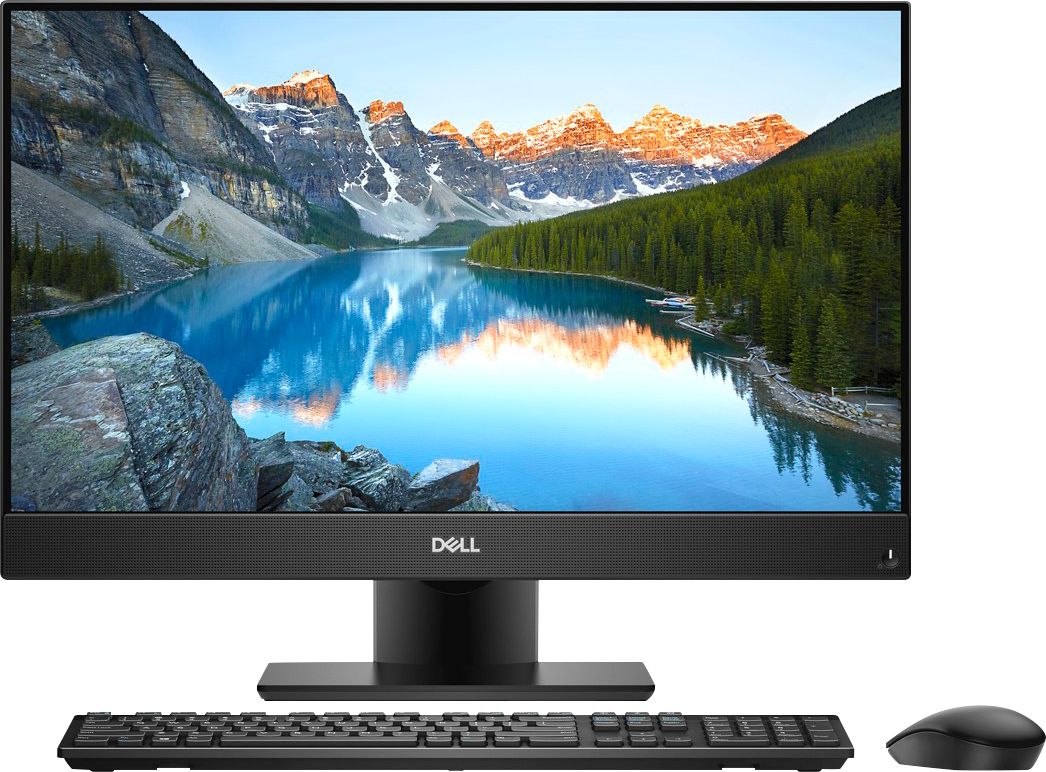
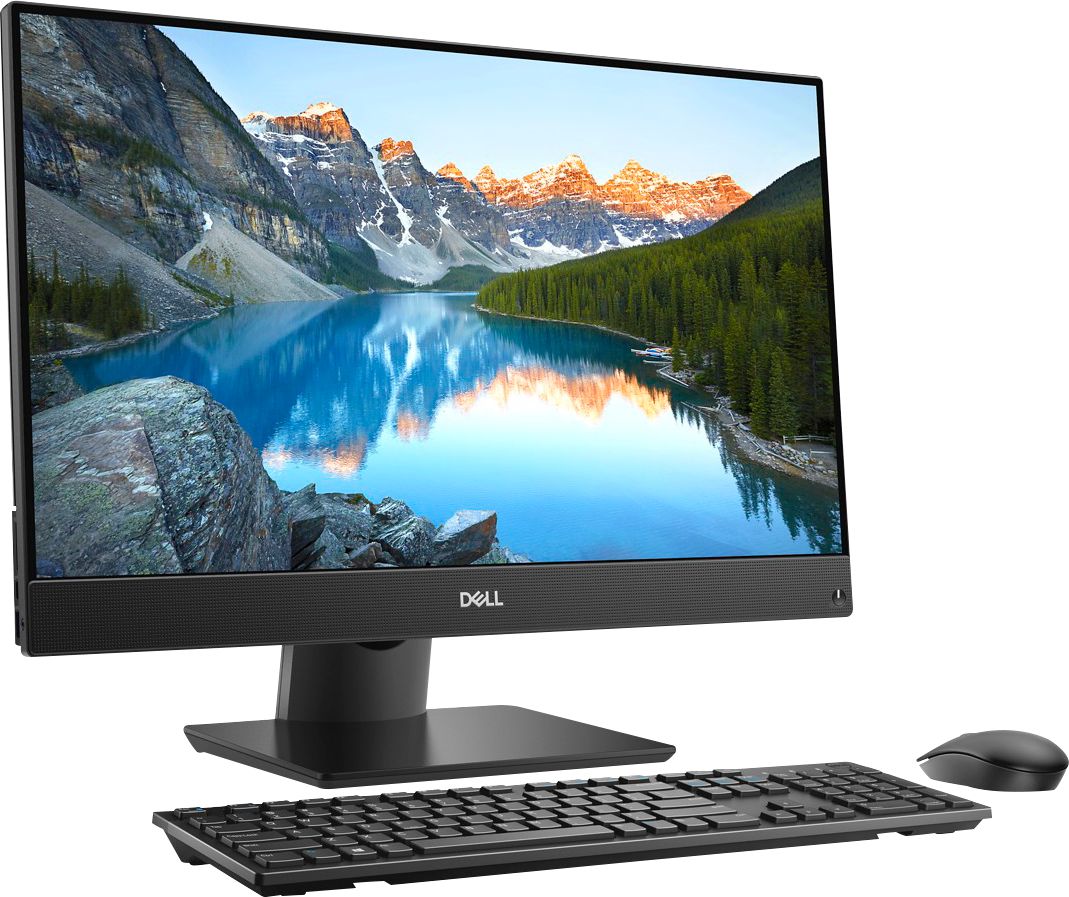
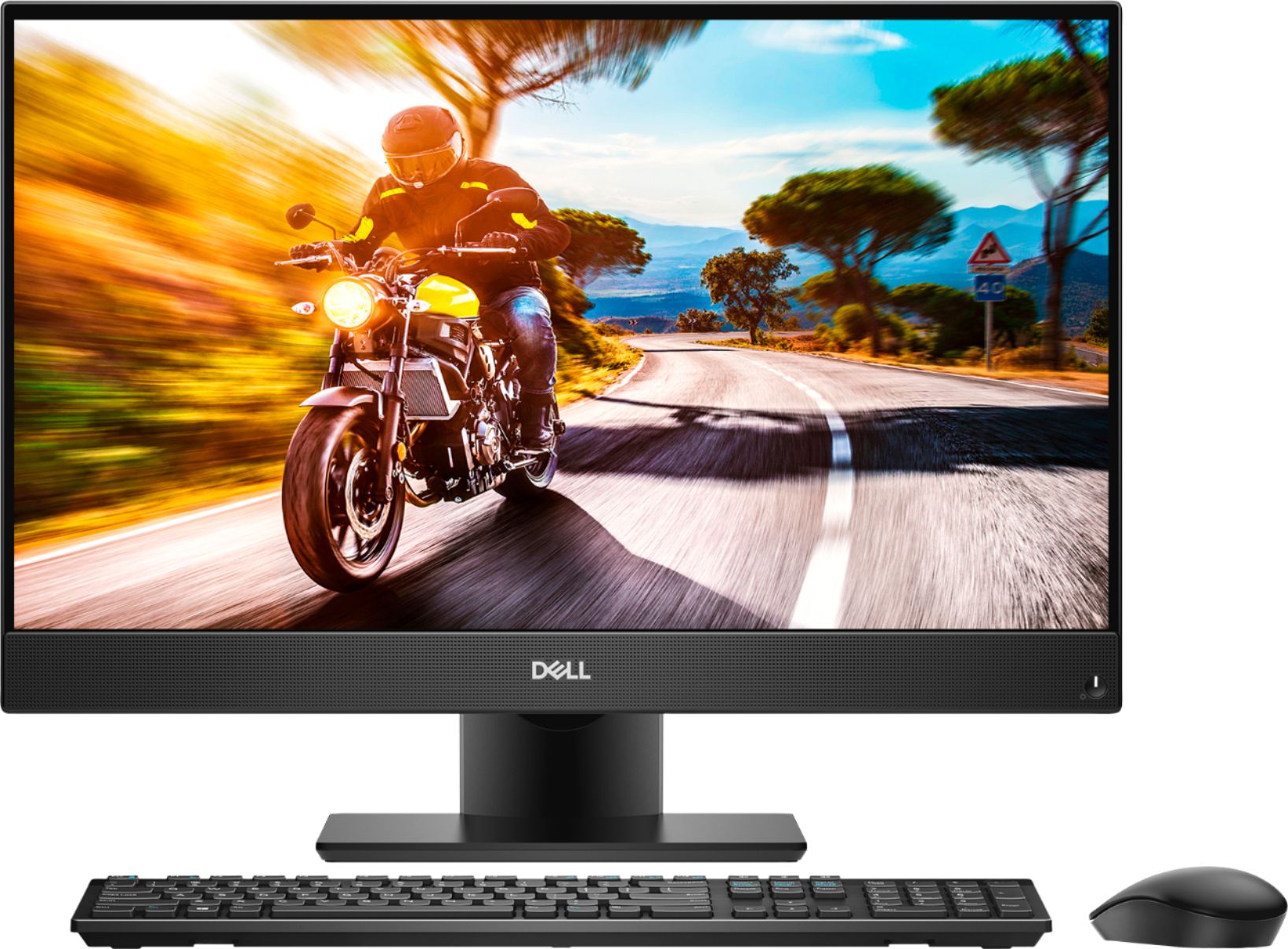
Customers find value in the Inspiron 23.8" All-in-One's touch screen, ease of use, and performance. Many appreciate its sleek design and the ample storage provided by the hard drive, along with the sufficient RAM for everyday tasks. Positive feedback highlights the space-saving size and the overall user-friendly experience. The all-in-one design is frequently praised for its convenience.
This summary was generated by AI based on customer reviews.
Just what I needed
||Posted . Owned for 2 months when reviewed.This reviewer received promo considerations or sweepstakes entry for writing a review.Just what I was looking for. Compact, great for a small space. Works well.
I would recommend this to a friendworking well in place of the HP Envy Desktop
||Posted . Owned for 1 month when reviewed.This reviewer received promo considerations or sweepstakes entry for writing a review.I like the touch screen feature. Comes in handy when mouse fails.
I would recommend this to a friendGreat computer
||Posted .This reviewer received promo considerations or sweepstakes entry for writing a review.Had a little trouble at first but it seems to be doing great now.
I would recommend this to a friend- Pros mentioned:Processor speed

Modern PC at a Reasonable Price
|Posted .This reviewer received promo considerations or sweepstakes entry for writing a review.With this being my first all in one desktop computer I can definitely say that I am pleased with the results of what Dell has been able to do with this machine. First and foremost I am not a PC gamer (prefer console) so my intention was not to game on this PC and thus the lack of a high powered graphics card was not a deterrent at all. After using this PC I definitely enjoy having the components of the computer wrapped in with the monitor as the space it does truly save is dramatic. I`m not going to go into the numerous specs and speed tests as those can be found more in depth on other sites, but am just giving my basic view on this product from a casual desktop user`s experience that includes your traditional video watching, Internet surfing, and Office Suites processing activities. One of the important aspects to me with a desktop computer is the build quality and overall cosmetics of the computer as it is something that will sit in my home that is seen every day and I can say that I am not ashamed to have this computer sitting on my desk. The build quality is very sound with a solid base being used and the exterior is not made entirely of cheap plastic as can be seen with more budget conscious models. One of the small negatives I did have with this computer was the included mouse and keyboard as it is nice that they are now including wireless mice and keyboards, but you can tell that costs were reduced in this area as they are not the greatest of quality and I would recommend picking up a separate mouse and keyboard. Then leading into the screen I do enjoy the minimal bezels as it is nice to see Dell slimming down the machine to reduce these bezels and form that minimalist look. The addition of a touch screen is something I still am not quite sure of for desktops and laptops, but the addition of it is a nice feature to have on those rare occasions as when showing someone something on a webpage or document you can simply touch the screen as opposed to taking control of the mouse or keyboard. The screen is something I enjoy having as the glare is very minimal (if any) and the colors are not diluted in the slightest as they are in some “antiglare” screens. Then for a 1080 resolution screen the picture quality and sharpness is not bad either. Thus regarding the outside of the computer the build quality is exceptional and the screen is very solid for this price range. Finally regarding the actual performance of the computer as this is the most aspect of the computer I can definitely say I am satisfied. Coming from anything less than an i5 or comparable processor you can definitely notice a difference in speeds especially when loading various videos or streams whether they be from Netflix, YouTube, Twitch, etc. Also, with having a USB type C port is nice along with multiple USB 3.0 ports as it does speed up a variety of processes as opposed to standard USB 2.0. The performance of the webcam is what can be expected as it does the job, but obviously isn`t gonna be on that high end. Overall, for the price you are paying it is a very solid PC. In my opinion it is in that sweet spot where you get a vast variety of all the new features that modern PCs have, but you are not paying up to get the high ends of those features (which in many cases is not necessary). The nice thing though is that if you are looking to upgrade a hard drive it is very easy to open the computer and put in the desired replacement and many other high end components can be added on later. Thus, I would recommend this PC for normal home, office, and school use as it comes with a variety of new features and functions appropriately to support them. Note: I did have issues at first with faded vertical bars on my screen, but upon rebooting the computer and reinstalling some updates/drivers it does seem to be fine now.
I would recommend this to a friend A good desktop
||Posted .This reviewer received promo considerations or sweepstakes entry for writing a review.Works, well. At times it feels like it's updating all the time.
I would recommend this to a friendNew All-in-One Dell Computer
||Posted .This reviewer received promo considerations or sweepstakes entry for writing a review.Since this computer is an all-in-one and wireless, it is slower than my older Dell desktop. I have even hardwired the modem and router to this computer in hopes of speeding up opening pages - it didn't help. I would not purchase an all-in-one computer again for this reason.
No, I would not recommend this to a friendBrand response from YourDellTeam
Posted .BMO1207,
We appreciate your feedback and we're sorry to hear that your computer is not performing as quick as you hoped it would. We'd recommend running the Windows Performance Troubleshooter to see if it will help your computer run faster:
1. Close all open windows.
2. Press the Windows logo key + X key on the keyboard.
3. Click Control Panel.
4. Click System and Security.
5. Under Security and Maintenance, select Troubleshoot common problems.
6. Under System and Security, click Run maintenance tasks.
7. Follow the on-screen instructions and prompts to complete the process.
8. Restart the PC.
You can read the full article here - http://dell.to/2tSulGV.
Best,
Bryan
1-800-624-9896
Mixed Emotions
||Posted .This reviewer received promo considerations or sweepstakes entry for writing a review.Style no laptop fan issues-addl policy recommended
I would recommend this to a friend- Pros mentioned:Ease of use, Performance, Touch screen
Nice Looking...Decent Perfoming AIO Desktop
|Posted .This reviewer received promo considerations or sweepstakes entry for writing a review.This is my first All-In-One (AIO) desktop computer. Initial impressions are that the computer looks nice, does not take up much space, and has a nice touch screen monitor. It also comes with a wireless keyboard and mouse. Setup of the computer was very easy. Setup takes less than 5 minutes and consists of attaching the stand then plugging in the power cord. After initial start, it takes several hours to go through all of the Windows updates. While Windows is updating, you cannot do anything else due to the performance impact that the updates have on the computer. Once all of the updates are complete, the computer is fairly slow to boot up. It is much slower than my six year old desktop computer. I would assume that this is due to all of the services running in the background that it requires for the AIO to function properly . After booting up, the speed and performance of the computer is OK…nothing special. For its specs, I would expect that the performance would be a little better than what it is. My son tried to play Fortnite on it and was unable to do so. It works fine for Microsoft office application usage and internet use, but for gaming usage, you may want to look at something else. Also, for anyone thinking about purchasing an All-In-One computer, keep in mind that if some component in the computer fails latter on, such as the wireless internet, USB port, Ethernet port, video card, touch screen monitor, memory module, etc., it will be more difficult and more expensive to replace parts on these type computers. But for anyone looking for a good, basic computer for office applications and internet use that looks nice, is extremely easy to use, and does not take up much space on a desk, it would be a good computer to purchase.
No, I would not recommend this to a friendBrand response from YourDellTeam
Posted .DRTechNerd,
We're glad that for the most part your Dell All-In-One is working well for you. If you'd like to try to speed up your computer we'd recommend removing some pre-installed programs that you do not plan on using:
Uninstalling or removing software or applications that you do not use or do not need from your PC can help speed up your PC. Applications may include background processes, system services, context menu entries and other things that can slow down your PC.
Uninstall applications you no longer need using Programs and Features (previously called Add/Remove Programs). Unnecessary applications occupy space on your hard disk drive.
1. Press the Windows logo key + R on the keyboard.
2. In the Run dialog box, type appwiz.cpl and press the Enter key.
3. In the list, select a program and click Uninstall.
You can read the full article here - http://dell.to/2tSulGV.
You can also limit the number of programs that launch at startup by following these steps:
1. Close all open windows.
2. Press CTRL + Shift + ESC key together on the keyboard.
3. In the Task Manager window, click Startup tab.
4. Select the program or application that you want to disable from loading during startup.
5. Right-click and select Disable.
6. Repeat Step 4 & 5 for all the programs or applications that you want to disable from loading during startup.
7. Restart your PC.
You can read the full article here - http://dell.to/2tSulGV.
We hope these tips help you get the most out of your computer.
Best,
Bryan
1-800-624-9896
Maybe not the computer, maybe the operating system
||Posted .This reviewer received promo considerations or sweepstakes entry for writing a review.This computer seems so slow compared to my IPad. I should have purchased a Mac. I cannot load my old programs onto this computer. I have owned so many Dell computers, thought this would be perfect, I was wrong. It has “One Drive” and after I had everything over there, my contacts, photos, etc. next time I wanted to pull them up, they were gone, put them all back on there again, pulled them up a couple of times, go back and all are gone. Cannot get my Outlook to recognize my Gmail account. Works perfect on my new IPad, also works perfect on my new IPhone. I did purchase the new Office and it included Outlook. So many problems, maybe not the computer, maybe the operating system, Windows 10.
No, I would not recommend this to a friendBrand response from YourDellTeam
Posted .VenitaT60,
Thanks for your review. We're sorry to hear about the issues that you've had with your computer so far. You may want to try to reach out to Microsoft directly: http://bit.ly/2KBOM4c. If you have additional technical questions about your computer you can visit our Product Support Page here: https://dell.to/2DgG9WT.
Best,
Bryan
1-800-624-9896
Great system after all updates are installed!
||Posted . Owned for 3 weeks when reviewed.This reviewer received promo considerations or sweepstakes entry for writing a review.At first I wasn't impressed as the system ran so slow. However, once all the updates for Windows were installed the system is very impressive and I am very satisfied with my purchase! I would highly recommend this system to everyone!!
I would recommend this to a friendGreat computer
||Posted .This reviewer received promo considerations or sweepstakes entry for writing a review.This computer runs our projector and a screen in the back during our services. It running many applications at the same time . We are very satisfied with operating capacity. The salesman that helped us was very knowledgeable and helpful.
I would recommend this to a friendBad experience with Dell Customer Service
||Posted . Owned for 6 months when reviewed.This reviewer received promo considerations or sweepstakes entry for writing a review.This computer was purchased in August of 2019 as an open box. At initial setup, it had issues with certain drivers not working (such as the driver for the ethernet port) but with running all the updates everything started working pretty well. Going forward to now, February, the computer has some software issues that I believe are related to a virus as certain functions that don't work in the user profile, work outside the user profile (such as registering key strokes). I tried to use the recovery partition to restore the computer but it seems to be corrupt. So I called Dell to try and order the recovery media and they state they do not sell them. Instead, they offer an extended warranty for software, or I can make the recovery media on another computer. I go to their website on another computer and follow the steps to create the recovery media using my service tag. The program they provide (Dell key creator) does not open! I tried it on two different Windows computers and it just does not open even if I try to open as administrator. I look on their forums and apparently many people have had the same issue with failing to open "Dell key creator". I call back the next day and I explain to them that the option that they provide over the internet does not work and I need the recovery media. They still say they cannot provide me with the recovery media because they don't sell it and to purchase a "premium" warranty so they can help me create the recovery media, which I think is silly. The vibe I got from each person I spoke to at Dell customer service was completely off. This will probably be the last Dell item I purchase from them. Customer service is soo important.
No, I would not recommend this to a friendGrand Daughter Loves It
||Posted . Owned for 3 weeks when reviewed.This reviewer received promo considerations or sweepstakes entry for writing a review.Got this one for my grand daughter. Good price, nice performance and lots of memory for her games without spending money on a really tough gaming system. She loves it, thats all that really matters.
I would recommend this to a friendReplacement computer
||Posted .This reviewer received promo considerations or sweepstakes entry for writing a review.Bought this computer to replace my 8 yo desk top and tower. Space saver design. Very quick with a lot of storage. Wish it had CD drive in the side
I would recommend this to a friendAlready sent for repairs
||Posted .This reviewer received promo considerations or sweepstakes entry for writing a review.I bought the computer as a Christmas present to myself. I didn’t set it up until January. It worked fine for two weeks. After that the screen display was distorted with color bars and a vertical contrasting strip running from top to bottom. It was difficult if not impossible to see anything on the screen. I called Best Buy snd was told the ONE MONTH return period was up and I had to deal with Dell. I had to delete my information while not being able to see anything properly and re-pack the entire unit and ship it to Dell. I am not happy.
No, I would not recommend this to a friendBrand response from YourDellTeam
Posted .3943,
We are sorry to hear about the troubles that you have had with your new Dell All-In-One. Dell has identified a resolution for the screen problems that customers are having with this computer model. We'd recommend that you install and implement the LG Tool from this link - https://www.dell.com/support/home/us/en/19/drivers/driversdetails?driverId=R6TNF.
Hopefully this will help resolve the monitor issues that you're having and you will not need to send it to Dell for repairs.
Best,
Bryan
1-800-624-9896
Great computer for the price.
||Posted .This reviewer received promo considerations or sweepstakes entry for writing a review.I really like the fact everything is wireless on this computer. Also no more tower to deal with, everything is built in to the monitor. It is great family computer for our home.
I would recommend this to a friendExcellent Product
||Posted .This reviewer received promo considerations or sweepstakes entry for writing a review.This All-in-One Desktop is ideal for my business use. System has the power and storage space I need to work efficiently. Also saves on desktop space giving more room to work.
I would recommend this to a friendGreat computer -nice upgrade
||Posted .This reviewer received promo considerations or sweepstakes entry for writing a review.Love it --I like it to because it helps me by answering my question so I can learn more as I go with all the new things I need to do !
I would recommend this to a friend- Pros mentioned:Touch screen
Great AIO, But Could Use Some Improvements
|Posted .This reviewer received promo considerations or sweepstakes entry for writing a review.INITIAL IMPRESSIONS, SETUP, CONFIGURATION: The packaging is typical Dell…not much more I can say than that. Everything is well-packed in the box, with minimal possibility of damage being caused during the shipping process. Removal from the box is also extremely simple. As Dell decided to include a wireless keyboard & mouse, “setup” involves nothing more than attaching the base (the stand is, essentially, built into the computer) to the stand with a single thumbscrew (permanently attached to the base), plugging one end of the power supply into the computer, plugging the other end into an outlet, and, finally, pressing the <Power> button. Lastly, as for “configuration”, ‘Cortana’ walks you, very politely, through the computer’s simple initialization & configuration process. Put another way, from opening the box, to having the computer usable, can easily be done in less than 30 minutes. Of course, there’s still one major step to be taken – getting everything from your “old” computer onto your “new” computer. If your “old” computer happens to be running Windows 10 (this also works from moving from a Windows 7 or 8 computer, just not as well), I’ve got a simple & fast solution for you: PCMover Home from LapLink. This $25 utility (1-time use license) will move all of your files, programs, and settings, and it no longer needs special cables…you can perform the transfer via your home Wi-Fi network. I transferred everything from my wife’s “old” computer in less than 45 minutes. There are two things I DO need to mention about PCMover. First, if you have Microsoft Office (or any Office components) installed, you will have to go through the activation process again, once the transfer is complete. Second, if you have any third-party anti-virus software installed (Norton, McAfee, etc), PCMover will NOT transfer the security software…even worse, while it won’t move the installed software, it will move the Windows Registry, which contains information pertaining to said security software. When attempting to install the security software on the “new” computer, you will run into some serios problems (in my case, Norton Security refused to install). Unfortunately, I discovered this the hard way, and it took Norton technicians over a week to figure out the problem, and get Norton Security installed. That being said, I have a solution which will save you from all the problems I encountered. First, prior to installing PCMover (it will need to be installed on BOTH computers), uninstall your security software. Second, use whatever tools the developer offers (in the case of Norton, that would be ‘NRnR’ (when running NRnR, make sue to take the extra step, so that it does NOT “reinstall”), followed by ‘Power Eraser’). By running this second step, it should effectively remove any “Symantec” & “Norton” information from the Registry. ONLY after performing these steps should you install PCMover on both computers, and transfer everything. Once the transfer is complete, you can uninstall PCMover on the “new” computer, and then go about installing your security software. OPERATION: Overall, the Dell AIO 5477 is a very good computer. While this particular model doesn’t have a dedicated GPU, I understand that higher-level models do have this. The 8th-Gen hex-core i7 CPU is extremely fast. My only “complaint” is that the computer contains a traditional (ie. “slow”) HDD, as opposed to a far speedier SSD. While the 7th-Gen i7 quad-core CPU in my desktop might not be as fast as the CPU in my wife’s new Dell AIO, the SSD in my computer boots the computer up in approximately 1/4 the time. While it might be nice to have a dedicated GPU, my wife doesn’t need it, so the integrated GPU is more than capable for her needs. While some will prefer a higher resolution screen (the 27” model DOES provide this), the 24” 1920x1080 screen is perfect for my wife. Besides, it’s a touch-screen, which she didn’t have before. FINAL VERDICT: Dell has done an excellent job designing, and building, the AIO 5477. Some will probably nitpick at the lack of an SSD, lack of a dedicated GPU, or the “low” resolution (since when is full-HD “low res”?), the truth is, for the price, this is an excellent computer. It’s got a very speedy CPU, its graphics ability is more than capable, it’s got plenty of storage, and a 24” touch screen (by the way, unlike most touch screens, with their glossy glass, the screen on this computer has a nice matte finish, which my wife greatly appreciates). She prefers the Logitech keyboard & mouse she was already using, so the keyboard & mouse that Dell included will be kept in the box as “backup”. For the price, I would certainly recommend this. Even if it had been priced $200-300 higher, I’d still recommend it. The ONLY reason I gave it a 4-star rating, instead of a 5-star rating, is because they could have included an SSD, instead of the HDD. At the same time, there is an open M.2 slot on the motherboard, should a purchaser be interested in “upgrading” down the line. Disclaimer: This product was provided free, or at reduced cost, for the purpose of reviewing the product. Nevertheless, the above review, be it positive, negative, or anywhere in-between, is a 100% honest review, and the price paid played absolutely no part in my review.
I would recommend this to a friend - Pros mentioned:Touch screen
Nice All-in-One
|Posted .This reviewer received promo considerations or sweepstakes entry for writing a review.Pretty Nice AIO (All-In-One) This is my first AIO computer. So far, so good. The computer just looks like any standard monitor, so very compact. Setup was simple and straight forward.. Yes, you do have do go through some standard updates, but all went well. Even though I have a slightly older laptop, for now this has become my go-to machine. It has an i7 processor and 12 GB of RAM. I am not a big gamer, but I did download an auto racing game with nice graphics to test it out and it ran perfect. That being said, it is not a machine I recommend for a strictly gaming device as those require faster dedicated graphics cards for the high-end games. Monitor has a dull surface which shows no reflections. It is touch screen and works pretty well. Although on this type of device I have not found myself using it all that much. I do find the fonts appear somewhat blurry to me. The keyboard and mouse are pretty basic. I would much prefer the keys of the keyboard to light up though. Pop up web cam is a nice touch. I use it simply to log into windows using the face recognition. This does have a 1TB 7200RPM Hard Drive. I would prefer an SSD drive at least for the OS. I do hear the hard drive working quite a bit. Not Loud, but noticeable to me. I also periodically get a delay when scrolling a web page. I think this might have to do with a background service running at times. There are two USB connections (one standard and one mini), an SD drive and audio connection off the left side of the screen for easy access. I do wish the USB was a powered (Charging) connection so it would charge my peripherals when plugged in. Not a huge deal as I have a longer cable connected to the USB off the back and leave it plugged in. Connection to a second monitor is easy using the HDMI output. Dell Mobile Connect is a good idea. It connects you smartphone to your computer through Bluetooth. You can use your text, view phone calls and emails as they come into your phone. It does run a little slow and can use some refining. All in all a nice computer for personal/family use.
I would recommend this to a friend