Customer Ratings & Reviews



- Model:
- I7590-7117BLK-PUS
- SKU:
- 6339275
Rating by feature
- Battery Life
Rating 4.1 out of 5 stars
- Speed
Rating 4.3 out of 5 stars
- Display
Rating 4.3 out of 5 stars
Customers are saying
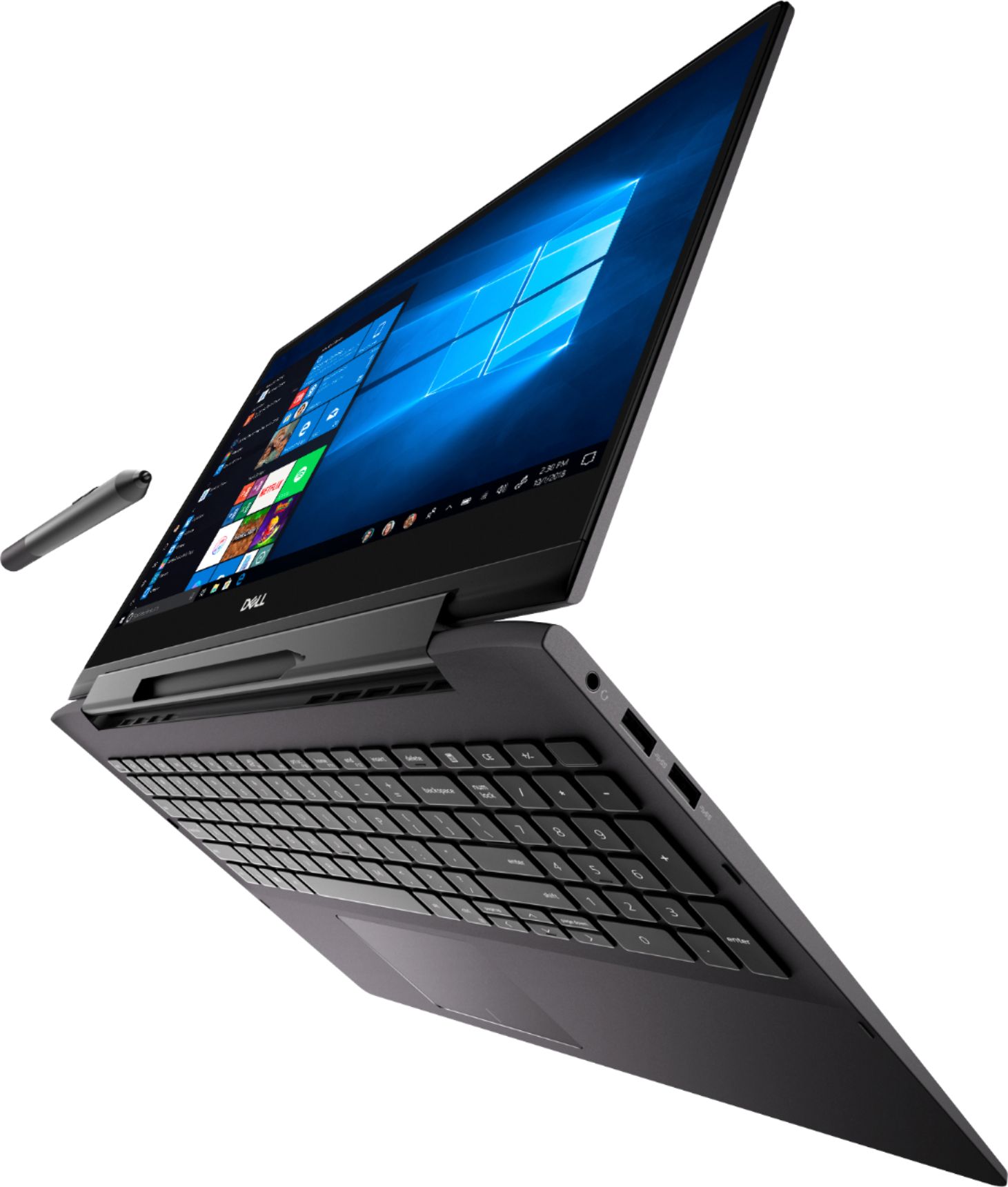
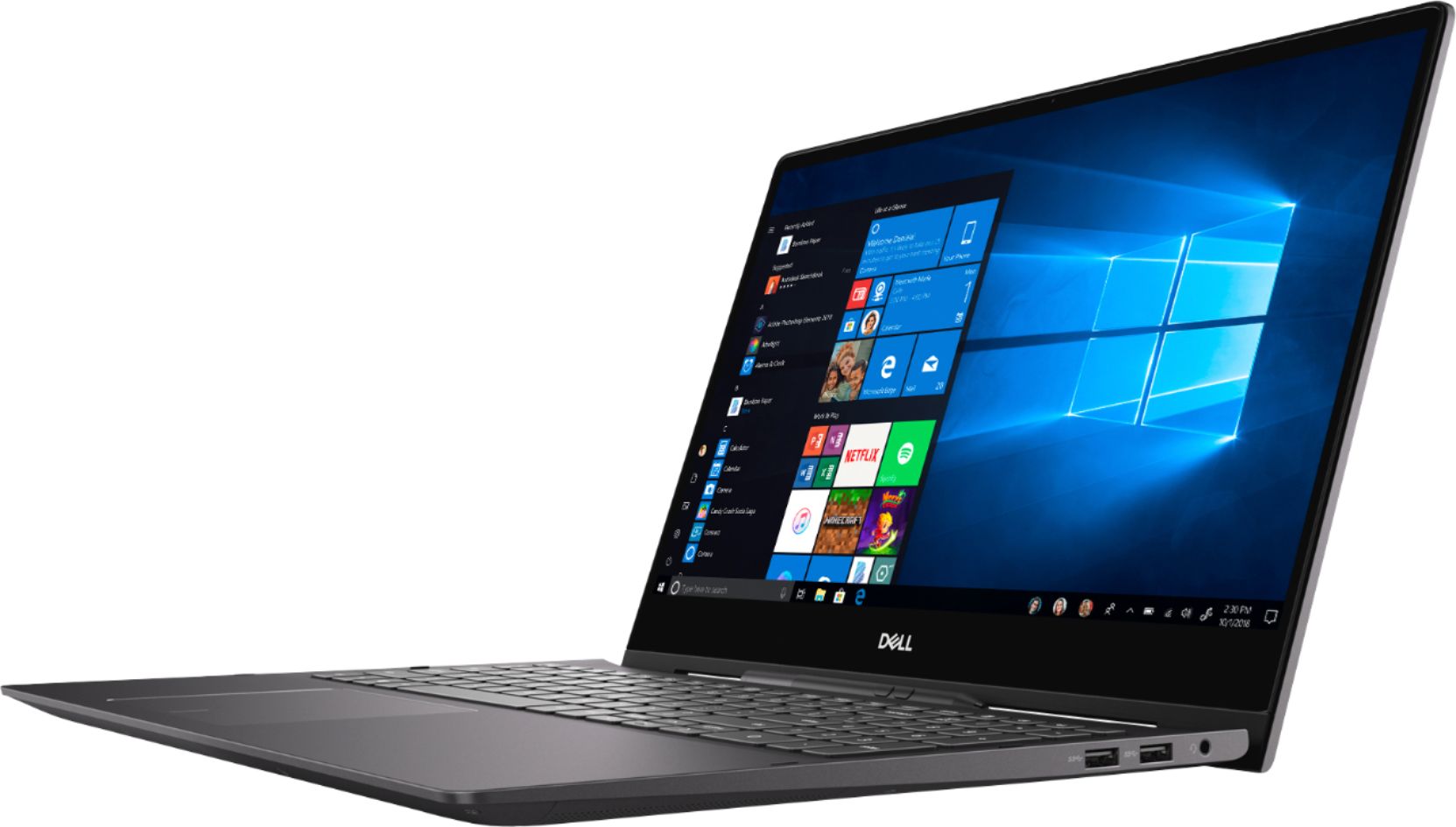
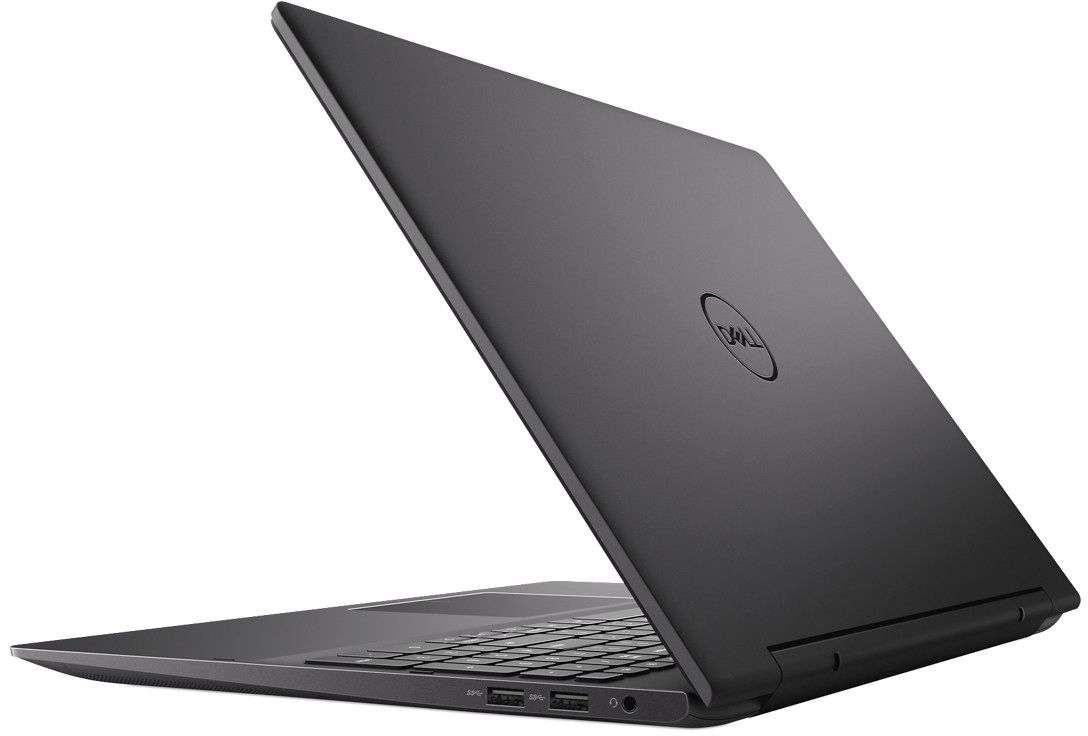
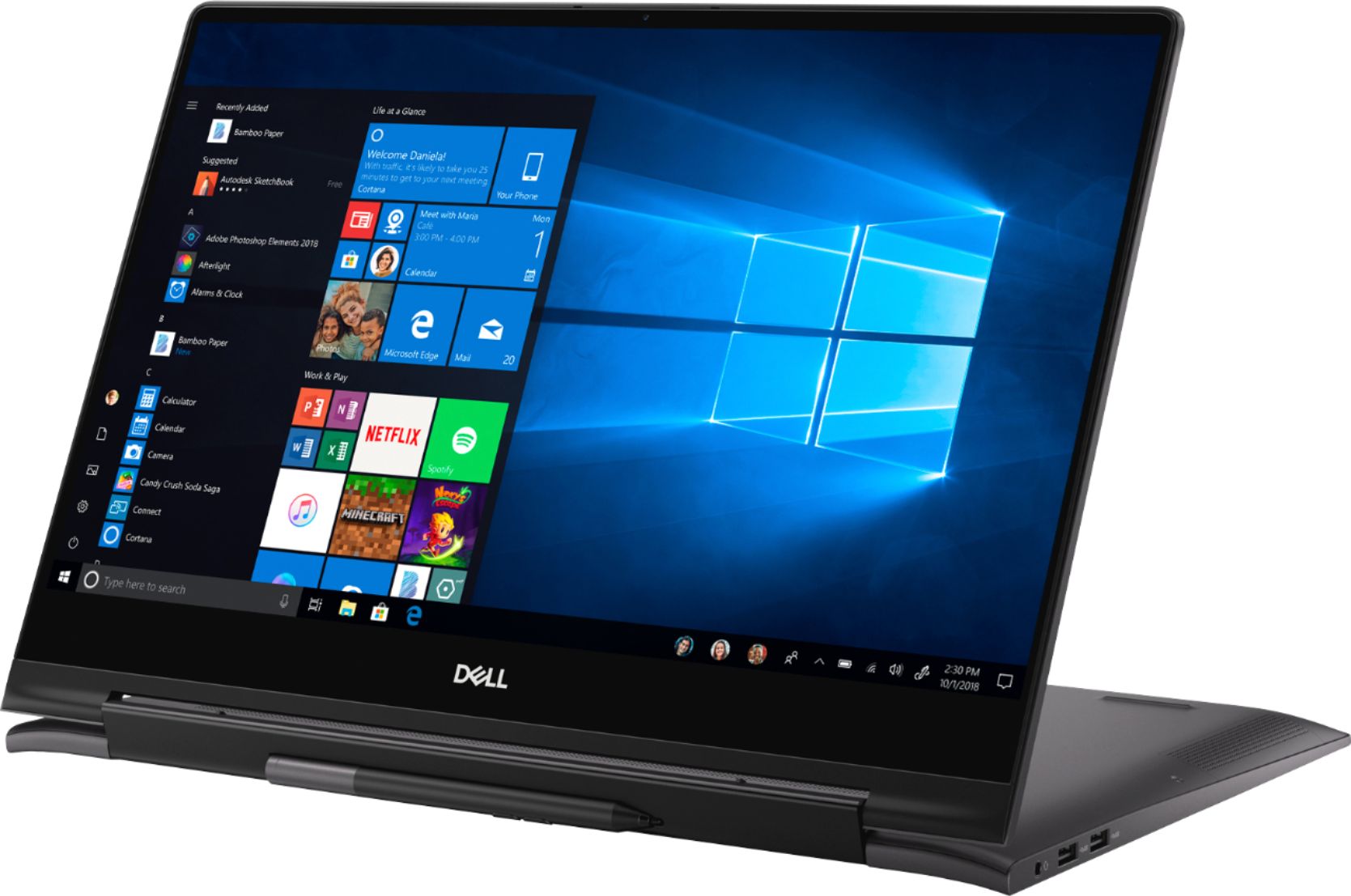
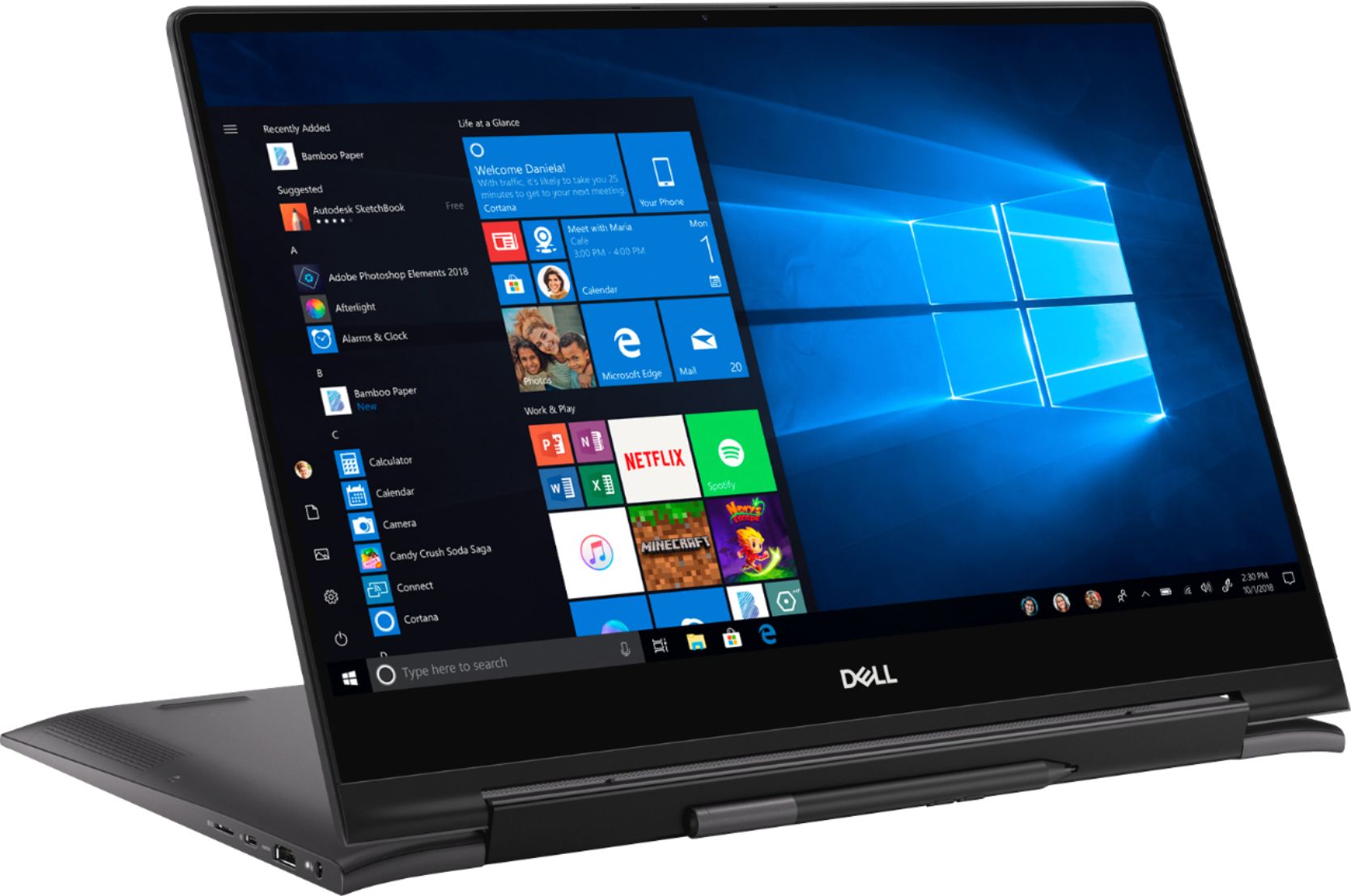
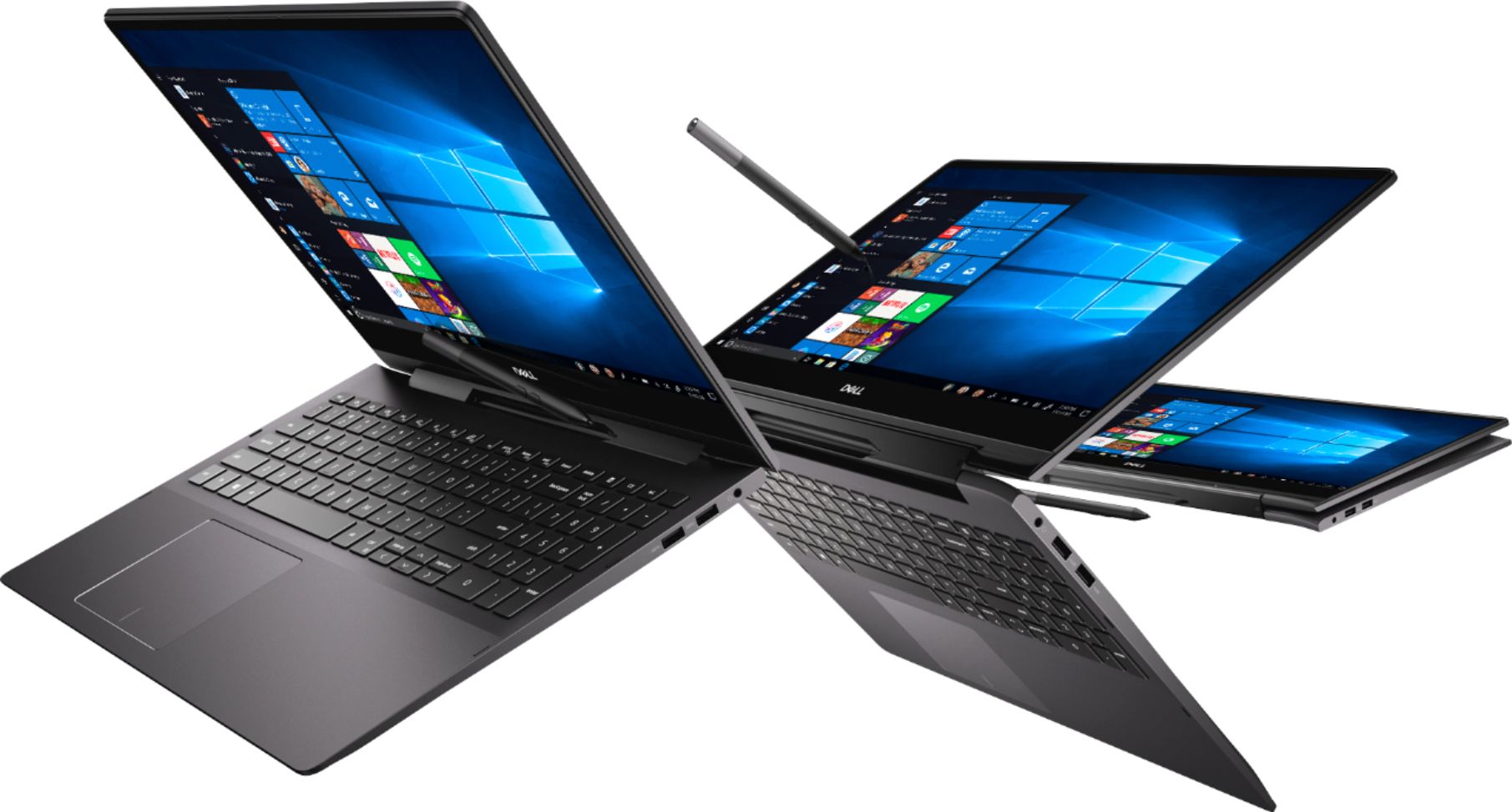
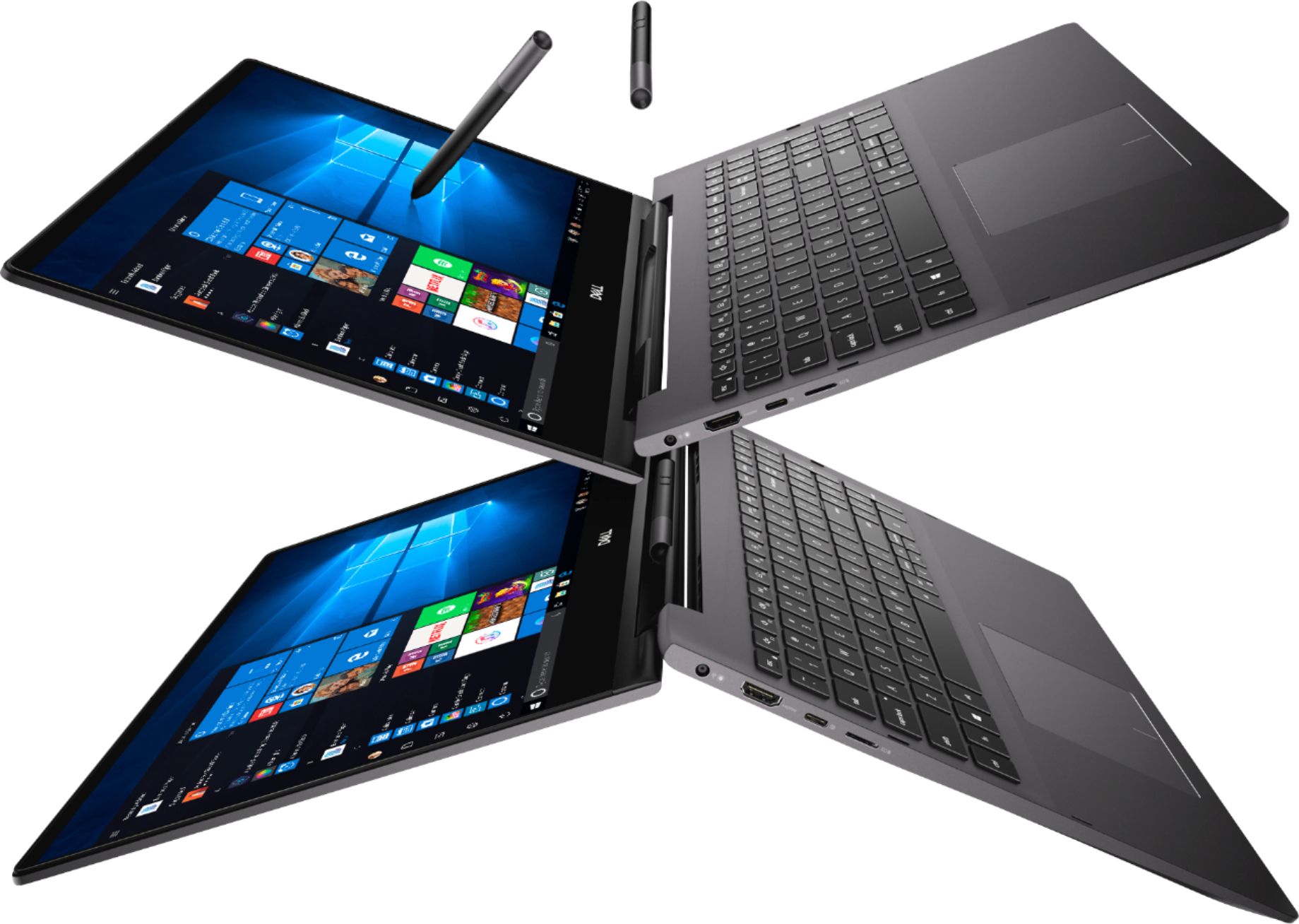
Customers are pleased with the Inspiron 15.6" 7000 2-in-1 laptop's 4K display, touchscreen, and long battery life. They also appreciate its user-friendly design, solid performance, and reasonable price point. However, some users have concerns about its weight, noise, and tendency to overheat.
This summary was generated by AI based on customer reviews.
- Cons mentioned:Overheating
Maybe mine just isnt a good one
Posted .This reviewer received promo considerations or sweepstakes entry for writing a review.I want to really love this but I've had a slew of problems that this is my 3rd one (1st wouldnt turn on). And even this one still has 1 issue that I get to hear everytime I open it. I dont know if it's because of the fl heat in a truck to bestbuy or what the issue is but this is my 2nd one that the screen and the chasy arent 100% together and makes a super annoying click where the screen protrudes when I open it and gets slightly caught on the chasy edge making a click when it goes back into place. Also I really hate that the battery life is never correct when I adjust the power setting and this thing heats up like a MF. I want to love this computer but with the price and the fact I've had so many issues for the price I cannot.
No, I would not recommend this to a friendBrand response from YourDellTeam
Posted .Blahproducts,
We're sorry to hear that your computer is not all that you hoped it would be. Here are some tips to help keep your computer running at a cooler temperature:
Tips for Proper Usage:
1. Dell does not recommend placing portable systems directly on your lap. Due to reductions in the thickness of modern portable systems, heat transfer can be an issue.
2. Using a portable system (Laptop) on a hard, flat, non-cloth surface will increase airflow and reduce heat from underneath and inside the system.
Using the portable system on a blanket, pillow, or other types of cloth will cover up the fan cause the computer to overheat and can cause permanent damage.
3. It is recommended to use the portable system in a Room temperature of 0°C to 35°C (32°F to 95°F) with a Humidity level no greater than 90%.
4. Use compressed air to clean the vents on a regular basis.
5. Using a cooling pad can decrease heat and increase performance.
6. If you want to know the temperature limitations for your system, go to the Dell Support Website, look up your system model then open the user guide under the manuals link.
You can read the full article here - http://dell.to/2uJ8AdG.
Best,
Bryan
1-800-624-9896
Great laptop for creating
Posted .This reviewer received promo considerations or sweepstakes entry for writing a review.Great laptop. Lasted me for almoat 2 and a half years and now the charging port no longer works. The pen requires a special battey but works well
I would recommend this to a friendExchange
Posted .This reviewer received promo considerations or sweepstakes entry for writing a review.Opened laptop and turned it on and within the first minute of use it started glitching and screen began to freeze. Drove all the way to Dublin in the East Bay from Sacramento to pick up and instantly wanted to return item back to store.
No, I would not recommend this to a friendDell - Inspiron 15.6" 7000 2-in-1 4K Ultra HD Touc
Posted .This reviewer received promo considerations or sweepstakes entry for writing a review.I have purchase this laptop in 2019 and still working so good.
I would recommend this to a friend- Cons mentioned:Expensive
Constant, Loud Coil Whine
Posted .This reviewer received promo considerations or sweepstakes entry for writing a review.Expensive computer. Excellent display. Major problem -- loud, constant coil whine. Never had that on a laptop. Annoying and will have to return because of this.
No, I would not recommend this to a friend no bootable device was found
Posted .This reviewer received promo considerations or sweepstakes entry for writing a review.Purchased our first one of these 6/17/19 after much looking and reading reviews. Met all our perceived needs. Geek squad did a great job with transfer and set up. Beautiful screen and great speed......until it crashed three weeks later with the message " no bootable device was found." Best buy gave us a replacement. Again great service and work on setting up the new one purchased on 7/13/19. Used it for two days before going on vacation, and three days after before I received the same message " no bootable device was found". Needless to say when we returned to Best Buy their Geek Squad is superb but we didn't replace it with another Dell..... moved over to another brand. From my two experiences I learned I didn't need all the bells and whistles, so purchased a lower cost model. This being my first SSD computer, wondering if other SSD's have this type problem??
No, I would not recommend this to a friendWorst laptop and worst customer service
Posted .This reviewer received promo considerations or sweepstakes entry for writing a review.Worst laptop. I paid 1,200 .00 for a laptop that almost new start given me problems and when I take it to customer service they said it was normal . Tha laptop start having problems to charge now is completely dead it doesn’t charge anymore.
No, I would not recommend this to a friendNoisy fan even for brand new ones
Posted .This reviewer received promo considerations or sweepstakes entry for writing a review.I cleaned my desk, laid this brand new laptop on it and didn't make any command on my computer, and there is still this crazy loud fan noise recurring again and again. this is not acceptable and I'm returning it tomorrow.
No, I would not recommend this to a friendBrand response from YourDellTeam
Posted .MaiY,
We appreciate your feedback and we're sorry to hear about the fan noise that you're experiencing. We'd recommend updating the BIOS on your computer to see if it helps lessen the noise that you're hearing: An out-of-date BIOS can cause loud fan noises by having an outdated temperature table for the system. Refer to update BIOS and follow the instructions to update the BIOS on your computer.
You can also follow up with our Technical Support Team here - 1-800-624-9896.
You can read the full article here - http://dell.to/2ENlXfz.
Best,
Bryan
1-800-624-9896