Customer Ratings & Reviews

- Model:
- E7250-1567
- SKU:
- 6219218
to a friend
- Pros mentioned:Fast, Good price, Screen size
Excellent Laptop for the basics
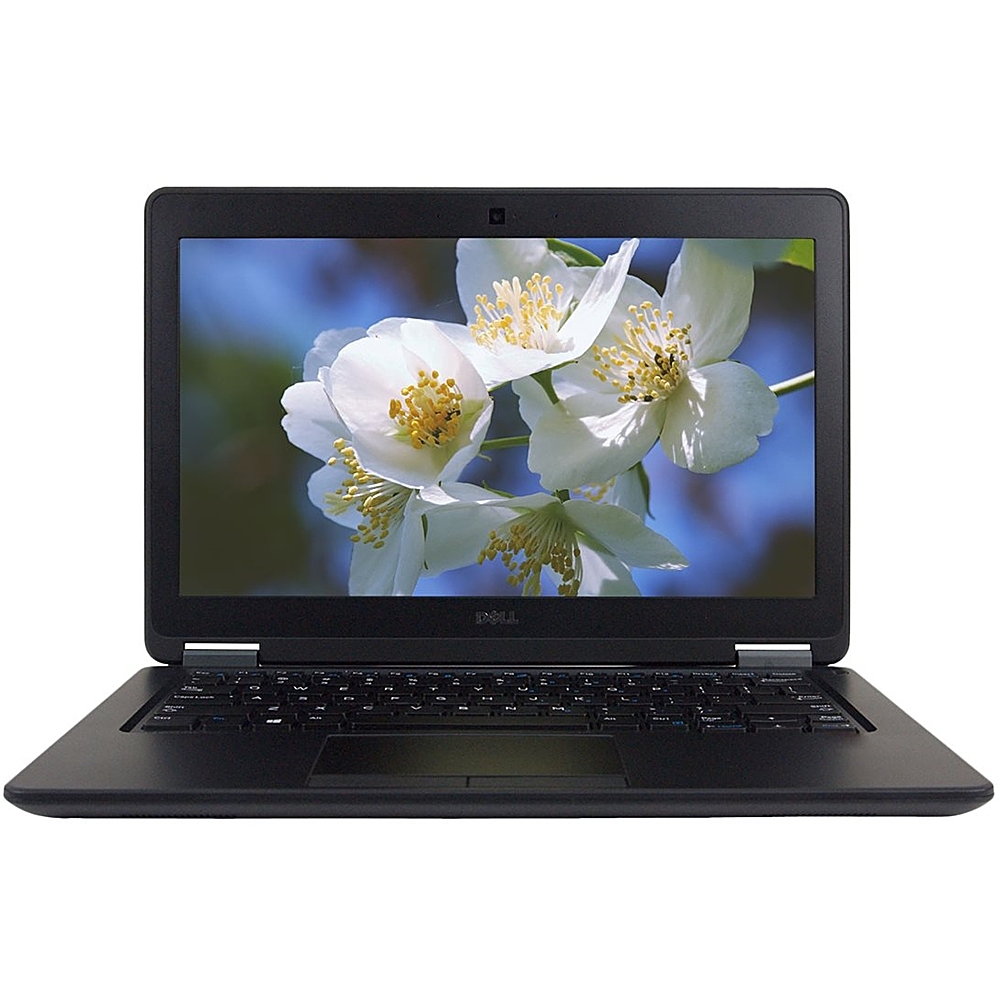
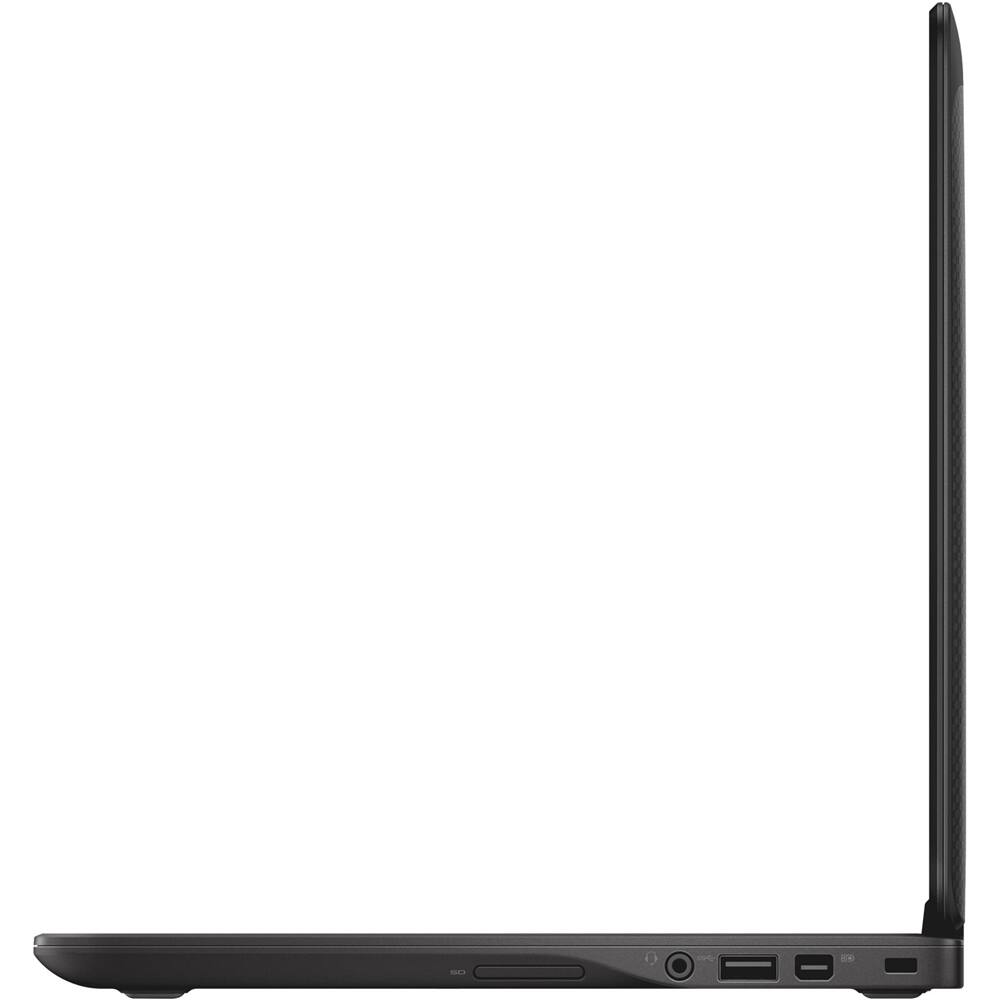
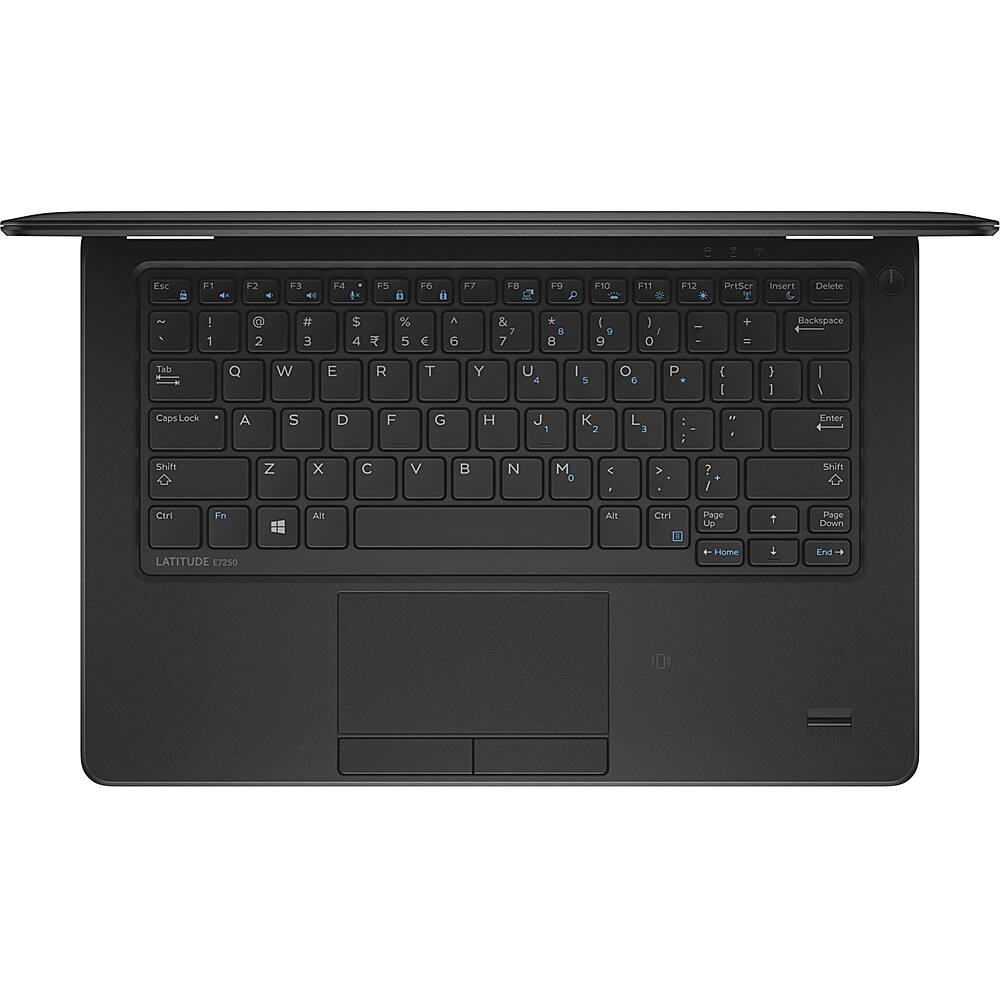
||Posted . Owned for less than 1 week when reviewed.This reviewer received promo considerations or sweepstakes entry for writing a review.So I've had this laptop for a couple days now and for the price I'm REALLY impressed. I ran the battery down and instead of 1 hour of battery (as advertised) I got about 3 1/2 hours (using battery saver for the last 25%...which was a nice surprise). The laptop is VERY fast in booting up & responsiveness. I do a lot of volunteering and got this as a "work" computer. I downloaded Adobe Photoshop & Illustrator and it has no problems running those programs. I thought I'd be sacrificing saving items on this laptop due to only have 256g of space but really it's perfect. I have my essentials on the laptop and the extra on a portable hard drive that I can plug in whenever. Setting up the computer was a breeze. Windows 10 is OK...intuitive but bloated. But this laptop is a marked improvement from my old laptop. The size (12.5 inches) is perfect and I love that it's an ultrabook. I'm giving this 5 stars because for the price & everything you get with it it's quite the steal. I was a little hesitant about getting a refurbished computer but it looks & runs like brand new. I wish there was a longer return policy (2 weeks is the policy) in case something happens but the 1 year warranty should be fine. All in all I would definitely recommend this laptop if you're using it for "normal" use. I wouldn't do heavy duty gaming or graphics intensive programs on this but for everyday use it's perfect for me.
I would recommend this to a friend - Cons mentioned:Refurbished, Startup issue, Work laptop
A big disappointment
||Posted . Owned for 3 weeks when reviewed.This reviewer received promo considerations or sweepstakes entry for writing a review.This refurbished item has been giving me problems from week 2. I contacted the geek squad to which I am paying for and they were very unhelpful. The computer has its good and bad days. I have no idea why it will not start on some days. This is extremely bad since i purchased it as a work from home laptop. My company installed a VDI on it and it blacks out etc. Luckily I have other laptops available in the home which I use for my personal use. I chose to purchase this one primarily for work. I am extremely disappointed, and the Geek squad is worthless at this point. the Laptop does come with a one year warranty, but I have been so frustrated that I did not get around to addressing it yet. Just a huge disappointment thus far. One thing for sure, I will never purchase a refurbished laptop EVER...
No, I would not recommend this to a friend - Pros mentioned:Beautiful, Good price
Beautiful Looking Product
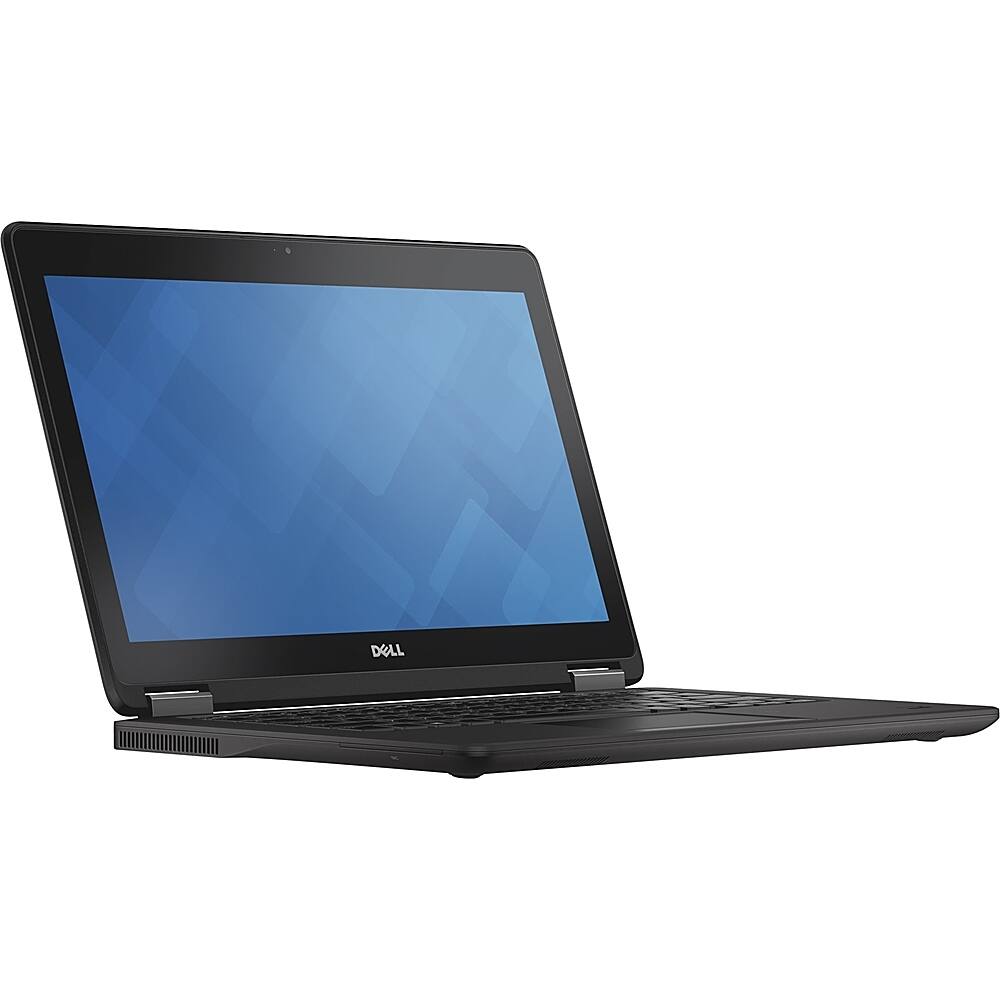
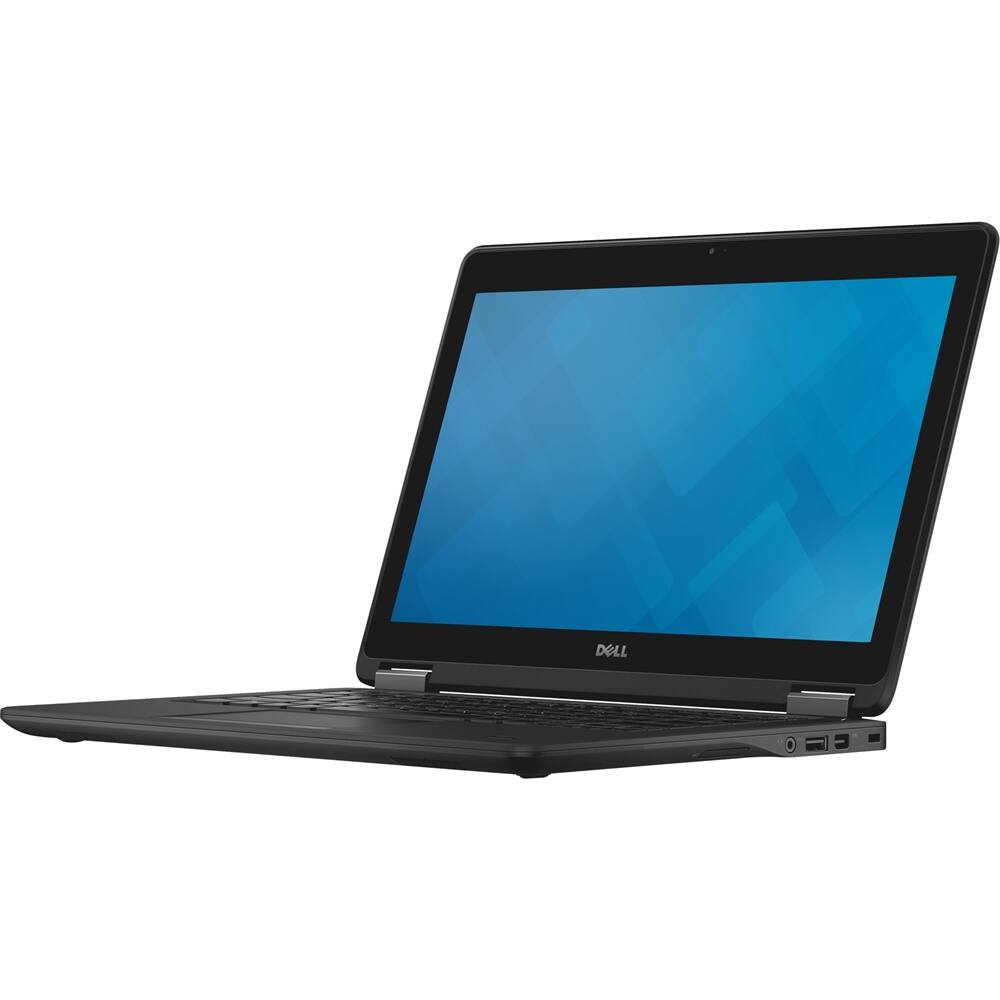
||Posted .This reviewer received promo considerations or sweepstakes entry for writing a review.This is a beautiful looking product, however the performance does not meet expectations. Good product for the price, but might be worth shopping around and spending some more money.
No, I would not recommend this to a friendBrand response from YourDellTeam
Posted .Jane,
We're sorry to hear that the performance of your new Dell laptop is not fully meeting your expectations. We'd suggest running the Windows Performance Troubleshooter to see if there's a way that your computer can perform a little faster for you. You can follow these steps to run this process:
1. Close all open windows.
2. Press the Windows logo key + X key on the keyboard.
3. Click Control Panel.
4. Click System and Security.
5. Under Security and Maintenance, select Troubleshoot common problems.
6. Under System and Security, click Run maintenance tasks.
7. Follow the on-screen instructions and prompts to complete the process.
8. Restart the PC.
You can read the full article here - http://dell.to/2tSulGV.
We hope after this that your computer runs better for you.
Best,
Bryan
1-800-624-9896
Great computer!
||Posted . Owned for 1 month when reviewed.This reviewer received promo considerations or sweepstakes entry for writing a review.This computer has everything I need for my work! A good size that works for travel !
I would recommend this to a friend- Pros mentioned:Fast
Dell Laptop is amazing
||Posted .This reviewer received promo considerations or sweepstakes entry for writing a review.This dell laptop works super fast and very easy to use. Great for. First laptop!
I would recommend this to a friend















