Customer Ratings & Reviews

- Model:
- LATI5480UHG0NP
- SKU:
- 5774272
to a friend
- Pros mentioned:Business, Price
Excellent buy
||Posted .This reviewer received promo considerations or sweepstakes entry for writing a review.Priced right!! Fullfills my business requirements in its entirety!!
I would recommend this to a friend - Cons mentioned:Very slow
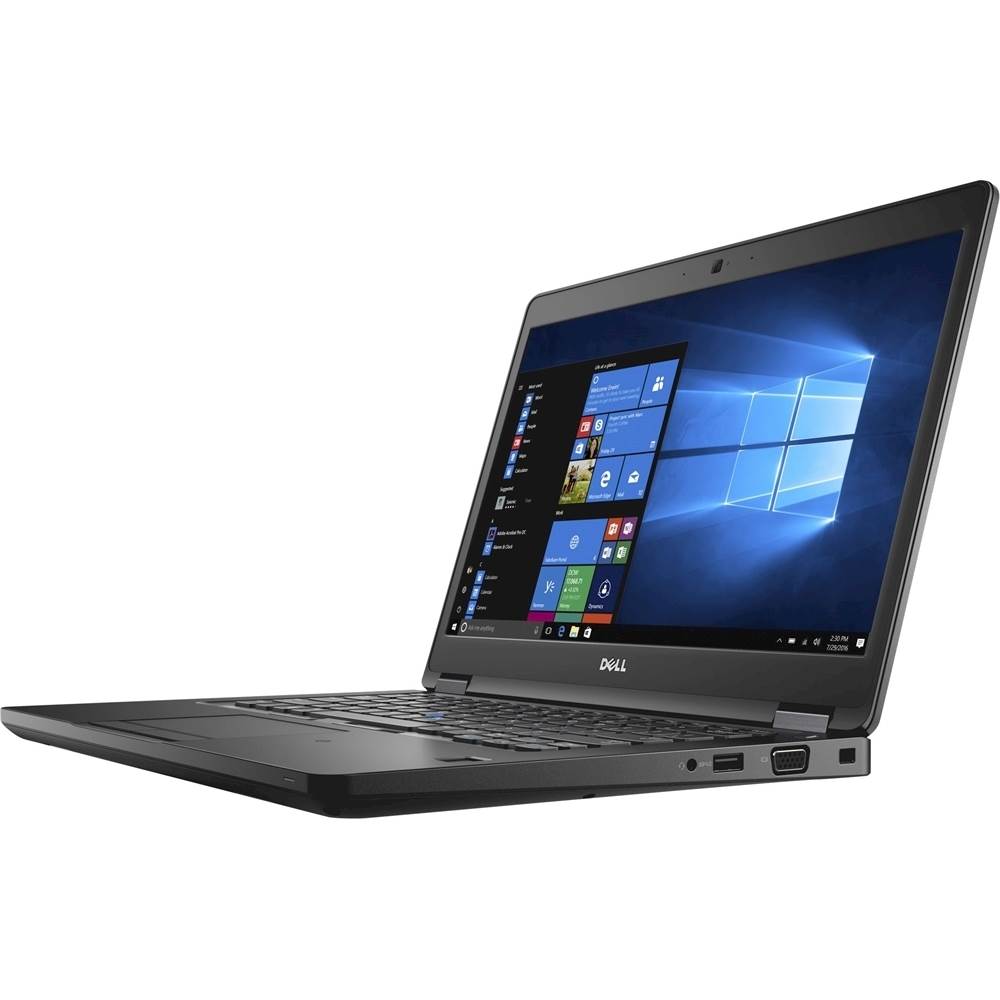
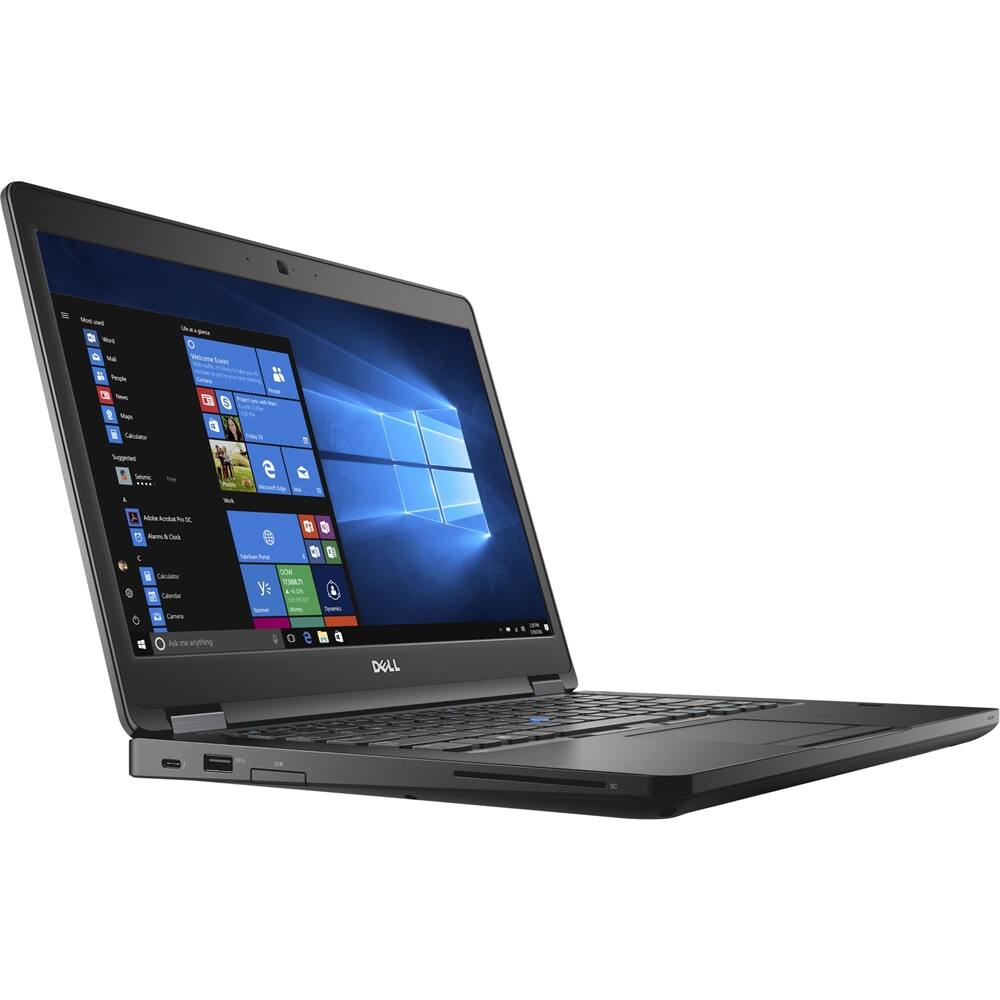
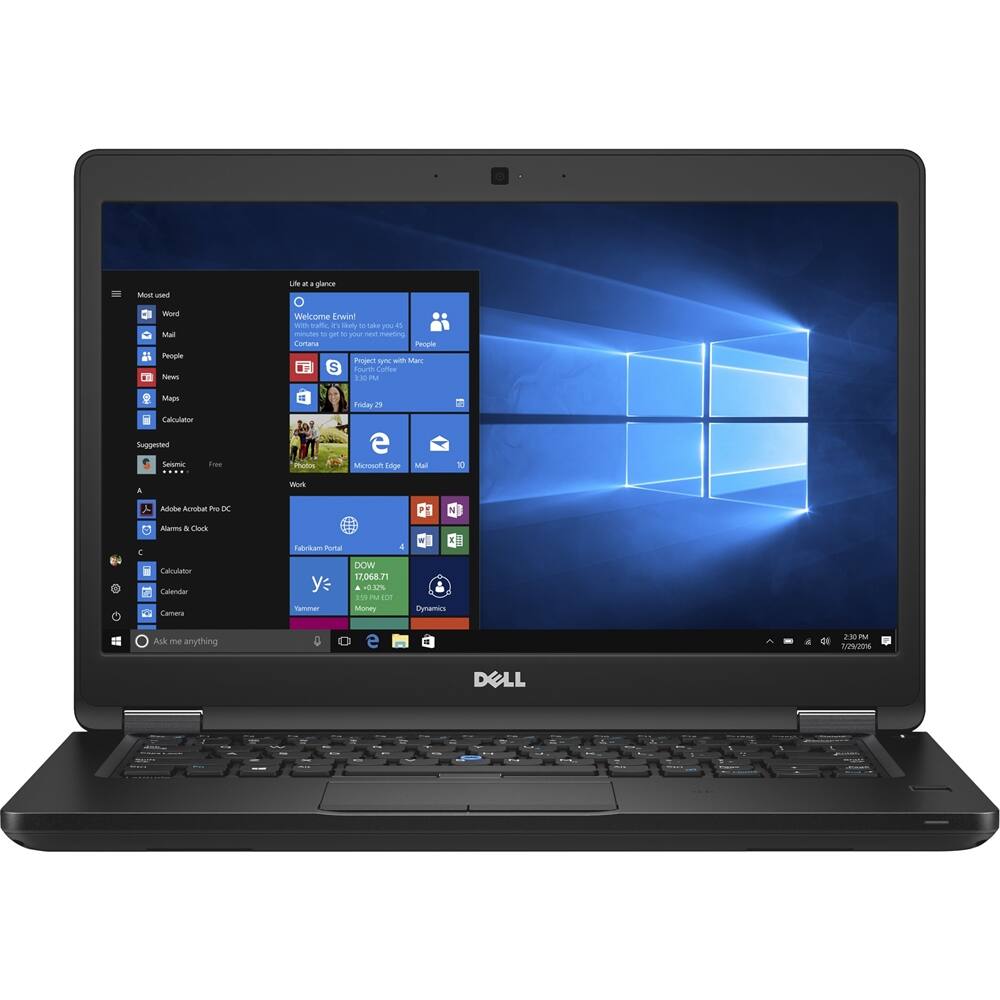
Dell laptop performs
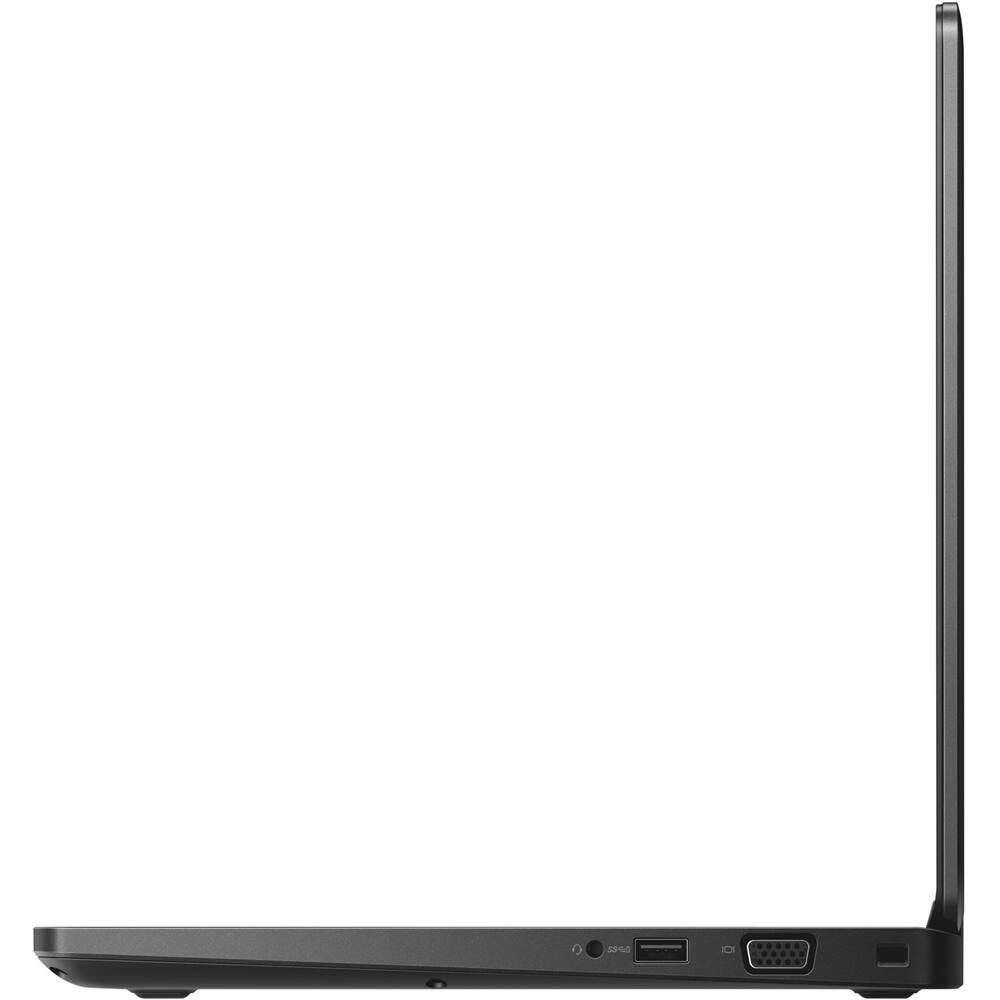
||Posted .This reviewer received promo considerations or sweepstakes entry for writing a review.Good laptop. Hard to put extra memory by yourself. Have to remove entire back cover.
I would recommend this to a friend - Cons mentioned:Very slow
Very Slow
||Posted .This reviewer received promo considerations or sweepstakes entry for writing a review.Not a fan of this computer. Very Very VERY VERY slow
No, I would not recommend this to a friendBrand response from YourDellTeam
Posted .Purchase2109,
We regret to hear that your computer is running slower than you hoped it would. We'd recommend running the Windows Performance Troubleshooter to see if there are ways that you can speed up your computer. Follow these steps to run the troubleshooter:
1. Close all open windows.
2. Press the Windows logo key + X key on the keyboard.
3. Click Control Panel.
4. Click System and Security.
5. Under Security and Maintenance, select Troubleshoot common problems.
6. Under System and Security, click Run maintenance tasks.
7. Follow the on-screen instructions and prompts to complete the process.
8. Restart the PC.
You can read the full article here - http://dell.to/2tSulGV.
We hope these tips help your computer run faster for you.
Best,
Bryan
1-800-624-9896
- Pros mentioned:Design
Great for work and play
Posted .This reviewer received promo considerations or sweepstakes entry for writing a review.Beautiful laptop great design and functionality! No issues whatsoever
No, I would not recommend this to a friend














