Customer Ratings & Reviews

- Model:
- YM877
- SKU:
- 6503400
to a friend
- Cons mentioned:Comparison with personal computer, Slow performance
PILE OF GARBAGE
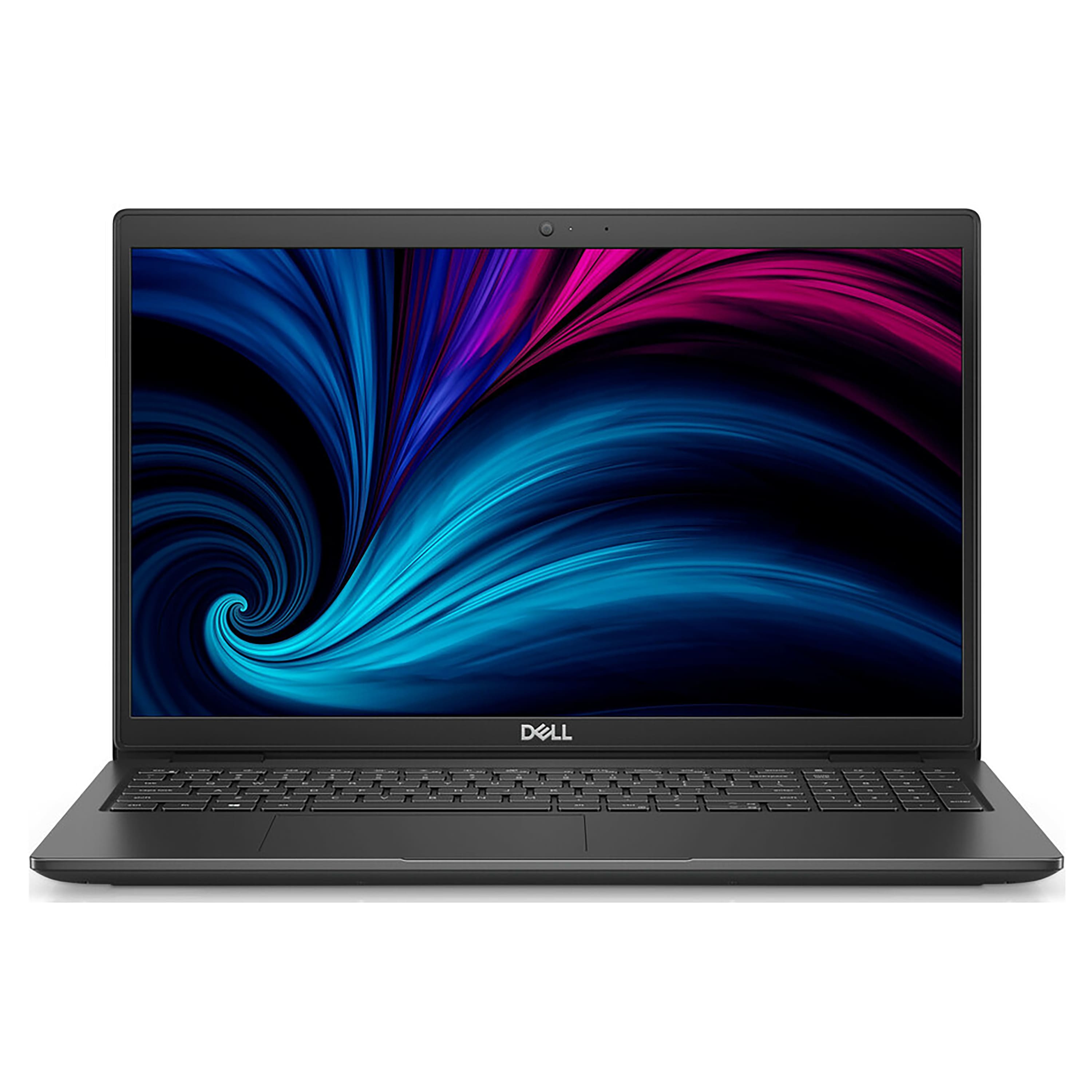
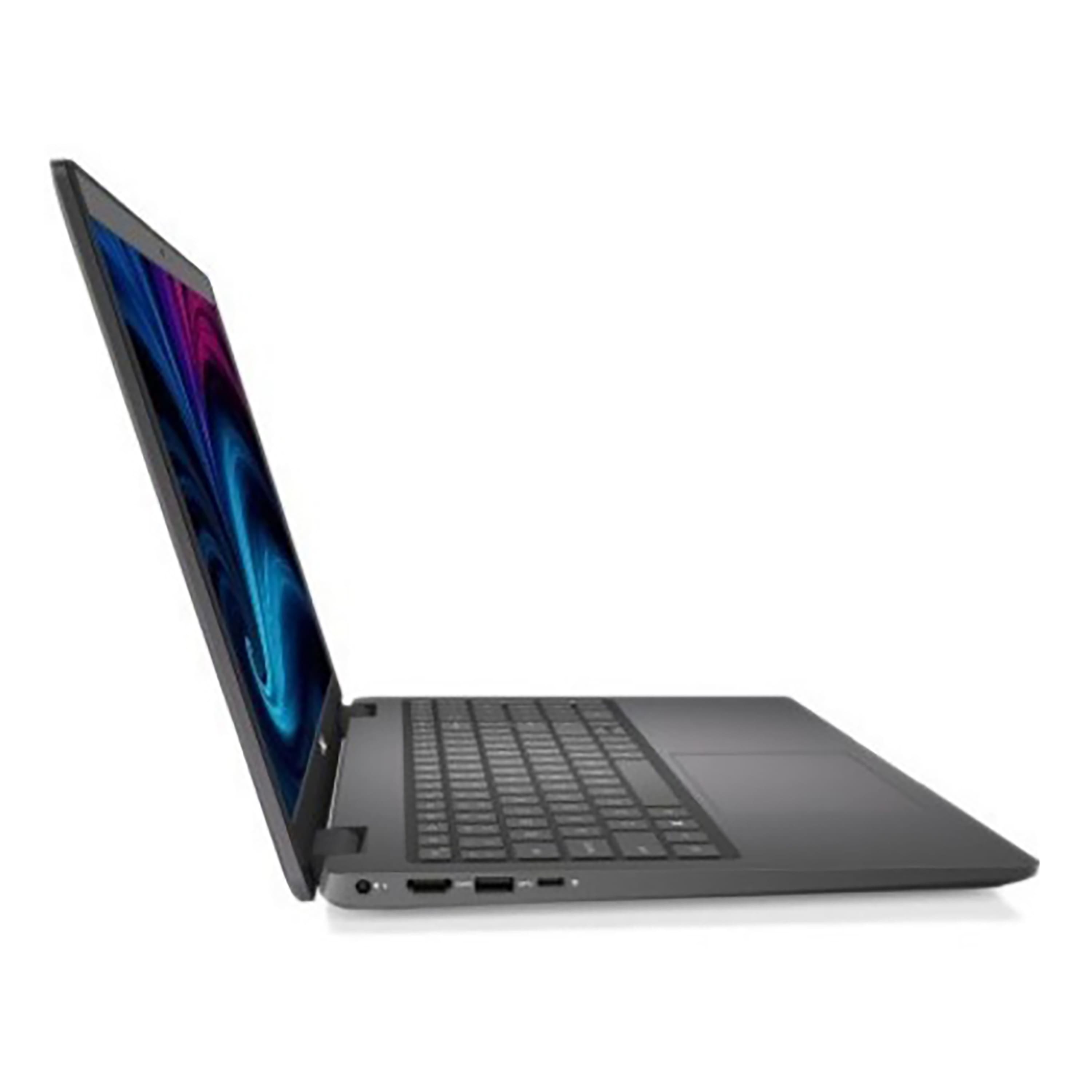
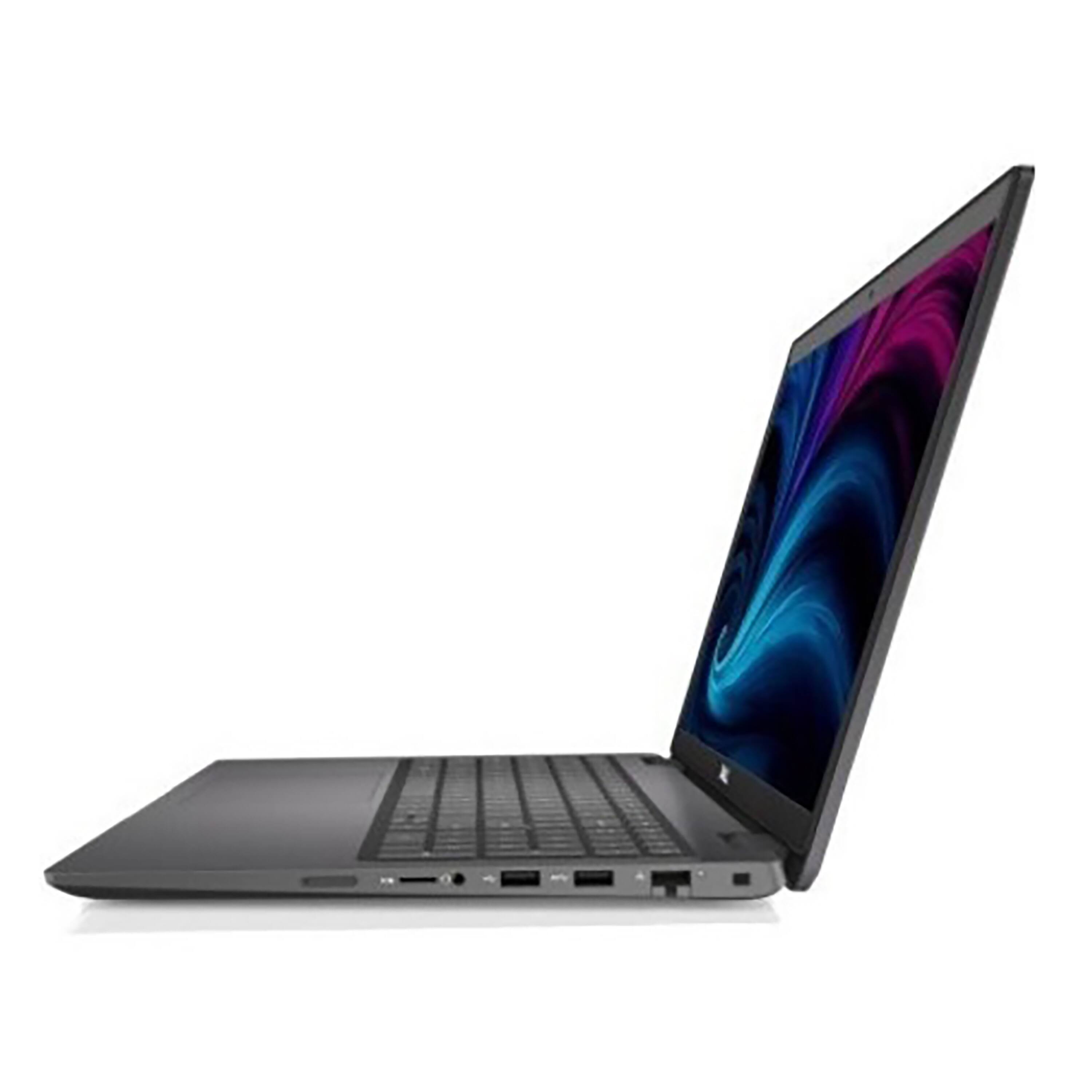
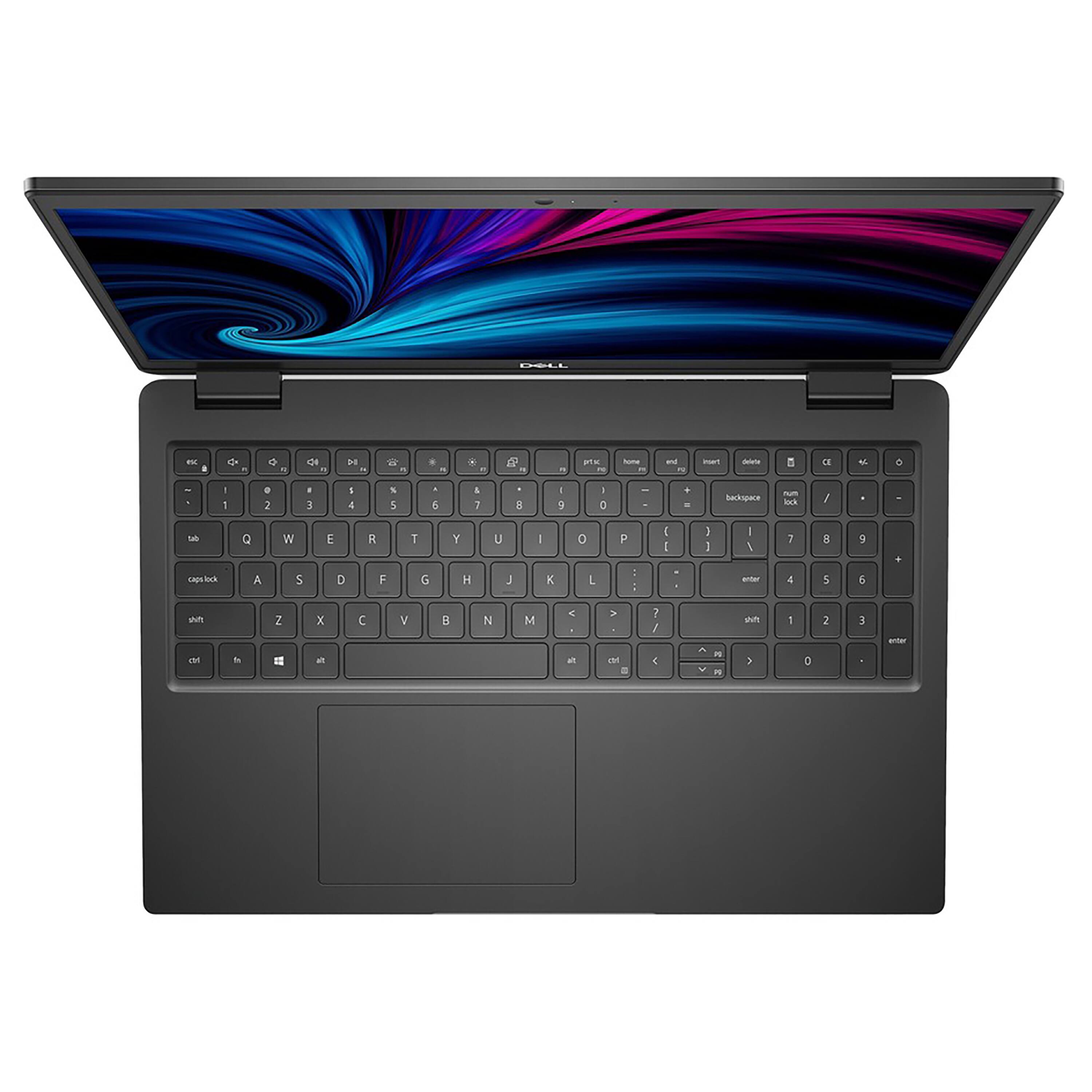
Posted .This reviewer received promo considerations or sweepstakes entry for writing a review.I have one through my company received it brand new and it is the slowest piece of junk i have ever used, i have a personal computer its a samsung alpha intel core i7 bought it for 855 dollars and it is a thousand times better than this junky dell computer. If it werent provided free to me thru my company i wouldnt use it absolutely can not recommend to anyone.
No, I would not recommend this to a friendBrand response from YourDellTeam
Posted .Hello Tas1,
Thank you very much for your valued feedback. We apologize for the performance issues you are experiencing with your Dell Latitude 3000.
I have provided steps to using the Windows Performance Troubleshooter which should help resolve the performance issue. I have also provided a link to the full article that has more options if needed. We would also suggest making sure all drivers and downloads are up to date on your PC. Below, I have also included a link to the Drivers and Downloads page for you so you can check for and do any applicable updates.
Windows performance Troubleshooter:
1. Close all open windows.
2. Press the Windows logo key + X key on the keyboard.
3. Click Control Panel.
4. Click System and Security.
5. Under Security and Maintenance, select Troubleshoot common problems.
6. Under System and Security, click Run maintenance tasks.
7. Follow the on-screen instructions and prompts to complete the process.
8. Restart the PC.
You can read the full article here - http://dell.to/2tSulGV.
Drivers and Downloads Page: https://dell.to/3oyQAgN
If the performance issue with your computer is still not resolved after utilizing the troubleshooting options above, please contact the Dell Support Team at 1-800-624-9896 for further guidance.
Best,
Katarina@Dell
Should you need further assistance, you can contact Dell directly with the information below.
Chat or call: https://bit.ly/DellSupportTeam
Phone number to Dell: 1-800-624-9896
















