Customer Ratings & Reviews
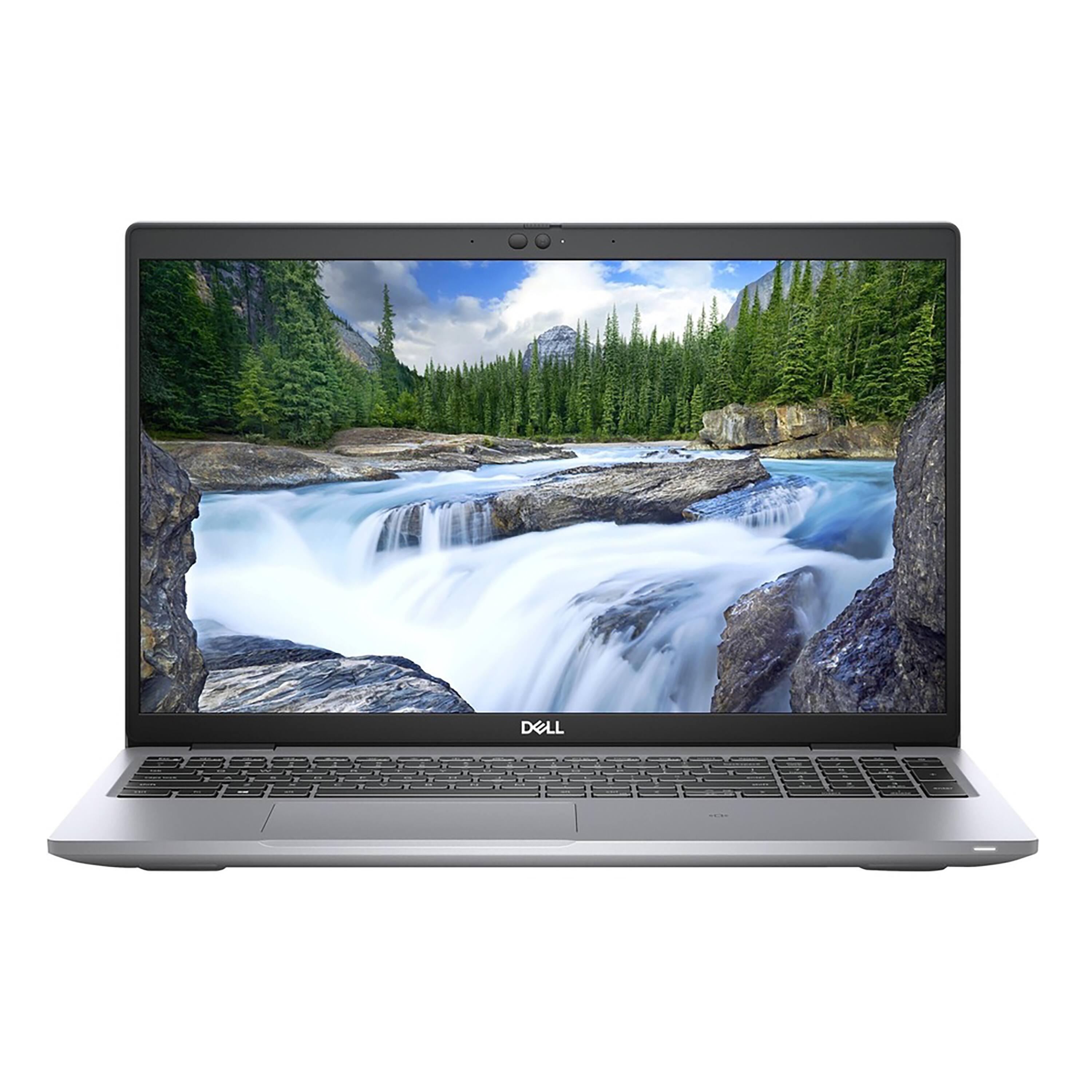
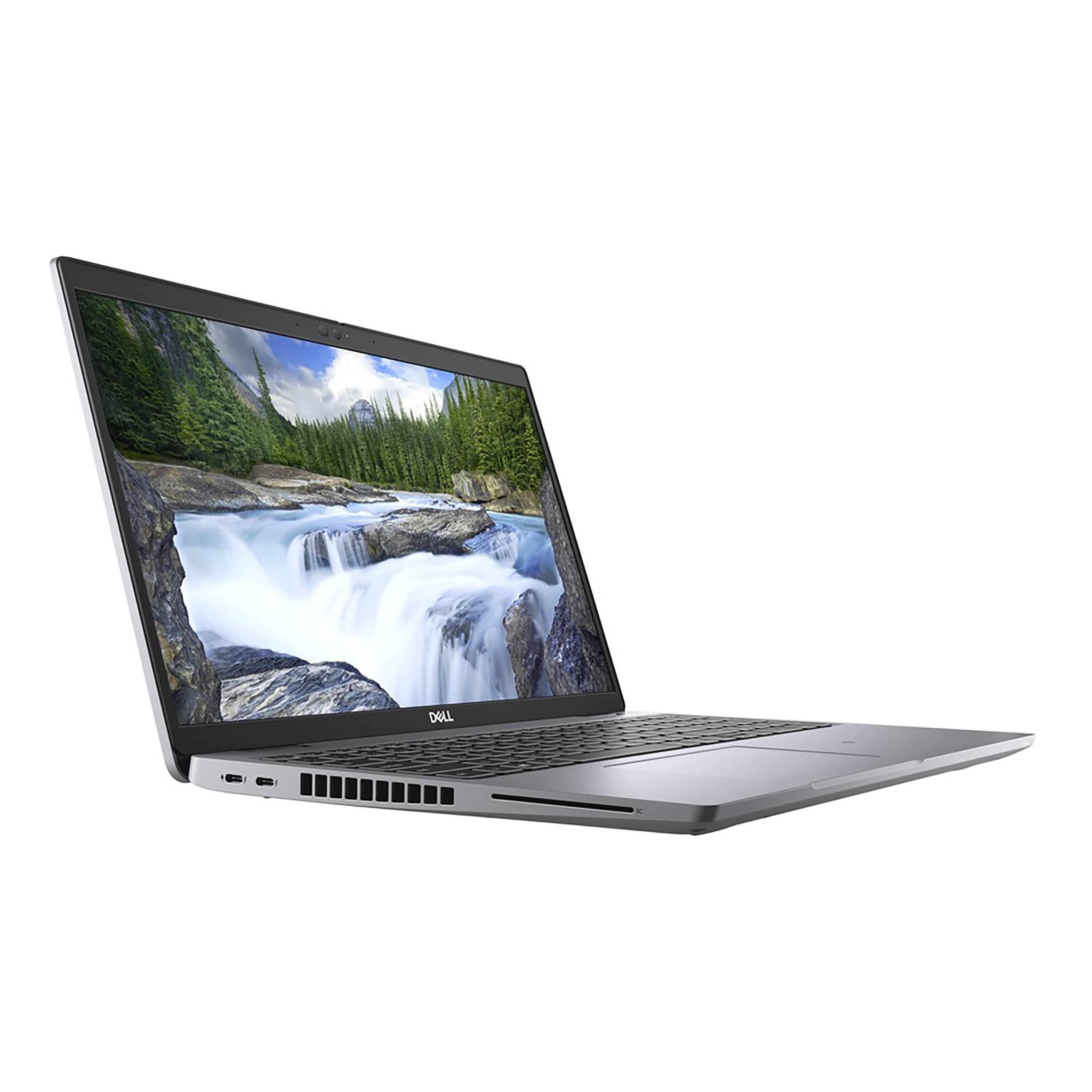
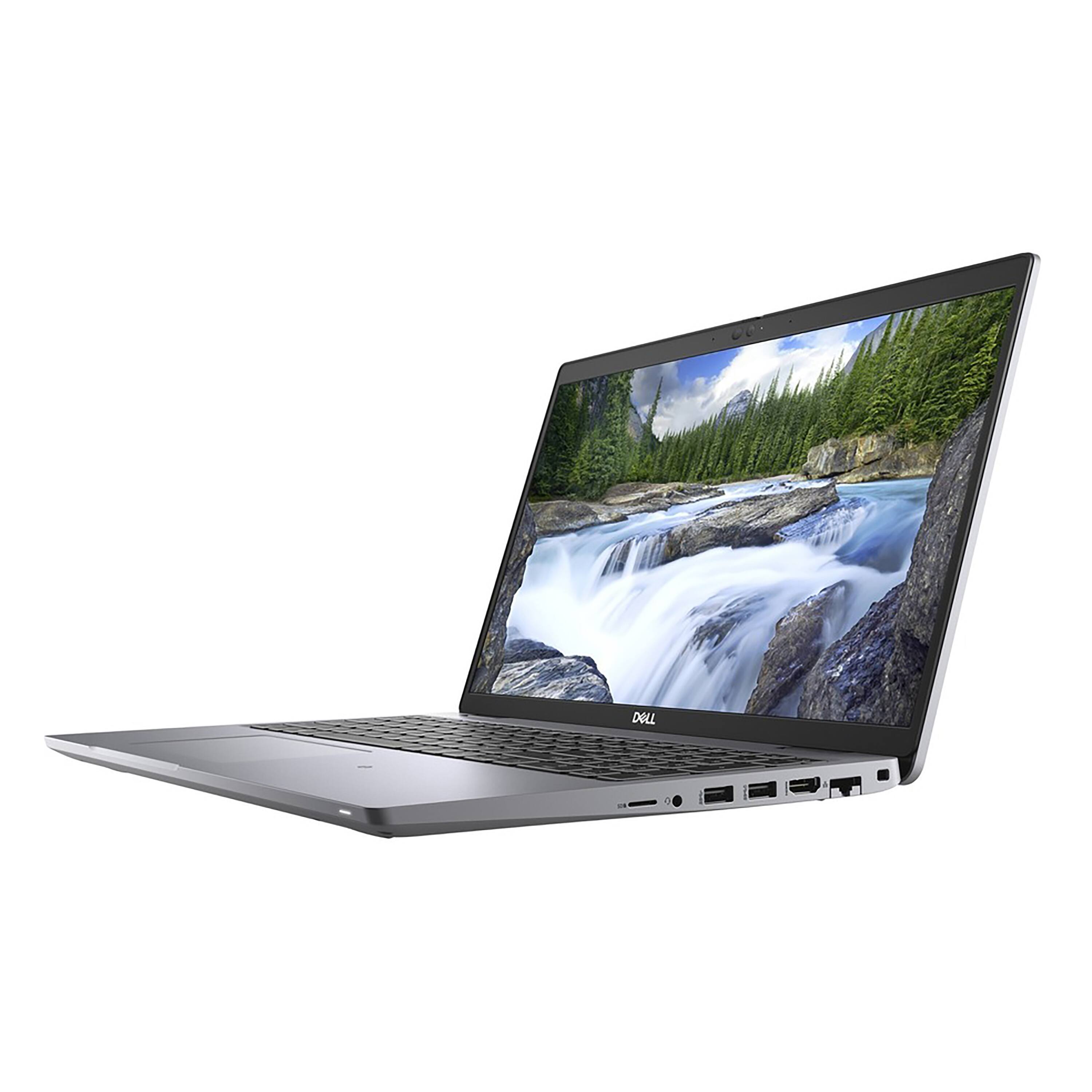
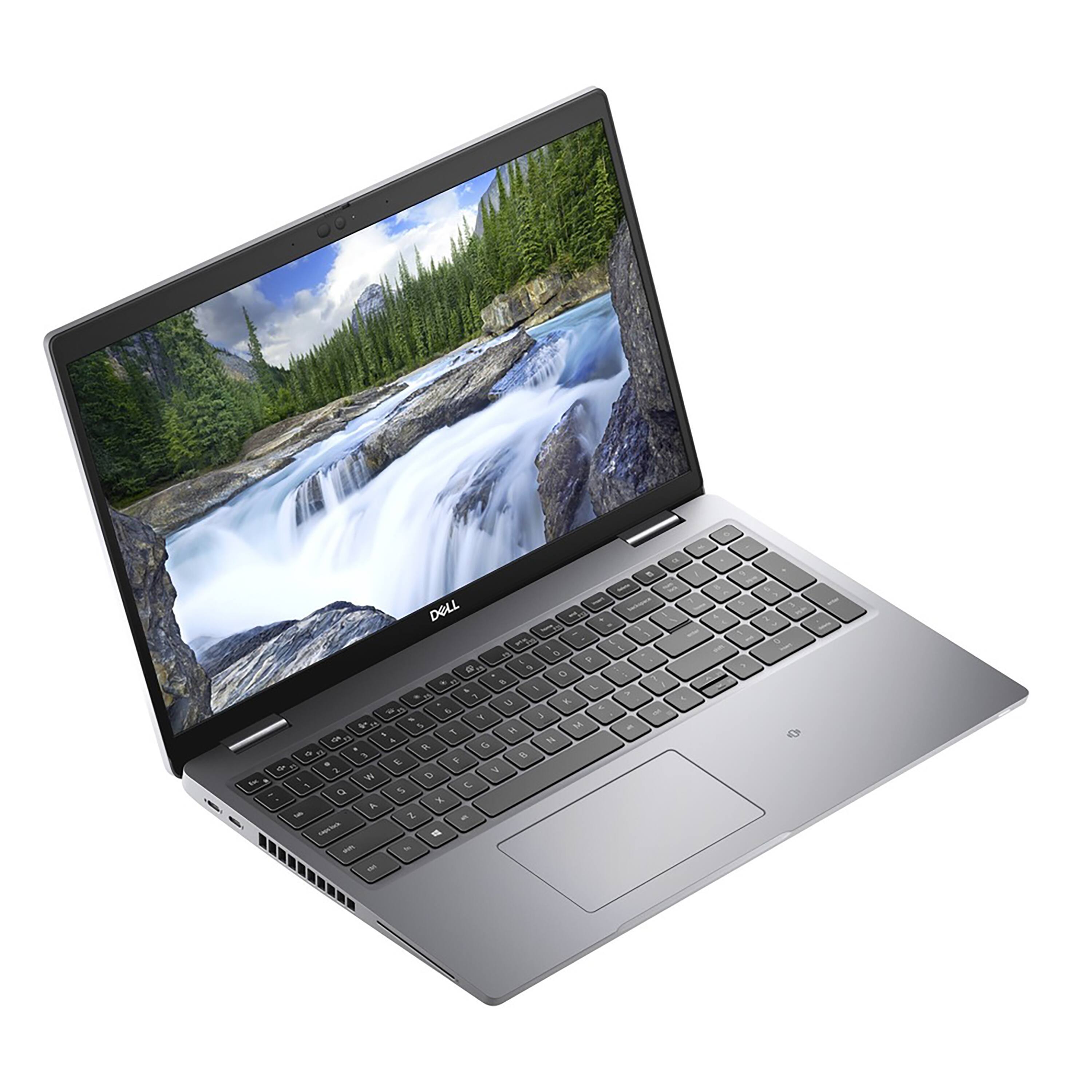
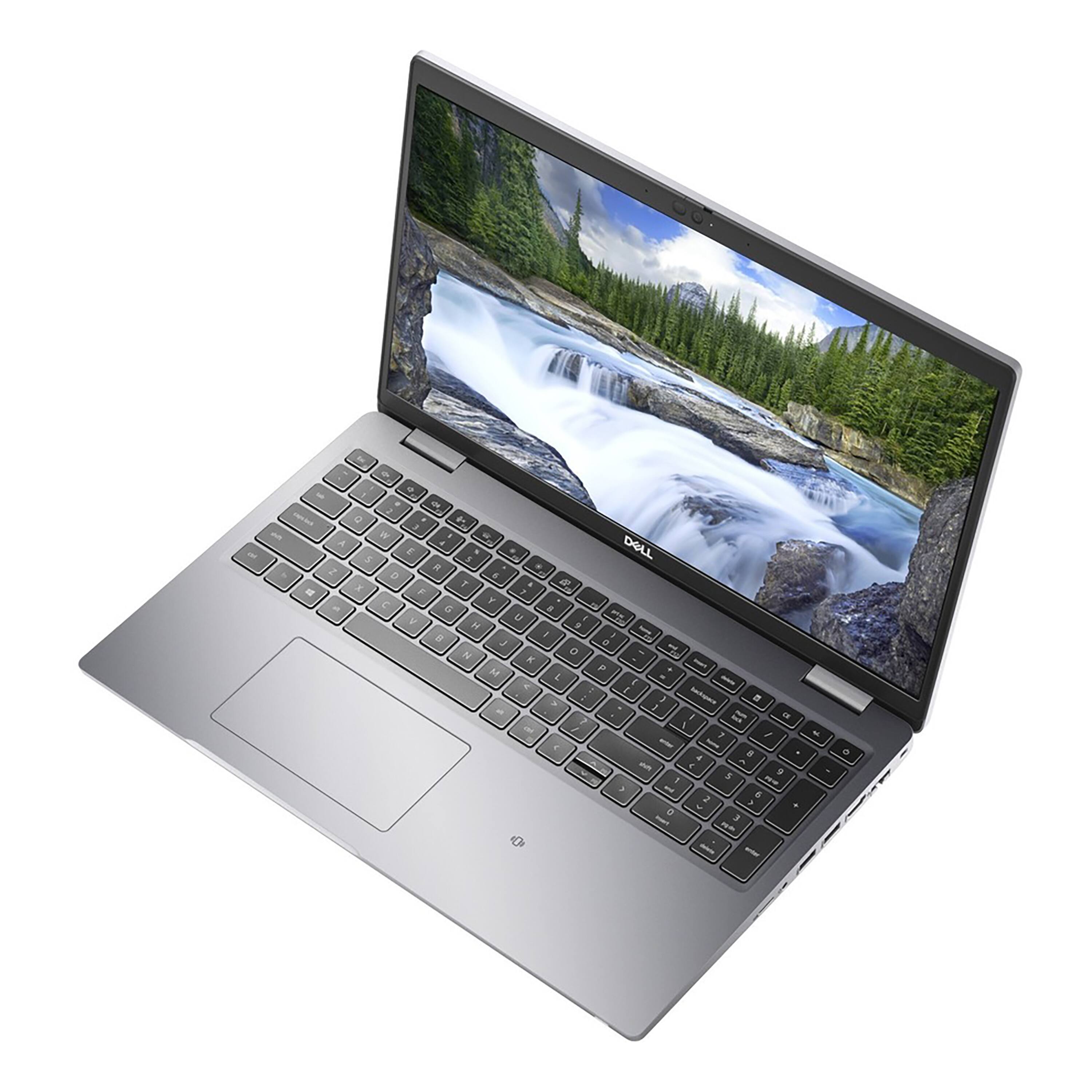
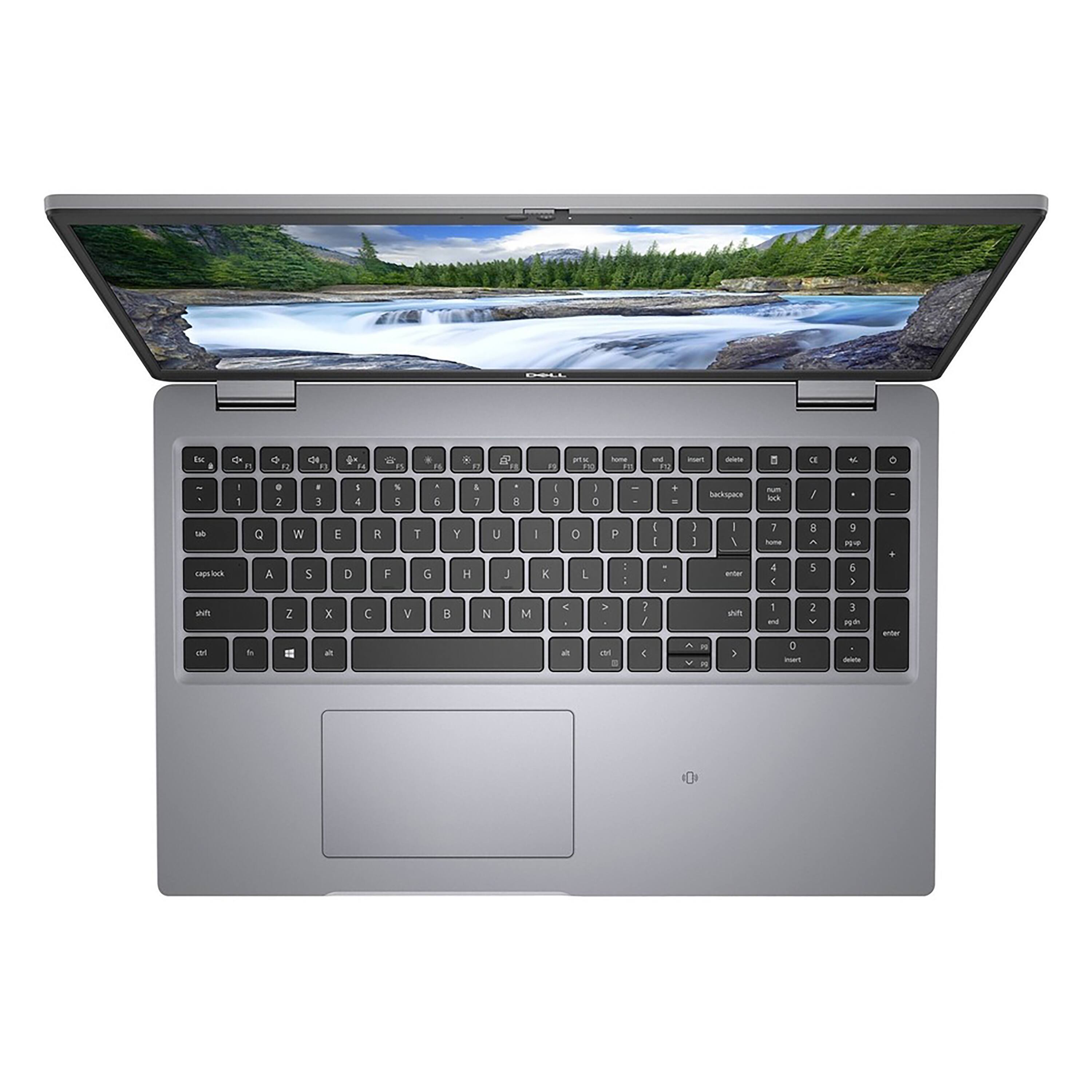
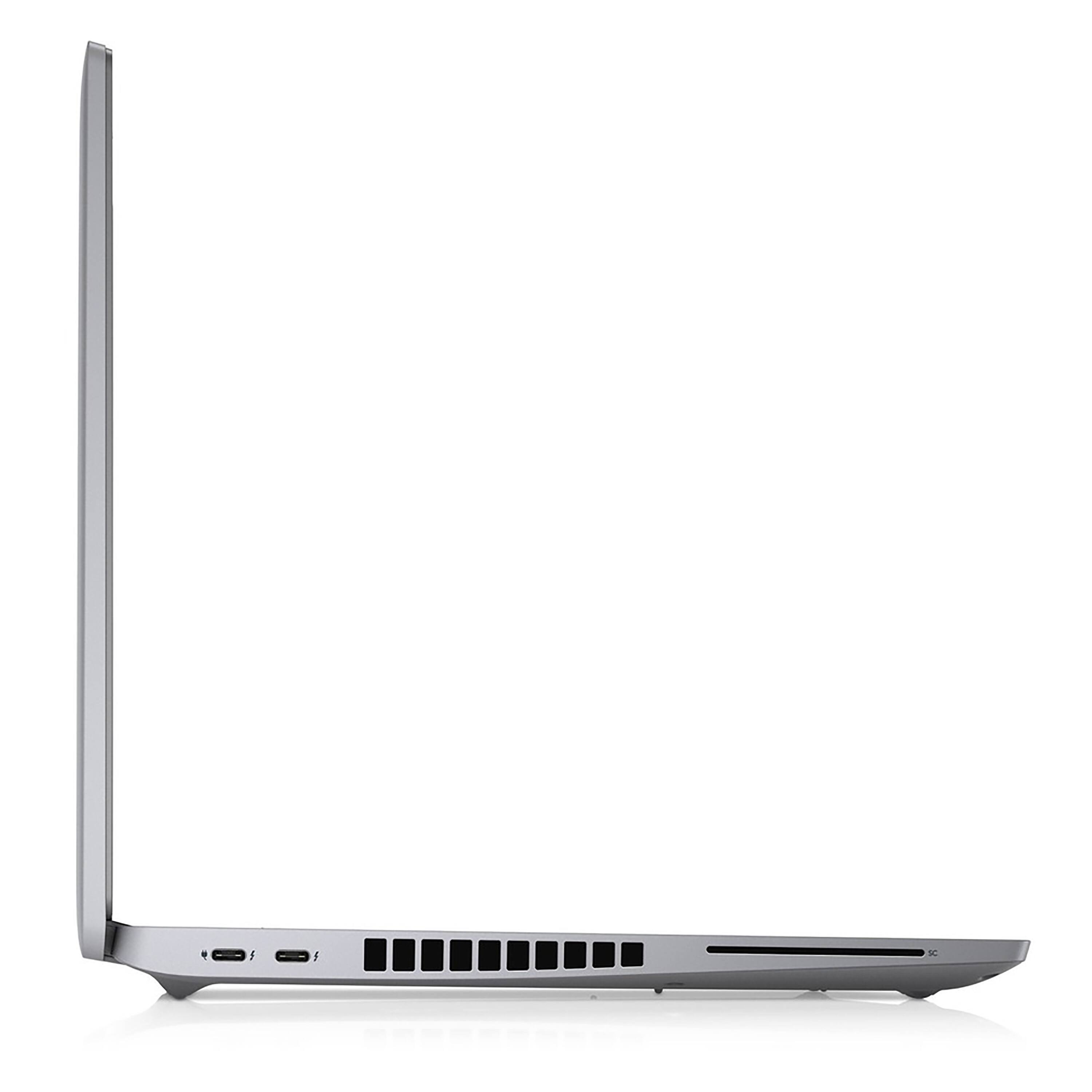
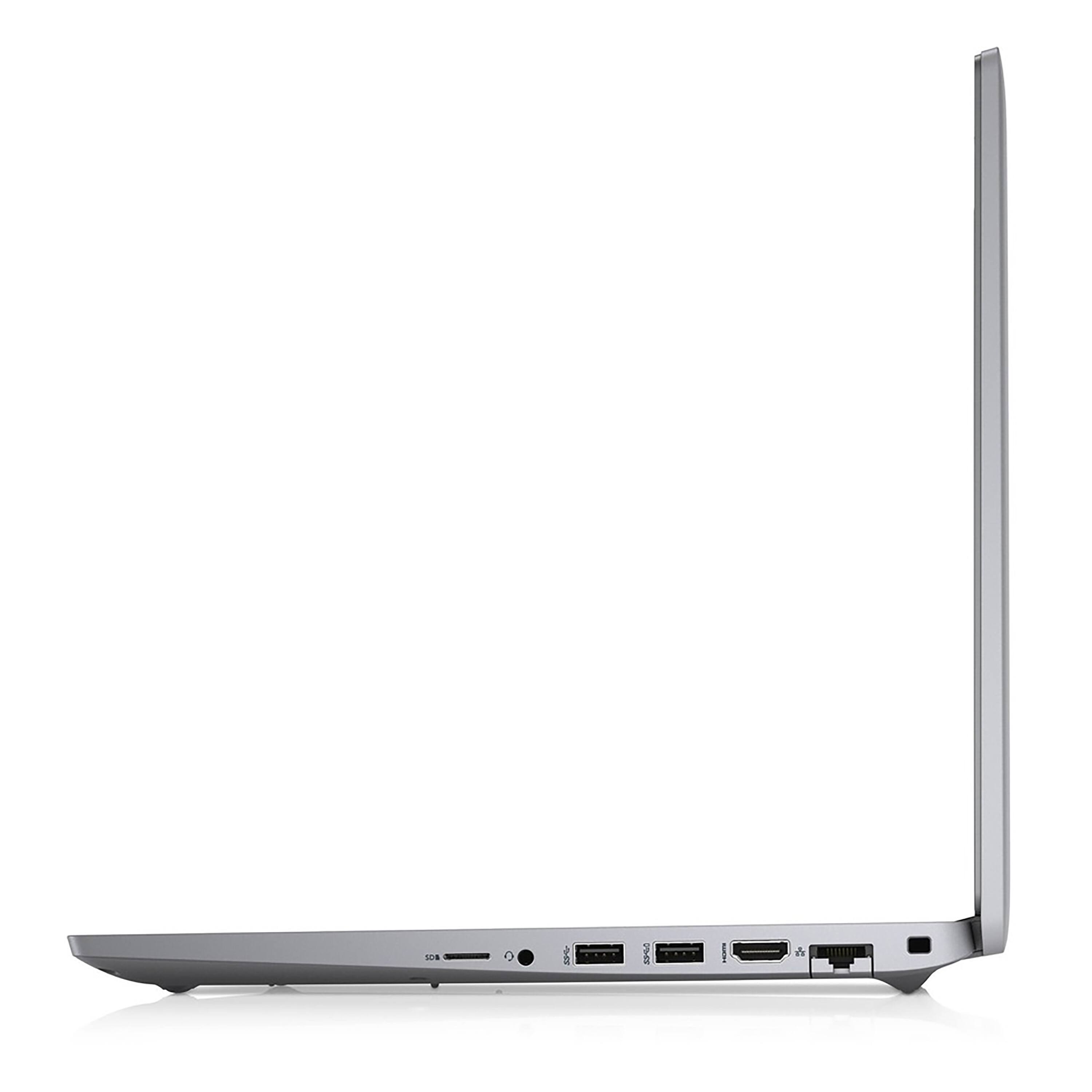
- Model:
- D3M2G
- SKU:
- 6504832
to a friend
- Cons mentioned:Speed
Not good for even the sale price
||Posted . Owned for 2 weeks when reviewed.This reviewer received promo considerations or sweepstakes entry for writing a review.I purchased the computer because my last computer took a fall. This computer does not compare to the HP computer that I paid more than half the price for. It certainly is not faster and I have to refresh or reboot a lot. Unfortunately, I was not watching the return period. I thought I had 30 days, but I only had 14 days with Best Buy.
No, I would not recommend this to a friendBrand response from YourDellTeam
Posted .Hello Valued Customer,
Thank you very much for your valued feedback. We are sorry to hear you are not too happy with your Dell Latitude 5000 computer because it is performing very slowly and you have to refresh often.
This is certainly not the experience that we like to hear from our customers. We appreciate your feedback and will use it to help improve our current and future products.
I have provided some steps you can take that should help with the performance issue.
There are several ways to help improve the performance of your computer if it is running slower than you expected it to. We'd recommend the following steps to help improve your computer's overall performance and speed:
1. Restart your computer regularly.
2. Run the automated tools provided in the SupportAssist Tool.
3. Run a complete hardware diagnostic test.
4. Scan your computer for malware.
5. Restore your Dell computer using Windows System Restore.
6. Reinstall Microsoft Windows.
You can read the full steps associated with each of these recommendations here: https://dell.to/3n29QjE.
If the issues with your Inspiron are still not resolved after utilizing the troubleshooting options above, please contact the Dell Support Team at 1-800-624-9896 for further guidance.
Best,
Katarina@Dell
Should you need further assistance, you can contact Dell directly with the information below.
Chat or call: https://bit.ly/DellSupportTeam
Phone number to Dell: 1-800-624-9896















