Customer Ratings & Reviews

Customer reviews
Rating 4.5 out of 5 stars with 2 reviews
(2 customer reviews)to a friend
Rated 4 out of 5 stars
Decent PC For The (But Different Than Description)
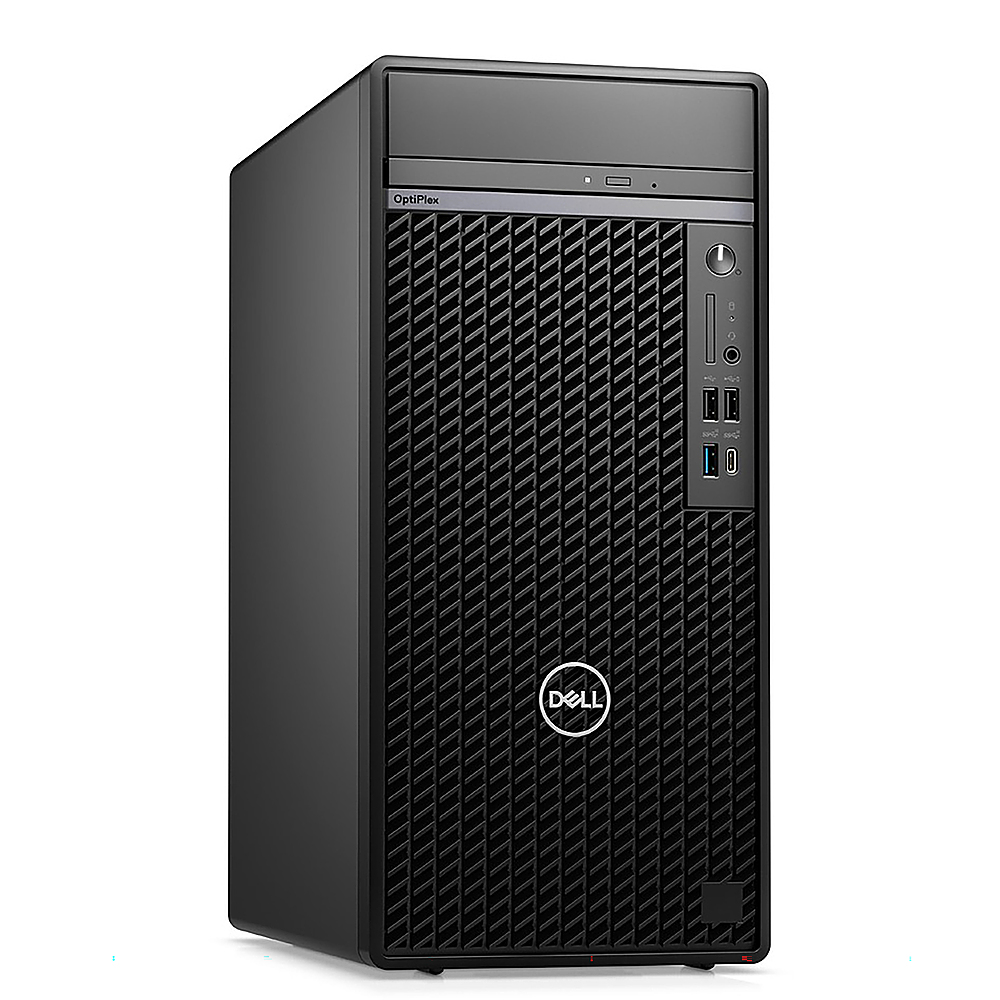
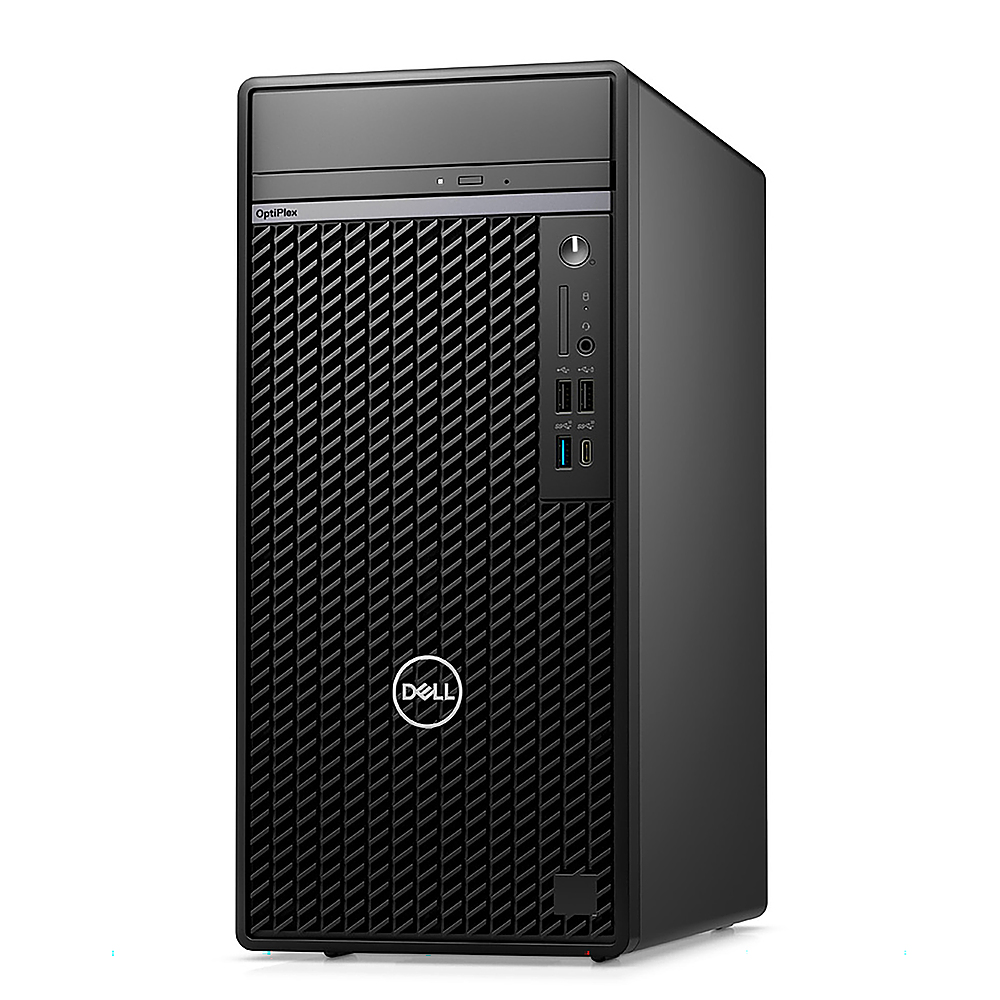
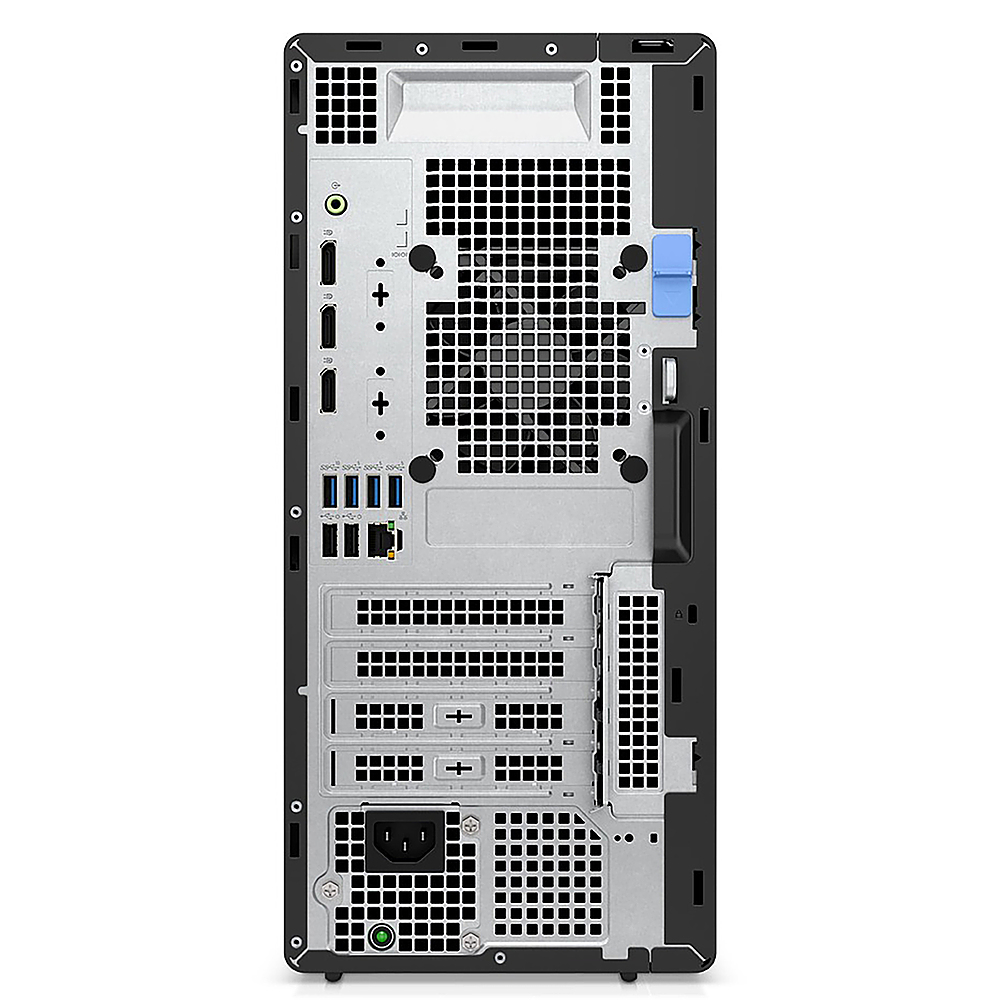
Posted .This reviewer received promo considerations or sweepstakes entry for writing a review.I just set one of these systems up for a friend who bought it from Best Buy and wanted to share some info to help other potential buyers. 1st off it is a pretty decent, no frills, PC for the price ($699.99) but understand this is about as bare bones a PC as you can buy. This system is good for someone who just wants to surf the web, read email, do light/mild office type work, or for school work. It will do very well in these uses. This is NOT a gaming PC however if you want to do that with it. There is no graphics card. Display is run off the integrated Intel graphics from the CPU. The power supply is only 180W and is proprietary Dell which means it isn't upgradeable to an aftermarket one of a higher wattage (without a lot of work). The power supply is not sufficient for a modern graphics card. This is not good for someone who wants to do a lot of video and photo editing that taxes the system either as cooling in this is very limited with no way to mount extra (any) intake fans. Decent system for the price as said, if you know its limits, but very limited in what you get and it is very limited in upgradability. Only comes with 1 stick of 8GB DDR4 3200 RAM. It has 2 RAM slots. Do yourself a favor and get another 8GB stick to bump it to 16GB (should be minimum these days). Some of these Dell systems are picky about aftermarket RAM however. I got a 32GB (2X16) kit from Crucial to upgrade this system for my friend and it worked fine. Dell OEM RAM is very expensive. This system comes with one of the tiny 1/2 sized (size of a postage stamp) M.2 NVMe SSD drives (256GB). You can upgrade to a full size M.2 NVMe SSD you just have to move the stand off/mount over (very easy - just need screwdriver). I upgraded my friend's to a 1TB full sized one and it took all of 3 minutes. Be aware this system won't support multiple M.2 NVMe drives. It only has the one M.2 NVMe slot. It does have an M.2 2230 slot but those are for Wi-Fi/Bluetooth cards. While there is wiring and SATA ports to support adding a hard drive or 2.5 SSD there is absolutely NO WHERE to mount them. Your storage is limited to that one M.2 NVMe slot. Just another point so you won't miss it. This system does NOT come with Wi-Fi of any type. You have to add it. LISTING ERRORS This model is an OptiPlex 7010 Tower (2023 launch). It is important to know it is a 2023 7010 Tower if you need parts, want to upgrade RAM, etc.... It is NOT a 7000. Some of the info does properly note it as a 7010 but the title and other areas say 7000 and that is inaccurate. There is no audio out as shown on the back in the pictures. This PC only has the headphone/speaker audio out on the front of it. The PC comes with a built in speaker but even at 100% volume you can barely hear it. There is no media/SD card reader on the front as shown in the pictures on Best Buy. The USB ports shown on the front are wrong as well. This system actually comes with 2 USB 2.0 (black) and 2 USB 3.2 (blue) on the front. There is no USB C as shown on Best Buy. The photos of the back are wrong as well. As said it shows an audio out which it doesn't have. The pictures on Best Buy show 3 Display Ports but it actually has 1 HDMI and 1 Display port. The pictures on Best Buy show 4 USB 3.2 (blue), 2 USB 2.0 (black) and 1 Ethernet port but it actually has 2 USB 3.2 (blue), 2 USB 2.0 (black), and 1 Ethernet port. Correct product photos attached. Hope this helps.
I would recommend this to a friendRated 5 out of 5 stars
Fast computer
||Posted . Owned for 3 weeks when reviewed.This reviewer received promo considerations or sweepstakes entry for writing a review.Fast computer, fast delivery. This is a great desktop for our teachers
I would recommend this to a friend


















