Customer Ratings & Reviews

- Model:
- OP3060MFFYN79T
- SKU:
- 6260174
to a friend
You want a business office PC - this one is PRO!
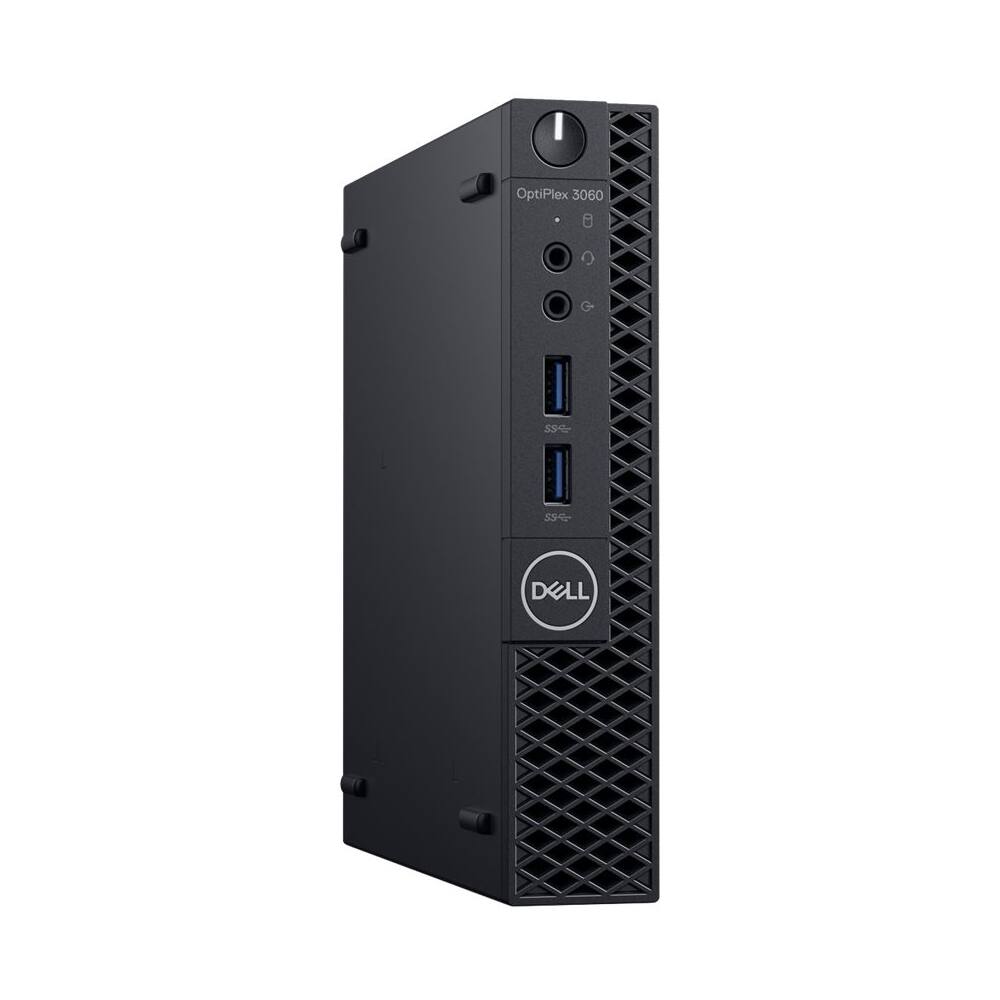
||Posted . Owned for 1 week when reviewed.This reviewer received promo considerations or sweepstakes entry for writing a review.I did a lot of research and review reading. This I3 4 core chip is awesome for voip communication, feel free to add DDR4 Laptop Memeory 8 gigs, and extra SSD storage space so your windows 10Pro has its own drive to work off of. The display port and HDMI port will allow you to run two monitors for extended screen space. I am running two screens right now - it simply works. The pc is small 7 inch by 7 inch just like I wanted. Get this bad boy while its hot!
I would recommend this to a friendGreat PC for the price
||Posted . Owned for 1 month when reviewed.This reviewer received promo considerations or sweepstakes entry for writing a review.Ive owned many Dells and have rarely had a problem. First one Ive purchased with a SSD and have yet to have an issue. I use it for Photoshop and light video editing
I would recommend this to a friendSlow
||Posted . Owned for 5 months when reviewed.This reviewer received promo considerations or sweepstakes entry for writing a review.Thought this would be faster. Disappointed at speed.
No, I would not recommend this to a friendBrand response from YourDellTeam
Posted .Leigh,
Thanks for your review. We're sorry your computer is not as fast as you hoped it would be. Please run the Windows Performance Troubleshooter and see if it helps your computer:
1. Close all open windows.
2. Press the Windows logo key + X key on the keyboard.
3. Click Control Panel.
4. Click System and Security.
5. Under Security and Maintenance, select Troubleshoot common problems.
6. Under System and Security, click Run maintenance tasks.
7. Follow the on-screen instructions and prompts to complete the process.
8. Restart the PC.
You can read the full article here - http://dell.to/2tSulGV.
Best,
Bryan
1-800-624-9896


















