Customer Ratings & Reviews


- Model:
- BBY-46J4FFX
- SKU:
- 6523685
to a friend
DELL
||Posted . Owned for 3 weeks when reviewed.This reviewer received promo considerations or sweepstakes entry for writing a review.Very light weight and good laptop for a student except the battery life is of a concern.
I would recommend this to a friendToo accurate
||Posted . Owned for 1 week when reviewed.This reviewer received promo considerations or sweepstakes entry for writing a review.One of the latest technology and work for all kknd of projects and gaming
I would recommend this to a friendAVOID this generation of XPS laptops. Bad quality.
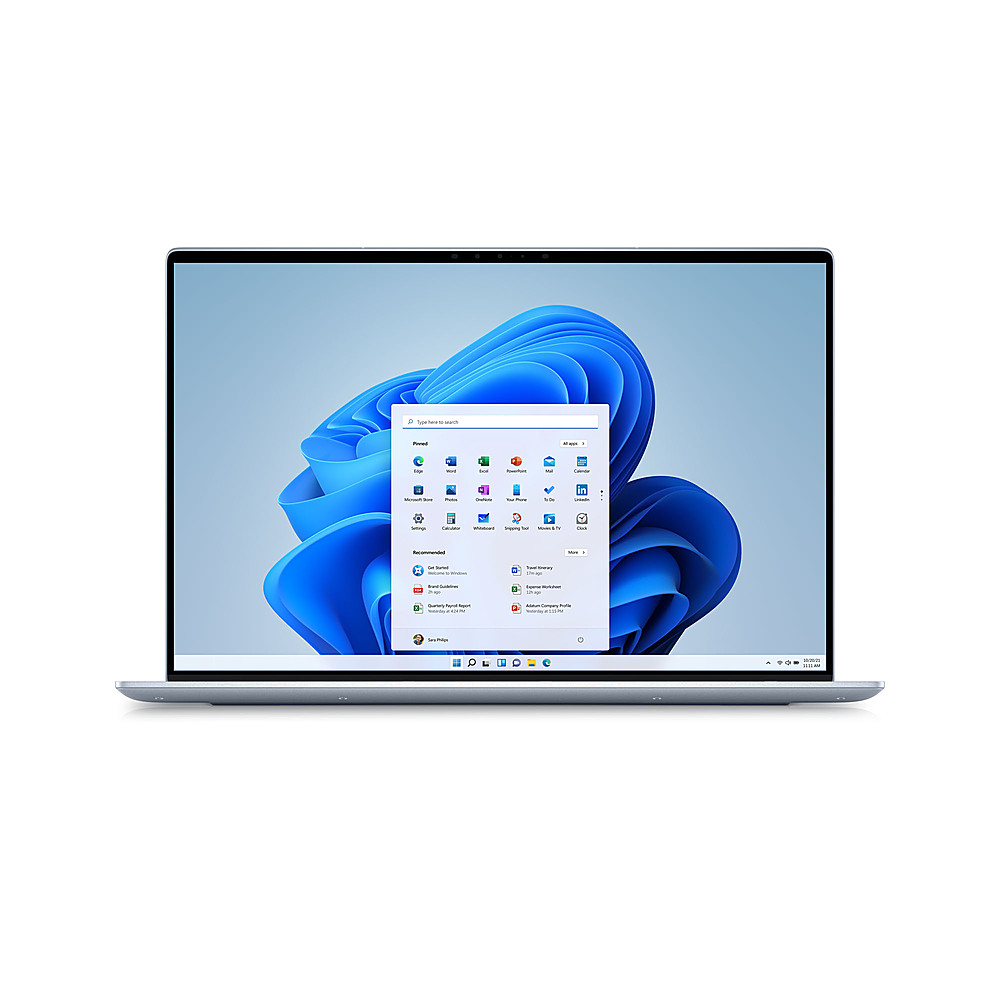
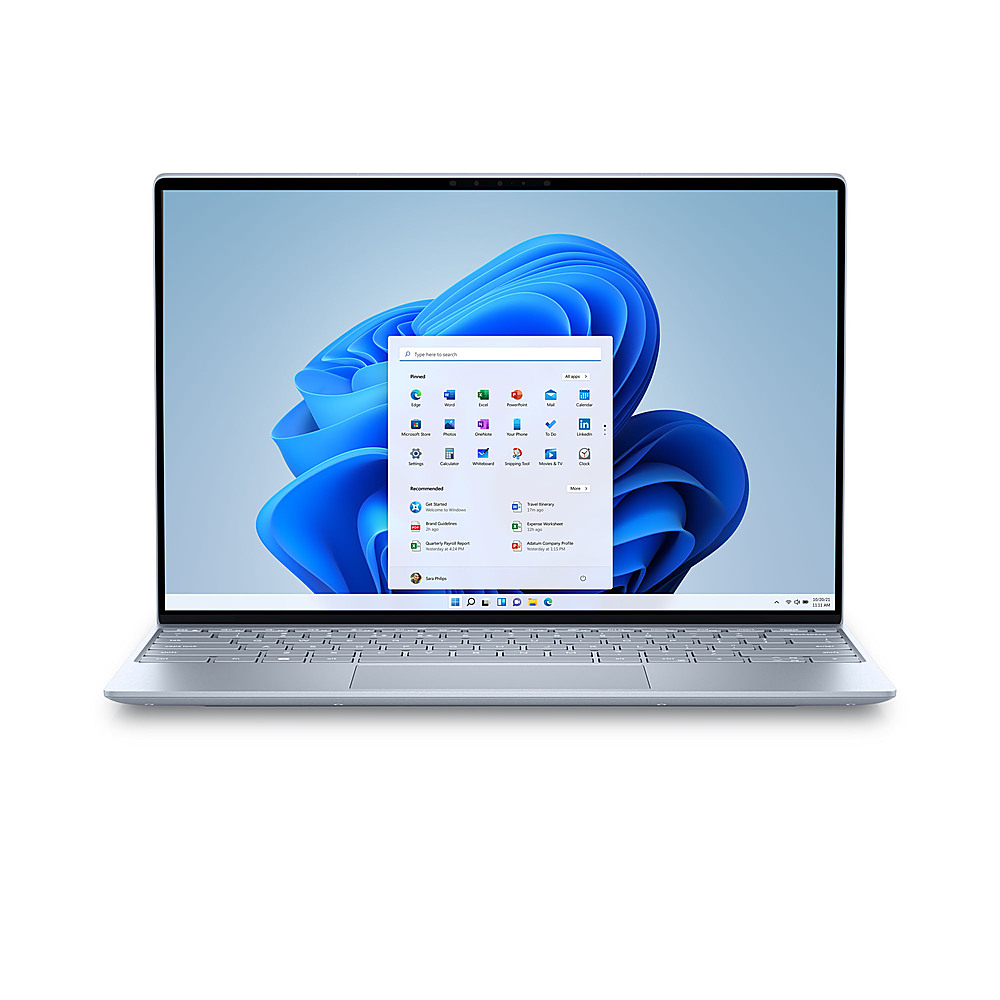
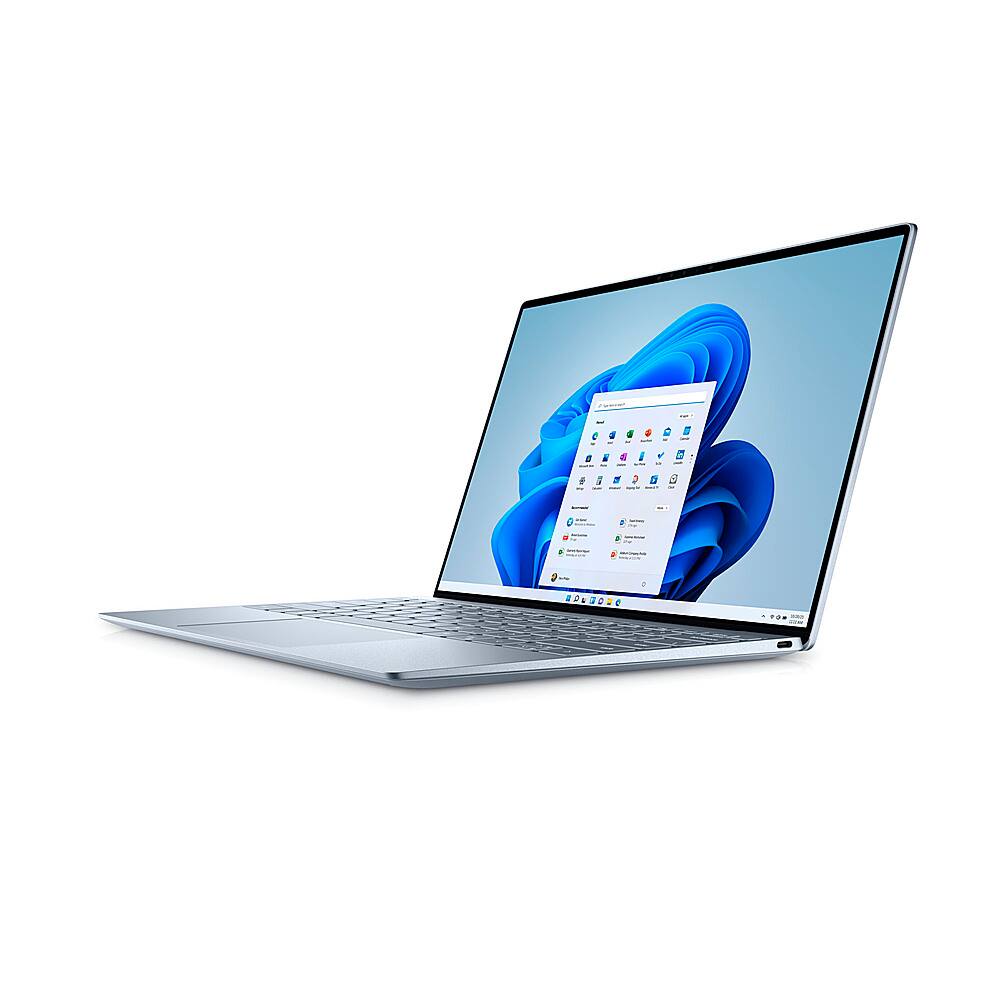
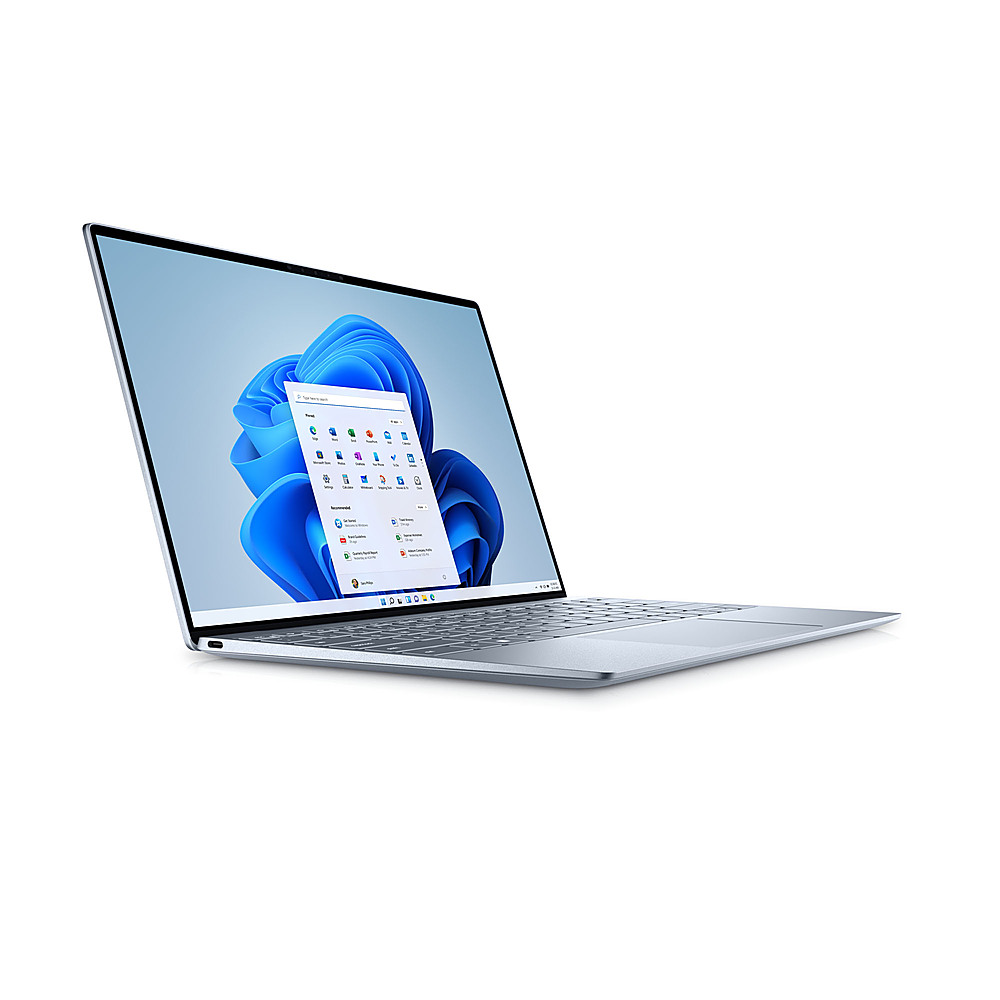
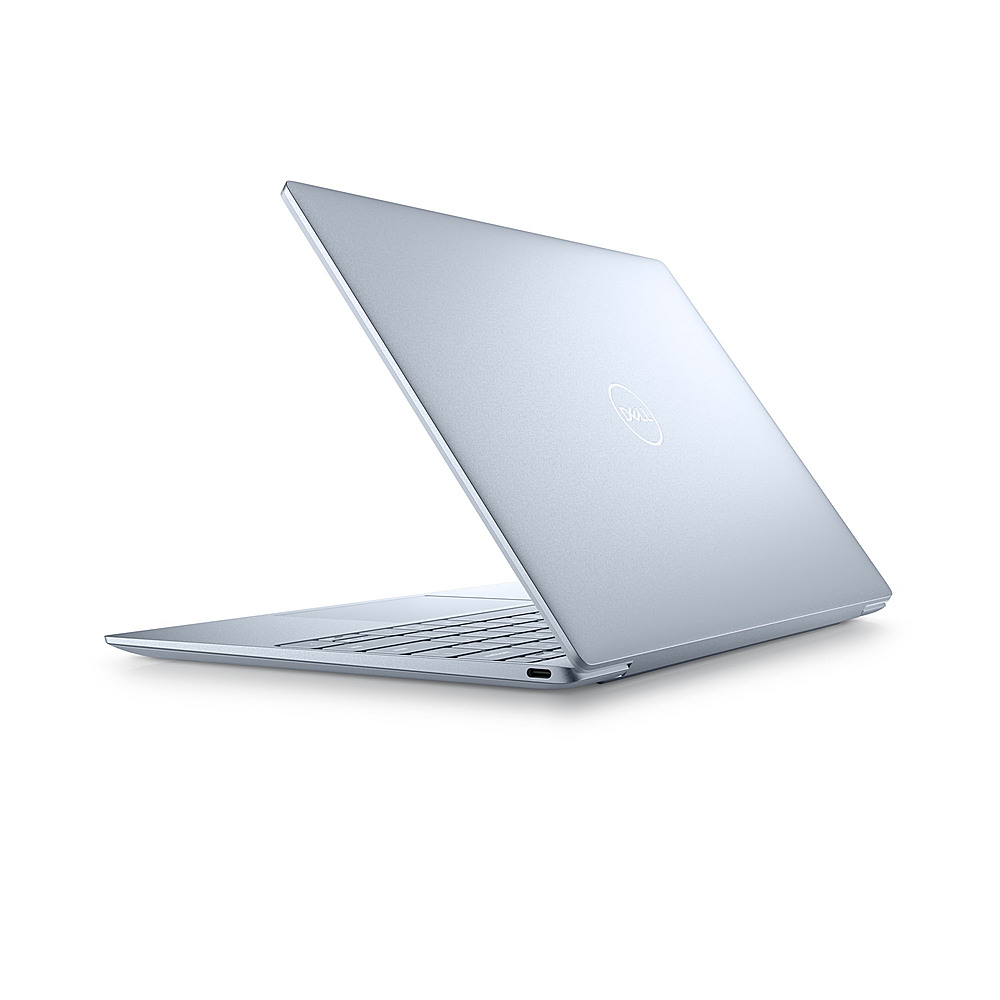
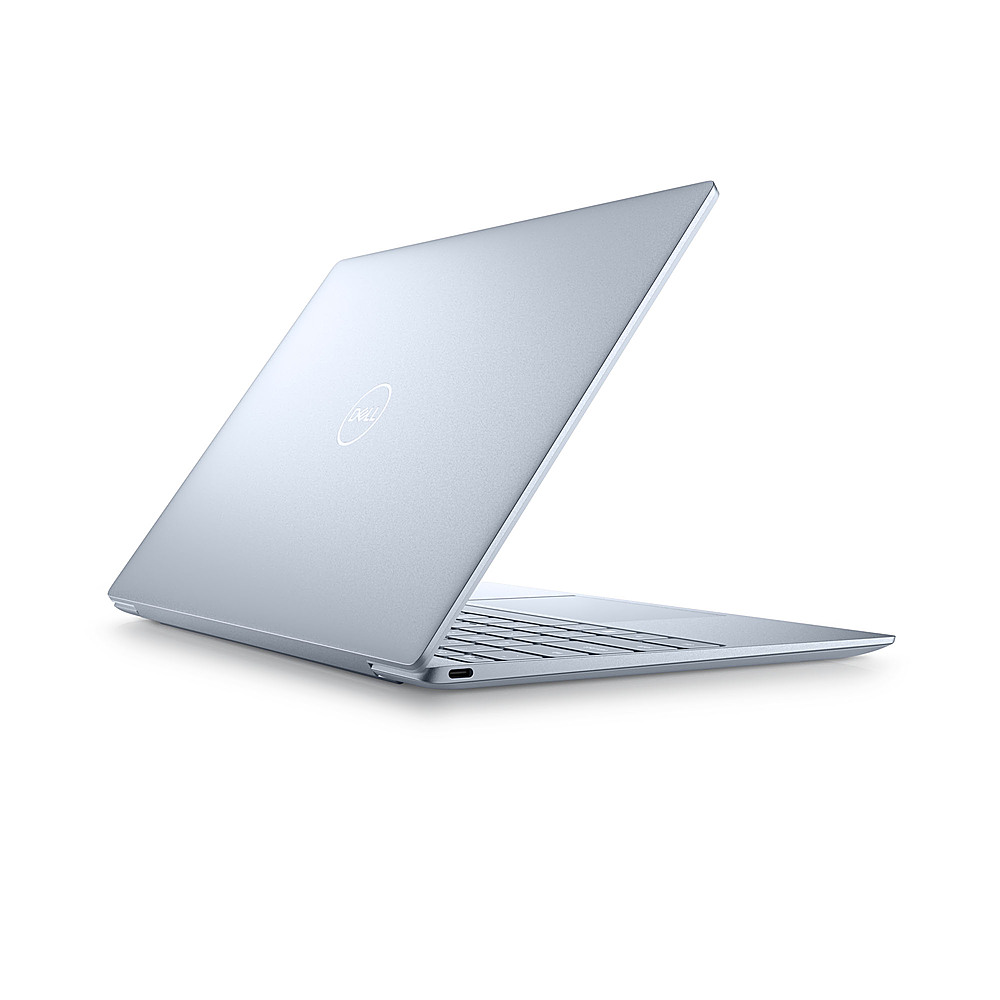
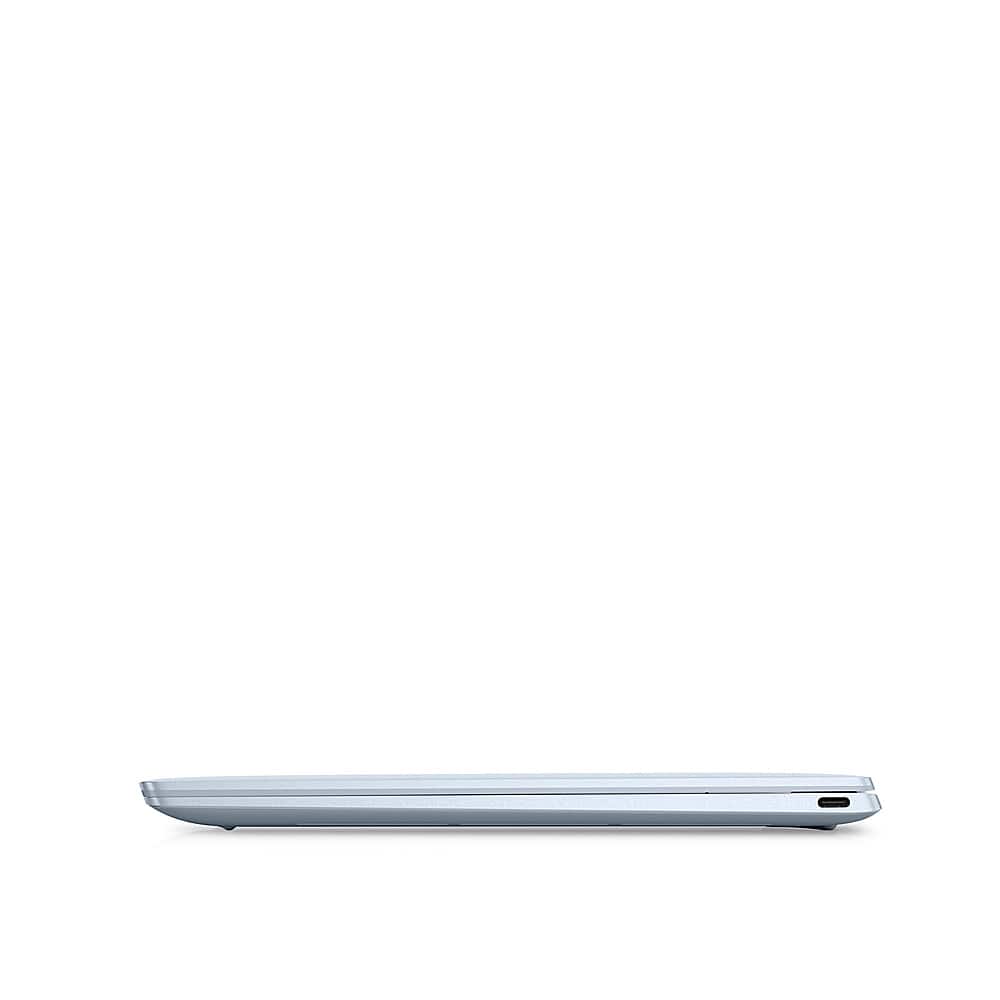
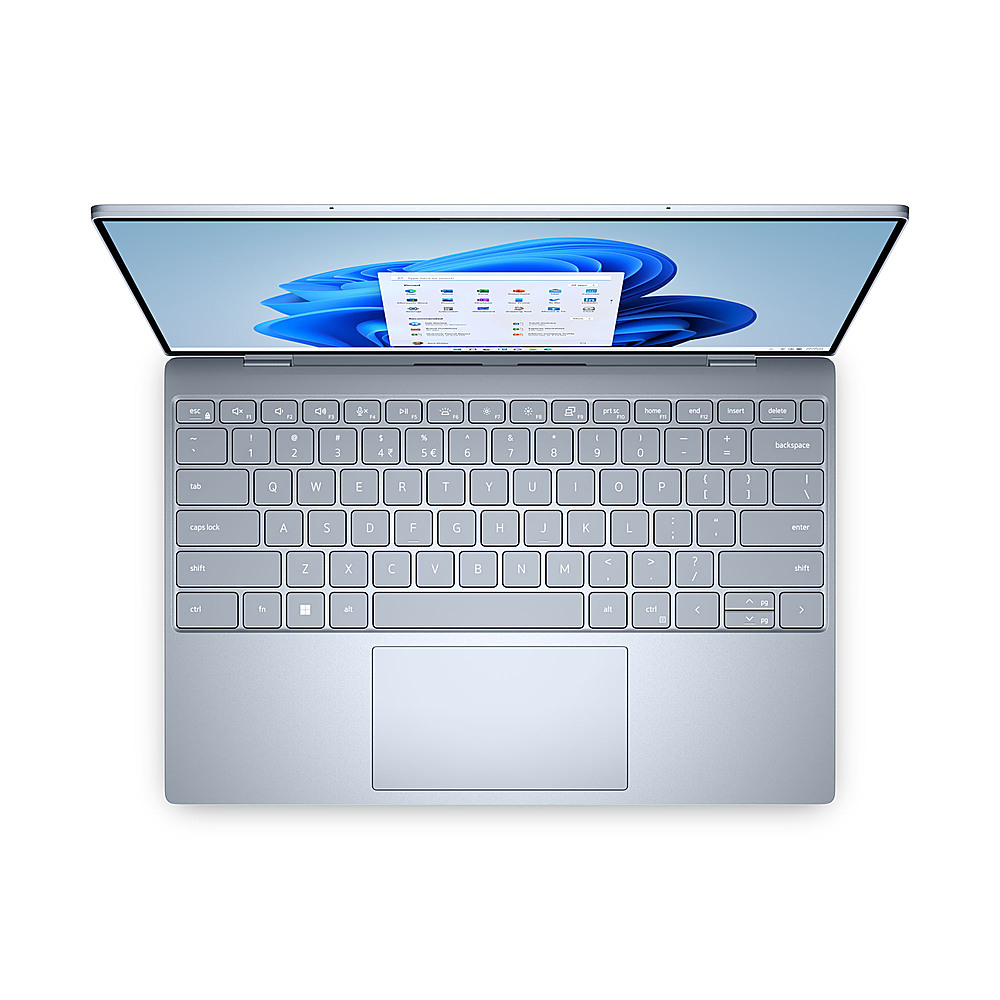
Posted .This reviewer received promo considerations or sweepstakes entry for writing a review.Do NOT buy this laptop. There's a reason most of the written (not just rating-only) reviews for it on Dell's own website are negative. Lots of details as to why below. I was stoked to see DDR5 RAM and great specs when this version came out, and bought one each for a colleague and I, ordering relatively top of the line machines (we only get one laptop every ~3 yrs, and all the hard-soldered connections on modern laptops have lowered our ability to upgrade in the meantime). On paper, they should have been beasts; 32GB of DDR5 RAM, 12th gen i7 processors, 1TB SSDs, on a storied line of products... Our IT director and I were all kinds of excited. Instead, they've been a disappointment from day 1. Internet connectivity is super patchy, dropping Zoom calls and lagging (I work next to the server room, and had these issues even when I connected via Ethernet , so no excuses there.) Constant audio issues on conference calls on both Zoom and Google Meet, to the point where I have had to just leave meetings because I couldn't hear or be heard, even after messing with settings extensively. The most stable fix I've found, in case you're unlucky enough to get one of these machines, is to turn off the "audio enhancement" settings in Windows for any of the speakers or microphones you're trying to use. Never had this problem w/ past machines, but that's at least limited the number of problems I see nowadays. Utterly mediocre webcam, certainly not suitable for a top tier business laptop in the era of Zoom meetings, with oompa loompa style super-saturated color rendition and 2018-era resolution. My colleague had to send her machine back for a full motherboard and hard drive replacement (SDDs are soldered to the motherboard so you have to replace both) because it continually froze up and needed hard resets whenever it ran out of battery, which was often since batteries tend to last ~2.5-4hrs at best running basic apps, especially before they finish "burn in", and it'll eat ~10% of the battery easy sitting asleep overnight. And for all that RAM and processing power, these laptops run Chrome and other basic desktop apps worse than my 3+ yr old HP Spectre, or even my $400 home laptop that my toddler bangs on and abuses regularly and I've patched back together with epoxy and gorilla tape. The XPS is incredibly laggy, and this is broadly reported by users and reviewers, most recently in WIRED. Apps (including Chrome, Word, and Excel) regularly freeze up and sometimes crash entirely. RAM usage is rarely below 50% even with only a couple of tabs open (much less a video call, which seems to tax the processor and RAM to a remarkable degree.) I've updated it frequently, to no avail, though at least the battery life improved by a couple hours after burn in. And the keyboard is trash - the keys are shallow and narrowly spaced, and using it makes my typing speed and accuracy drop like a rock. The backlight is extremely dim, essentially to the point of being unusable in regular lighting. The track pad is also mediocre at best, often fails to recognize right clicks and is uber-sensitive unless you turn off tap-to-click. Design-wise, I have to say it looks pretty nice, with a tall 16:10 screen that handles documents well and looks OK (though not exceptional - earlier generations of XPS laptops were known for great, bright, accurate screens.) And it's quite light. But their focus on slimming it down at all costs lowers usability, IMHO, since there's no space anywhere for your hands to rest while typing, and the keys are all squashed together with tight margins to save space. I put mine next to my boss's computer, which is a couple generations old, and you can see how much more comfortable his is to type on. Speaking of usability, it's time to stop removing ports; whatever jackanapes decided that two USB-C ports are an adequate spec for a business machine needs to be sent out in the field for a while to actually use the things. Apple started this trend, but even they've backed off. I'll happily carry an ounce or two of extra weight in exchange for (at least one) USB 3.2 port, a headphone jack, and ideally an HDMI port too. If you lose your adapter/dongle, and have to give a presentation, or plug into an external monitor or keyboard or mouse or wired headset or presentation clicker, etc... you'd better pray someone has an extra. I'm not generally a harsh reviewer, but man, I really regret buying this laptop. Avoid.
No, I would not recommend this to a friendBrand response from YourDellTeam
Posted .Hey JollyG,
We want to thank you for taking the time to leave a review of your XPS 13. We are sorry to hear that you are not completely satisfied with your device and are having trouble with your WIFI connectivity and issues with your touchpad. Below I have provided troubleshooting steps to help with your Wi-fi connectivity and a link to assist with your touchpad issues.
Here are the steps to help resolve your wifi connection issue:
1. Download and install the latest Wireless Card driver. After updating the driver, re-establish the connection with the Wireless Access Point and check the wireless performance.
2. If the issue persists, proceed to step 3.
3. Power-cycle the local network. Shut down the Dell system, the Wireless Access Point/Router, and the Modem. Wait a minimum of 60 seconds before powering up the components in the following order:
4. Power ON the Modem, and wait for it to boot fully.
5. Power ON the Wireless Access Point/Router, and wait for it to boot fully.
6. Power ON the Dell system.
7. Open Network and Sharing Center
8. In the left-side navigation pane, click on Change Adapter Settings
9. Right-click on the wireless connection icon and select Properties followed by the Configure button
10. Under Wireless Options, select the Wireless N mode.
11. For Windows 8 or later systems click the Advanced tab and look for 802.11n Mode on the right you will be given the option to Enable or Disable. If the mode is not visible you may need to update your drivers and firmware.
12. From the drop-down menu, choose Disable followed by Ok
13. This should restore the wireless download and upload speed. Internet speed can be tested at http://speedtest.net.
Wireless Networking Usage and Troubleshooting Guide: https://dell.to/2RefLVN
Touchpad Usage and Troubleshooting Guide: https://dell.to/3tXxiof
Should you need further assistance; we recommend that you contact Dell directly with the information below.
Chat or call: https://bit.ly/DellSupportTeam
Phone number to Dell: 1-800-624-9896.
Best,
Summer@Dell
















