Customer Ratings & Reviews
- Model:
- XPS9370-7040SLV-PUS
- SKU:
- 6221701
to a friend
Customers are saying
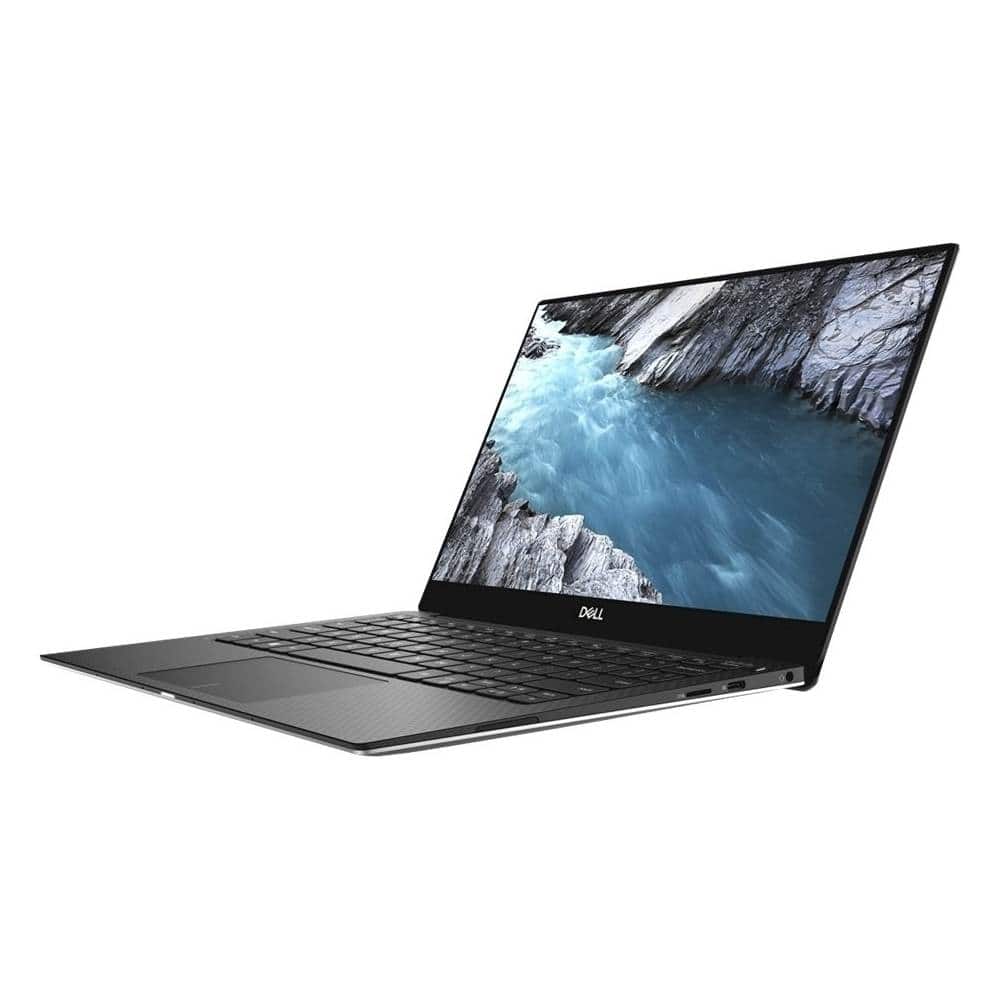
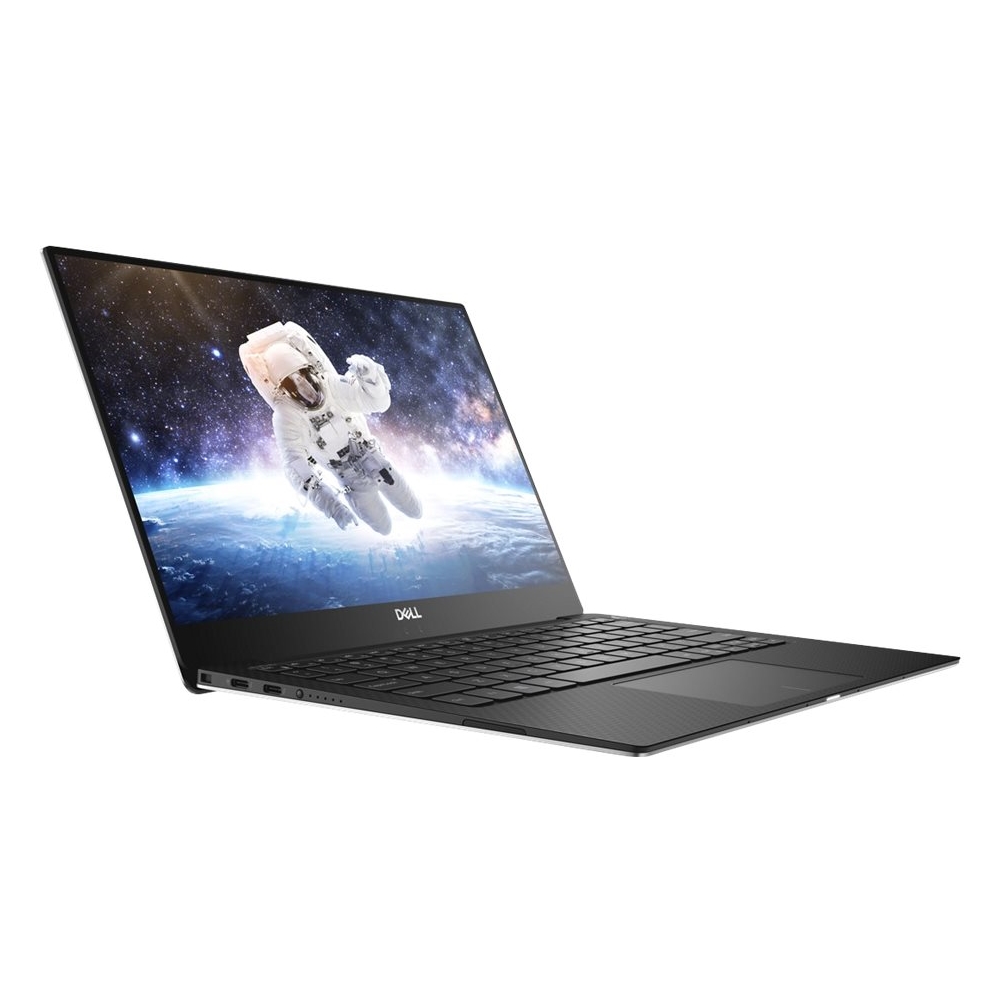
Customers enjoy the fast performance, touch screen, and 4K display of the XPS 13.3" laptop. They also appreciate its lightweight design. However, some customers have concerns about the fan noise and limited port selection, which includes only USB-C ports and requires an adapter for USB devices.
This summary was generated by AI based on customer reviews.
Great computer
||Posted .This reviewer received promo considerations or sweepstakes entry for writing a review.Processes very fast. High quality, high detail picture. Great for video production work. Downside - Expensive and no room for device plug-ins. Have to use the adapter.
I would recommend this to a friend- Pros mentioned:Touch screen
Great laptop
||Posted .This reviewer received promo considerations or sweepstakes entry for writing a review.This laptop is great for business especially with a touch screen.
I would recommend this to a friend - Pros mentioned:Fast
Extremely efficient and runs smoothly!
||Posted .This reviewer received promo considerations or sweepstakes entry for writing a review.Great laptop. It's fast, compact, and extremely realiable
I would recommend this to a friend Very pleased with this laptop.
||Posted .This reviewer received promo considerations or sweepstakes entry for writing a review.Very pleased with this laptop. Well spec’d. Well received. Works great. Love the small size and portability of this full windows machine.
I would recommend this to a friendTop 13" Laptop
||Posted .This reviewer received promo considerations or sweepstakes entry for writing a review.The Dell is like the Toyota of cars. Reliable, affordable, and maintains best value. Otherwise be trendy and pay for the brand instead of the product (Apple).
I would recommend this to a friendDell 13.3 laptop
||Posted . Owned for 1 week when reviewed.This reviewer received promo considerations or sweepstakes entry for writing a review.Excellent computer for traveling and the farm. Sure was an issue trying to get it all paid for with gift cards and Visa debit cards. Glad we did it after all.
I would recommend this to a friendAmazing 4k Display
||Posted .This reviewer received promo considerations or sweepstakes entry for writing a review.This is dells best laptop by far. It is a a re-imaging of their old 9360 but with the new hardware and design is amazing is better than ever.
I would recommend this to a friendFast & Reliable
||Posted .This reviewer received promo considerations or sweepstakes entry for writing a review.This is by far my favorite laptop I’ve ever purchased. We purchased several for our office. Very happy with them.
I would recommend this to a friendDell Windows 10
||Posted . Owned for 5 months when reviewed.This reviewer received promo considerations or sweepstakes entry for writing a review.This is a bit disappointing because even though it is supposed to be super fast it takes forever to update and also a very long time to “wake up” from not being used for 5 minutes. It’s also annoying that you need an adapter for anything you connect to it.
No, I would not recommend this to a friendBrand response from YourDellTeam
Posted .Diane,
Thanks for your review. We're sorry that your computer is taking longer to load than you hoped it would. We'd recommend limiting the number of programs that launch at start up:
1. Close all open windows.
2. Press CTRL + Shift + ESC key together on the keyboard.
3. In the Task Manager window, click Startup tab.
4. Select the program or application that you want to disable from loading during startup.
5. Right-click and select Disable.
6. Repeat Step 4 & 5 for all the programs or applications that you want to disable from loading during startup.
7. Restart your PC.
You can read the full article here - http://dell.to/2tSulGV.
You can also run the Windows Performance Troubleshooter to see if there are ways for your computer to perform faster:
1. Close all open windows.
2. Press the Windows logo key + X key on the keyboard.
3. Click Control Panel.
4. Click System and Security.
5. Under Security and Maintenance, select Troubleshoot common problems.
6. Under System and Security, click Run maintenance tasks.
7. Follow the on-screen instructions and prompts to complete the process.
8. Restart the PC.
You can read the full article here - http://dell.to/2tSulGV.
Best,
Bryan
1-800-624-9896
Great laptop
||Posted .This reviewer received promo considerations or sweepstakes entry for writing a review.This is a great computer that is very powerful and very portable.
I would recommend this to a friendPerfect
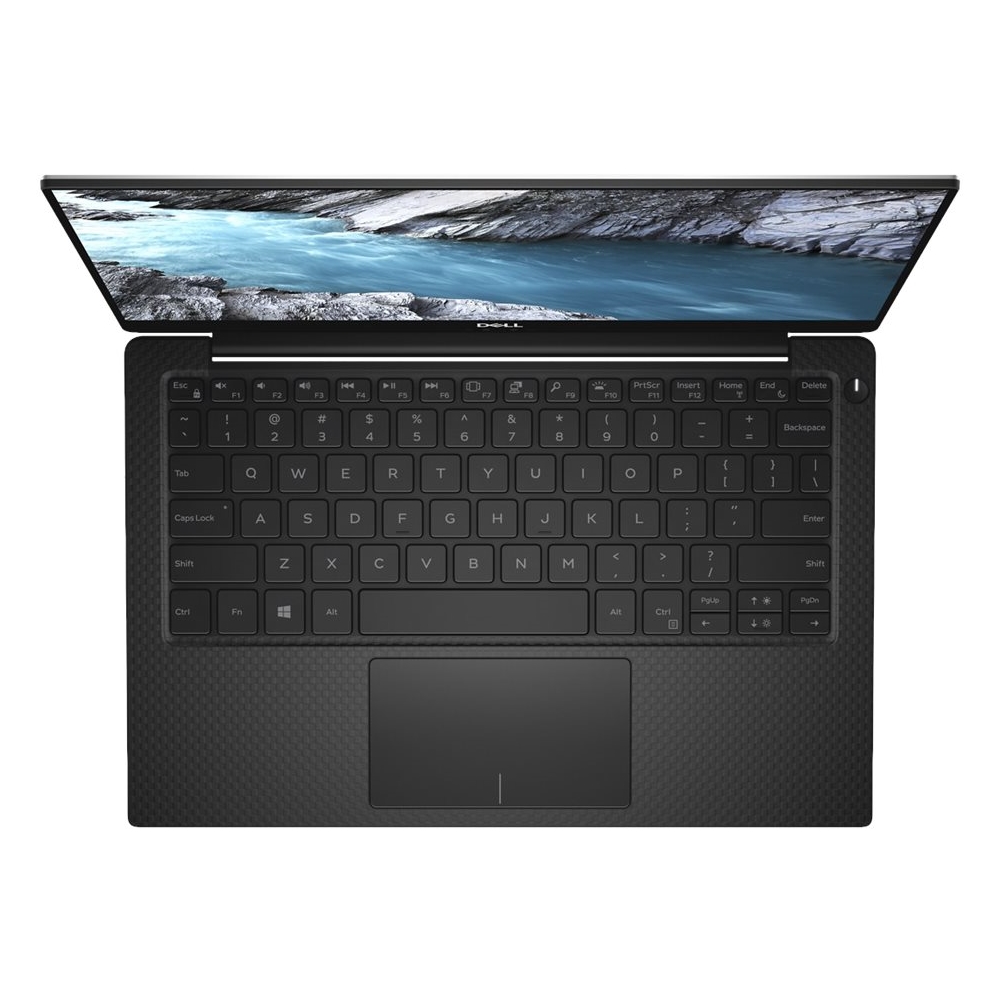
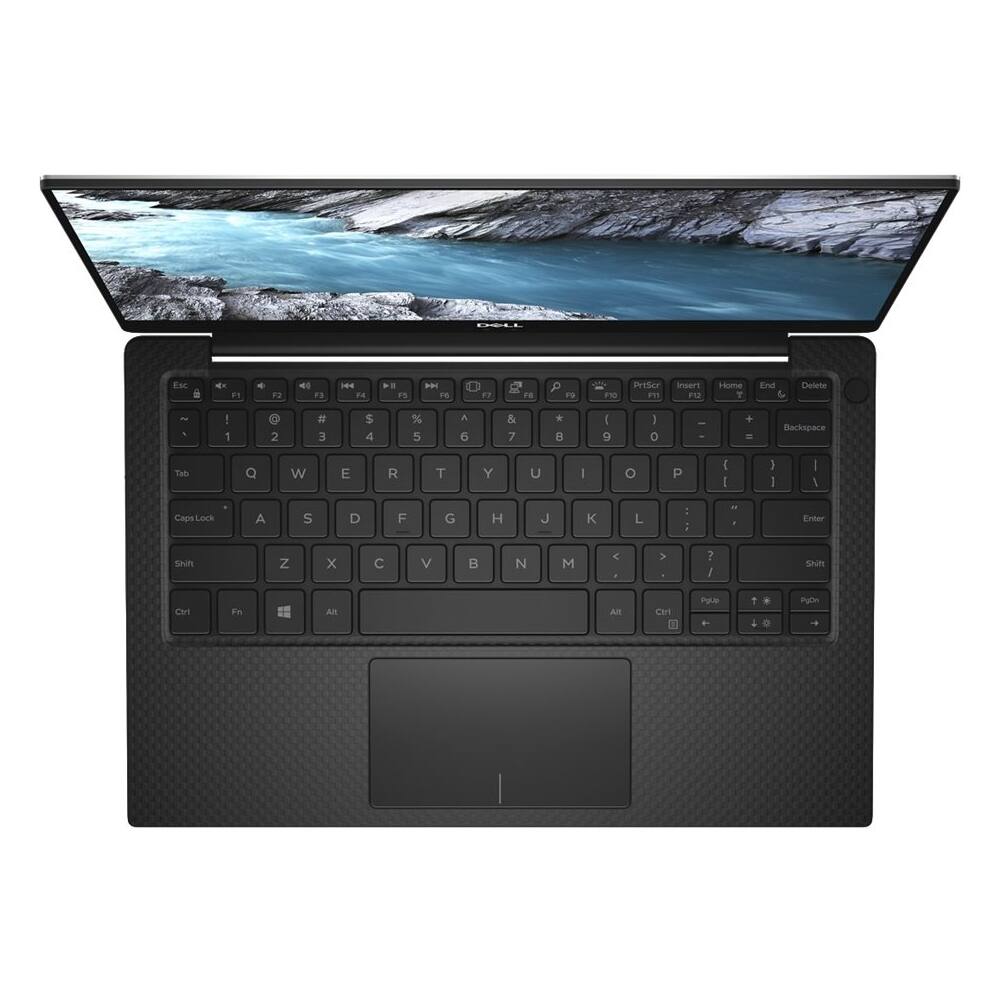
||Posted .This reviewer received promo considerations or sweepstakes entry for writing a review.The screen and keys are lit, making it possible for me to type better
I would recommend this to a friendAmazing!
||Posted .This reviewer received promo considerations or sweepstakes entry for writing a review.Great notebook. Beautiful and super fast. More than recommended.
I would recommend this to a friendConstantly hangs up.
||Posted . Owned for 5 months when reviewed.This reviewer received promo considerations or sweepstakes entry for writing a review.Since 1996 I have been a Dell customer, never again. While it's bad enough that this did not run correctly out of the box. What put the icing on the cake is when I contacted Dell they wanted money to help with fixing it. I believe it was less than a month old at that point.
No, I would not recommend this to a friendBrand response from YourDellTeam
Posted .NoDellsforme,
We're sorry to hear about your experience with your Dell computer. We'd recommend checking to make sure that all of your software and drivers are up to date: https://dell.to/2JWB0YN.
We hope that once everything is up to date that your computer performs better for you.
Best,
Bryan
1-800-624-9896
- Pros mentioned:4k display
Great Replacement for my Macbook Air
Posted .This reviewer received promo considerations or sweepstakes entry for writing a review.I really liked my 2011 Macbook Air, it served me well for many years. But I knew it reached end of life when I could not upgrade to the latest MacOS. I have not been enthralled with the proprietary nature of Apple's products and the premium they demand so I included a Windows PC in my search for a replacement. I go for high-end when I purchase technology and this laptop is "fully-loaded". I *insist* on SSD drives anymore (otherwise they slow to a crawl after a couple of years) and this one has 1TB, lots of memory at 16GB, the latest Intel processing hardware, and ultra high-def display capability up to 4K. Compared to the Apple counterpart with similar specs (running MacOS), it was $1000 cheaper. Windows 10 is Microsoft's best client-side OS yet, and it is FAST. I do photography and music (I'm a musician in my spare time) and I never used Apple's proprietary products, so I am able to use the Windows version with no problem. I had to relearn some of the finer points of the Windows User Experience (UX) but I was good after a couple of weeks. This is an outstanding laptop, meets my needs, and I saved $1K over the Apple counterpart.
I would recommend this to a friend - Cons mentioned:Ports
Nice laptop great for travelers
Posted .This reviewer received promo considerations or sweepstakes entry for writing a review.I travel extensively so I need a laptop I could charge with a dc car charger. (It has USB C PD specs) This fits the bill I bought a car charger that charges my Pixel 2 and this laptop. Be careful with your USB C choices because there are many bad products on the market now, and all cords and chargers do not give the same data and charging speeds. I looked for IF USB C certified products. The car charging worked well with no power errors. I wanted this laptop for Photoshop and Lightroom, I am not a gamer. The laptop will run both programs without issue. If you are a travelling photographer this works well. I had to return a Zen book because the power demands were too great for car chargers. Do your homework on USB C this does not have a lot of ports so you will need some dongles, you may not get the right data speeds or charging if you are not paying attention to the specs.
I would recommend this to a friend - Pros mentioned:Fast, Lightweight
Smooth computer
Posted .This reviewer received promo considerations or sweepstakes entry for writing a review.I've had time to adjust to a computer that is barely 3 pounds. It's amazing to carry around. Fast computer too.
I would recommend this to a friend Great
Posted .This reviewer received promo considerations or sweepstakes entry for writing a review.Great battery life on an i7 8th gen would recomend
I would recommend this to a friendComputer not equipped as advertised
Posted .This reviewer received promo considerations or sweepstakes entry for writing a review.Had problems trying to set up fingerprint reader. Dell tech support instructed installing driver and a BIOS update would solve problem, it didn’t. Daughter took laptop to geek squad to look at, she was told it didn’t have one. It was built without the fingerprint reader that is included as a standard feature. Sent an email to Best Buy executive and am waiting for a reply. This is our fourth XPS computer and the first that didn’t have all the advertised features.
No, I would not recommend this to a friendBrand response from YourDellTeam
Posted .Disappointed,
We're sorry to hear that your new computer did not include the Fingerprint Reader that you were hoping for. We have contacted our Product Team so that they can make the appropriate changes to this product's description. If you have additional questions about your computer you can always check our Product Support Page here: https://dell.to/2ORM0WW.
Best,
Bryan
1-800-624-9896
Do not recommend this product. Return this if can!
Posted .This reviewer received promo considerations or sweepstakes entry for writing a review.This product looked sleek and light weight with great configuration, but it turned out to be a trash sitting on my desk. Audio stopped working after the return date. track pad is slippery and driving me nuts... its like driving on 70s on icy streets. I am back to my old laptop and this laptop is just supporting my $35 raspberrypi as a display screen.
No, I would not recommend this to a friendBrand response from YourDellTeam
Posted .Prabhu,
We're very sorry to hear that your computer's audio system is no longer working properly. We're sorry to hear that you missed the return window for your computer but we did want to let you know that Dell offers a One Year Limited Warranty on our products and you can find out more information here: http://dell.to/2tNsVOs. If you'd like to reach out to a member of Dell's Technical Support Team to discuss your warranty you can contact them here: http://dell.to/2sH7Qlm.
Lastly, if you'd like to re-calibrate your touchpad you can follow these steps: Some Notebooks and Tablets with Keyboards have added gesture features to the touchpad hardware and drivers. A few of these features are two or three finger scrolling, pinch zoom, circle zoom, rotate and swiping. These new features may be the reason for the erratic cursor movement since most are turned on by default. You can disable or modify the way the features work in the touchpad driver properties. Here are some tips to modify these settings:
1. In the Search box, type main.cpl.
2. Touch or click main.cpl in the list of programs.
3. Touch or click the Dell Touchpad tab.
4. Touch or click on the picture of the touchpad.
5. Touch or click Gestures (depending on your computer there may not be a Gestures option).
6. Change the options as preferred.
7. Touch or click Save.
8. Touch or click the X in the upper-right corner to close the Dell Touchpad Utility.
9. Touch or click OK on the Mouse Properties window.
10. If the touchpad still does not work after following the preceding steps, refer to Dell Knowledge Base article - http://dell.to/2iaiujA.
You can read the full article here - http://dell.to/2tqmS02.
We hope that these tips help your computer work better for you.
Best,
Bryan
1-800-624-9896

















