Customer Ratings & Reviews
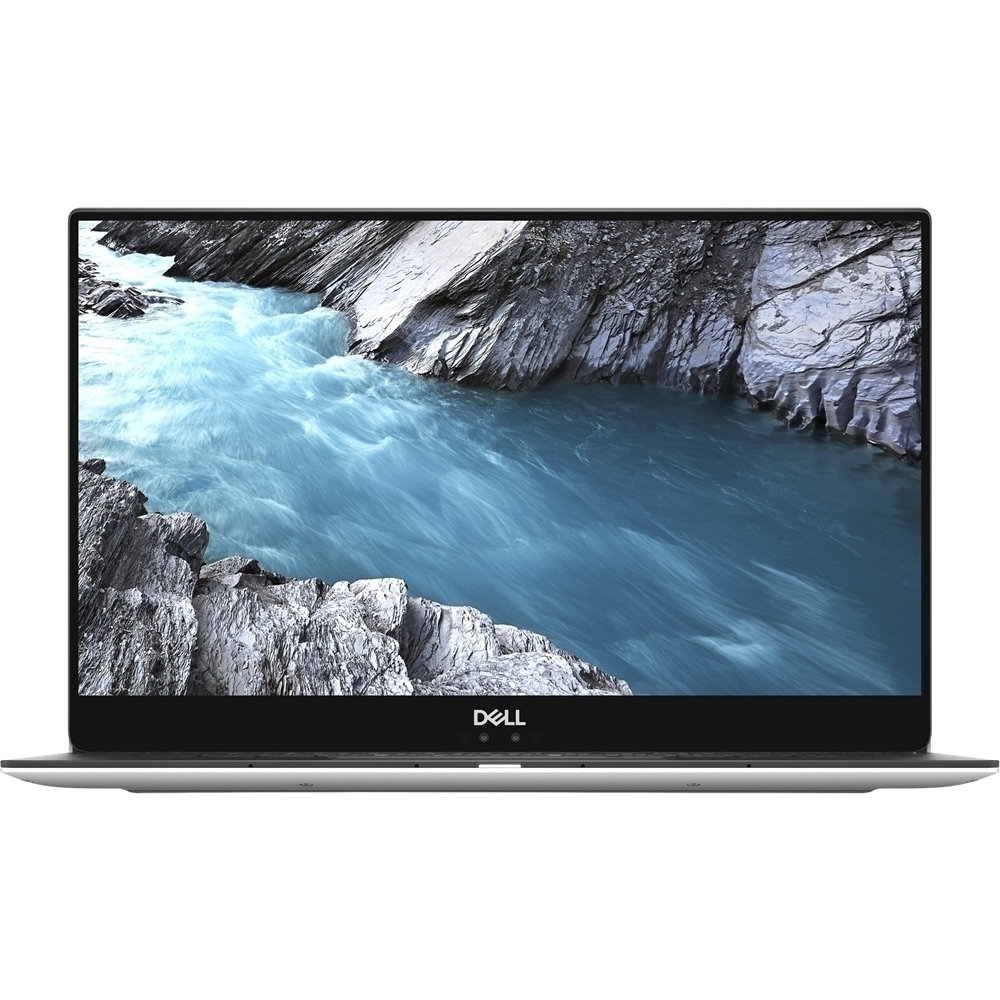
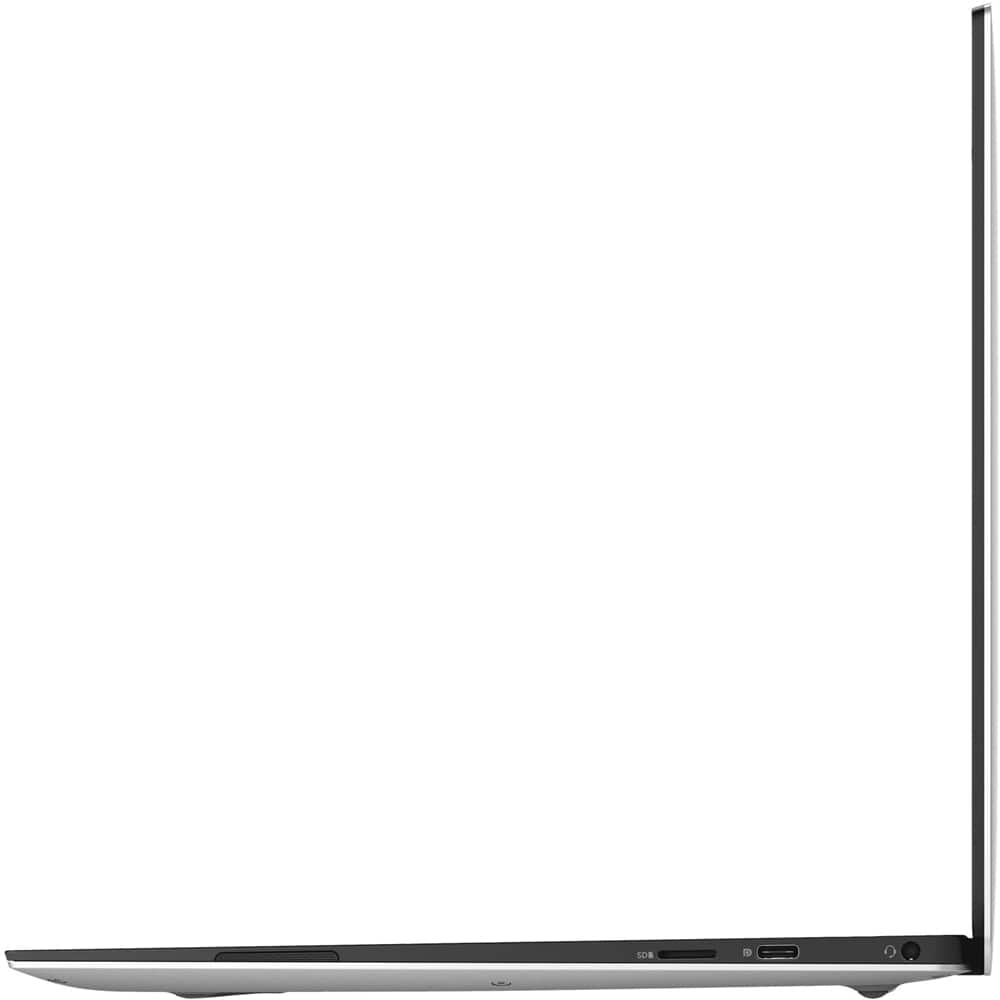
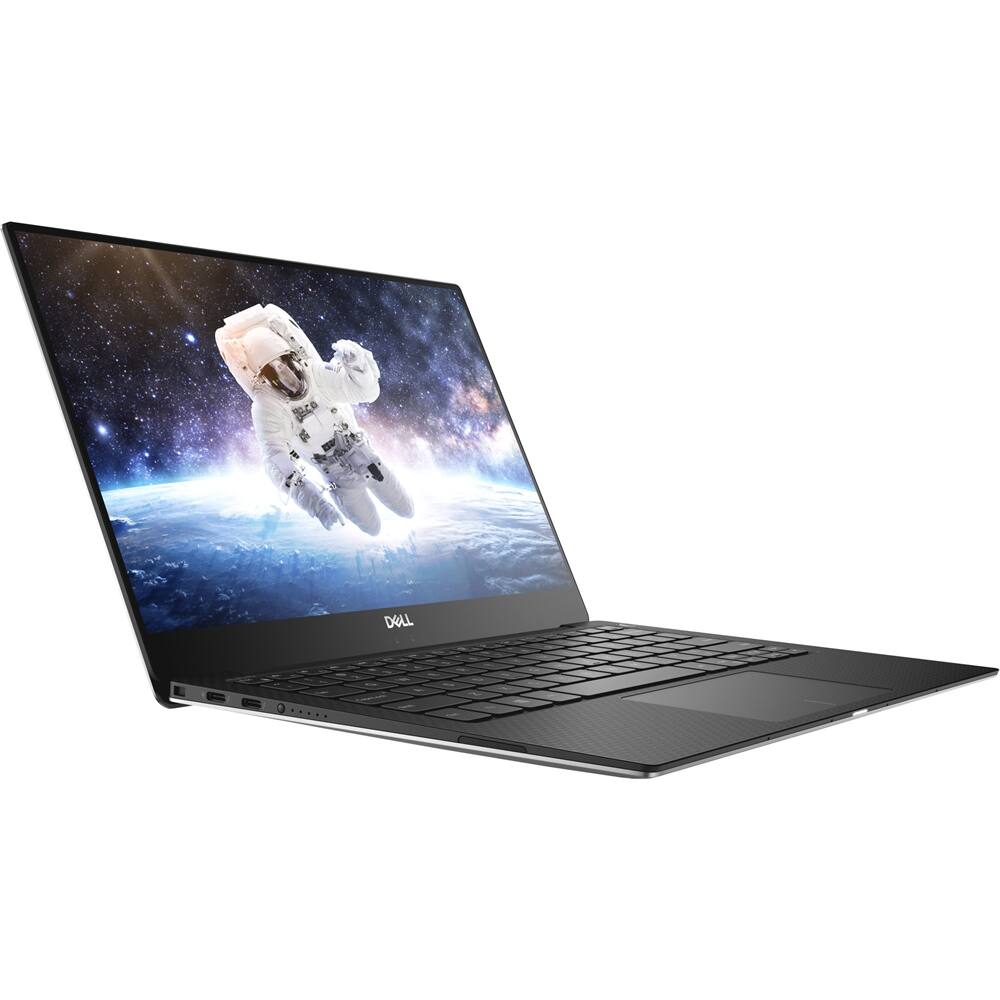
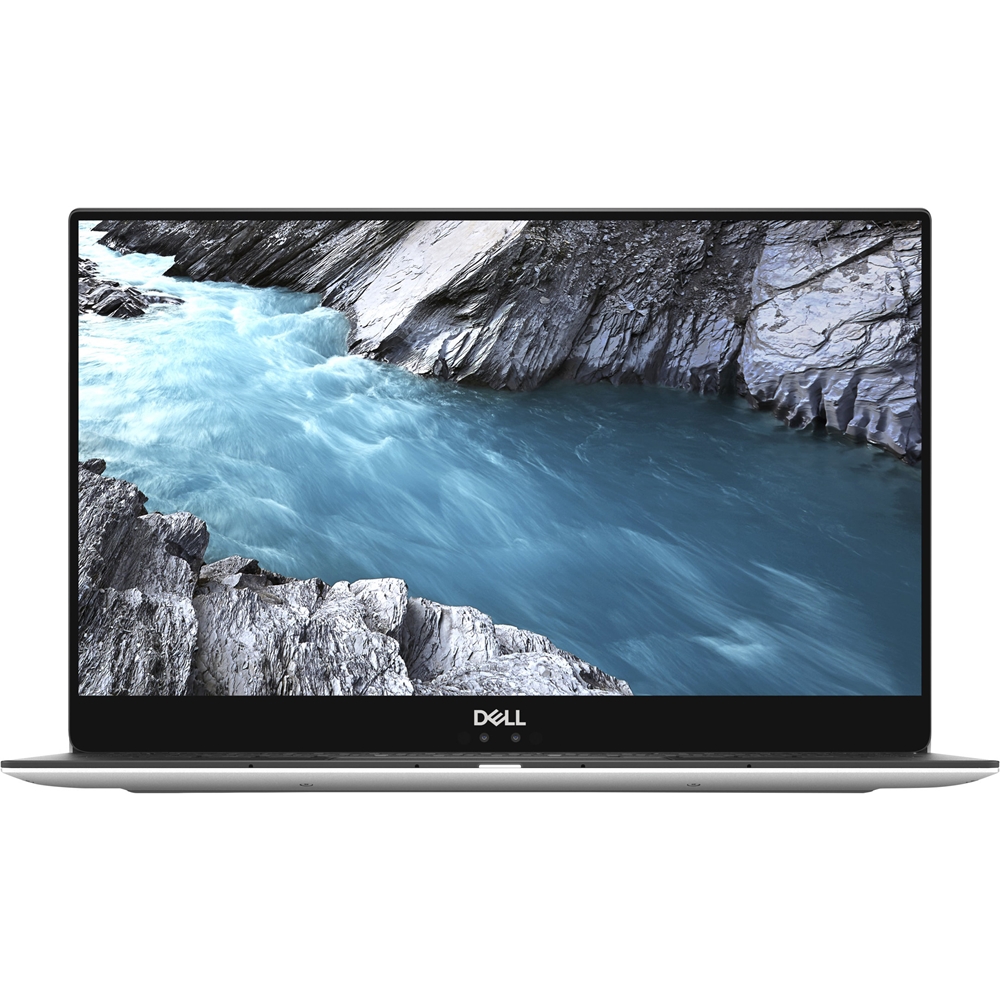
- Model:
- XPS9370-7002SLV-PUS
- SKU:
- 6297716
to a friend
- Pros mentioned:Fast processor, Lightweight
Fast, powerful computer
||Posted .This reviewer received promo considerations or sweepstakes entry for writing a review.This is a great overall laptop for the price. It's light weight for carrying yet large enough screen for excellent picture. Processor speed is much faster than laptops I have had in the past. All around great computer.
I would recommend this to a friend - Pros mentioned:Lightweight
Grandson loves it!
||Posted .This reviewer received promo considerations or sweepstakes entry for writing a review.I bought this for my grandson who is going to college. He absolutely loves it. It’s lightweight and easy to carry around. And the performance is phenomenal. Worth the money!
I would recommend this to a friend Great Computer
||Posted .This reviewer received promo considerations or sweepstakes entry for writing a review.I wanted a good computer for travel - the XPS really serves this purpose.
I would recommend this to a friend- Pros mentioned:Long battery life
Great laptop.
||Posted .This reviewer received promo considerations or sweepstakes entry for writing a review.You can’t go wrong with this purchase. It’s light, portable and last long without charge.
I would recommend this to a friend Market Leader
||Posted .This reviewer received promo considerations or sweepstakes entry for writing a review.XPS perfect size for on the go travelers Powerful and portable
I would recommend this to a friend- Cons mentioned:Speakers
Have issue with speaker
||Posted .This reviewer received promo considerations or sweepstakes entry for writing a review.Resound through speakers and i can hear what i am speaking and the guy at other end cannot hear what i am saying
No, I would not recommend this to a friendBrand response from YourDellTeam
Posted .Revanth,
We're sorry to hear about the trouble that you're having with the speakers and audio on your new computer. We'd recommend checking to make sure that all of the packaging is removed from the laptop in case there is any clear packaging that is blocking the microphone access.
You can also try to update the audio drivers for your computer here: https://dell.to/2JWB0YN.
If you'd like to reach out to Dell's Technical Support Team, you can reach them here: http://dell.to/2sH7Qlm.
Best,
Bryan
1-800-624-9896
- Pros mentioned:CpuCons mentioned:Speakers
Great except speakers and webcam
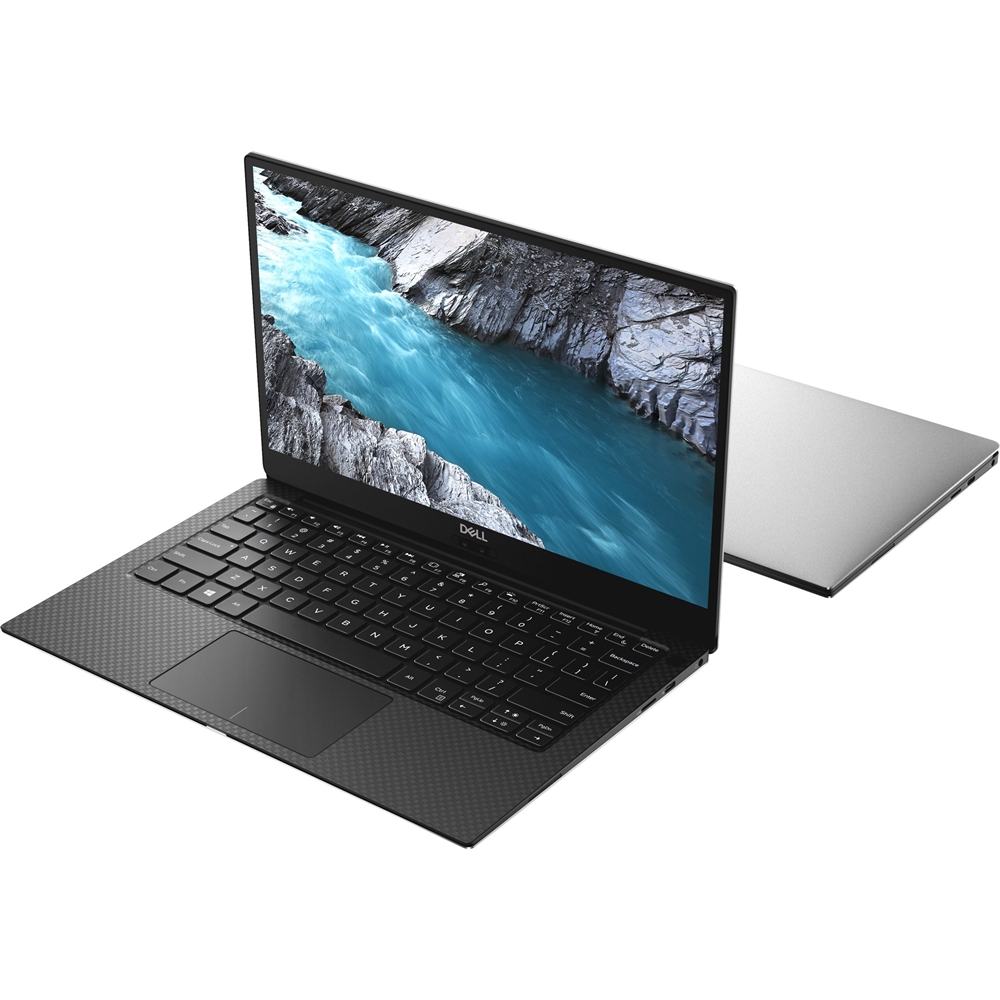
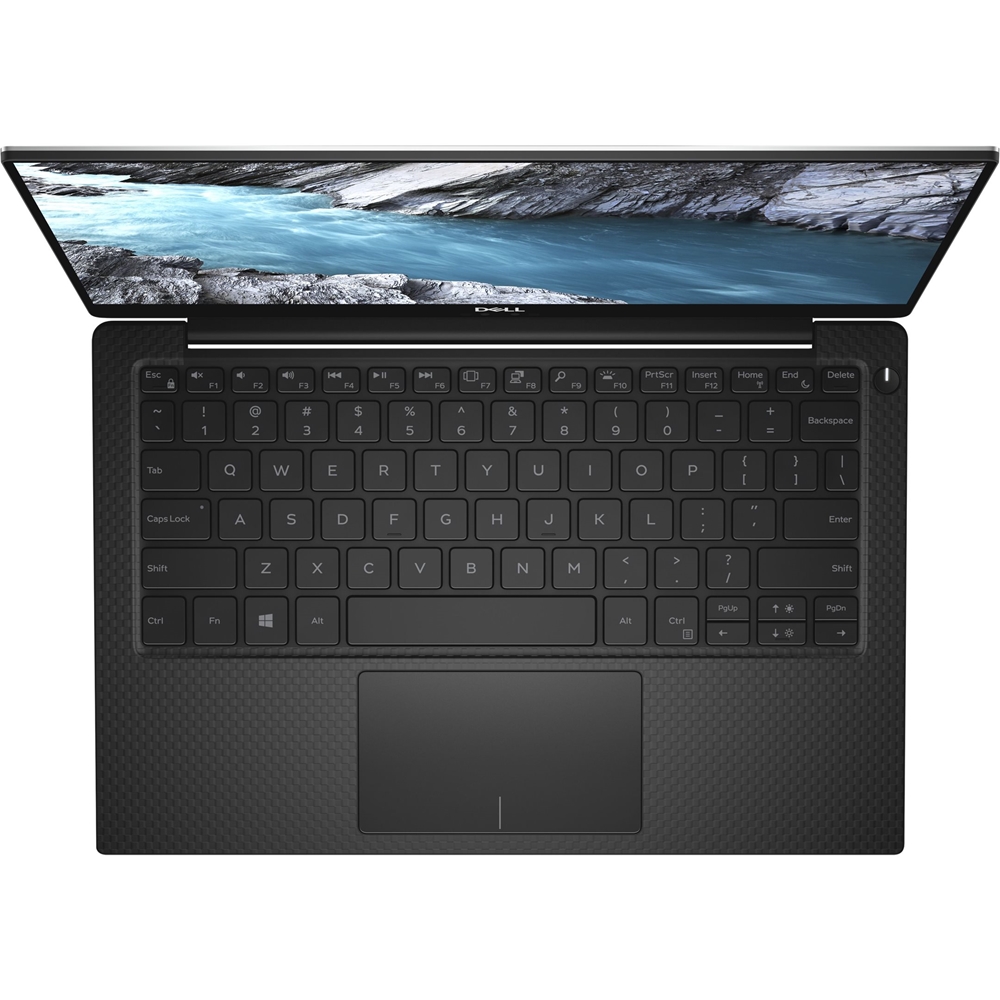
Posted .This reviewer received promo considerations or sweepstakes entry for writing a review.Phenomenal laptop that I’m surprised I can even stream on with less than 50% of my CPU being used and minimal dropped frames. The only cons to this powerhouse of a *LAPtop* is the cosmetic stuff in my opinion; the webcam and speaker placements. Connotations on the “lap” in “laptop” because the speakers are easily blocked and muffled if placed anywhere except a desk/tabletop and the webcam points right up your nose for a weird angle. Literally if these 2 could be moved I’d easily give this product 5+ stars lol
I would recommend this to a friend - Pros mentioned:DisplayCons mentioned:Build quality, Wifi connectivity
It's ok
Posted .This reviewer received promo considerations or sweepstakes entry for writing a review.Overall it's a decent laptop. I love the near edge-to-edge display. But I have a few issues with mine that get pretty annoying after a while. I don't know if it's just my computer, and if so whether it's a hardware or software thing, but my wifi frequently drops, for no apparent reason. Whenever this happens I always check my phone and I still have it on my phone. After a minute or so it will reconnect. But I can't begin to tell you how frustrating this is when I'm taking a test online for school, or trying to watch a show, and then I get a "no internet connection" page. Also, probably just unique to mine, is that it doesn't sit directly flat on a table. I don't know if the body of mine is slightly bent or what. But when you put it down on a table, and you press down on a corner, you can feel it is not sitting flat. And this has happened on multiple surfaces so I know it's the laptop. When you pay this much money you expect a quality product. Performance wise it's been good but just random software/hardware/quality control issues makes me wish I bought a MacBook.
No, I would not recommend this to a friendBrand response from YourDellTeam
Posted .Hello Jason,
Thanks for your review. We're glad to hear that for the most part, you are happy with your laptop. If you'd like to diagnose the connectivity issues that you've been having, here are some steps you can try:
1. Run the Network Troubleshooter.
a) Touch and hold or right-click the network icon (Available Networks or Network Icon, located in the lower right-hand corner).
b) Touch or click Troubleshoot problems and then follow the prompts.
You can read the full article here - http://dell.to/2sLtwRh.
We hope that these steps help your computer stay connected better.
Best,
Bryan
1-800-624-9896
- Cons mentioned:File explorer, Price, Wifi connectivity
Slowest laptop
Posted .This reviewer received promo considerations or sweepstakes entry for writing a review.I definitely regret this purchase, definitely isn't worth the price. I was trying to give dell a chance instead of purchasing a MacBook, next time I'm sticking with Apple. I rarely use it, its mainly for school work if and when necessary and every time I use it there's a problem. Constant freezing for no reason what so ever. The wifi NEVER connects automatically and it takes forever to connect, I have to continuously press the connect button for it to actually connect, but after about 30 minutes and 30 clicks it seems to finally connect. The finger scanner rarely works. Also when I try opening the File Explorer from the Task Bar, it'll open but it will just continue to load and say "working on it" and will freeze everything when I attempt to close the window. Once it actually closes the whole screen goes blank and it slowly starts loading everything else. If I could return it, I would. I wish it didn't take this long for me to realize how horrible this purchase was.
No, I would not recommend this to a friendBrand response from YourDellTeam
Posted .Hello Jenn,
Thanks for your review. We're sorry that you are regretting your Dell computer purchase. If you'd like to see if your computer can perform faster for you we'd recommend running the Windows Performance Troubleshooter:
1. Close all open windows.
2. Press the Windows logo key + X key on the keyboard.
3. Click Control Panel.
4. Click System and Security.
5. Under Security and Maintenance, select Troubleshoot common problems.
6. Under System and Security, click Run maintenance tasks.
7. Follow the on-screen instructions and prompts to complete the process.
8. Restart the PC.
You can read the full article here - http://dell.to/2tSulGV.
If you'd like to find out why your computer is freezing you can follow these steps:
1. Run a Computer Diagnostic. To determine if your computer is experiencing a hardware problem, run the Dell Preboot System Assessment (PSA) Diagnostics. For information on how to run Diagnostics, and to determine the issue, refer to Dell Knowledge Base Article: http://dell.to/2iaiujA.
2. Check Safe Mode for Symptoms. To boot into safe mode, please follow the instructions below:
a) Start the computer.
b) Tap 'F8' on the keyboard immediately and every one second until the Dell logo screen disappears. From there you will see the Windows Advanced Options Menu on the screen. (If the Windows Advanced Options Menu does not appear, restart the system and try again.)
c) Select Safe mode with Networking and press Enter.
d) Log on as the administrator or as a user with administrative access.
e) Open applications and test the computer in safe mode. If the symptoms exist in safe mode, please continue the troubleshooting steps in this article. If the symptoms do not exist in safe mode, the issue is likely related to a driver or software and you may wish to complete step 3 to see if you are able to resolve the lockups or freezing.
3. Check for Malware. Malware (Virus, Spyware, etc.) can definitely cause a Windows system to lock up or appear to hang. To check for malware on your system and to ensure that your computer is up to date on security software, visit Dell Knowledge Base Article: http://dell.to/2wWP1zI.
You can read the full article here - http://dell.to/2tW5m33.
Lastly, if you are still experiencing connectivity issues, you can run the network troubleshooter with these steps:
1. Run the Network Troubleshooter.
a) Touch and hold or right-click the network icon (Available Networks or Network Icon, located in the lower right-hand corner).
b) Touch or click Troubleshoot problems and then follow the prompts.
You can read the full article here - http://dell.to/2sLtwRh.
Best,
Bryan
1-800-624-9896
Great laptop
Posted .This reviewer received promo considerations or sweepstakes entry for writing a review.Sold my razer blade 14 for the XPS; definitely worth it.
I would recommend this to a friend