Customer Ratings & Reviews
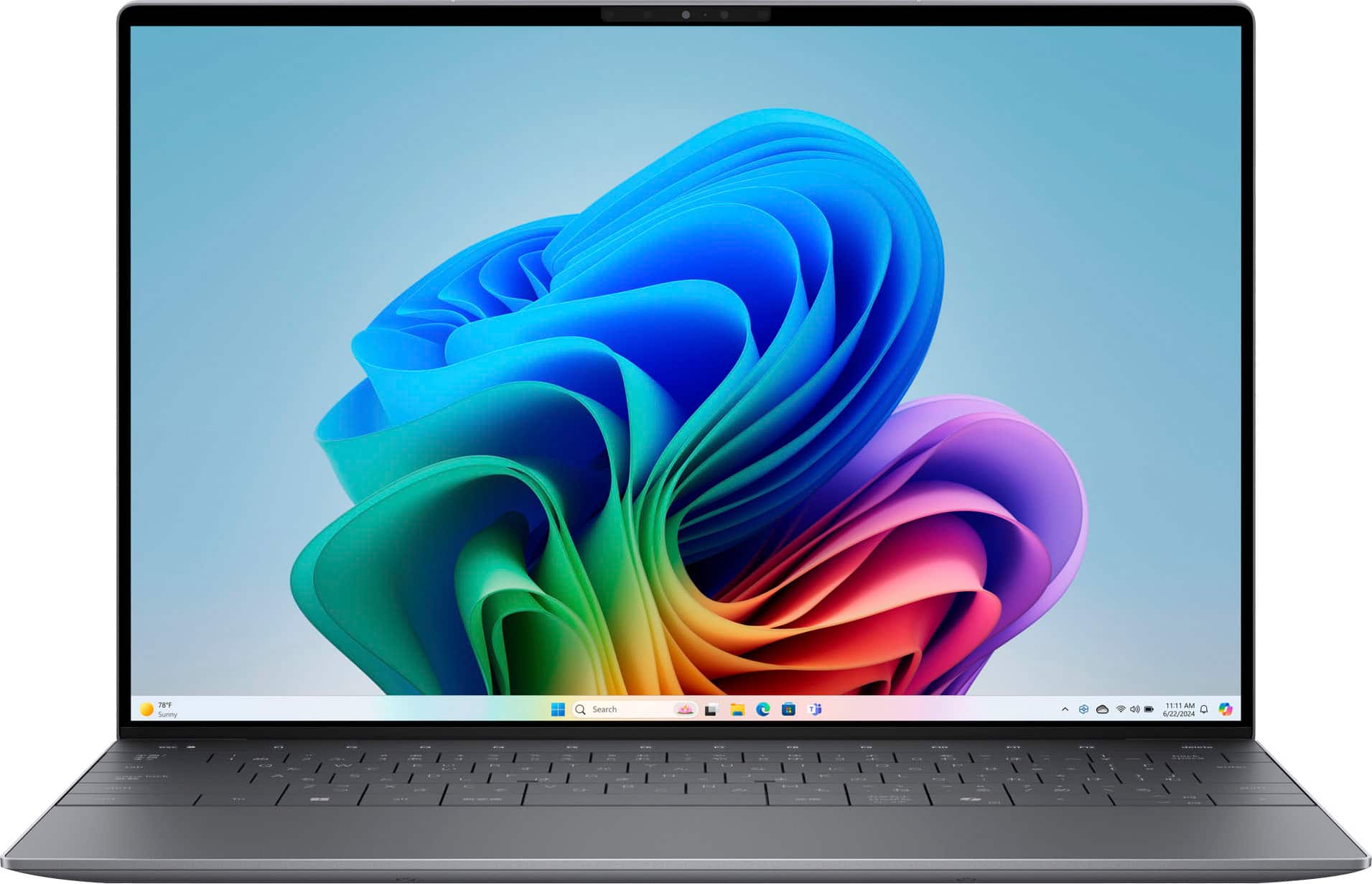




![esc F1 F2 F3 F4 F5 F6 F7 FB FS FI0 FT1 F12 delete - - 1 e 2 I 3 $ 4 % 5 A 6 & 7 * 8 I 9 I 0 - : + = backspace tab Q W E R T Y U | O P { [ } ] I / caps lock A S D F G H J K L : : . - enter shift Z X C V N M < 1 > - ? / shift ctrl fn alt alt / < P9 Pg >](https://pisces.bbystatic.com/image2/BestBuy_US/images/products/4060782d-324d-498c-8816-07c968b6f1aa.jpg)












- Model:
- XPS9350-7715BLK-PUS
- SKU:
- 10413370
Rating by feature
- Battery Life
Rating 4.6 out of 5 stars
- Speed
Rating 4.7 out of 5 stars
- Display
Rating 4.4 out of 5 stars
Customers are saying
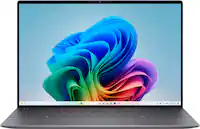
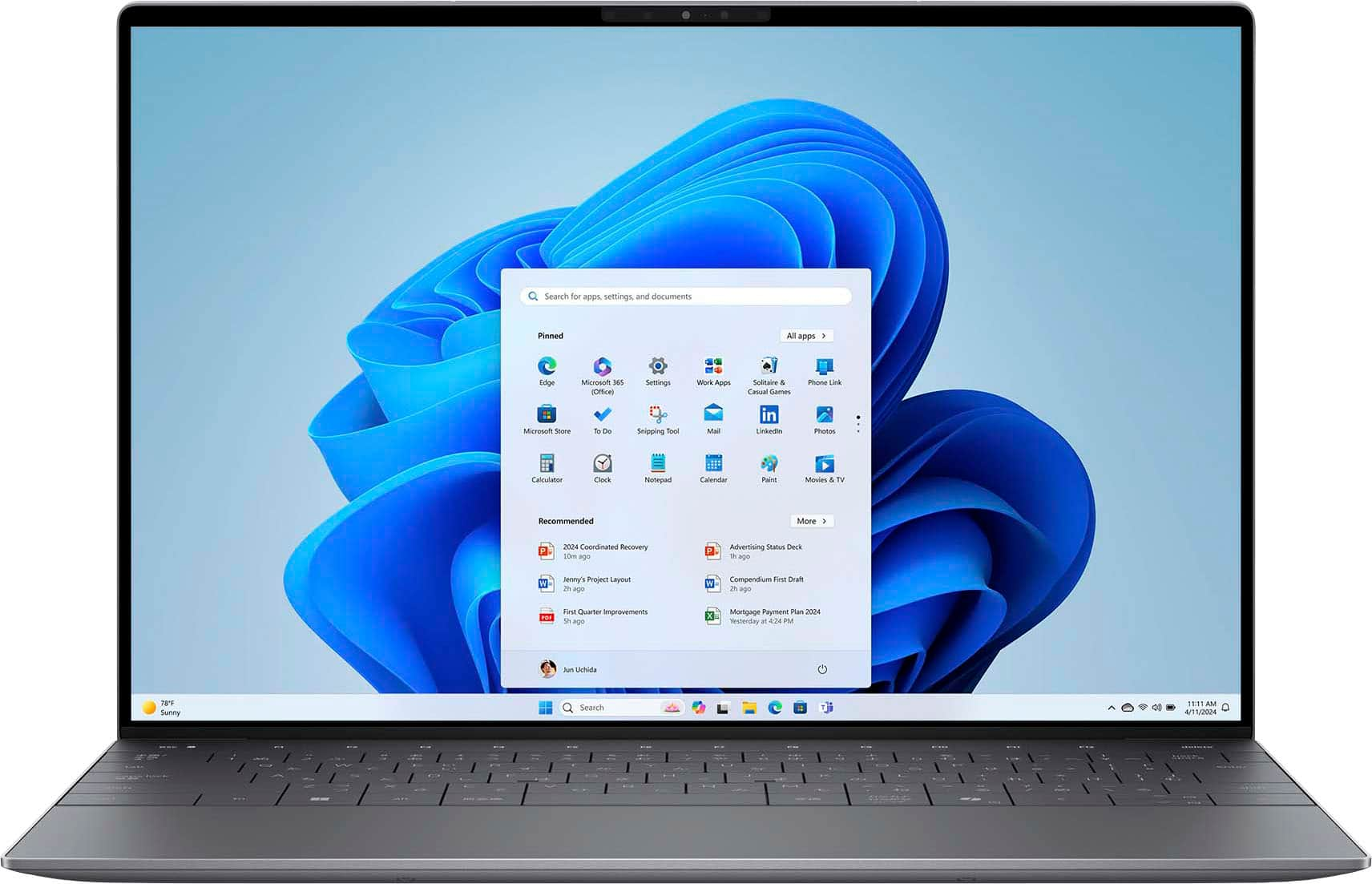
Customers commend the XPS 13 for its exceptional screen quality, long battery life, and overall performance. Its portability and fast processor speed are also highly appreciated, along with its lightweight design and ample RAM. The primary concern expressed by users is the limited number of USB ports.
This summary was generated by AI based on customer reviews.
Screen size is not good for vision challenges
||Posted . Owned for 1 month when reviewed.This reviewer received promo considerations or sweepstakes entry for writing a review.the screen size for me was too small, so I returned it for something larger. But I loved the size of it for taking it while traveling, etc.
I would recommend this to a friendDisplay ruins it
||Posted . Owned for 2 months when reviewed.This reviewer received promo considerations or sweepstakes entry for writing a review.I love everything about the design of this laptop. The keyboard is uncomfortable but that is the sacrifice with the cool design. The reason I ended up returning this was because of the display. It has a matte anti glare coating that ruins the viewing experience.
No, I would not recommend this to a friendWonderful
||Posted . Owned for 1 week when reviewed.This reviewer received promo considerations or sweepstakes entry for writing a review.Great for the office! Purchased for one of our team members and it is great.
I would recommend this to a friendTruly terrible keyboard on otherwise great laptop
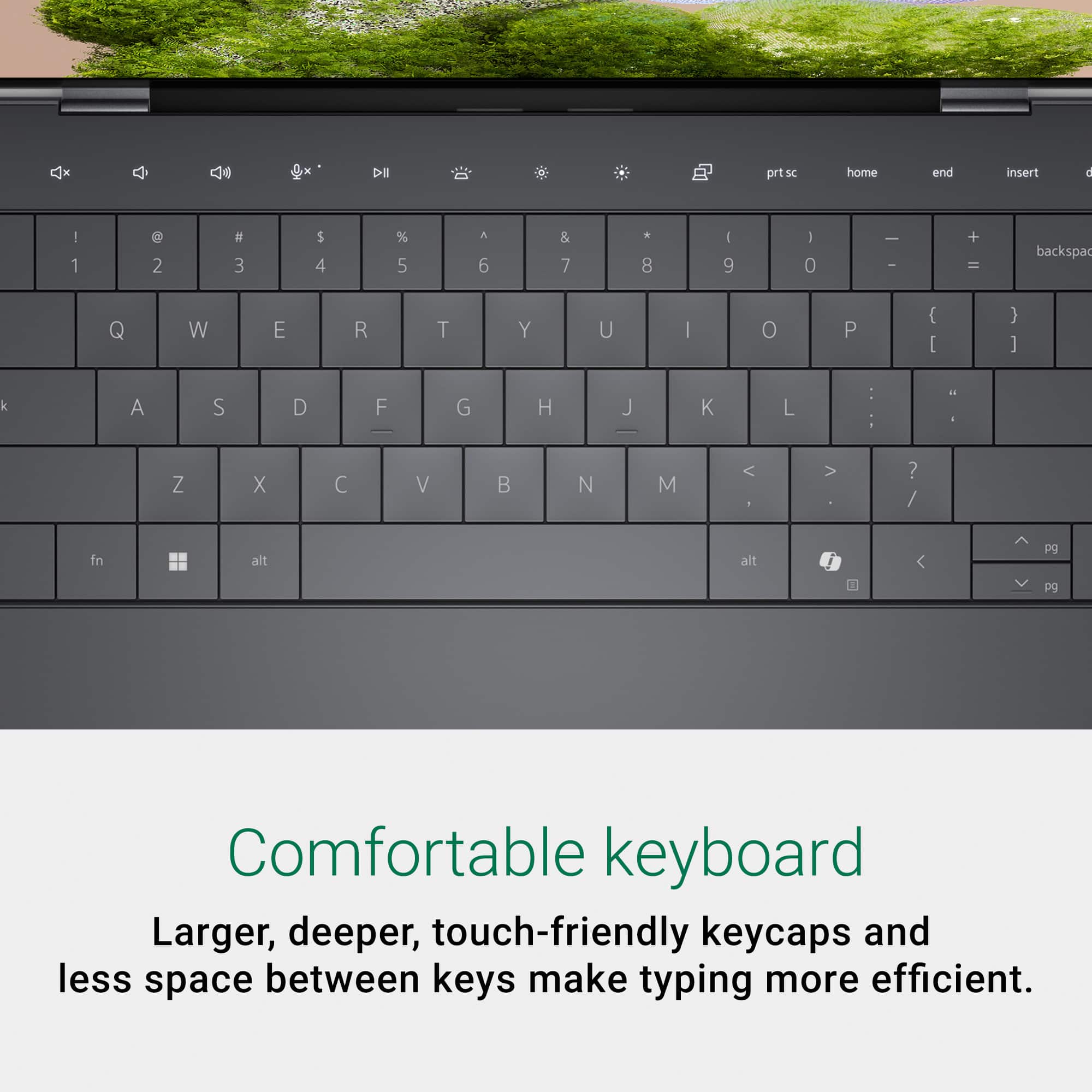
||Posted .This reviewer received promo considerations or sweepstakes entry for writing a review.I’ve been working with this laptop for a few months now, and the keyboard is just truly terrible. It boggles my mind that this was released in its current form, as it has so many great things going for it. That said, the keyboard creates no end of frustration as the keys have zero separation. One of the worst design flaws I have ever seen on a laptop.
No, I would not recommend this to a friendeverything I wanted
||Posted . Owned for 1 month when reviewed.This reviewer received promo considerations or sweepstakes entry for writing a review.I like everything about this laptap except that I am not yet used to the mousepad being hidden.
I would recommend this to a friendWonderful sales professionals and on time delivery
||Posted .This reviewer received promo considerations or sweepstakes entry for writing a review.Wonderful sales professionals and on time delivery.
I would recommend this to a friendGreat Deal
||Posted . Owned for 3 weeks when reviewed.This reviewer received promo considerations or sweepstakes entry for writing a review.excellent laptop...Dell has been my go to for many years. The last one lasted 7 years before it got too slow.
I would recommend this to a friendPerfect
||Posted . Owned for 3 months when reviewed.This reviewer received promo considerations or sweepstakes entry for writing a review.Love this laptop! The size is perfect for on the go businesses owners!
I would recommend this to a friend- Pros mentioned:Battery life, Processor speed, Screen quality

Outstanding Laptop For School, Home, or Work!
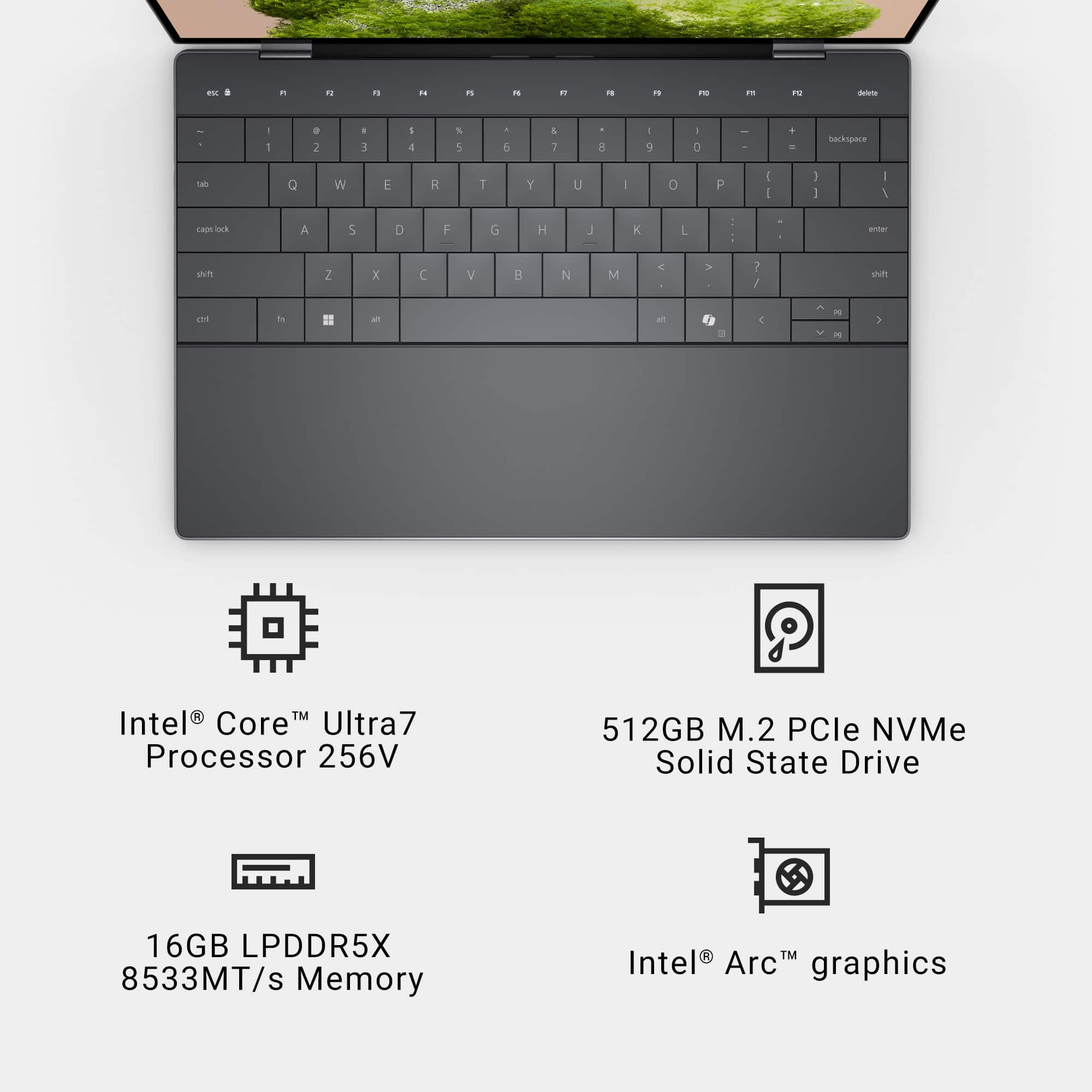
|Posted .This reviewer received promo considerations or sweepstakes entry for writing a review.It's been a while since I've had a Dell laptop, but I have always appreciated their XPS line. It's as 'Modern Day Classic' as the MacBook. This unit continues that tradition. My niece started Jr. High this year and we thought the last laptop (a Chromebook) would get her through the year, but it seems about ready to give up the ghost. I picked up this Dell XPS 13 because it doesn't waste any space, is light, and will probably carry her well into her High School years, plus her school requires student laptops to be Chromebooks or Windows, so I thought it was time to get her used to the Windows environment. I've spent the last several days setting it up for her and transitioning her files over to make it ready as soon as she goes back to school on Monday. There is a lot to like about this laptop and not much to dislike. Likes: Screen: While 'only' an FHD+, scaling it down to 125% gives a perfect amount of screen space for everything she might need to do on this. Also, she still has young eyes and can see everything perfectly. This thing also gets painfully bright if need be. Keyboard: I wasn't sure what to think of the keyboard on the XPS 13 because of how it fills the lower chassis, but I've come to like it very much. I thought for sure that with the square keycaps, that I would be fat-fingering mistakes left and right, but I find it as easy to type on as some of my favorite keyboards. My niece's hands might have a bit more trouble with the keys, but she was doing well with it this morning when I was showing her the ins and outs of Windows and Office. Battery: I charged the XPS 13 up fully prior to setting it up and I was able to do the entire set up process (which was a surprising slog given the day and age), as well as transition her files and programs, watch some videos on my own (for this review), and then show her the ropes all with the battery not having dropped below 40%. She'll probably get a full day, if not two, out of a charge. Size/Weight: This poor girl already has to slog around a ton of books and the last thing she needs is a heavy laptop that takes up her entire bag. The XPS 13 is light and wastes no space. It does this while still having an aluminum enclosure which should help it take some of the knocks I'm sure are coming its way. Trackpad: I was really surprised by the lack of a delineated trackpad, but I grew to appreciate the solid wrist rest and the responsiveness of what Dell put in this thing. It runs from the left side of the space bar to the right side of the right ALT key, and gives you plenty of room to be able to zip the cursor all around the screen. Performance: Without a dedicated graphics card, this will not be a powerhouse for graphic design or games but the Core Ultra 7, 16gb of RAM, and 512gb SSD, are plenty powerful for her to handle anything she might need to do for her classes. Copilot+: I don't have a strong opinion myself on the usefulness of Copilot, but the kids these days are all geeked out about it. As a former teacher, I know that I would take a dim view of it being used in assignments, but I can also see where it could be helpful in other circumstances. She had fun today having it make pictures of bunnies riding on turtles. It made cute pictures of bunnies riding on turtles. Don't Like: Set-Up: I have set up quite a few laptops lately for myself, friends, and family, and the Dell XPS took the longest from start up to finishing updates out of ANY of the other laptops I've done (several of which are not as nice as the XPS 13). SO MANY RESTARTS. This may not be as big of a deal with some laptops but the XPS 13 seems to take a bit longer to get to the desktop so it made it seem like forever between these cycles. Power Brick: With a computer as compact and light as the XPS 13, a power brick with a detachable wall cable is almost a crime. I didn't even take the Dell power brick out of the box. Instead I got a 100w wall plug with dual USB-C ports and a 10' long high powered cable for her computer. This way she can keep her laptop charged no matter where she is in the classroom, and has an additional plug to charge her phone (though those are now verboten in class). Dell really should have included a better charger for this thing. Fortunately, since it charges via USB-C, you have tons of 3rd party options. Conclusion: This Dell XPS 13, is a great laptop for pretty much any use short of gaming or serious photo/video editing (though to be fair, I did not load up Photoshop to check it out). What is was powerful enough to do was have tons of open tabs in Edge, while also having YouTube playing a video, and editing a document in Word. That's exactly what I wanted it to do for her and the Dell XPS 13 delivers in spades and does it all in a nice, light package.
I would recommend this to a friend Best buy order
||Posted . Owned for 3 weeks when reviewed.This reviewer received promo considerations or sweepstakes entry for writing a review.Amazing and supercool i litterally enjoy placing my order with you all,Hope to have some more orders coming in soon,Thanks
I would recommend this to a friendPoor battery life
||Posted . Owned for less than 1 week when reviewed.This reviewer received promo considerations or sweepstakes entry for writing a review.i've bought it yesterday. i love everything design perfomance screen but battery life is too bad. i dim screen make power save mode everything on low and its says that battery has 2 hour remain. maybe mine is defected...
I would recommend this to a friend- Pros mentioned:Overall performance, Screen quality
Thin, lightweight and powerful
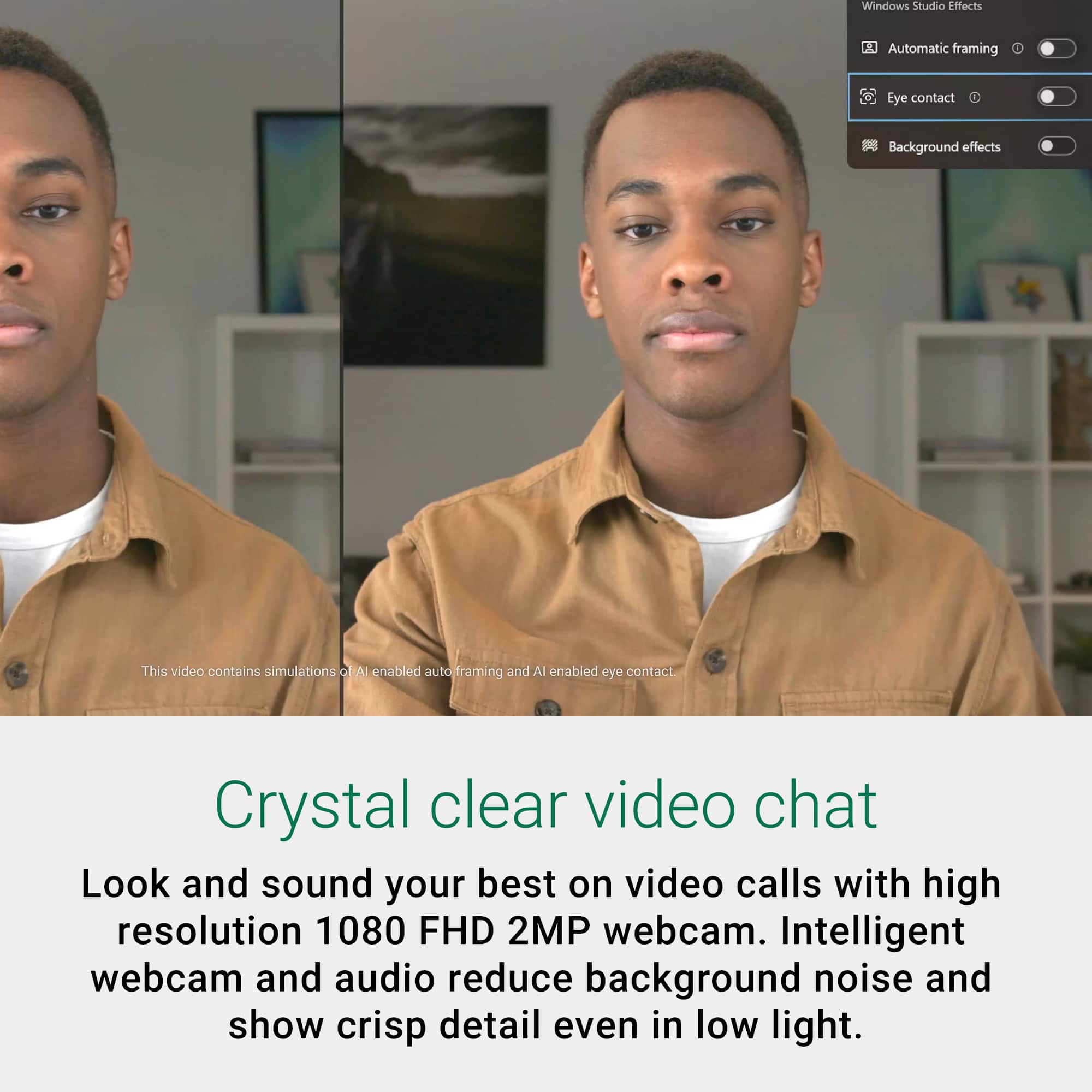
|Posted .This reviewer received promo considerations or sweepstakes entry for writing a review.Looking for a lightweight computer for on the go without sacrificing computing power? This is the computer for you. In comparison to other 14” laptops I’ve owned or used this Dell has to be the lightest and thinnest I’ve had the pleasure of using. Setup was quick and easy as most windows based OS are. The mouse is just a flat panel and the bottom it takes some getting used to but functions well. Display quality is crisp and clean thanks to the Intel Arc. The mechanical keyboard has a very nice feel while typing and with its backlit keys you can still see it in low light settings. With the Intel core ultra 7 paired with 16GB of ram loading programs and even games seems pretty seamless. Need to log on to a teams meeting while on the go? The XPS 13 has and integrated webcam. Need a little extra security? The XPS has built a built in fingerprint reader. The only negative thing I have to say so far about the XPS 13 is the McAfee antivirus software that comes preloaded does drag the computer down just a touch, so keep this in mind that you may want to change to a more user friendly software that offers the same security. All in all this is the quality that’s known and expected from Dell.
I would recommend this to a friend As good as a Mac
||Posted . Owned for 1 month when reviewed.This reviewer received promo considerations or sweepstakes entry for writing a review.This was a gift for my daughter , she typically uses a Mac but she really loves this laptop!!
I would recommend this to a friendDell xps 13
||Posted .This reviewer received promo considerations or sweepstakes entry for writing a review.Ports stopped working randomly. Forgot to look at screen size before buying but pretty small anyways.
No, I would not recommend this to a friend- Pros mentioned:Processor speed, Screen quality
Dell and nothing else (That includes Alienware)
|Posted .This reviewer received promo considerations or sweepstakes entry for writing a review.Now, with the introduction of the XPS 13 Plus with Copilot, Dell aims to redefine the laptop experience by integrating cutting-edge AI capabilities. This in-depth review explores the XPS 13 Plus with Copilot, dissecting its design, performance, features, and overall value proposition to determine if it truly lives up to its ambitious claims. Right out of the box, this thing is beautiful. Sleek in design The aluminum chassis has the look of Elegance but also brings with it the ability of durability. A silver finish laptop to me screams classic and I love classic. Now the screen is not that big but with it the laptop itself is not that heavy. It feels like 2 lb if that. The full HD display has fantastic color and brightness. I don't know for whatever reason I thought because there wasn't a 4K emblem on the box. I was going to be disappointed but far from it. Now having done my research you would think a 13th generation Intel core ultra 7 processor would not hold up to like the i7s but this thing has 16 cores from what I read off of Dale's website and it definitely holds up. I felt like I had 10 windows going at one time. The graphics card is not meant to handle Grand Theft Auto 7 running on a PlayStation 7 but definitely can run some beautiful gaming. Although this isn't built for gaming, I feel like it's built more for work and tasks. Multiple programs and windows running at one time. Not a problem but a major video game running major frame rate, color and Spectrum. Sure, but you can clearly see that is not what it's built for. I highly recommend this to the college student that goes to a major university with honors classes. I know I'm laying it on heavy but from that student all the way down to a community college student. The price point is amazing for all it can do. This is the laptop through them. As an IT major. I can speak to this in kind and true. Get one fast.
I would recommend this to a friend Great value
||Posted . Owned for 2 weeks when reviewed.This reviewer received promo considerations or sweepstakes entry for writing a review.I am so happy with this purchase. It was a great value. The quality is good and the price was fair.
I would recommend this to a friendYou have been warned
||Posted .This reviewer received promo considerations or sweepstakes entry for writing a review.The internal Camera was broken fresh out the box. After over 3 hours of self troubleshooting 7 hours of dell support troubleshooting. They want me to take it in for repair... Dell was my favorite brand before this. idk what to do.. I already put my office home license on it... thats 150 down the drain if i return it... what a nightmare.. I'm beyond stressed and I've only had it for 11 hours... This apparently is a common issue...
No, I would not recommend this to a friend- Pros mentioned:Processor speed, Screen qualityCons mentioned:Usb ports
Very Capable, Sleek Laptop
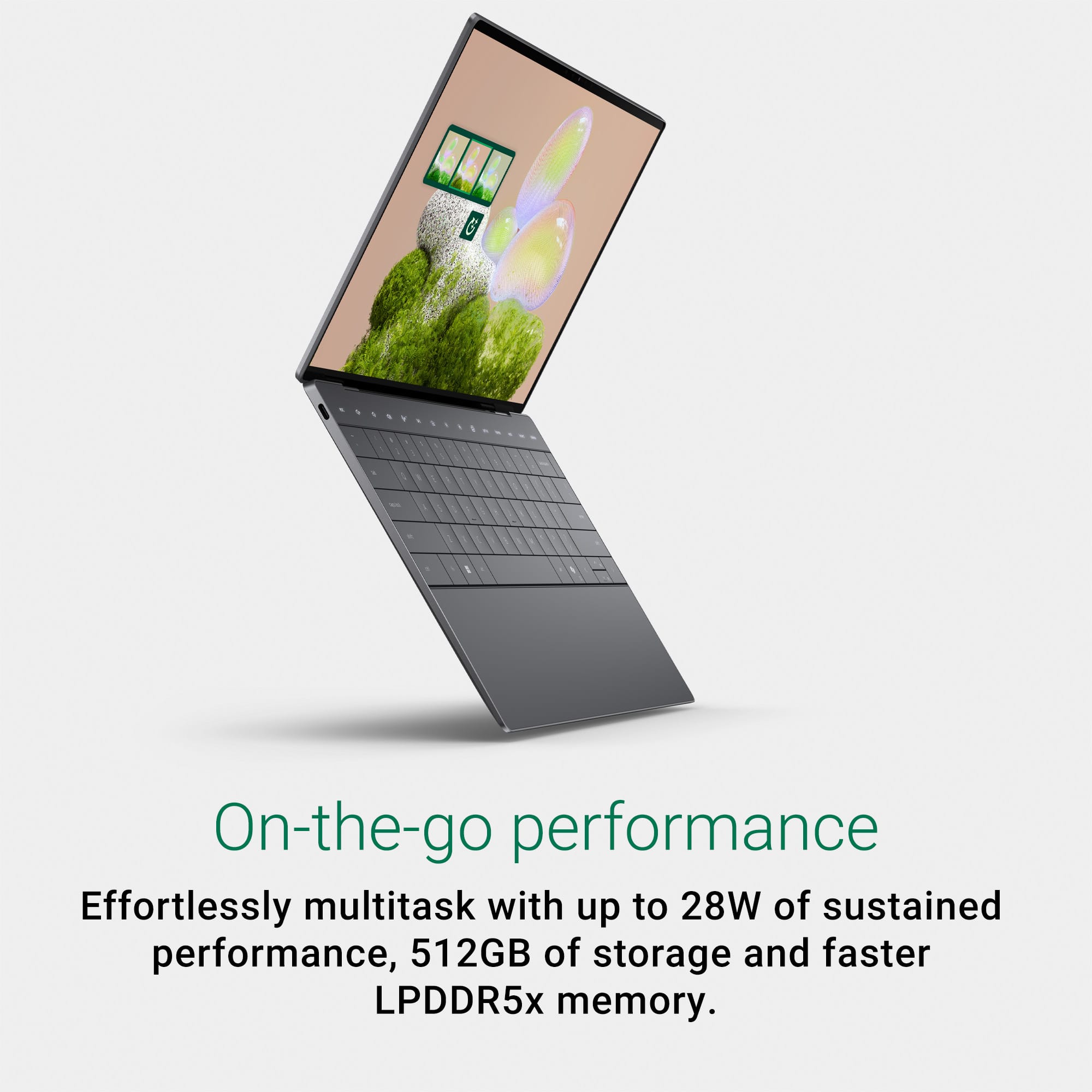
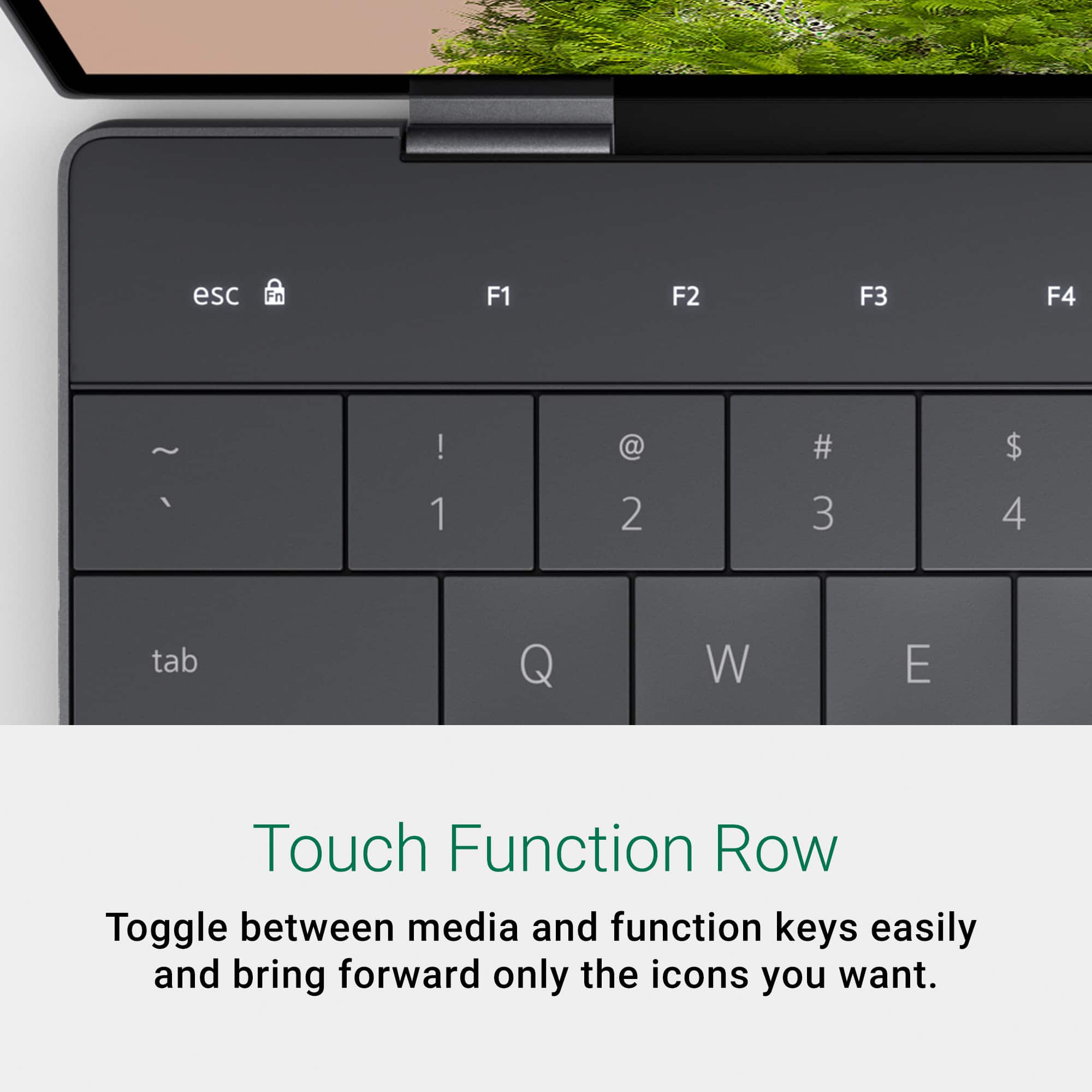
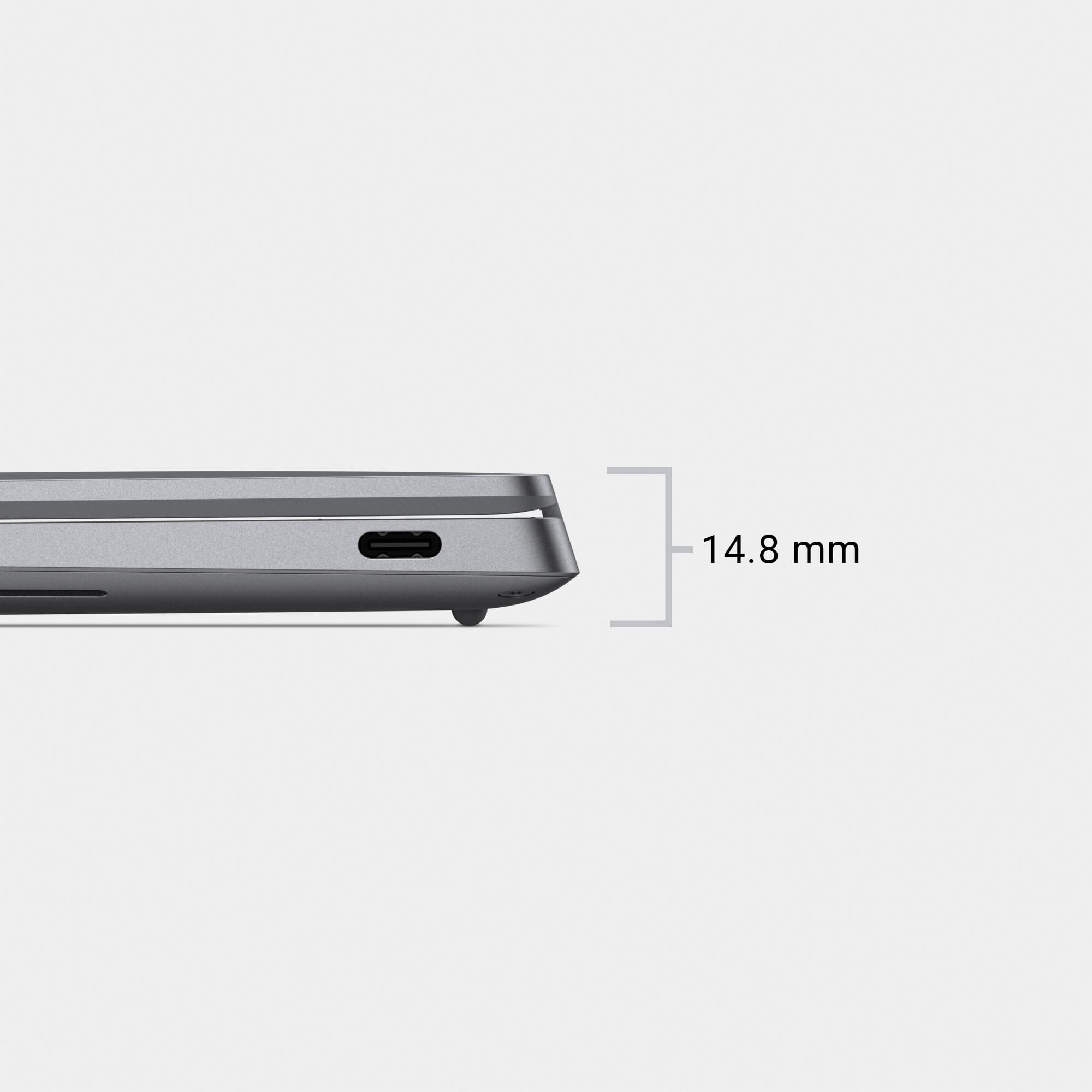
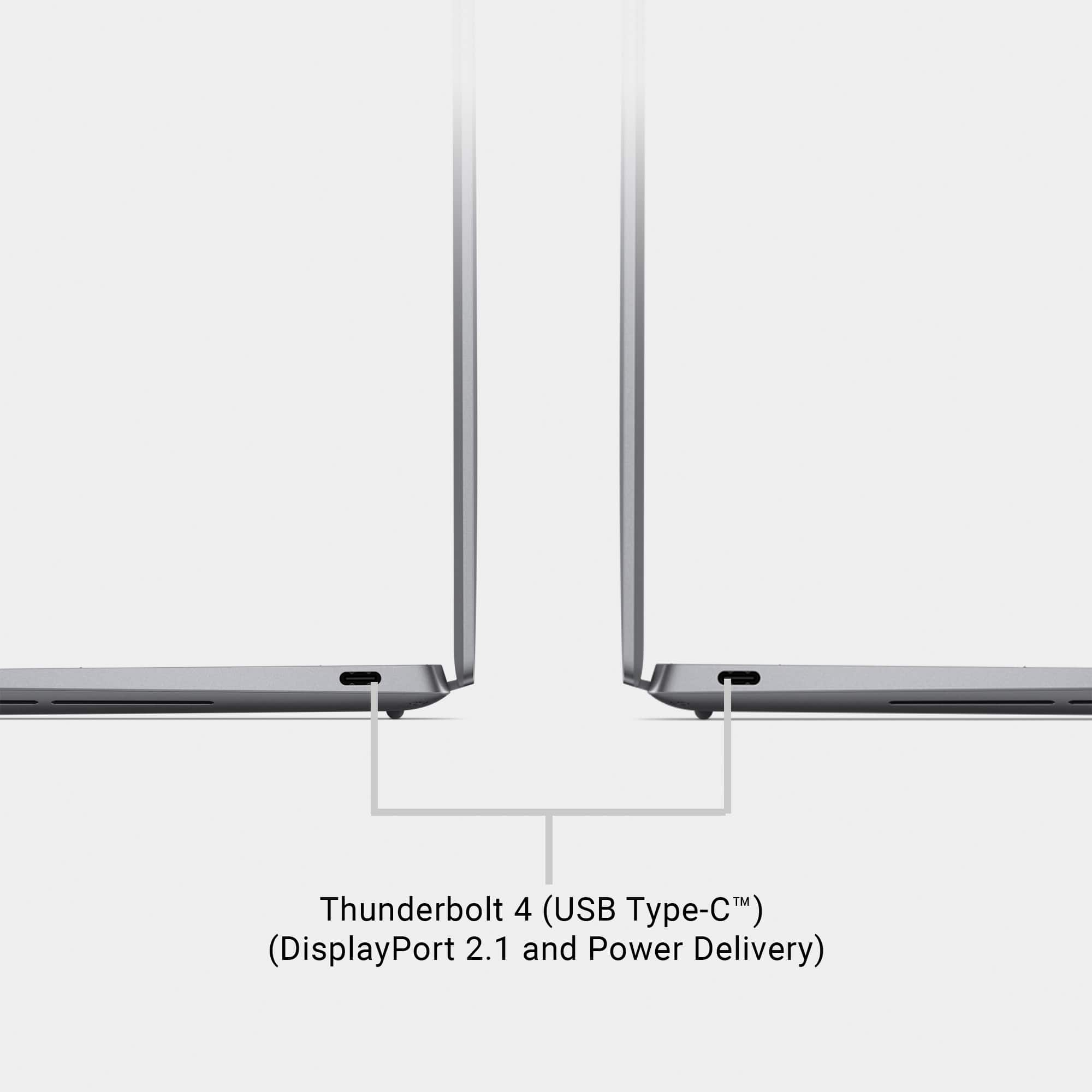
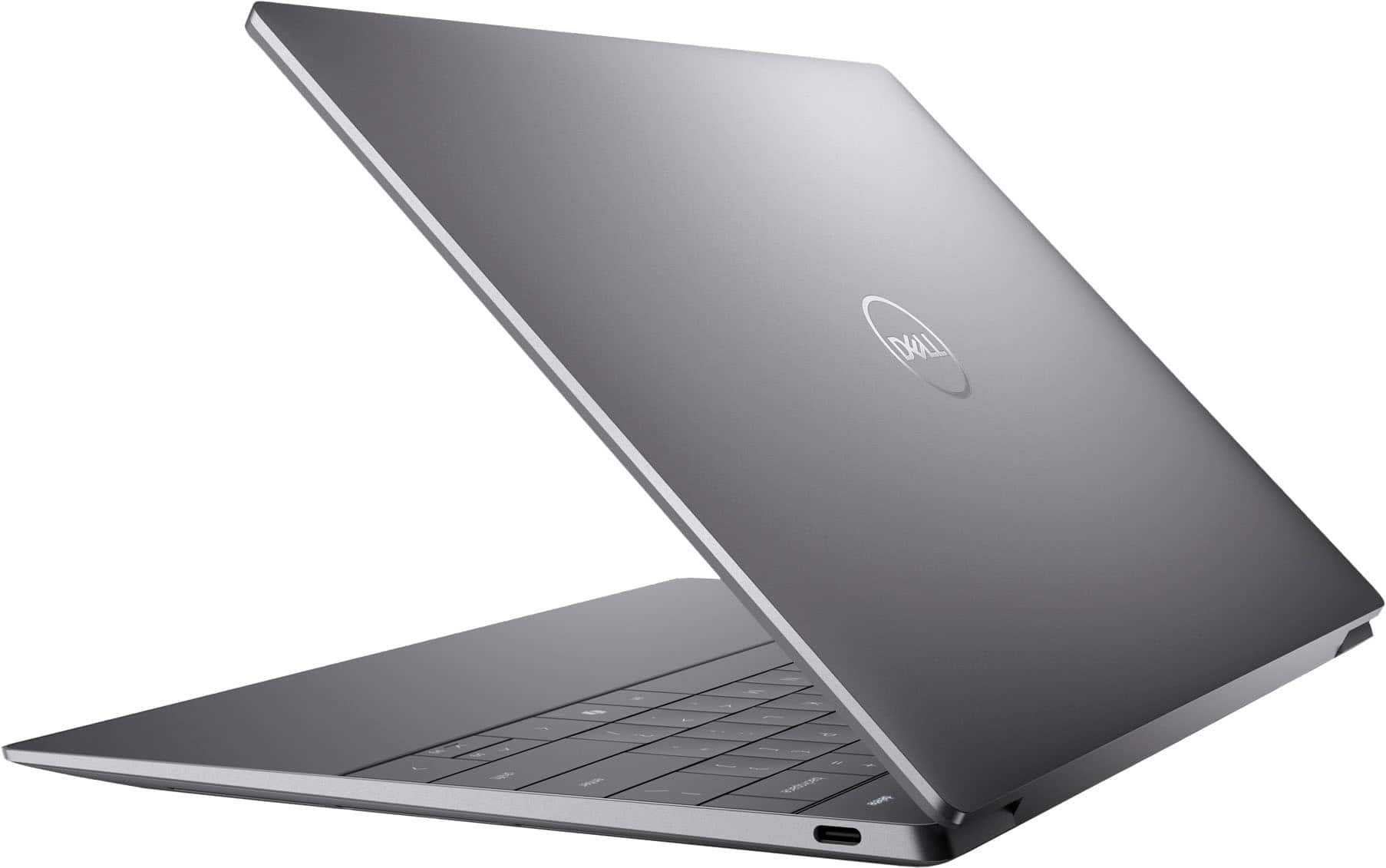
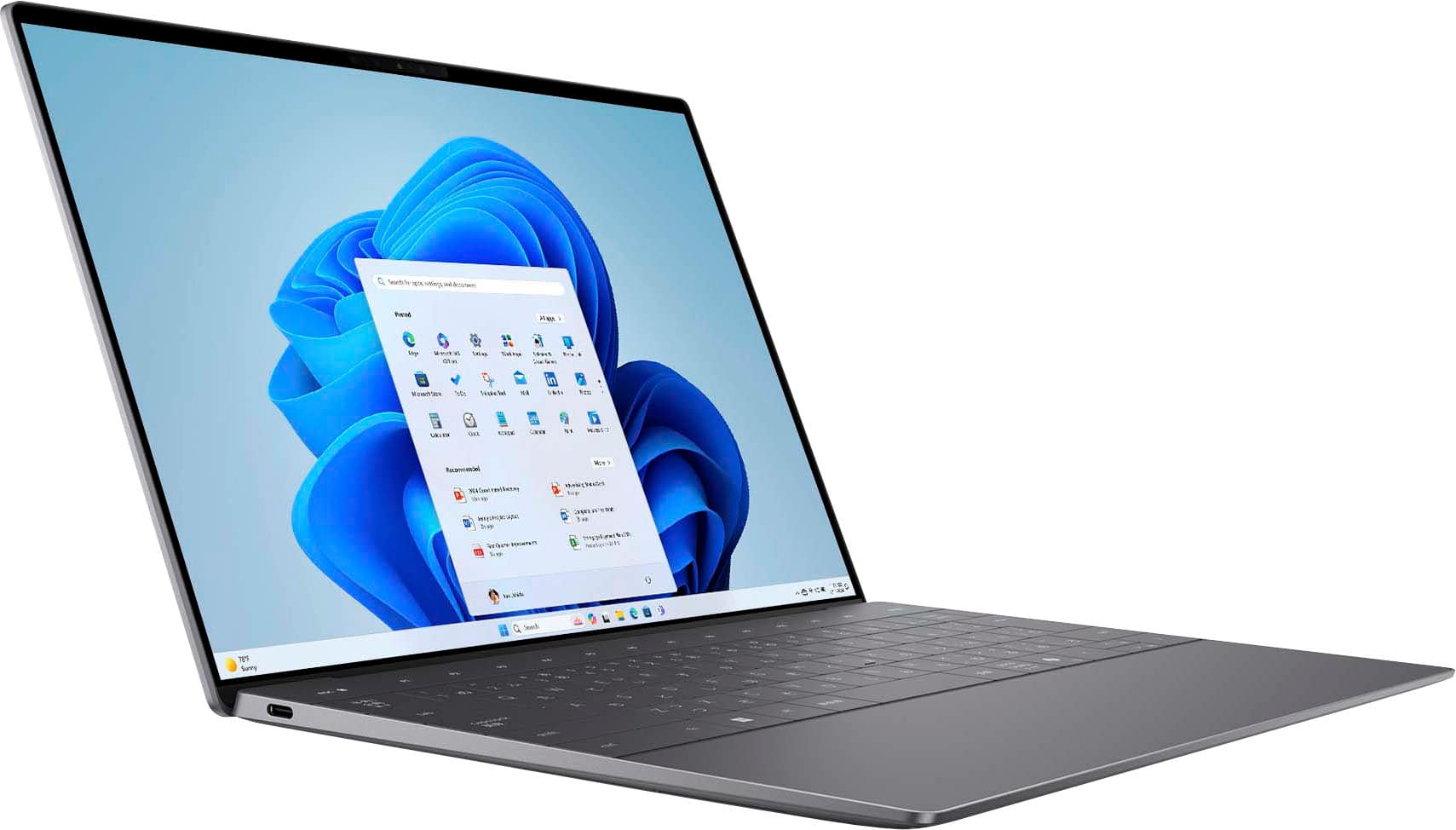
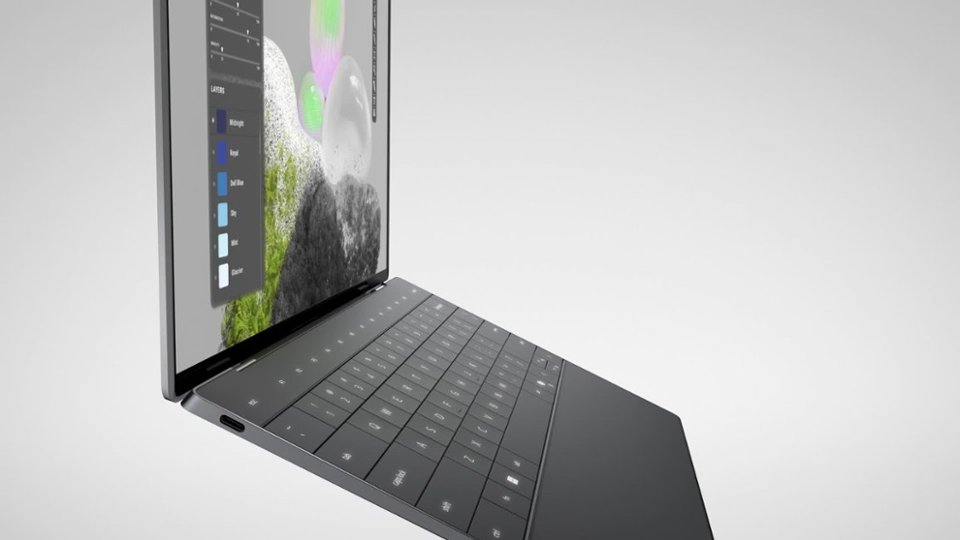
|Posted .This reviewer received promo considerations or sweepstakes entry for writing a review.The Dell XPS 13 is a very capable laptop with some very sleek design elements, that are sometimes for the better, sometimes for worse. The XPS 13 features the new Intel Core Ultra 7 CPU, 16GB of memory, 512GB SSD, and a 13 inch FHD display. It is all packaged into a very thin and aluminum body. Overall it feels very high quality, in a different class than other laptops with plastic bodies. The overall design is ultra sleek, which on the surface looks very pleasing to the eye. However, there are some definite pitfalls. First of which was apparent right out of the box. I couldn't figure out how to turn the dang thing on. I stared and pawed at it like a monkey for a good 5 minutes before digging around in the box for any clue as to what I was missing. The answer came from the little keyboard cover thing that everyone will promptly remove and discard of. The power button is marked on that cover, very small, but obvious. But, when looking at the keyboard, there is no label or marking whatsoever on the actual button. You wouldn't know it was a button at all unless you happen to press it. I really don't understand why they didn't just put a little power symbol on it, it's not like it would have taken anything away from the design. But, I've griped enough about this head scratching decision. The second thing you'll notice is a lack of connectivity options. You get two USB-C ports, and that's it. So you will almost definitely need a dock or hub or something for this system. Next, we move on to the keyboard. They decided to go with the ultra flat and smooth design. I personally prefer something with a bit more distinction between keys, but it's not unusable. Below the keyboard is the touch pad area, but, like the power button, it is completely unmarked. But with a touch pad, at least it's somewhat obvious where it is and how to use it. Above the keyboard is a series of function keys like media control, brightness, etc. However, in another headscratching decision, they included keys that would normally be physical keys, like esc and del. But these keys are all touch sensitive and not actual tactile keys. Just one more victim of the sleek design they obviously prioritized over usability. All of these things so far are just little nitpicky things don't really detract from the overall experience of the computer. They just really blow my mind the decisions they made in the name of ultra sleek design. In actual usage, the computer is very capable. It is a rather speedy machine with more than enough power for everyday and even business usage. You won't be playing any games on it, but it's obviously not a gaming laptop. So while it may have some headscratching design decisions, and you'll definitely need some kind of hub or dock, I still would have no problem recommending this computer to anyone in the market.
- Pros mentioned:Battery life, Screen qualityCons mentioned:Usb ports
Great balanced laptop. Will work for most people
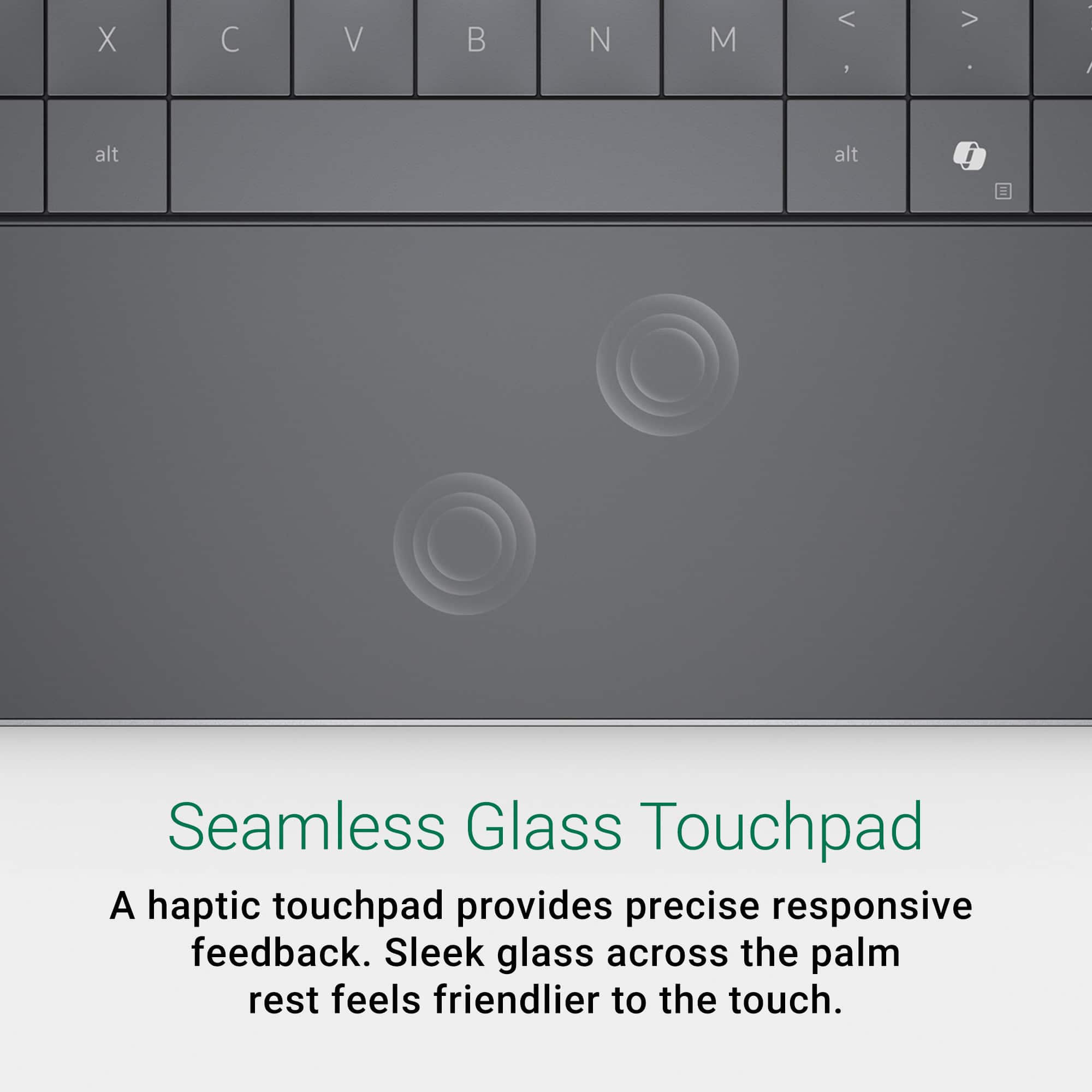
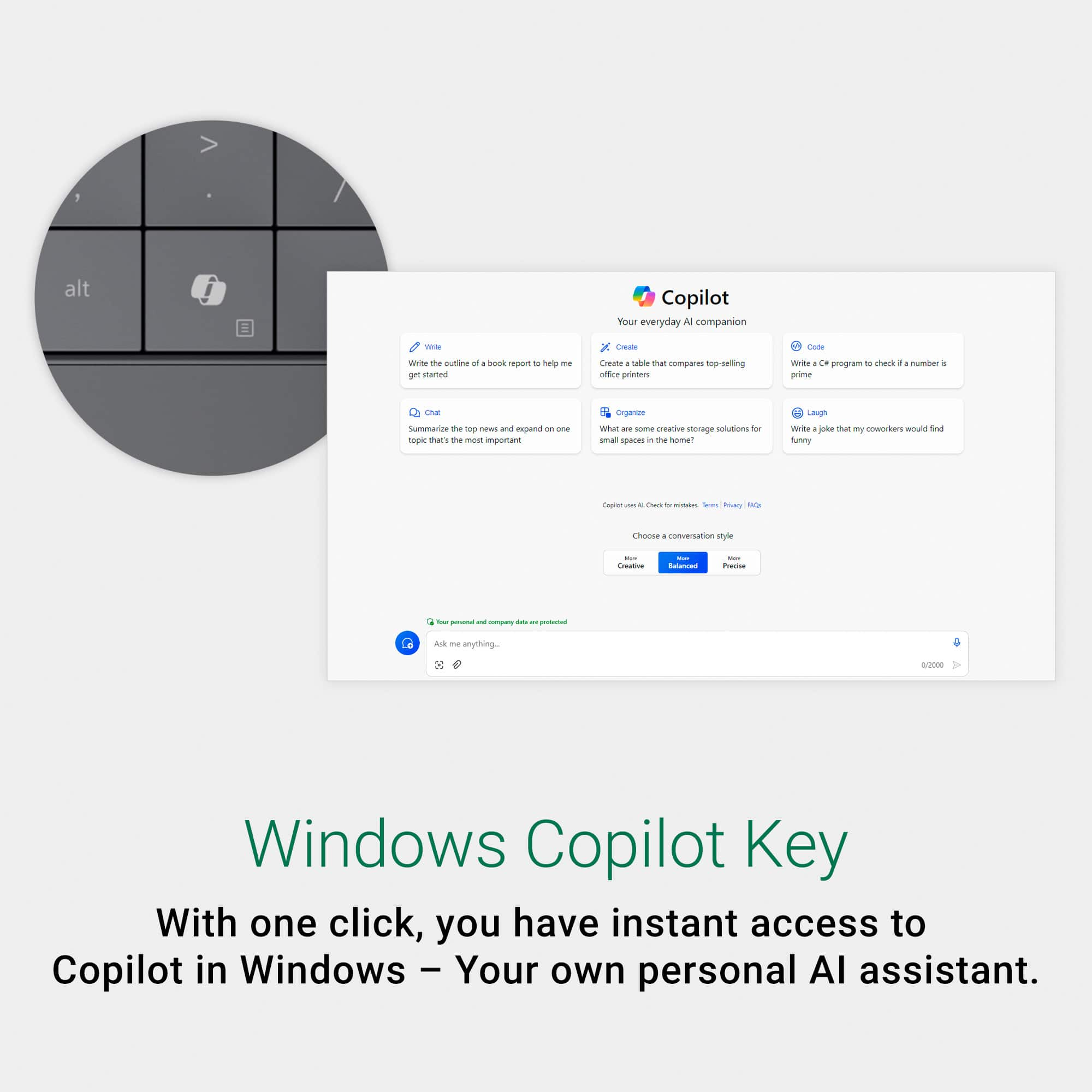
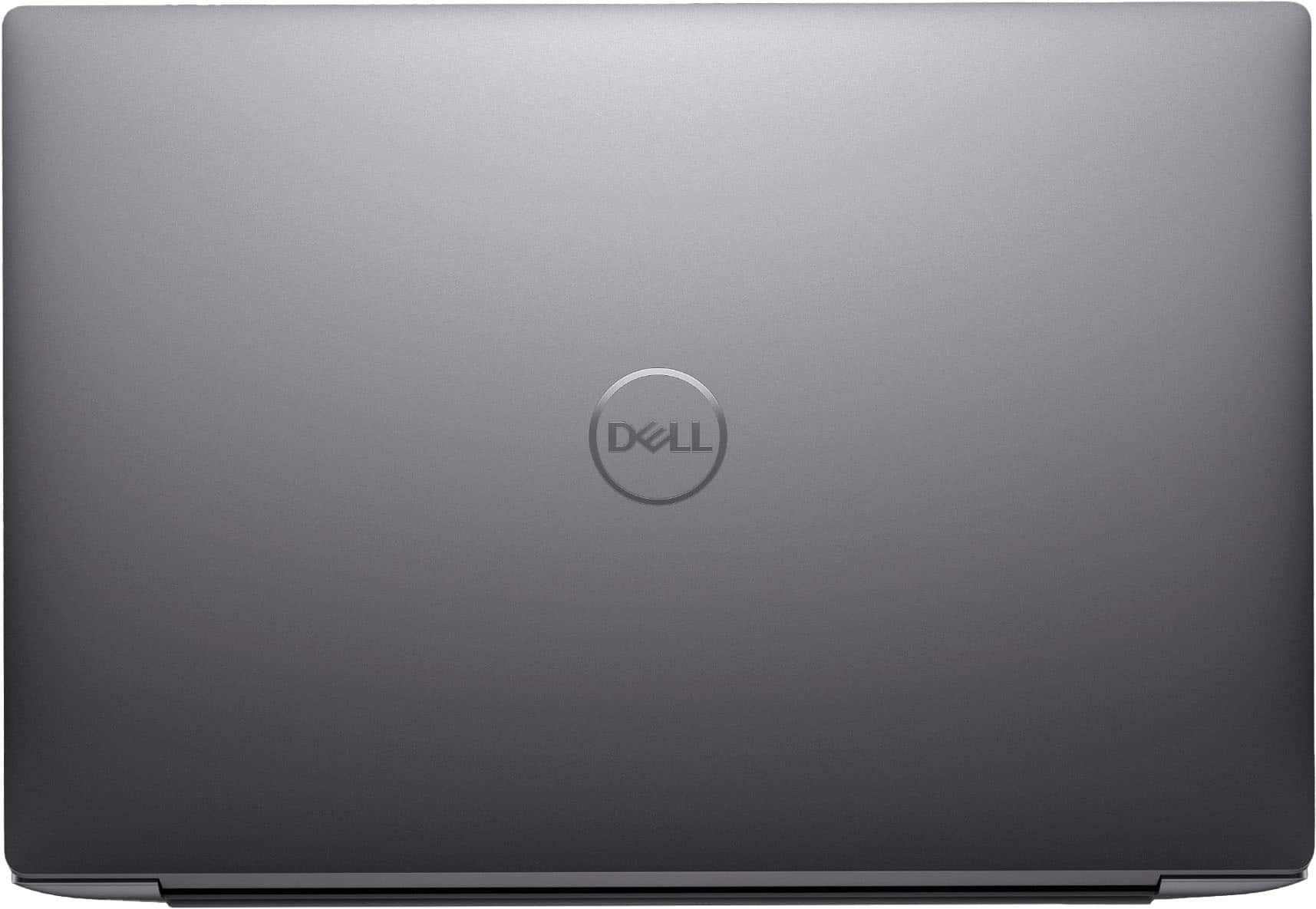
|Posted .This reviewer received promo considerations or sweepstakes entry for writing a review.Overall, I think this is a well-balanced machine that has a little bit of everything that makes it a compelling option for most people. I think the combination of a good build, clean, modern design, a beautiful screen (with small bezels), very solid battery life, and a nicely (but not perfect) spec’d machine more or less gives you everything you need. Add in a keyboard that feels great to use (albeit a little unique), a trackpad (also unique) that I found to be surprisingly the same as well as accurate, and some decent speakers and I am really happy with this laptop. To expand on some of that, it feels well-built. Everything is solid, and just “feels good” in the hand. Yet, it is compact, light, and a nice weight. Easily portable. While I wish it was more black than grey, I do really like the design. Clean, modern, honestly, kind of boring. I think the screen is one of my favorite parts. It may not be the brightest, but it delivers bright, clean, sharp images. Colors are vibrant and seemingly accurate. All with very, very small bezels, especially on the bottom, which seems an issue for Windows laptops for some reason. It kind of drives me nuts. Not here. Beyond that, I like that it can handle everything that I throw at it. Admittedly, I am not crushing it with intensive work loads, but all kinds of life stuff, email, messaging, office things, picture editing, movies, music, some creative work…and especially my Chrome tab “problem.” No issues. No problems. Everything runs smoothly. Including games, but I am more of a casual gamer on the go and not playing anything that requires much power. Triple AAA’s would probably not be great, but perhaps on some reduced settings. Lastly, while I only casually dabble in Ai, I do like what I see here. The dedicated button to me is perhaps overkill, but overall, I was very pleased with the performance aspects. As for the keyboard, as I mentioned above, I have been liking it. I wasn’t sure going in, given the layout and spacing, but it turns out there is not a lot of give, the spacing is fine, and I like the travel. Similarly, I had some reservations with the trackpad given its “seamless” design and Windows handling of trackpads generally; however, again I like it. It’s responsive and the haptics are great. While I do like quite a bit about this machine, there are a few things I do wish were done differently. First, while I do like the keyboard, I do not really like the capacitive function keys. I would have just preferred actual keys. Second, while I think the machine is well spec’d, has some nice power, and largely is more than most people need, I do think they could have done a little more here at this price point. 16GB of RAM is nice to see, but “maybe” give me 32GB? Storage-wise, 512GB these days seems the bare minimum. At the very least I would have loved to see 1TB. I know choices have to be made, but maybe even just one or the other would have made me feel better here. Along those same lines, i don’t love the I/O. Keeping it limited to 2 USB-C ports means you may need a dongle, taking 1 port away, limiting the versatility of the machine. Especially considering 1 could also be used for charging. Lastly, and somewhat related, I do not love the somewhat large power brick. It seems unnecessary. Charging is fast, and as I mentioned earlier, battery life has been good, but just give me a small wall wart. Ultimately, despite these few “issues” I have, I do really like this laptop. It does everything I want and need it to, and it does it well. I love the look and design (just give me a matte black one), it’s compact and light, and while this is more of a personal thing, it just feels good to use. As always, check your use case and needs, but for anyone other than gamers and those looking for serious power, I think this machine would be a very good choice.
I would recommend this to a friend Bad Computer. Dell has HORRIBLE Customer service
||Posted . Owned for 2 months when reviewed.This reviewer received promo considerations or sweepstakes entry for writing a review.Piece of s*(&^. Camera never worked. I have been trying to get Dell to fix it for 3 weeks now. All I get is a run around. Never buy Dell.
No, I would not recommend this to a friend