Customer Ratings & Reviews






- Model:
- XPS8960-7879BLK-PUS
- SKU:
- 6538060
Rating by feature
- Value
Rating 4.4 out of 5 stars
- Quality
Rating 4.4 out of 5 stars
- Ease of Use
Rating 4.4 out of 5 stars
Customers are saying
Customers recognize the XPS 8960's strong performance and the benefit of its fast SSD and HDD storage combination. The RTX 3050 graphics card also receives positive feedback, although some users note the system's fans can be noisy during demanding tasks. Ease of setup and use are frequently praised. Concerns were raised about the power supply's potential limitations for future upgrades.
This summary was generated by AI based on customer reviews.
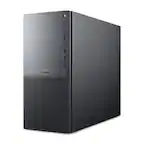
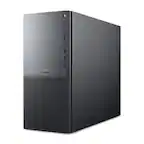
Dell XPS 8960 desktop
||Posted . Owned for less than 1 week when reviewed.This reviewer received promo considerations or sweepstakes entry for writing a review.I now have received 2 from best buy, the first ran for 10 minutes and had a internal power failure, recieved the 2nd one today it will not come on at all, i am really upset because I need it now. The dell people told me it had a hardware problem
No, I would not recommend this to a friendBrand response from YourDellTeam
Posted .Hello Valued Customer,
We value your feedback and want to thank you for taking the time to leave a review of your Dell XPS 8960 Desktop Order. We are sorry to hear that you are experiencing issues with your system order. That is not the type of feedback we like to hear from our customers, or the type of product Dell intends to deliver.
We would love the opportunity to help you but will need a little more information. Please take a moment to call or chat to speak with Dell at your earliest convenience using the information provided below so that we can help you resolve the issue to your satisfaction.
Chat or call: https://bit.ly/DellSupportTeam
Phone number to Dell 1-800-624-9896
We look forward to making this right for you!
Best,
Minhaj@Dell
- Pros mentioned:Graphics card, Ssd

Fast desktop powerhouse is ready for anything
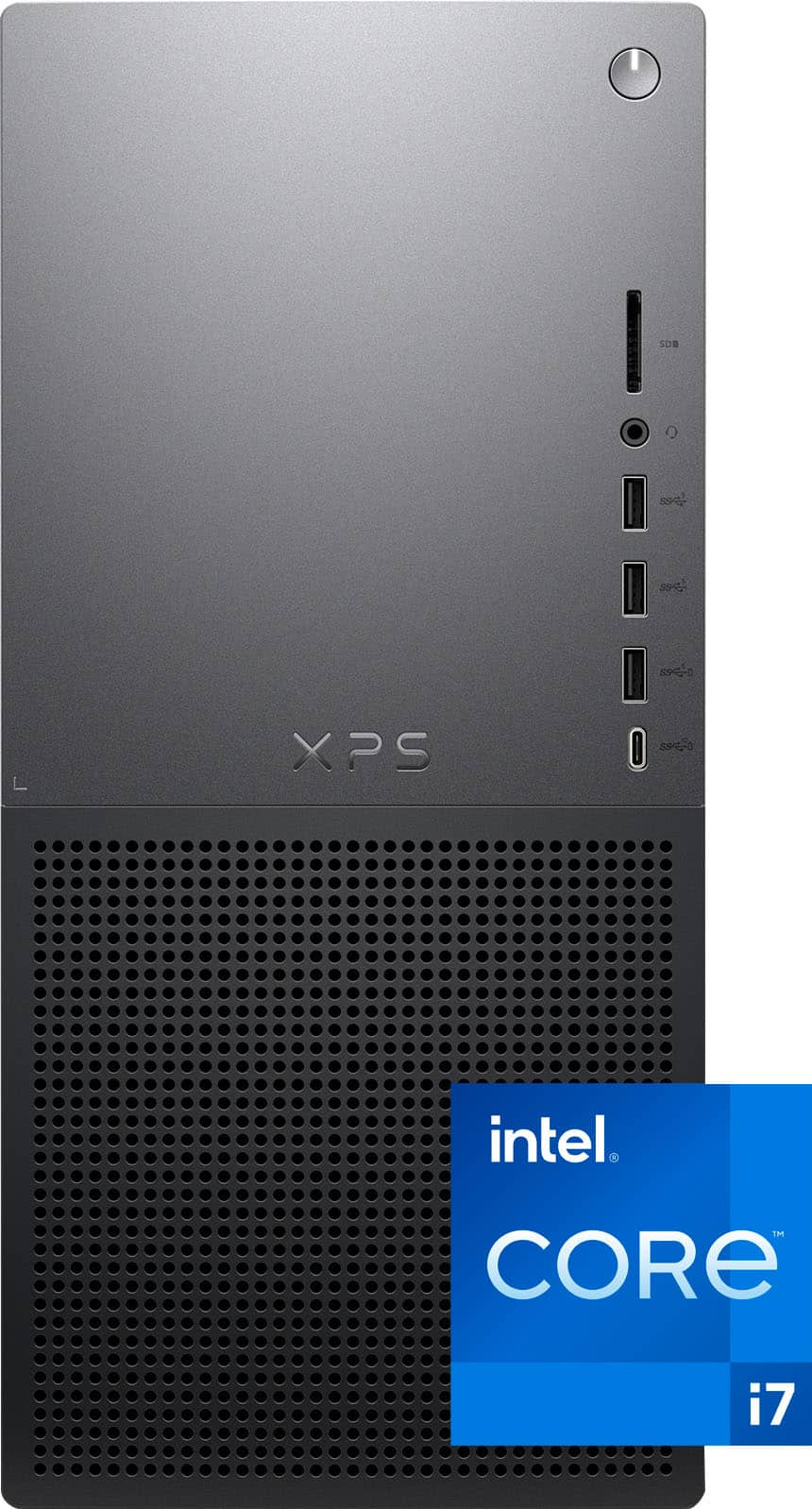
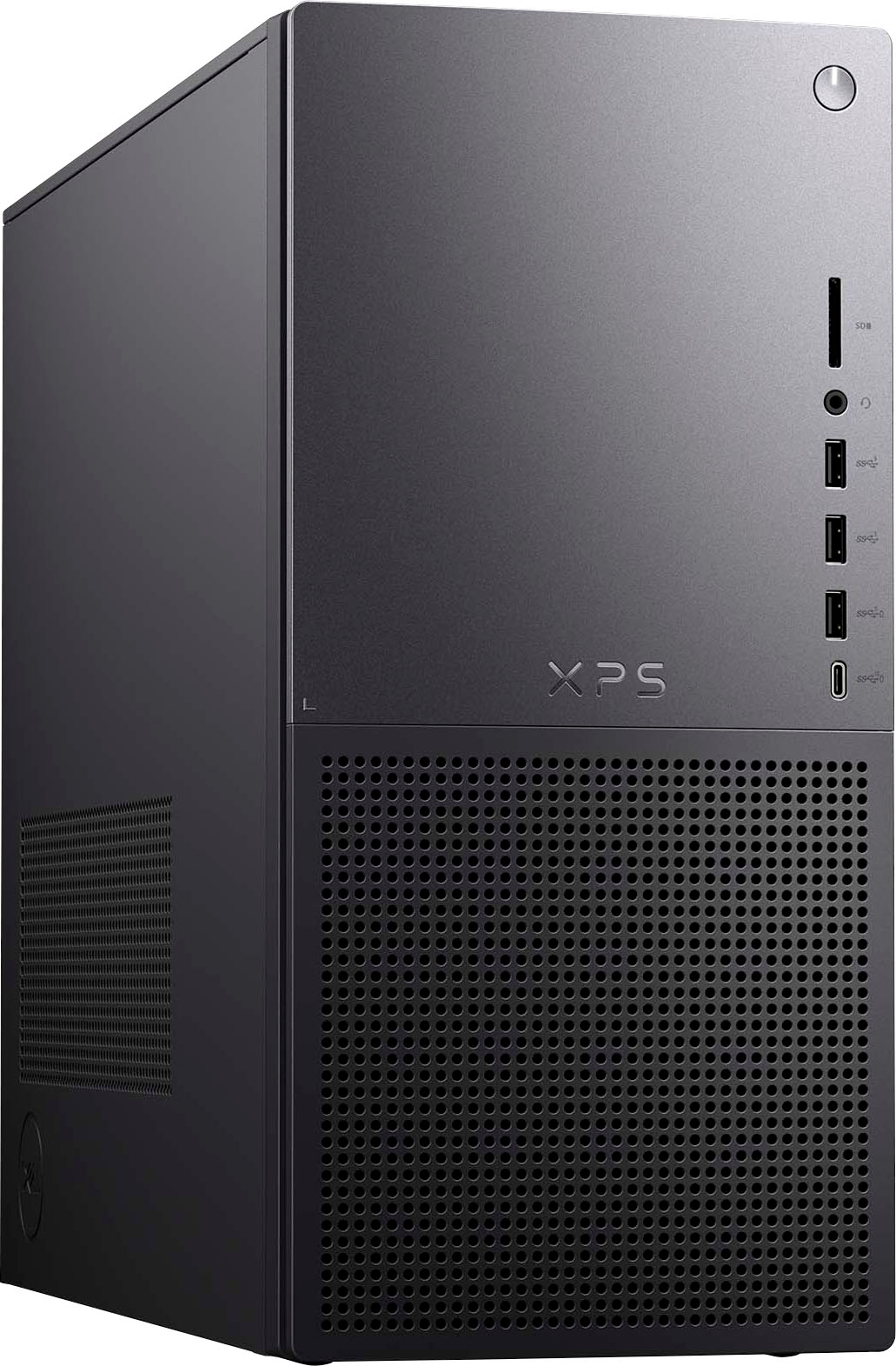
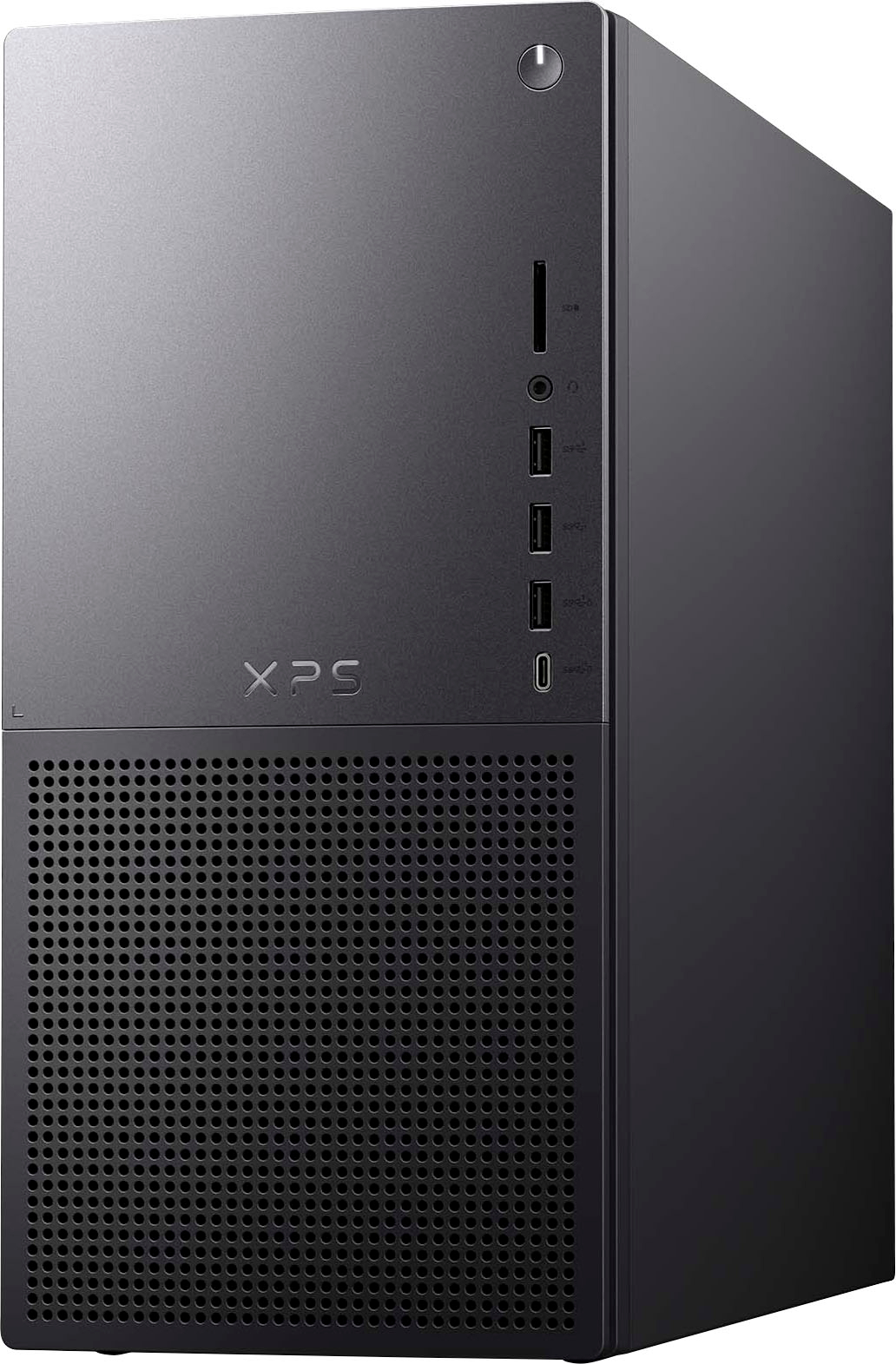
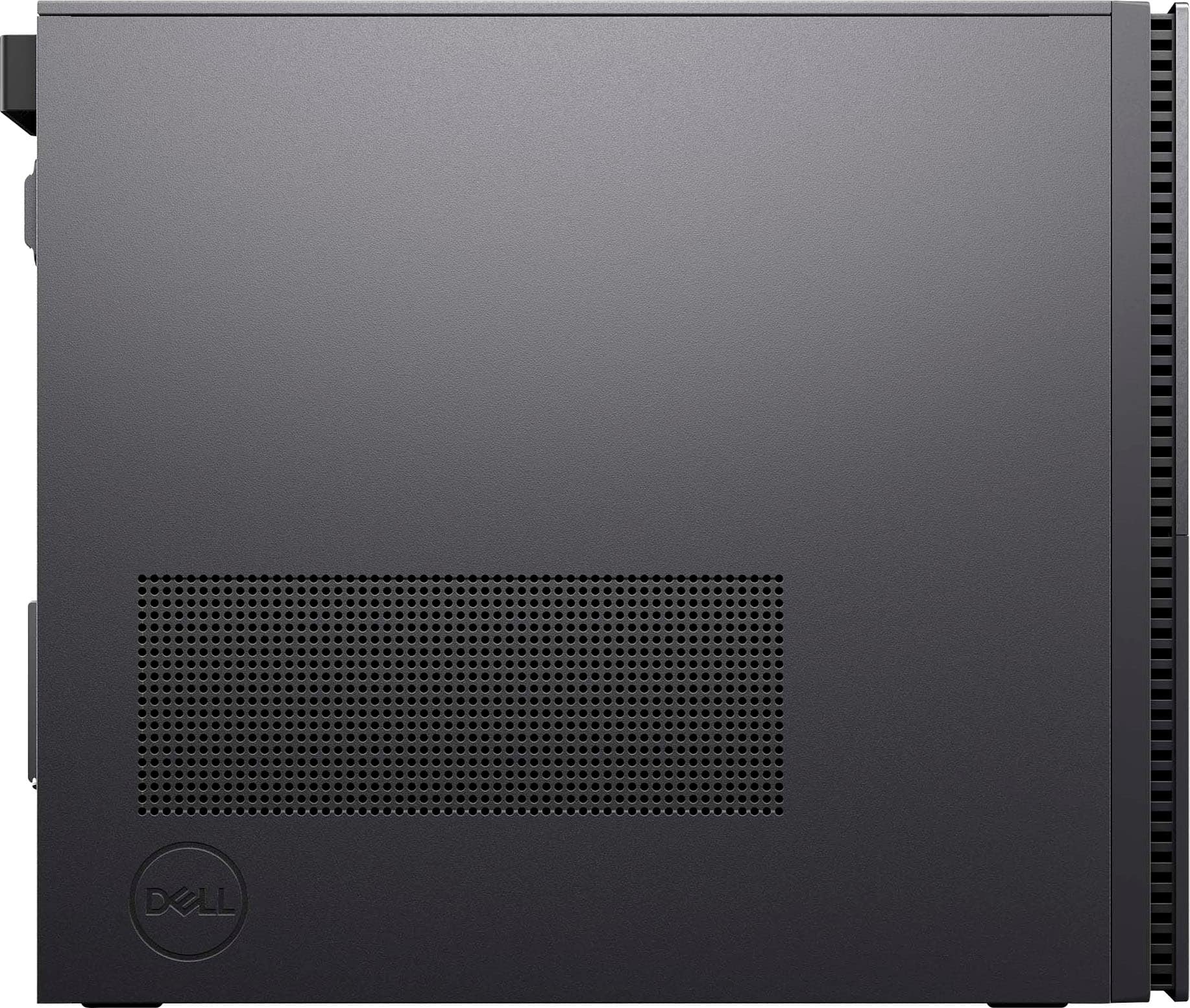
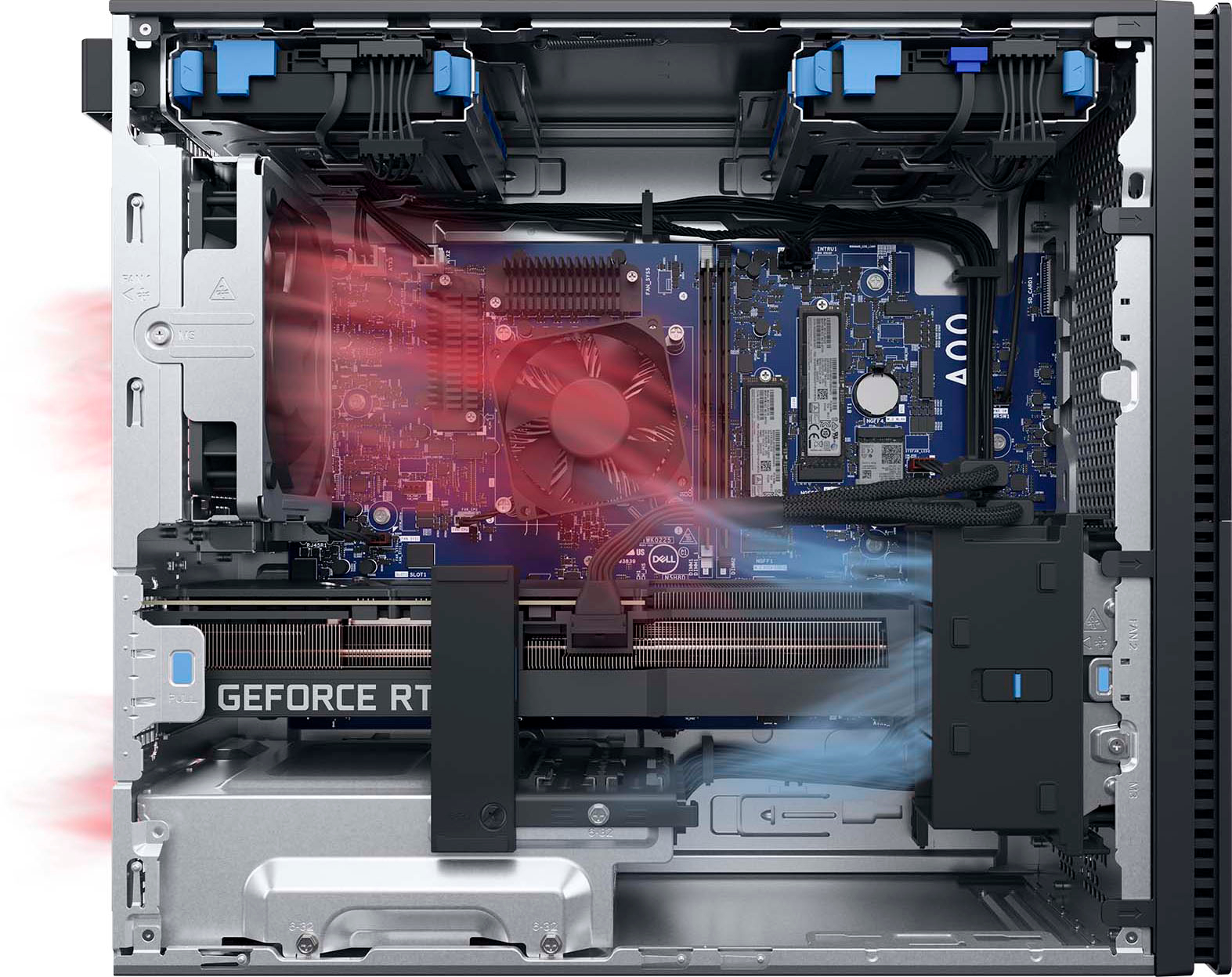
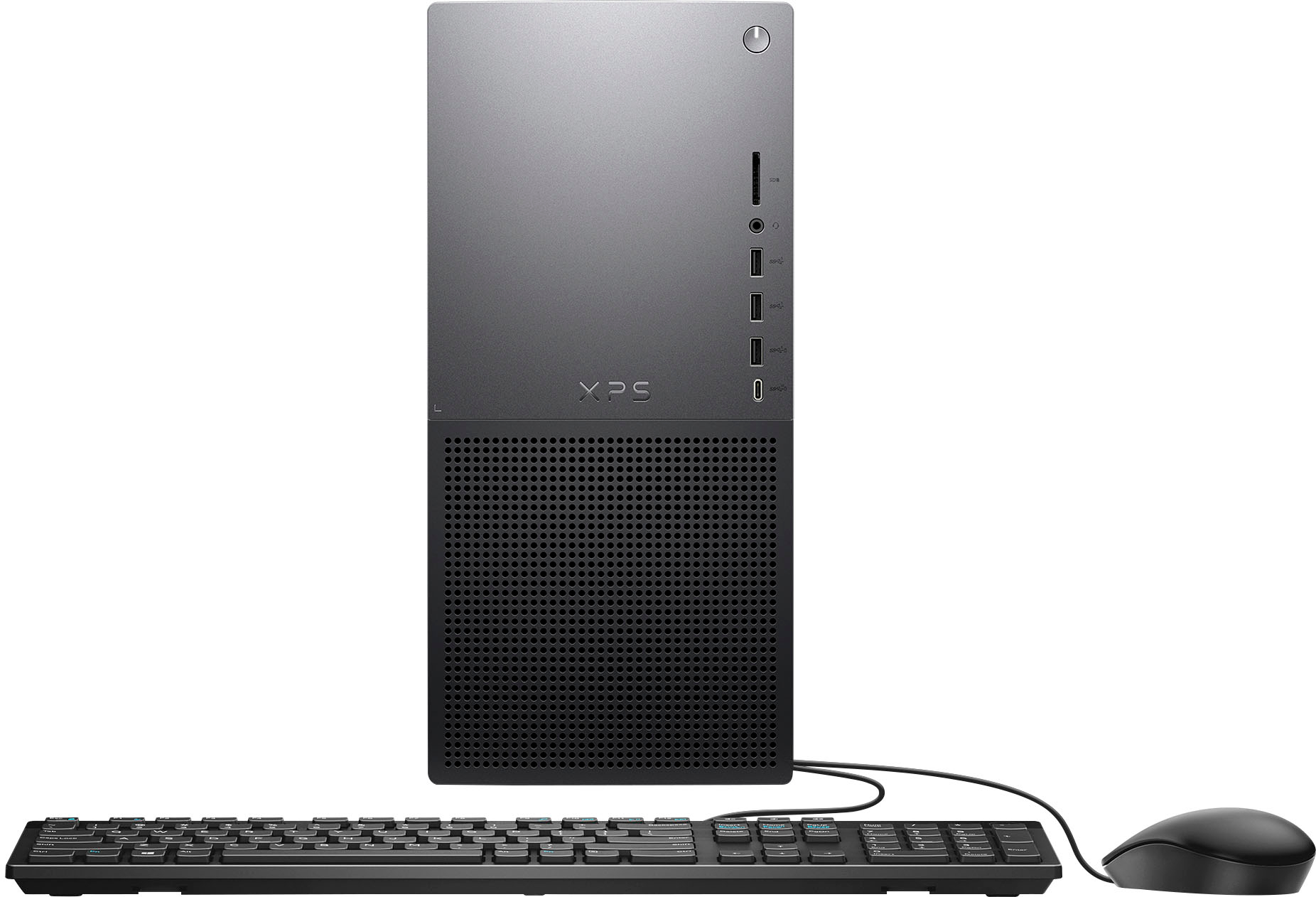
|Posted .This reviewer received promo considerations or sweepstakes entry for writing a review.It seems hardly anyone wants a big desktop computer anymore but if you need rhe power and flexibility one of these big rigs offers, it's hard to go wrong with this new Dell XPS 8960. It is brimming with the latest tech, including the latest generation Intel Core i7 GPU, a 500GB SSD and 2TB HDD for plenty of storage, 16 gigs of RAM and a blazing-fast Nvidia RTX 3050 graphics card. Add in a large collection of USB ports, almost every type imaginable; DisplayPort and HDMI ports for the latest monitors ; and full WiFi 6 and ethernet support and you are ready to take on the world. With this much power under (or on) your desk, it's hard to think of any chore this computer cannot take on, and will likely do it without breaking a sweat. Even tough jobs like video editing and other demanding content creation are a breeeze thanks to the excellent combination of high-end components. Playtime might be enjoyable too thanks to the new-genration Nvidia RTX video card, which has the power to keep frame rates high and gameplay nice and smooth. Sure, it's not the fastest gaming video card on the block but can handle most games with no issue. And is a good all around card for work and play. This Dell XPS comes packaged in a sturdy black metal case, which features Dell's usual understated styling. Like most previous XPS models, the front is a big slab of brushed dark aluminum that features a SD slot (increasingly rare these days), a headphone jack, three USB A ports and one USB C port. All are 3.2 gen 1 except for the C port, which is Gen 2 and has power share capabilites. There are five more USB ports in back, including one USB C 3.2 Gen 2x2 for those who need the absolutely fastest transfer speeds. The once common DVD or Blu-ray burner drive is absent, the norm on most desktops these days. But there is an empty bay inside the case for an an extra HDD, for those who really need a lot of storage for large video files, massive numbers of photographs and audio files. Speaking of inside, there is also an unused PCI slot (two of the three slots are used up by the video card) but no extra slots for memory, so if you need to upgrade to 32 gigs of RAM, you will have to dump the two 8 gig sticks already installed and replace them with two 16 gig sticks. Getting inside is easy, by the way, thanks to Dell's innovative latch design. Just lossen the lone phillips screw on the black tab on the back of the case and pull. This releases the tab that holds the side panel in place. Everything inside is nicely organized and tidy, leaving plenty of room to make any kind of modifications you might have in mind. Massive but very quiet cooling fans on the CPU and case keeps everything inside nice and cool. The only real demerits here go to the keyboard and mouse, which are both wired USB versions , a bit disappointing for a computer at this price point. (Dell does make a more expensive XPS version that does have a wireless mouse a keyboard). While the wires are unsightly, and the construction somewhat cheap, the chicklet style keyboard and optical mouse are full size and work well, at least. Two old-style USB 2 ports in the back mean you don't have to tie up your faster USB ports with the mouse and keyboard. Bottom line:. This is a very nice all-around desktop performer, with plenty of power to handle almost any task you want to throw at it.
I would recommend this to a friend - Pros mentioned:Performance, Ssd
Great performance with games
|Posted .This reviewer received promo considerations or sweepstakes entry for writing a review.Like my title says, this computer runs newer games on high/ultra settings with great performance. So far I only have tried out Call of Duty:MW 2019, MW2 and PubG. all on highest settings and I am getting 100+FPS for the most part. MW2 some maps I was running around 90 FPS with drops at most down to 70FPS. This is performing better then my desktop I was using that has a GTX 1080. The map above were I got 90 fps, with my GTX 1080, I got 100FPS (but settings were turned down a bit more and not maxed out) but also with my GTX the lows would go under 60FPS and cause me to get lag. With this Desktop I did not get that lag and games were enjoyable the whole time. I do have a reason though for 4 stars. A couple actually. One, I feel that at the 1500$ price, it is a bit on the expensive side for what you are getting. My other main reason is I feel it lacks storage space. it only has a 512Gig SSD in it and then a 2TB 7200rpm hhd. I would have liked to have seen at least a 1TB SSD either as the primary with the 2TB or as a secondary drive with the 512SSD. For me, I prefer a SSD for games. I feel they run smoother for me and they load up faster. And how much space games take up these days, the 512Gigs fills up fast with just a couple games. On a smaller note, the mouse and keyboard are not even wireless. It is the basic wired mouse and keyboard that they give out. It also only has 2 slots for ram. But overall, this is playing games great like I stated. Stays cool, even after hours of gaming nonstop.
I would recommend this to a friend - Pros mentioned:SsdCons mentioned:Fan noise
Power for Content Creators
|Posted .This reviewer received promo considerations or sweepstakes entry for writing a review.Raw specs: 13th Gen Intel(R) Core(TM) i7-13700, 2100 Mhz, -->***16 Core(s), 24 Logical Processor(s)***<-- Installed RAM 16.0 GB (15.7 GB usable) System type 64-bit operating system, x64-based processor NVIDIA GeForce RTX 3050 OEM + Intel(R) UHD Graphics 500 gb SSD + 2 TB HDD My initial thoughts on the XPS line of Dell is: Is the XPS more geared toward multimedia creation / content creators. And I really think it is. Does that mean the XPS line can't be used for gaming? Nope, I'm proof of that! Though if you want flashy lights, a stylish chasis and are willing to pay out of the nose for Dell's G series or Alienware, then go for it! That being said, the XPS is definitely geared more towards content creators / multimedia editing as by the 16 cores of the i7 processor it has. I don't think I've had a processor with that many cores. I only know this because I use Adobe Lightroom myself and the processing power from the CPU and GPU has made photo editing much quicker. I had issues setting the computer up so my review was delayed, but once things settled down, I am so glad to be back on a computer tower and not a gaming laptop with my photo editing. The NVIDIA RTX 3050 is plenty enough for video and photo editing, and it can run Cyberpunk very well, though it sounds like a Boeing 747 taking off. . . I believe there is a closed-loop cooling option which may help cut down on fan noise, but requires opening it up and installing it. If you're not tech savvy, just get a pair of headphones with noise canceling. The tower it self is light weight, non descript, grey. Has plenty of ports for USB things and (insert shocked gasp) an SD card slot in the front – again photo editors and others might be more excited about this than gamers. Dell is a solid brand, having used their business line of products through work, I've never had an issue. If you're looking for a solid build without the flashy bling, and want to work and sometimes play? This is a great tower.
I would recommend this to a friend - Pros mentioned:Graphics card, Processor speed
Remarkably quiet running and powerful
|Posted .This reviewer received promo considerations or sweepstakes entry for writing a review.Before I go any further, I just want to say that based upon the silent running this is an amazing PC. It is so quiet, I don't even realize it is on. Okay, with that out of the way, the setup and unpacking was quick, not a lot of excess packing material just the basics to keep the computer safe. From cutting the tape on the box to power on it was maybe 3 minutes. Setup was smooth with importing of synced data from the cloud achieved in less then 10 minutes. Power on is very fast as one would expect from a solid state and the Windows setup was much less painful than it used to be. Processing speed and system resources for streaming are top notch and when conencted to a G-Sync monitor and setup properly (a few more minutes) the system looked awesome gaming as well - no stutters at high fps and very smooth vivid graphics in general. The size of the desktop, even though it calls it out in the specs was smaller than expected and easily slotted into my desk. The keyboard and mouse are nice starter quality and day to day use pieces, but I swapped them for my gaming gear and drivers and compatibility was not an issue. All in all, the quiet running, quick start, simple setup, quick driver and update of software... this is a great desktop for general use and works like a champ for online and downloaded games. I tried this out on three separate monitors as well as three monitors at the same time and the system processor, memory, and graphics card held up while streaming in three browsers at top settings. The only thing that would have been nice would be an onboard dvd/bluray drive, but it took my external quickly and found the drivers pronto. there are expansion slots, but I'll not worry about that until I need to... if ever. Very impressed and I would recommend this.
I would recommend this to a friend - Pros mentioned:Performance
Desktop computer that can handle casual gaming
|Posted .This reviewer received promo considerations or sweepstakes entry for writing a review.The Dell XPS 8960 is quite the solid computer. For general productivity usage it will suffice perfectly for just about anyone. For gaming, it is still quite a solid rig. The Dell XPS 8960 does not have the best cooling, and the RTX 3050 may limit you if you're using it for more demanding games, or running games in 1440p. It was very easy to set up, and I had no trouble doing so. I was worried about it coming with Windows 11, because I had heard Windows 11 was not optimized very well yet. But Windows 11 has worked great for me, and was an easy switch from Windows 10. If you're looking to play many games, or use a lot of storage, it might be better to get more than a 512gb ssd, it does have another M.2 slot if you wanted to buy one yourself. The 16gb of DDR5 ram is going to be enough for the large majority of users. Once again, if you are looking to play games that are extremely demanding, it might be best to look for something else. The Dell XPS 8960 is no snail though. Overall the Dell XPS 8960 is a good mid-range computer that will work great for productivity, and quite solid for gaming.
I would recommend this to a friend - Pros mentioned:Ssd
Soooooooo close to being overall great
|Posted .This reviewer received promo considerations or sweepstakes entry for writing a review.The Dell XPS 8960 offering from BestBuy is a pretty nice machine. From its exceptional Intel i7 13700 processor, to its 16GB of DDR5 RAM, to its respectable NVIDIA GeForce RTX 3050 GPU, there's not a whole lot one could complain about. I've used it for a while now and it is a quite competent, bordering on formidable option for its price range. There are, however, some real head-scratchers here that really make me wonder just what the heck Dell was thinking. The most glaring issue, to me at least, is the CPU cooler. It's as basic as they come and does not do an adequate job. If you plan on doing anything more that some web browsing, office productivity tasks, and/or light photo editing you'll end up with your CPU thermally throttled. I could excuse this from the likes of an Inspiron, but from an XPS (eXtreme Performance System) it seems downright inexcusable to leave performance on the table. The crazy thing is, Dell KNOWS THIS. If you order an XPS 8960 from their own website you have two additional options for CPU cooling. A much beefier air cooling option and an AIO for water cooling, both of which do a much better job of managing thermals. Even worse, you cannot buy either of these as separate items should you want to upgrade. You also have to be careful if you want to install an aftermarket cooler because Dell's proprietary mounting system means you only have a few options. It's not that the lack of a robust cooling solution makes this machine unusable. Far from it. But for a machine that's touted as something you can use for work AND play, for me it falls a little short. Hence the 3 stars.
Brand response from YourDellTeam
Posted .Hello TotalTechGeek,
We appreciate you taking the time to leave us your review. We are sorry to hear that you are encountering overheating issues with your Dell XPS 8960 desktop. Feedback like yours helps us improve our future products and services. Below I have provided troubleshooting instructions with the full article that can help resolve this issue.
Here are the steps to help resolve your overheating issue:
1. Inspect and clean the air vents and fans.
2. Restart the computer.
3. Update the BIOS and Chipset driver.
4. Download and install Microsoft Windows updates.
5. Run a hardware diagnostic test.
6. Use Dell Power Manager to manage thermal performance.
7. Improve efficiency to reduce heat.
8. Perform a Windows System Restore.
9. Restore the computer to factory settings.
How to Troubleshoot Overheating, Shutdown, or Thermal Issue on a Dell Computer: https://dell.to/3oAEYsV
If you continue to experience issues, please reach out to Dell Support directly by using the information provided below.
We recommend that you contact Dell directly with the information below if you need further assistance.
Chat or call: https://bit.ly/DellSupportTeam
Phone number to Dell: 1-800-624-9896.
Best,
Summer@Dell
- Pros mentioned:Ease of use, Processor speed
Dell xps8960
Posted .This reviewer received promo considerations or sweepstakes entry for writing a review.So far it's a great computer! It's very fast and easy to setup! It can do everything I want and has room for future upgrades!
I would recommend this to a friend Solid pc that does everything well.
|Posted .This reviewer received promo considerations or sweepstakes entry for writing a review.Solid. The one word to describe this pc is solid. Is it cutting edge top of the line pc…no it’s not but that doesn’t mean it doesn’t have value, and that it won’t work for most people. The one let down on the pc is the graphics card it will pretty much run everything but your pretty much limited to 1080p and might not always hit 60 depending what settings you use for your game. Which is a bit of shame because everything else on the pc is really solid. Now with that being said my son has been using this to make his movies with adobe premier and so far it’s been great no issues and runs pretty smoothly and quick. If your a light gamer that needs a pc for productivity but still want to play games this is a great pc. The case is solid has a lot of I/o ports that work great, it was nice having all this ports right in front . It has good ventilation a little bummed parts seem to more of the generic kind that any particular brand but overall the pc run great. So while not the most top end pc in the market m. It is still a great value for this that want to play games but don’t need it for anything above 1080p
I would recommend this to a friend- Pros mentioned:Processor speed
Wow! The perfect computer upgrade.
Posted .This reviewer received promo considerations or sweepstakes entry for writing a review.This was the perfect replacement computer for my accountant spouse. While her seven year old I7 computer was still working, this was a significant upgrade.
I would recommend this to a friend - Pros mentioned:Ease of use
Great Computer
Posted .This reviewer received promo considerations or sweepstakes entry for writing a review.Great computer! Easy to set up and is a described. I would but it again! Helpful staff at our Raleigh Best Buy! Thanks!
I would recommend this to a friend - Pros mentioned:Ssd
great tower
Posted .This reviewer received promo considerations or sweepstakes entry for writing a review.Great tower with windows 11. Easy setup with plenty of usb ports. So many options for personalized settings.
I would recommend this to a friend