Customer Ratings & Reviews
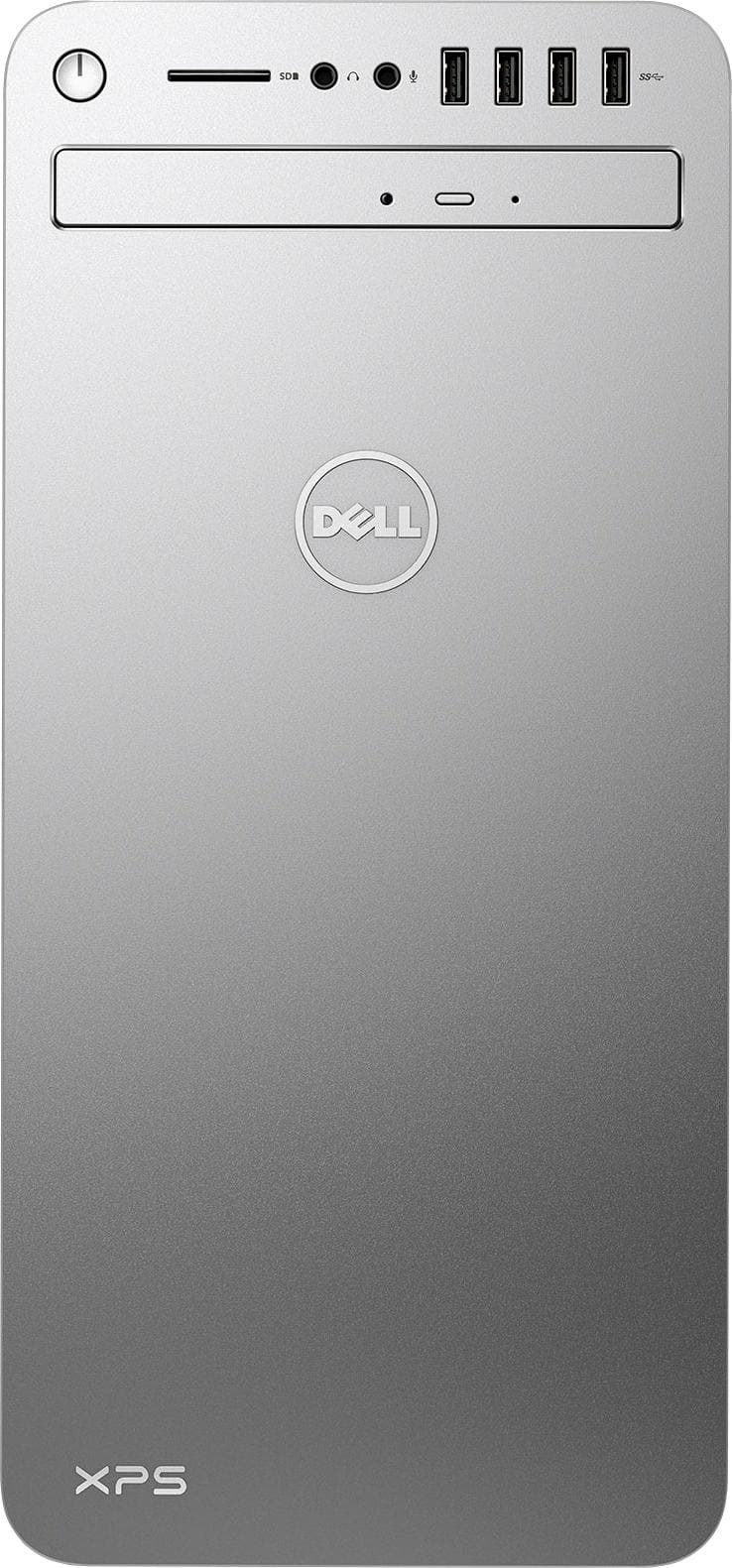
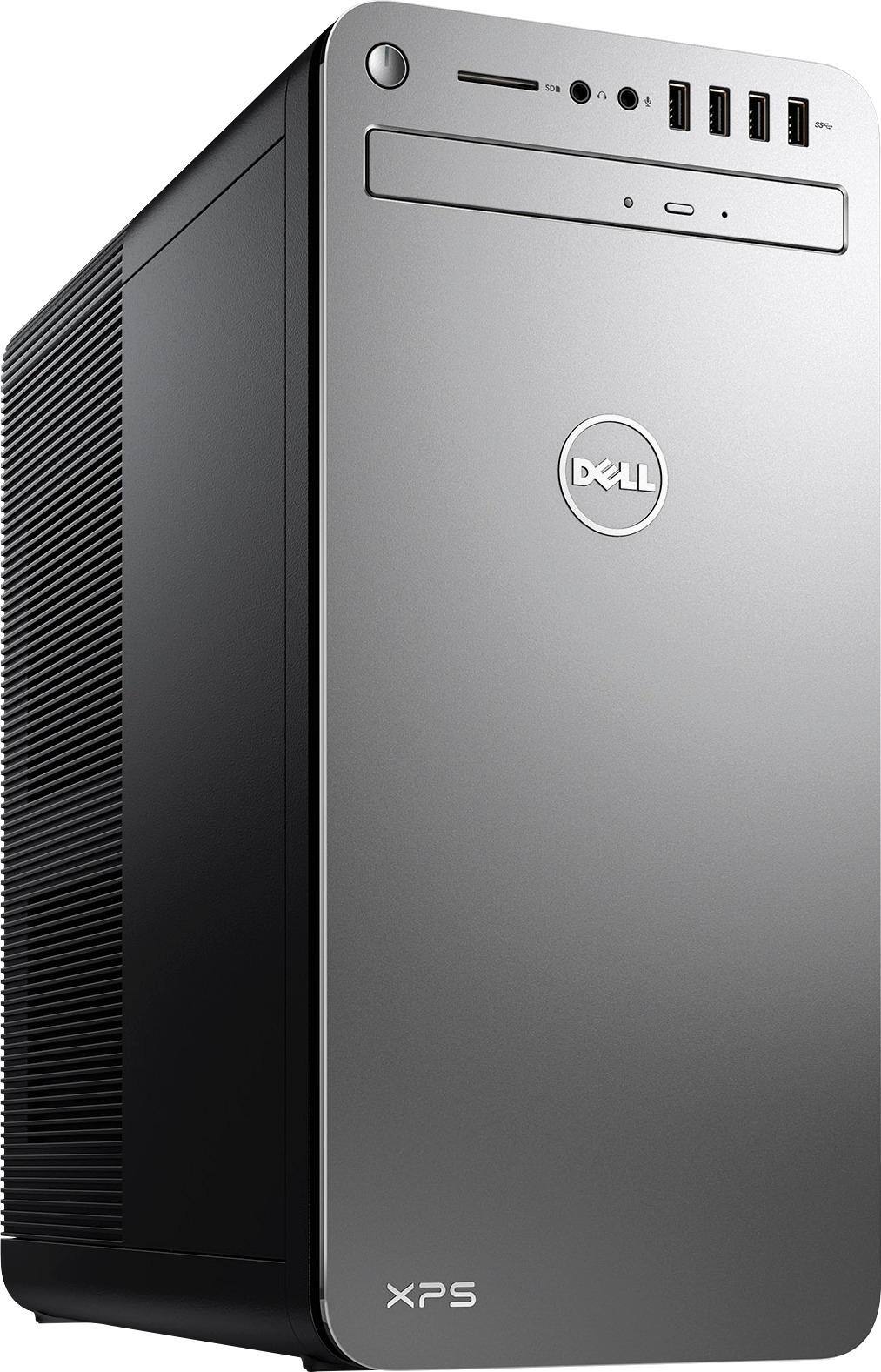
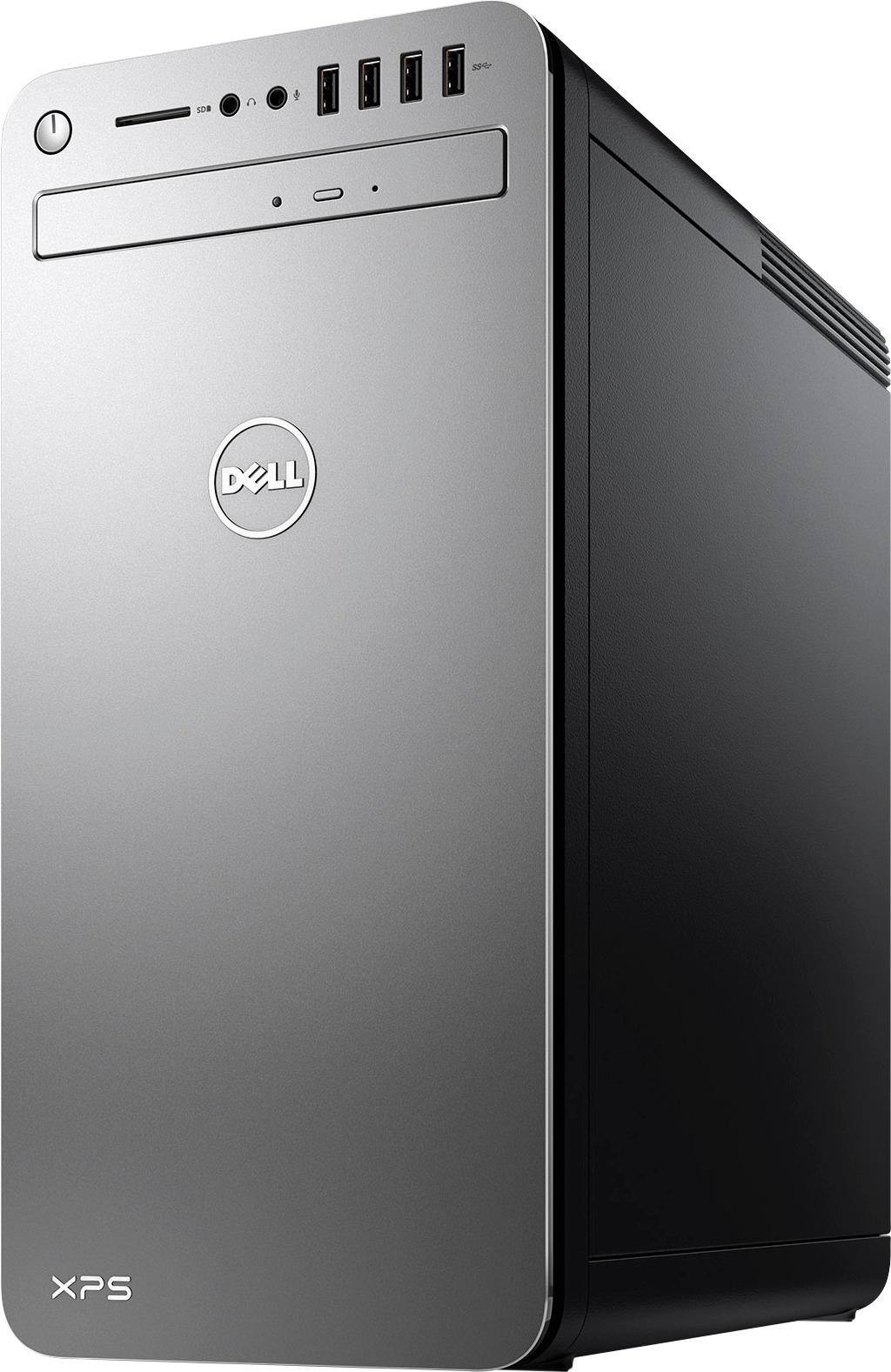
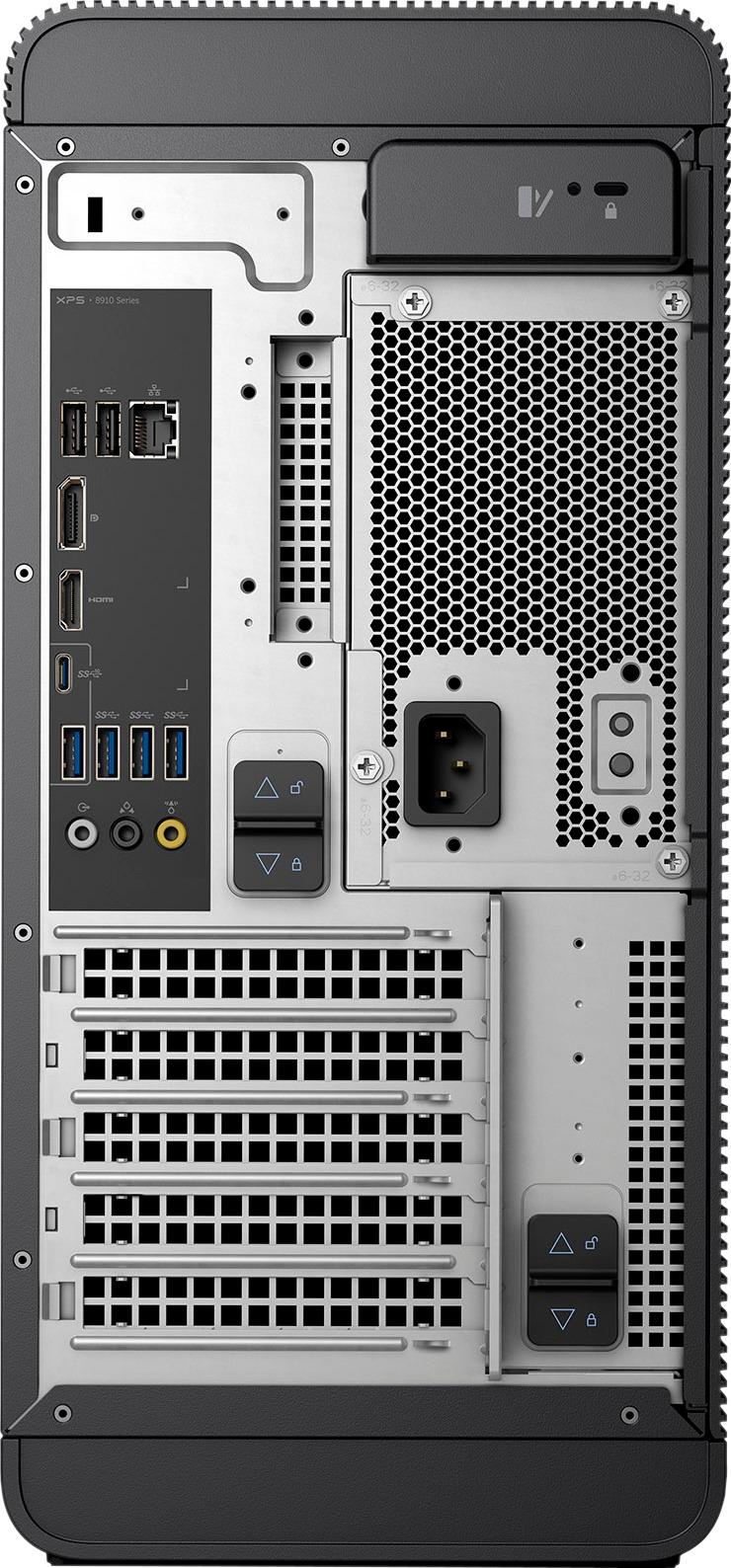
- Model:
- XPS8920-7529SLV-PUS
- SKU:
- 5775301
to a friend
Customers are saying
Customers commend the XPS Desktop's performance, video card capabilities, and ample RAM, frequently noting its quiet operation and ease of use. Many appreciate the affordability and the ability to upgrade components such as the video card and RAM. However, some users express difficulty installing additional hard drives. The overall experience is largely positive, with the machine's speed and quietness being highlighted.
This summary was generated by AI based on customer reviews.
perfect for me
||Posted .This reviewer received promo considerations or sweepstakes entry for writing a review.Have had many dell computers. Very happy with all.
I would recommend this to a friendGreat computer
||Posted .This reviewer received promo considerations or sweepstakes entry for writing a review.Great computer, have space for expansion, card space
I would recommend this to a friend- Cons mentioned:Hard drive
broken open box item
||Posted .This reviewer received promo considerations or sweepstakes entry for writing a review.purchased open box..had all the specs I wanted. didn't work when I got home..had purchased geek squad ( USELESS) , they said hard drive was bad and would have to send it out to replace drive. wht did I purchase geek squad coverage when they can't fix anything!! Purchased similar product elsewhere. You have lost this customer......
No, I would not recommend this to a friend Disappointed
||Posted .This reviewer received promo considerations or sweepstakes entry for writing a review.First time I have ever bought a Desk top and not be able to get it working and on line in an hour. (three days) I have no idea who to blame. Windows 10? Dell for having 2 Vid drives on line at same time? Sales Rep for not understanding that my existing Monitor from 2003 is still operational and functional? Any way you slice it my experience has been less than satisfactory.
No, I would not recommend this to a friendBrand response from YourDellTeam
Posted .- SFCJCB, Thanks for your recent XPS Desktop purchase. We're sorry to hear that you've had trouble getting your device online. Please consider reading the following article regarding troubleshooting your connectivity issues - http://dell.to/2uo9kVb. We'd also recommend making sure that your Drivers are up to date and that you run a Diagnostic Test for your device. These tests for your device can be found on your product support page here - http://dell.to/2tj5fT2. We hope that these tips will help you get online with your device soon.

not as good as the old one !
||Posted .This reviewer received promo considerations or sweepstakes entry for writing a review.Cost more money and get less would Not buy the same pc !
No, I would not recommend this to a friendNot happy after two days of use
||Posted .This reviewer received promo considerations or sweepstakes entry for writing a review.Having trouble turning it in on. Geek Squad helped but it still doesn't want to turn on the next day, after being shut off over night. Have to make an appointment at Best Buy to see what's wrong!
No, I would not recommend this to a friendBrand response from YourDellTeam
Posted .Dear Tida, Thanks for your recent XPS Desktop purchase. We're sorry to hear that you're having trouble turning on your device and keeping it on. Please consider reading the following article related to the start-up of your device - http://dell.to/2ueYiSH. If you continue to experience issues you can feel free to contact Dell's product support team here - http://dell.to/2sH7Qlm. We hope that this issue is solved for you quickly so that you can use your device the way you intended to.
Terrible quality computer
||Posted . Owned for more than 2 years when reviewed.This reviewer received promo considerations or sweepstakes entry for writing a review.This computer never worked correctly and crashed weekly. Died after two years. NEVER buy Dell, their quality has deteriorated to junk...
No, I would not recommend this to a friendThe fans are too noisy
||Posted .This reviewer received promo considerations or sweepstakes entry for writing a review.Not sure whether it was because of the AMD graphic card or not, the fans inside the desktop is always running, very noisy
No, I would not recommend this to a friendCheap cd player
||Posted .This reviewer received promo considerations or sweepstakes entry for writing a review.Not Dell's best effort. The whole thing feels cheap.
No, I would not recommend this to a friend- Pros mentioned:Noise level, PerformanceCons mentioned:Hard drive
Quiet, fast, replacement desktop PC
Posted .This reviewer received promo considerations or sweepstakes entry for writing a review.Pros: Quiet, Fast, easy setup. Cons: 1,No easy way to install a second hard drive. 2, Optical DVD drive flimsy. Should be more robust for frequent desktop use and be bluray in order to paly and record anything. 3, No slot for a second optical drive. Looks as if it were made as a desk top using laptop parts.
I would recommend this to a friend - Pros mentioned:Video cardCons mentioned:Hard drive
BSOD with Dell's WIFI Drivers
Posted .This reviewer received promo considerations or sweepstakes entry for writing a review.This computer was on clearance with a $125 student discount, so out the door for an insane $625... I still can't believe the price for what I got, these CPU's are $300 plus alone. I am reviewing on a $1000 price, which is still a very good deal. If you are getting the blue screen of death when updating windows, the issue may be Dell's driver they use for the onboard WIFI. Just download the newest Intel® Dual Band Wireless-AC 3165 driver and you will be fine. I would recommend getting a SSD for this computer and using it for booting up your operating system. Once you use a computer with a SSD, it is hard to use a 7200 RPM HD. You can upgrade the video card pretty easily as will. The case is designed for this. However, because of people using video cards to mine, the prices are out of control. Even the RX 560 video card that is comes with is $100 plus these days. If you want to game with this machine the only video card I would upgrade to right now is a NVidia 1060 3 GB model. I am subtracting a star for dealing with WIFI driver issue, but I really think the computer is well built and has decent components. I usually build systems, but for the price I couldn't pass it up.
I would recommend this to a friend RX460 vs RX560?
Posted .This reviewer received promo considerations or sweepstakes entry for writing a review.Advertised as Radeon RX560 but actually is an RX460 when checked in graphic setting? Can someone explain this?
No, I would not recommend this to a friendVery nice computer but Network issues like others
Posted .This reviewer received promo considerations or sweepstakes entry for writing a review.Computer will restart at random times. Explorer Edge won't reload at times and just stays blank. Will show connected to network but no internet connection and nothing will load. Must cut off and restart to get it to work again and then always gives an error code when shutting down for a restart or during the restart. Time to take it back and try something else I suppose.
No, I would not recommend this to a friendBrand response from YourDellTeam
Posted .EAnderson76 - We're sorry to hear that you're experiencing issues with your new Desktop. Please take a moment to read this support article related to troubleshooting connection issues with your device - http://dell.to/2sLtwRh. If you are experiencing slowness on your device we'd recommend that you read the following article - http://dell.to/2sLtwRh. We hope that these tips will help your device perform the way you want it to.