Customer Ratings & Reviews
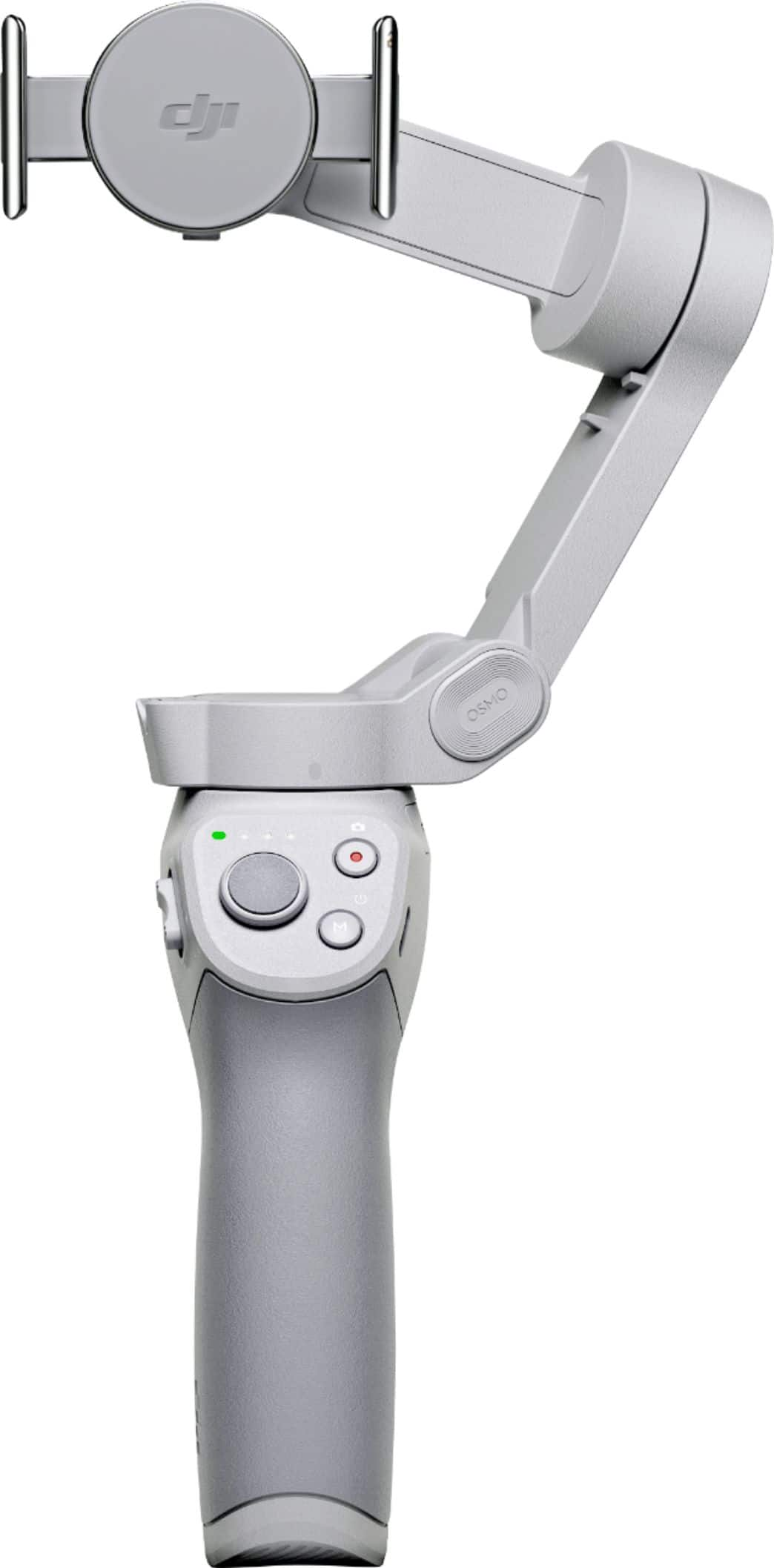
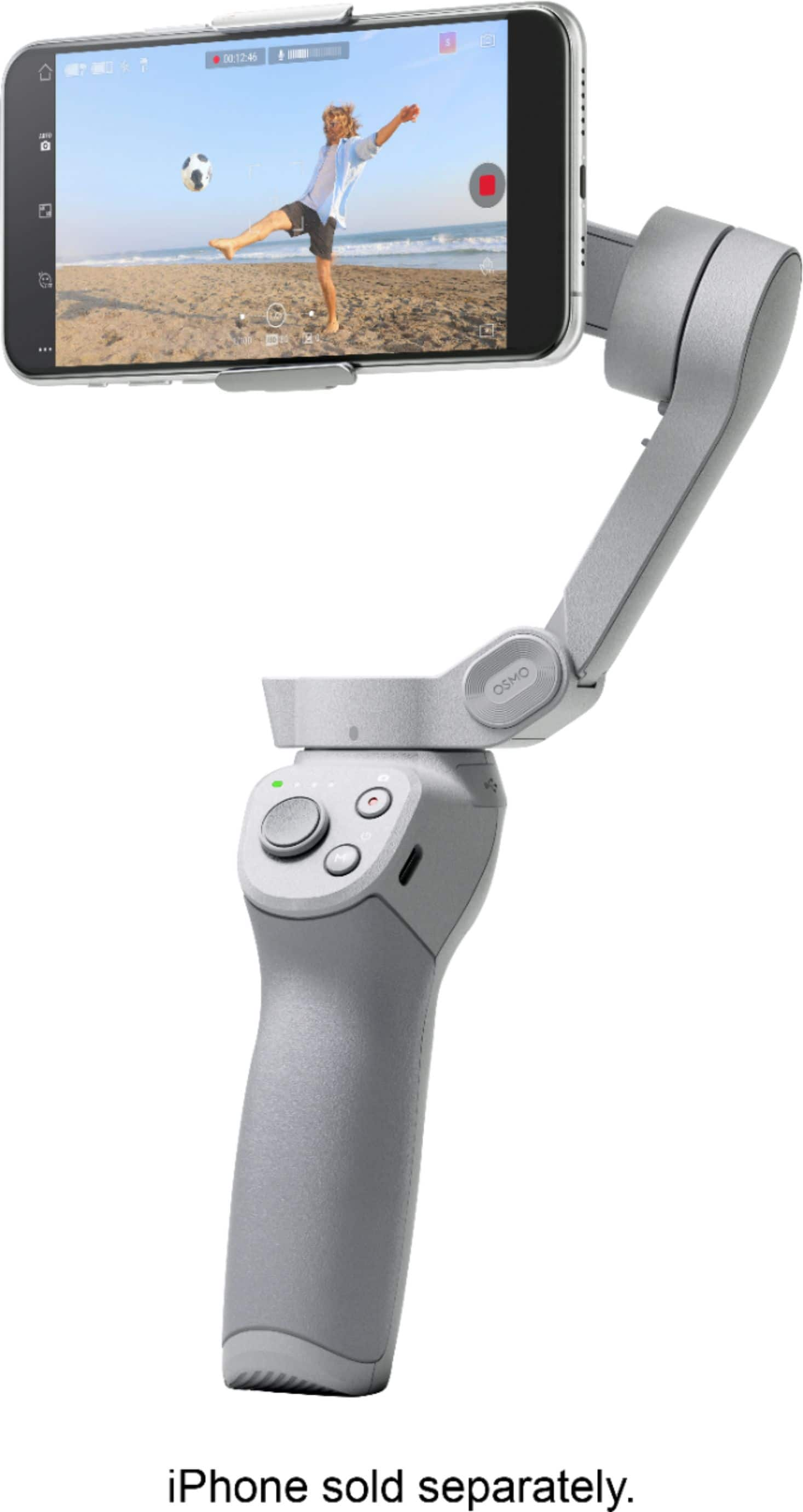
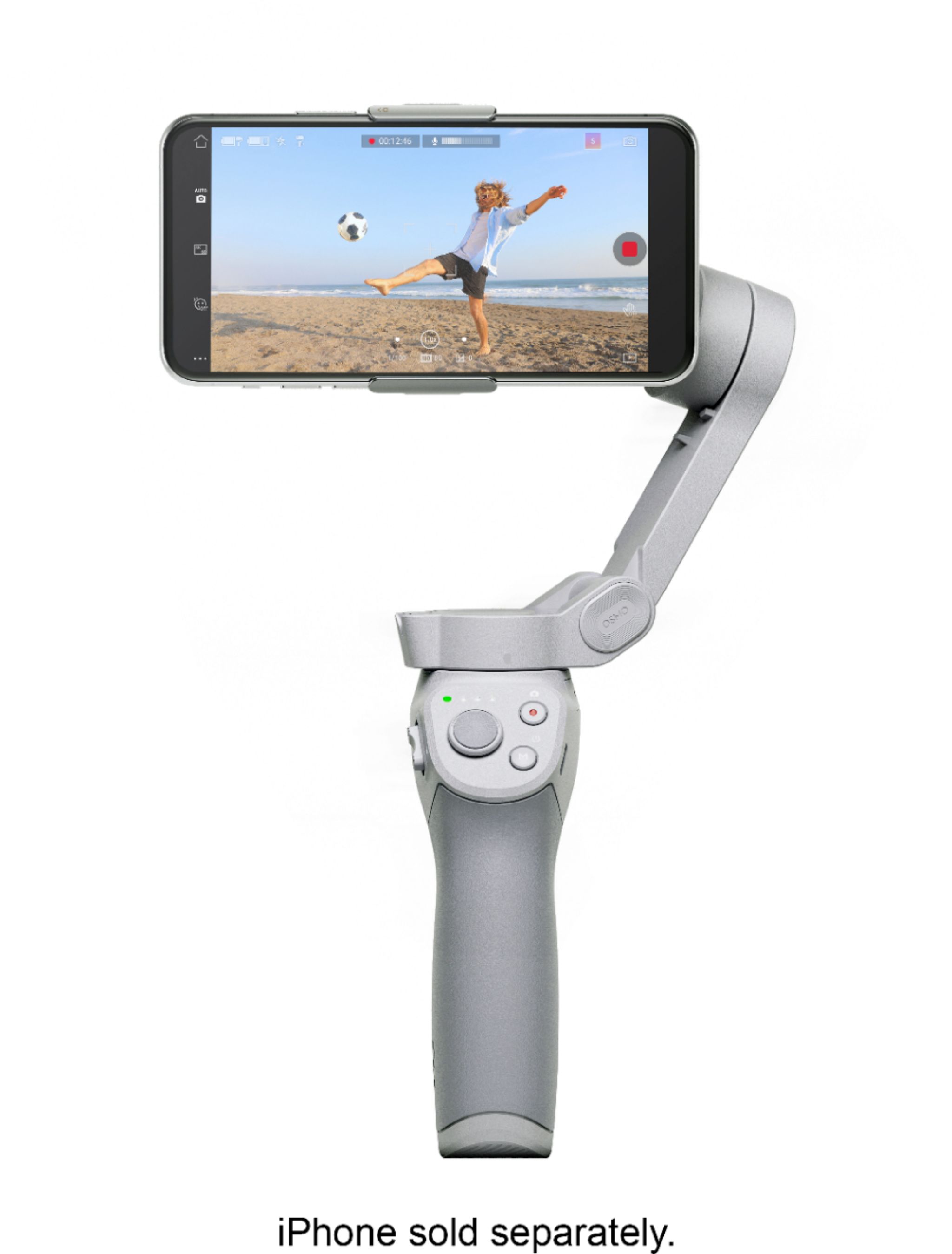
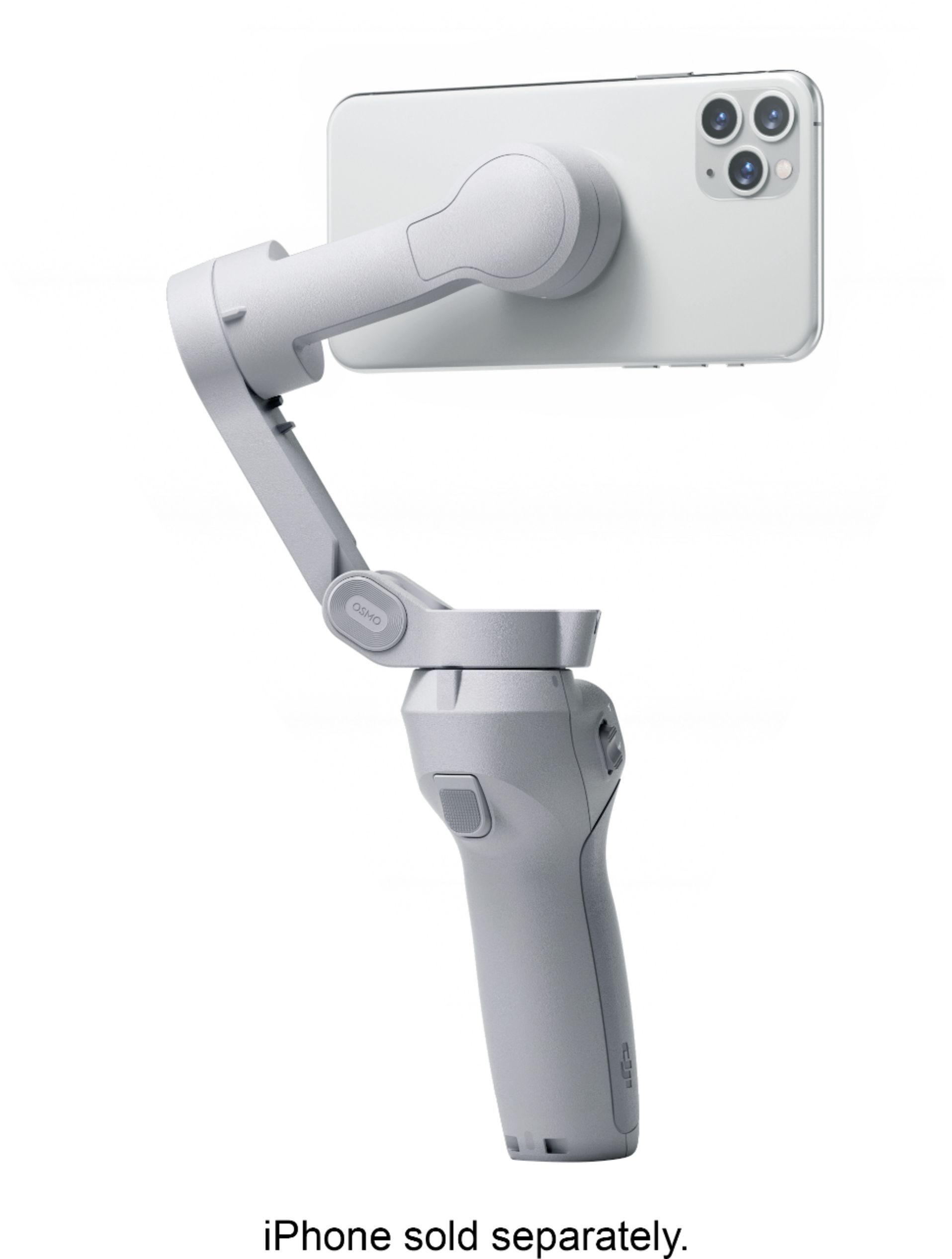
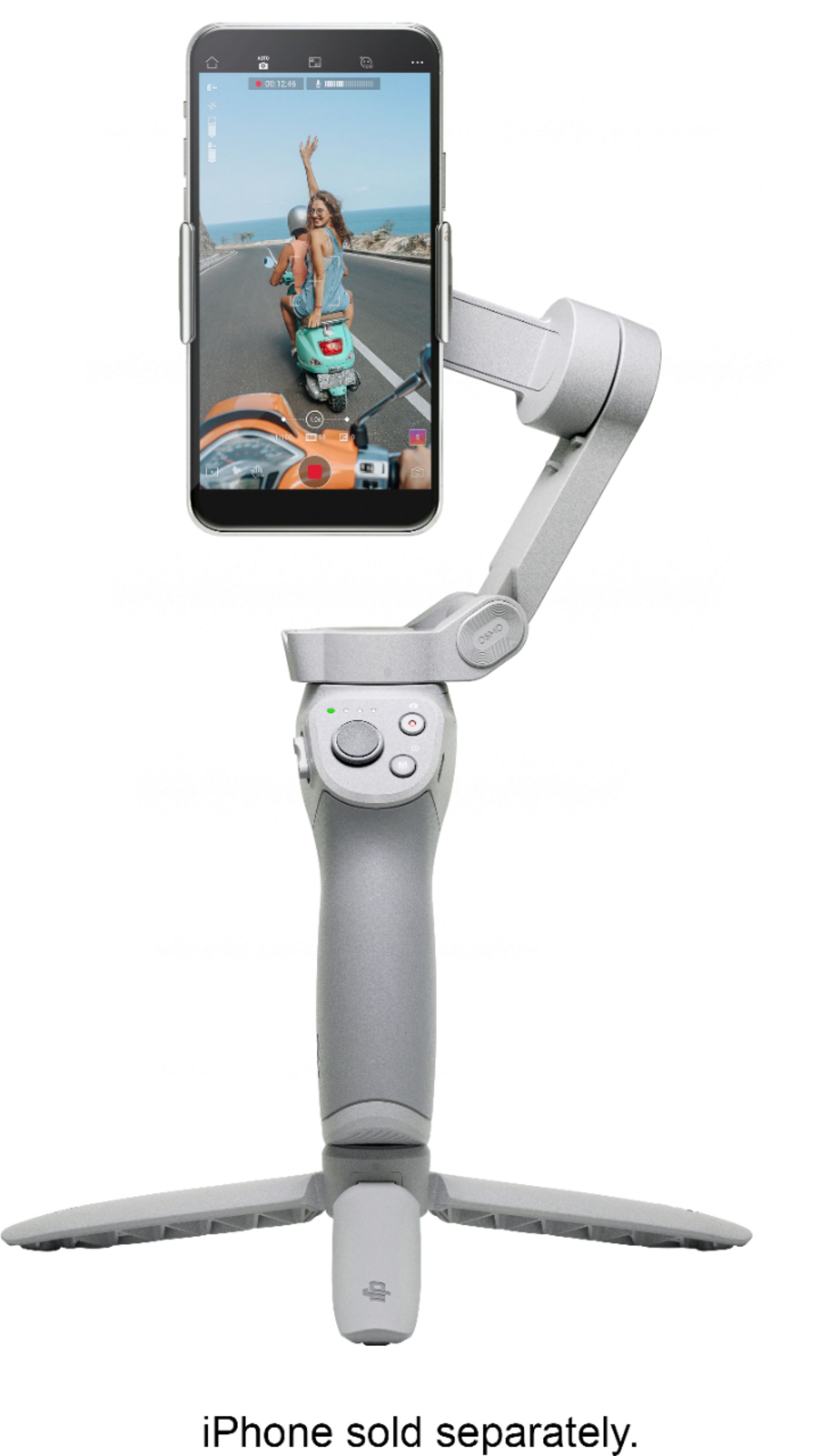
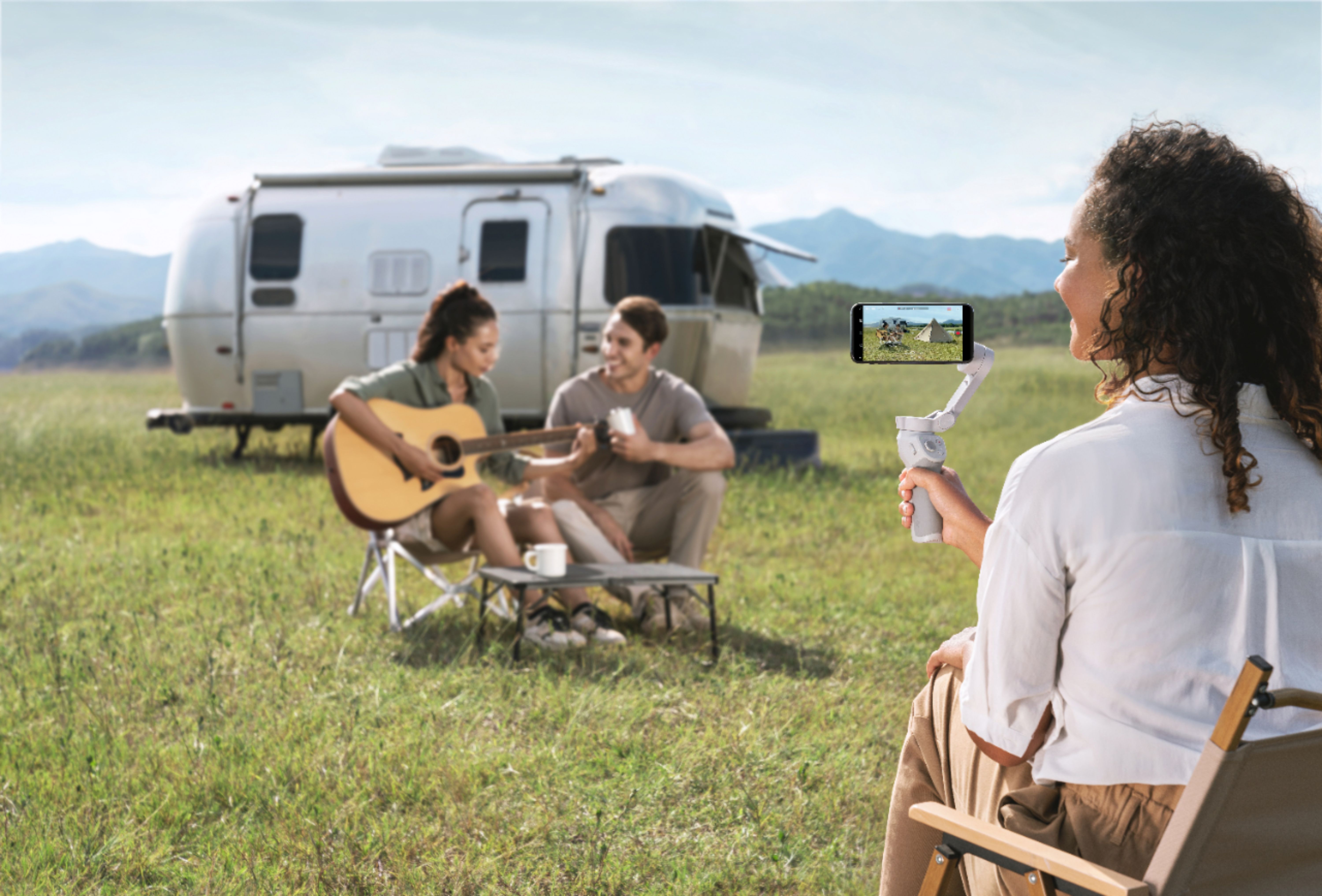



- Model:
- CP.OS.00000108.01
- SKU:
- 6420407
Rating by feature
- Value
Rating 4.5 out of 5 stars
- Quality
Rating 4.7 out of 5 stars
- Ease of Use
Rating 4.4 out of 5 stars
Customers are saying
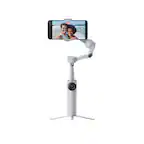
Customers are delighted by the OM 4's ease of use, excellent video quality, and impressive stability. Many also praise its compact size and the abundance of features, while some users found the phone clamp needed improvement. Positive feedback frequently highlighted the software and tracking capabilities. The price point also received considerable acclaim.
This summary was generated by AI based on customer reviews.
- Pros mentioned:Ease of use
Compact powerhouse
||Posted . Owned for 1 month when reviewed.This reviewer received promo considerations or sweepstakes entry for writing a review.This is a great product for anyone using their phone as a video device. The DJI companion app is very easy to use and you can create content very quickly and easily. The device is small and folds compact which is a marked improvement over the previous versions. I have owned the Osmo mobile and the 3 and now this. And I am very pleased with the improvements. Why it doesn’t get 5 stars is due to the range of motion. I have used other similar gimbals that have full 360 degree articulation and near 360 degrees in rotation. So I hope DJI will remedy this but this has been an issue for me since the original version so I am not hopeful it will change. Hands down the best software of any others I have used.
I would recommend this to a friend - Pros mentioned:Ease of use
Works wonderfully!
||Posted . Owned for more than 2 years when reviewed.This reviewer received promo considerations or sweepstakes entry for writing a review.Amazing, so fun to use! Easy to figure out, and people are always so impressed
I would recommend this to a friend - Pros mentioned:Ease of use
Nice & sleek smartphone gimbal but not perfect!
||Posted . Owned for less than 1 week when reviewed.This reviewer received promo considerations or sweepstakes entry for writing a review.This is a nice smartphone gimbal. I like the fact that I can easily attach and detach my iphone to and from the DJI gimbal base magnet. The magnet is pretty strong and my iphone 12 pro max attached to the gimbal without any problem and without having to worry about if it balances or not. I have only used this gimbal one time and I have to admit, it has a lot of features that I have not yet learned. That is probably the downside, it has many complicated features that is hard to remember how to use unless you use it all the time. Another problem that I have encountered using the DJI gimbal was that my new iphone pro 12 max does not have semi round edges like the manetic clamp that holds the phone. As a result, when I put the magnetic clamp around my phone that has straight edges, it is not a perfect fit. Maybe DJI will make a new clamp that will perfectly fit to the new iphone 12 pro phones in the near future. Because of these cons, I am giving it a 4 star.
No, I would not recommend this to a friend - Pros mentioned:Ease of use
Great gimbal, clip could be better.
||Posted . Owned for 1 month when reviewed.This reviewer received promo considerations or sweepstakes entry for writing a review.I'm at novice level. I literally bought this to use it for my new hobby of video-making. the mechanics and ease of use are great and it's everything that you expect as seem from the expert users on YouTube. Buyer BEWARE though: The clip for the phone, is designed to hold your phone naked, so it's annoying to have to remove your phone case every time you use the gimbal. According to the DJI website, your phone can't be more than 10mm thick, so I bough a Tech21 phone case that's 10mm thick and it just barely grips it. So if you can deal with that, it's a great buy.
I would recommend this to a friend - Pros mentioned:Ease of use, Stability, Video quality

Solid Gimbal Stabilizer
|Posted .This reviewer received promo considerations or sweepstakes entry for writing a review.The cameras on modern phones are getting better all the time. With the ability to shoot 4K video and grab amazing stills, I rarely grab other cameras when I travel or record video. The cell phone is just too convenient. But, even with these great cell phone cameras, I still have blurred photos and everyone hates jerky cell phone video. The DJI OM 4 is amazing. Over the last few weeks, I have put the gimbal through multiple tests and I am amazed by how my videos and pictures have come out. For instance, I took the DJI OM 4 down a mountain road the other day. Without the stabilizer, the video is a jarring mess. With the stabilizer, the focus and the center of the shot stayed the same. The vehicle was clearly moving and jostling around, but the OM 4 didn't flinch. Setting up the DJI OM 4 is relatively simple. You can either adhere a mount to the back of the phone, or use the magnetic phone clamp that expands and snaps onto your phone. I preferred the latter. I can't imagine a lot of people willingly adhering the mount to the back of the phone for a couple of reasons: 1) the mount makes it impossible to put your phone in a case 2) the adhered mount would likely interfere with wireless charging. I guess you could always find a hard case and adhere the mount to the case itself. That way you would only have to swap cases for a perfectly balanced mount. The problem with using the magnetic phone clamp is that it can be difficult getting the phone properly centered. And even when I thought I had it centered, I still had to go into the DJI Mimo app and run a calibration to make sure the phone was properly leveled. Speaking of the Mimo App, it was all relatively easy to use and set up. The various camera and video modes are easy to select and use. The stitching for panoramic photos is great. The time lapse and Dyna-Zoom were very effective. There is a USB-A and a USB-C port built in to the handle. You can charge the gimble via USB-C. The USB-A port provides a way to charge your phone while you are filming and taking pictures. If I have any nitpick, tracking could be a bit slow if you are dealing with a moving subject. For the most part, the tracking software did a good job tracking subjects like people and dogs. I had one individual pretend to be bigfoot as he crossed the road and the gimbal never lost him. But, small objects like a drone or dogs that want to get close and move fast, those objects were a little bit harder to keep in frame and the OM 4 struggled a bit to keep up with those subjects assuming the app would recognize those subjects at all. The app recognizes gestures. With certain hand signs, you can trigger a countdown for photos or record video. I did notice that the gesture control worked better indoors. Outside, the software seemed to have problems picking the gestures up. But those are nitpicks. Most of those nitpicks could probably be patched out later. This device is incredible. For vloggers, the OM 4 on a tripod does a great job following subject. The photos and videos will come out looking great without motion blur. This is a great device. DJI out did themselves and I can't recommend it enough.
I would recommend this to a friend MY TRIP TO THE ZOO!
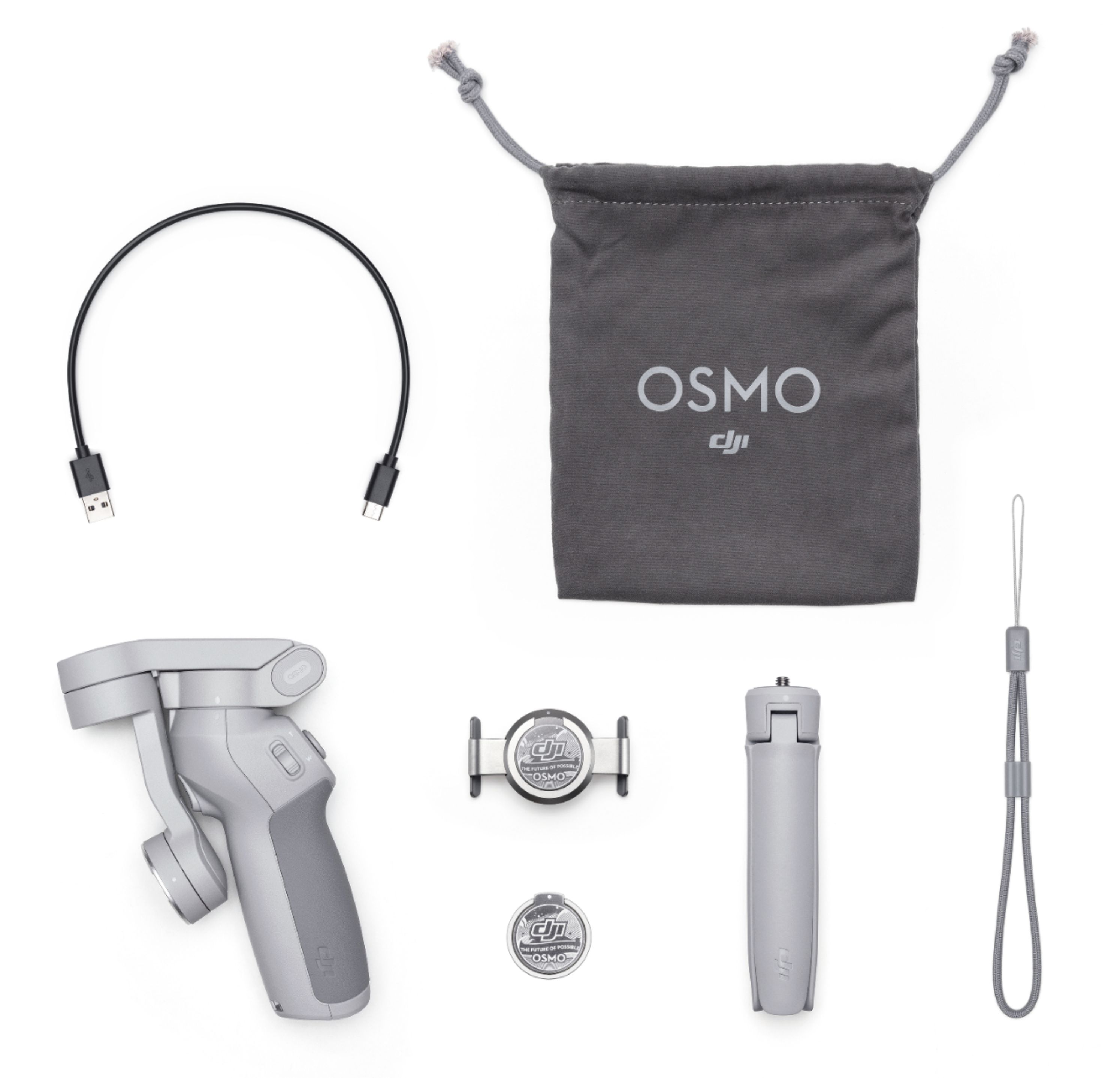
||Posted . Owned for less than 1 week when reviewed.This reviewer received promo considerations or sweepstakes entry for writing a review.I was undoubtedly not wanting to purchase this and go with the later model Dji Osmo 3 because I chatted with a Best Buy live agent and they told me that a reviewer had the same phone I had a Samsung Note 20 and that it didn't! And they said to buy the Later model! But I kept browsing on youtube and Loved the reviews on this model! So I said I'll just go ahead and purchase it! It was my birthday gift for myself plus I was going to Brookfield Zoo so i needed something for photos! As soon as I bought it and my mom and I drive to the Zoo! I got so many compliments and questions on what the device was I was using! Actavation was easy! The buttons are smooth and as soon as you clip your phone its nice and tight! Now the only issue is when you turn off the device and have to turn it back on you got to make sure your phone is connected still in the dji app and the settings is on so it can be controlled again and not vibrate and swing your phone as connected to the device back and forth! So remain in it until your sure your done taking photos and videos then disconnect from the app or log out then properly turn off the device before removing the clasp and phone! Im still learming had to use it properly and more helpful guides! Everything comes with it the grip, usb charging wire, gray bag etc. The animals were alert and loved my device and looked at me while posing!!
I would recommend this to a friend- Pros mentioned:Battery life
Awesome
||Posted . Owned for 3 weeks when reviewed.This reviewer received promo considerations or sweepstakes entry for writing a review.Fantastic, works and looks better than version 3, larger battery life, smaller than V3
I would recommend this to a friend - Pros mentioned:Video quality
Robotic arm of my dreams
||Posted . Owned for 3 weeks when reviewed.This reviewer received promo considerations or sweepstakes entry for writing a review.Definitely worth the money if you value smooth videos and pictures. Add the smooth user interface with iOS devices and you have a great value. This was my first dip into the DJI product line and I will be a return customer in the near future.
I would recommend this to a friend - Pros mentioned:Ease of use
Gimbal
||Posted . Owned for 3 weeks when reviewed.This reviewer received promo considerations or sweepstakes entry for writing a review.Love my new DJI 0M4 smart phone stabilizer aka Gimbal. I feel like I have my own personal photographer / videographer with me all the time! Aloha, Rippashredda
I would recommend this to a friend Great Gimbal for my phone!
||Posted . Owned for 3 weeks when reviewed.This reviewer received promo considerations or sweepstakes entry for writing a review.I love this gimbal for my phone. I am using it with the Samsung S21 Ultra which has great video and photo capability and this gimbal takes it to the next level. It is great for image stabilization and I've even used it out on my kayak with great results. I love that it comes with a tripod too. Very helpful. Some of the built in templates are nice too with an option to do custom creations/stories. I do wish it would attach to my phone with a case on it.
I would recommend this to a friend- Pros mentioned:Stability
Super
||Posted . Owned for 1 year when reviewed.This reviewer received promo considerations or sweepstakes entry for writing a review.super stabilizer I recommend it is just convenient and the picture is stable like in a movie!
I would recommend this to a friend - Pros mentioned:Ease of use
DJI OM 4
||Posted . Owned for 1 month when reviewed.This reviewer received promo considerations or sweepstakes entry for writing a review.5 stars for this! Easy to work & easy to carry around. Very sturdy & durable as well. Quality is great!
I would recommend this to a friend - Pros mentioned:Ease of use
Awesome great tool ....
||Posted . Owned for 1 week when reviewed.This reviewer received promo considerations or sweepstakes entry for writing a review.This has been a awesome addition to my mobile filming/photography setup, real quick and easy to whip out
I would recommend this to a friend - Pros mentioned:Video quality
Loving it
||Posted . Owned for 3 weeks when reviewed.This reviewer received promo considerations or sweepstakes entry for writing a review.Love it Video is very smooth and picture quality is also clear
I would recommend this to a friend - Pros mentioned:Ease of use
LOVE IT
||Posted . Owned for 3 weeks when reviewed.This reviewer received promo considerations or sweepstakes entry for writing a review.LOVE IT IT TAKE GREAT PHOTO VERY FUN EASY TO USE I LOVE BEST BUY
I would recommend this to a friend Best with iPhone 12Pro Max
||Posted . Owned for 3 months when reviewed.This reviewer received promo considerations or sweepstakes entry for writing a review.I have purchased other gimbals but love this the best. I feel using this with my iPhone 12 Pro Max is the ticket. SUPERONE Compatible with iPhone 12 Mag Safe P-Socket Base Removable and Wireless Charging Compatible . Must have to easily remove phone from this gimbal.
I would recommend this to a friendVery good option if you are an iphone user
||Posted . Owned for less than 1 week when reviewed.This reviewer received promo considerations or sweepstakes entry for writing a review.This gimbal is very good..very nice. But the main problem is if you are an iphone user so, this one is very good option but if you're an Android users so, you will miss lot of features in the mimo app. Plus point for an iphone user and Minus point for an Android users
I would recommend this to a friendBeyond my expectations
||Posted . Owned for 1 month when reviewed.This reviewer received promo considerations or sweepstakes entry for writing a review.The Osmo OM4 from DJI is everything I expected and more. It enables true Steadicam-like silky smooth footage in a hand held form factor. Cinematic footage has never been easier. Wake up your inner film maker today!
I would recommend this to a friend- Pros mentioned:Stability
A nice smartphone stabilizer with lots of features
|Posted .This reviewer received promo considerations or sweepstakes entry for writing a review.A few years ago I was introduced to my first camera gimbal. At the time, I didn’t have a strong use for them, but as I grew into my photography, I found more and more uses for a stabilizer. Since I’ve tried to make stabilizers part of my standard camera equipment - or at least have one available - I’ve done a lot of research and tests with different types of gimbals and have finally landed on the DJI OM4. The box is a nicely branded DJI package. If I saw this on a retail shelf, I would immediately recognize it as a DJI product. The front of the box clearly identifies the OM4 and there is a nice photo of the product in use. The bottom of the box outlines the serial number, UPC, EAN, and DJI Care. The back of the box reads “Create Magnetic Moments” - a nod to the newest feature of the magnetic quick mount. Also shown on the back of the box are the logos for Google Play and the Apple App Store indicating that the DJI Mimo app is available for both operating systems. When you open the box, you will notice a simple illustrated guide for gimbal operation. The first step is to attach the magnetic quick mount to your phone and then connect that to the magnet on the OM4. Finally, you are instructed to unlock the gimbal arm and power it on. There are several items included in the box with the OM4 — a quick start guide, a magnetic ring user guide, DJI disclaimer and safety guidelines, a USB-C charging cable, the magnetic ring that users can attach to the back of their phone instead of attaching the magnetic quick mount, a riser pad for smaller phones, a packet of various adhesive options, an alignment guide for the magnetic ring, a storage pouch for the gimbal, and the stabilizer itself. The OM4 is resting just inside the box and you can immediately use it. I pulled it out of the box and started playing around with it just to see how well its basic operation/stabilization worked without the advanced controls in the app. I was very impressed with how smooth its movements are. Even without the app, you can switch from portrait to landscape mode using the MODE button on the OM4 controls. The gimbal will still balance the phone and work as a basic stabilizer and be able to control the direction of the stabilizer arm with the handle’s joystick. You will not have access to control your phone though, or be able to use modes like ActiveTrack or DynamicZoom without the app. The app seems to work extraordinarily well alongside the gimbal. I didn’t have any connection problems between the device and the app at all and after the initial set-up, my phone was immediately recognized when the OM4 was turned on. To test out the remote features, I followed my dog around for a little while. The DynamicZoom feature worked really well although users should be aware that it’s not a smooth zoom; it’s incremental because it’s a digital zoom function. The ActiveTrack didn’t work quite as well as I had hoped either. The app allows users to draw a box around an object they want to follow and the gimbal tracks it and keeps the camera on the phone balanced as that object moves. This works well as long as the object you’re following doesn’t leave that box. As I said, I was following my dog around and when he walked out of the room, the ActiveTrack box turned red and I had to remap the dog when I turned the corner and he was in view again. I sort of expected that to happen when he walked completely out of range, but it also happened when he was still in frame. I found that ActiveTrack works best when you can actively follow your subject so that it doesn’t leave the ActiveTrack frame. One of the first things I noticed about the OM4 was its weight. I’ve worked with several styles of stabilizers that are made out of very heavy materials. The OM4 feels solid, but also does not feel weighed down. I looked at another brand’s stabilizer for smart phones and it weighed more than 3 times as the OM4. To me, I want something that’s lighter - making it more portable - for use with smartphones. And since this is the OM4’s primary application, I love that DJI eliminated excess weight from the device. One of the newest features of the OM4 is the magnetic clip. This makes attaching and removing a smartphone from the OM4 super easy. The only downside to it is that the quick mount is designed for use with phones that are not in a case. If you have a small enough case, you might be able to get the phone to stay put. I had some issues with this because I have a leather case on one of my phones and it kept popping off the mount. DJI also includes a magnetic ring that is similar to a pop-socket. You can attach this to the bare back of a phone and use it to mount to the OM4 instead of using the quick mount. The downside to this option is that you won’t be able to use a wireless charger with the magnet mounted to the back of your phone. So, while both of these mounts make it easy to connect with the OM4, neither is 100% practical with standard use of a smartphone. I’ve seen other reviews state the OM4 doesn’t live up to their expectations. I have to say that I’ve been quite impressed with it. While there is still room for improvement, I’m happy with its operation, design, accessories, and overall value it adds to my video projects. Even though this is my first DJI gimbal, I’ve used other brands before and feel that the OM4 is a nice upgrade from previous models I’ve used.
I would recommend this to a friend Fantastic device
||Posted . Owned for 3 weeks when reviewed.This reviewer received promo considerations or sweepstakes entry for writing a review.Fantastic device. I use it all the time. More than I thought I would.
No, I would not recommend this to a friend