Customer Ratings & Reviews
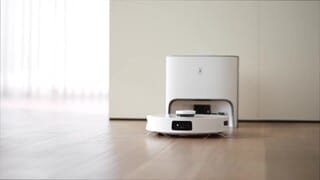
- Model:
- OZMOT10+
- SKU:
- 6497861
Rating by feature
- Value
Rating 4.1 out of 5 stars
- Quality
Rating 4.3 out of 5 stars
- Ease of Use
Rating 4.3 out of 5 stars
Customers are saying
Customers recognize the DEEBOT T10+ Robot Vacuum & Mop's excellent mopping and mapping capabilities, praising its ease of use and auto-empty feature. Many appreciate the quiet operation and long battery life, while some users experienced challenges with object recognition. Although some find the price point high, the overall performance and helpful features are frequently highlighted in positive reviews.
This summary was generated by AI based on customer reviews.
- Pros mentioned:Mapping
Great household helper, vacuum and mop
||Posted . Owned for 1 week when reviewed.This reviewer received promo considerations or sweepstakes entry for writing a review.If you can't afford over 1k worth of robovac hybrid, this is by far the best Ecovacs purchase I've done. Got it when it went on sale from original price at $999 to $699. I mop my home once a week and this baby is an awesome help. Though it doesn't do any self cleaning mop pads nor drain dirty water and replenish new one. For the much affordable price it does a great job. Mapping is a breeze, vacuum power is enough for my needs. Does self empty dirt. 3D mapping is pretty cool although i rarely use it. It's there if you want to use it. Quiet, surprisingly quiet even at max power. The mopping features is what i like as i does the scrubbing back and fort and actually cleans well. I did purchase extra reusable pads and cleaning solution awww which I'm very excited to use soon, cleaning solution. By far, I'm loving it and like a said, great household helper. Was going for the Omni X1 but can't afford it. I'm very happy with this purchase. Awesome job ecovacs and thank Bestbuy for selling it and having it available for pickup same day.
I would recommend this to a friendBrand response from Ecovacs Support Team
Posted .Hi,
Thank you for the good review and we are sure this feedback will greatly help us with the improvements on our products and services. Should you need any assistance please reach out to our Customer Service Support Center and we’ll be happy to help out with any questions you may have. Thanks again for choosing Ecovacs product.
Best,
Ecovacs Customer Care
Best,
- Pros mentioned:Mopping
Self-Clean
||Posted . Owned for 7 months when reviewed.This reviewer received promo considerations or sweepstakes entry for writing a review.I love that it vacuums so well.I am not thrilled about the mopping feature, I think it can be better. I have 2 dogs(that shed slot) and it sucks up all the dirt and hair. I like how it has a camera so I can keep an eye on the dogs and where the vacuum is going. Considering it has a medium size tank,I thought it would have more space for the bags or an extra water tank for when it mops,but no,it's just half size and has like a small storage for extra bags,not even,it's kinda of small.But it does self clean the dirt out of the machine and into the bag,so that's a plus.
I would recommend this to a friendBrand response from Ecovacs Support Team
Posted .Hi,
Regret to hear that the robot has been running into some trouble. Please reach out to our Customer Service Support Center and we’ll be happy to help diagnose and troubleshoot the issue.
Best,
Ecovacs Customer Care
- Pros mentioned:Vacuum
Decent Vacuum
||Posted . Owned for 2 weeks when reviewed.This reviewer received promo considerations or sweepstakes entry for writing a review.This vaccum gets the surface of carpet which is okay but for someone that has animals a regulat vacuum will be needed every once in a while. The vacuum definitely helps with hard wood and tile. Havent had to sweep sonce i bought it. The mopping is terrible tho. I just kep this because the pa suction is supposed to be pretty decent compare to other robot vacuums for this price.
I would recommend this to a friend - Pros mentioned:Ease of use
Great buy!
||Posted . Owned for 1 month when reviewed.This reviewer received promo considerations or sweepstakes entry for writing a review.Very easy set up and works well. It was a gift and I was happily surprised when I realized it has a camera on it. I can watch my dog’s reaction as it cleans.
I would recommend this to a friend - Pros mentioned:Mopping
Good but the Omni versions worth the upgrade costs
||Posted . Owned for 1 week when reviewed.This reviewer received promo considerations or sweepstakes entry for writing a review.We own two deebots. This 10+ and the Omni version. This one works great for vacuuming and cleans well, haven’t used the moping option yet since you have to add an attachment, then it limits it from cleaning carpet. The Omni is much easier to use as you fill the large cleaning tank and empty the waste tank. This 10+ version is good but just takes more effort to swap the mop parts to matching.
I would recommend this to a friend Ecovacs Robotics Deebot T10+
||Posted . Owned for 1 month when reviewed.This reviewer received promo considerations or sweepstakes entry for writing a review.I have been looking for a reliable and easy-use vacuum-mop robot for the house. Went through thousands of reviews, different brands and feature comparisons, and prices from $150 to a couple of thousand $$$. Eventually have found the Deebot T10+. The initial setup took approximately 10 minutes - Wi-Fi connection and first software update. Auto mapping was even faster without my interruption (this is my first vacuum robot so I thought I should guide him through my house). Created the schedule 3 times a week, 9 am. So far (already a month) - no complaints. The only thing which is bugging me personally and maybe for somebody else this is not a biggie is that any time you want the robot to mop the floor, the main cartridge needs to be replaced accordingly. Also, when mopping, the robot isn't going over the carpet. That's why I'm giving 4 out of 5 stars. Apart from that - very recommended.
I would recommend this to a friend- Pros mentioned:Mapping
Clean floors 24/7
||Posted . Owned for 1 month when reviewed.This reviewer received promo considerations or sweepstakes entry for writing a review.Purchased for the wife for a Xmas present. Decided on this on specially based on the reviews. Spend the extra money it’s worth it. Wife absolutely loves it. This thing is cool. Maps the whole house and does it’s thing flawlessly without banging into or damaging anything. Extremely happy with this purchase
I would recommend this to a friendBrand response from Ecovacs Support Team
Posted .Hi,
Thank you for the good review and we are sure this feedback will greatly help us with the improvements on our products and services. Should you need any assistance please reach out to our Customer Service Support Center and we’ll be happy to help out with any questions you may have. Thanks again for choosing Ecovacs product.
Best,
Ecovacs Customer Care
- Pros mentioned:Mopping
Better than Roomba/Braava
||Posted . Owned for 1 week when reviewed.This reviewer received promo considerations or sweepstakes entry for writing a review.I like that this is 2 in 1. The vacuum do the same fucntion as roomba though this is little more quiet. The mop function is also better tham braava. This can climb my floor thresholds easier than braava. I have this beacuse my braava jet mopper had wheel issue. Getting a full credit. Definitely a better upgrade
I would recommend this to a friend Meh..if you have grout, I wouldn’t recommend.
||Posted . Owned for 1 month when reviewed.This reviewer received promo considerations or sweepstakes entry for writing a review.So I bought this January 15,2024 and I’m not impressed. I bought it on sale so I’m glad I’m not this disappointed for the full marked price but for something this expensive I really would’ve thought it would’ve been more technologically advanced to map/read the room. I might be returning it since it’s not working for me anymore because my dog peed on it. But for someone who also has FLAT floors I think it would work. It says it can work on tile but with the grout that I have it can slip and the mopping pads don’t hold a lot. There’s a lot of prep for me when I have to run it. Also you can’t have a rug down while you turn it on as it will just get stuck. I was impressed for the first week or two I’d say but after that I realized I should’ve just bought one with more pressure for vacuuming and mop myself like normal. :( In summary, if you have flat floors I’d recommend and itd be worth it (at the sale price I bought it for) . If you have grout, I wouldn’t recommend :( coolest part about this machine it’s the remote control video manager. You can check on your dog while you’re not home too.
I would recommend this to a friend- Pros mentioned:Mapping, Mopping

Great Navigation, Cleaning and Features
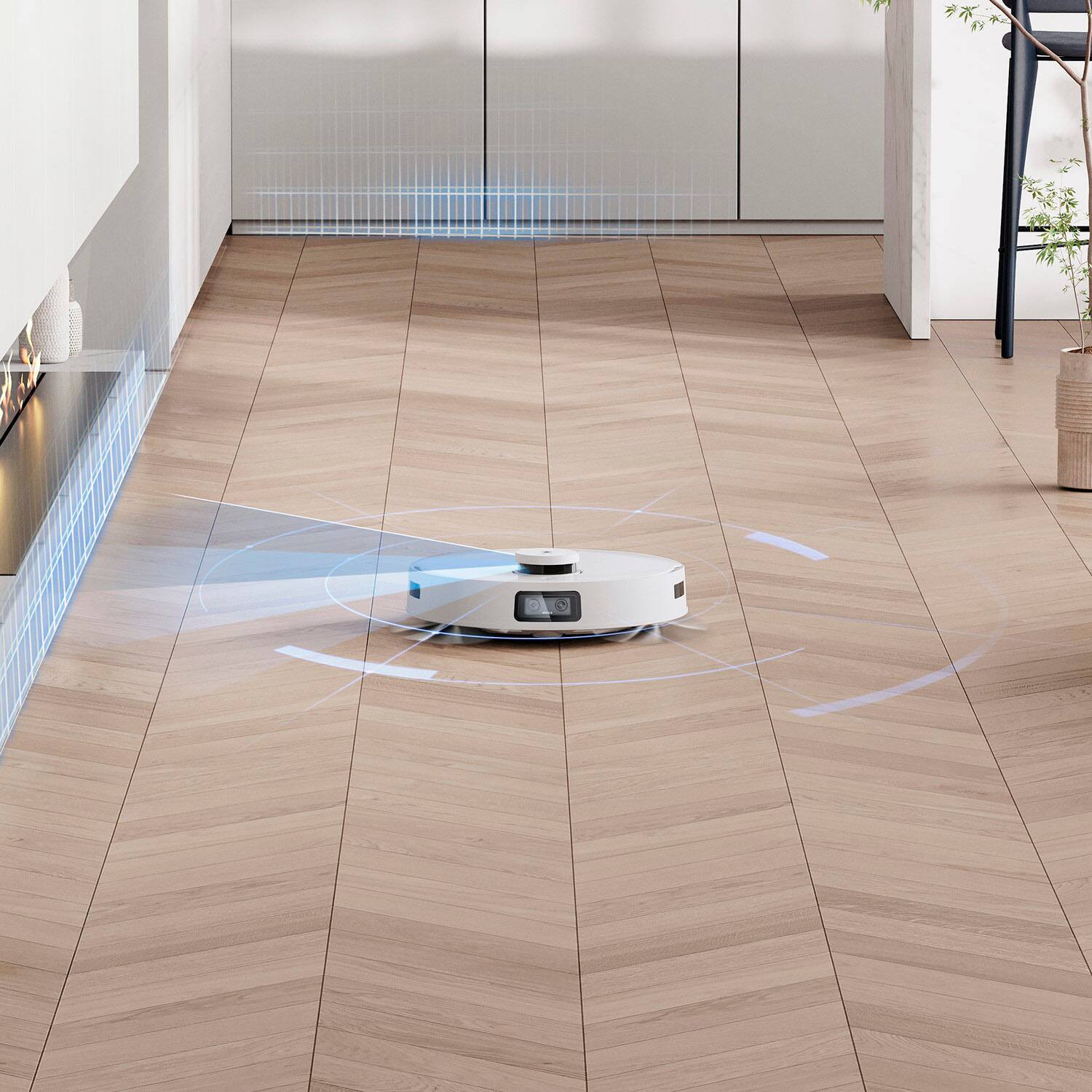
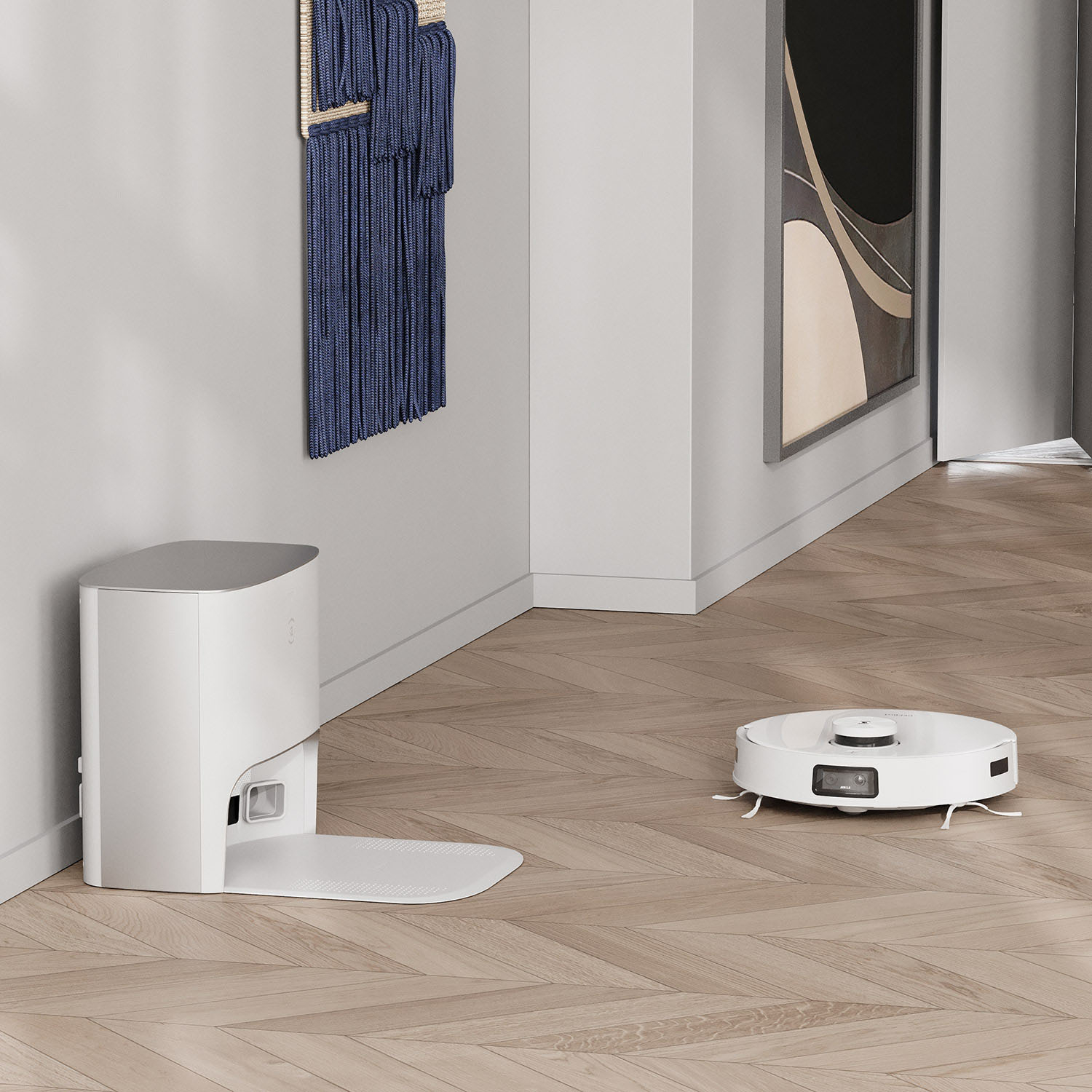
|Posted .This reviewer received promo considerations or sweepstakes entry for writing a review.TLDR: (that’s Too Long, Didn’t Read) Amazing navigation and mapping. Can vacuum and mop at the same time, but mopping setup per session is a tad awkward. App is comprehensive but a bit cumbersome. Pros: * Quick and accurate mapping. * The in-app map shows you “live” where it as during a run! * Self-emptying dust bin works great. * Can vacuum and mop at the same time. * Comprehensive app with a ton of useful features. * Can show and record live video while navigating. * Very quiet during normal vacuuming. * Large auto-empty dustbin. Cons: * A bit cumbersome to set it up for mopping. * Some useful features in the app are buried. * Mopping is water-only; no cleaning solution. * Somewhat small vacuum opening in the middle of the bot. * Missing a few useful features in the app like naming areas that aren’t full rooms. Details - Setup: After unboxing, the hardware setup was relatively straightforward. Plug in the power cord and place the charging base station where you want it. Snap the dual side brushes to the bottom of the bot, insert the “blank” air freshener piece in the back of the bot, turn on the power switch located under the top cover, and put in on the charger. The app easily walks you through getting the bot on your WiFi and connected to the app, and then checks and installs any available firmware updates. Everything worked well and quickly and my Deebot was online and charging in no time! After it was done charging, it was time to let it map my house so it can know where it is while working. This process took about 15 minutes and ended with a rather impressive map of my home’s rooms. It even guessed at the room types by what the camera saw in the room. For example, it properly guessed the two bathrooms! As with most robovac mapping systems, you can refine the map to move walls or join spaces if necessary. The auto-generated map was really good and I only needed to fix a few small areas. There’s even a cool 3D mode that lets you put virtual furniture in the room to make it look more realistic. There are not a ton of furniture options, but overall, it worked well enough. One thing I missed from my other robot’s mapping systems was the ability to name areas within a room. For example, my home is all terrazzo (polished concrete) but we do have a few area rugs. The mapping system figured out where the rugs were and even marked them properly, but I unlike the other robot’s app, I cannot name the rugs for targeted cleaning. For that, you have to manually (each cleaning session) draw a rectangle around the area you want to clean. I would rather just name the rug and ask to clean the rug by name. Setup of the mopping module is easy but you have to be a tad careful. It comes with a reusable mopping pad that slides into a groove for placement and then Velcro’s to the bottom of the unit. Fill the tank with clean water but be careful to not get the electrical contacts wet. That’s it. Once you get the base and vacuum set up, and let it map your space, you’re good to go with the basics. Details - Typical Usage: Vacuum-only sessions are really easy to do. You can tap the button on top of the vacuum to start a “clean everywhere” session, or use the app and select the Auto Clean option. It uses the map it created to methodically vacuum everywhere. When set to “normal” suction, it’s quite quiet. It worked well, but I think my prior high-end auto-emptying vacbot was a better vacuum in that the suction was stronger, the opening was wider and more toward the front of the bot, whereas with this Deebot, the opening is kinda in the middle of the round robot so it doesn’t quite get into the corners as well. Overall, though, it still works great. You can set up the order it cleans the rooms in your home when in Auto mode which is really nice. You can also set up schedules and there’s a nice “Do not Disturb” that prevents automatic cleaning and turns off the cameras and microphones, but this option is buried in the app and not easy to find. My one complaint is setup for a mopping session. The mopping accessory attaches to the back of the robot and it is recommended to remove it when the job is done so you can remove and clean the mopping pad, and empty the water tank. Since the robot backs into the charging station, you basically have to pull the robot out of the charging dock, swap the “blank” (air freshener) module with the mopping module, then push the robot back into the charging station before you start a mopping session. Then, when the session is done and the robot docks itself and empties the dustbin, you have to reverse the procedure to pull the robot back out, remove the mopping module, etc.. That said, the mopping works better than I expected and it’s really cool that it vacuums and mops in a single pass. It’s also smart enough to skip areas that are marked as carpets automatically when mopping. I will say that I was disappointed that it did not have a converse program to vacuum only the carpets after it complete the mopping session where it skipped the carpets, but that could come with a later software update. One of my favorite features is that you can watch the map “live” while its cleaning/mopping and the map actually shows not only where the robot is in real time, but also shows where it’s cleaned in that session. There is also a part of the app that you can use the robot as a security camera. You can mark areas on the map that it should go to and spin to record video. There’s a lot more functionality, too. Details - Typical Maintenance & Battery Life My home is about 1800 sq feet split on two “levels”, so the robot does about 1000 square feet in a session, and then I put him down in the other level for the rest. So far, I have not seen the battery level go below 75%, so battery life, even when mopping, is phenomenal. Typical maintenance is easy. Removal of the robot’s dust bin is straightforward but requires a bit of effort. Since you really only need to do this periodically to clean the filter, it’s no big deal. The bag in the auto-empty charging base is huge and should last quite a while unless you have multiple shedding pets ;-). The only part of the system that requires frequent cumbersome maintenance is the mopping module. Aside from the whole removal/reattachment mentioned above, the reusable mopping pad is hand-wash only and has a flexible plastic stick in one end to guide it onto the mopping accessory for mounting. You have to hand-wash that pad and be careful not to bend the plastic stick. Then air dry the pad. It’s not worth putting it back on when it’s dry because they recommend that you wet the pad before each use, so you’d have to take it back off before mopping again anyway. The water tank is easy enough to fill. It’s not clearly stated anywhere but they recommend water only; no cleaning solution. It still works well, but I miss having a fresh scent after mopping. Conclusion: I’ve been a long-time owner of robot vacuums and also have a robot mop. They are really good but are no longer the only robovac’s worth checking out. This Deebot was about the same price as the my other high-end auto-emptying robovac, but offers some really useful features like mopping and video. Plus, I really like the live map that shows exactly where the robot is and where it has been while it’s still working. Sure, there are a few rough edges; namely the need to install and remove the mopping module before and after each session, but overall, this a great cleaning helper that offers competitive advantages at a reasonable price.
I would recommend this to a friend Better than older models
||Posted . Owned for 1 month when reviewed.This reviewer received promo considerations or sweepstakes entry for writing a review.Upgraded from the T8 plus and let me just say this thing is awesome. My Weimaraner sheds quite a bit twice and and this thing keeps the floors clean. I love that it actually empties his hair and doesn’t get clogged like T8 did.
I would recommend this to a friend- Pros mentioned:Auto empty, Mapping, Mopping
Above and Beyond Robot Vacuum
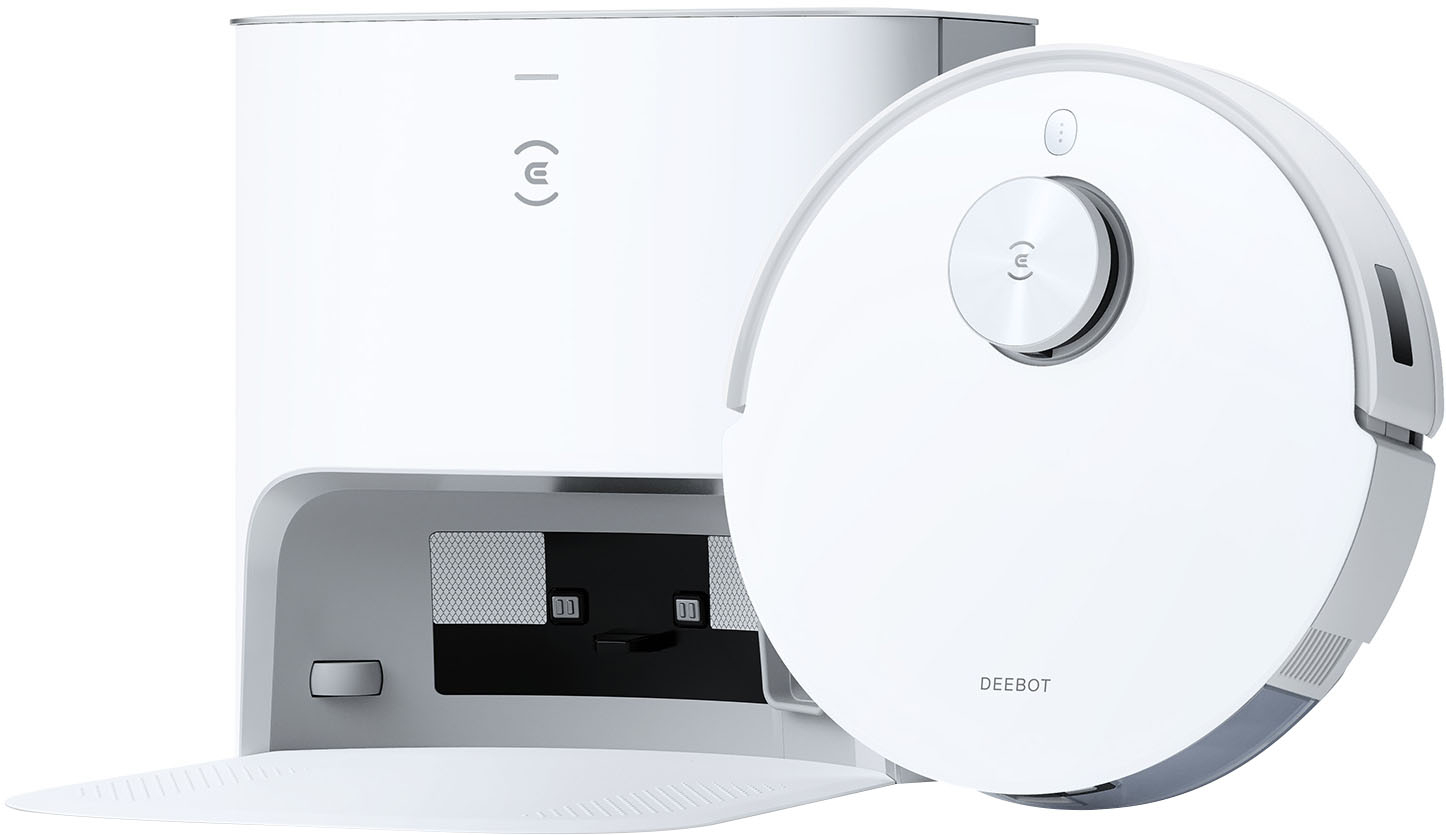
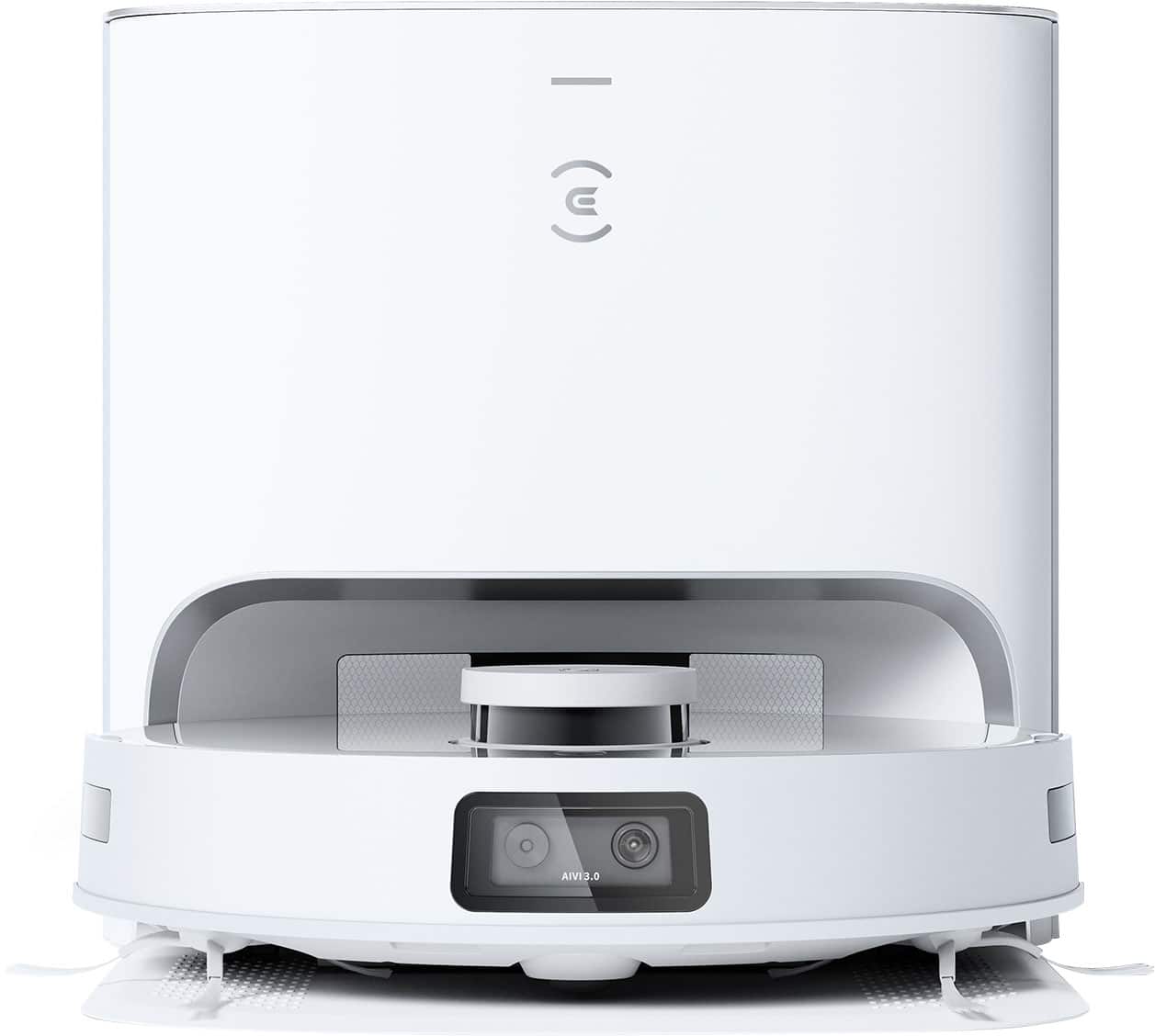
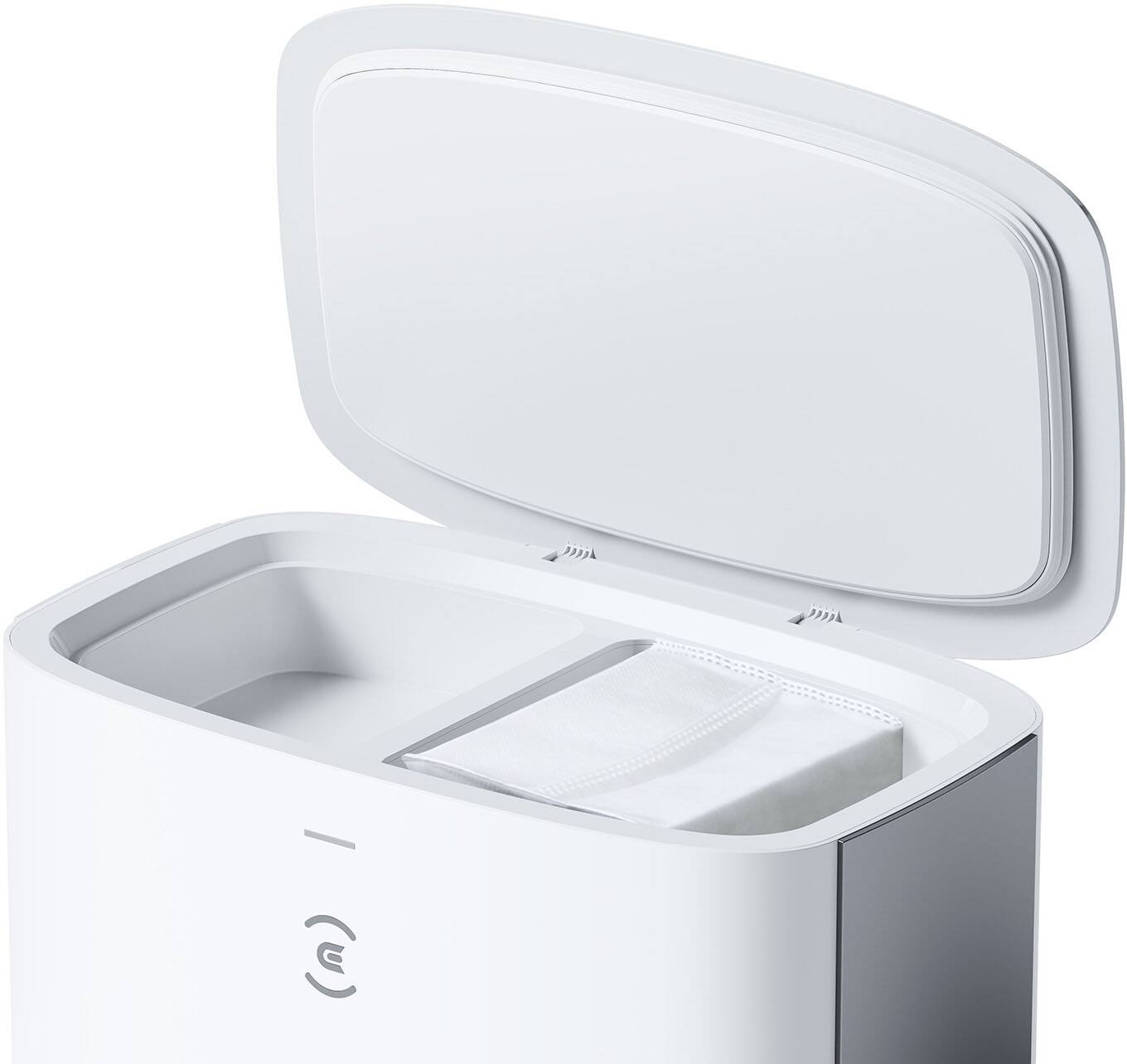
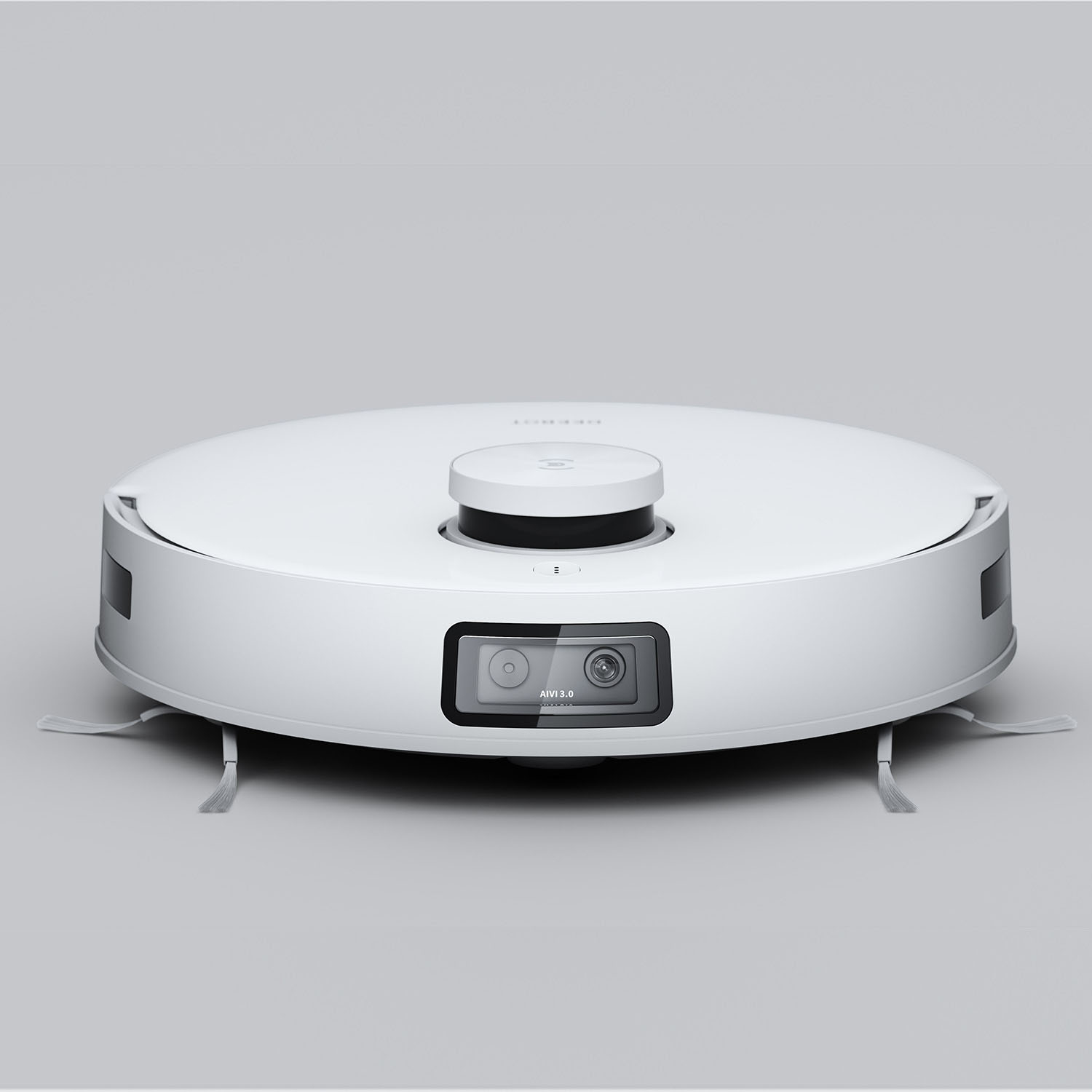
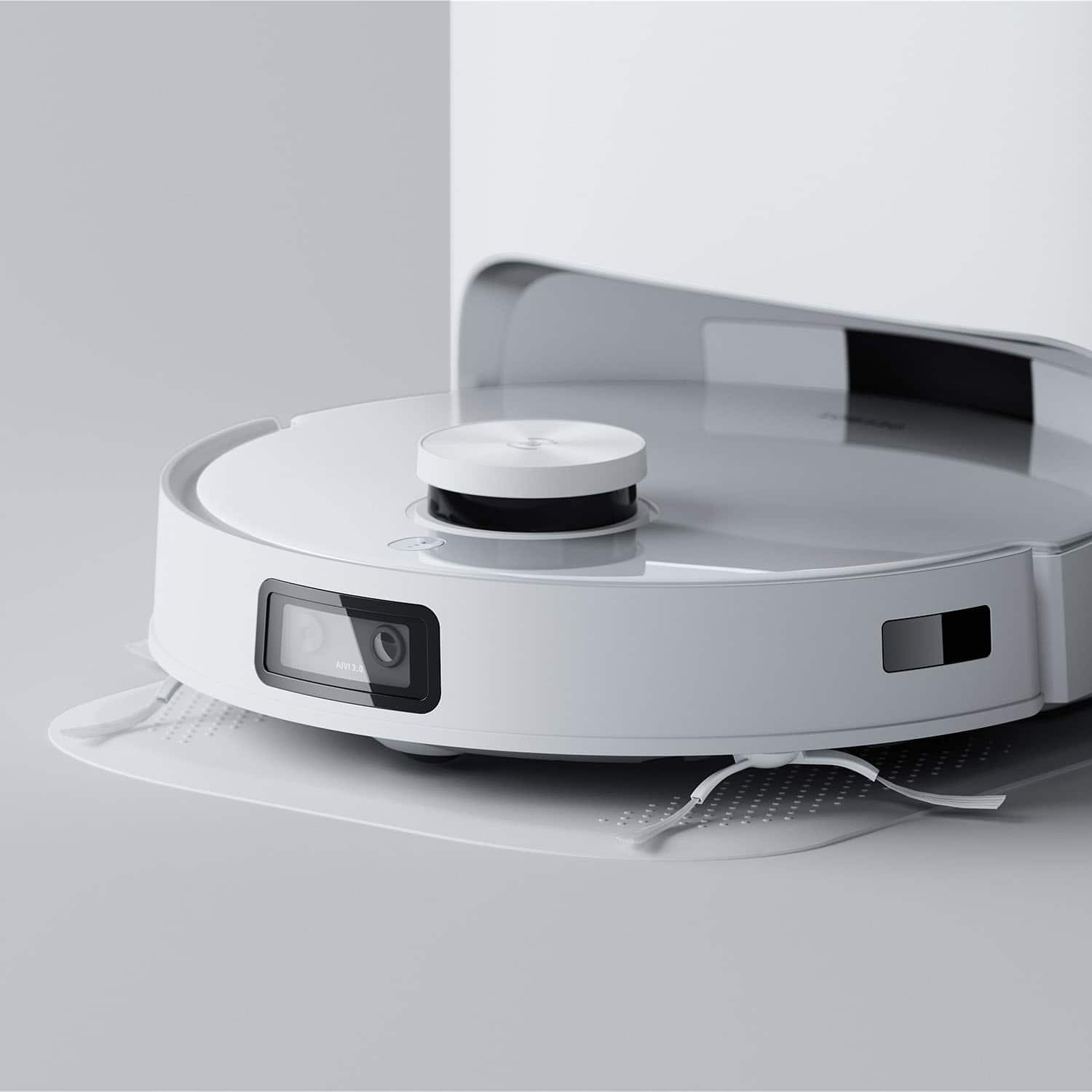
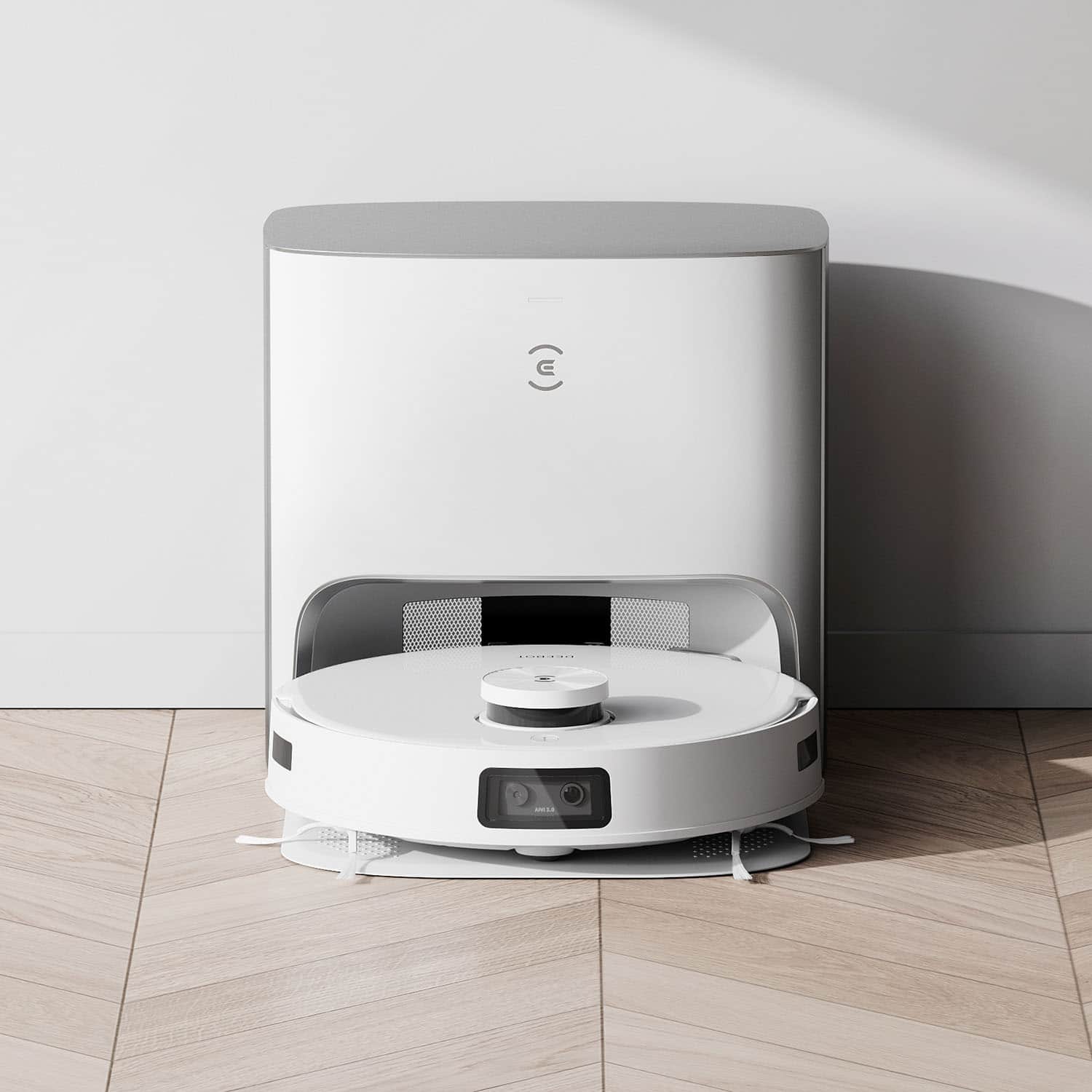
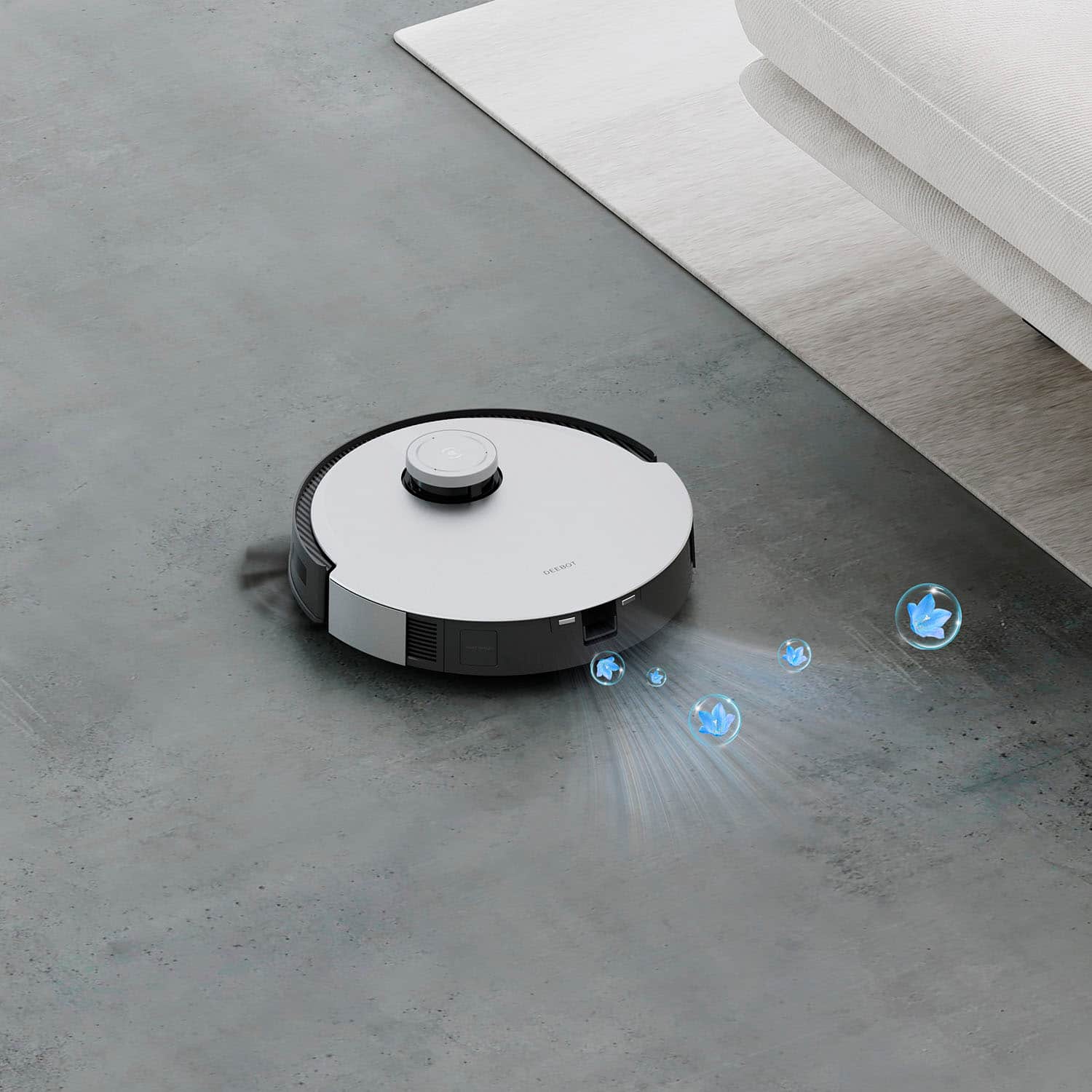
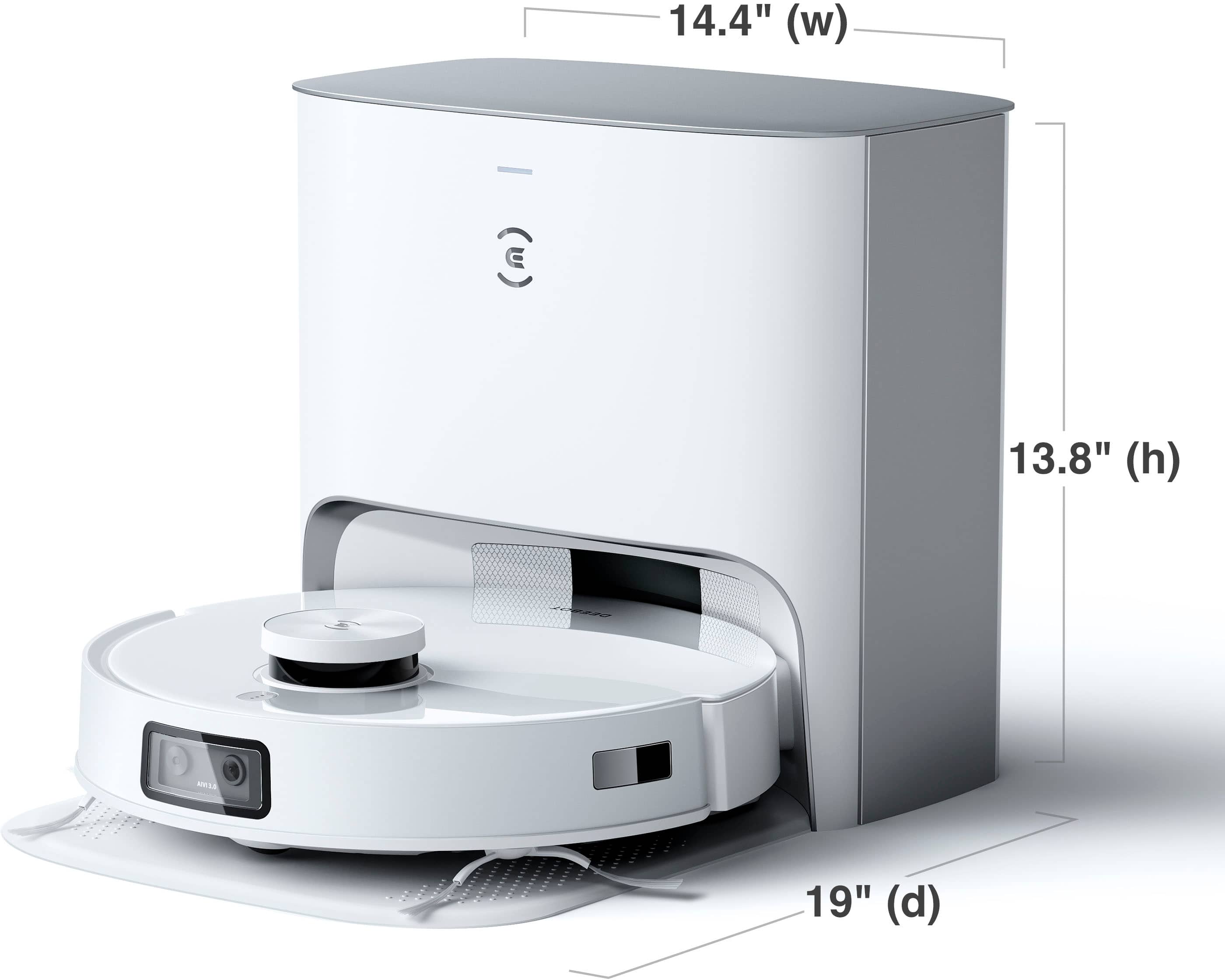
|Posted .This reviewer received promo considerations or sweepstakes entry for writing a review.Robot Vacuum’s have been a great addition to the home tech market. They are a great way to keep your home looking fresh on a daily basis with minimum effort needed. Well the Deebot T10+ takes the idea to a whole new level with their new features and its made things even better! UNBOXING & SETUP: - First off, I was genuinely surprised at how big of a box this came in! It makes sense given its the vacuum and the base but still it was interesting. - Overall unboxing and setup was very easy and simple! Only a few items needed to be connected together and then the Deebot App does the rest. PROS: - I really like the look of this Deebot robot vacuum! The white is super clean and modern, plus the whole top is a magnetic lip instead of a hinge like the other ones so I was a fan of that. - The Deebot App is fantastic! Really easy to dive in, see how things are going, change settings, and any other thing you need. I would highly recommend you add this to your Google Home account as I can just say “Hey Google, Vacuum” and the Deebot starts for me. Super easy! - As far as performance goes, I was very impressed by how clean it made everything. It did a wonderful job cleaning up dog hair, dirt in the entry way, and any crumbs in the kitchen. There was a big noticeable difference after I vacuumed and that alone was well worth the item to me. - Along those lines, the mop feature is really great too. The Deebot is smart enough to know when to vacuum on carpet vs when to mop/vacuum on hardwood floors. This is a great feature that also keeps the home really clean! - Once the Deebot is done cleaning, the base will transfer any dirt/hair into a bag inside the base. This is another great idea as it makes my life even more hands off with this product. Instead of having to clean out the Deebot every time it vacuums, I will only have to do it once it notifies me of a full bag on the inside. A nice high quality smart feature on this! - Its tech inside to map your home is super smart. The app has upgraded a lot to give you a lot more flexibility and options on how to vacuum with how the robot maps your home and can label areas. - Probably my favorite new feature is the camera on the front of it. The camera is intended to help with accuracy while cleaning but Deebot made the brilliant move to let users watch the front camera while being used or in docked mode. Just a really nice helpful feature to be able to look into your home or check on your dogs even. I really think that was a great move by them! - Finally, they now have these little air freshener pods you put inside the robot to add some nice smells to your home while it vacuums. Another fantastic addition to an already great robot. CONS: - The biggest “downside” would just be the size of the dock/robot. It obviously takes up more space than one without a self cleaning dock, so just make sure you have a space set aside to place it. - Although I like the air freshener pods and the self cleaning dock, it is an added expense I will have to pay to replace every so often. Obviously you don’t “need” to get new air freshener pods and maybe the bag will hold up a long time. But its just a small reservation I have about this. BOTTOM LINE: - Robot Vacuum’s are something I can’t recommend enough for someone’s home, and the Deebot T10+ is one of the best on the market. It does an excellent job vacuuming, mopping, and will self clean the vacuum bag once you are done. It’s something that I use frequently in my weekly life at home and I know will quickly become the same for you!
I would recommend this to a friendBrand response from Ecovacs Support Team
Posted .Hi,
Thank you for the good review and we are sure this feedback will greatly help us with the improvements on our products and services. Should you need any assistance please reach out to our Customer Service Support Center and we’ll be happy to help out with any questions you may have. Thanks again for choosing Ecovacs product.
Best,
Ecovacs Customer Care
- Pros mentioned:Mopping
this one beats them all!
||Posted . Owned for 1 month when reviewed.This reviewer received promo considerations or sweepstakes entry for writing a review.The best robot vacuum around. I have had a few robot vacuums in my home but this one beats them all!
I would recommend this to a friend Great product overall
||Posted . Owned for 1 year when reviewed.This reviewer received promo considerations or sweepstakes entry for writing a review.This robot works amazingly! We have a large dog and it is great at vacuuming pet hair. It does not do well at corners.
I would recommend this to a friend- Pros mentioned:Mopping
Robot cleaner.
||Posted . Owned for 3 weeks when reviewed.This reviewer received promo considerations or sweepstakes entry for writing a review.Is a good product, normal as the other. I feel it can do more when sweeping. But vacuum does a good job. For between weekly deep cleaning it helps.
I would recommend this to a friend Does not really have AI object recognition
||Posted . Owned for 3 weeks when reviewed.This reviewer received promo considerations or sweepstakes entry for writing a review.Don’t expect the AI to do anything it says. It does not identify objects, mark them anywhere in the cleaning map or log. This function is not on the T10+ per Ecovacs. I am now past my 15 day Best Buy window of return (sorry I was trying to resolve with Ecovacs) and their customer support barely understood me now I’m out $1000 for a robot that does not do what it says on the box and never will.
No, I would not recommend this to a friendBrand response from Ecovacs Support Team
Posted .Hi,
Regret to hear that your experience with the DEEBOT has been less than perfect so far. If you could please reach out to our Customer Service Support Center and we’ll be happy to help out with any aspect of the robot that has not yet lived up to your expectations.
Best,
Ecovacs Customer Care
Great Value, Great Product
||Posted . Owned for 1 week when reviewed.This reviewer received promo considerations or sweepstakes entry for writing a review.The ECOVACS Deebot is awesome, this thing does it all on its own. Not having to pick up before it vacuums, checking on pets, and self docking is awesome. A lot better priced than it’s competition!
I would recommend this to a friendIs it worth it
||Posted . Owned for 3 weeks when reviewed.This reviewer received promo considerations or sweepstakes entry for writing a review.Works great for the first week after that its loud with the mop and often can't find its base at that time it draws a new map and runs until the battery dies then you have a greater issue to delete the new map. It's best to use just as a vacuum but the mop feature has much to be fisted.
No, I would not recommend this to a friend- Pros mentioned:Auto empty, Mapping, MoppingCons mentioned:Price
Make Robots Do Your Chores
|Posted .This reviewer received promo considerations or sweepstakes entry for writing a review.Let’s start with a shoutout to robovacs. These things are incredible for anyone with pets that shed, messy children, those who enjoy a tidy living space at all times, or those that are just plain lazy and want technology to do the chore of vacuuming and/or mopping. I am personally the ultra tidy one and robotic vacuums have kept me sane. This is the second robotic vacuum that I’ve owned and it is FAR more advanced than my first, which is only a couple years old. Here’s what I think makes the Deebot T10+ great, and where it could still improve. The Good: - Setup is easy. If you have a smartphone, 2.4GHz WiFi, and are able to read instructions, you should have no problems. The T10+ was automatically able to identify the 2.4GHz “band” of my WiFi so I didn’t have to fumble around with manually selecting the right network or forgetting my WiFi network on my phone so it didn’t automatically jump back to the 5GHz “band.” I think this will make sense to those that have set up other smart home products. - Home mapping is quick, like really quick. My first robovac took roughly 20 minutes to map my 950 sq ft apartment that I was living in at the time. My new apartment is roughly 1200 sq ft and the T10+ mapped it in about 6 minutes. Blown away by this. - Suction is powerful…a good thing for a vacuum cleaner. I feel like the T10+ plus has been effective every time it has cleaned thus far. It also has a sensor for carpet and increases suction when in a carpeted area. Vacuums beautifully straight rows. - Mopping is also effective. I appreciate that the T10+ knows to avoid carpeted areas with the mop attached so water doesn’t get where it shouldn’t. - The air freshener feature is novel, but definitely not a necessity. - Another novel feature, or at least new to me, is the home monitoring feature. The T10+ can literally be used as a remote controlled camera for your home and is controlled through the app. If you need to check on your pet while you’re out or make sure you switched the lights off while away on vacation, just power up the app from anywhere and drive the T10+ to the location that needs to be visualized. This is SO cool! - The auto empty station is incredible. I absolutely love that I don’t have to manually dump the vacuum's dust bin when it’s full. Just replace the empty station’s bag when necessary. Best Buy does sell replacements. - The ECOVACSHOME app works well overall. It allows you to control every aspect of your T10+, shop the Ecovacs store, schedule cleanings, and get notified of any potential issues with the vacuum (i.e. when/ where it’s stuck). No subscription is needed to use the app and all of the vacuum’s features. - The T10+ is compatible with smart home devices like Amazon Alexa. The Not So Good: - The T10+ is spendy. For half the price, you could get a high end cordless stick vacuum. But of course, that requires you to vacuum yourself. - While incredibly advanced, the T10+ does still get stuck under and around some furniture. It REALLY struggles with furniture supports, like those under a bed frame. I personally only run my vacuum when I’m home so I can always get it unstuck. - Not perfectly environmentally friendly. Disposable mop pads get thrown away, air freshener pods need to be replaced, as do the auto empty station bags when full. While a reusable mop pad is included, I would have really liked to see a reusable empty station bag be included in the box as well. I suppose Ecovacs needs to make some money after the sale of the vacuum itself. I’d rather buy bags periodically than have to purchase a subscription to use the app. Other components will wear over time and need replacement, especially the spinning brushes. As you can tell, there are many more things I like about the Deebot T10+ than dislike. If you’re in the market for a really solid robovac, this is an excellent choice!
I would recommend this to a friend - Cons mentioned:Dirt pickup
It is not well described and does not pick up dirt
||Posted . Owned for 1 month when reviewed.This reviewer received promo considerations or sweepstakes entry for writing a review.It is not well described and does not pick up dirt well, despite the presence of a good space in the hall, but the dirt remains as it is and to empty the dirt in the garbage tank, and I do not know the reason.
No, I would not recommend this to a friendBrand response from Ecovacs Support Team
Posted .Hi,
Regret to hear that your experience with the DEEBOT has been less than perfect so far. If you could please reach out to our Customer Service Support Center and we’ll be happy to help out with any aspect of the robot that has not yet lived up to your expectations.
Best,
Ecovacs Customer Care