Customer Ratings & Reviews



- Model:
- N010111
- SKU:
- 10314955
Rating by feature
- Setup
Rating 4.7 out of 5 stars
- Range
Rating 4.7 out of 5 stars
- Signal Strength
Rating 4.7 out of 5 stars
Great tech support!
||Posted .This reviewer received promo considerations or sweepstakes entry for writing a review.Had trouble with set up trying to connect to a T-Mobile router. But, tech support was great. No wait time and got me connected in just a couple of minutes. Haven't had any problem since. Good wifi signal and coverage throughout the house with just two.
I would recommend this to a friendGreat router for a decent price
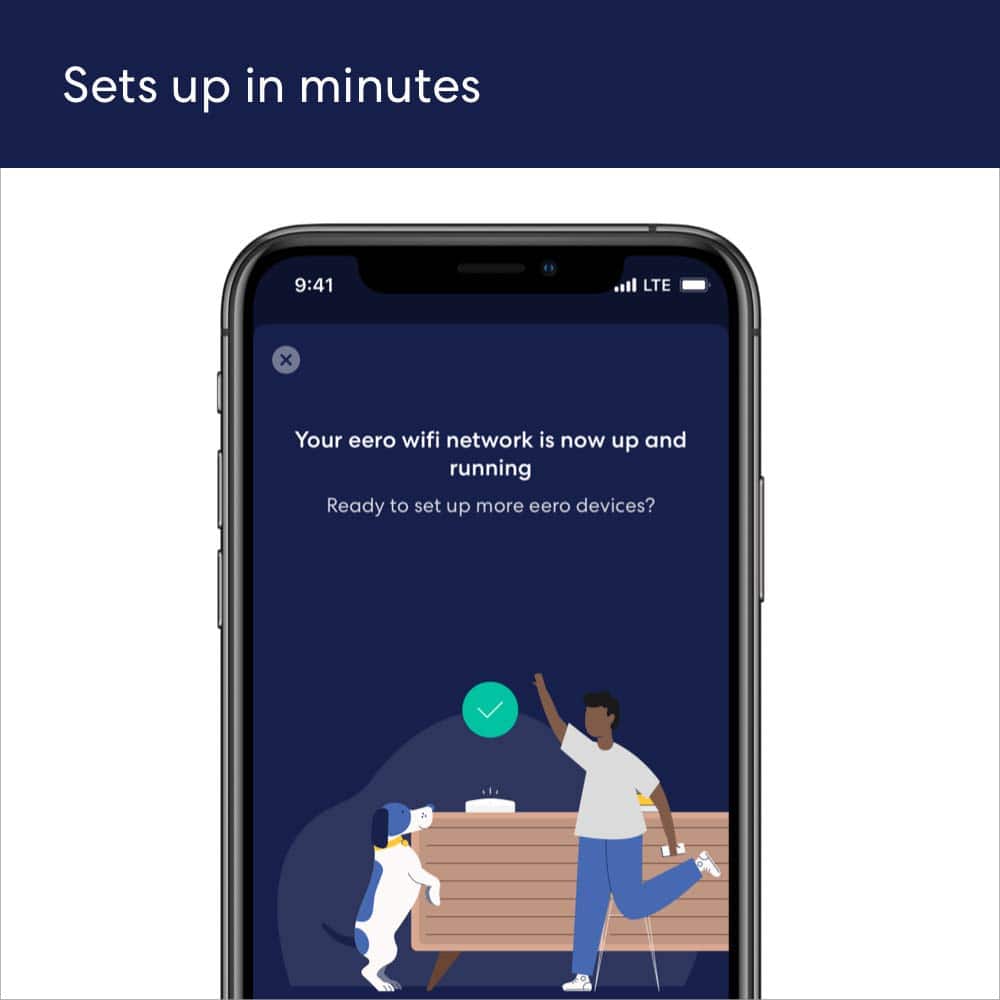
||Posted . Owned for less than 1 week when reviewed.This reviewer received promo considerations or sweepstakes entry for writing a review.My Netgear router failed after 3 years of service and I went into Best Buy to ask for recommendations, and was told by an employee that this router has worked well for him. Setup was fairly easy, but if you have an Android device, you'll want to choose the option where you put the code from the device into your phone rather than the scanning for devices-- the patch that fixes this bug installs after you connect to the device, unfortunately. Is reliable and hasn't needed restarted once since setup. I get great speeds on all my devices. I live in an apartment right now so just the one device is fine for now, but it's good to know I can just add more routers on in the future if I move.
I would recommend this to a friendMIND = BLOWN
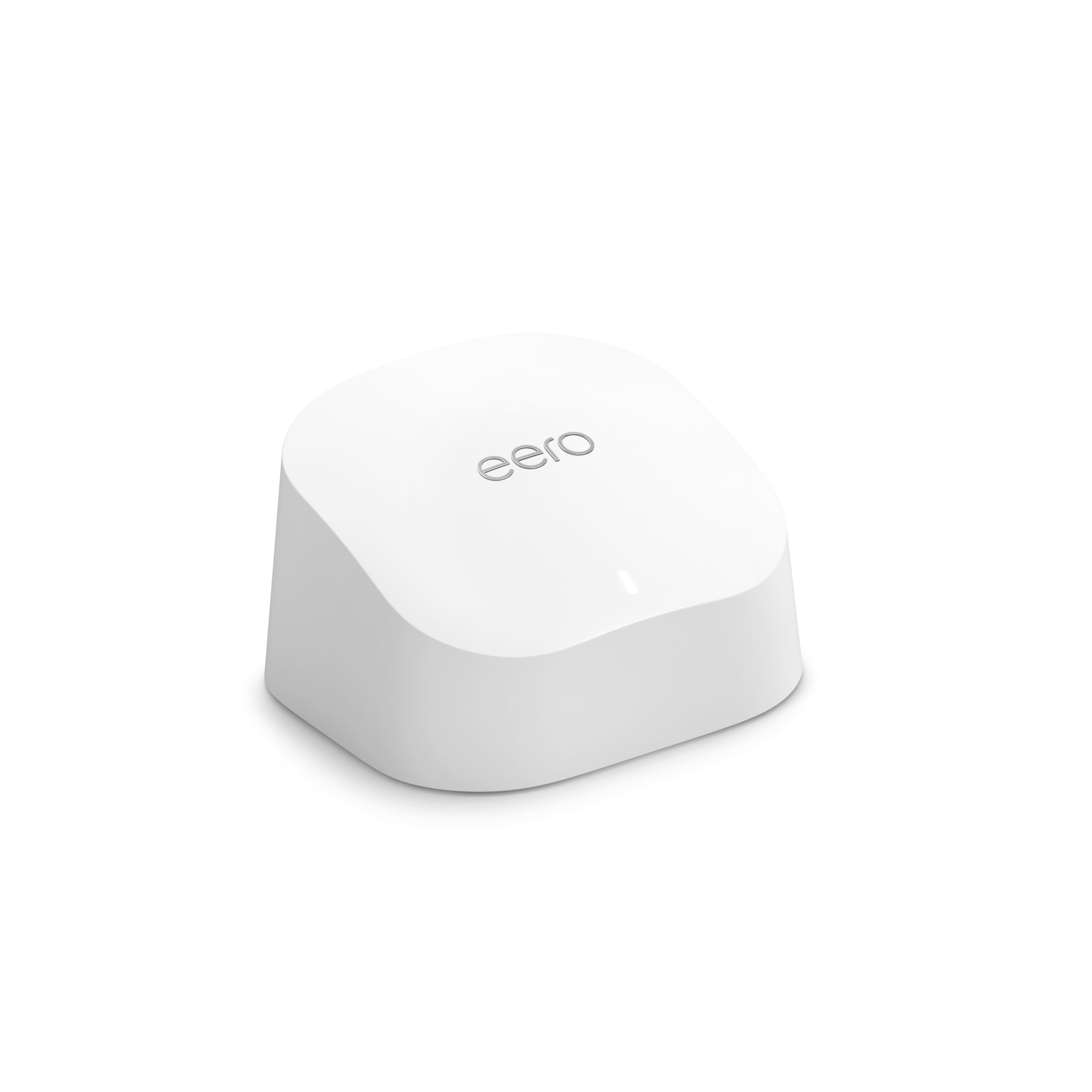
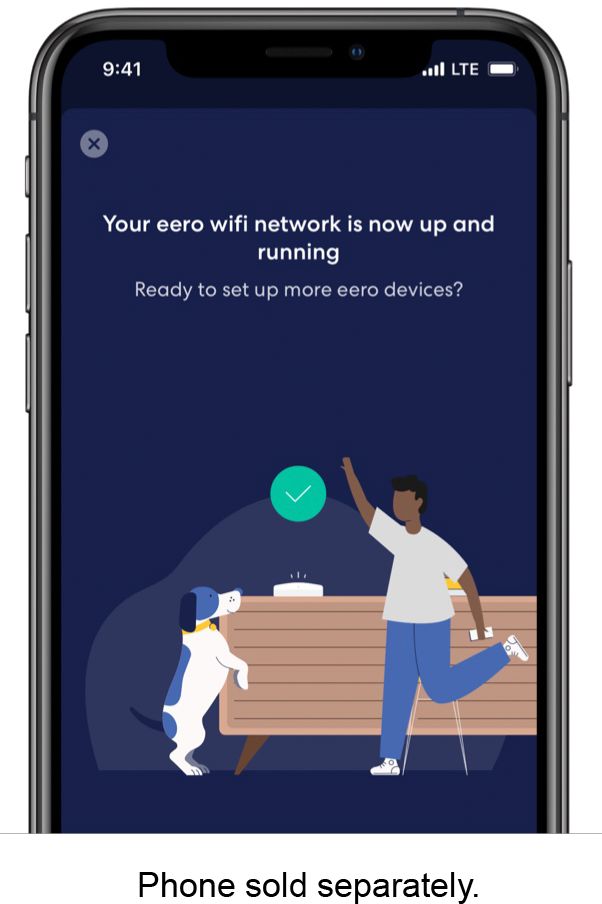
||Posted . Owned for 1 month when reviewed.This reviewer received promo considerations or sweepstakes entry for writing a review.The eero 6 is a Wi-Fi mesh system that promises to provide a fast and reliable internet connection throughout your home. As someone who has struggled with spotty Wi-Fi coverage in the past, I was excited to put the eero 6 to the test. Here's a detailed review of my experience with this product. First Impressions: When I received the eero 6, I was impressed with the packaging and the design of the device itself. The eero 6 is a small white cube that looks sleek and modern. It's not an eyesore like some other routers and mesh systems can be. The setup process was straightforward and well-explained in the instruction manual. Performance: The eero 6 promises to deliver fast and reliable Wi-Fi coverage throughout your home, and it certainly delivers on that promise. I tested the eero 6 in a two-story, 2,500 square foot home with thick walls, and I was able to get a strong Wi-Fi signal in every corner of the house. The eero 6 also supports Wi-Fi 6, which means it can handle more devices and faster speeds than older Wi-Fi standards. One of the standout features of the eero 6 is its ability to prioritize internet traffic. This means that if you're streaming a movie on your TV and someone else in the house starts downloading a large file, the eero 6 will automatically prioritize the streaming traffic to ensure you don't experience any buffering or lag. I tested this feature by running multiple devices simultaneously, and I was impressed with how well the eero 6 managed the traffic. Ease of Use: The eero 6 is incredibly easy to use. The eero app, which is available for both iOS and Android, is well-designed and intuitive. The app walks you through the setup process step-by-step and provides helpful tips along the way. Once the eero 6 is set up, you can use the app to manage your network, see which devices are connected, and troubleshoot any issues that may arise. One thing I particularly liked about the app is the ability to create guest networks. This allows you to give your guests access to Wi-Fi without giving them full access to your network. You can also set parental controls to restrict access to certain websites or apps. Price: The eero 6 is not the cheapest Wi-Fi mesh system on the market, but it's also not the most expensive. At the time of writing this review, a single eero 6 unit costs around $129, and a three-pack (which is recommended for larger homes) costs around $279. While this may seem like a lot of money, I think it's worth the investment if you're looking for fast and reliable Wi-Fi coverage throughout your home. Final Thoughts: Overall, I was extremely impressed with the eero 6. It delivered on its promise of fast and reliable Wi-Fi coverage, and the app made it incredibly easy to manage my network. While it may be a bit pricey, I think it's worth the investment if you're looking for a high-quality Wi-Fi mesh system. I would definitely recommend the eero 6 to anyone in the market for a new router or mesh system.
I would recommend this to a friendRouter
||Posted . Owned for 3 weeks when reviewed.This reviewer received promo considerations or sweepstakes entry for writing a review.Works well, no issues. Fast and reliable. Non expensive.
I would recommend this to a friendSpeedy, Quick and Simple Set-up
||Posted . Owned for 1 month when reviewed.This reviewer received promo considerations or sweepstakes entry for writing a review.Quick Set-up, easy to use. Speedy. We bought this to replace an aging unit from our old cable company. This is much smaller (thankyou) so it gives us back some of my valuable shelf space.
I would recommend this to a friendGood Enough
||Posted . Owned for 1 month when reviewed.This reviewer received promo considerations or sweepstakes entry for writing a review.It works, but it drops the signal more than I would like, and when it drops, the devices bounce between this and the base router. Was easy to set up, and did add coverage.
I would recommend this to a friendBrand response from Amazon Devices Customer Support
Posted .Hi Alex. Thank you for your feedback on the eero 6 system. I’m sorry to hear about your connection issues. If you’ve got another router or a modem/router combo device double NATed to your eeros, this could be the cause of poor connectivity and performance. To get the most out of your eero WiFi system, we recommend having your eero WiFi system replace your current router and having your gateway eero plugged directly into your modem. If you have a modem/router combo device, you can try putting it in bridge mode, which disables the wireless function on that device. If you have another router connected between your modem and gateway eero, you can try disconnecting the router in between and connecting your gateway eero directly to the modem. If these steps do not help, or if you need additional assistance with these steps, call eero customer service at 877-659-2347. They are available Monday–Sunday 6:00 am – 8:00 pm PT. Hope this helps and have a great day!

Eero wifi
||Posted . Owned for 2 weeks when reviewed.This reviewer received promo considerations or sweepstakes entry for writing a review.We already had two but we needed one more. We love them.
No, I would not recommend this to a friendPerfect for a small house!
||Posted . Owned for 3 weeks when reviewed.This reviewer received promo considerations or sweepstakes entry for writing a review.Internet setup was a breeze. This router is super fast and covers a wider area than my previous router.
I would recommend this to a friendEero extension
||Posted .This reviewer received promo considerations or sweepstakes entry for writing a review.Excellent product if you want extensions and you already have a eero system. I would prefer the 6E+ variant though
I would recommend this to a friendGood Product for Price
||Posted . Owned for 1 week when reviewed.This reviewer received promo considerations or sweepstakes entry for writing a review.Good product and easy to set up. Material seems high quality
I would recommend this to a friendGood reach
||Posted . Owned for 1.5 years when reviewed.This reviewer received promo considerations or sweepstakes entry for writing a review.Its like having 2 modems it send the wifi over at a steady and offers very powerful upload and download speeds.
I would recommend this to a friendBlazing fast and reliable
||Posted . Owned for more than 2 years when reviewed.This reviewer received promo considerations or sweepstakes entry for writing a review.The eero 6 mesh system has plenty of bandwidth for our "smart and connected" home. I replaced an older AC mesh with this AX system and the difference was immediately obvious... particularly in streaming video or connecting to our cameras, doorbell and security system. I would definitely recommend this product and will probably stay with this brand when I upgrade to the next level!
I would recommend this to a friendeero
||Posted . Owned for 1 month when reviewed.This reviewer received promo considerations or sweepstakes entry for writing a review.Easy to set up and very fast, and excellent range. Can be move to better location , also take it with you when you move, No more dead spot and very good bandwidth all my wifi devices are connecting with np.
I would recommend this to a friendLenovo
||Posted . Owned for 2 weeks when reviewed.This reviewer received promo considerations or sweepstakes entry for writing a review.It's a week nderful that NG and does a great job and live it
I would recommend this to a friendGreat router
||Posted . Owned for 3 months when reviewed.This reviewer received promo considerations or sweepstakes entry for writing a review.Great router,easy to install.Works great with signal. Its small doesn't take alotnof soace.
I would recommend this to a friendRouter
||Posted . Owned for 10 months when reviewed.This reviewer received promo considerations or sweepstakes entry for writing a review.This helped extend our internet to the back of our house.
I would recommend this to a frienddecent router if you get a good deal
||Posted . Owned for 3 weeks when reviewed.This reviewer received promo considerations or sweepstakes entry for writing a review.its fast, but it is annoying that there isn't one extra ethernet port in case you wanna hook something up to it directly. seems excessive to have to get another one to hook my computer up to ethernet, especially in a small apartment. set up is easy and the speeds are good regardless
I would recommend this to a friendGreat router
||Posted . Owned for 1 month when reviewed.This reviewer received promo considerations or sweepstakes entry for writing a review.Fast, nice app, easy set up. I like these routers for the ability to expand the network throughout the whole house.
I would recommend this to a friendFast and easy
||Posted . Owned for less than 1 week when reviewed.This reviewer received promo considerations or sweepstakes entry for writing a review.Fast speed. I reached my xfinity plan’s max speed, about 460Mbps. Super easy setup, good control app. Strong signal in my home.
I would recommend this to a friendBad internet solved by eero
||Posted .This reviewer received promo considerations or sweepstakes entry for writing a review.I had poor range for my internet in my house. I contacted my provider for an extender and when they came out to install it they couldn’t. The technician told me about the EERO extender. I purchased them and installed them myself. Since I have had them my internet has not froze up at all. I would highly recommend them to anyone.
I would recommend this to a friend