Customer Ratings & Reviews
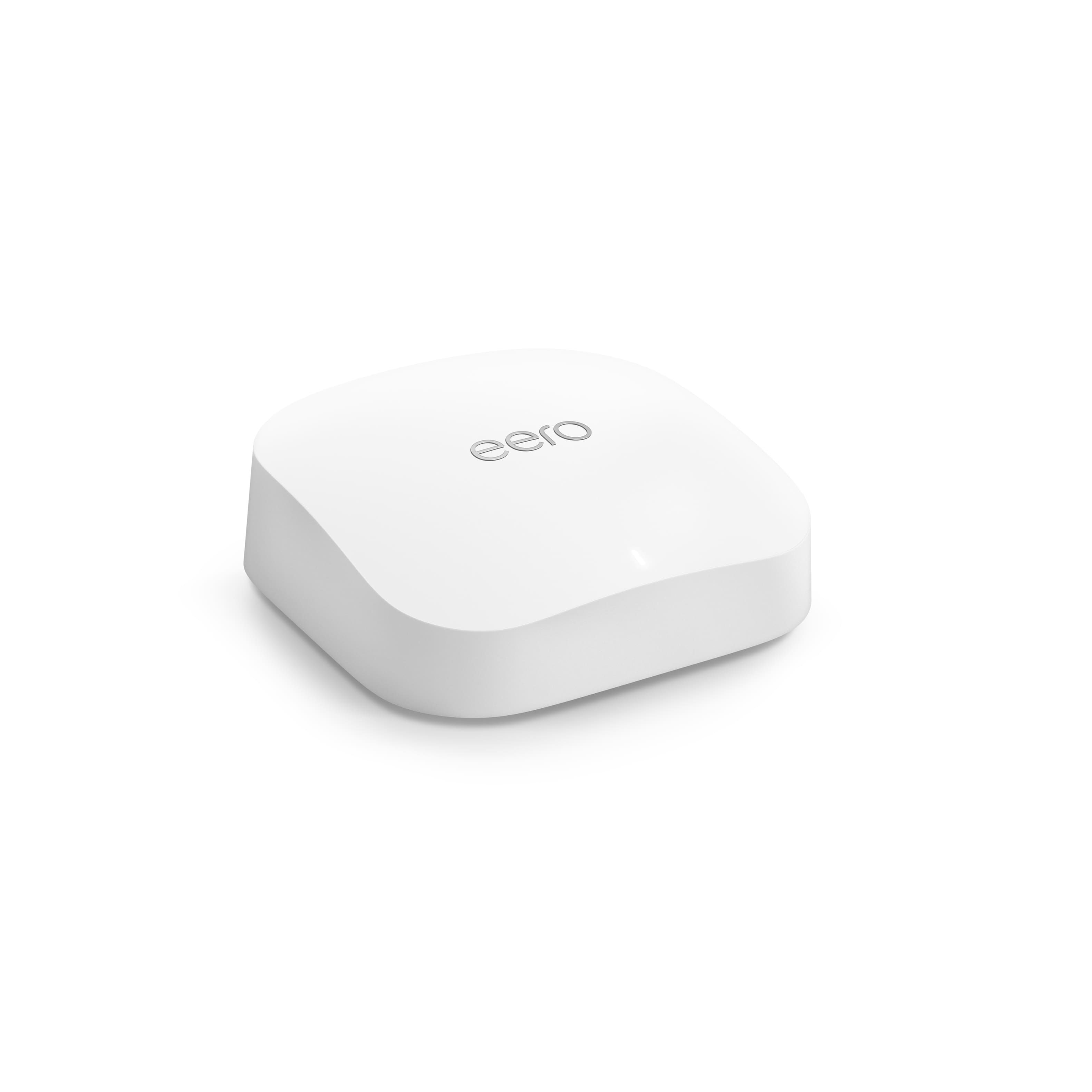

- Model:
- S010111
- SKU:
- 10926571
Rating by feature
- Setup
Rating 4.8 out of 5 stars
- Range
Rating 4.7 out of 5 stars
- Signal Strength
Rating 4.7 out of 5 stars
WI FI added booster
||Posted . Owned for 3 weeks when reviewed.This reviewer received promo considerations or sweepstakes entry for writing a review.Perfect solution recommended by Best Buy techs. Problem solved !!!
I would recommend this to a friendAmazing
||Posted . Owned for 1 month when reviewed.This reviewer received promo considerations or sweepstakes entry for writing a review.Very well working piece of device, i recommend it to anyone with dead spots.
I would recommend this to a friendPerfect for big homes.
||Posted . Owned for 2 weeks when reviewed.This reviewer received promo considerations or sweepstakes entry for writing a review.MY INTERNET HAS NEVER BEEN SO FAST. Easy to setup, and reliable.
I would recommend this to a friendExcellent Router
||Posted . Owned for 1 month when reviewed.This reviewer received promo considerations or sweepstakes entry for writing a review.Easy set up. Great range, fast and reliable connection.
I would recommend this to a friendBest. Mesh. Ever.
||Posted . Owned for 1 month when reviewed.This reviewer received promo considerations or sweepstakes entry for writing a review.Easy to install Great coverage Works for everything
I would recommend this to a friendExcellent router
||Posted . Owned for 1 month when reviewed.This reviewer received promo considerations or sweepstakes entry for writing a review.Really reliable, very accurate description about signal an the connection stability
I would recommend this to a friendWorks great
||Posted . Owned for 2 weeks when reviewed.This reviewer received promo considerations or sweepstakes entry for writing a review.Works great with all my devices. No lag and works well plugged into my ps5
I would recommend this to a friendLove it!!
||Posted . Owned for 1 week when reviewed.This reviewer received promo considerations or sweepstakes entry for writing a review.I have 7 just because I have thick walls, But it works graet and no issues!
I would recommend this to a friendFast speed and convenient Setup
||Posted . Owned for 1 month when reviewed.This reviewer received promo considerations or sweepstakes entry for writing a review.The eero is really fast if using the right modem. The setup is easy and fast.
I would recommend this to a friendWould not recommend
||Posted . Owned for 3 months when reviewed.This reviewer received promo considerations or sweepstakes entry for writing a review.Not worth it. Range is not good enough, drops speed constantly. Easy to install but setup should be more advanced
No, I would not recommend this to a friendBrand response from Amazon Devices Customer Support
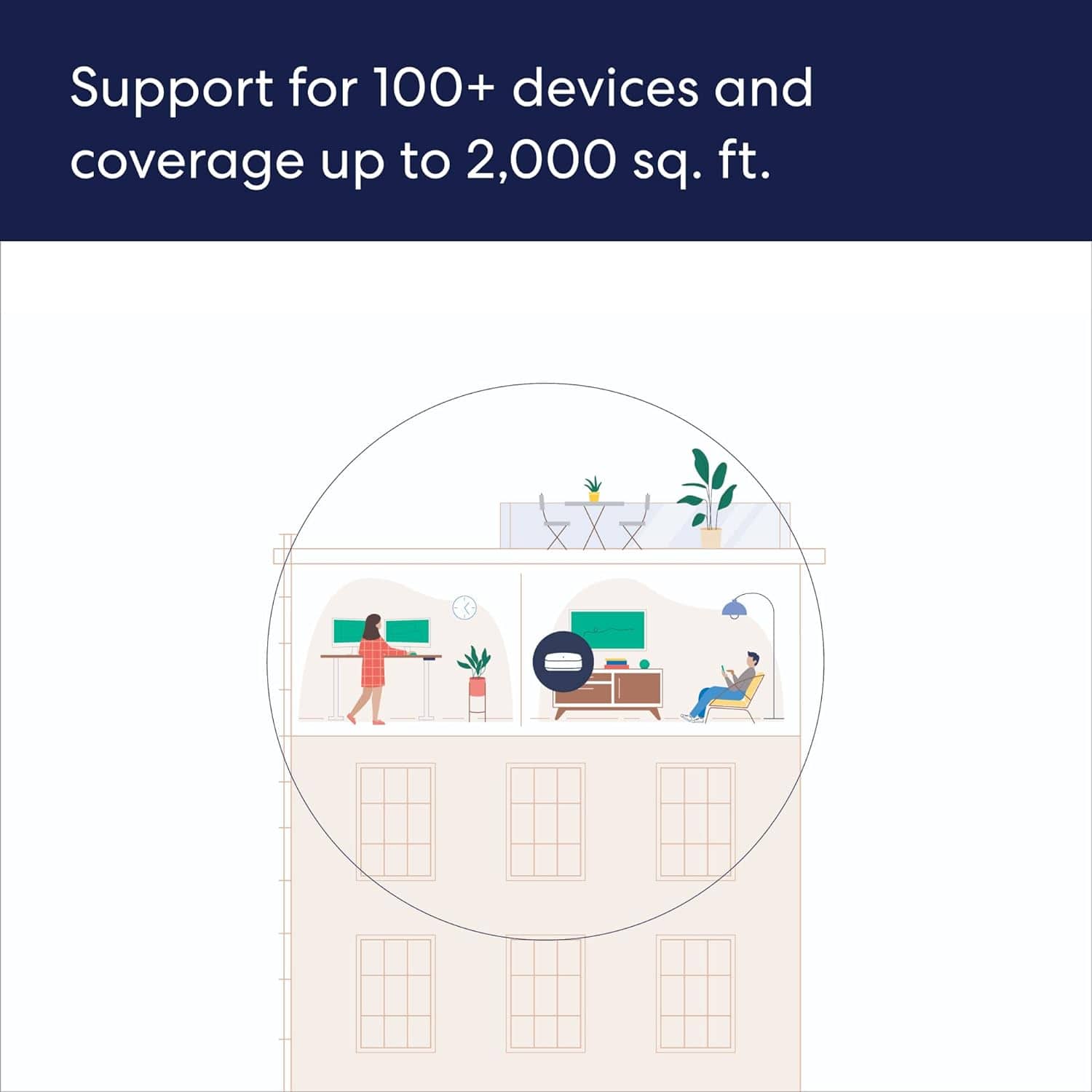
Posted .Hi NodariyS. Thank you for providing feedback regarding your experience with the eero Pro 6E. I am sorry to hear about your dissatisfaction. Each eero Pro 6E router provides coverage up to 2,000 sq. ft. Depending on the layout of your home and the materials used in its construction, more eeros could be needed. Strategically placing your eeros is the single most important step you can take to ensure your system provides fast, reliable WiFi to every room in your home. Here are some tips to follow: 1. Place eeros where they can talk to each other. 2. Place eeros on a hard, flat surface. 3. Keep your eeros out in the open. 4. Whenever possible, aim for direct line of sight between eeros. The fewer the walls between your eeros, the better. If this information doesn’t resolve your issue, call eero customer service at (877)659-2347. They’re available Monday-Sunday 6am-8pm PT. I hope this helps. Have a great day!

Mesh network
||Posted . Owned for 1 month when reviewed.This reviewer received promo considerations or sweepstakes entry for writing a review.Network works really well, get pretty good speeds throughout the whole house. Would recommend!
I would recommend this to a friendJust works well
||Posted . Owned for 2 months when reviewed.This reviewer received promo considerations or sweepstakes entry for writing a review.Very good extended range. IT helped my coverage in the basement.
I would recommend this to a friendAstronomical
||Posted . Owned for 3 weeks when reviewed.This reviewer received promo considerations or sweepstakes entry for writing a review.Performance is astronomical. Wifi6 really makes a difference. No regrets
I would recommend this to a friendEero Fan But Utterly Disappointed in the Pro 6E
||Posted . Owned for 1 year when reviewed.This reviewer received promo considerations or sweepstakes entry for writing a review.I'm generally a fan of the Eero product. I maintain several Eero 6 networks for family members and never have an issue. The Pro 6E line is a completely different story. I've had it for about 18 months and it's been a constant series of problems. Which of course didn't start until about month after purchase and outside the return window. The main network will randomly drop its connection to my internet router but the guest network will be just fine. Not sure how that happens because it's same cable. Device will remain connected to the network but drop all other connectivity. Can't access the internet, can't ping other devices on the network, and ipconfig renew / reset take forever. I can't tell you how many times I've been disconnected from a game or a meeting since I bought this. The WiFi speeds are far below what's advertised. Transferring data between different devices on the network sometimes works great and sometimes not so much. I've had data transfer rates plummet to 100kb/s (yes, bits, not bytes). And this is a common problem with this line. Reddit and Eeros own support site have a lot of posts on the topic. And I have yet to see one where a call to customer support resolved the issue. I used to recommend Eero products whenever someone would ask what mesh networks to look into. I don't know that I'll ever recommend or purchase another after this experience.
No, I would not recommend this to a friendBrand response from Amazon Devices Customer Support
Posted .Hi CoryM! Thank you for reaching out and for your feedback on the eero pro 6E. Try these troubleshooting steps to see if it helps resolve the issues you are running into. Power cycle your eeros: Try power cycling your eeros by unplugging the power cable from the back of your eero, waiting 30 seconds, and plugging it back in. This step can sometimes fix connectivity issues. Restart your modem: Restarting your modem can sometimes fix connectivity issues and improve performance. Unplug the power cable from your modem, wait 30 seconds, then plug it back in. Depending on the model of your modem, it can take a few minutes to restart. Put your modem/router combo device in bridge mode: If you’re plugging your gateway eero into a modem/router combo device, put this device in bridge mode. Check your Internet connection: You can make sure that you have an Internet connection by plugging your computer directly into the modem. If your Internet connection is up and running, you will be able to access the Internet when connected to the modem via Ethernet. Delete the troublesome eero from your app: Sometimes deleting the troublesome eero from your app and re-adding it will fix connectivity issues. If these troubleshooting steps do not fix your eero pro 6E, please contact eero customer support at 877-659-2347. They are available to help 7 days a week 6am–8pm PT. Hope this helps and have a great day!
Best router!!!
||Posted . Owned for 5 months when reviewed.This reviewer received promo considerations or sweepstakes entry for writing a review.Amazing router, works awesome with Ring Alarm pro!
I would recommend this to a friendGreat product. Easy to set up.
||Posted . Owned for 3 weeks when reviewed.This reviewer received promo considerations or sweepstakes entry for writing a review.Great router! Easy setup. Works seamlessly with the modem
I would recommend this to a friendReliable
||Posted . Owned for 1 month when reviewed.This reviewer received promo considerations or sweepstakes entry for writing a review.Does what its supposed to , great signal , easy install
I would recommend this to a friendGood, but…
||Posted . Owned for 3 weeks when reviewed.This reviewer received promo considerations or sweepstakes entry for writing a review.Not seeing the speed improvement I had hoped for. Nice that Echo devices extend range.
I would recommend this to a friendMr.tech
||Posted . Owned for 1 month when reviewed.This reviewer received promo considerations or sweepstakes entry for writing a review.Perfect for my house reach’s at long range no issues
I would recommend this to a friendIf you have an eero pro 6, stay there
||Posted . Owned for 3 weeks when reviewed.This reviewer received promo considerations or sweepstakes entry for writing a review.Love eero, but this new one seems to have some issues. The eero pro 6 was as fast as this one and wouldn’t disconnect, but this one does and it is annoying. Easy setup, but the reliability leaves something to be desired as mentioned above. I have fiber 5GBPS and don’t expect this router and mesh to hit close to it, but at least 1 Gig, which doesn’t happen, however it is a bit faster than eero pro 6.
No, I would not recommend this to a friend