Customer Ratings & Reviews



- Model:
- 60
- |
- SKU:
- 7634008
Customer reviews
Rating 4.6 out of 5 stars with 927 reviews
(927 customer reviews)to a friend
Customers are saying
Customers are impressed with the Game Capture HD60's ease of use and video quality, frequently praising its simple setup and excellent recording capabilities. Many also appreciate the compatibility with various gaming systems and the included software. While some find the price point high, the overall positive feedback highlights the device's strong performance.
This summary was generated by AI based on customer reviews.
- Pros mentioned:Ease of use, Video quality
Rated 5 out of 5 stars
Absolutely the BEST external capture device made.
||Posted .This reviewer received promo considerations or sweepstakes entry for writing a review.If you want to capture or stream game video at perfect 1080p 60fps than this is the capture device for you! The video quality is clean and crisp. The user interface is straight forward, user friendly and easy to use. I have absolutely zero complaints about his capture device. I can only compare it to the Roxio game cap HD Pro that I own and the Elgato hands down is a better device.
I would recommend this to a friend - Pros mentioned:Ease of use
Rated 5 out of 5 stars
Great Gamer Capture for Beginners/Proffesionals
||Posted .This reviewer received promo considerations or sweepstakes entry for writing a review.Recommend to anyone with beginning/professional use
I would recommend this to a friend - Pros mentioned:Software
Rated 4 out of 5 stars
Awesome Recorder
||Posted .This reviewer received promo considerations or sweepstakes entry for writing a review.I like it's software, its small and you can edit the video.
I would recommend this to a friend Rated 5 out of 5 stars
Best Game Capture Ever - HD60
||Posted .This reviewer received promo considerations or sweepstakes entry for writing a review.if you are getting into game streaming this Game Capture HD60 is a must have. You can stream up to 1080 60fs IT's the BEST!! Check out our Youtube Video Review on the Game Capture HD60 https://www.youtube.com/watch?v=5i_fePFLI84
I would recommend this to a friend- Pros mentioned:Compatibility, Fps, Software
Rated 5 out of 5 stars
Gamers, know that 60FPS is the new benchmark.
Posted .This reviewer received promo considerations or sweepstakes entry for writing a review.Included in this review is a video, hosted on YouTube, of me playing some Call of Duty: Black Ops 2 free-for-all which is native 60fps. The ability to upload to YouTube at 60fps isn't available to everyone to my knowledge, but I'm uploading regardless to establish a baseline of what you can expect now. I've also included an image of the meta-data associated with the video on my HDD that I took today. (8/20/14) I'm giving this a solid 5 out of 5 stars and here's why. I installed my device, setup the software, and eagerly went forward to start capturing. I soon noticed that I had an issue with flashback recording and contacted Elgato customer support. They were very kind and patient as they helped me troubleshoot the issue. I was asked to provide some additional details and was told they would continue looking into it. A day later and I'm told that the issue is slated to be fixed in the next patch. That's top notch in my book as they were both very proffesional and extremely responsive throughout the entire process. I walked away from that exchange with satisfaction and, despite one feature experiencing some trouble, the ability to continue recording as needed. Regardless, Elgato has made it very easy to capture 60fps footage. This is a must if you intend to capture anything that is native 60fps. Looking forward, this includes Call of Duty: Advanced Warfare and Halo: Master Chief Collection. If you previously owned an Elgato HD Capture Card, then the setup is a breeze. You might not need to change any cables. If you've never owned an Elgato product, then you're in for a treat as it is very easy to install and get running. The Game Capture HD 2.0 software, a download from Elgato's site which is necessary to run the product, is very intuitive and user friendly. If you previously owned an Elgato HD, then you either already have upgraded the software or will. Just know that all of the bells and whistles are there that we're used to. I haven't yet used it to livestream yet due to Time Warner's unfortunate upload speed of ~5Mbps. Local recordings, which will move to YouTube, look great though on my 60hz monitor. Oh and yes it works with Xbox One, PlayStation 4 (turn off HDCP), and Xbox 360. ;) I'm very satisified with my purchase and look forward to capturing my footage in awesome 60fps goodness.
I would recommend this to a friend Rated 1 out of 5 stars
Stopped working after 6 months
||Posted .This reviewer received promo considerations or sweepstakes entry for writing a review.This product stopped working after only 6 months of having it. It does NOT offer any warranty like most products sold at Bestbuy. I'm very disappointed with this product and I hope Elgato start offering warrant for their customers, it's only practical in today's merchant market.
No, I would not recommend this to a friendRated 5 out of 5 stars
Best game capture
||Posted .This reviewer received promo considerations or sweepstakes entry for writing a review.Best game capture. I use it in my both system ps4 and xbox one
I would recommend this to a friend- Pros mentioned:Ease of use, Software, Video quality
Rated 4 out of 5 stars
Great HDMI Capture Device
||Posted .This reviewer received promo considerations or sweepstakes entry for writing a review.This thing itself is awesome and so is the software that comes with it. Super easy once you learn it. The only thing that annoys me a little is that this is daisy-chained in between the game console and tv, and forks off to your computer. The problem is that sometimes I want to just play a game and the game won't display by just turning on your xbox.... you have to have your xbox on and your computer... so to play, I have to turn on the xbox, turn on the computer, and turn on the software on my laptop to see the game. Other than that you can just unplug the Elgato to play. The product itself is awesome - I love recording gameplay and its easy youtube conversion. The problem is that when you don't feel like using it that you have to unhook it or fully set up your laptop... you can't just turn on the xbox and tv and go.
I would recommend this to a friend - Pros mentioned:Ease of useCons mentioned:Price
Rated 4 out of 5 stars
Are you ready to be a YouTube star?
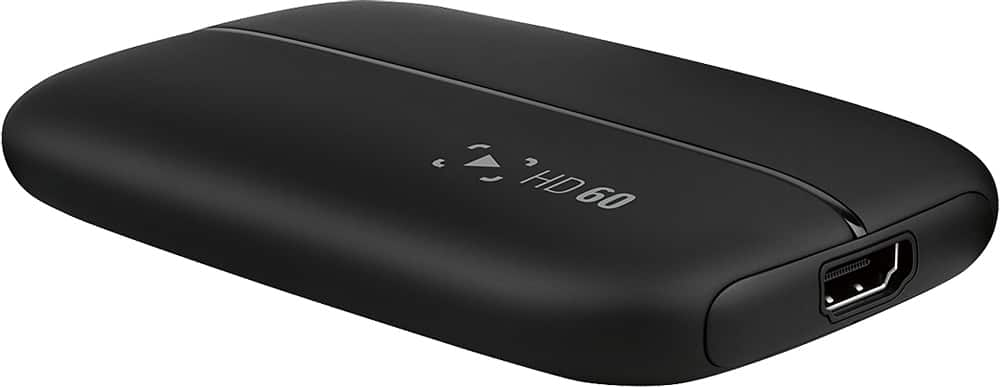
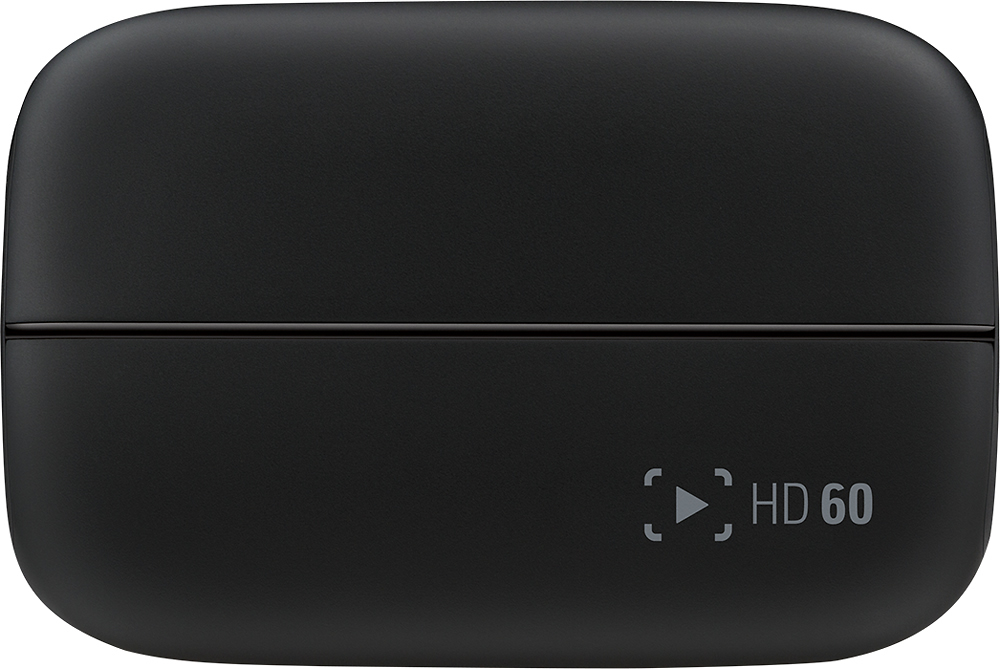
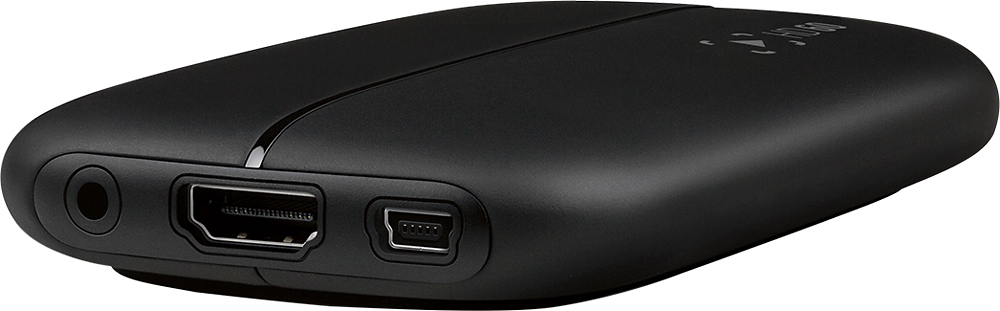
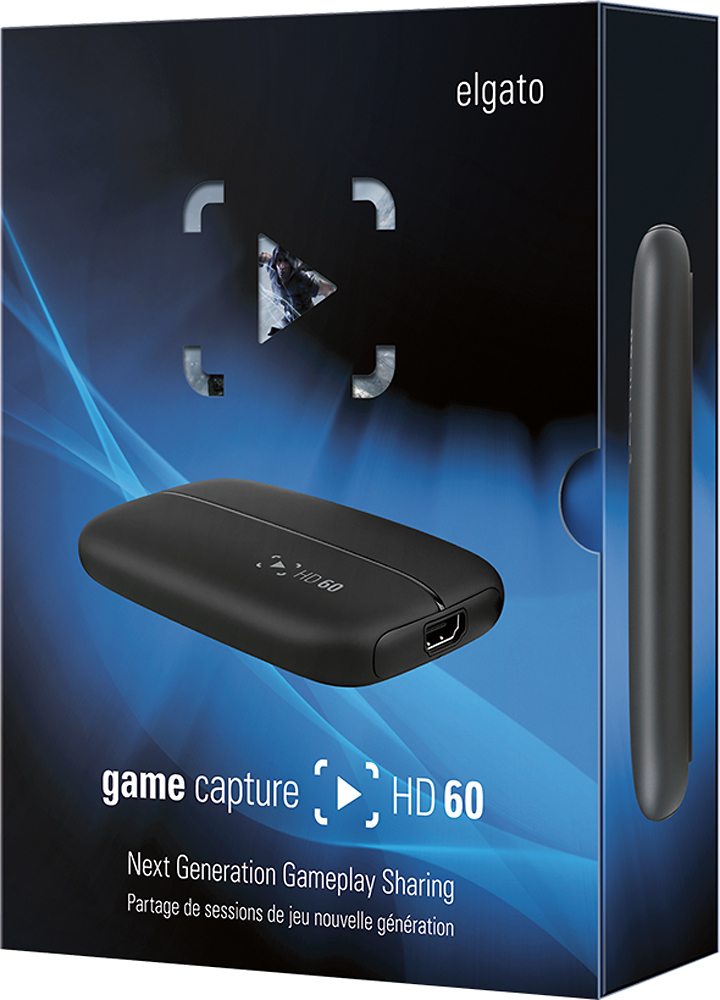
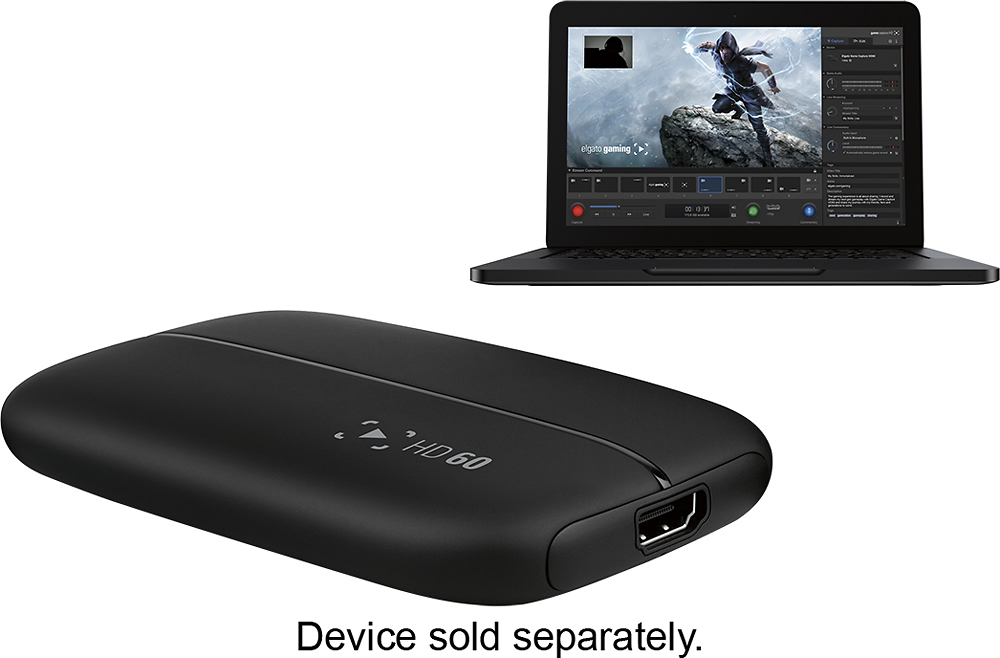
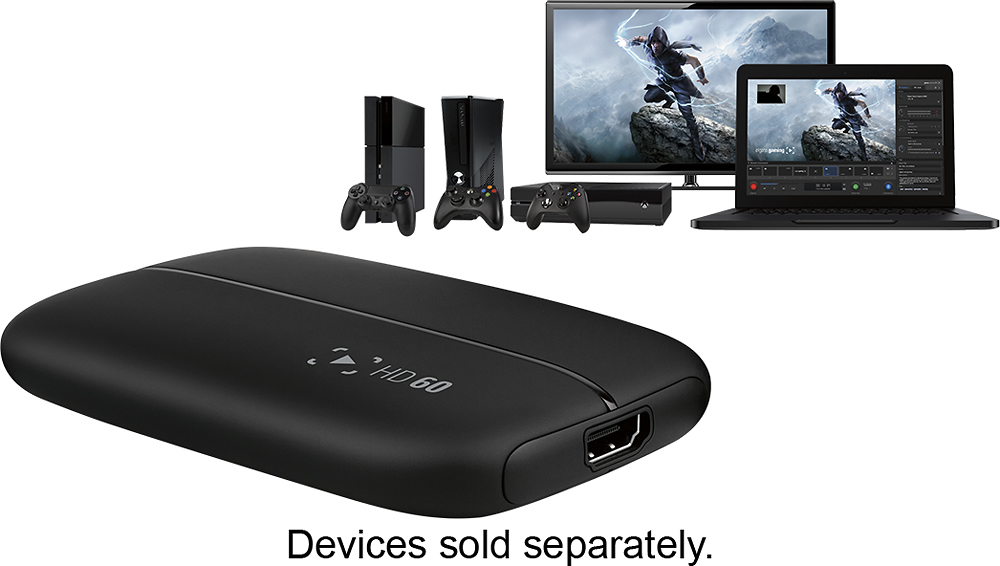
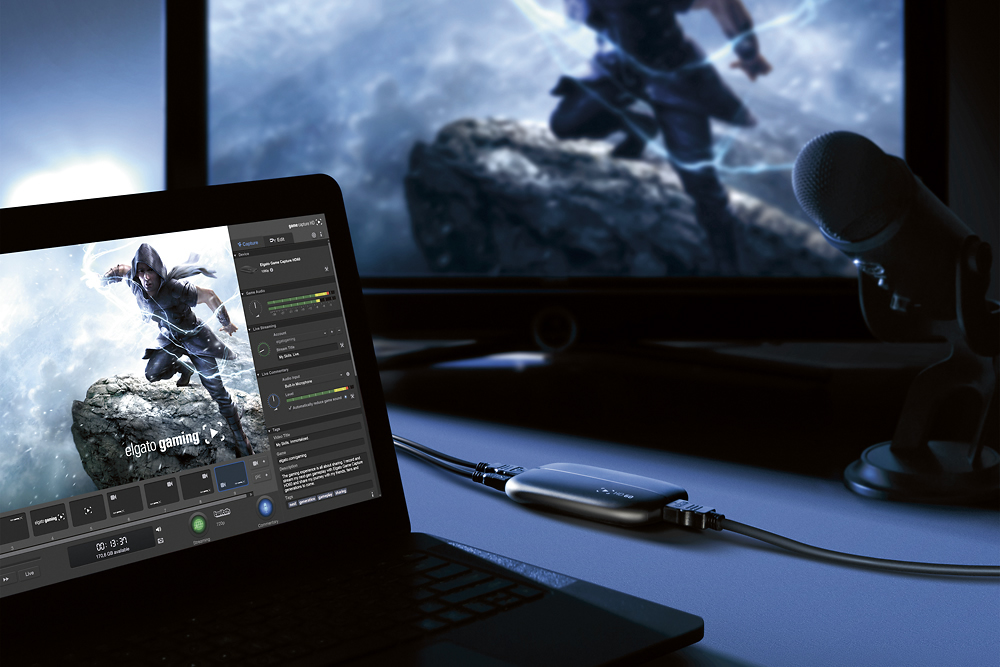
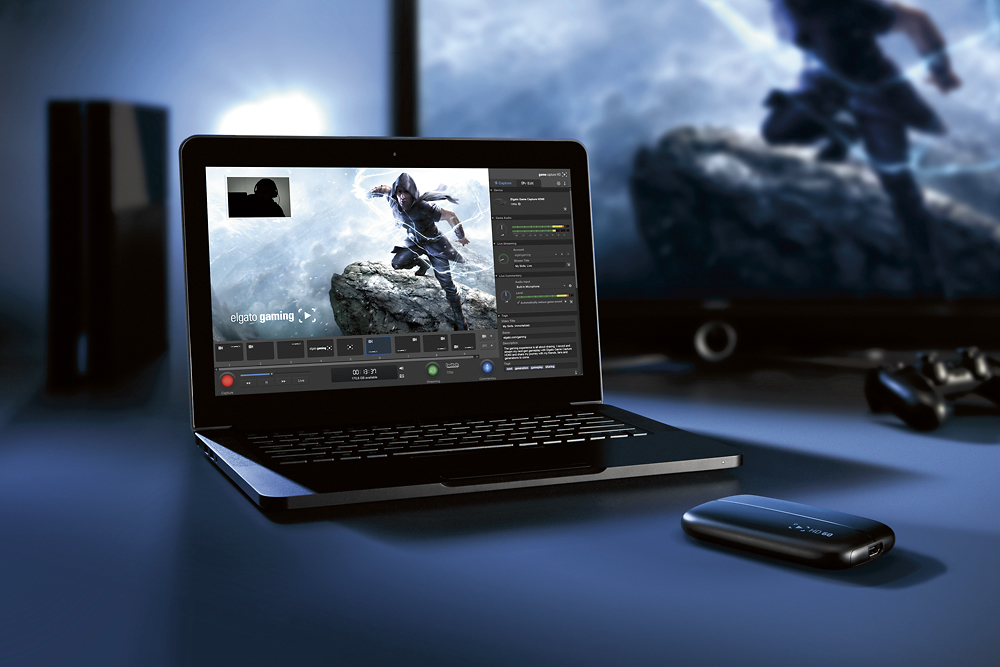
||Posted .This reviewer received promo considerations or sweepstakes entry for writing a review.Are you ready to be video game star? At its outset, Web 2.0 was suppose to "democratize the internet" and while this is mostly the warm wind one associates with Silicon Valley (see collected statements of Mark Zuckerberg and Evan Williams), recent years have seen a considerable "disruption" of broadcast entertainment by the likes of YouTube and Twitch and the arrival of video game as appointment viewing. Just a few years ago, the idea of watching people play video games would be seen as the height of insanity, but in August 2014 Amazon paid nearly a $1 billion to purchase Twitch.tv (at the time of purchase, Twitch represented, according to CNN, 1.35% of all internet traffic). And so while a political voice may be out, a new kind of stardom is in, video game entertainer. El Gato Of course, one needs technology to make this stardom happen, and first on that list should be a gaming capture device, the most popular of which is the El Gato Game Capture HD series. The newest in this series is the HD60 which has been, according to the company literature, upgraded for the next generation of consoles (Xbox One, PS4). The HD60, like the HD that came before, is a combination of hardware encoder and editing software that is meant to make the production of video game videos and streams as turn-key as possible. The only limitation of this newer edition is the consoles that it is compatible with. The HD60 can only work with the Xbox 360 & One, Wii U, and PS4 (the PS3 is incompatible because of its use of an encrypted HDMI input. The PS4 allows for this feature to be turned off). Hardware The first component of the El Gato HD60 is the hardware. The device is roughly the size of a portable hard drive coming in at roughly 4.5 x 3 x 3/4 in. and sports a nice rounded design, a vast improvement over the boxy style of its predecessor. The HD60 functions as a pass through between your console and your TV, with HDMI input and output plugs (one HDMI cable provided). However, the heavy lifting is still accomplished via a computer connected with a USB 2.0 cable (mini-USB to USB), that serves as both processor and storage for the device. And it's because of this that anyone interested in using the El Gato will have to invest in, at least, a mid-range computer. Here are the hardware requirements from the computing end of things. From the hardware perspective the HD60 is remarkably easy to use and anyone capable of hooking up the required console system will have no problems adding the El Gato to the mix.The small size is certainly a benefit as it makes the device relatively inconspicuous, a necessity in what is already the valuable real estate of an entertainments centers and computer desks. The device is so small, in fact, that El Gato makes a carrying case so that the party can become portable. With the rounded edges, smooth black matte finish and an accent light that fires up and fades nicely, El Gato has made all of the right aesthetic choices when its comes to the HD60's design. Software The other half of the game capture equation is the software that is provided by El Gato. The software is free from the El Gato site for inspection (although its completely useless without the device itself.) Like the hardware, the software is as simple to use as it could possibility be, considering what's happening behind the scenes. The interface allows the user to record with one button (or even a pedal), easily title and tag their videos, and adjust the quality of the sound and video with little more than dials and drop down menus. One of the cooler features of the software is that one is able to stream to Twitch, YouTube, or Ustream with the push of a button, the user being able to save log-in information to any of the services and simply selecting the desired account from drop down menus. The best features of the software, however, have nothing to do with the logistics of recording but everything to do with the look of the videos themselves. If you look just below the image of the screen in the above image, you can see what El Gato calls "Stream Command." Stream Command allows users to insert webcam videos onto their game play, as well as graphics announcing the gamer's team or channel name or even sponsor for the video/stream. Not only are there templates (the boxes under the image of the game console) but the webcam video and graphics can be moved or resized to the operator's desires. On top of this, El Gato allows gamer commentary to be added to the video or stream, and picks up their voice via headphone or a computer microphone. For more advanced users, the sound and voice files can be split into separate files during the exportation of the video to allow individual editing of the sound tracks. Although, it is possible to edited the video from within the software itself, more advanced users may find the available tools somewhat rudimentary. However, all is not great in the land of software for the El Gato. First, and this might seem like a rather tedious complaint, the El Gato HD60 does not come with a users manual, instead pointing the buyer to their website where a manual can be discovered as well as FAQs. The problem is the manual itself is not updated along with the software, so you may have a scenario described for software version 1.2 but the interface for 2.1.1 might be substantially different. This situation held for the FAQ section of the site as well, where answers may have applied to a version of the software that is utterly foreign to the current state of the user experience. Second, and a more fundamental problem, the software is buggy, sometimes resulting in the need to shut down the program just to get the webcam to remain where the user places it in Stream Command, but it may also result in the loss of an entire video session because the software failed to pick up the game audio or the webcam froze during the recording. While these are not persistent problems, the need to shut everything down and start again occurred more than a couple of times in my couple of weeks of work. Final Verdict So who needs the El Gato HD60? This is not entirely clear. First off, the device is pretty expensive at $179.99 MSRP (this is on the higher end of the available devices) and, so, whatever evidence that one factors in these kinds of decisions have to take that number into consideration. On the other hand, there is no doubt that El Gato is a pretty cool little device and it makes filming and streaming video games as easy as it is possible to make it. The software hiccups are a little annoying but, as they are software issues, they can be fixed with a future update. But if one dreams of YouTube or Twitch stardom then the El Gato HD60 is one of the necessary way stations along that path.
I would recommend this to a friend - Pros mentioned:Ease of use, Software
Rated 5 out of 5 stars
Easy Setup and easy to use software
||Posted .This reviewer received promo considerations or sweepstakes entry for writing a review.Setup was super easy. In my case, I used the included HDMI cable and plugged one end into the device and the other into my monitor that has HDMI out. Then with the included USB cable I connected the device to my computer. The software is really easy to use and is packed with tons of features and it seems that they update it regularly. Just download from their site and start it up and it recognizes the device immediately. The device does as advertised, happy customer here.
I would recommend this to a friend - Pros mentioned:Ease of useCons mentioned:Lag
Rated 4 out of 5 stars
Great Product for Capturing Gameplay Footage
Posted .This reviewer received promo considerations or sweepstakes entry for writing a review.So after spending quite some time looking for a capture device, I decided to go with the Elgato Capture HD 60. Setting up was a breeze and love the software it comes with, very user friendly. After setup, there's no lag from the console to the TV but there is a bit of lag when viewing it from the computer (through software) but obviously you're not going to be playing from there. One thing I love is that you can go back through your gameplay footage and record whatever you missed the first time around. One thing I will complain about is that if you have it setup to your computer, your computer has to be turned On otherwise the signal won't go through to the TV. Not a big deal as you can always disconnect it and plug it straight to the TV. Another thing I noticed is when I turn on the system, the brightness / contrast is a lot brighter than I normally have set on my TV thus making blacks looks washed out. Doesn't always happen but when it does, I have to go manually change the settings on my TV to fix it (keep in mind I have a high end Samsung Smart TV). If you're an avid gamer and want to start doing videos for YouTube, this is a Great Device. Highly Recommended.
I would recommend this to a friend - Pros mentioned:Software, Video quality
Rated 5 out of 5 stars
Great product with a very minor set back
||Posted .This reviewer received promo considerations or sweepstakes entry for writing a review.This product is an amazing price for the quality of product. The product itself is so tiny so don't expect it to take up a bunch of room anywhere in your set up and it records at a crisp 1080p 60fps. The streaming software that it comes with is also amazingly smooth. The only set back is when you are trying to record pc game play and the issue is that it maxes out at 60hz. So if you are expecting to use a 144hz monitor with this attached don't bother. Now with console gaming which 99% of buyers will be buying this for that is not a problem, but for you 1%ers just know that it won't let you take advantage of 144hz on your monitor for pc games. Amazing product I 100% recommend it.
I would recommend this to a friend - Pros mentioned:Compatibility, Ease of use
Rated 5 out of 5 stars
AWESOME PRODUCT
||Posted .This reviewer received promo considerations or sweepstakes entry for writing a review.AWESOME PRODUCT. GOT IT AS A GIFT AFTER WAITING ALMOST 3 YEARS!!! I LOVE IT. EASY TO USE, SET UP WAS A BREEZE AND IT WORKS GREAT MAKING MY YOUTUBE VIDEO'S. IT WORKS WITH BOTH MY XBOX ONE AND PS4. SO GLAD I FINALLY GOT IT AND YES I RECOMEND IT.
I would recommend this to a friend - Pros mentioned:Video quality
Rated 5 out of 5 stars
Excellent Product
||Posted .This reviewer received promo considerations or sweepstakes entry for writing a review.I am a storm chaser and need to be able to stream live video to News Outlets. I have upgraded my cameras, and the USB feed from the camera doesn't give a very high quality feed. I picked this up and hooked up my GoPro to the HDMI port and used that and during my test stream, all of the views agreed the quality of the video was definitely broadcast quality!
I would recommend this to a friend - Pros mentioned:Ease of use
Rated 5 out of 5 stars
Bought this for my son for Christmas
||Posted .This reviewer received promo considerations or sweepstakes entry for writing a review.The product is relatively easy to use, small and compact. He uses this to stream his game play when on his XBox360 and loves it. Doesn't need to use it when is on the XBox One as it streams on its own. You must have a PC with some reasonable power to be able to use this device correctly, but most machines will work relatively decent.
I would recommend this to a friend - Pros mentioned:Ease of use, Video quality
Rated 5 out of 5 stars
Awesome Capture Device
||Posted .This reviewer received promo considerations or sweepstakes entry for writing a review.I've been wanting to get a capture card for a while now. I was looking around when I came across this Elgato HD60. The capture quality look absolutely amazing. Being able to record in 60fps is something I was also looking for thanks to Youtube's update to 60fps videos. The software it comes with is easy and simple to use. It does come with some basic editing options but odds are you already have separate editing software like Sony Vegas or Adobe After Effects for videos. All in all I recommend this capture card to anyone looking for something compact but powerful.
I would recommend this to a friend - Pros mentioned:Ease of use
Rated 5 out of 5 stars
Simple and Easy To use device
||Posted .This reviewer received promo considerations or sweepstakes entry for writing a review.This is a very simple and easy to use capture device. it can capture full 1080p at 60fps. Works with a larger range of cpus for local recording, however if your using this to stream PC content or a console, recommend using an intel i7 -2XXX or better (sandy bridge and newer). for some reason AMD processors do not work well with streaming due to the computations that need to be made for rendering. My FX-6300 Six Core 3.5ghz can barely render 30fps at 720p. I use my MacBook Pro with a i7-2675QM and It works great. Ideally this is best suitable for people streaming a console to Twitch or the net, or if you like to do just local recordings for personal viewing.
I would recommend this to a friend - Pros mentioned:Ease of use, Video quality
Rated 5 out of 5 stars
Great product
||Posted .This reviewer received promo considerations or sweepstakes entry for writing a review.Bought this to start streaming and record video games from my Xbone and PS4. I must say that it works flawlessly and very well. Very easy to setup and use. Records while you are not recording so you can find parts that have happened if you did not record them. You can stream to twitch right on the device software itself. Video quality is the same as displayed on your tv. Same resolution and frame rate. The only thing you have to do is plug it in and download the software for free from Elgato's website. Done.
I would recommend this to a friend - Pros mentioned:Ease of use, Software
Rated 5 out of 5 stars
Easy to use
||Posted .This reviewer received promo considerations or sweepstakes entry for writing a review.This is a great item for gamers to capture their gameplay and share with others. It installs in minutes with minimal cables and is ready to go. Software is pretty easy to use and like most, you can learn a lot by navigating through it. My only con is that there is no LED to signal it has power. Upon initially connecting it, there was a band of white LEDs down the middle but they then went out and I have yet to see them come back on. Unit gets power from a gaming console so I'd imagine that the lights should illuminate when power to the console is on.
I would recommend this to a friend - Pros mentioned:Video quality
Rated 5 out of 5 stars
Great Capture Card
||Posted .This reviewer received promo considerations or sweepstakes entry for writing a review.I've been using the HD PVR for a long time and I would always have some sort problem with it. The Elgato would be the best capture card out there right now, because the quality is amazing. It's also efficient, all you need is a computer, hdmi cable, and a game system. Assuming you guys already have T.V's, it's simple, but compared with the HD PVR the quality is incomparable in my opinion of course.
I would recommend this to a friend