Customer Ratings & Reviews



- Model:
- 27-B120
- |
- SKU:
- 5760712
Customer reviews
Rating 4.4 out of 5 stars with 14 reviews
(14 customer reviews)to a friend
Customers are saying
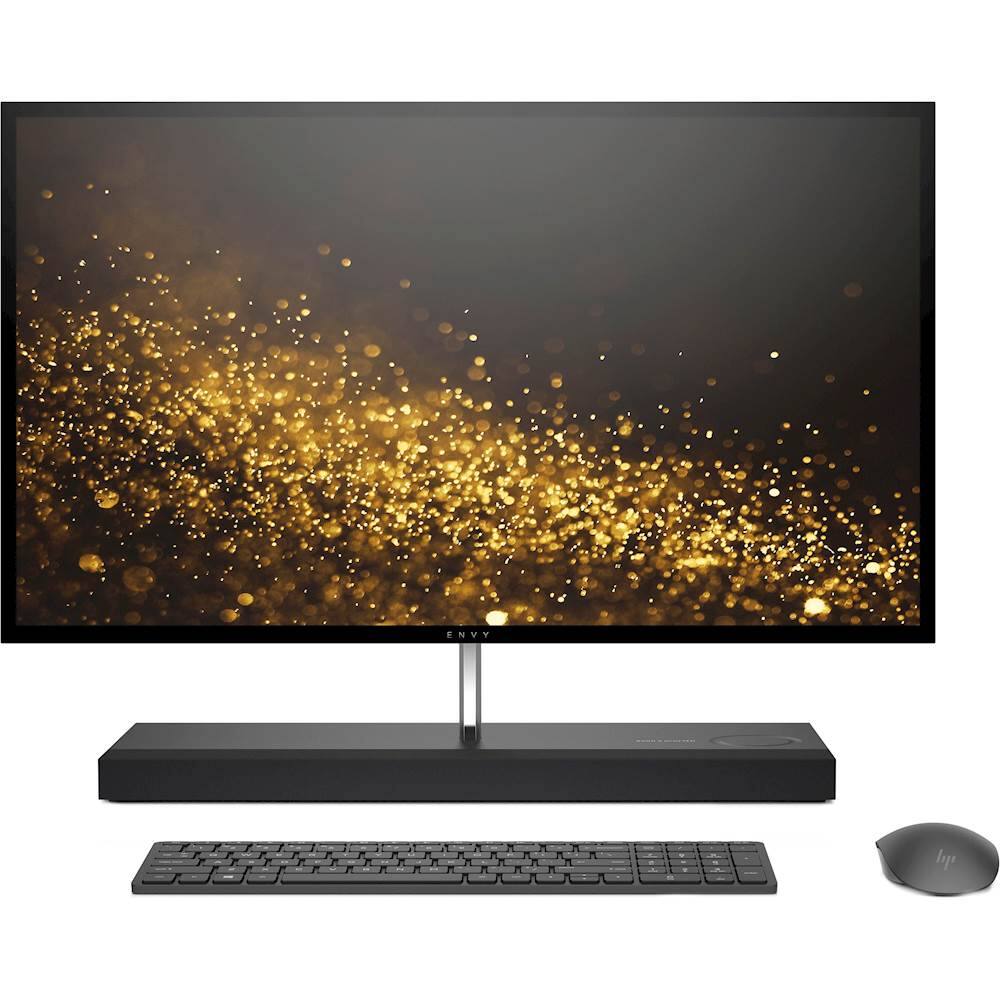
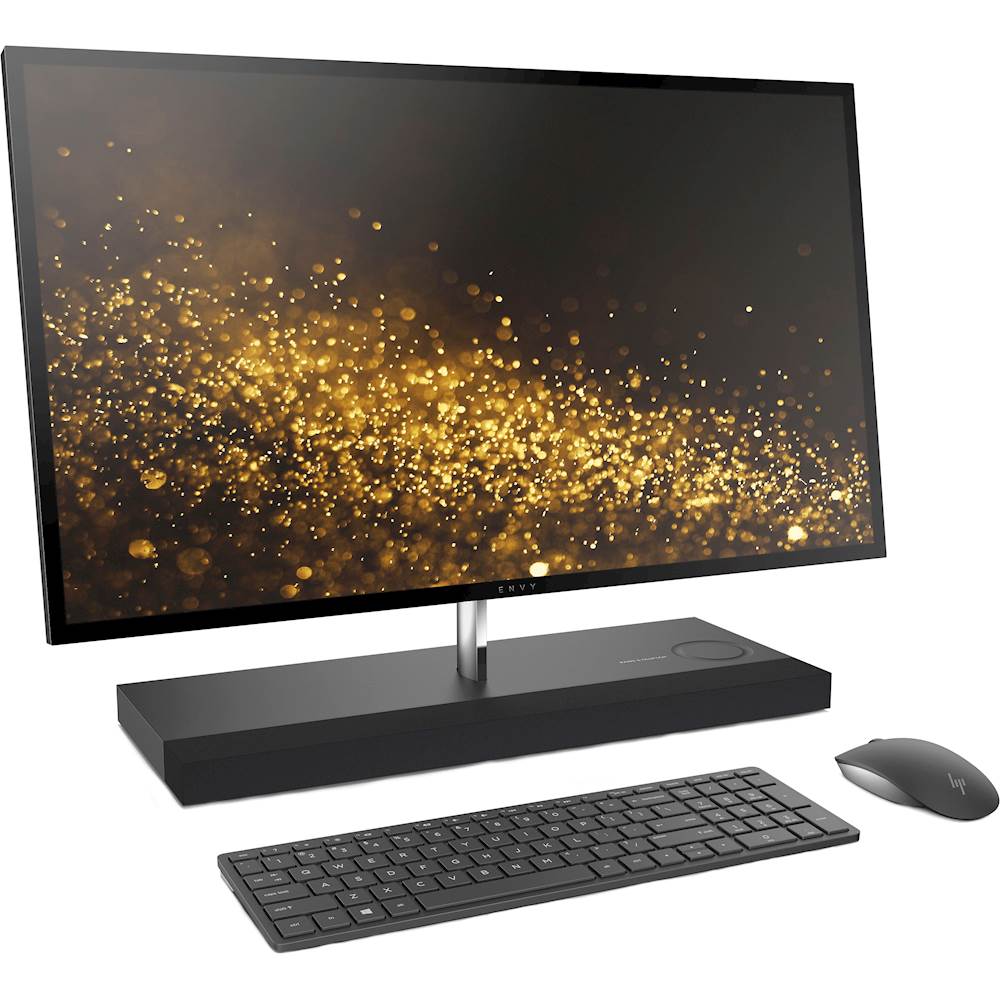
Customers enjoy the many features of the ENVY 27" Touch-Screen All-in-One. However, some have expressed that the keyboard is smaller than expected and that this has caused some inconvenience. A few users also mentioned challenges with keyboard functionality and compatibility. Further details regarding specific issues with the keyboard should be considered.
This summary was generated by AI based on customer reviews.
- Cons mentioned:Keyboard size
Rated 5 out of 5 stars
pc out of the box ready yo go
||Posted .This reviewer received promo considerations or sweepstakes entry for writing a review.unit performs well right out of the box its fast the monitor is sharp. The keyboard is a little small but got use to it quickly.
I would recommend this to a friend Rated 5 out of 5 stars
Great for seeing impaired
||Posted .This reviewer received promo considerations or sweepstakes entry for writing a review.Got this for My Dad who has very diminished vision. Touch screen allows him to touch what he is selecting rather than trying to find a small cursor to hover over his selection. He can zoom in using touch gestures and pan the screen all by touch. It's given back a bit of independence to My Dad.
I would recommend this to a friendRated 5 out of 5 stars
Great Upgrade
||Posted .This reviewer received promo considerations or sweepstakes entry for writing a review.I have always had great results with HP, a while back I bought a 24" All-in-One Touchscreen and loved it. It had everything that I need for my computing. Decided to go bigger and got the 27" HP All-in-One with faster CPU and larger internal storage. It has been great but still learning. I know a lot of people that tell me that they hate HP but as I said earlier I have always been very happy with them. If I have ever had a problem that the internal trouble shooter can not find I have had good response from HP or use geek squad. I have never had an HP Computer that I had to scrap because of trouble, it has always been to upgrade. My wife is now using the 24" All-in-One and is happy with it.
I would recommend this to a friend- Cons mentioned:Keyboard size
Rated 4 out of 5 stars
Nice and fast, few drawbacks only.
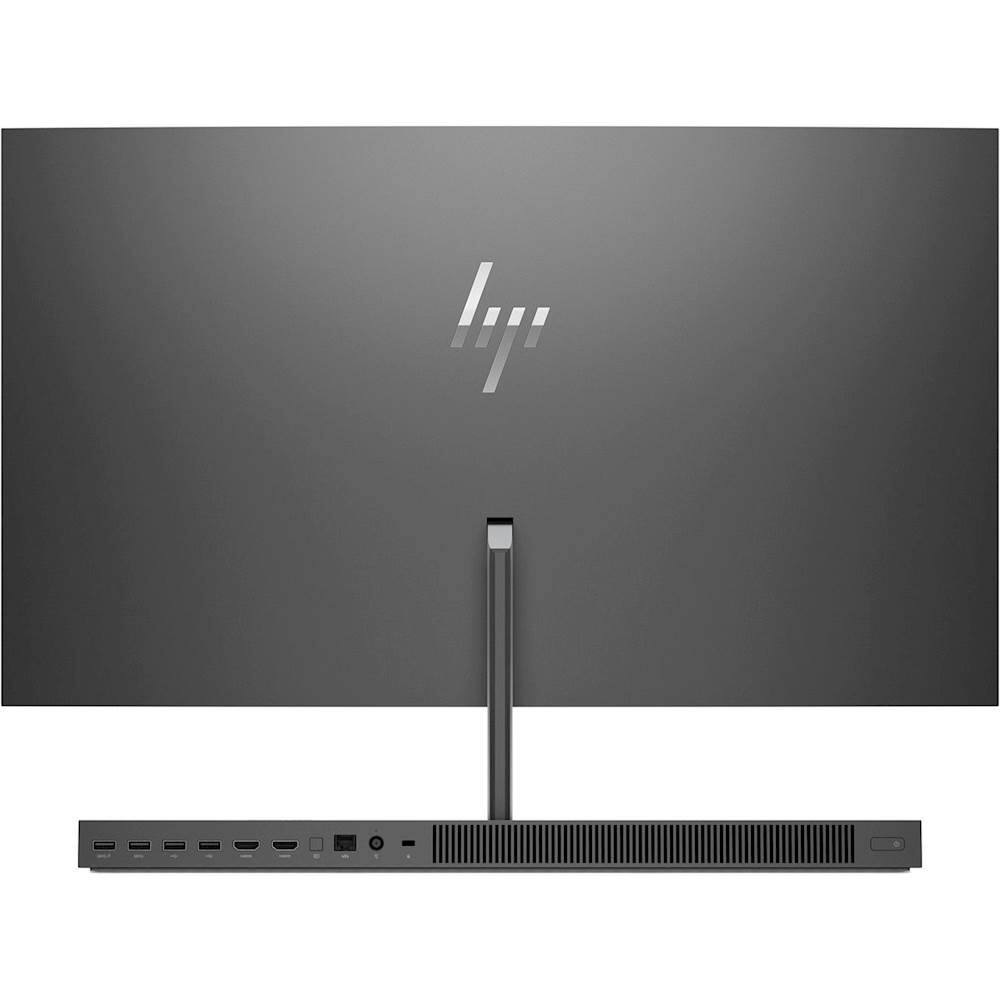
||Posted .This reviewer received promo considerations or sweepstakes entry for writing a review.Pros: fast, nice monitor and hidden camera feature. Cons: power cable should be at 90 degrees angle, it's protuding behind. Keyboard doesn't have direct access to the F keys functions You have to press Fn and then the desired F.
I would recommend this to a friend - Cons mentioned:Keyboard size
Rated 5 out of 5 stars
Great computer
||Posted .This reviewer received promo considerations or sweepstakes entry for writing a review.Super fast start up, application start & large file load. Also data transfer is fast-8GB in under 4 min. Display is awesome. Wireless keyboard & mouse included. The keyboard was a little too small for me although the touch was nice. I'm also not a mouse person, so I did purchase a different keyboard & rollerball. So far, very happy with this PC.
I would recommend this to a friend Rated 4 out of 5 stars
Beautiful, but with surprises
||Posted .This reviewer received promo considerations or sweepstakes entry for writing a review.I bought my first HP 27" Envy in July. I had the "Geek Squad" migrate data from my old computer to the new one. The "Geek Squad" technician who explained how to work with Windows 10 did an amazing job! However, as we were in the middle of the orientation, the computer crashed. There were strange green vertical lines and nothing happened. She unplugged the computer 3 times and the same thing happened. They ordered me a new computer that I have had for about 2 days now. It is a beautiful computer and as of right now, is running nicely.
I would recommend this to a friend- Cons mentioned:Keyboard size
Rated 4 out of 5 stars
Good for home
||Posted .This reviewer received promo considerations or sweepstakes entry for writing a review.It looks great and the screen looks good but has some compatibility issues with QuickBooks screen size.
I would recommend this to a friend Rated 5 out of 5 stars
Still getting familiar
||Posted .This reviewer received promo considerations or sweepstakes entry for writing a review.There are so many new features, with this HP All-in-One Touchscreen that I haven't really broken the surface. The display is so much cleaner and sharp it is a joy to look at. The speed is mind blowing compared to my old 24", but again I am still figuring things out.
I would recommend this to a friendRated 5 out of 5 stars
Excellent Purchase
||Posted .This reviewer received promo considerations or sweepstakes entry for writing a review.From visuals to speed. All in one HP has it all. I opted to wait for the 4K model for the visuals and this model has the 256gb solid state on PCIE for extra processing speed with an extra TB drive for everything else
I would recommend this to a friendRated 5 out of 5 stars
Incredible Machine!
||Posted .This reviewer received promo considerations or sweepstakes entry for writing a review.Wow! This is the best computer ever! Fast and huge so that I do not have to use readers! I can find stuff easily now. Thank you Microsoft!
I would recommend this to a friendRated 5 out of 5 stars
Excellent
||Posted .This reviewer received promo considerations or sweepstakes entry for writing a review.Great performance and display. Love the short start up and overall performance!
I would recommend this to a friend- Cons mentioned:Keyboard size
Rated 4 out of 5 stars
great screen and sound
Posted .This reviewer received promo considerations or sweepstakes entry for writing a review.I recently purchased this computer the screen is clearer then my TV and has great sound. It's extremely responsive,starts up fast, the touchscreen is convenient, I would have given this computer five stars if only the monitor was detachable and were able to be mounte. I also have had problems with the keyboard.
I would recommend this to a friend Rated 2 out of 5 stars
Had to return, screen flickering
||Posted .This reviewer received promo considerations or sweepstakes entry for writing a review.From the moment I turned the computer on the screen flickered. I had to return it and order a new one.
No, I would not recommend this to a friend- Cons mentioned:Keyboard size
Rated 4 out of 5 stars
Great machine, marginal keyboard & mouse
Posted .This reviewer received promo considerations or sweepstakes entry for writing a review.I have the B014 model, but basically the same machine. Great PC. My gripe is with the keyboard & the mouse. I can type faster than the keyboard & W10 can process my keystrokes. And, I'm not a super-fast typist. I'm constantly proofreading my documents and seeing two capital letters together (missed the release of the "Shift" key) & missed letters. I'm trying to configure W10 to try to find a work-around for this problem, but haven't found a solution yet. Also, the keyboard is not full-sized. With a full-sized desktop, you would think HP would supply a full-sized keyboard. I'm still not used to the smaller keyboard, and I've had the machine for over a year. Concerning the mouse, there are no separate left and right buttons; the whole top surface of the mouse is one piece. It's not as responsive to your clicks as a "standard" mouse. Plus, if your finger drifts towards the middle of the left side, the mouse can generate a right, not a left, click. You have to consciously keep your right index finger far to the left of the mouse's surface. Haven't had time to try purchasing a different keyboard & mouse to try to resolve these problems.
I would recommend this to a friend