Customer Ratings & Reviews
- Model:
- V11HC36020
- SKU:
- 6684617
to a friend
Customers are saying
Customers are pleased with the picture quality of this product. Users have consistently highlighted that the visual performance is excellent.
This summary was generated by AI based on customer reviews.

A marked improvement over lamp-based projectors
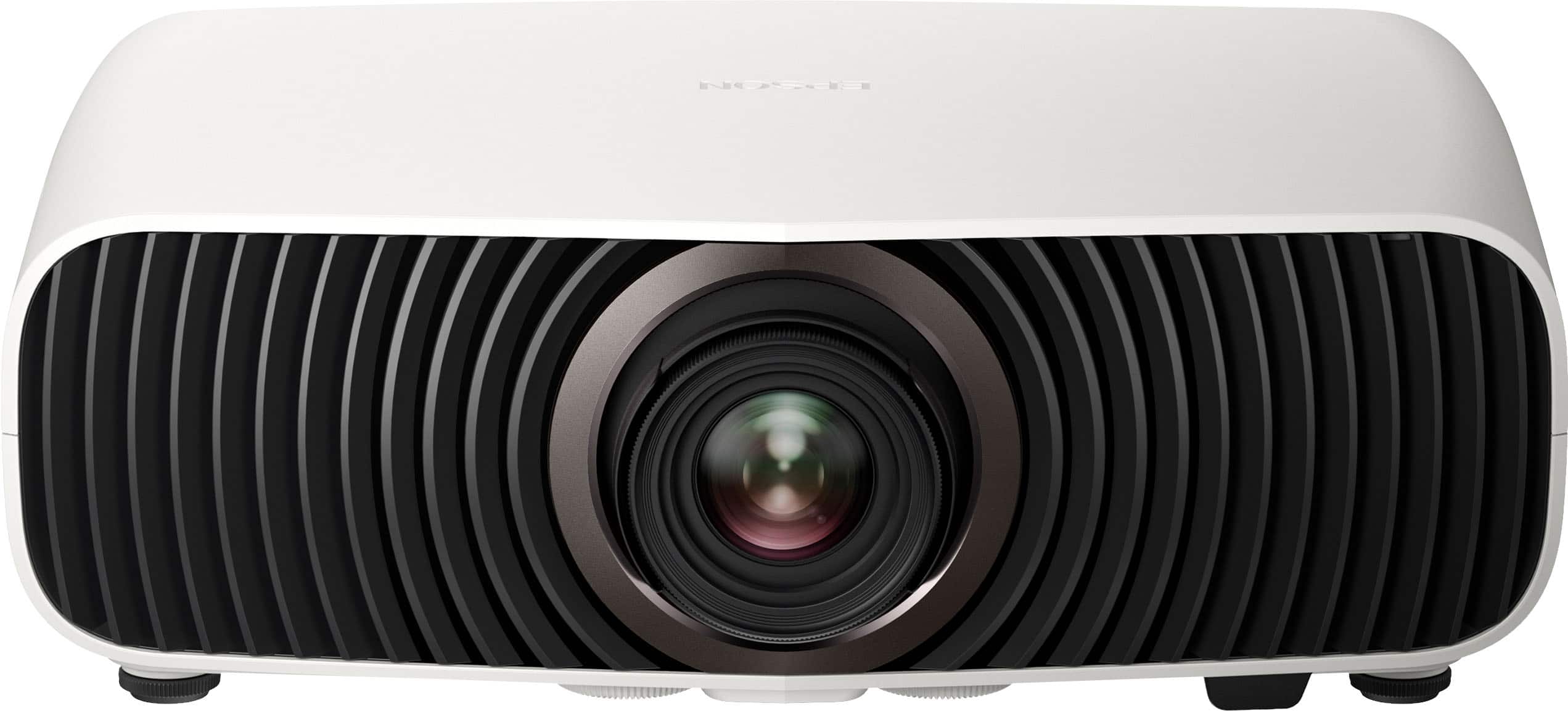
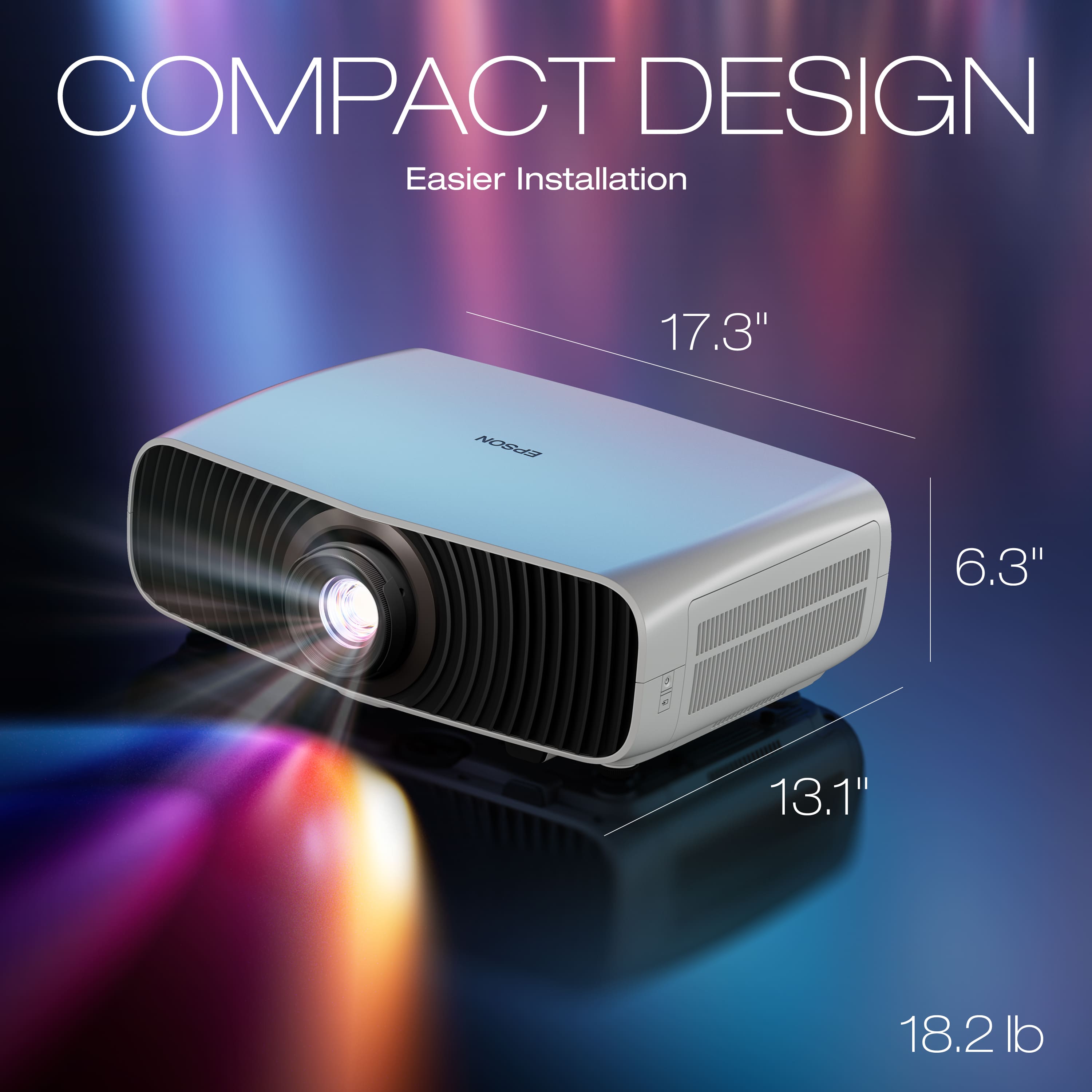
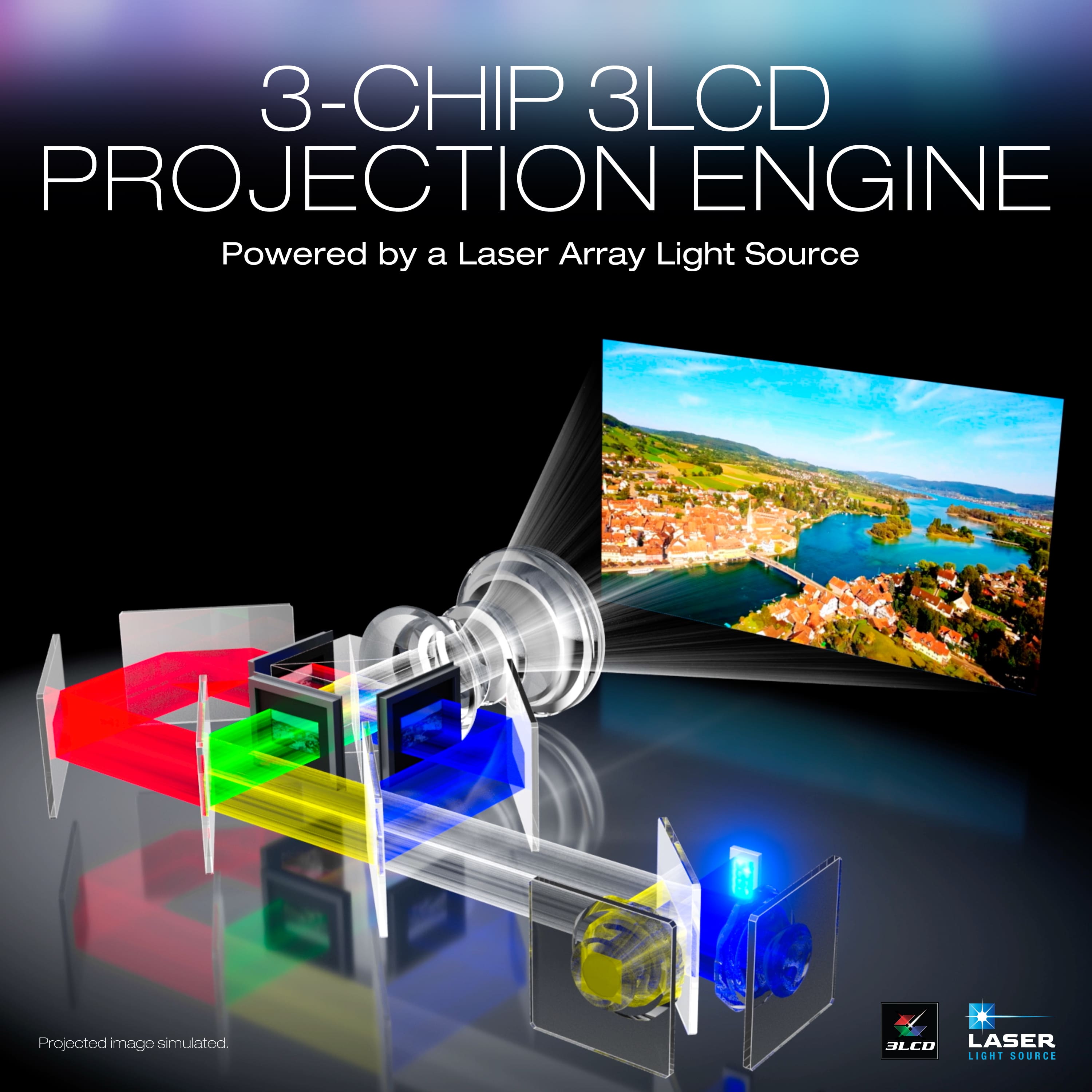
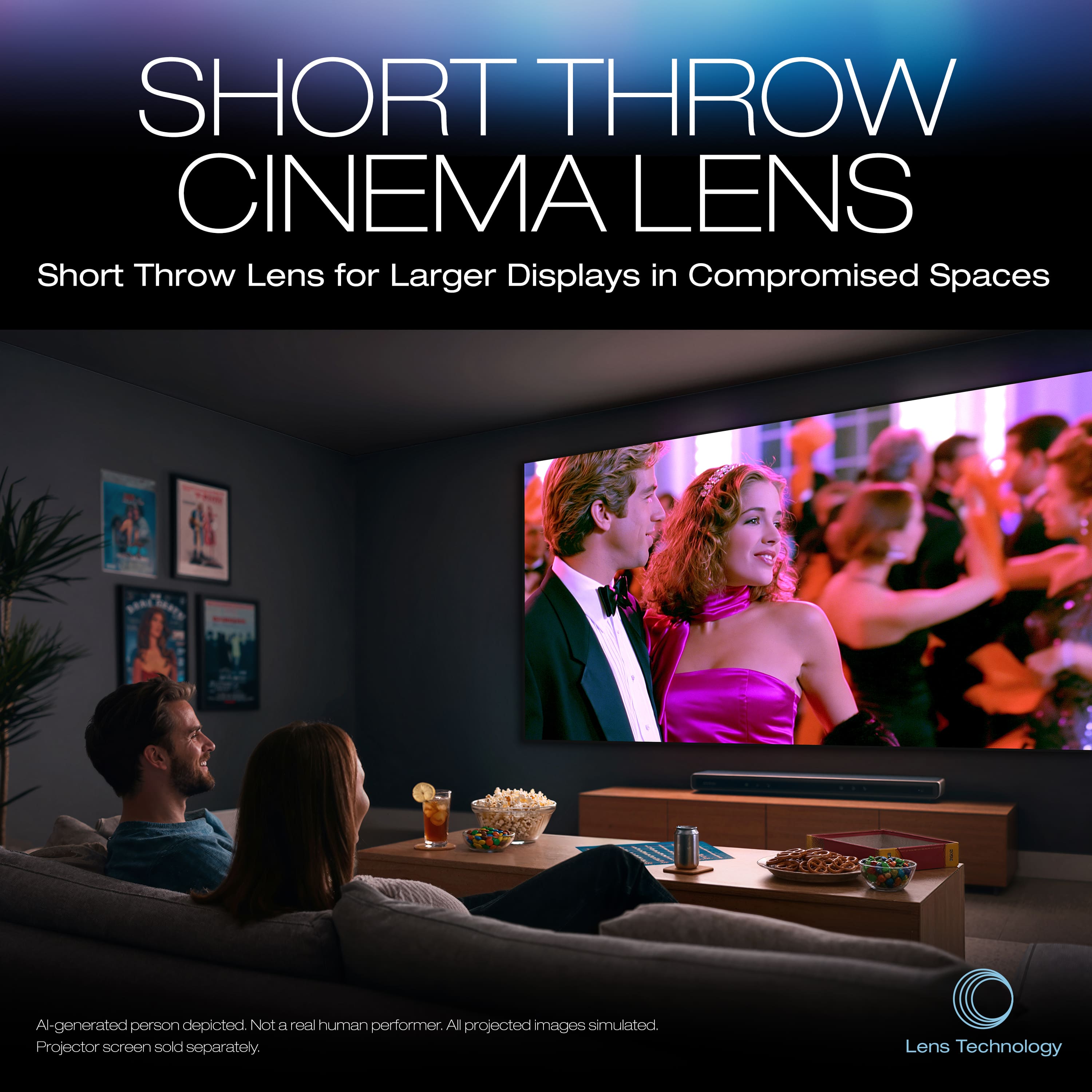
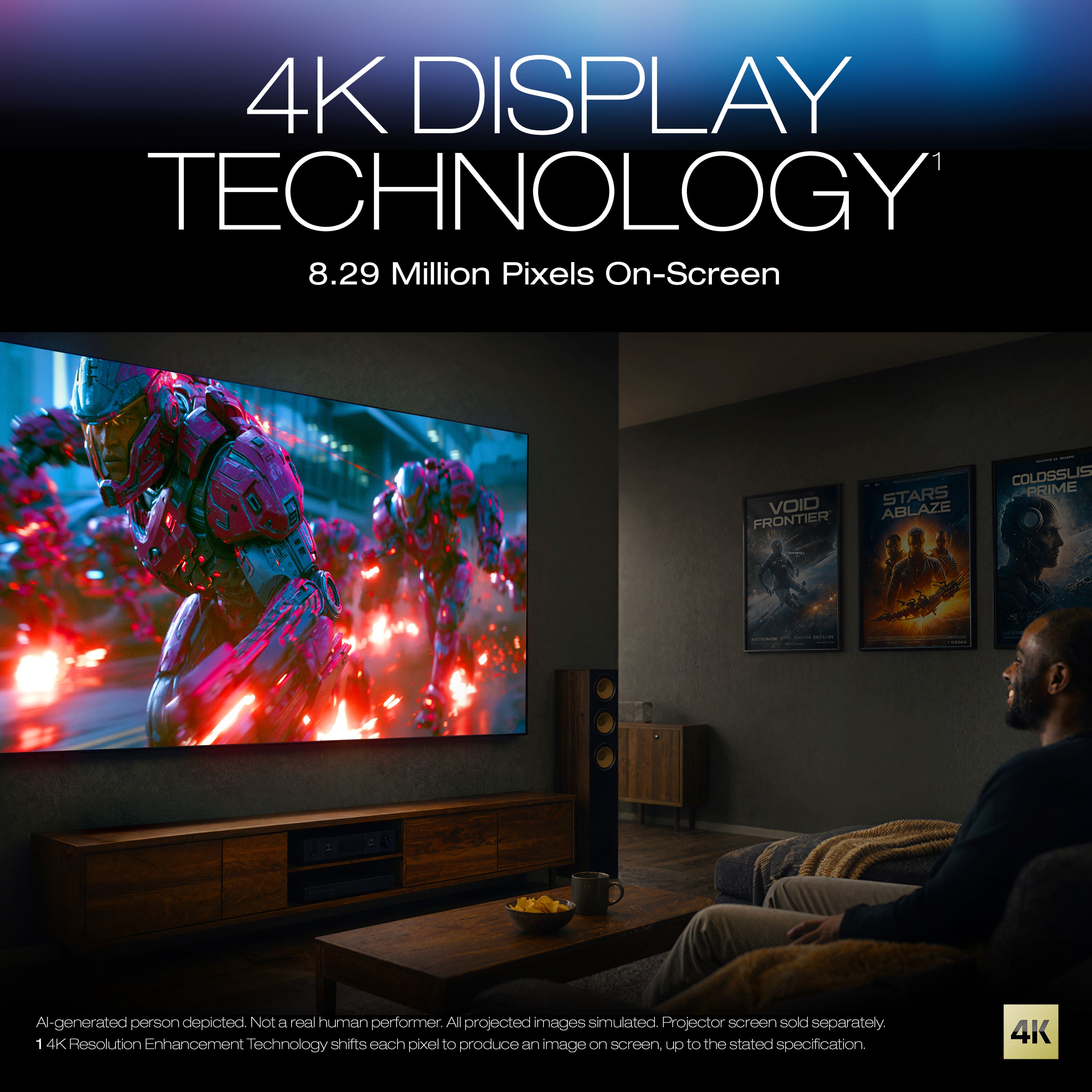
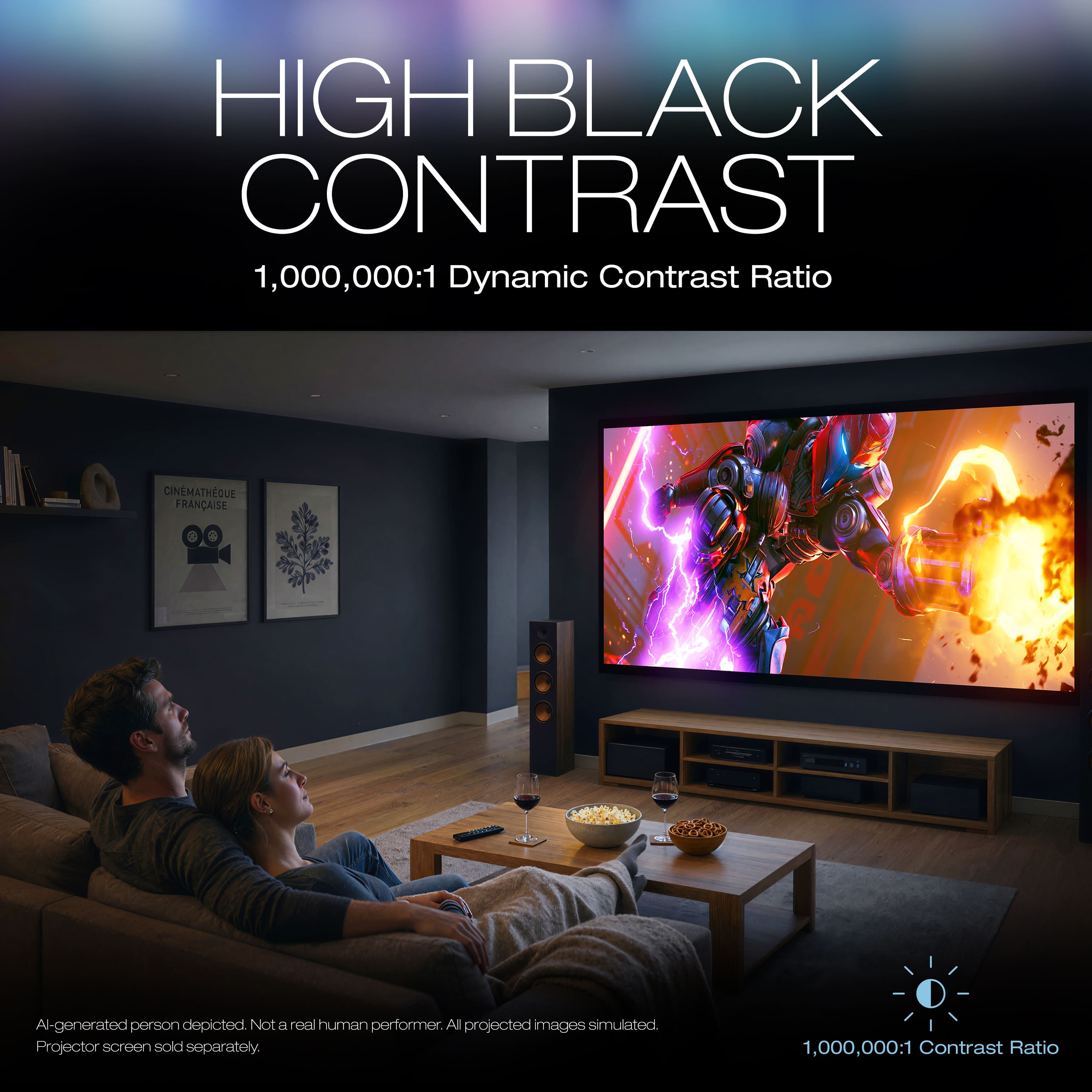
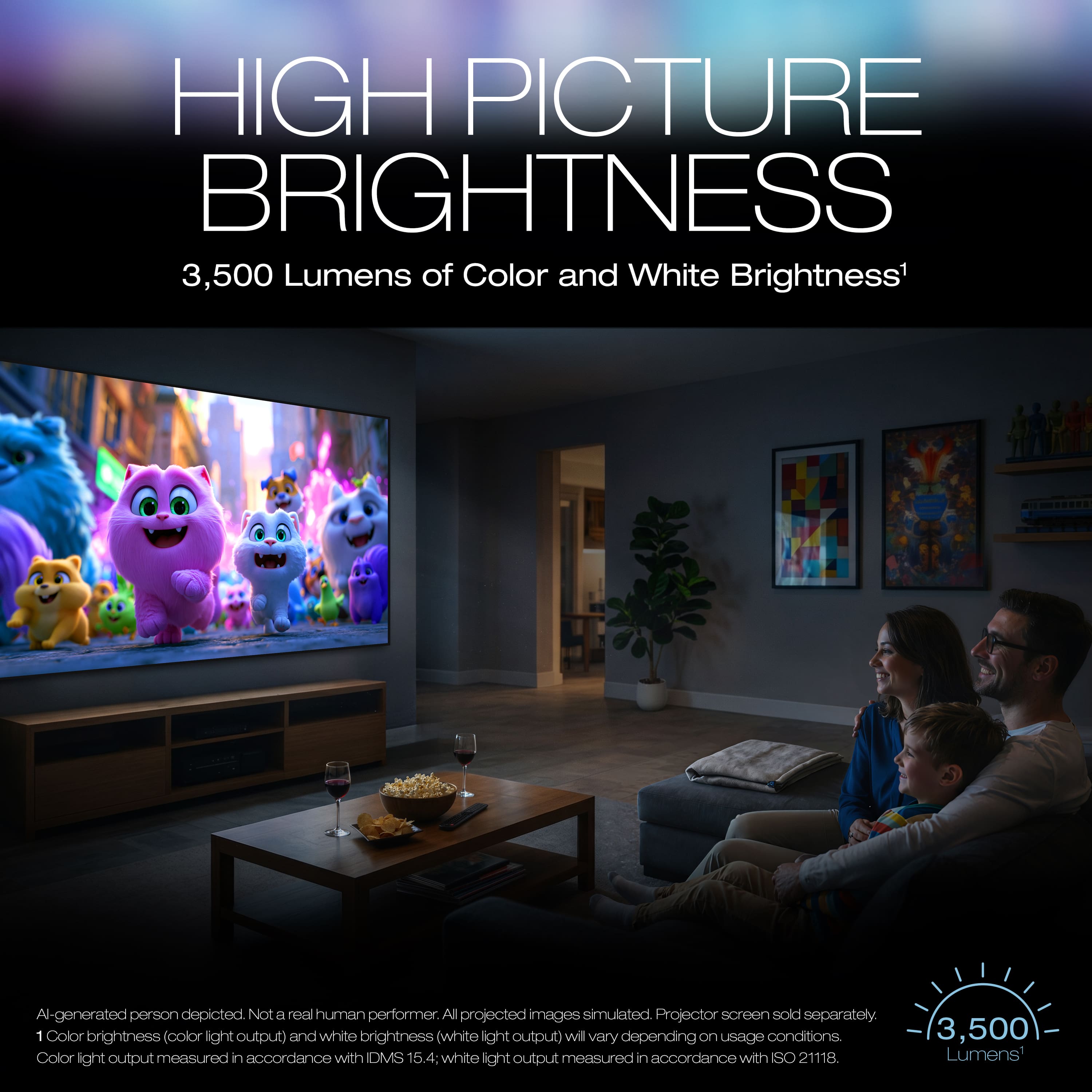
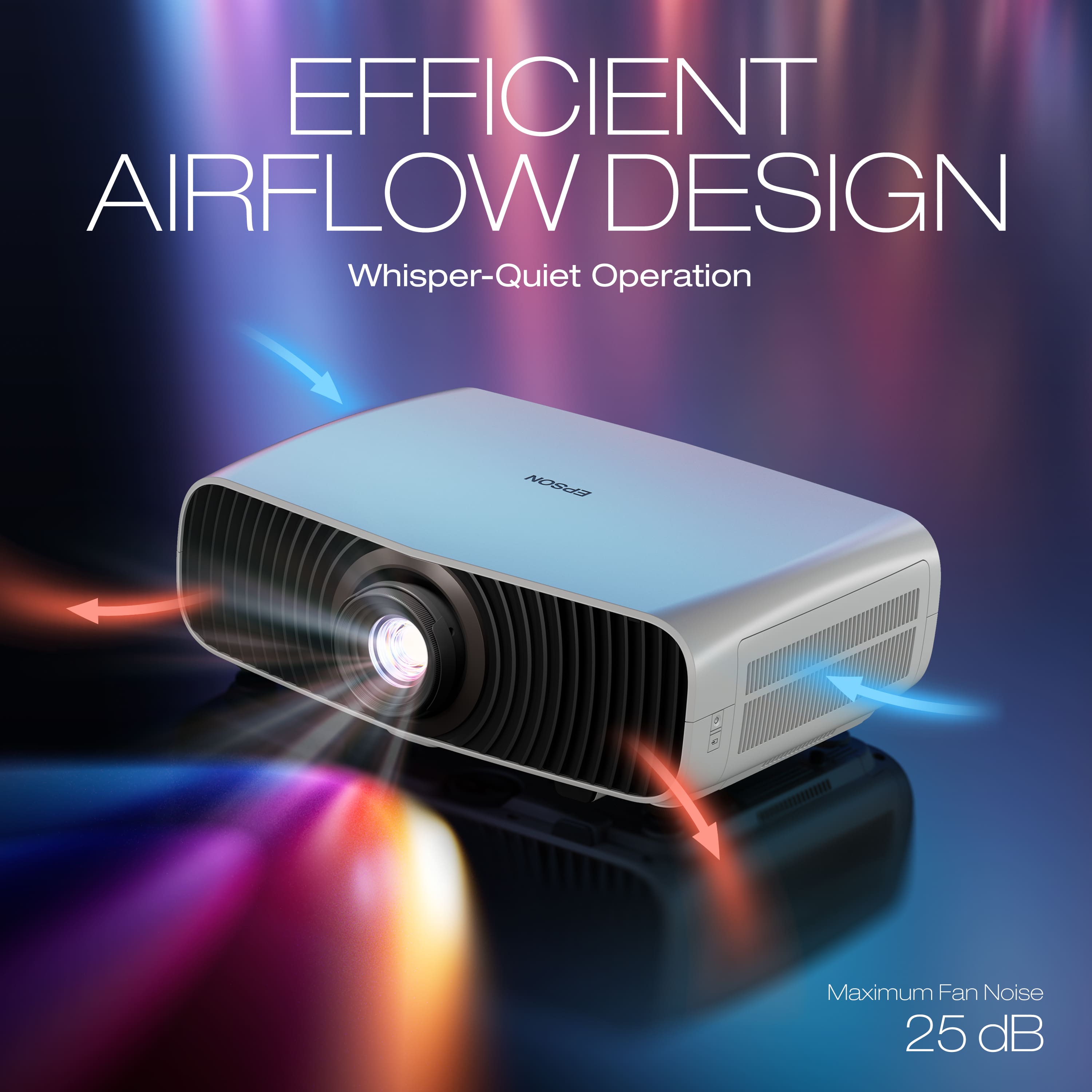
|Posted .This reviewer received promo considerations or sweepstakes entry for writing a review.PROS HUGE Improvement in Fan Noise Much Better Brightness Improved Color Saturation 20,000 Hour Laser Life Accepts 12-bit, 4k Image Considerable Amount of Manual Lens Adjustment CONS Laser Light Engine Not Serviceable Shorter Throw Often Requires Projector Movement Uses Pixel-Shifting to Achieve 4k INSTALLATION The 7500 has a considerably shorter throw distance than traditional Epson projectors. Even at maximum zoom, I had to relocate the 7500 in my dedicated home theater. Not a huge deal, but it was time consuming. I knew going in that the 7500 was a shorter throw than my existing Epson 3800, but I was surprised at just how short the throw really is. Installation distance for my 120" 16x9 theater screen is 12 feet. This is at maximum zoom. This is close to 2 feet closer to the screen than my 3800 which was at its middle zoom setting. Ideal placement for the 7500 to fill a 120" screen would be about 10 feet from the screen. This would give the buyer plenty of room within the zoom setting to fine tune the picture. One thing that does help in installation, or in my case, relocation, is the huge amount of lens shift. Epson's new 7500 has substantially more lens adjustment than my previous Epson projectors. I'm not talking about digital keystone correction either. I'm talking the ability to finely tune the aim and throw of the lens. Buyers need to just get the projector's image as close as possible to the screen. Once installed, the manual tuning knobs can fine-tune the lens' throw to perfectly align the projector to the screen. I was surprised at just how much adjustment there is in the shift of the lens. It definitely made installation and aiming substantially easier than my last 2 projectors. LASER vs. UHP LAMPS Epson is not the first player using lasers as a light source. Some lasers have left users wanting, as the lasers just couldn't get as bright as a traditional UHP lamp in an LCD projector. I am happy to report that this is not an issue that plagues the Epson 7500. I am surprised at just how bright and vibrant the picture is. Epson claims up to 3500 lumens of brightness and I believe it. Of the numerous projectors I've owned and installed over the years, this 7500 is brighter than any I've used to date, aside from dedicated conference projectors. One thing that the 7500 does far better than any other UHP lamp-based projectors I've owned and installed is the fan noise. I've ALWAYS set my projectors to Eco mode. Not just because I have a light-controlled, dedicated theater, but because I find the fan noise emitted from projectors to be objectionably loud. It's not just an Epson issue either. Their competitors' projectors all suffer from the same inherent weakness. The UHP lamps run very hot and they need adequate air flow to survive. Epson's new laser light engine changes the status quo. It's obviously and immediately quieter than ANY UHP projector I've used. In addition to the improvements in noise, the new laser light engine is designed to last up to 20,000 hours. MUCH longer than the average 2,000 hours I get out of a UHP lamp. Granted those lamps' lives can be extended by using them in Eco mode like I do, but I have yet to have a UHP lamp go much over 3,000 hours before needing to be replaced. Lastly, one area that UHP lamp can never beat a laser as a light source is the start-up time. Epson's laser light engine fires off nearly instantaneously and at full brightness. Much like a traditional TV. After more than a decade of UHP based projectors, I no longer have to wait for the lamp to warm up and slowly come to full brightness. PICTURE QUALITY Brightness - The improvement in the picture compared to my Epson 3800 and even my older 5040UB is quite striking. A big part of this, is the ability to run the 7500 at maximum brightness without the fan being so objectionably loud that it destroys the home theater ambience. I liked my 3800 and my 5040, but I had to use them on Eco mode to keep the fan noise down to a tolerable level. Any setting other than Eco and the fans were just obnoxious during quiet scenes in movies. Not the 7500. I'm not sure if it is because of the new laser light engine in the 7500 or a better designed cooling solution, but the differences in noise levels is striking. For most accurate color reproduction, I run the 7500 in Cinema mode. But unlike my 3800, I run the brightness at 100%. The improvement in acoustics is nearly night and day. I've never had an Epson projector with a UHP lamp that could compare to the 7500 in terms of brightness and fan noise. Even at 100% brightness, the 7500 is quieter than my 3800 in Eco mode. Outstanding!! Color - Another area the 7500 excels at is color saturation. I was taken aback at just how much more saturation there is in the colors. Maybe it was because I am used to Eco mode, but the 7500's colors are strikingly better than my previous projectors to date. The colors actually pop now, where they never did with my old 5040UB or my 3800. I've watched several movies and shows with the 7500 and have been pleasantly surprised every time I've turned it on. It is that much better than my others ever were. Contrast - This is an area where no projector can compete with a decent TV set. Not even close. However, setting the 7500's dynamic iris to fast does help with the overall contrast. Unlike my 5040UB and 3800, I can't hear the 7500's motorized shutter doing its thing during movies. The improvements in the lens mechanism have paid dividends over the years. While a projector will never be able to compete with a decent TV in contrast, I have noticed an overall improvement in contrast compared to projectors of years past. Uniformity - This is often a tough one for projectors to get accurate. Throwing that much light on that big of a screen poses a challenge. I am happy to report that I have noticed no color, brightness, or focus uniformity errors as of this review. CONS First. The laser light module is not user serviceable. Unlike a UHP lamp that can be replaced, the laser module cannot, at least not that I can find. Second. Make sure you measure your room before purchase. The shorter throw may require relocating your mount and/or wiring, like I had to do. Not a deal breaker, and considering the HUGE improvement in picture quality, well worth the tradeoff. But this projector may not be a simple plug-and-play device for some. Third. While Epson sells this as a 4k projector, it really isn't a true 4k projector. Like most other consumer projectors, this one also uses "pixel shifting" to improve the clarity of an image. Yes, the 7500 accepts a 12-bit, 60Hz, 4k image, but at the end of the day, it is still a 3-panel, 1200p image. Pixel-shifting does improve picture quality, but it still isn't as crisp and clear as a true 4k panel. CONCLUSION I can't find anything not to like about Epson's latest home theater projector. I'm still surprised every time I go into the theater to watch something. It's hard to put into words just how much better the picture is compared to my 5040 and 3800. A brighter image. Improved and more dynamic colors. WAY less fan noise. 20,000-hour lamp life. Not to mention every time I've had to contact Epson for support in the past, their customer service has been second to none. As TV's become bigger and bigger for less and less, it was hard to justify a projector. This at least was my case. Aside from my dedicated surround sound system, there was little reason to use my theater over watching a movie on my big TV. The TV had a more enjoyable picture. My theater had become a mostly unused room in the house. The 7500 changes that. The picture quality is so much better, and the fan noise is so much less, that the theater is becoming the Friday night / Sunday game day hub that it once was. The new Epson 7500 has found a permanent home in my theater. HIGHLY RECOMMENDED
I would recommend this to a friendNice short throw projector
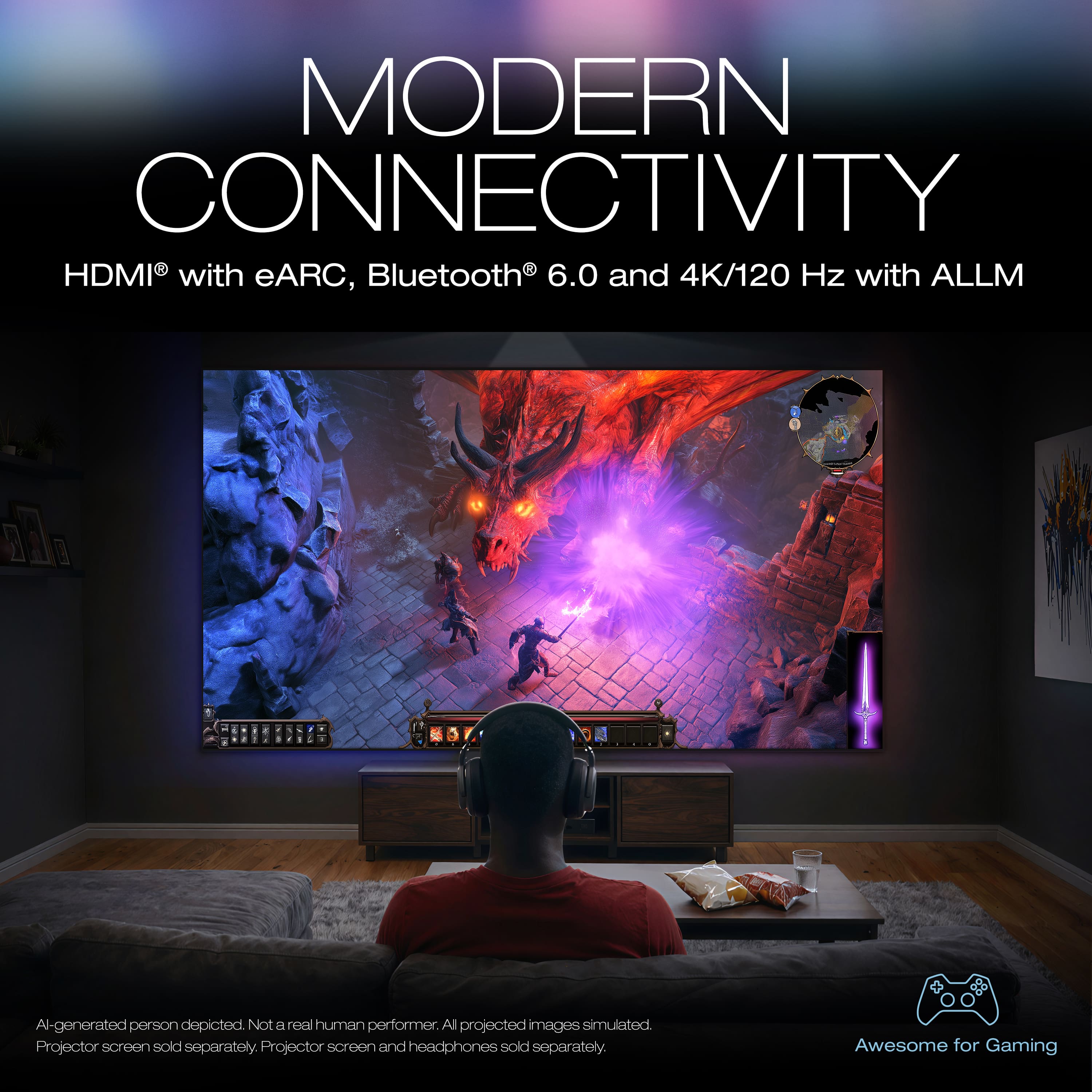
|Posted .This reviewer received promo considerations or sweepstakes entry for writing a review.This is my first 4k projector and really my first real projector. I have an inexpensive one that I would use for outdoor activities by another brand but nothing like this. Unboxing the device you get the projector,remote and a quick start guide, that honestly is lacking any real information. This is surprising coming from a company like Epson. If you want the full guide and specs you have to scan the QR code. This isn’t that big of a deal as a lot of companies do this, I would just like more information in the QuickStart guide, especially for something like this. If someone doesn’t have a tablet, viewing this guide would be a pain on a smartphone! Setting up the projector is mostly done thru the remote, except the adjustments as the focus and picture size is done with the manual ring. Once I got it set up the picture quality is excellent even on the temporary screen I used as I was waiting for my new screen to come in. In terms of connectivity you only get two HDMI inputs with one being an eARC 2.1, a USB-A, LAN port and a headphone jack. I’m not really sure why anyone would want to use a set of wired headphones to a projector! Seeing how this is Epson's new line of projectors, I was surprised not see at least one more HDMI and an optical port, I mean this is 2026 and almost 2027! But the biggest surprise is the lack of any kind of smart connectivity or apps like Apple AirPlay. I mean I could easily overlook the lack of ports if it had something like an App Store built in. This just seems like a major oversight when introducing your new top of the line or near top of the line projectors in almost 2027. You can buy a streaming device to add smart functions but that’s just more money and something that will take up one of your limited ports! This model doesn’t have a speaker built in, but does have Bluetooth 6.0 so you can easily hookup a soundbar or speakers that way and with the latest Bluetooth protocol, you shouldn’t have any out of sync audio issues. Besides the lack of smart connectivity, Epson's latest projector produces a beautiful picture from 60 to 300 inches and that to me is what I love most. You can now buy bigger and bigger TVs, but if you want the biggest screen you can get while being a one man operation when you want to move it, a projector is really your only option!
I would recommend this to a friendGreat projector
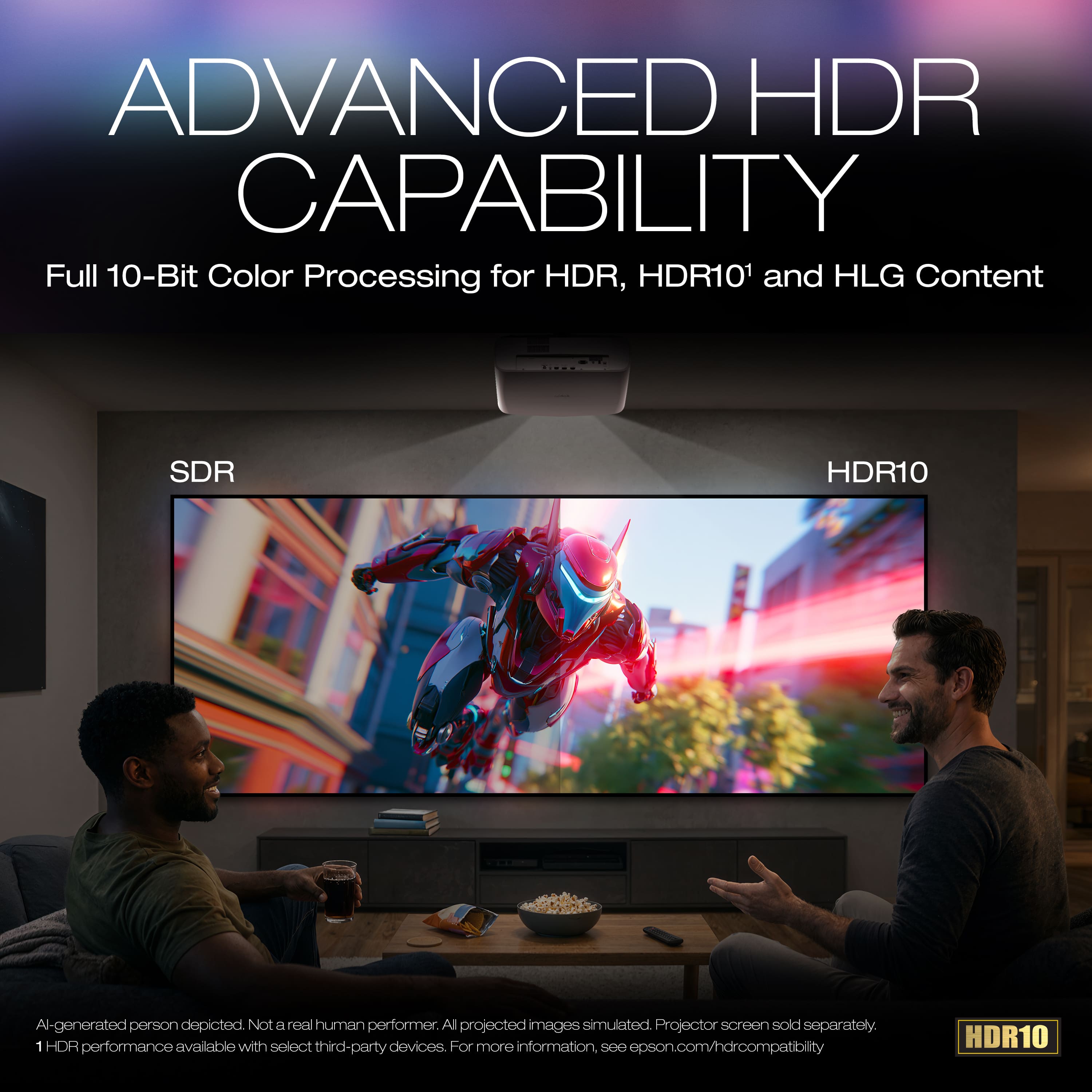
|Posted .This reviewer received promo considerations or sweepstakes entry for writing a review.This is my first experience with a short throw projector and it's fantastic. This is a bright 3500 lumens 4k 120hz projector and it's great. Has a gaming mode as well. I've used regular projectors before with 1080P quality and they worked fine but this is brighter and looks better. Since it's a short throw projector it can be closer to the wall and still get a great picture from it. Which means you don't need space like other ones. It's also 4k quality with HDR 10 support which is great. For this price I would of loved Dolby vision as well but it is what it is. I use this just on a dark wall which looks great or you can use a projector screen as well. It also includes Bluetooth 6 so you can add speakers to this as well if you want better sound but speakers are included with this. This also includes a 2 year warranty which includes the bulb as well so a great peace of mind so you don't need to worry about the bulb dying as well so quickly. As I said prior my only dislike is that it doesn't support Dolby vision but HDR10 is broadly supported so that's nice.
I would recommend this to a friend