Customer Ratings & Reviews
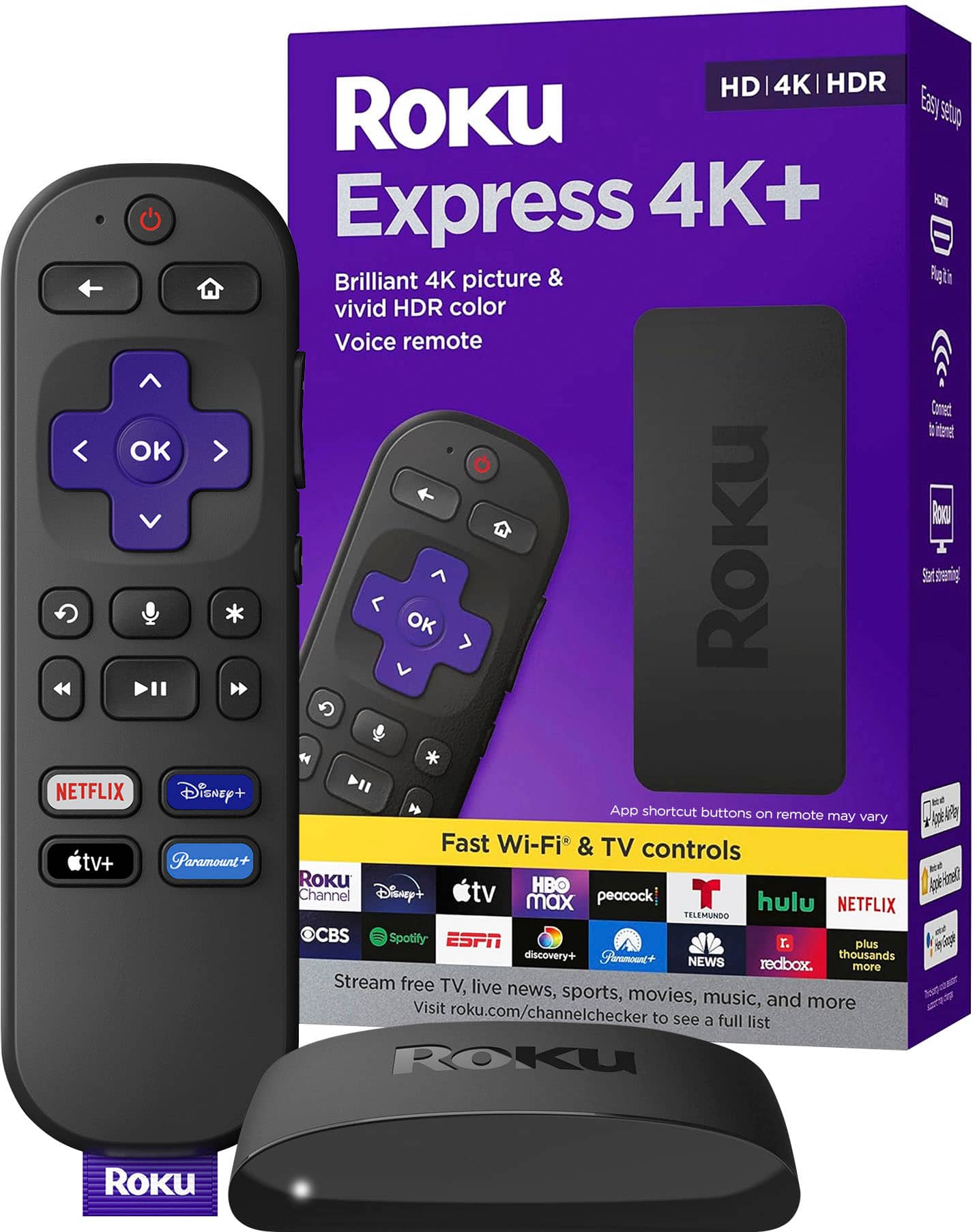
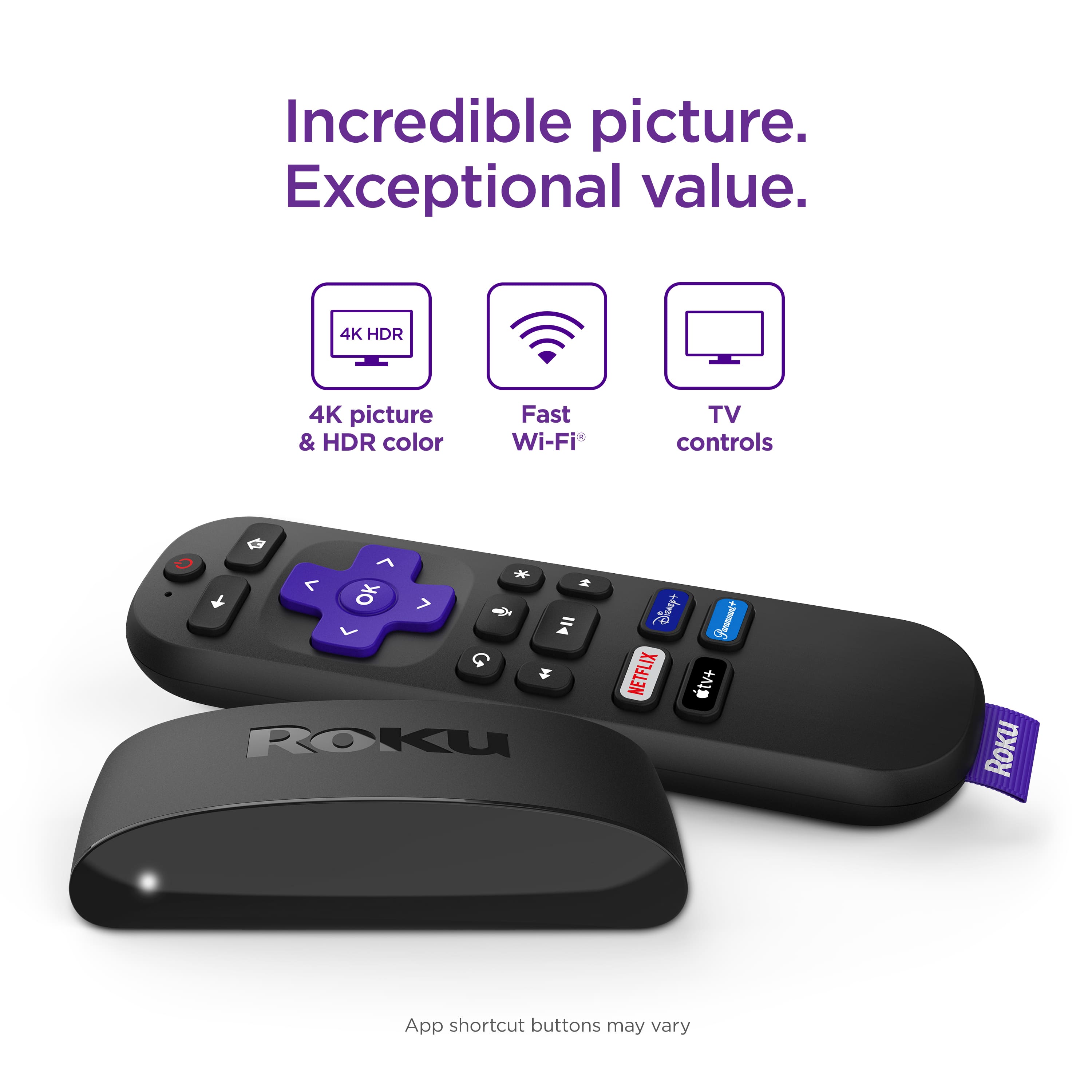
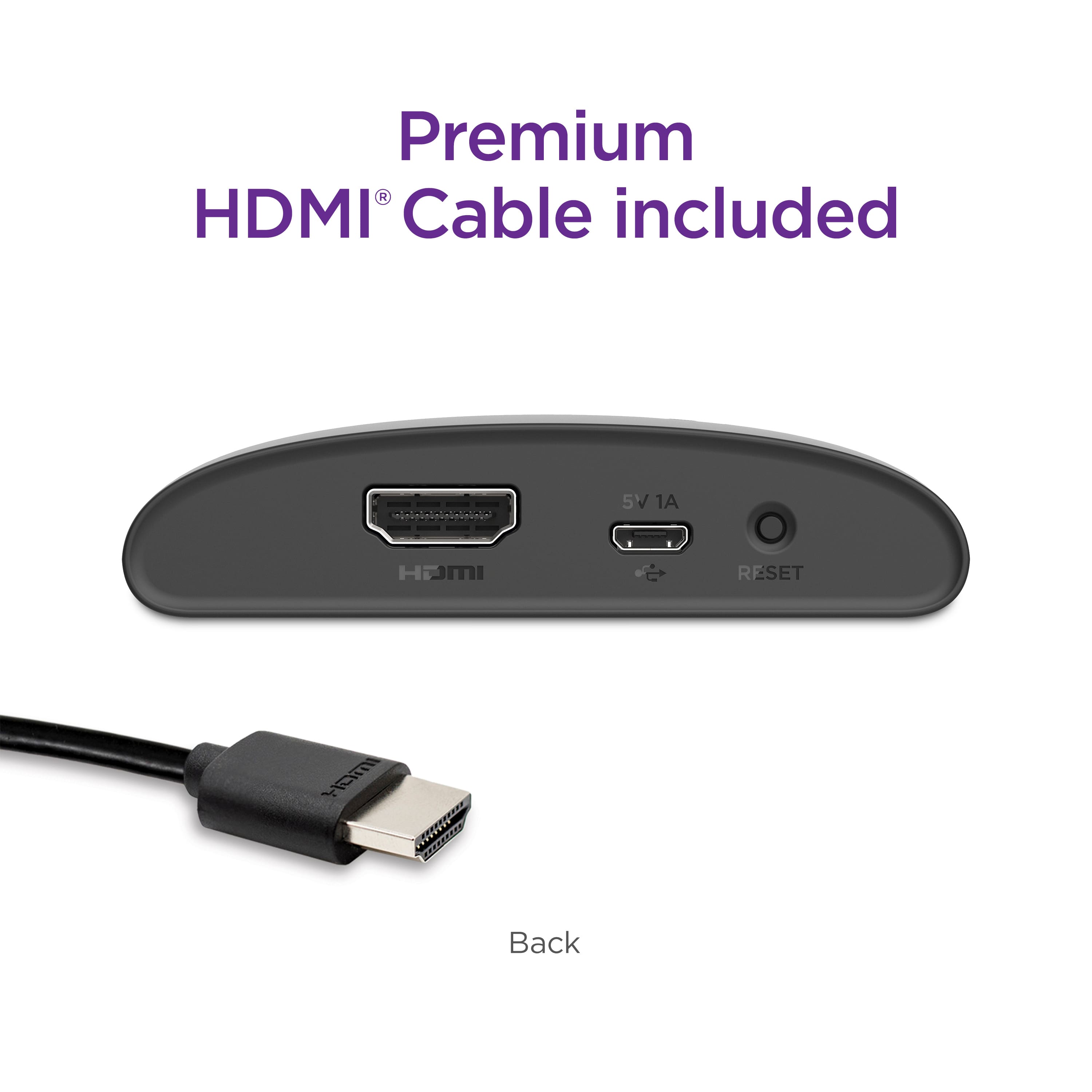
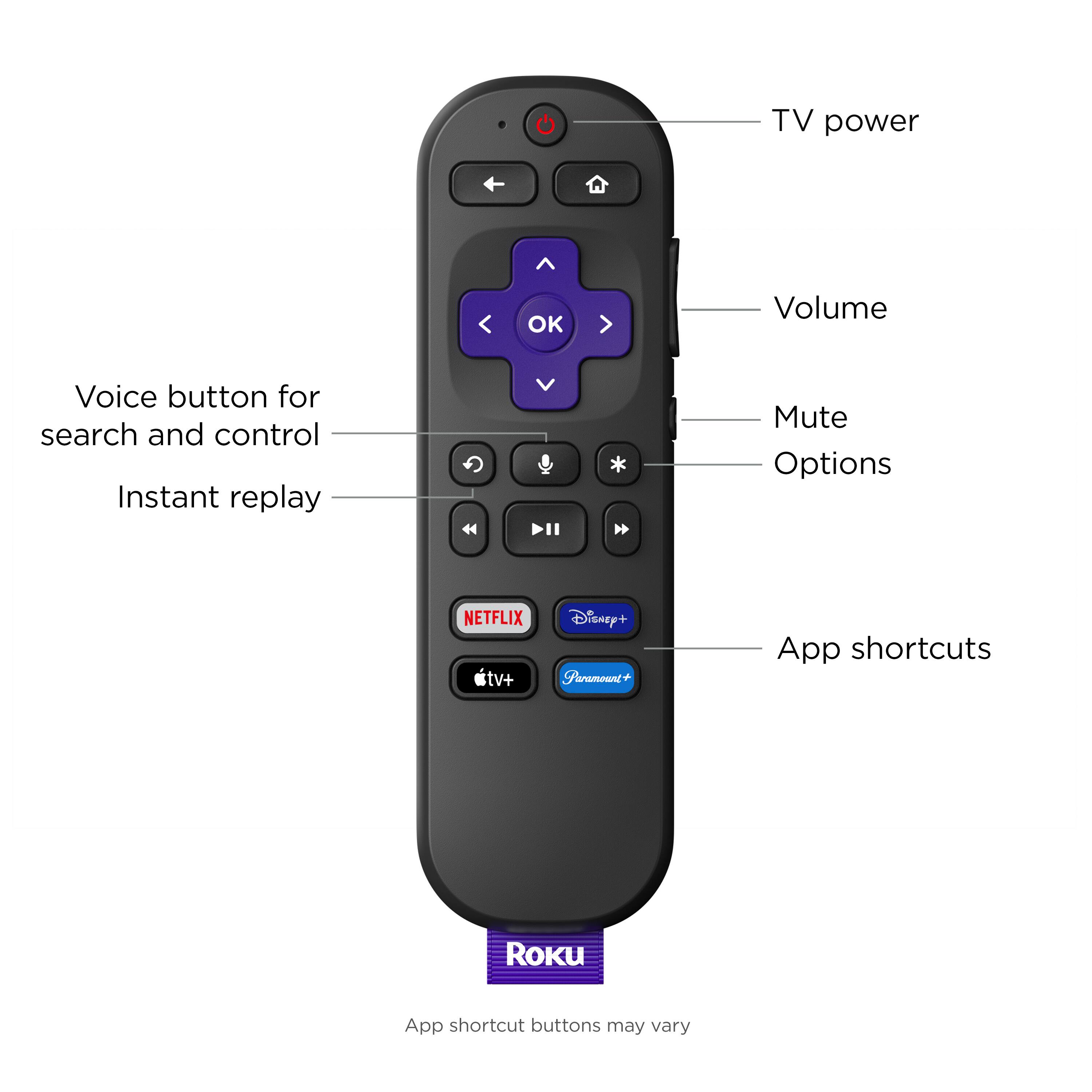

- Model:
- 3941R2
- SKU:
- 10892531
Rating by feature
- Value
Rating 4.8 out of 5 stars
- Quality
Rating 4.8 out of 5 stars
- Ease of Use
Rating 4.8 out of 5 stars
Customers are saying
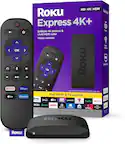
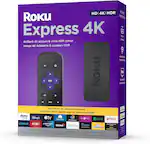
Customers appreciate the Express 4K+'s ease of use, overall performance, and convenient remote control. Many find the device reasonably priced and enjoy its streaming capabilities and simple setup. While some users have reported issues with heat, compatibility, battery life, and connectivity, the majority are satisfied with the product.
This summary was generated by AI based on customer reviews.
Didn't last 4 months
||Posted . Owned for 3 months when reviewed.This reviewer received promo considerations or sweepstakes entry for writing a review.Bought this in March of 2024...it's now end of May 2024 and it no longer holds a signal. I purchased a Roku stick for $19 about 6 years ago and it still works flawlessly. It's a shame these days that you have to buy a service plan on everything because they know things are just junk now.
No, I would not recommend this to a friendDrops Wifi Connection
||Posted . Owned for less than 1 week when reviewed.This reviewer received promo considerations or sweepstakes entry for writing a review.Very disappointed in this Roku Express. I’ve owned many Roku devices and they’ve all worked great. This one, not so much. It regularly drops wifi connection. It’s not an internet issue, it’s a Roku issue. All troubleshooting options don’t resolve the issue.
No, I would not recommend this to a friend3rd device but still has a glitch
||Posted . Owned for 1 month when reviewed.This reviewer received promo considerations or sweepstakes entry for writing a review.My specific reason for buying the Roku was to allow AirPlay on my older Vizio Smart TV. Although, when turning on the Roku & TV. I have experienced a black screen that shows no video only audio. It is very odd as this occurs after each time the Roku is turned on from an original off state. This issue only affects any video played on the device. That means casting YouTube videos or streaming videos from the native Roku Youtube app still causes a black screen with only audio. Same issue persists with all streaming services such as Netflix, Hulu etc.. Solving this issue, it is suggested to restart the device by going in the system settings and clicking restart. Again it only affects videos but you can still go back to the Home Screen and navigate just fine. I have factory reset my device multiple times. I even switched devices from the Roku Stick to the Roku Express from Best Buy with the same issue. And even had to purchase one from a different retailer only to find the same issue. Customer service recommended to go into settings and force a restart but there is no permanent solution. Each time I fire up Roku I have to immediately restart it or else I will get only audio. This is my experience with Roku and it hasn’t been a pleasant one. I would recommend buying a newer TV with built in Streaming devices such as Airplay included.
No, I would not recommend this to a friendGreat product
||Posted . Owned for 2 weeks when reviewed.This reviewer received promo considerations or sweepstakes entry for writing a review.You can download alot of apps on the roku, it is amazing.
I would recommend this to a friend- Cons mentioned:Heat
Unsatisfactory Product
||Posted . Owned for 3 weeks when reviewed.This reviewer received promo considerations or sweepstakes entry for writing a review.Had to replace same unit within one year was very hot would caution regarding this product due to the heat generated
No, I would not recommend this to a friend Cheap means cheap
||Posted . Owned for 1 month when reviewed.This reviewer received promo considerations or sweepstakes entry for writing a review.Skips, fights all the time with smart tv own software, losing most of the time.
No, I would not recommend this to a friendReturn the Roku
||Posted . Owned for 1 month when reviewed.This reviewer received promo considerations or sweepstakes entry for writing a review.Device is fine, but too expensive, I’m returning it.
I would recommend this to a friend- Cons mentioned:Connectivity
Brand New Paper Weight
||Posted . Owned for less than 1 week when reviewed.This reviewer received promo considerations or sweepstakes entry for writing a review.24 hours in and this is the first device I've ever had that has an hdmi chord error on an 8k 120hz chord and uhd tv.
No, I would not recommend this to a friendBrand response from Roku Team
Posted .Hi there, this doesn't sound quite right and we'd like to help.
Please visit us online at support.roku.com/contactus to get started and connect with an agent. Your feedback is very important to us and we’re eager to assist.
Thank you!
Roku Customer Advocate
Cant go wrong with roku
||Posted . Owned for 2 weeks when reviewed.This reviewer received promo considerations or sweepstakes entry for writing a review.I love having all my streaming service on one device
I would recommend this to a friendRoku remote
||Posted . Owned for 3 weeks when reviewed.This reviewer received promo considerations or sweepstakes entry for writing a review.Not even one star! The produce don’t work. Properly! The volume control malfunction were the volume button for up is down bottom versus down is up
No, I would not recommend this to a friendBrand response from Roku Team
Posted .Hi Willie, thank you for sharing. Don't worry; we are here to help! First, ensure that your Roku device runs the latest software version for optimal performance. Go to Home > Settings > System > Software Update > Check Now for updates. Also, try resetting your remote for the TV control. You can follow this step: Press Home>Setting>Remote & Devices>Remote>Choose your voice remote from the list and select Set up remote for TV control. To learn more, you can refer to this link: https://support.roku.com/article/115013019828. Let us know if the issue persists at http://support.roku.com/contactus.
Thanks again, and Happy Streaming
Elmer, Roku Customer Advocate
Worth it
||Posted . Owned for 1 week when reviewed.This reviewer received promo considerations or sweepstakes entry for writing a review.Help improve streaming'!,,,,,,,,,,,,,,,,,,,,,,,,,,,
I would recommend this to a friendFaulty Roku
||Posted . Owned for 10 months when reviewed.This reviewer received promo considerations or sweepstakes entry for writing a review.This Roku device stopped working properly even after resetting many times. It worked good for the first 6 months.
No, I would not recommend this to a friendSlow warranty execution.
||Posted .This reviewer received promo considerations or sweepstakes entry for writing a review.Stopped working, froze up. My complaint was the delay in getting the item replaced under the warranty. Took way too long to process and the communication was poor.
I would recommend this to a friendSkip and get the Stick
||Posted . Owned for 1 month when reviewed.This reviewer received promo considerations or sweepstakes entry for writing a review.The Roku Stick works excellent, but this Roku keeps dropping internet even when the stick is working fine and further away from the wifi router. Pay the extra for the Stick.
No, I would not recommend this to a friendIssues with new remote
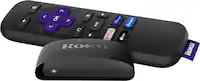
||Posted . Owned for 3 weeks when reviewed.This reviewer received promo considerations or sweepstakes entry for writing a review.Controller had issues from the beginning. Straight from the box. We assumed the batteries had died so we changed them a few times but no the remote was the problem. You had to push the buttons down super hard to move to the options you wanted to go to.
No, I would not recommend this to a friend- Cons mentioned:Heat
Temperamental
||Posted . Owned for less than 1 week when reviewed.This reviewer received promo considerations or sweepstakes entry for writing a review.Overheats and keeps disconnecting from wifi about every 12 hours. Refuses to reconnect, only sits 10 feet away from gateway/modem.
No, I would not recommend this to a friendBrand response from Roku Team
Posted .Hello, thanks for your feedback. If you are receiving an on-screen error message indicating that your player is too warm, we invite you to visit: go.roku.com/tempcheck.
You may want to try finding a cooler location for your Roku player. For example, avoid placing the unit in direct sunlight, or inside a cabinet (or other enclosed space). Similarly, avoid placing the unit on top of other electronic devices such as cable boxes, routers, or audio/video receivers, as these also tend to emit heat.
If your issue persists, please send us an email at support.roku.com/contactus so we can help you directly,
Thanks!
Roku Customer Advocate
Faulty unit
||Posted . Owned for 1 month when reviewed.This reviewer received promo considerations or sweepstakes entry for writing a review.Faulty unit. Got sick right after it was delivered so it didn't get installed right away. Then it was too late to return it. Contacted the manufacturer who was unhelpful. Bummer!
No, I would not recommend this to a friendBrand response from Roku Team
Posted .Hi John, thank you for your patience and understanding. This is not considered normal behavior, and we can see you've been working with our support team. Could you please contact us again so that we can better understand why you're facing these challenges? Visit http://support.roku.com/contactus to connect with our chat support. Together, we'll get this sorted.
Thanks!
Roku Customer Advocate
Quality control issues now?
||Posted .This reviewer received promo considerations or sweepstakes entry for writing a review.I was about to set this up but the remote won’t even pair or respond to the Roku … this is a first for me so guess I’ll return it for a new one …
No, I would not recommend this to a friendBrand response from Roku Team
Posted .Hello, we appreciate you reaching out and we'd like to help!
First, remove the power cable from your Roku device, wait 5 seconds and then re-connect the power cable. Wait until your Roku device displays the home screen. Now, restart your remote by removing and reinserting the batteries. Then, press and hold the pairing button for 5 seconds until you see the status light begin to flash. If the light does not flash, replace the batteries with a new, fresh set. Wait for 30 seconds while the remote establishes a connection with your Roku device. Once the Roku device is connected to the remote, the pairing dialog should appear on your TV screen.
If you continue having remote troubles, send us an email so that we can assist. Visit support.roku.com/contactus to get started.
We hope this helps!
Roku Customer Advocate
Trouble loading menu
||Posted . Owned for 1 year when reviewed.This reviewer received promo considerations or sweepstakes entry for writing a review.I like Roku’s menu and navigation, but this one doesn’t load/turn on consistently for me. Not sure if it’s my Wi-Fi signal or something with the device, but it’ll show its loading and do the bubble chimes when I turn it on but then screen goes black and nothing happens. I have to turn it off and then on again. Usually after the second time the menu appears and once on it works fine. Kind of annoying though.
No, I would not recommend this to a friendFire tv doesn't need roku, its built in already
||Posted . Owned for 3 weeks when reviewed.This reviewer received promo considerations or sweepstakes entry for writing a review.Have a recent fire tv, recommended by sales person at best buy that's what I needed as this tv hooked to internet but not to a cable or other sevice, Hooked up tv, it self programmed, and could tell immediately fire tv gets NO benefit from roku, took roku back to best buy for credit
No, I would not recommend this to a friend