Customer Ratings & Reviews

- Model:
- 010-02470-00
- SKU:
- 10141975
Rating by feature
- Value
Rating 4.5 out of 5 stars
- Quality
Rating 4.6 out of 5 stars
- Ease of Use
Rating 4.6 out of 5 stars
No Good GPS
||Posted . Owned for 1 month when reviewed.This reviewer received promo considerations or sweepstakes entry for writing a review.I bough this product as an independent GPS so I do not have to use my phone. It is no good. It is difficult to operate.
No, I would not recommend this to a friendBrand response from GarminProductExpert
Posted .Thank you for your review! I apologize for the issues and inconveniences you've experienced with the Garmin DriveSmart 76. We have a handful of different resources to assist with learning the features and usage of the device at the Support Center on the Garmin website at the following link: https://support.garmin.com/en-US/?productID=721063&tab=topics

DriveSmart 76 great/Best Buy description incorrect
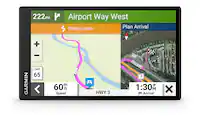
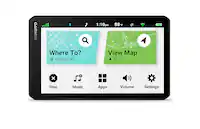
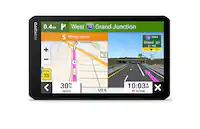
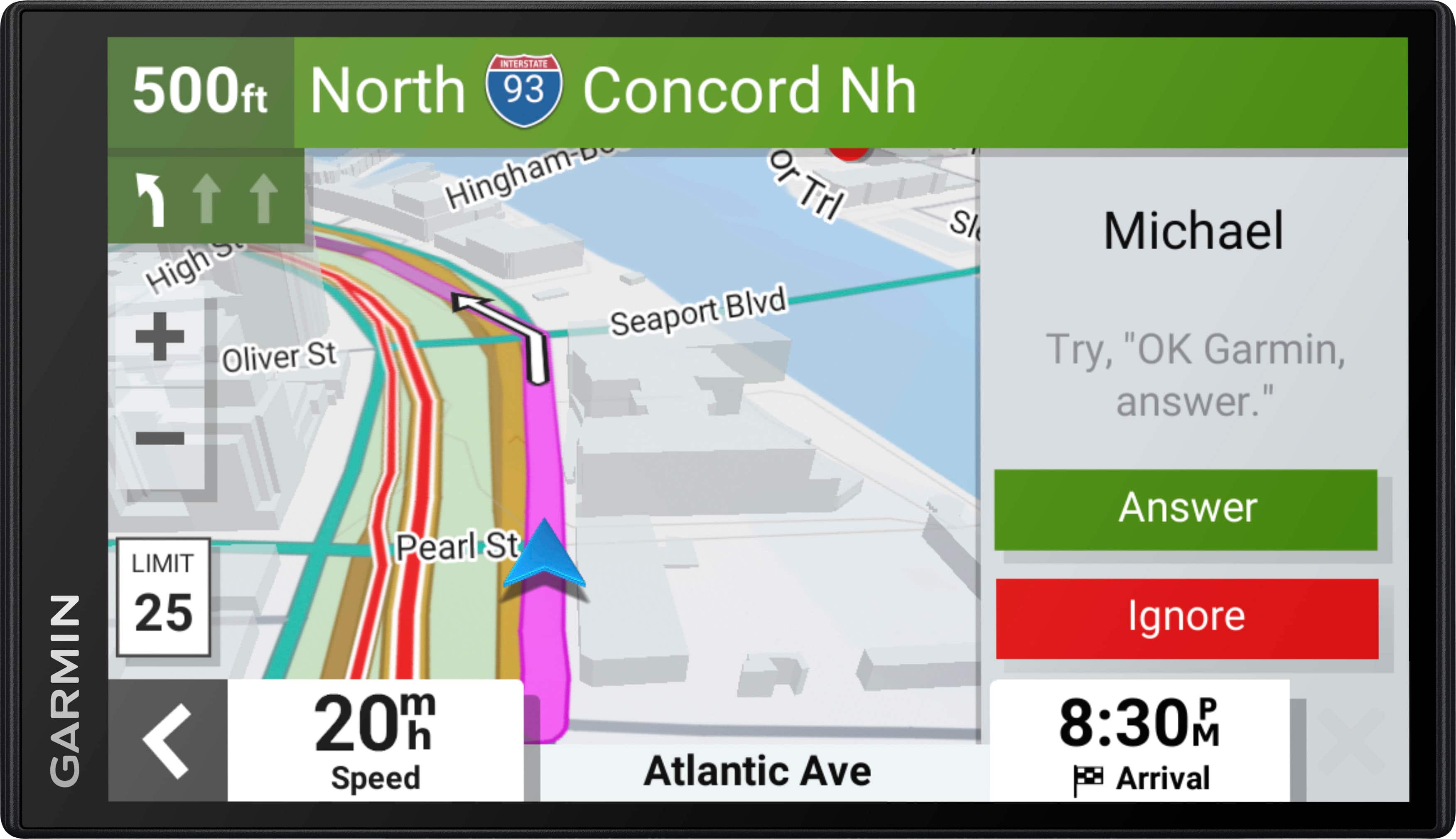
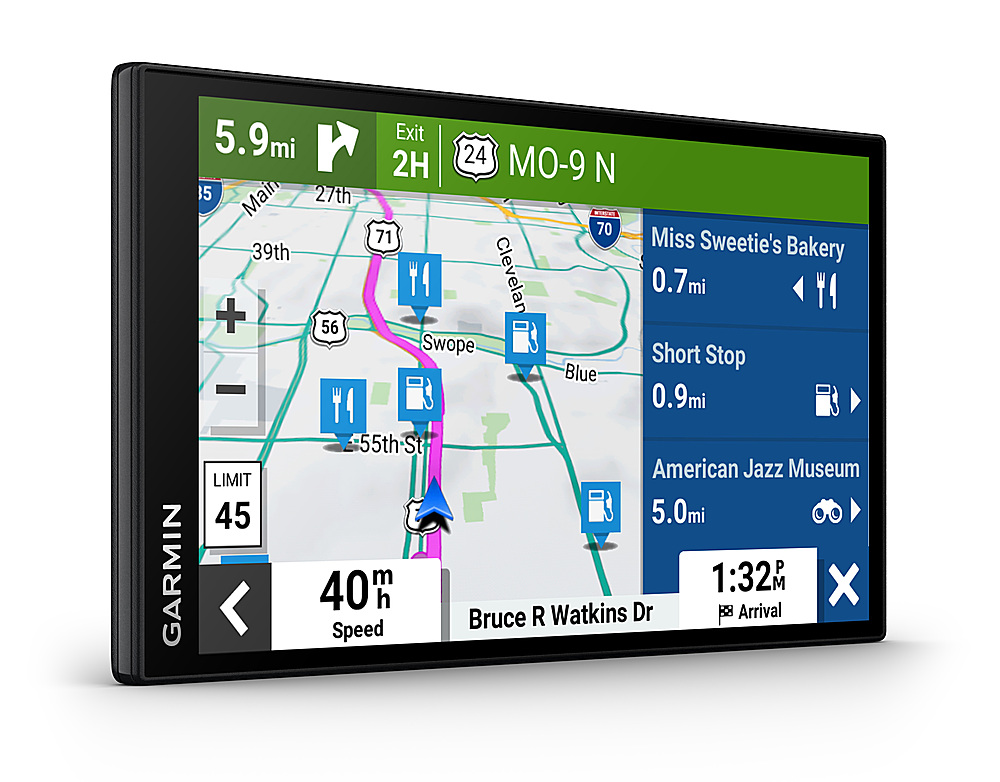
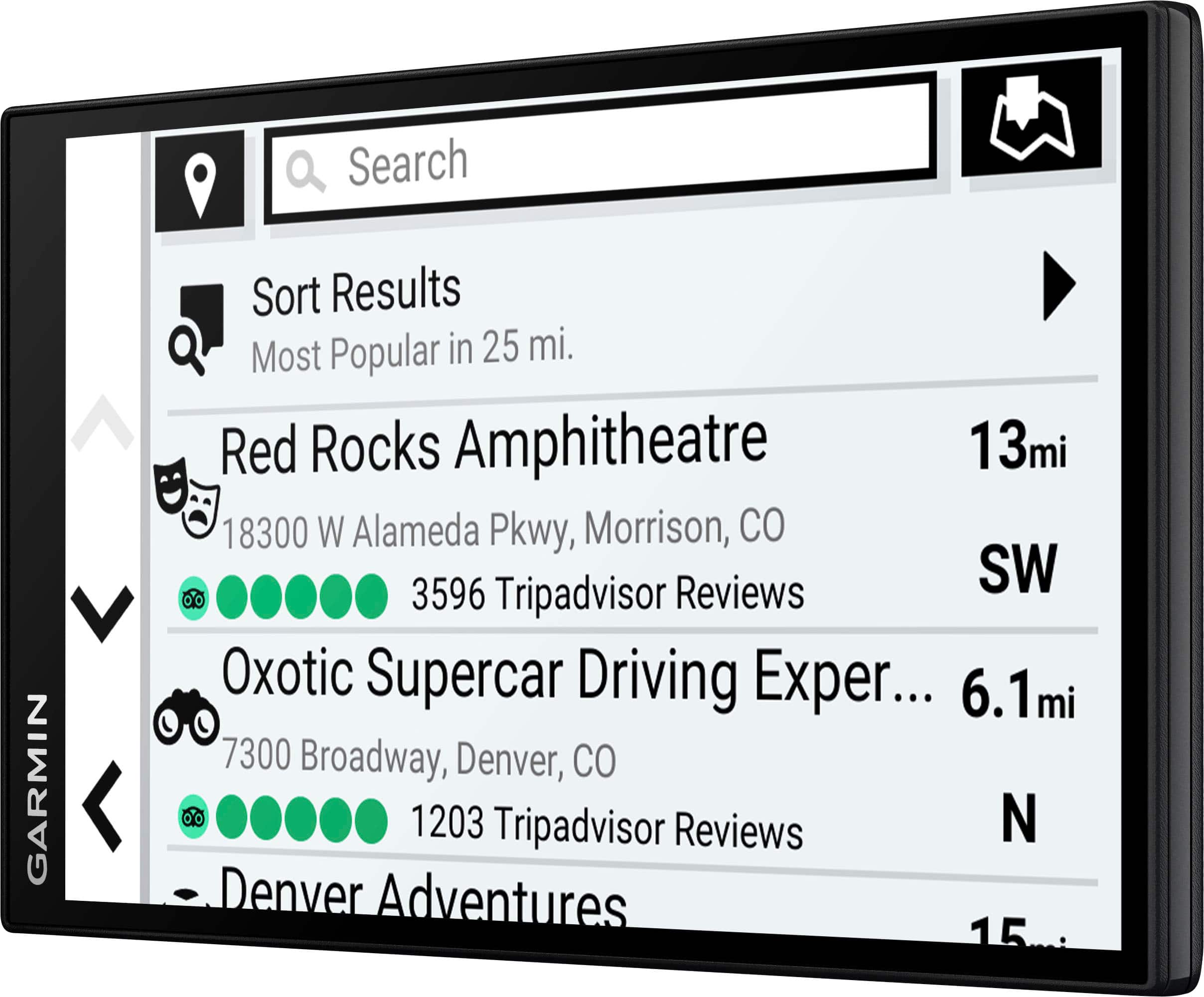
Posted .This reviewer received promo considerations or sweepstakes entry for writing a review.Correction to Best Buy's description; the Garmin DriveSmart 76 screen is 7", not 6" as stated. Best Buy's login verification option "text to phone; we just need to know it's you" turned out to be a password reset process? Rating is marked down from 5 to a 4 for cumbersome access and adding entries to Saved Places. Other than that, Garmin's menu is intuitive and ease to navigate through with the majority of screens needed able to be accessed via the OK Google command. Thankfully, Garmin devices still allow menu access by passengers while the vehicle is in motion. (Navigation Shortcut: Once clicked through several screens, it is usually faster to return to the Home screen or Map by longpressing the back button than it is pressing Back multiple times.) The display is crisp, clear and brightness is adjustable. Accessing the Sound Mixer gives access to separate control and adjust volume of phone, media and navigation sound. While driving, and handsfree, you have the choice of saying "OK Garmin" for immediate navigation or "Alexa" to waken that feature. There are plenty of other online references indicating all you can do with Alexa, but having it as part of your navigation device is something I think many will find benefit in. Any requests for locations also allows for navigating to them; so in many cases you can simply use Alexa for most instead going through Garmin. Connection to home WiFi is a welcome feature that makes software and map updates an easy process. Bring the device inside and plug into a wall or connect to Garmin Express. Back up your device using Garmin Express often in the event you upgrade devices or you have issues. __________________________ Having an issue with your GPS? Don't struggle or get frustrated. Map issues can generally be cleared up by connecting to Garmin Express and downloading a new map. For all other issues with the GPS itself; go to Settings > Device > Reset. After the GPS has restarted, connect to Garmin Express and select a recent backup to restore everything. __________________________ Accessing your Saved Places to add a new location does not offer a "New" place or location button. First, click on "Where Do You Want To Go?", type your location in search then click on it to access the "Information" button, or click into Recently Found and select an entry to access it's Information button from where you can then save it to your Saved Places list. I sold a DriveSmart 65 to buy another "65" model having Alexa, but discovered Garmin had released this model so purchased it instead. Preferring not to connect to the phone for anything but navigation, information and media; I disable access to contacts, calls and messages. No issues to report thus far.
I would recommend this to a friendFarming smartdrive 76
Posted .This reviewer received promo considerations or sweepstakes entry for writing a review.This is a perfect size for visibility and handling. For smaller cars the 66 would fit better. The voice commands are very useful. Not sure I like the Bluetooth since my truck has it but I’m sure for cars without it’s great.
I would recommend this to a friendAwesome
Posted .This reviewer received promo considerations or sweepstakes entry for writing a review.We love this big screen GPS. It gives you so much information both on the screen and with voice. We wished we had gotten this a lot sooner. So much better than using our phones to navigate. Best purchase we have made in years.
I would recommend this to a friendGarmin GPS
Posted .This reviewer received promo considerations or sweepstakes entry for writing a review.I love my gps. I do not love the dashboard holder that I bought to go with it. Right now I am using gorilla tape to hold the gps to the holder very disappointed and angry
I would recommend this to a friendDrivesmart 7 - Just the right size and features
Posted .This reviewer received promo considerations or sweepstakes entry for writing a review.This is my 3rd unit. Over the years, each new model has had improvements, some subtle, some totally new features. Example: Even though I use Google maps, I find it safer to check the weather overlaid on my route map.
I would recommend this to a friendGarmin 76
Posted .This reviewer received promo considerations or sweepstakes entry for writing a review.Great unit. Easy updating right out of the box. Quick shipping. On Sale even better
I would recommend this to a friendOwner
Posted .This reviewer received promo considerations or sweepstakes entry for writing a review.Fairly easy to use. Could use a few more directions. And a little better suction cup to stay mounted.
I would recommend this to a friend7"Garmin GPS
Posted .This reviewer received promo considerations or sweepstakes entry for writing a review.I love this 7" Garmin GPS.It works perfect.Thank you!
I would recommend this to a friendvacationers
Posted .This reviewer received promo considerations or sweepstakes entry for writing a review.It was easy to set up and worked fine right out of the box.
I would recommend this to a friendDoesn’t work with older vehicles
Posted .This reviewer received promo considerations or sweepstakes entry for writing a review.If I’d known it wouldn’t work on 2012. Then I wouldn’t have bought this gatmin. So if I were you I wouldn’t bother with this one if your vehicle isn’t new.
No, I would not recommend this to a friendBrand response from GarminProductExpert
Posted .Sorry to hear you've experienced some difficulties. We're happy to help resolve here in Garmin's Product Support. Our device only need a 12v accessory port for power and the unit will work. Not sure what compatibility issue you've run into but please reach out to us at support.garmin.com.