Customer Ratings & Reviews
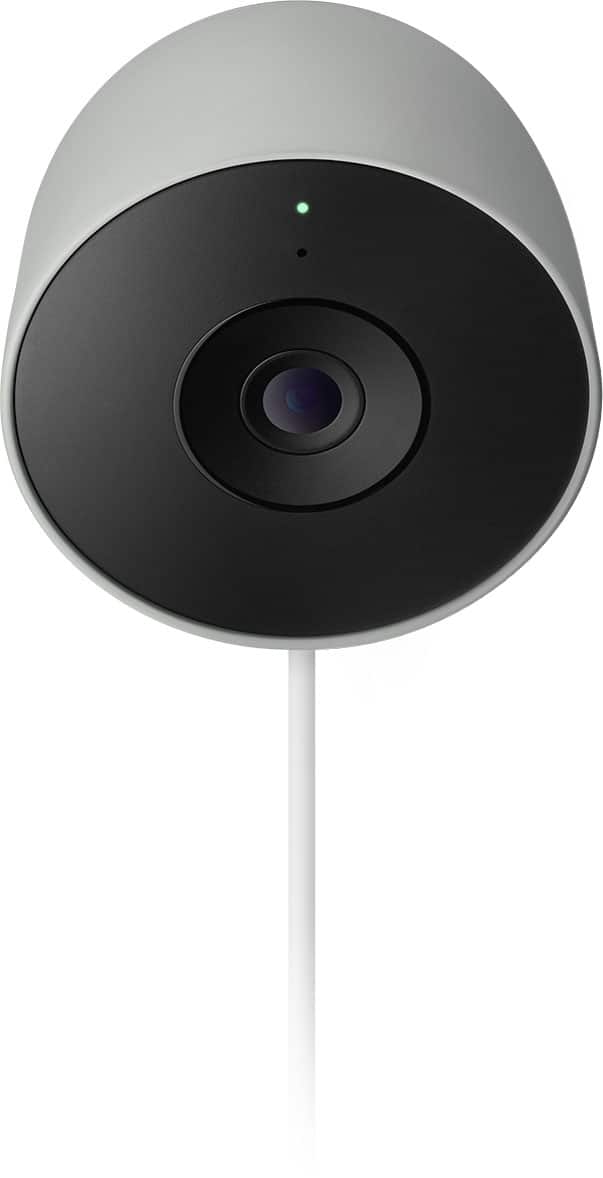
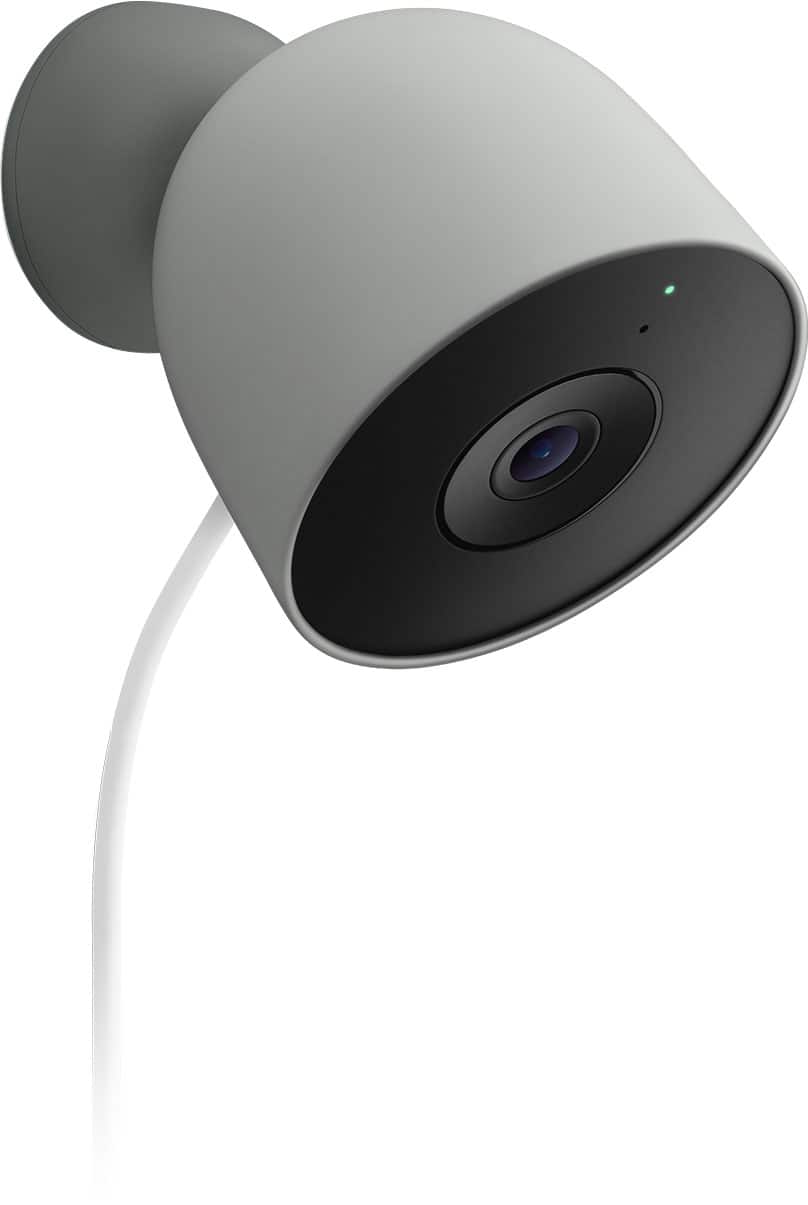
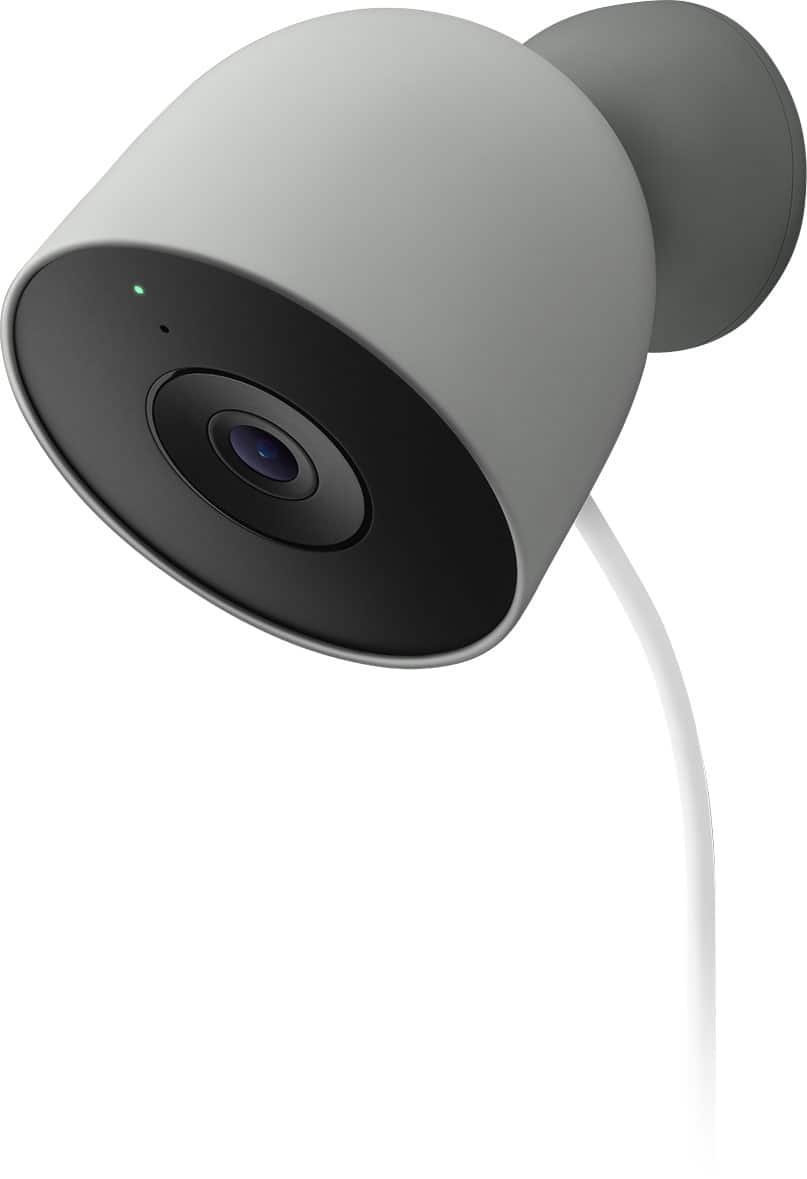
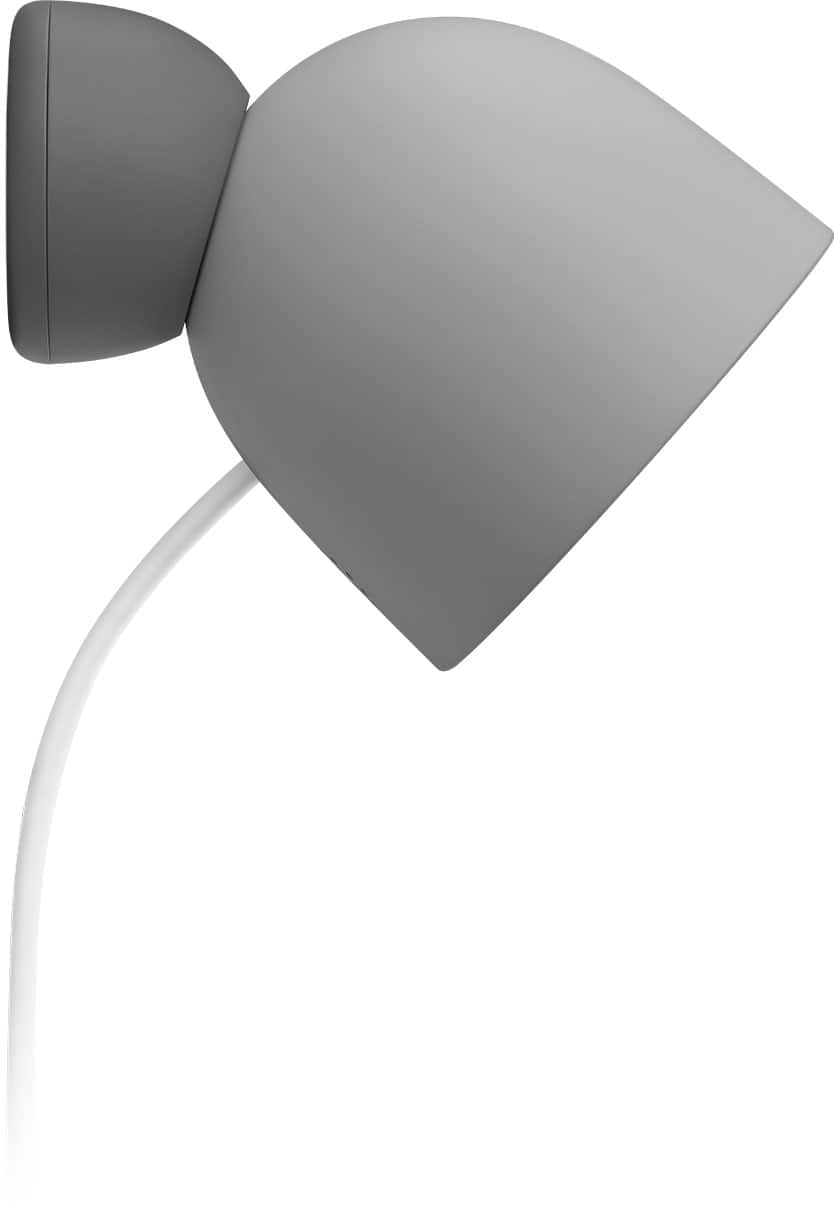




- Model:
- GA09964-US
- SKU:
- 6642732
Rating by feature
- Value
Rating 4.7 out of 5 stars
- Quality
Rating 4.8 out of 5 stars
- Ease of Use
Rating 4.9 out of 5 stars
Customers are saying
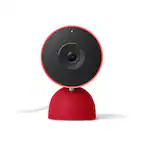
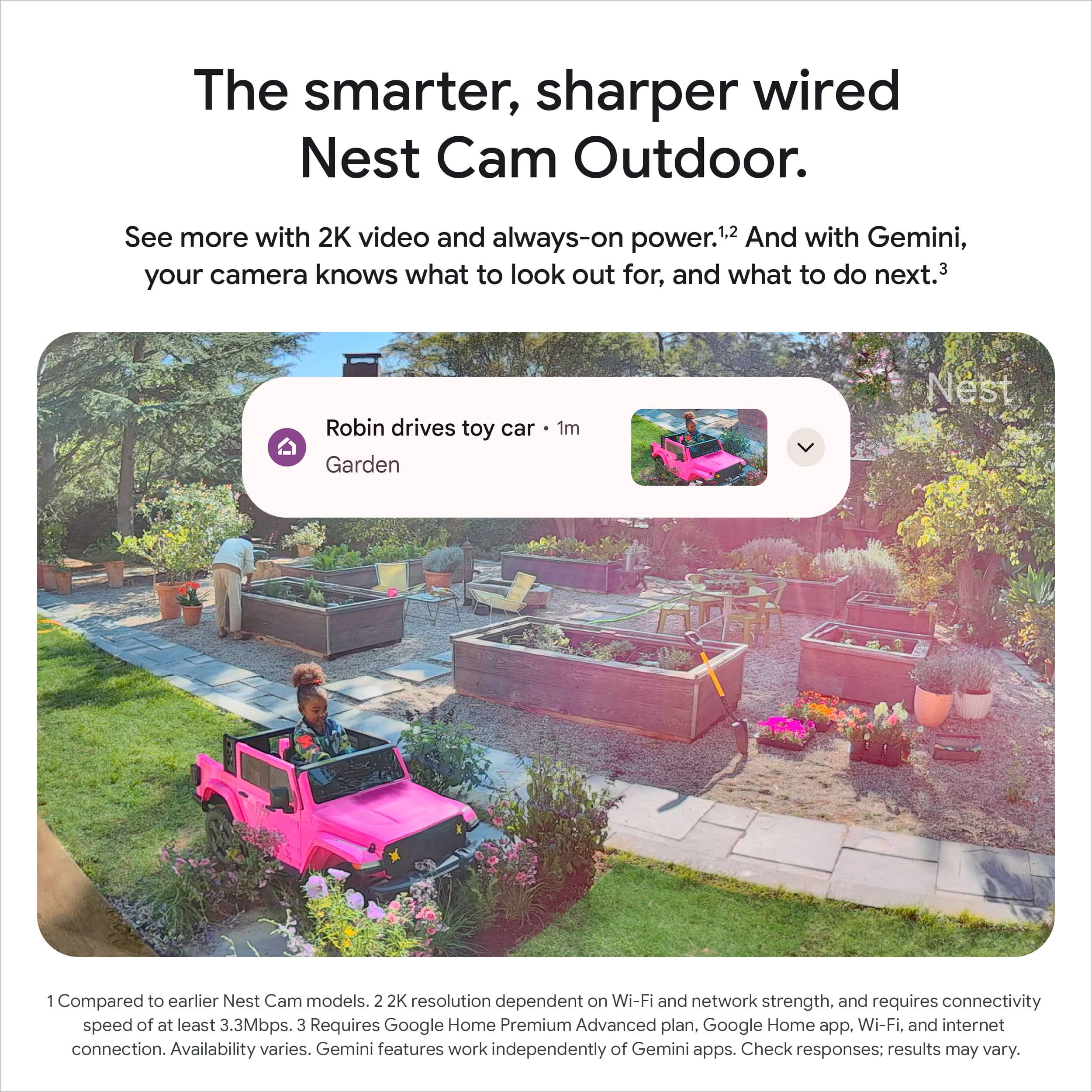
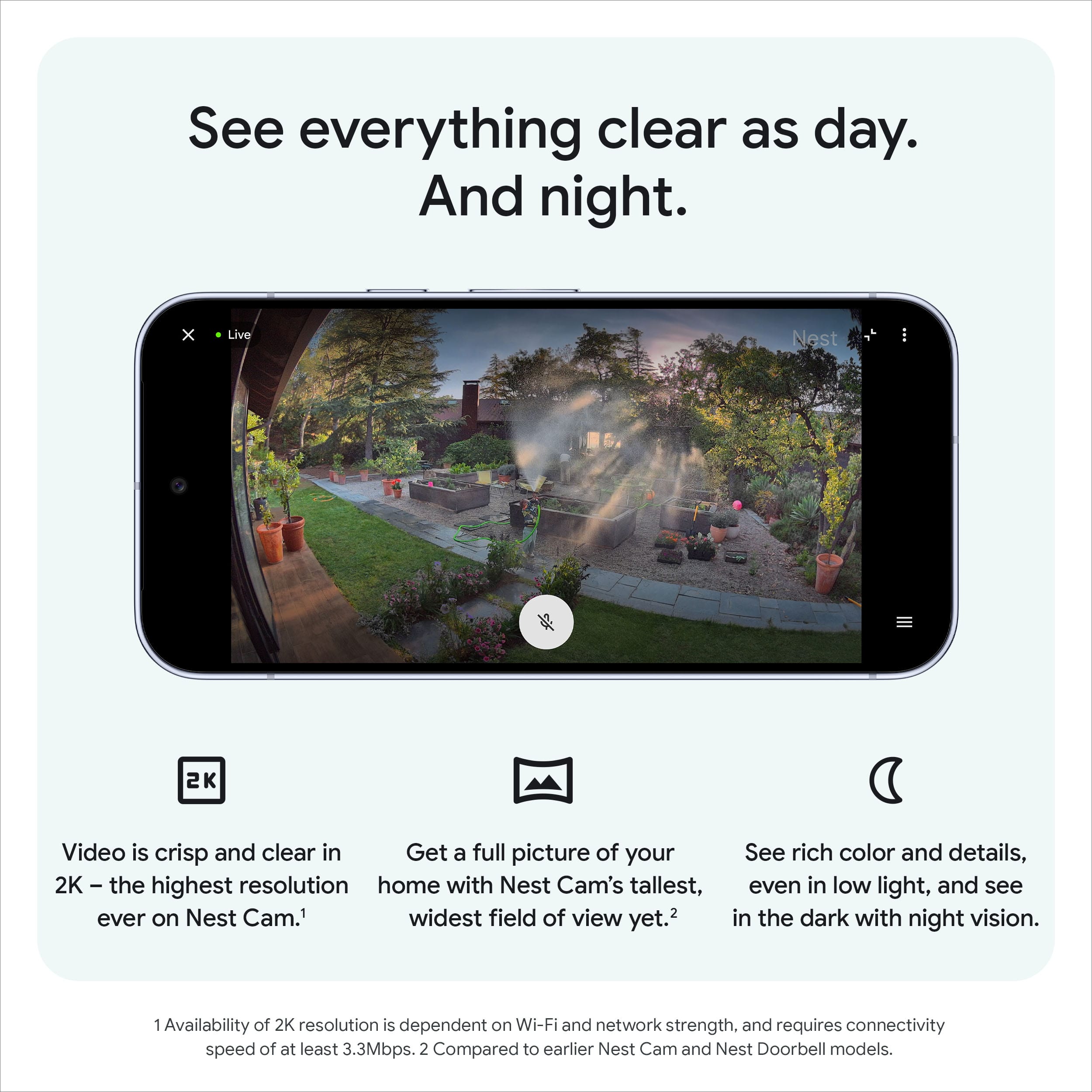
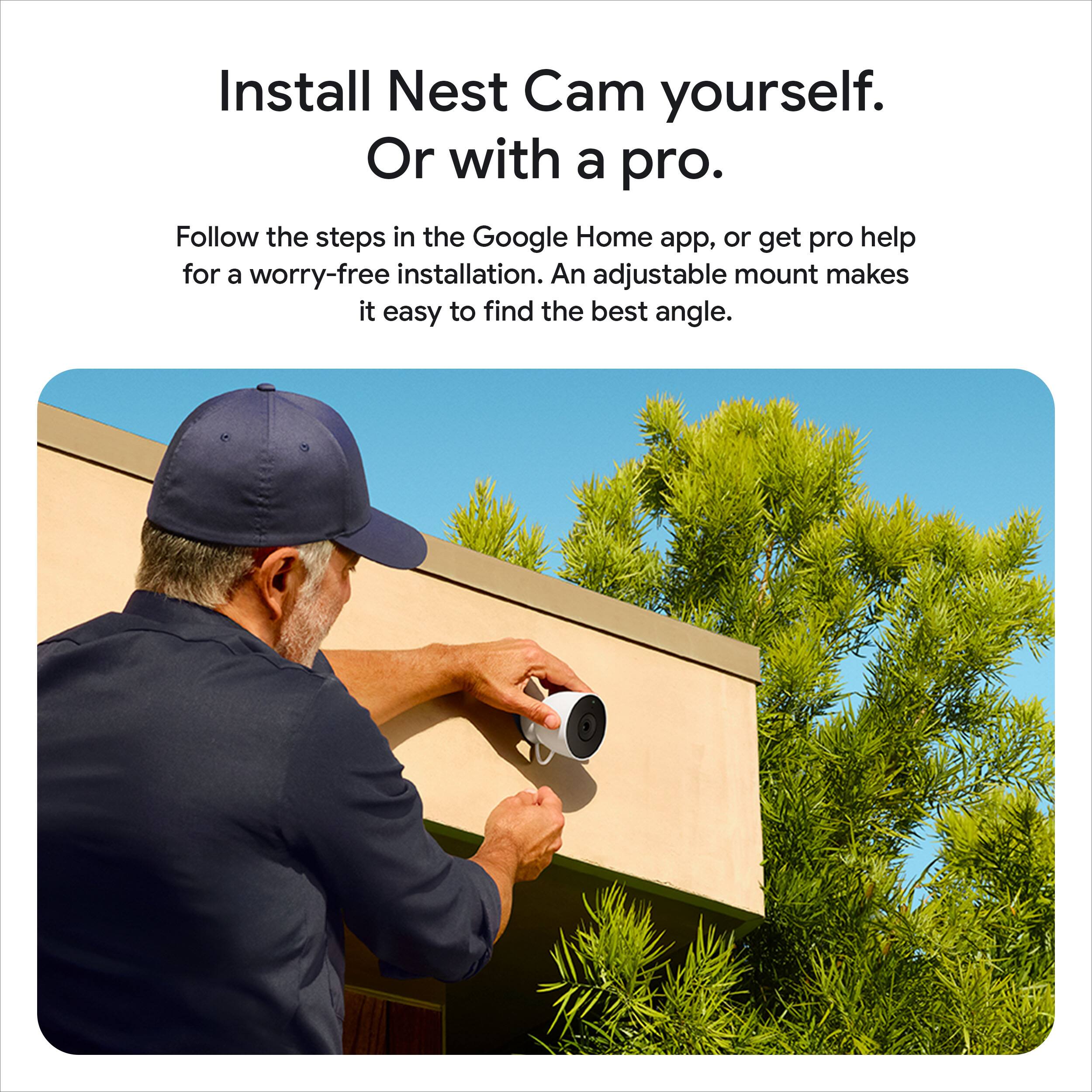
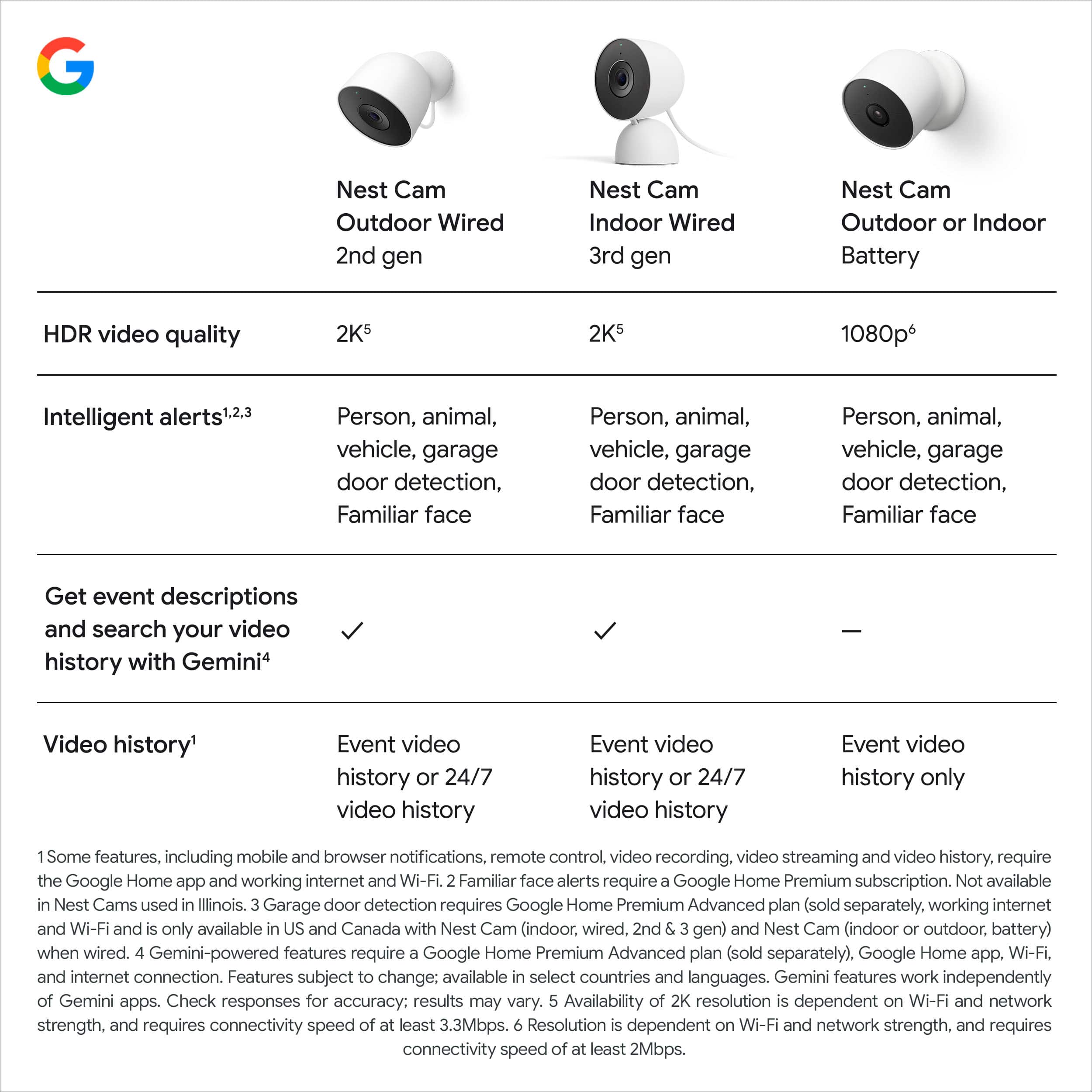
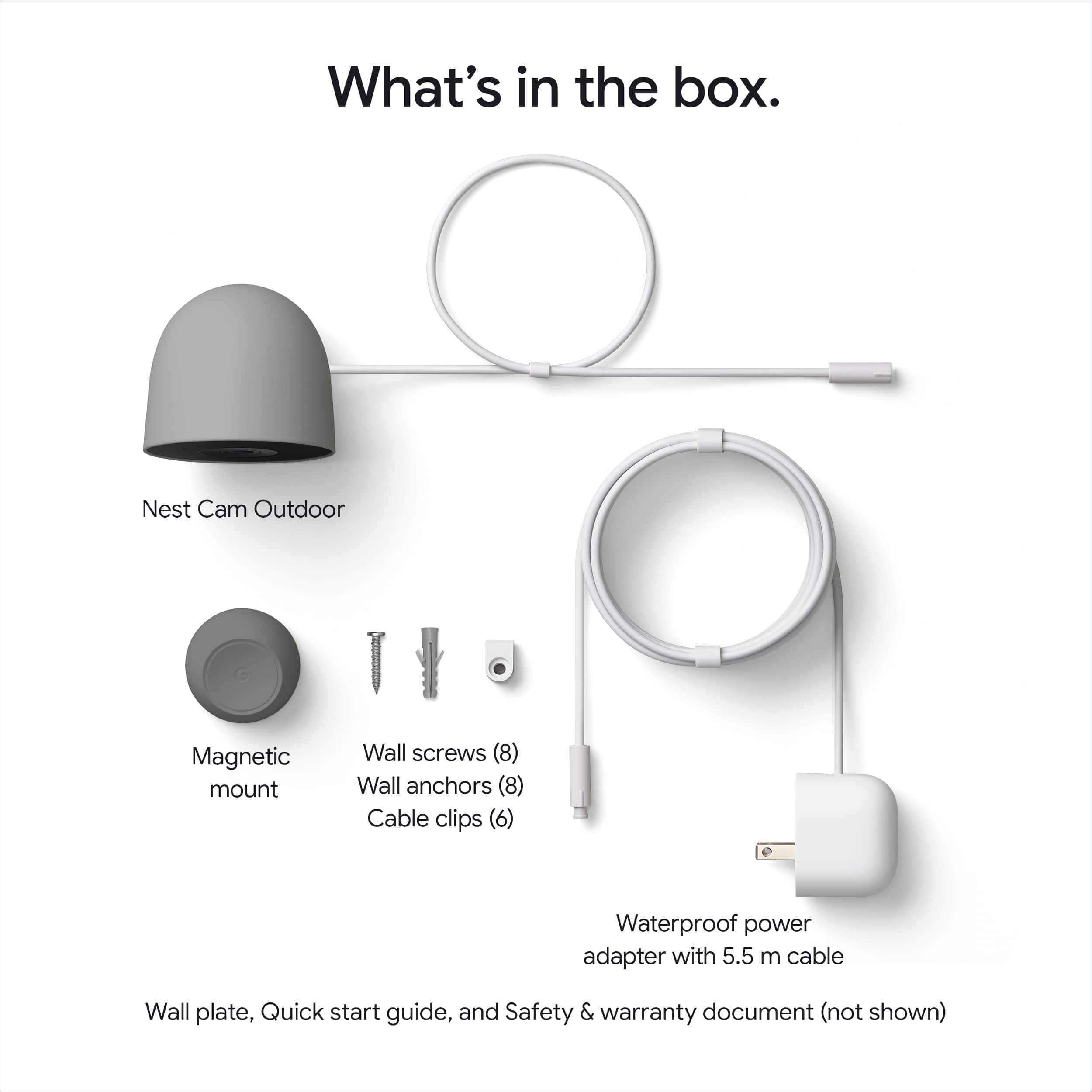
Customers are satisfied with the Nest Cam Outdoor, particularly the great video quality and easy setup. Users appreciate the wide field of view and improved resolution. The camera's connectivity with Google Home/Nest speakers is quick and reliable, and the ample cord length is also a plus.
This summary was generated by AI based on customer reviews.

Really clear
|Posted . Owned for less than 1 week when reviewed.This reviewer received promo considerations or sweepstakes entry for writing a review.I had the 1st gen door bell. This is a huge improvement. I can only image the benefit of a 4k version of this with a higher frame rate of recording. That would really be great!
I would recommend this to a friendNext level camera
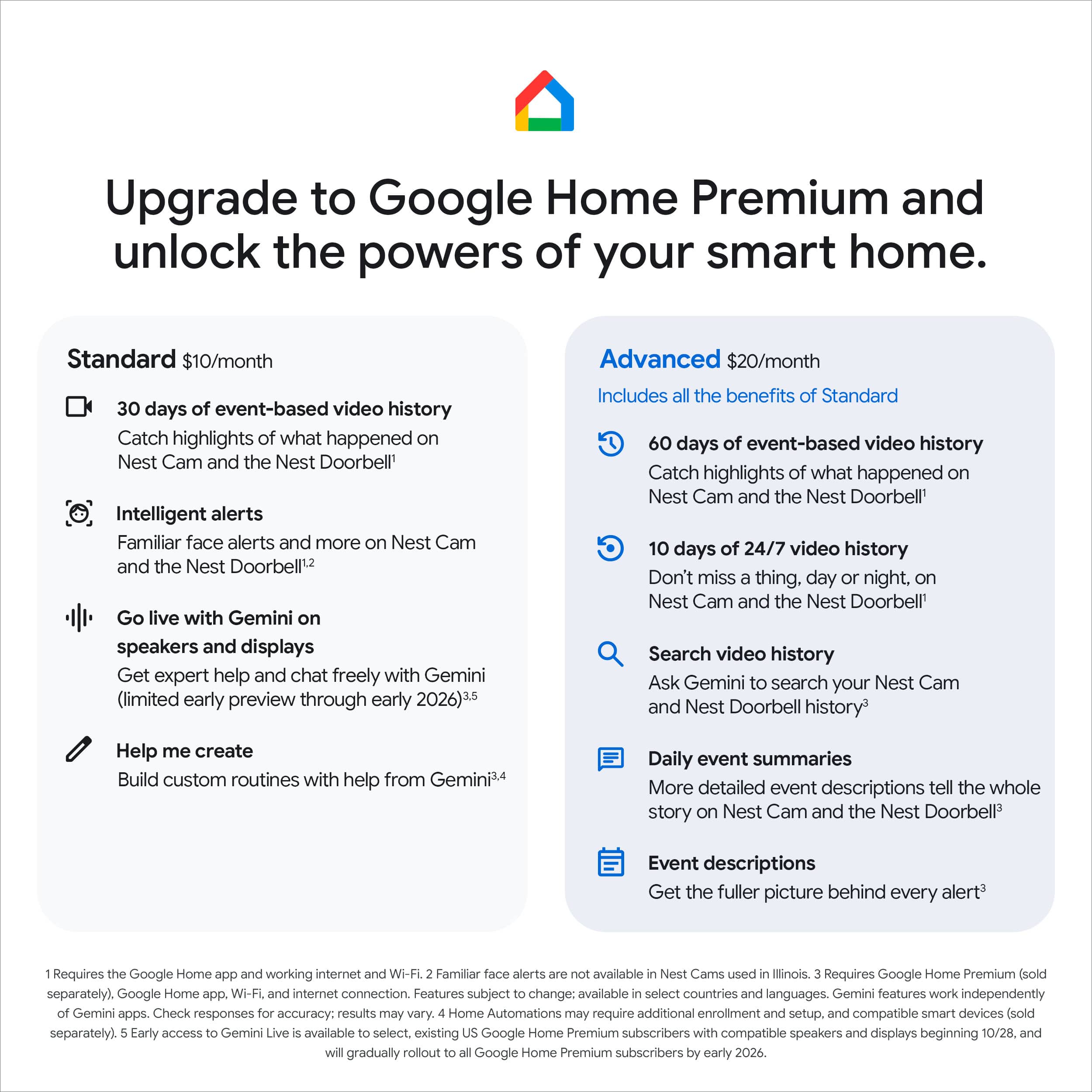
||Posted .This reviewer received promo considerations or sweepstakes entry for writing a review.All you need to secure your home , business etc … please keep in mind that you good internet speed and a pay subscription since this camera will be recording 24/7 with smart notifications!
I would recommend this to a friendGreat camera for the house
||Posted .This reviewer received promo considerations or sweepstakes entry for writing a review.It’s a really good camera that integrates with the Google nest ecosystem. Very convenient to use with other Google products for monitoring your home.
I would recommend this to a friendMy favorite security cameras
||Posted . Owned for 3 weeks when reviewed.This reviewer received promo considerations or sweepstakes entry for writing a review.I have a couple of nest cams, but these new ones are my favorite ones because of the face recognition.
I would recommend this to a friendDriveway
||Posted . Owned for 1 week when reviewed.This reviewer received promo considerations or sweepstakes entry for writing a review.My old one quit working after several years of excellence service
I would recommend this to a friendGreat outdoor camera
||Posted .This reviewer received promo considerations or sweepstakes entry for writing a review.Excellent product. Works as intended. I have the camera outside, and no complaints so far.
I would recommend this to a friendOutdoor Camera
||Posted . Owned for 1 month when reviewed.This reviewer received promo considerations or sweepstakes entry for writing a review.Easy to install. Great product and competitive pricing.
I would recommend this to a friendGoogle Nest
||Posted .This reviewer received promo considerations or sweepstakes entry for writing a review.Greatest Purchase Ive had in a long time 100% recommend
I would recommend this to a friendAmazing
||Posted . Owned for 2 weeks when reviewed.This reviewer received promo considerations or sweepstakes entry for writing a review.Amazing camera, also we not need to pay any app just with internet and everything would be fine
I would recommend this to a friendGreat!
||Posted . Owned for 1 month when reviewed.This reviewer received promo considerations or sweepstakes entry for writing a review.It is a very cool product, works really good and it is very easy to use.
I would recommend this to a friendGreat camera
||Posted .This reviewer received promo considerations or sweepstakes entry for writing a review.Great camera, great quality, easy to install and connect to app
I would recommend this to a friendGoogle
||Posted . Owned for less than 1 week when reviewed.This reviewer received promo considerations or sweepstakes entry for writing a review.I highly recommend this product really good quality
I would recommend this to a friendGoogle Nest Cam
||Posted . Owned for 1 week when reviewed.This reviewer received promo considerations or sweepstakes entry for writing a review.The Google Nest Cam provides excellent coverage for my backyard.
I would recommend this to a friendOverall a quality camera at a good price
||Posted .This reviewer received promo considerations or sweepstakes entry for writing a review.The color and picture quality seems to be worse than my Nest IQ camera from years ago, but I needed a new camera.
I would recommend this to a friendThese rock give me gift card!
||Posted .This reviewer received promo considerations or sweepstakes entry for writing a review.Already left a review I'm here for the gift cards!!
I would recommend this to a friendCameras
||Posted .This reviewer received promo considerations or sweepstakes entry for writing a review.Good cuality and price too the Best Buy more nex year
I would recommend this to a friendWired Google outdoor security camera
||Posted .This reviewer received promo considerations or sweepstakes entry for writing a review.Was easy to setup, great views. Enough wie included to plug in. I recommend this product
I would recommend this to a friendmuch better than battery powered
||Posted . Owned for 1 month when reviewed.This reviewer received promo considerations or sweepstakes entry for writing a review.better than the previous generation battery powered ones
I would recommend this to a frienddisappointed
|Posted . Owned for 1 week when reviewed.This reviewer received promo considerations or sweepstakes entry for writing a review.i am actually disappointed in the outdoor cam. the clarity is marginally better than the 1st gen with IQ. initially i thought it was the wifi connection. Then I sat it inside on the desk next to me and it is still had a noisy resolution. I spent 2.5 hours troubleshooting with google thru facebook. That was a waste of time and horrible tech support. I believe a firmware update is required but since it is new there is none at the moment. conversation number #155735318
No, I would not recommend this to a friendBrand response from Google Team
Posted .Hi there, McArthur25. We’re sorry to see your experience with our support team and the Nest Cam Outdoor (Wired, 2nd Gen) wasn’t the best. There could be a few things impacting your device’s camera — here’s how to solve them:
1. Remove the sticker on the lens: Nest cameras come with a clear sticker that covers the lens to help protect it during shipping and setup.
2. A Dirty lens: Clean the lens with a soft lint-free cloth to remove dust or debris.
3. Avoid glare: Avoid direct sunlight on the lens by changing your camera's angle or position. If possible, move any nearby objects that may reflect sunlight.
Here’s a link with more tips: https://support.google.com/googlenest/answer/9308376?hl=en
We’re here for you 24/7: https://support.google.com/googlenest/gethelp
Great combo pack!
||Posted . Owned for 2 weeks when reviewed.This reviewer received promo considerations or sweepstakes entry for writing a review.Great upgrade from the gen 1 nest cams I have had for 5 years now.
I would recommend this to a friend