Customer Ratings & Reviews










- Model:
- GA03030-US
- SKU:
- 10961714
Rating by feature
- Setup
Rating 4.6 out of 5 stars
- Range
Rating 4.5 out of 5 stars
- Signal Strength
Rating 4.4 out of 5 stars
It just works
||Posted . Owned for 3 weeks when reviewed.This reviewer received promo considerations or sweepstakes entry for writing a review.Bought this one to add to the two I already had in order to improve the signal outside. Works perfectly.
I would recommend this to a friend- Pros mentioned:Speed
Best wifi solution
||Posted . Owned for 3 weeks when reviewed.This reviewer received promo considerations or sweepstakes entry for writing a review.We have been struggling with internet connection the last 2-3 months even though we upgraded to higher speed. After reading many reviews, we decided to purchased 2 googles nest wifi. It was the best thing ever. We have 2 TVs, 4 phones & 2 gaming consoles plus some other smart devices, speed is steady & fast as i expect. Highly recommend
I would recommend this to a friend - Cons mentioned:Connectivity
No I didn't like this product as this stalls
||Posted . Owned for 3 months when reviewed.This reviewer received promo considerations or sweepstakes entry for writing a review.I didn't like this product as this freezes very frequently and needs restarts.
No, I would not recommend this to a friendBrand response from Google Team
Posted .Hi there, jacobs. We hear your concerns regarding connectivity issues with the Nest Wifi Pro — we’d be happy to look into this and find a solution for you. When you get a second, talk to us here: https://support.google.com/googlenest/gethelp

- Pros mentioned:Coverage, Speed
Great
||Posted . Owned for 3 weeks when reviewed.This reviewer received promo considerations or sweepstakes entry for writing a review.Easy to set up and give better coverage and speed than the last generation
I would recommend this to a friend Upgrade
||Posted . Owned for 3 weeks when reviewed.This reviewer received promo considerations or sweepstakes entry for writing a review.Upgraded from previous model and glad i did. Great product and love how it works with google smart home.
I would recommend this to a friend- Pros mentioned:Speed
Excellent
||Posted . Owned for 3 weeks when reviewed.This reviewer received promo considerations or sweepstakes entry for writing a review.Our internet service has improved significantly after we started using it.
I would recommend this to a friend - Pros mentioned:Speed
Mesh around and find out!
||Posted . Owned for 2 months when reviewed.This reviewer received promo considerations or sweepstakes entry for writing a review.Fast I internet finally, still some connection issues with other nest products but overall a great mesh! Easy to set up in home app! Things will get Meshy for the better!
I would recommend this to a friendBrand response from Google Nest Support
Posted .Hi Hugglepuff. If you're encountering any connectivity issues with your Nest Wifi Pro and mesh connection, you can check this article for more information, potential causes, and troubleshooting steps.
https://support.google.com/googlenest/answer/9239960?hl=en&sjid=4042586580382690065-NA
- Pros mentioned:Ease of use
Little pricey but very good.
||Posted . Owned for 1 year when reviewed.This reviewer received promo considerations or sweepstakes entry for writing a review.Set up was a breeze. Operation is good. Only that range in a 1800 sqft house is not so great but good enough for regular usage including streaming. But for the price, I expected a bit better range.
I would recommend this to a friendBrand response from Nest Support
Posted .Hey there, SrinivasP. We’re glad that the Nest Wifi Pro works well, and we hear your concern about its signal coverage. The number of Google Nest Wifi Pro devices needed to provide coverage for your home depends on your individual situation. Although the device is expected to cover up to 2,200 sq ft, things like your home size, home construction, and Wi-Fi congestion in your neighborhood can all affect your device's coverage.
You can try these steps below that can help:
- Make sure your router is in an elevated position like on a shelf.
- Move the connected device closer to your Wifi router or point.
- Repositioning the points to avoid obstructions like walls, doors, and aquariums can improve performance.
- Make sure all unused devices are off and not draining bandwidth with large downloads.
- Check for possible sources of interference such as microwave ovens, refrigerators or other equipment.
- Run a mesh test to confirm placement of your Wifi points.
For more support, we welcome you to contact us here: https://support.google.com/googlenest/gethelp
- Pros mentioned:Coverage
Amazing router
||Posted .This reviewer received promo considerations or sweepstakes entry for writing a review.Amazing router with WiFi available in areas unavailable to reach
I would recommend this to a friend - Pros mentioned:Ease of use
Slim and easy
||Posted . Owned for 1 month when reviewed.This reviewer received promo considerations or sweepstakes entry for writing a review.Easy set up and excellent signal and takes so little space.
I would recommend this to a friend - Pros mentioned:Coverage
Mesh Network
||Posted . Owned for 3 weeks when reviewed.This reviewer received promo considerations or sweepstakes entry for writing a review.Great mesh network product by Google. I have one on each floor of my house. Husband works from home and so do I.
I would recommend this to a friend - Pros mentioned:Setup
Great WiFi system.
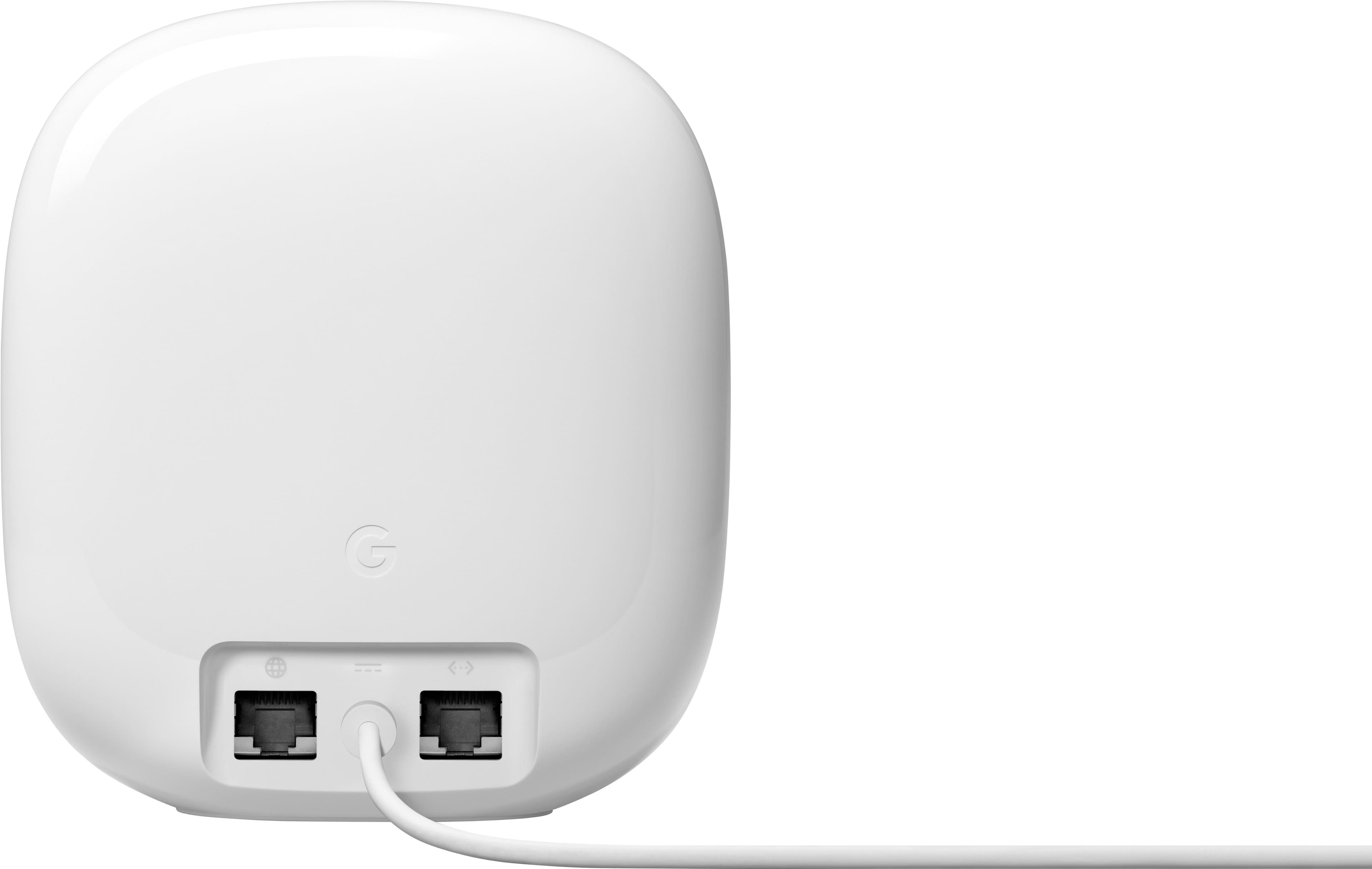
||Posted . Owned for 1 week when reviewed.This reviewer received promo considerations or sweepstakes entry for writing a review.This is the easiest router I have ever setup. Literally took 5 minutes at the most. Connect to modem. Turn on. Use google home app to scan QR code on bottom of Nest, and off it goes through the setup. All you have to do is name it and create the password. Literally, that is it.
I would recommend this to a friend Hallelujah!
||Posted . Owned for 3 weeks when reviewed.This reviewer received promo considerations or sweepstakes entry for writing a review.Fantastic! These were just what we needed! Hallelujah!
I would recommend this to a friend- Pros mentioned:Speed
Great for consistency but not speed
||Posted . Owned for 3 weeks when reviewed.This reviewer received promo considerations or sweepstakes entry for writing a review.I’ve not had much issue in terms of reliability with these routers but have had lots of issues with speed on them, with my old router i was able to pull around 600~ mbps over Wi-Fi on several of my newer devices but on these I can only manage around 200 mbps on Wi-Fi with only one device connected at a time, the built in speed test only shows about 360 in the app but my desktop pulls around 960-970~ mbps wired when plugged into the back of the router. Overall decent but if you play a lot of games and need to download those games it might not be the best option due to lack of speed on Wi-Fi.
No, I would not recommend this to a friendBrand response from Nest Support
Posted .Hi AshH, thanks for the feedback you provided about the Nest Wifi Pro. We’re sorry to hear that your experience is less than ideal.
It is important to check the placement of your Wi-Fi router and point, which are vital to have reliable Wi-Fi throughout your home. As a general rule, points work best when they’re no more than two rooms away from each other. For example, if the far end of your house has weak Wi-Fi, don’t put a Wifi point in that exact spot. Instead, put it part way in that direction. Try to place it in an elevated position like on a shelf.
It may also be helpful to try the following steps to see if the Wi-Fi performance will improve:
- Move the connected device closer to your Wifi router or point.
- Repositioning the points to avoid obstructions like walls, doors, and aquariums can improve performance.
- Make sure all unused devices are off and not draining bandwidth with large downloads.
- Check for possible sources of interference such as microwave ovens, refrigerators or other equipment.
- Run a mesh test to confirm placement of your Wifi points.
We’re always here to help. SImply let us know if further assistance is required: https://support.google.com/googlenest/gethelp
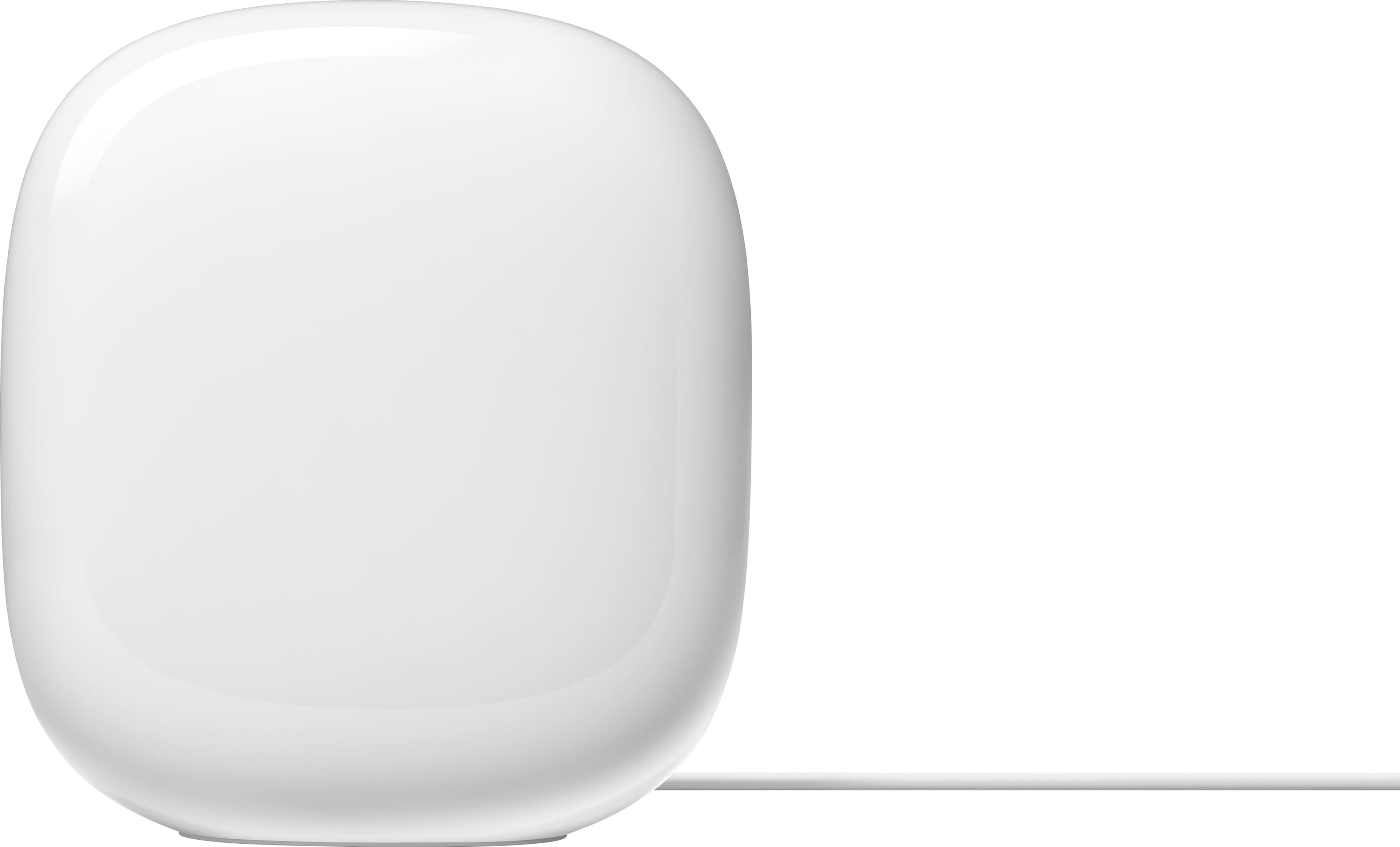
Google - Router de malla Nest Wi-Fi Pro 6e AXE5400
||Posted . Owned for 3 weeks when reviewed.This reviewer received promo considerations or sweepstakes entry for writing a review.good presence, good functionality, The mesh works well although the download and upload speed is sometimes not the best, I recommend this product
I would recommend this to a friend- Pros mentioned:Ease of use
Easy set up and great performance
||Posted . Owned for 3 weeks when reviewed.This reviewer received promo considerations or sweepstakes entry for writing a review.Set up was really easy using the Google Home app. I decided on this set-up after not being able to hook up my home automation devices using the router that the cable company provided. This system broadcasts the 2.4 as well as the 5 & 6ghz networks but allows the device to decide which one to connect to. This has been great for our home!
I would recommend this to a friend - Pros mentioned:Coverage, Speed
My Home Mesh
||Posted . Owned for 3 weeks when reviewed.This reviewer received promo considerations or sweepstakes entry for writing a review.Really very simple to set up. Super fast and great coverage
I would recommend this to a friend - Pros mentioned:Ease of use, Speed
Best 6G Mesh
||Posted . Owned for 3 weeks when reviewed.This reviewer received promo considerations or sweepstakes entry for writing a review.Easy to install and meshes fast speeds to areas do the house recently not reachble
I would recommend this to a friend - Pros mentioned:Ease of use, Speed
Incredible wifi
||Posted . Owned for 1 week when reviewed.This reviewer received promo considerations or sweepstakes entry for writing a review.Amazingly easy set up. Then I had super fast reliable internet all over my home.
I would recommend this to a friend Finally got a WiFi extender that works!
||Posted . Owned for 1 month when reviewed.This reviewer received promo considerations or sweepstakes entry for writing a review.Finally got something that works to extend my WiFi range! Xfinity WiFi extensions were a waste of money.
I would recommend this to a friend