Customer Ratings & Reviews
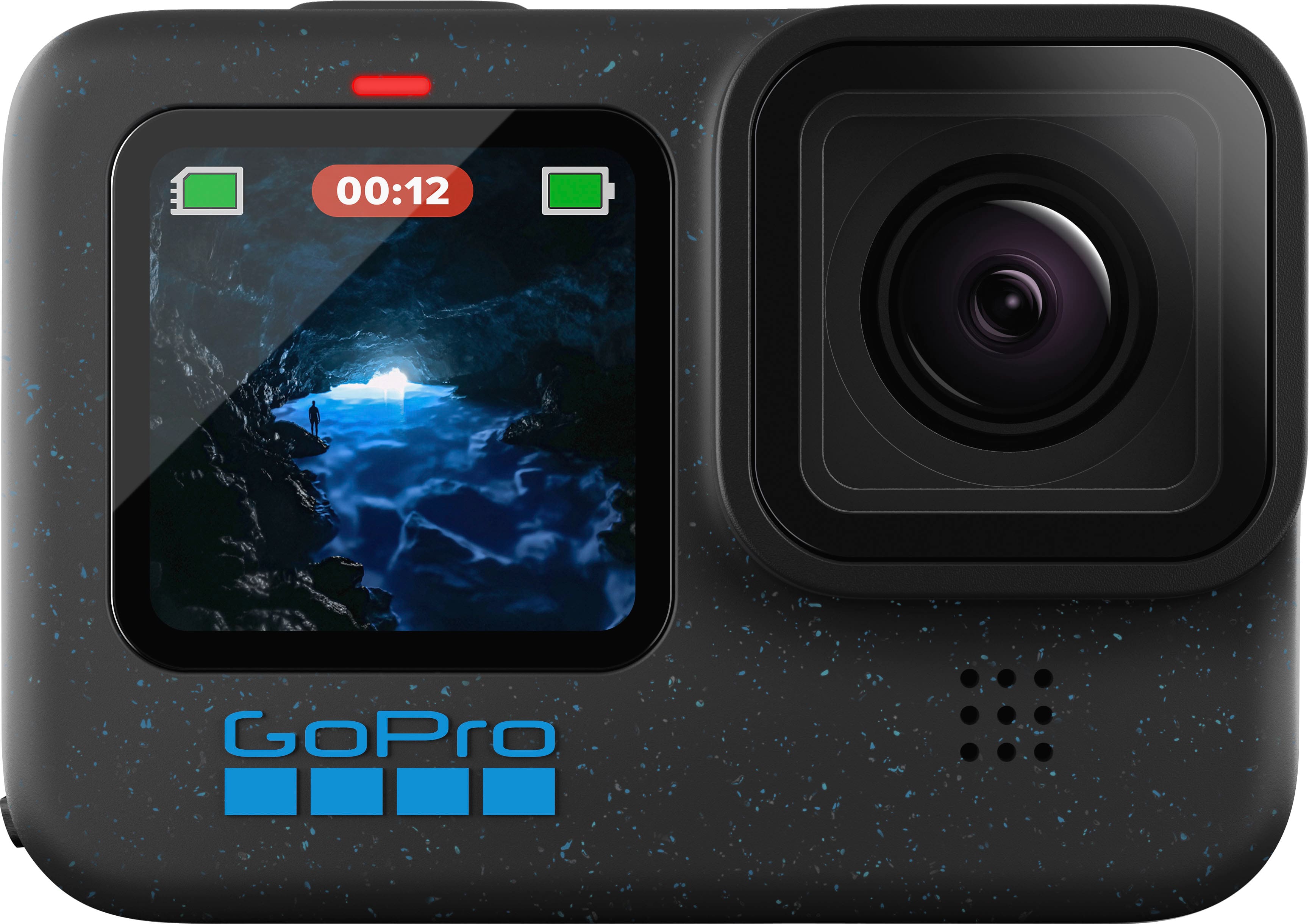
- Model:
- CHDHX-121-TH/CHDHX-121-CN
- SKU:
- 11135500
Rating by feature
- Value
Rating 4.5 out of 5 stars
- Quality
Rating 4.7 out of 5 stars
- Ease of Use
Rating 4.7 out of 5 stars
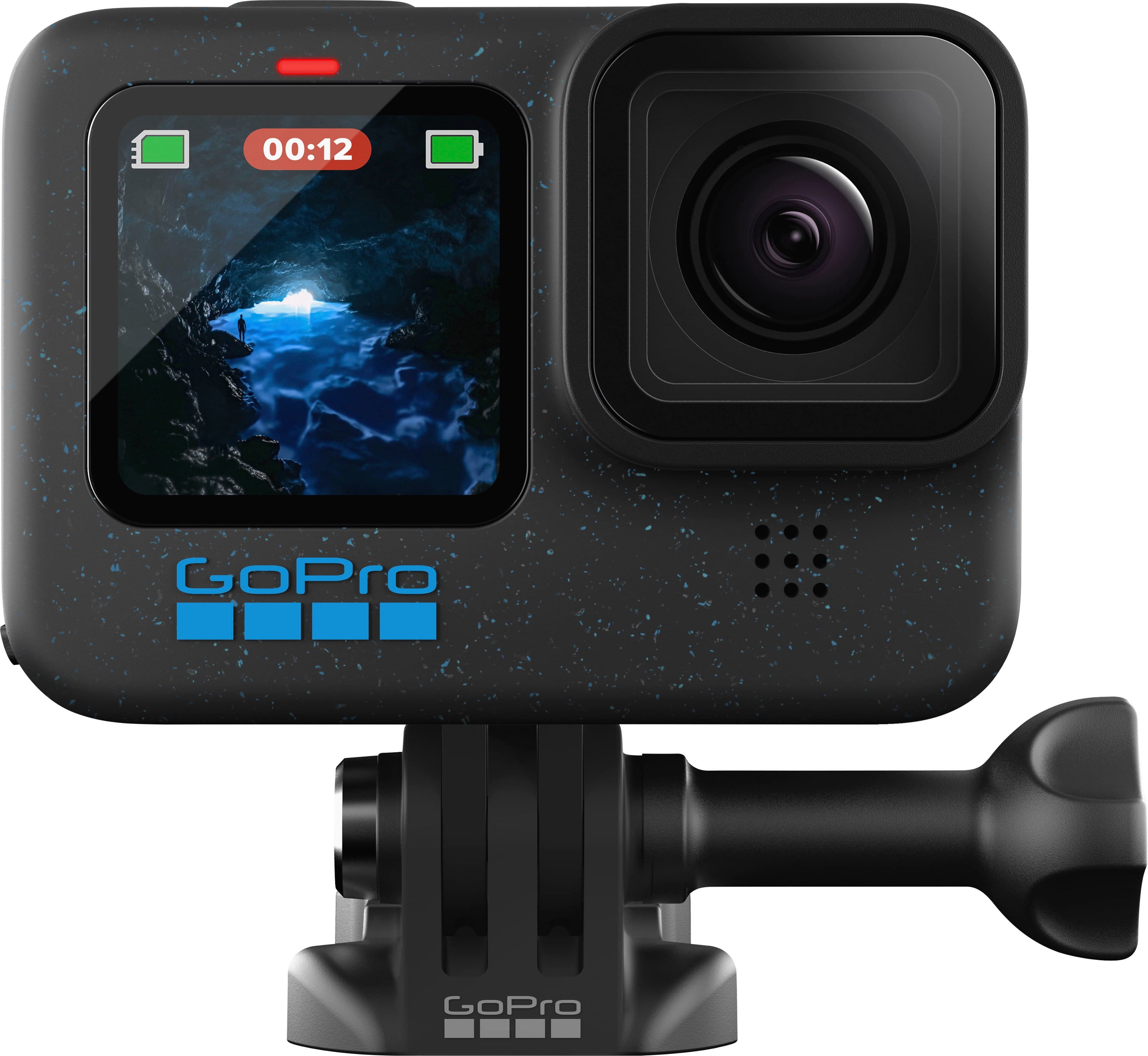
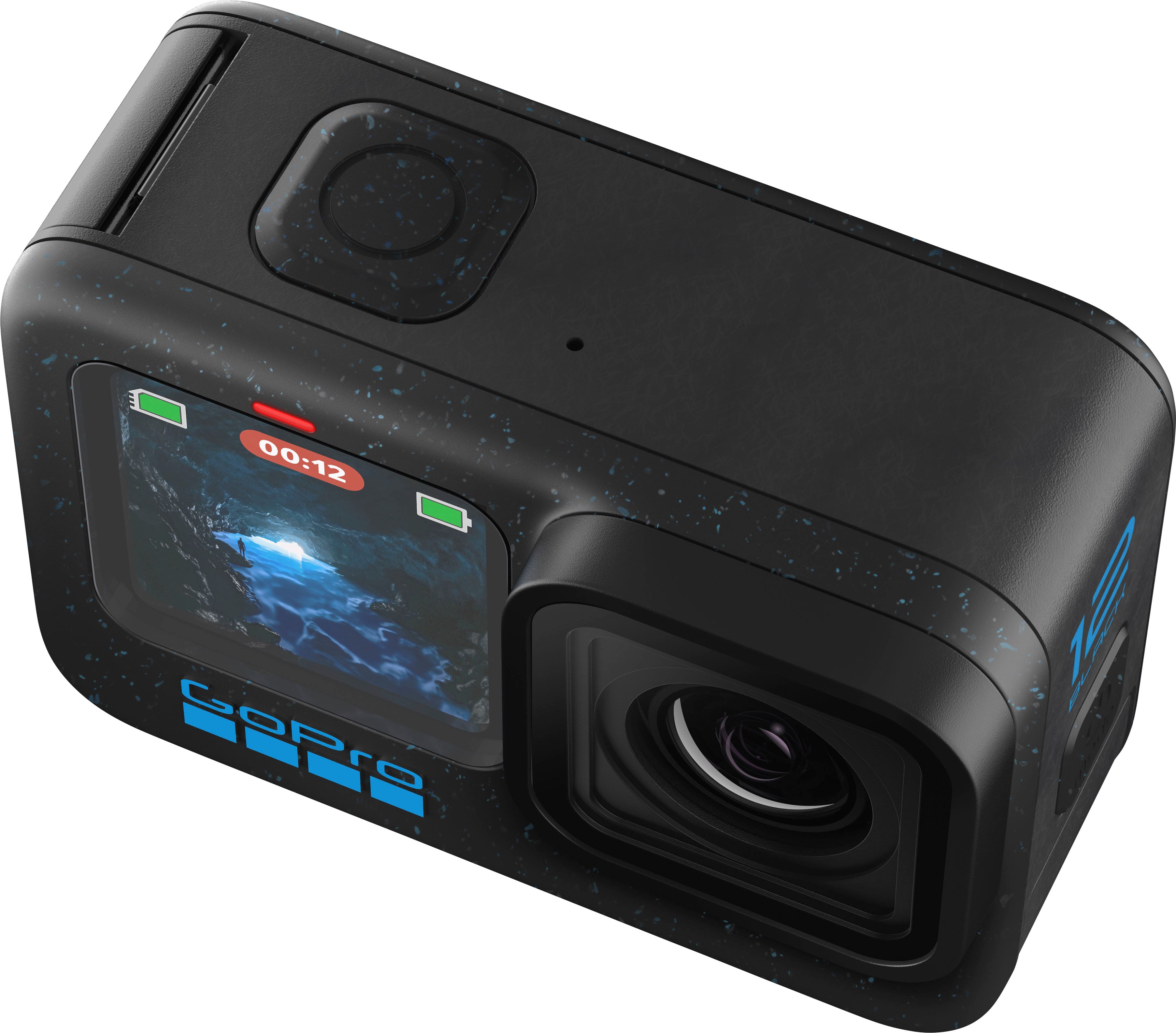
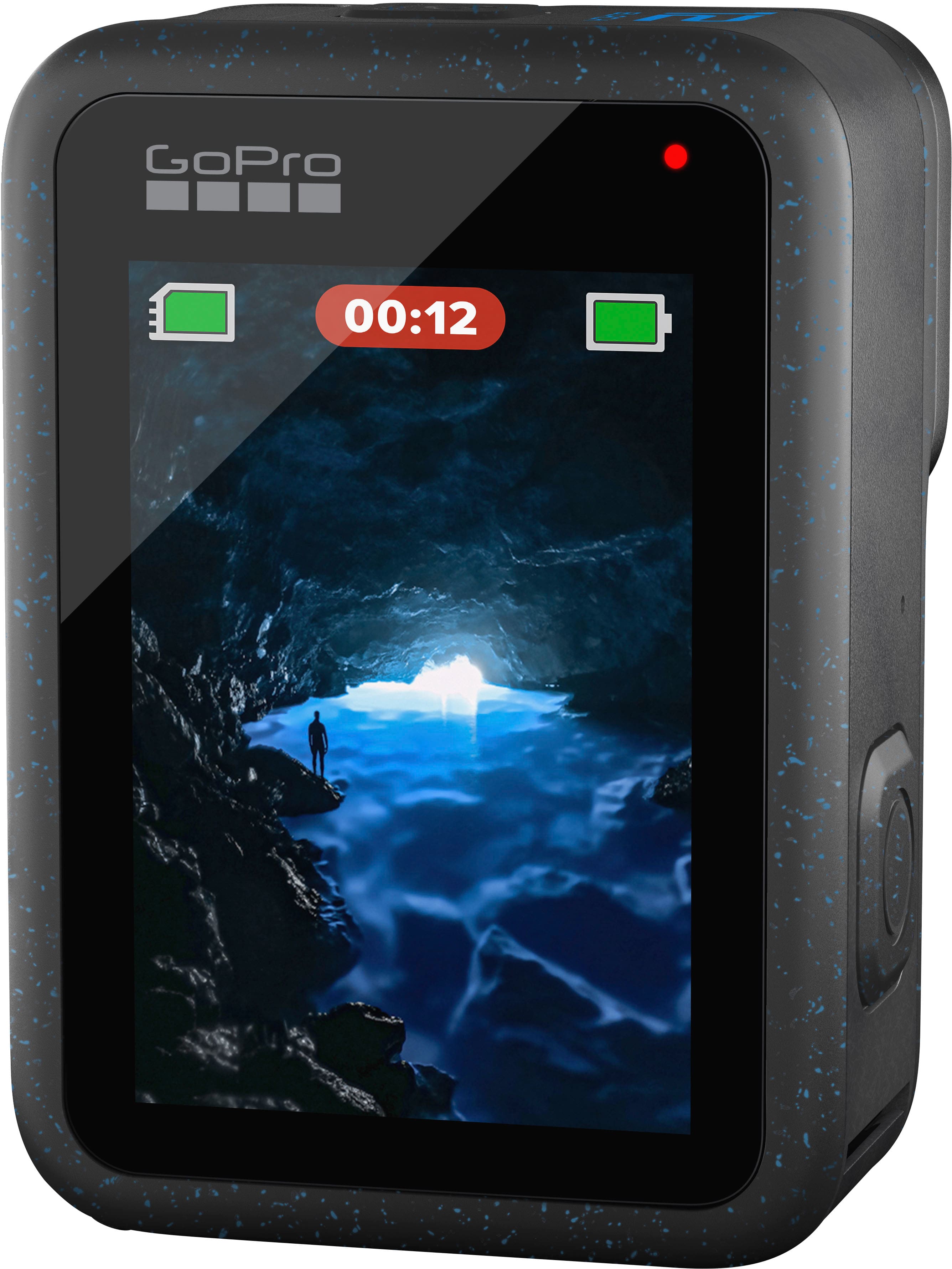
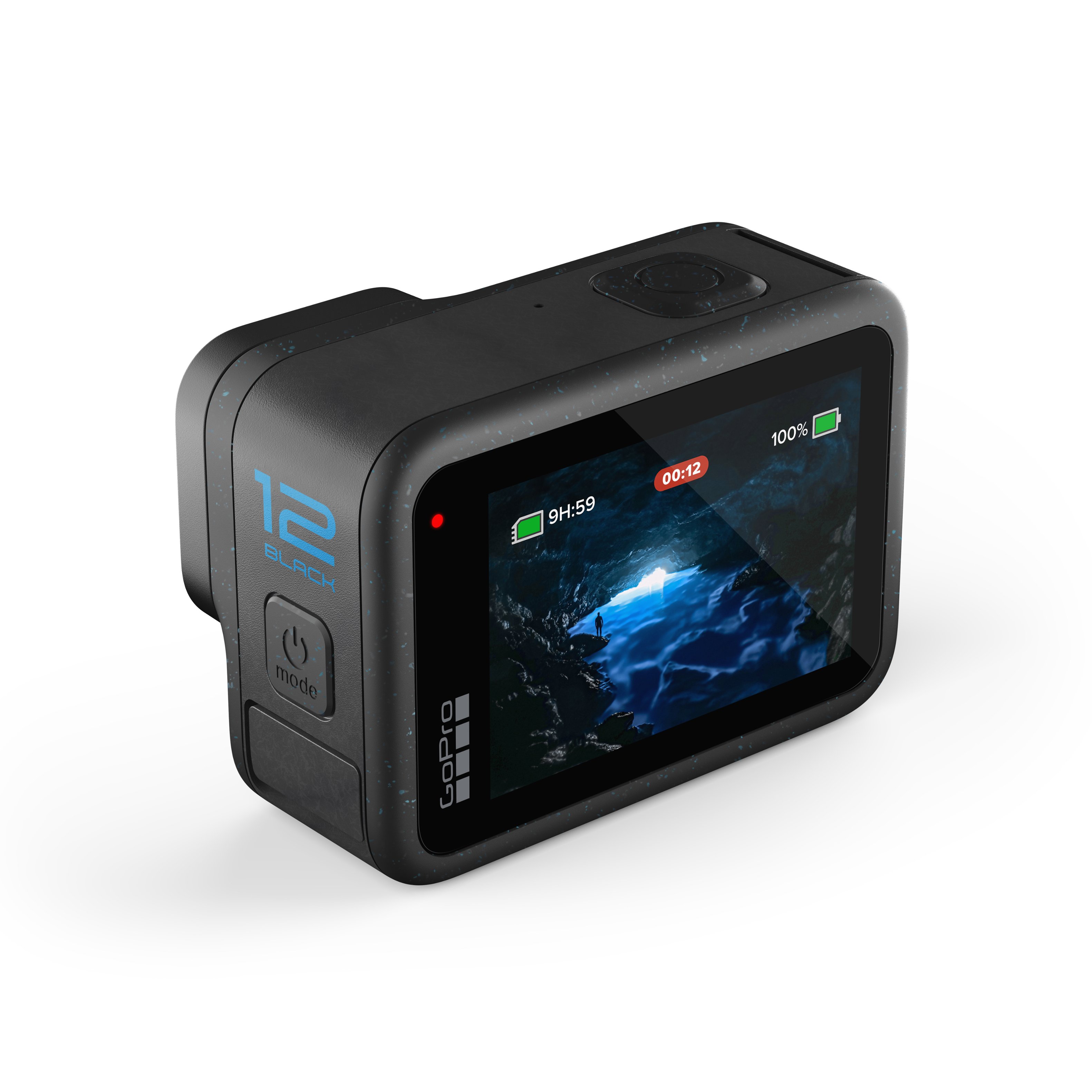
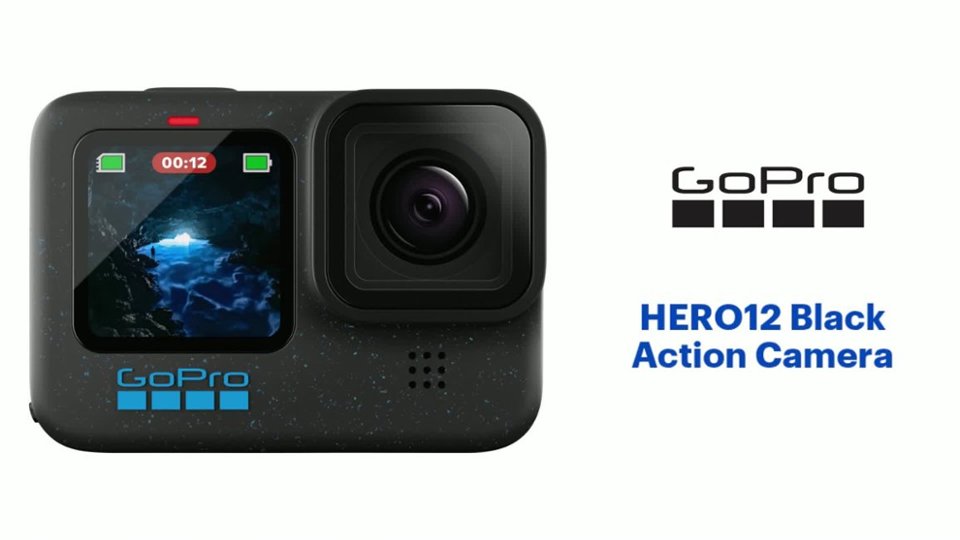
GoPro hero12
||Posted . Owned for 3 weeks when reviewed.This reviewer received promo considerations or sweepstakes entry for writing a review.Great product, upgraded from a hero 8 the quality is insanely better. Would recommend to all content creators.
I would recommend this to a friendOne more GoPro dor my bike trips
||Posted . Owned for 1 month when reviewed.This reviewer received promo considerations or sweepstakes entry for writing a review.The best version of GoPro… for sure I’ll amaze my family with the recordings of my motorcycle trips though the US unpaved roads.
I would recommend this to a friendSuperb
||Posted . Owned for 1 month when reviewed.This reviewer received promo considerations or sweepstakes entry for writing a review.There not much I can add. This is a great action camera. Perfect for motovlog.
I would recommend this to a friendDefinitely buys a second one
||Posted . Owned for 3 weeks when reviewed.This reviewer received promo considerations or sweepstakes entry for writing a review.Great quality, versatile, and useful for almost every application
I would recommend this to a friendI love gopro
||Posted . Owned for 1 month when reviewed.This reviewer received promo considerations or sweepstakes entry for writing a review.I’m an avid scuba diver and this is the perfect camera
I would recommend this to a friendMemories
||Posted . Owned for 3 weeks when reviewed.This reviewer received promo considerations or sweepstakes entry for writing a review.I love it very compact and fits right in my purse.I carry it everywhere I go.The only problem is the battery life so always make sure it is charged and if you plan on long travel you need to get extra battery or I think charger on the go you want be disappointed
I would recommend this to a friendGreat camera
||Posted . Owned for 1 month when reviewed.This reviewer received promo considerations or sweepstakes entry for writing a review.Great camera, works as it should and I’ve enjoyed using it.
I would recommend this to a friendGoPro hero black
||Posted . Owned for 3 weeks when reviewed.This reviewer received promo considerations or sweepstakes entry for writing a review.I bought this product at Best Buy. Fantastic price. I love and use it all the time. I will be purchasing all my GoPro accessories from Best Buy. I highly recommend if you are looking for a GoPro or accessories.
I would recommend this to a friend5 star
||Posted . Owned for 6 months when reviewed.This reviewer received promo considerations or sweepstakes entry for writing a review.These are honestly underpriced. The value of these are insane. Excellent product
I would recommend this to a friendBest GoPro ever
||Posted . Owned for 1 month when reviewed.This reviewer received promo considerations or sweepstakes entry for writing a review.Way more advanced than my GoPro 8. The HDR mode is super nice when the sunshine is bright. Also the light trail mode enhanced by the max mod 2.0 gives you stunning photos with ease.
I would recommend this to a friendAmazing Machine!
||Posted . Owned for less than 1 week when reviewed.This reviewer received promo considerations or sweepstakes entry for writing a review.What a nice upgrade. Bought this specifically for my Bass fishing. Totally love this GoPro!
I would recommend this to a friendBrilliant
||Posted . Owned for 9 months when reviewed.This reviewer received promo considerations or sweepstakes entry for writing a review.It’s very versatile really great. The product came in excellent condition, recommended!
I would recommend this to a friendBuying at the store
||Posted . Owned for 1 month when reviewed.This reviewer received promo considerations or sweepstakes entry for writing a review.Im old school i still appreciate the human interaction and have the item i need asap.
I would recommend this to a friendSweet Camera
||Posted . Owned for 1 month when reviewed.This reviewer received promo considerations or sweepstakes entry for writing a review.I love this camera. Get the lens and the remote control with the extendo clip. I love the voice commands
I would recommend this to a friend
Great quality camera, smooth, hi-def action video
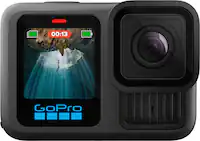
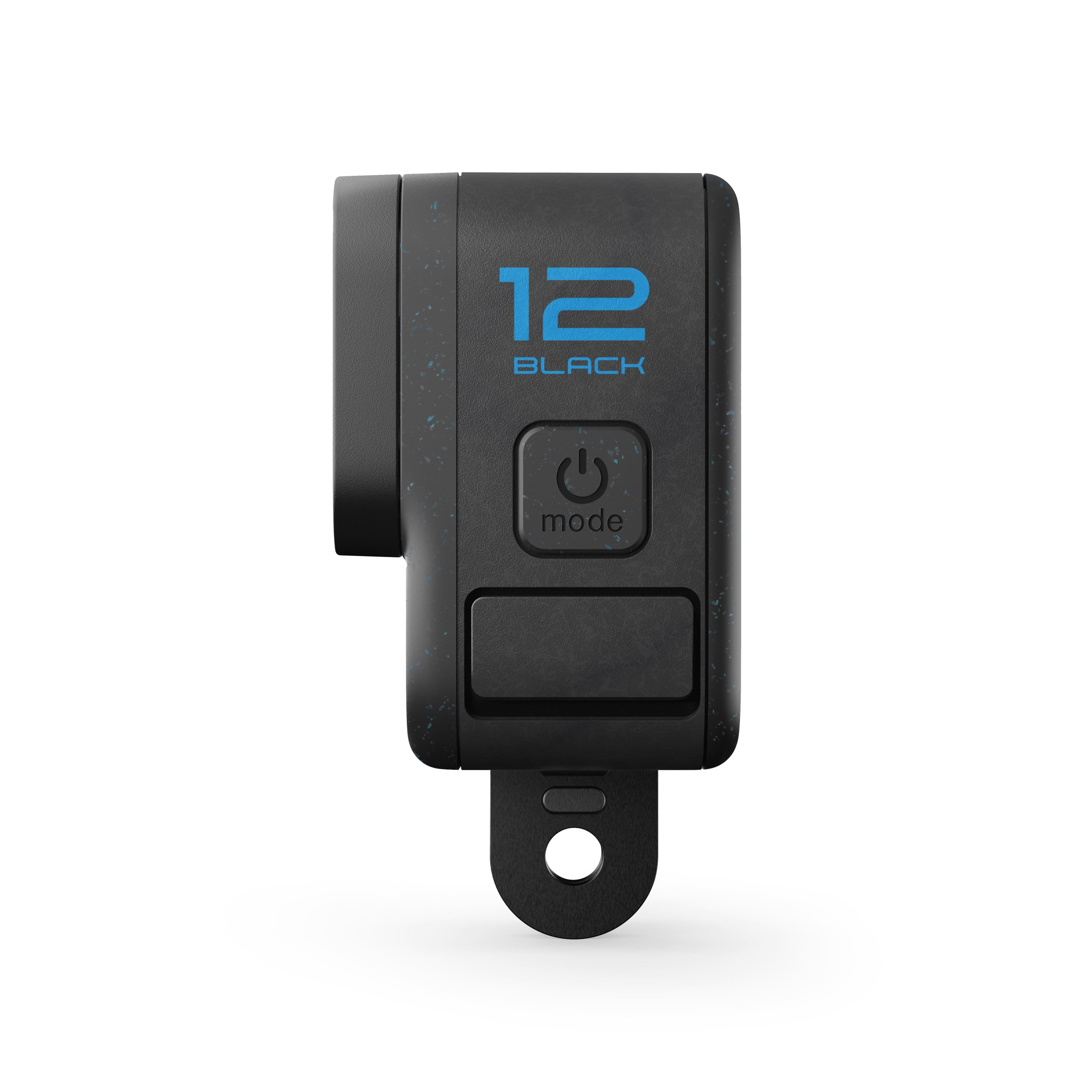
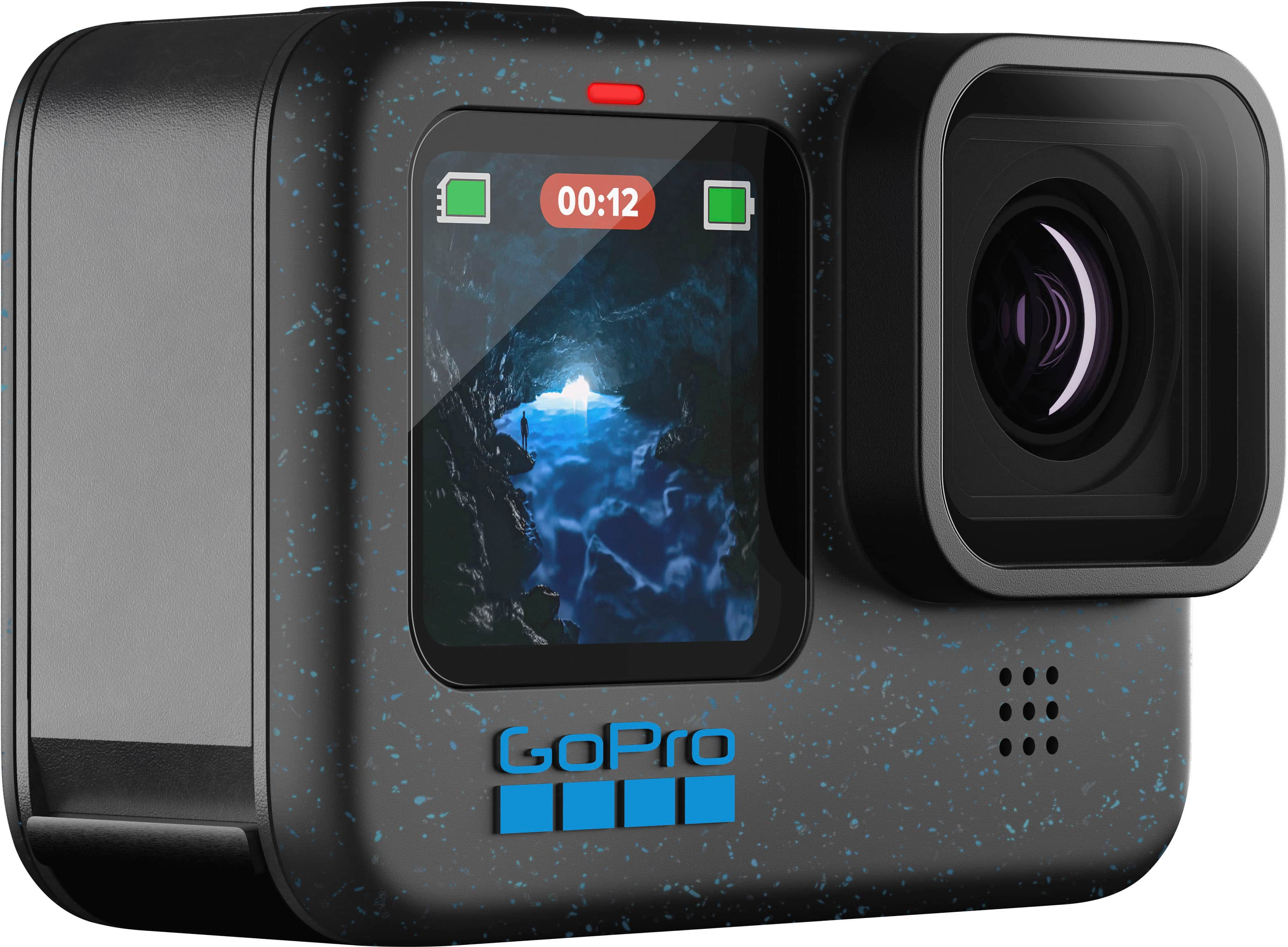
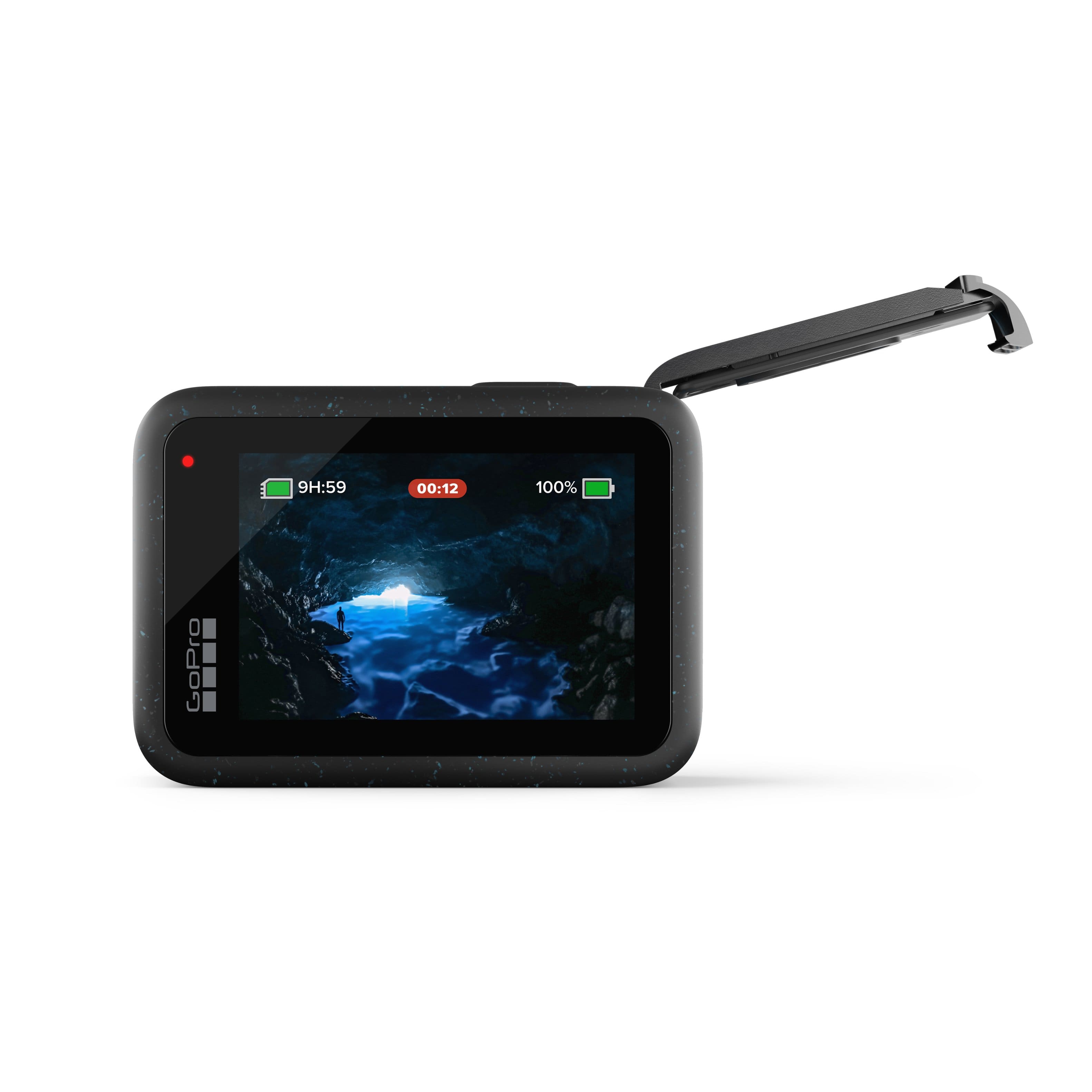
|Posted .This reviewer received promo considerations or sweepstakes entry for writing a review.This is my first GoPro action camera, and I’ve been pretty impressed with the quality of the videos and photo that it takes. It captures ultra smooth and stable video (with Hypersmooth 6.0) whether you’re in a moving vehicle, filming by hand, or have the camera attached somewhere on your person, something that is typically only achievable using a gimbal/stabilizer when using a conventional DSLR. This standard edition includes only a two-piece clip mount with double-sided sticker and a single battery. The battery on a full charge will last you just over an hour of use at 5.3K 60fps, though can last over 2.5 hours at 1080p. The mount attaches with a thumbscrew through two wings of a fold-down connector at the bottom, and in the center is a standard ¼-20 thread mounting point for tripods and accessories. At up to 5.3k resolution, I can zoom and crop when editing footage and still end up with a result that is 4K or higher which is awesome. This also allows you to capture full 9:16 ratio vertical 4K footage for popular social media apps like TikTok, IG Live, YouTube shorts, or FB reels. At the full field of view available, there is a significant fisheye effect, however, when set to ‘linear’ the lens curvature is digitally corrected and eliminated for a flat and natural looking perspective. The color depth is 10-bit and captures vibrant and natural colors. The menu controls for the camera are accessed via the touch screen with swipes up and down and to the sides, though I found the touch responsiveness of the screen to be a little finicky. The lens on the front is water-repellent for capturing crystal clear footage underwater and the camera itself is waterproof up to 33 ft deep without any additional housing, as long as the battery bay door is completely closed and sealed. The camera is compatible with high capacity microSD cards with rating v30 or UHS-3, and I have a 512 GB card installed which can hold nearly 8 hours of footage at the highest resolution. When taking photos, the max resolution is 27 MP and it has a night mode that slows down the shutter speed for longer exposures. You can also turn on a delayed shutter timer of 3 or 10 seconds. The front facing LCD on the camera is bright and hi-res and while smaller, is great for selfies and vlogging from in front of the lens as you can monitor your footage and framing without any additional equipment. It can also be disabled to increase battery life. The small size of this camera makes it ultra-portable and able to navigate spaces that other cameras just wouldn’t fit in or would be cumbersome to maneuver. As a content creator, having a separate camera for 4K B-roll footage allows me to capture multiple vantage points. I especially like the built-in, high frame rate, slo-mo functionality for 2x, 4x, and 8x slow motion (5.3K, 4K, and 2.7K resolution respectively). I also really like the time lapse feature which has several modes to capture footage while on the move or stationary, and various night shots like star trails, light painting, and vehicle lights. Just note that the rear screen dims automatically after 45 seconds and goes black after 1 minute while recording, though you can wake it up again by simply tapping the touch screen. You also can’t change any settings while the camera is actively recording. There are advanced camera settings for pros who want to manage each aspect of their recordings like EV, white balance, and ISO. You can even save pre-sets for each of the modes, so you don’t have to change them every time you switch modes. Since the camera also captures audio, you can enable wind noise reduction which is useful if the camera is moving at high speed, or you’re filming in windy conditions. The camera is compatible with externals add-ons like the GoPro Max lens mod 2.0 (177° FoV, sold separately), Bluetooth earphones, and wireless microphones. If you subscribe to GoPro’s cloud service (pay a monthly fee) you can have the camera automatically upload your recordings to the cloud with unlimited backup storage. The GoPro Quik app lets you edit your footage with a handful of tools like filters, digital lens, cutting, and cropping. Overall, the GoPro Hero 12 is an awesome camera for folks who film fast-paced action sequences and solo creators. The recorded video is smooth, hi-def, and color accurate, and you can use the camera in extreme conditions that more traditional camera equipment wouldn’t typically be able to handle.
I would recommend this to a friendGreat camera with some caveats
Posted .This reviewer received promo considerations or sweepstakes entry for writing a review.I've been using the GoPro HERO12 Black for a few months, and it's been an incredible experience. As a tech enthusiast and outdoor adventurer, this camera has truly exceeded my expectations. First off, the video quality is simply outstanding...the 5.3K resolution captures every detail with stunning clarity, whether I'm shooting in bright sunlight or low light conditions, the colors are vibrant and true to life, making my footage look professional. The HyperSmooth 6.0 stabilization is great, it keeps my videos steady and smooth, even when I'm moving around a lot. I've used it while hiking, biking, and even skiing, and the footage came out looking like it was shot with a gimbal. Battery life has also been good. I can record for up to 70 minutes at 5.3K 60fps, which is more than enough for most of my adventures. I don't have to worry about running out of power midway through my activities, the camera is also incredibly durable and waterproof up to 33 feet, which is perfect for water sports and underwater photography. I've taken it snorkeling, and it performed flawlessly. One thing I appreciate is the ease of use, the interface is intuitive, and setting up shots is straightforward, even for someone who isn't very tech savvy. However, I did notice that the camera can get a bit warm during extended recording sessions, but it hasn't caused any issues so far. Also, while the low light performance is good, it's not perfect, and there might be some noise in very dark environments. The price is a bit steep, but for the features and quality, it's worth it. Overall is a fantastic action camera that offers excellent value for its price. It's perfect for anyone who loves capturing their adventures in high quality. Pros: Outstanding video and photo quality. Excellent stabilization. Long battery life. Durable and waterproof. Easy to use. Cons: Can get warm during long recordings. Low light performance could be better. Price is high but justified because is mma top-tier action camera.
I would recommend this to a friendThe sky's the limit...and you can shoot that too
|Posted .This reviewer received promo considerations or sweepstakes entry for writing a review.PROS: - lots of new features, especially for pro level camera users - longer battery life (actually seems true!) - same batteries as before so you can use old batteries - Bluetooth connection - app control and live view DURING recording - voice control (also through bluetooth connection) - tripod mount added - LOG format added CONS: - No GPS anymore (Doesn’t effect a lot of users) - Buggy out of the box/couldn’t download FW update - still has overheating issues, even though it is better now - no carrying case included - no manual included Gopro definitely packed a lot more software and features into the 12th version, even though it does seem to look like a gopro 11 with blue speckles on it. If I had an 11, I don’t know if I would upgrade, but the added features would really make me consider it. PRO SETTINGS: As someone who is both active outdoors but also does freelance video production projects, having a gopro is really handy. I can use it snowboarding, wakeboarding, hiking, etc but it’s also powerful enough to work as a B cam for shoots, especially for timelapses. I love that they added a LOG format to make matching shots easier as well as a timecode sync option - all making post production work so much faster! Toss in a tripod mount screw on the bottom now and it’ll actually be fun to have a gopro on set again. I also enjoy the bluetooth headphone connection option. The recording quality is pretty trashy, even with high end headphones, but the ability to voice control the camera with a bluetooth earbud really opens up options. As well as a fine way to record audio in a pinch when the camera isn’t close enough to use the onboard mic. That said, using a good lav mic would be better in most situations obviously. But for those just wanting to get sound recorded, it’s a great option. You can also monitor the live video from a connected device using the app, something that was not always available on older models. This is great to be able to check your framing without going back to the camera or to see it on a larger screen like a tablet. Even if you’re just using a helmet mount and want to see what the frame looks like, you can simply pull out your phone and control the camera completely from there. I am not a fan of the new normal of “just download the app” mentality with products, but at least this app is decent, works well, and isn’t full of spam or permission requests. I’ll actually use this app. EXPERIENCE: I haven’t had a chance to go out and hike with this camera yet as the weather turned gloomy and stormy, but I have been simulating “action video” best I can to test the camera and found that overall it really does shoot good footage. The LOG format is nice for pros if you’re going to spend time coloring, but the standard and HDR options are actually really good for most uses. The colors are bright and pop in good lighting and the HDR helps even out the exposure nicely. I found the stabilization works pretty good but I haven’t been able to duplicate results shown by GoPro in their advertising but I think that’s more the low lighting testing I’m in. When the sun comes out I’m curious to test it out more. Either way, the new stabilization changes seem to be pretty great. Using the interface is a lot easier than past experiences I’ve had with gopro. Besides being able to control all settings with the app, using the touchscreen on the camera is also a breeze. Even with a small screen, the icons are placed in the right spots that make sense and it’s very easy to know what is selected or not selected. My only issue was if my fingers were wet, or sometimes trying to scroll would instead select a setting. I was able to test the star trails setting slightly, although it was partly cloudy. I only was able to shoot for about 15 minutes before the weather threatened to turn again, but from what I saw, I really enjoy this new feature. It’s so easy to just set it and let the camera do the work. Shooting trails on my full body camera takes a lot more work and settings. This is just one click and go. I have a feeling I’ll use that feature a lot, especially when camping. They also included light painting/trails and car light tracing, which I assume uses the same basic settings and processing but it’s still nice to have for more basic users. Also worth noting, when you’re done shooting, the camera will give you one stacked photo and also make one timelapse video, which I thought was pretty cool. You can check the photos with this review to see more. OVERALL: My overall thoughts on the GoPro 12 Black are great. There’s some cons like anything, but the experience and feature options really outweigh the cons in my experience. I gave it 4 stars because out of the box, it would not update the firmware correctly and the only way to get it solved was contacting GoPro and getting the FW update on my SD card and having the camera update from there. This also caused me to experience a bug where the camera completely bricked and would not turn on or respond to any controls until I took the battery out for a few seconds. I think the SD card with the update file on it caused a read error or something, but either way, it bugged out straight from the box and that’s not great. I should add, it has been working perfectly ever since, so that’s not a reason to avoid a purchase. I also knocked that 5th star for not including a carrying bag with the camera. I believe the older models at this base level still included a carrying hard shell for your accessories and camera. This is great when you can toss the small shell into a camera bag and not have to cram the gear into little pockets here and there. Or if you’re just tossing it in your backpack, you can keep it secure and together. I just wish that was still included and not an added cost. Lastly, and maybe I’m old school here, but there is no manual for the camera in the box. I understand the want to save paper etc, and that the manual can be found on their website, but I really enjoy having it in the carrying case with me. (But of course, bag not included.) Like I said though, those reasons are still not enough to keep me from being happy with this product and all the pros are way better and worth it. Once I got the update done, that wasn’t an issue anymore and I can buy a case. Easy fixes that make this camera perfect! Can’t wait to get out there and explore and capture my adventures!
I would recommend this to a friendSuper cool
||Posted . Owned for 1 month when reviewed.This reviewer received promo considerations or sweepstakes entry for writing a review.Nice and excellent very useful and lightweight……..
I would recommend this to a friendVery disappointed in product
||Posted . Owned for 5 months when reviewed.This reviewer received promo considerations or sweepstakes entry for writing a review.So upset haven’t even had the Go pro 6 months and already won’t power on. Only used on 3 different occasions. It was great while it lasted if you have $325 to blow every 6 months! Can not believe this!!
No, I would not recommend this to a friendExcellent camera – amazing quality and easy to use
||Posted .This reviewer received promo considerations or sweepstakes entry for writing a review.I am very impressed with the GoPro HERO12 Black. The video quality is outstanding, even in low light, and the stabilization is incredible. The footage looks very smooth and professional without needing extra equipment. The camera is also very easy to use, and the touchscreen is responsive and clear. I like that it is compact but still very powerful. The battery life is better than I expected, and it lasts long enough for my recordings without constant charging. Another great feature is how durable it is. It feels strong, high-quality, and perfect for everyday use or travel. The photos and videos come out sharp and vibrant. Overall, this is a fantastic action camera and definitely worth the investment. Highly recommended!
I would recommend this to a friend