Customer Ratings & Reviews
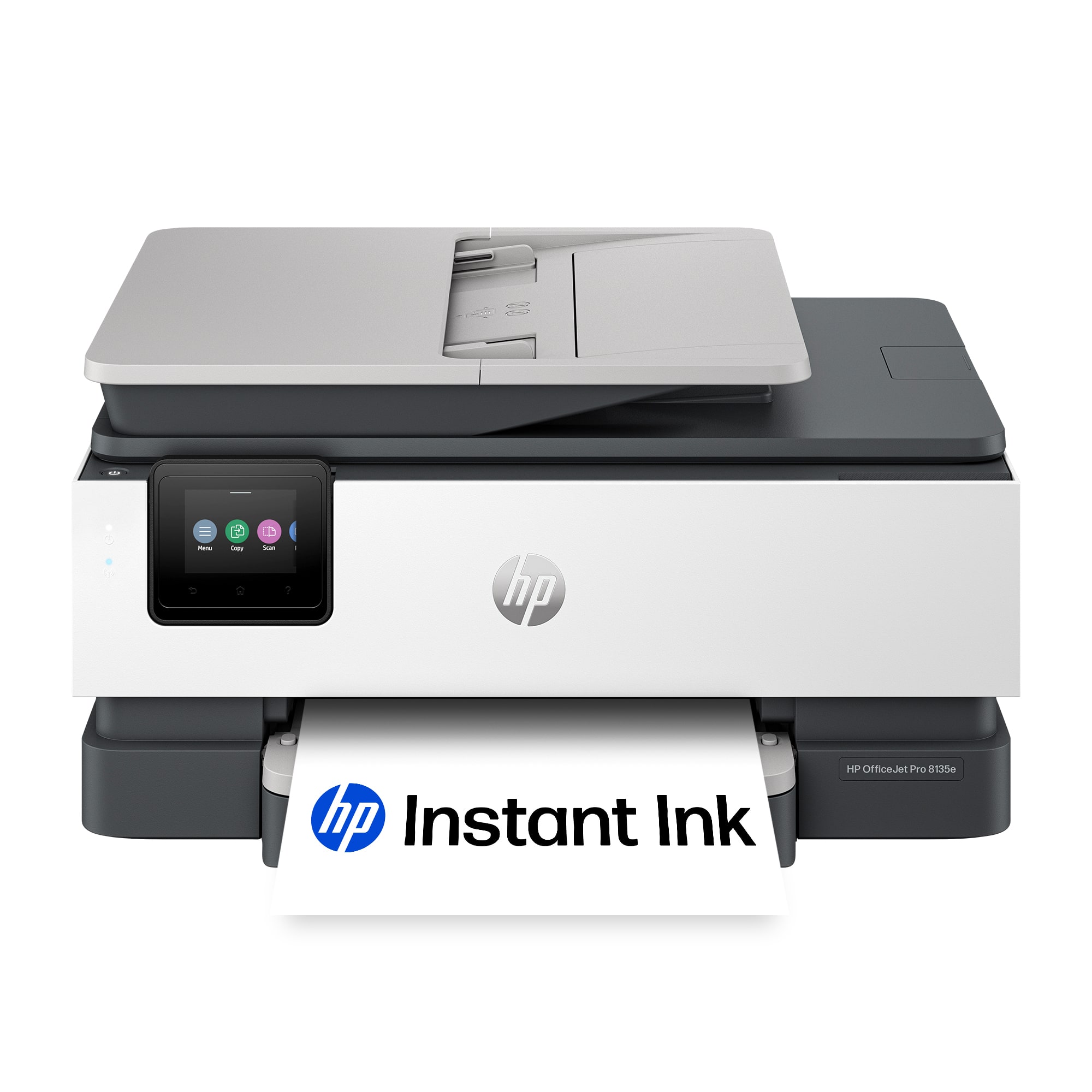

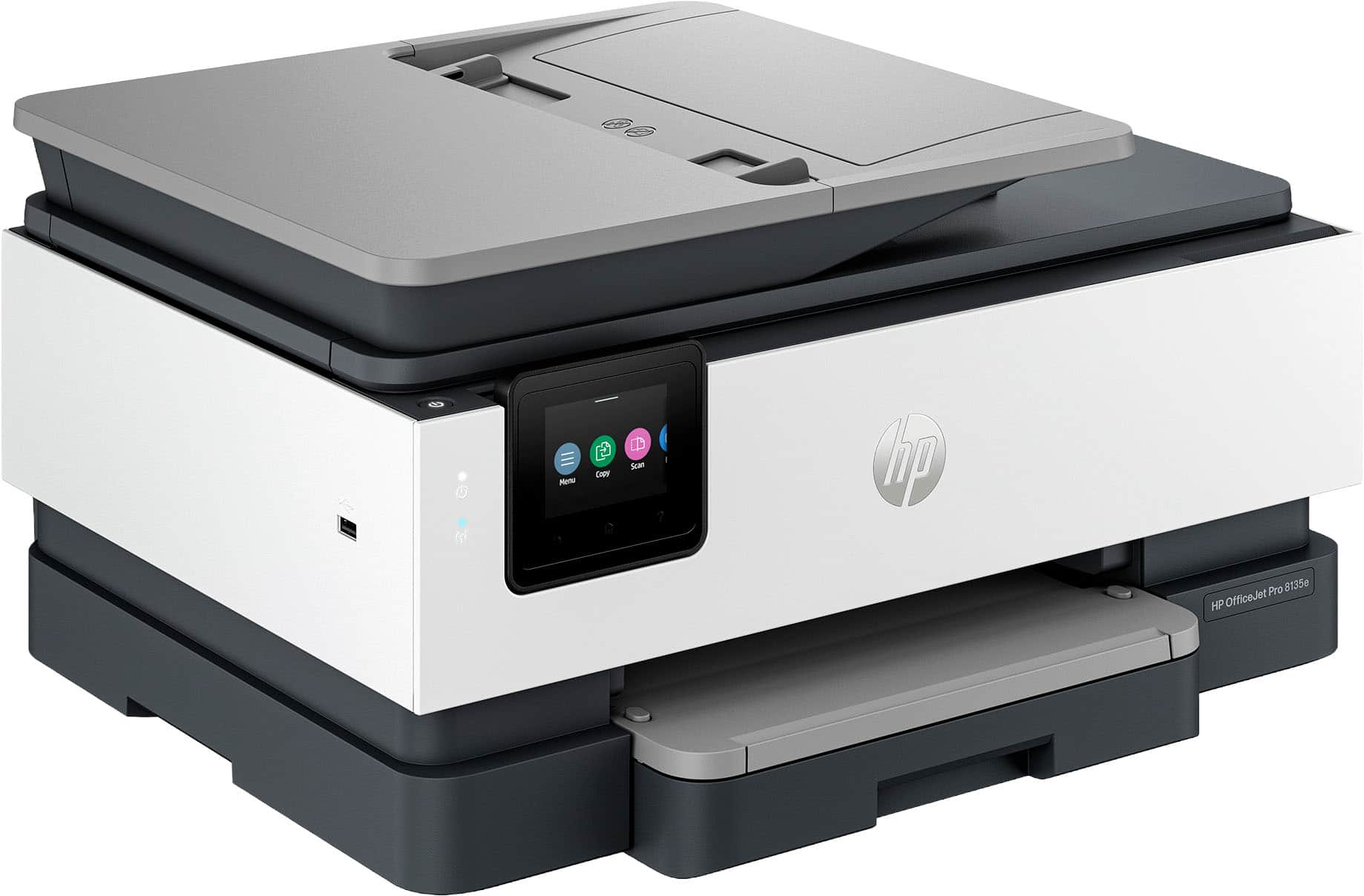






- Model:
- OJ Pro 8135e /40Q35A#B1H
- SKU:
- 6565476
Rating by feature
- Value
Rating 4.3 out of 5 stars
- Quality
Rating 4.3 out of 5 stars
- Ease of Use
Rating 4.2 out of 5 stars
Customers are saying
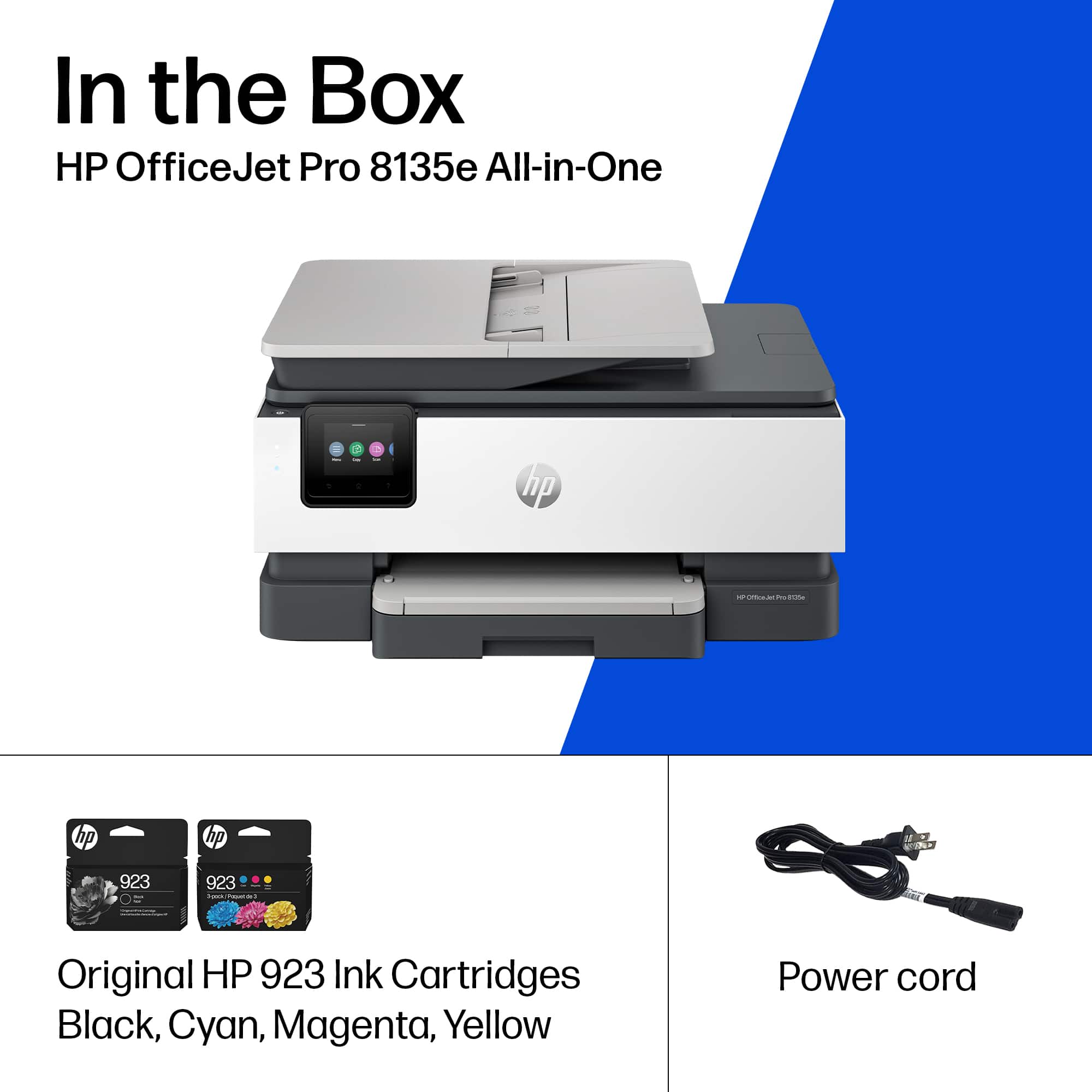
Customers enjoy the OfficeJet Pro 8135e for its excellent print quality, ease of use, and overall performance. The setup process is generally considered simple, and the printer's size and quiet operation are appreciated. However, some customers have reported issues with connectivity and the printer software.
This summary was generated by AI based on customer reviews.
Don't buy
||Posted . Owned for 2 months when reviewed.This reviewer received promo considerations or sweepstakes entry for writing a review.I bought this printer Feb 2024. I keep getting door open message. I would not recommend this printer.
No, I would not recommend this to a friend- Pros mentioned:Print quality, Setup

Full featured, flexible colorful HP InkJet printer
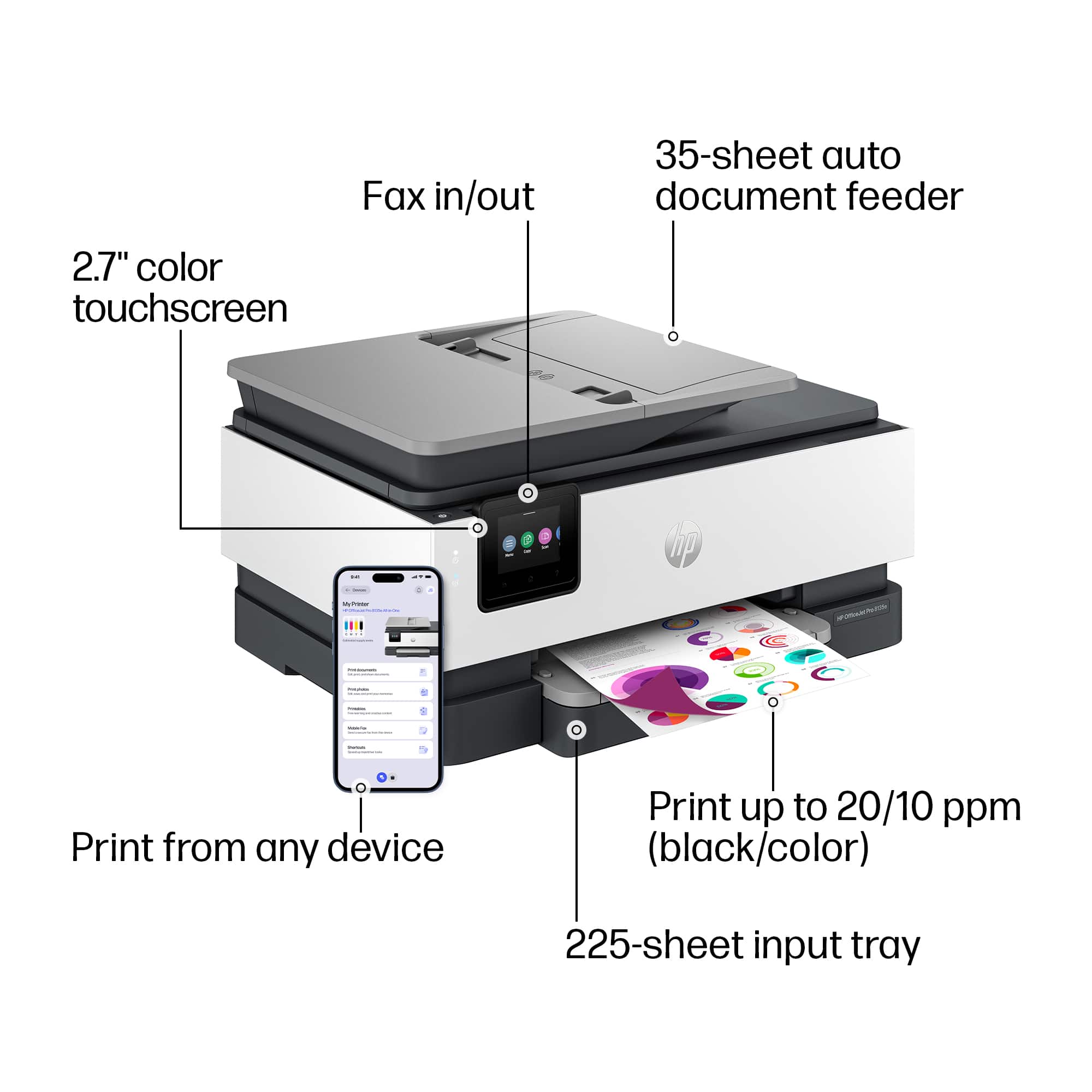
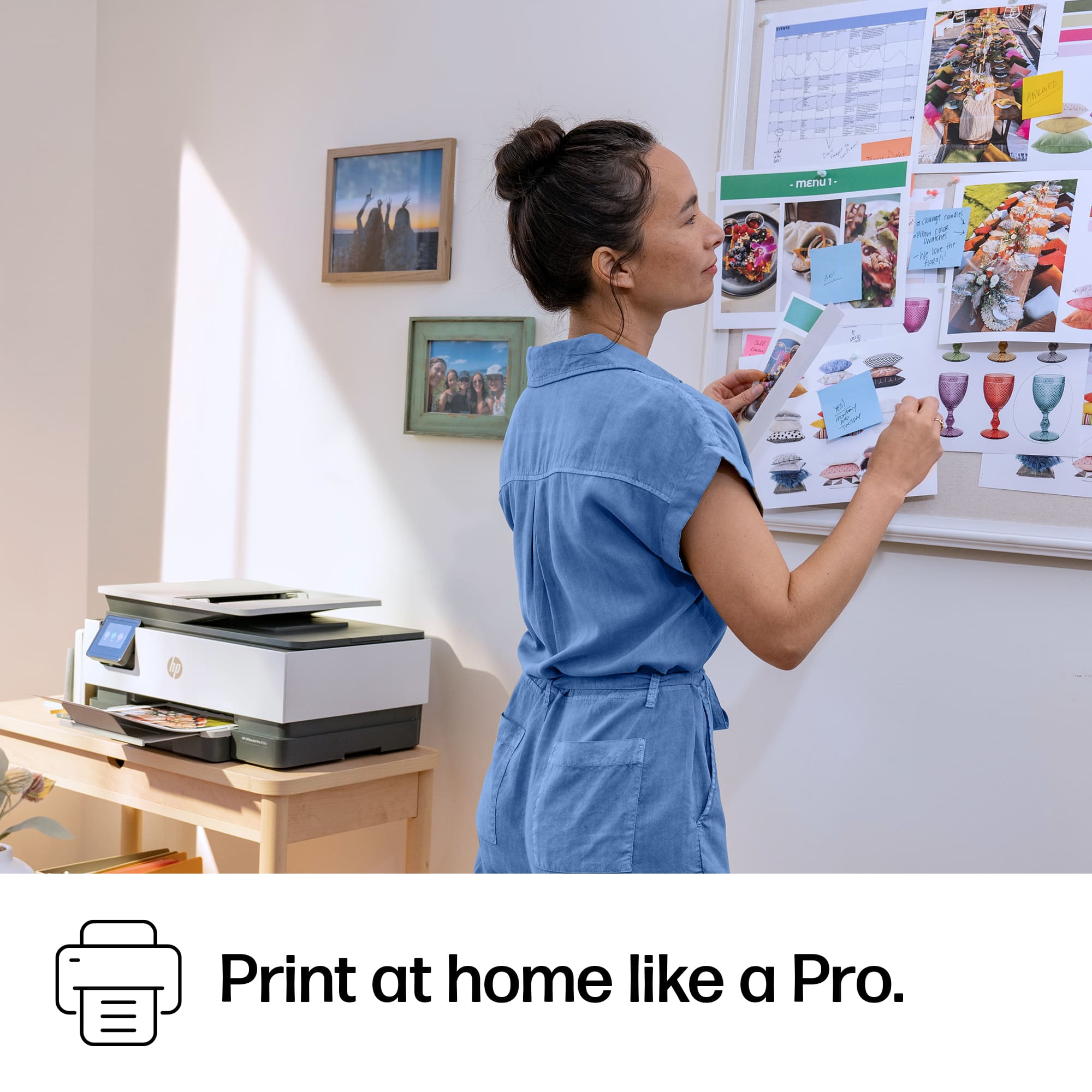
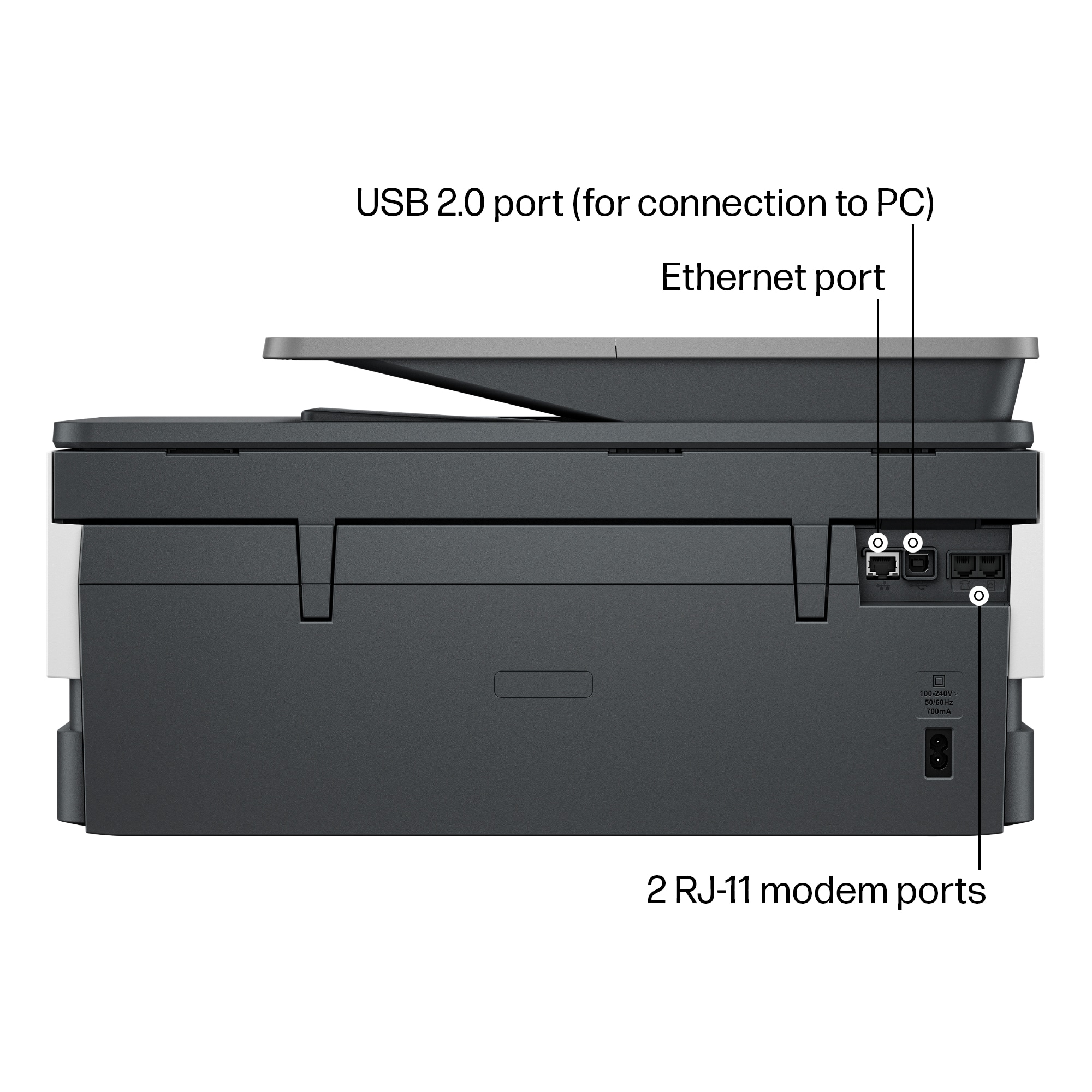
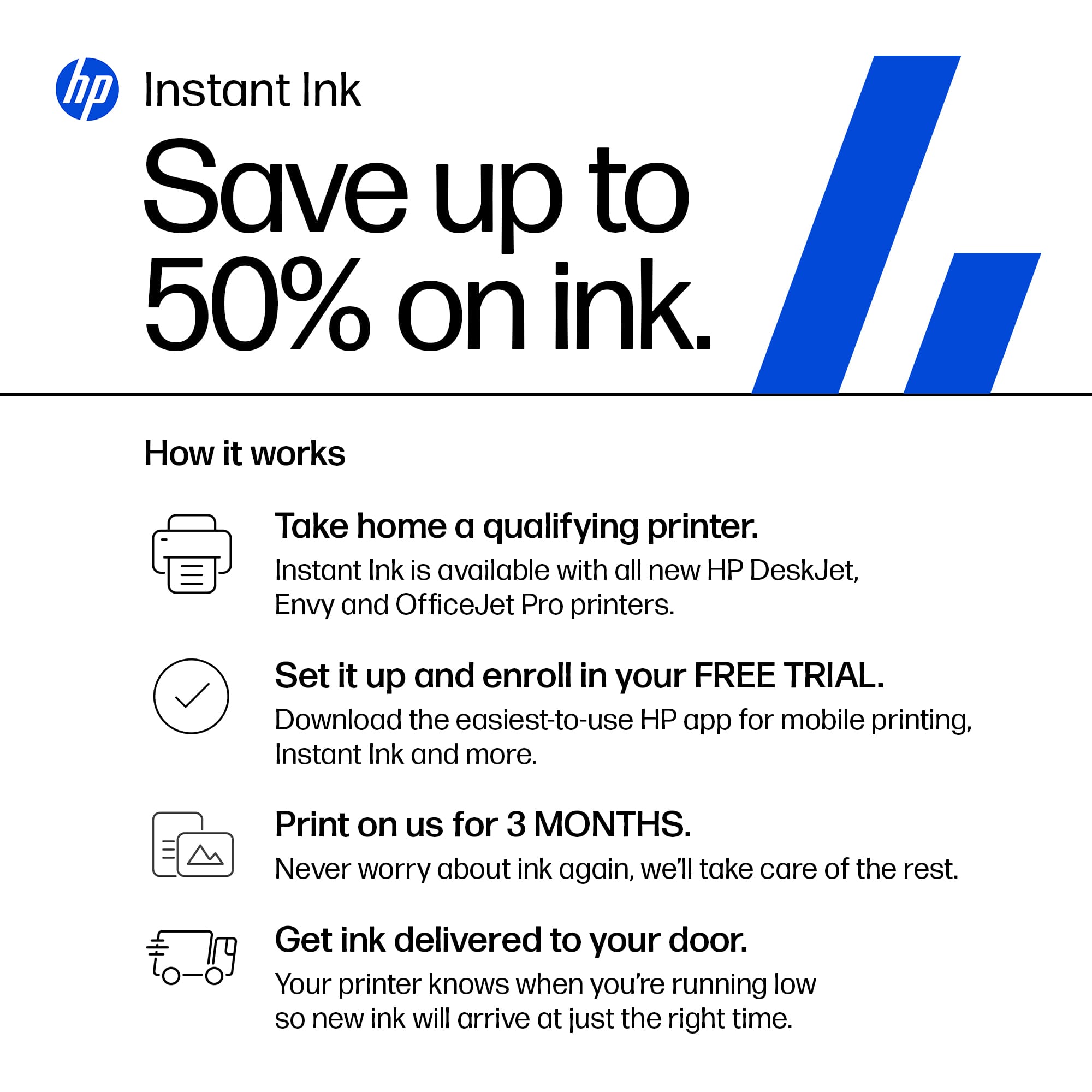
|Posted .This reviewer received promo considerations or sweepstakes entry for writing a review.HP - Office Jet Pro 8135e Wireless All-in-One Printer. HP continues to deliver solid, feature filled INKJET printers that can serve an office or even a family’s printing needs. I found this newest updated version of the OfficeJetPro easy to live with. I especially liked the wide variety of inputs (ethernet, Wi-Fi, USB, and Apple AirPrint), the App-based setup, the front accessible 225 sheet input tray and, of course, the richly colored output pages. Color saturation was great with photos and black and white print pages that were sharp, approaching laser detail. Speed was average, but it all worked easily with my iPhones, iPads and MacBook Pro. SETUP: The App based instructions were straightforward. After plugging in the printer, choose Wi-Fi or plugging into Ethernet, and tell the App. It will initially connect via Bluetooth and complete the process after it finds your printer. Alternately, trying to use the HP site was frustrating. The online unpacking instructions were a non-starter. Literally. HP support wouldn’t recognize or acknowledge the printer exists whether you start your own search or use the enclosed link in the box. I only found the HP Youtube support page by searching using the older model number and hoping nothing has changed significantly. As of this Feb2024 date, It may simply be a case of a very new printer version and support not being up-to-date. Back to the HP App and setup proved to be reliable. I got an early failure and was advised to try a different process, but I simple backed up to th previous step and was advised the problem was solved. No other issues from there, and I was printing in minutes of fuss-free checking of boxes, entering account information, and selecting my HP+ plan (or rejecting the plan in favor of buying ink cartridges). INK: There is no obstacle to choosing either the HP+ plan that automates the ink cartridge process based on print usage or to choosing to buy your HP ink at your local store. Well, there is one catch. HP has technically locked this printer to HP … only … ink. So you will be using the HP+ service or buying HP ink. I’m perfectly fine with either, because it gives me confidence. I will admit that I initially viewed the HP+ ink replenishment service as a disruption of my more typical refill process. You know, buy a set of cartridges, agonize as the levels get lower and then get surprised by the replacement costs. But my personal experience with HP Instant Ink and listening to others applaud HP’s very reliable and reasonably priced program has won me over. If your use pattern matches the HP+ program, it is the way to go, with minimal use (10pg/mo) starting at $1.49/mo and plans scaling up in price as usage increases. And the first 3 months are paid for, delivery is part of the cost, and HP monitors my ink levels so I don’t have to. For my small home business, it is a regular service and expense that I don’t need to think about. PEFORMANCE and SUMMARY: With ink jet printers my satisfaction is about the colorful output. Whether printing family photographs, business or classroom quality handouts, classroom projects, and technical printouts, the HP 8135e generates very high quality, nice looking output. The medium makes a difference. I spend extra money on heavier, smooth stock paper when I want a professional look and I don’t skimp on my photo paper. It makes a difference to my eyes. Photographs can look like they were sent out for professional processing and business output looks like a page ripped from a magazine. This all-in-one also provides a wonderful scanner, always ready to go and it will make copies of exceptional quality. It’s a fax, but I can’t imagine needing it. Duplex printing is a paper saver, but be aware that the auto-paper feed doesn’t apply to scanning. This printer delivers. I don’t doubt that spending more for the top-of-the-line printers will increase print speed, or give me more flexibility of features, but the Office Jet Pro 8135e works nicely for me and I recommend it to friends.
I would recommend this to a friend - Pros mentioned:Print quality
Good Multi Function Printer But Ink Limitations
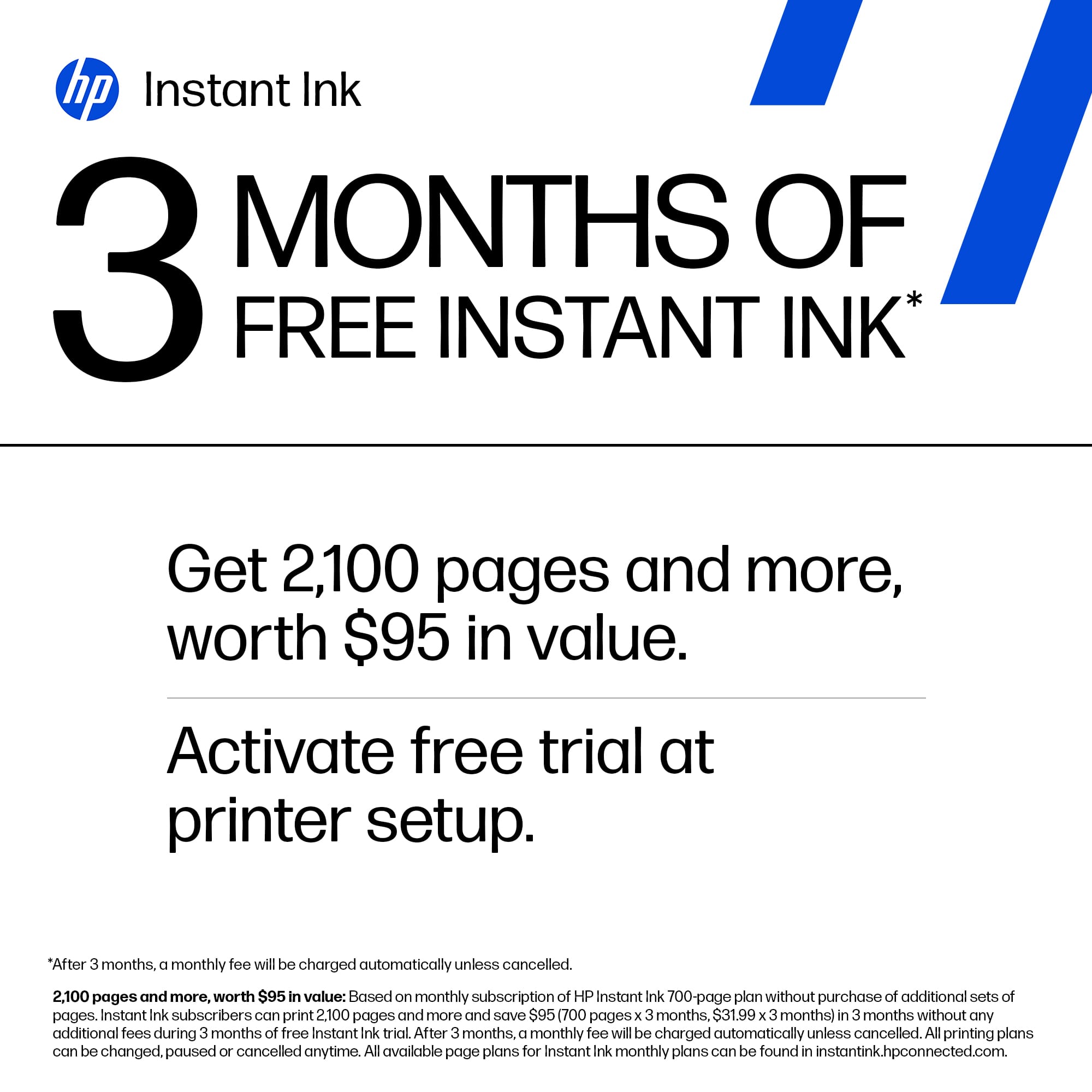
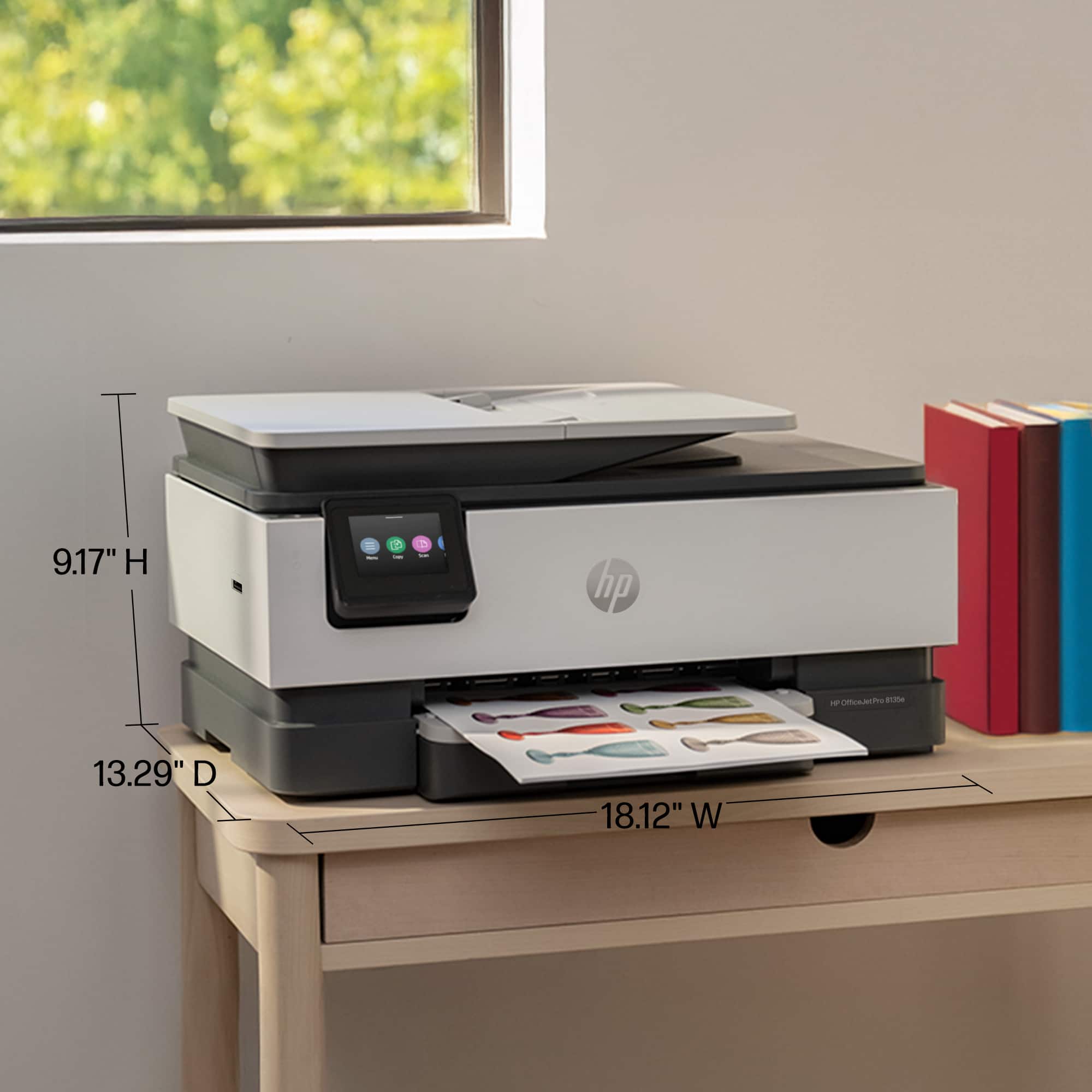
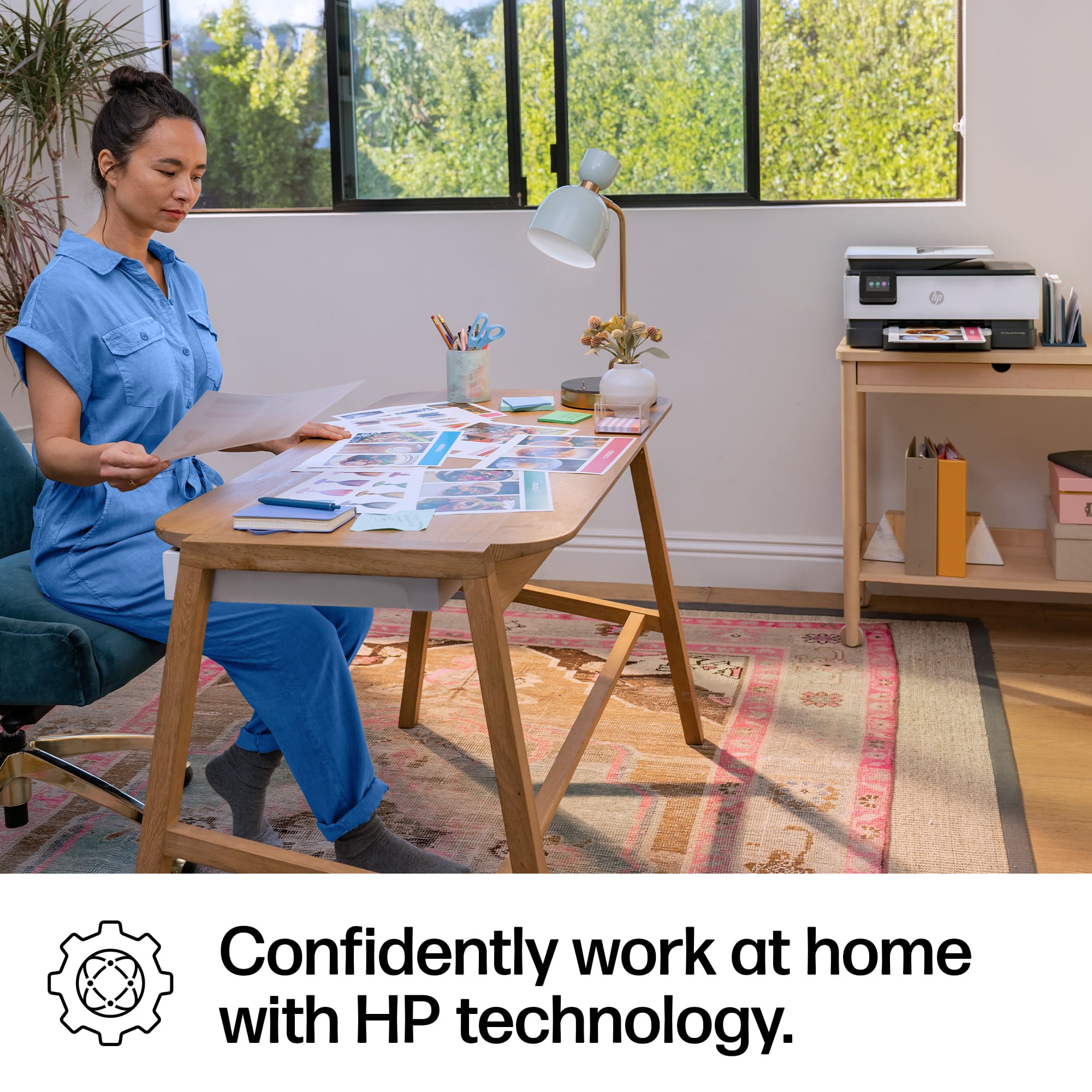
|Posted .This reviewer received promo considerations or sweepstakes entry for writing a review.The Office Jet Pro 8135e by HP is convenient to have in the home office for the occasional necessary documents and useful to have for photo prints. A printer is not something I need to use everyday but is it still something I need to use regularly despite being digital for so many things. It has multifunctions that are necessary for a home office (it can scan, print and copy). While we can now scan documents with cell phones, a dedicated scanner is still useful to scan large documents with the document top feeder and the flat bed is especially useful for scanning old photographs and other documents that you want ultimate quality. The color touch screen is responsive and has a relatively simple interface. It feels well made and not flimsy. It does have a large horizontal footprint that gets even larger with the pull out tray. This is definitely not a space saving machine even though it is not very high vertically considering all its functions. The set-up is not too difficult but does require using an app or software to do so. It also depends on what devices you plan to use with the printer. I found that setting it up for use on a laptop wirelessly was pretty straight forward but more involved for tablets and phones. The wireless capabilities makes it easy to print anywhere in the house, so I am not limited on where I can put the printer other than needing it to have a good wifi signal. I did find that the power cord to be short and I needed an extension cord, which was a bit annoying. The benefit of using this inkjet printer over a laser printer is that this printer has more versatility in printing things in color such as photos and art projects. It is nice to be able to use this printer to print photos at home. I found the color and vibrancy in the prints to be good quality. It is convenient to be able to make a print and immediately be able to edit photos as desired for the next copy. I also like that this printer has double sided printing capabilities so I don’t have to reinsert documents and remember which ways to load it to have the other side printed. It does take a bit of time for the printer to turn on and warm-up but I don’t mind as it is only a minute or two. Ink: Unfortunately, this printer like most HP printers has a lot of limitations on the type of ink that is allowed to be used. You can only use HP branded cartridges that contain a chip in it or subscribe to Instant Ink (HP’s cartridge subscription service). The printer comes with 3 months free of Instant Ink but the cartridge will no longer function once you stop paying the monthly fee and you are limited on how many pages you can print each month. You pay monthly depending on the tier you choose. Furthermore, the printer only comes with starter ink cartridges that are only a small portion of a full cartridge, which means relatively immediately, you have to subscribe to a monthly ink service or buy a full set of ink cartridges. The starter cartridges are barely enough to print a few lengthy documents and are an environmental waste of the cartridge. I don’t like feeling so limited in what type of ink or how much I can print each month and having another recurring monthly bill, especially when my printing needs change every month. This is a well made inkjet printer that gives you all the scanning and printing functions you need for a home office. I would recommend it if you do not mind being limited by the type of ink cartridges you can use but perhaps pass if you have large print needs and don’t like to be restrained by having a monthly subscription or purchasing constantly from HP.
I would recommend this to a friend - Pros mentioned:Ease of use, Print quality
HP Reliability
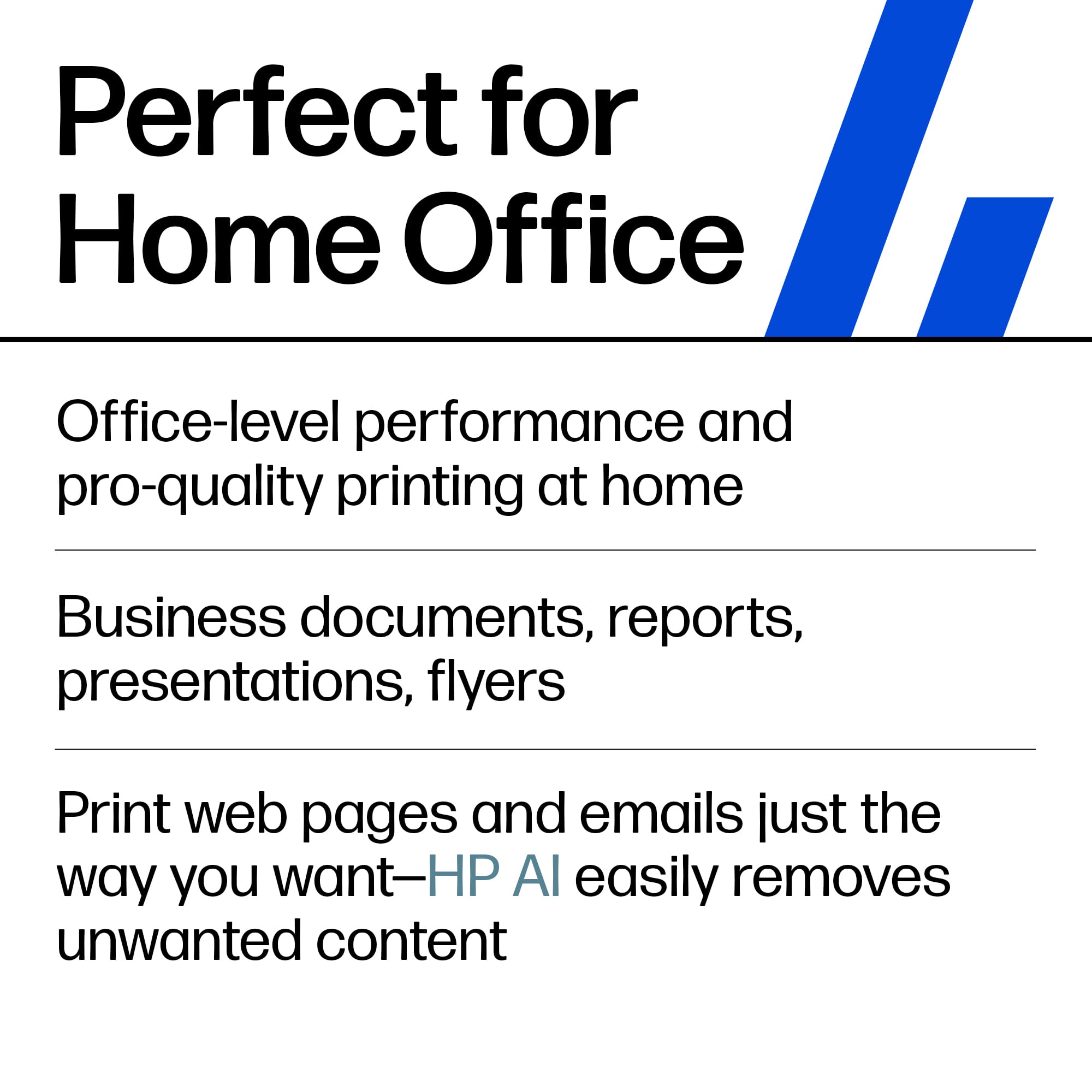
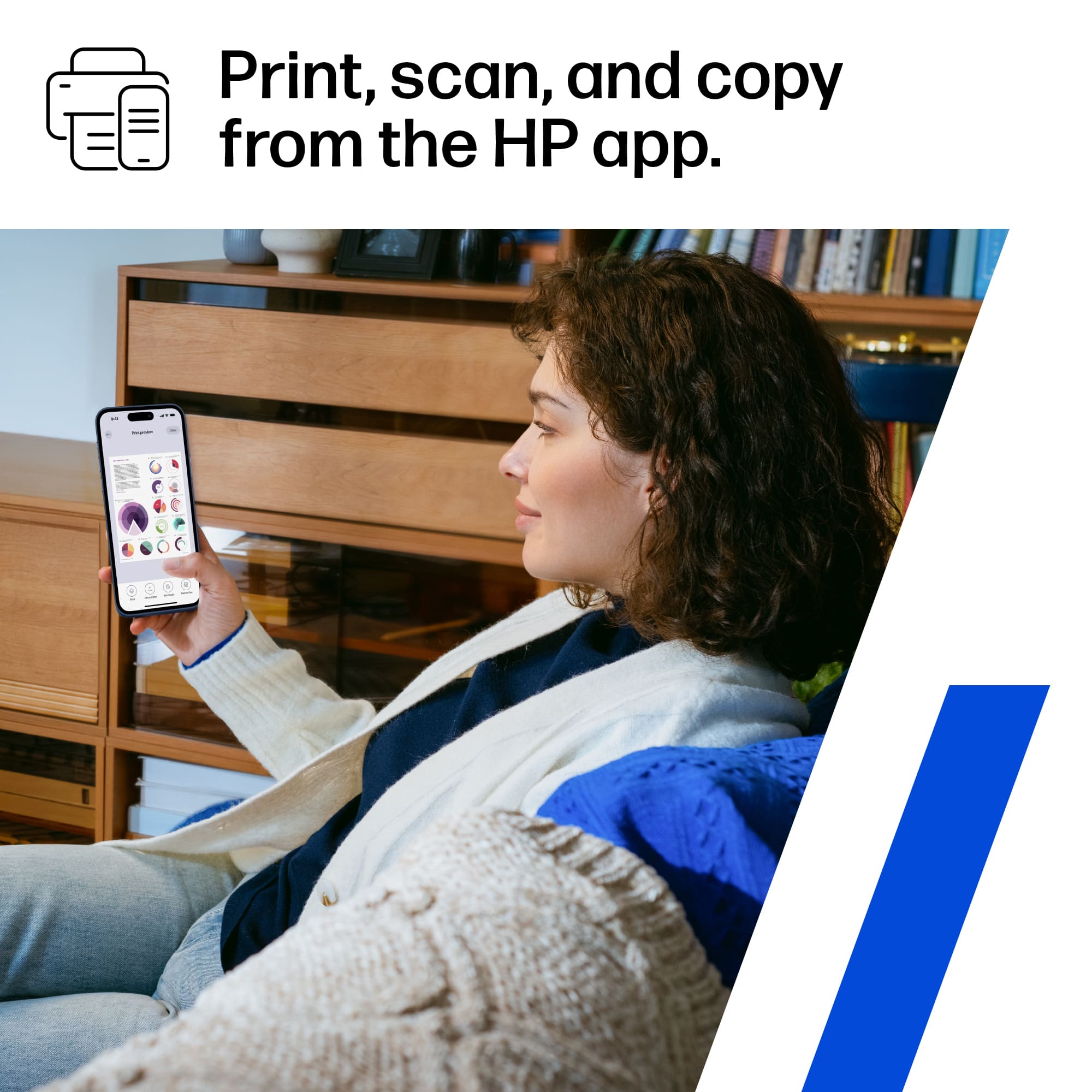
|Posted .This reviewer received promo considerations or sweepstakes entry for writing a review.When it comes to printers, the advancements in technology has not come very far. Considering that this is a Office Jet Pro model, you now have access to office level printing and scanning in the comfort of your home. Consider this printer if you are a work from home employee and are looking for office level features and speed. This has come in handy so far when printing out work documents and presentations. Even flow of the jets allow for clear colors and crisp lines. Given the cost of most things now a days, ink is something to always pay close attention to. Currently, HP is offering their color cartridges for $16 and black cartridges for $31. I would feel comfortable with these prices right now but it is also awesome that they have a renewal service that you can pay monthly for your ink. Pros: -Easy to setup and use. The HP Smart app allows for quick access to scan, print, fax and setup custom shortcuts to Cloud services. -Available Ink renewal plans is nice to have for power users. -Fast, double sided printing/scanning is hands off. Cons: -Still takes up footprint for home office. -Could be quieter but this is subjective.
I would recommend this to a friend - Pros mentioned:Ease of use, Print quality, Setup
HP 8135e is a good replacement printer.
||Posted . Owned for 2 weeks when reviewed.This reviewer received promo considerations or sweepstakes entry for writing a review.Printer is great. Easy to set up on wireless, connects to all my devices and prints fast. It is a bit noisier than my old HP printer and does go to sleep sometimes. I use HP Smart app and it wakes it right up. Copying and scanning is also good. Got 3 months of free ink signing up with the HP program and it is cheaper in the long run to get replacement ink sent to me. They already sent one set of inks.
I would recommend this to a friend - Pros mentioned:Ease of use, Print quality, Setup
Excellent printer for not a high price.
||Posted . Owned for 3 weeks when reviewed.This reviewer received promo considerations or sweepstakes entry for writing a review.I love this printer. Easy to set up, beautiful copies. When you purchase this printer , you are signed up to receive toner when your printer is running low in toner for a limited time, then if you want it longer you can either continue, but then you will have to pay for the toner or discontinue. Very happy with it.
I would recommend this to a friend - Pros mentioned:Ease of use, Print quality, Setup
Great Home Printer!
||Posted . Owned for 3 weeks when reviewed.This reviewer received promo considerations or sweepstakes entry for writing a review.This printer has easy setup, prints quickly and quietly, and is perfect for the home/school/home office.
I would recommend this to a friend - Pros mentioned:Ease of use, Print quality, Setup
Love my HP printer
||Posted . Owned for 1 month when reviewed.This reviewer received promo considerations or sweepstakes entry for writing a review.Excellent printer. Set was a breeze; I'm not kidding. Color prints are vivid and print speed is fast. I've purchased 2 Epson color printers and had to replace both in less than a year of use. This beats Epson by a long shot. Extremely satisfied with HP.
I would recommend this to a friend - Pros mentioned:Print quality
Best for predictable printing, with suscription
|Posted .This reviewer received promo considerations or sweepstakes entry for writing a review.I had to download the "HP Smart" app to use this printer from my cell phone. You can change all the printer settings that you wouod have on the printer's touch screen. I twsted the speed, and this HP printed 11 pages in 1:08, or about 1 page per 6.2 seconds. Black ink text only. It did take about 1 minute more just to go through HP servers. HP offers a free service called HP+ , which unlocks more features for the printer, such as cloud based printing (printing from anywhere), it extends your warranty, and enables you to get 3 free months of ink under a suscription called HP Instant Ink (which auto renews after 3 months). Thats what makes this printer different. HP instant ink is basically paying per printed page based on a set amount per month so HP tries to send you the new ink cartridges before you run out. While there are benefits to this suscription model, the problem is that once you register for the free HP+, you can't unregister, meaning HP has access to your printer's statistics. In addition, you will never be able to use aftermarket cartridges. Their HP Instant Ink program may work well for some, just realize any page printed (even if its just a few words) counts against your alloted number of printed pages. Because of all this, I did not register for HP+ or HP Instant Ink, since my printing habits do not warrant my usage of those. However, if you want a printer that you dont have to worry about running out of ink and you have a predictable number of pages you print per month, and you can print from the cloud, this may work well for you. Even without HP+, wireless capabilites are good, enabling me to print from and control the printer from my phone or any other wireless device.
No, I would not recommend this to a friend - Pros mentioned:Setup, Size
Solid all around printer
||Posted . Owned for 1 month when reviewed.This reviewer received promo considerations or sweepstakes entry for writing a review.Good all-around printer. The setup was straight forward. Once it's on my wi-fi network, I can print from any device. The initial start-up time is longer than I expected but not really an issue. I don't turn it off. I guess it remains in sleep mode. When I print something now, the printer comes back on almost immediately, no start-up time wait. This printer is much smaller than my older HP OfficeJet Pro 8710.
I would recommend this to a friend - Pros mentioned:Ease of use, Overall performance, Setup
Adequate but not a superior product.
||Posted . Owned for 3 weeks when reviewed.This reviewer received promo considerations or sweepstakes entry for writing a review.Easy to set up. Compared to earlier model this is light weight; almost too much. Works well although instructions on various options of printing need to be clear and easily accessible.
I would recommend this to a friend - Pros mentioned:Ease of use, Overall performance, Setup
EXCELLENT purchase!
||Posted .This reviewer received promo considerations or sweepstakes entry for writing a review.I compared many printers online before I settled on this one and I am glad that I did! The online setup instructions were clear and easy to follow. I have had no problems using it - the colors are vibrant I have had no problems with any of the functions and highly recommend this printer!
I would recommend this to a friend - Pros mentioned:Print quality
Many features, Decent performance
|Posted .This reviewer received promo considerations or sweepstakes entry for writing a review.One of the upsides of most HP products I've used over the years is that they are very reliable. I've only once had to actually replace a unit because it just wasn't worth repairing. That was in a very high use environment. Why do I mention this? It's because it means I've had lags in experiencing tech improvements. In this case, I've been using the same multi-function unit at my home office for 5 years. It still works, but I felt like splurging to enjoy a new product. First, the set-up of the printer and app has vastly improved since my prior model. The HP Smart app is helpful, though still a bit cumbersome due to recommended security settings. I do appreciate how it helps with WiFi set-up on particular. You can still connect via USB and Ethernet. Apple AirPrint and Mopria (never used that one) are supported. Printing and scanning via the HP Smart app is easy, though I found it to be slow in communicating. A little frustrating. Once running, I pulled out the tray and catch and ran some test prints. Quality is on-par for a SoHo device. Printing speed was good-to-fast, depending on desired quality and whether you're using the duplex feature. Color printing for me was only around 10% slower than black. Scanning is via flatbed or multipage feeder. Unfortunately it doesn't duplex scan. The control display touch panel is simple. Some icons are intuitive, others are not. I found the response a bit slow. Also frustrating. Finally, the cartridges are small, but seem to have reasonable print output. This model encourages you to participate in HP's Instant Ink Service. If you opt-in, the printer communicates with HP when ink is running low and HP automatically sends replacements. Interesting, but not tested.
I would recommend this to a friend - Pros mentioned:Ease of use, Print quality, Size
Perfect
||Posted . Owned for 1 week when reviewed.This reviewer received promo considerations or sweepstakes entry for writing a review.This an all-in-one printer can print, scan, copy, and fax documents. It's super easy to use and fast while still being very quiet. The HP OfficeJet Pro 8135e is a good option for your home or even a small office. It's also relatively compact and lightweight, making it easy to fit on a desk or shelf. It comes with 3 months of ink also!
I would recommend this to a friend - Pros mentioned:Ease of use, Overall performance, Setup
HP Printer Rreview
||Posted . Owned for 2 weeks when reviewed.This reviewer received promo considerations or sweepstakes entry for writing a review.Good data from BestBuy sales person, reasonably easy setup, performance accordance to specs.
I would recommend this to a friend - Pros mentioned:Overall performance, Print qualityCons mentioned:Connectivity
Works, but can be difficult
||Posted .This reviewer received promo considerations or sweepstakes entry for writing a review.Works great, getting it to connect can be difficult and it disconnects sometimes, but it works and prints very well
I would recommend this to a friend - Pros mentioned:Ease of use, Overall performance, Setup
Great printer
||Posted .This reviewer received promo considerations or sweepstakes entry for writing a review.I was replacing a 20 year old HP printer for occasional hone use abd this is a great multi functional printer and scanner. Easy to set up and use
I would recommend this to a friend - Pros mentioned:Overall performance, Setup
Great printer for reasonable price
||Posted . Owned for 3 weeks when reviewed.This reviewer received promo considerations or sweepstakes entry for writing a review.Easy setup. Only issue encountered was updating bios, which required hours to accomplish, along which directly connecting the printer to the router with a RJ45 Cable. Otherwise, great printer for reasonable price.
I would recommend this to a friend - Pros mentioned:Ease of use, Print quality
Ink and Go
||Posted . Owned for 1.5 years when reviewed.This reviewer received promo considerations or sweepstakes entry for writing a review.I found this printer very easy to use, especially via Bluetooth. It takes everything and will print it without really any huge communication issues. The ink seems to last a little bit longer and really whatever you need to do it will do pretty fast.
I would recommend this to a friend - Pros mentioned:Ease of use, Overall performance, Print quality
Good printer for the price
||Posted . Owned for 2 weeks when reviewed.This reviewer received promo considerations or sweepstakes entry for writing a review.Works great. Easy to use. Very nice printing. Ink easy to change.
I would recommend this to a friend
















